Website Use Terms For Adsense
Description
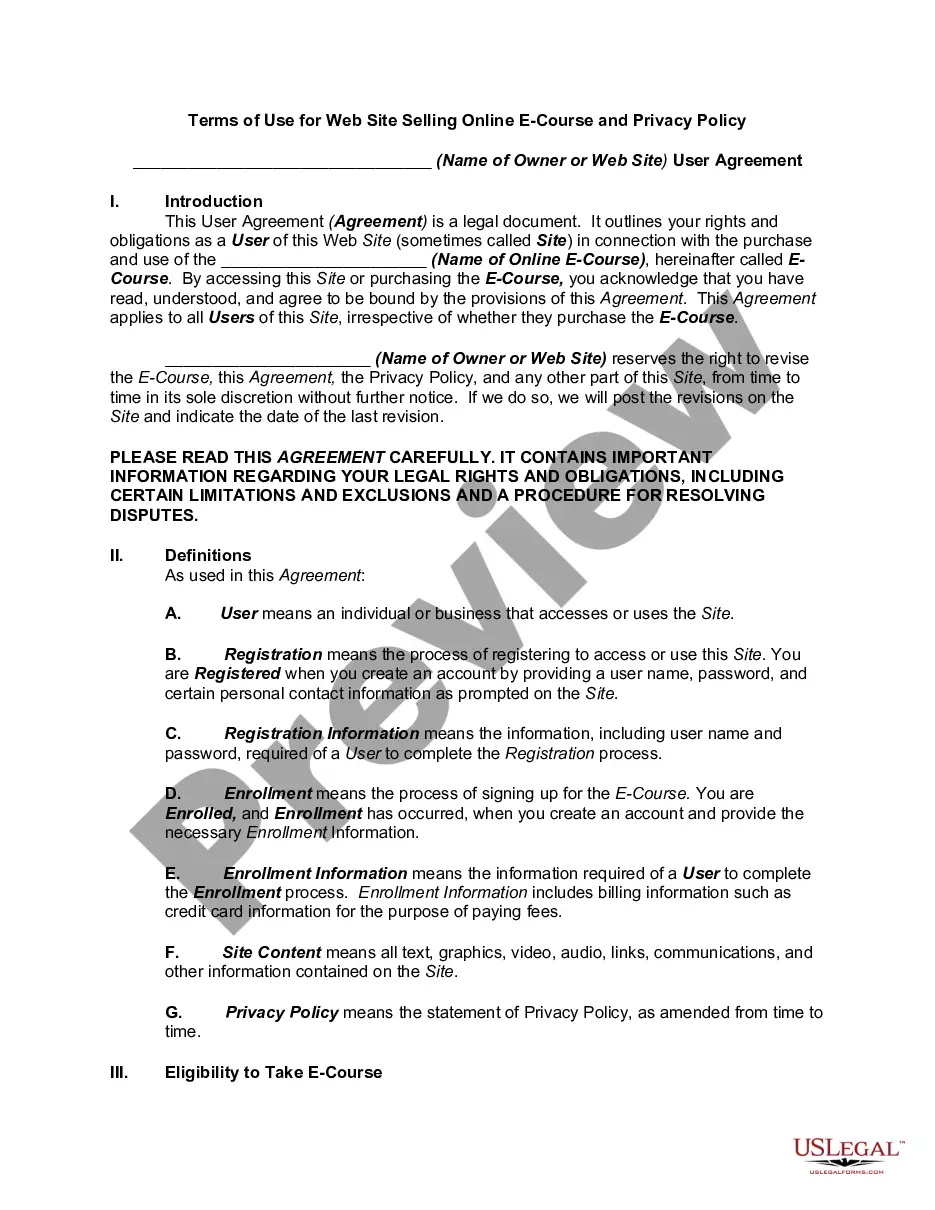
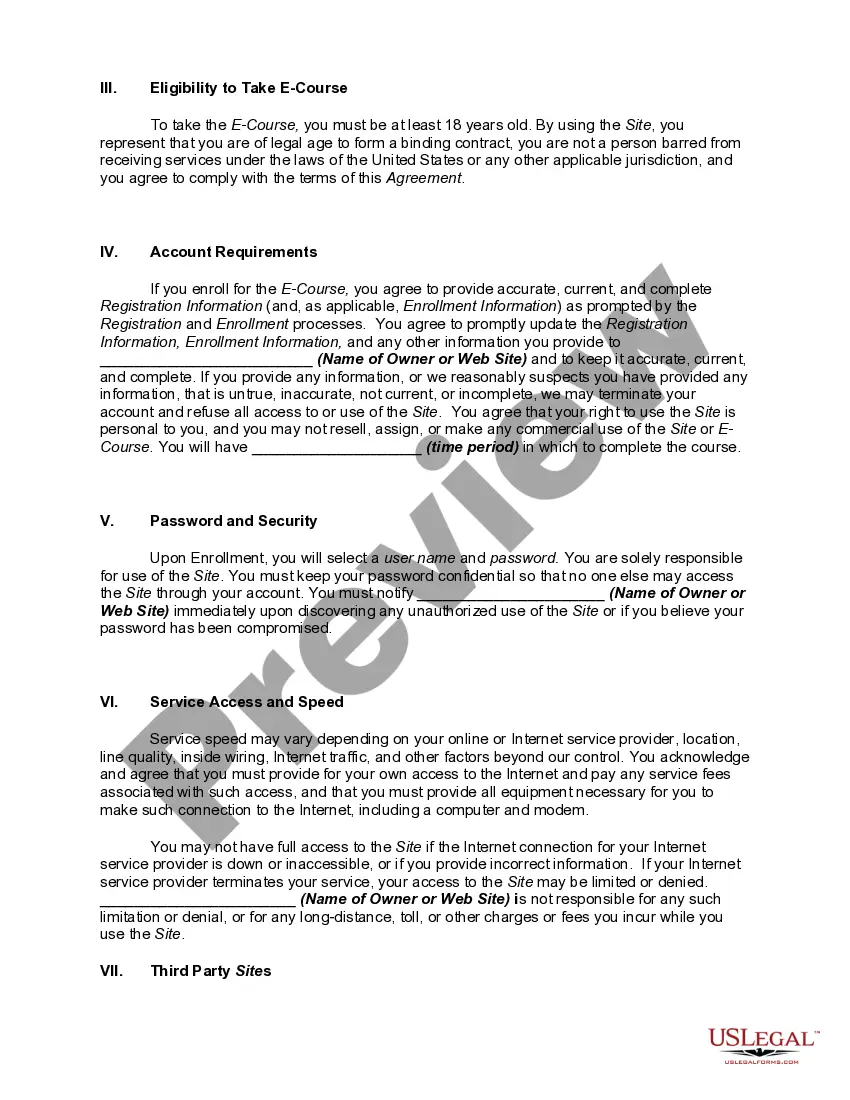
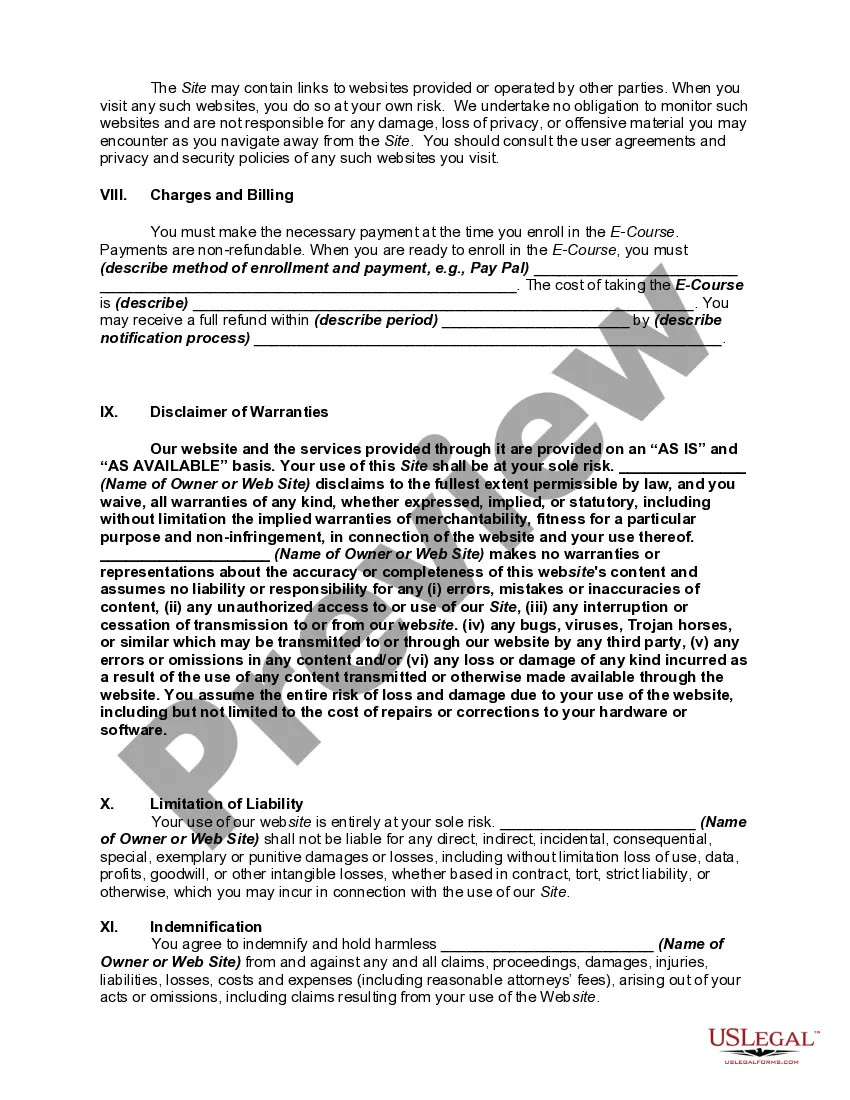
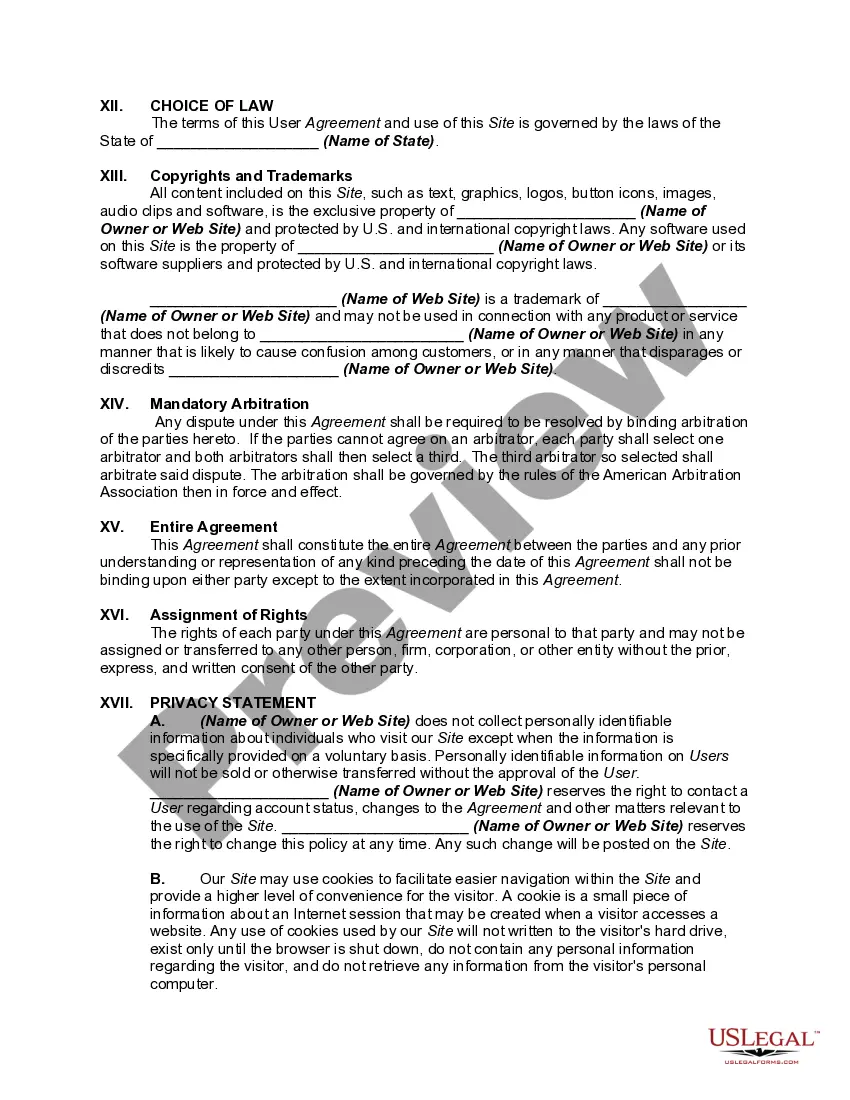
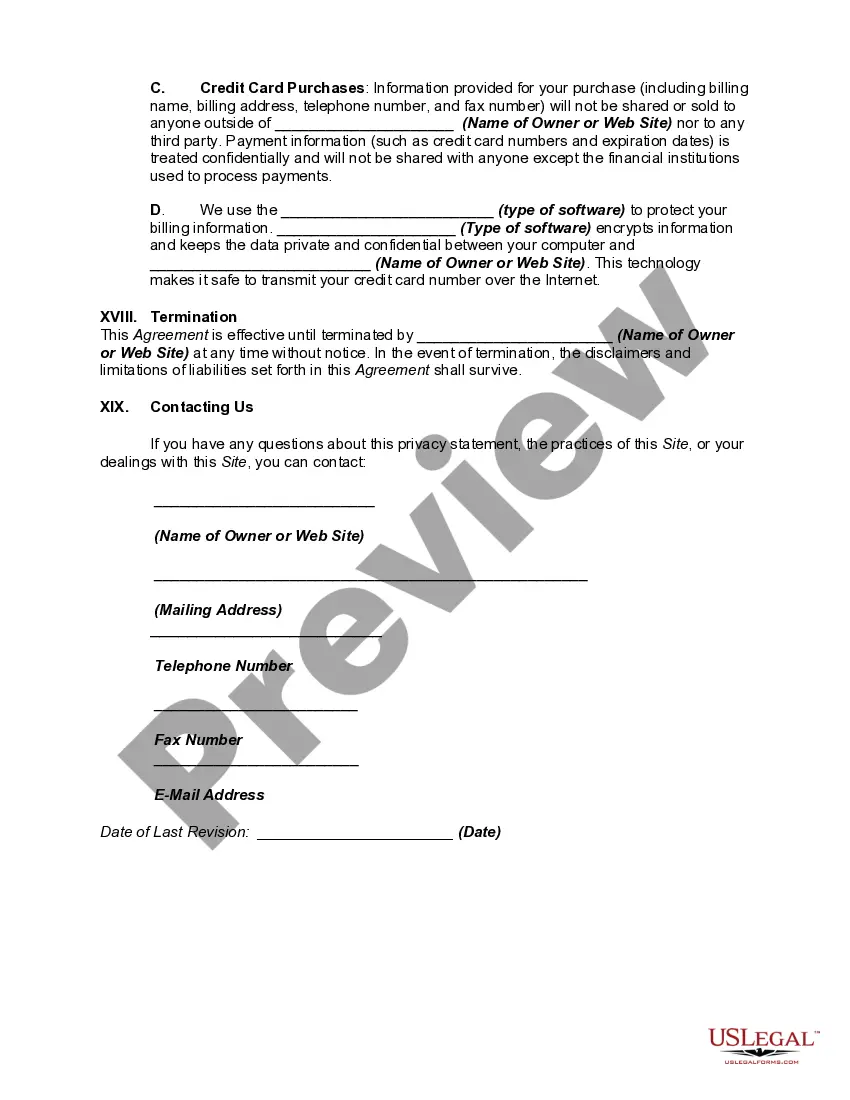
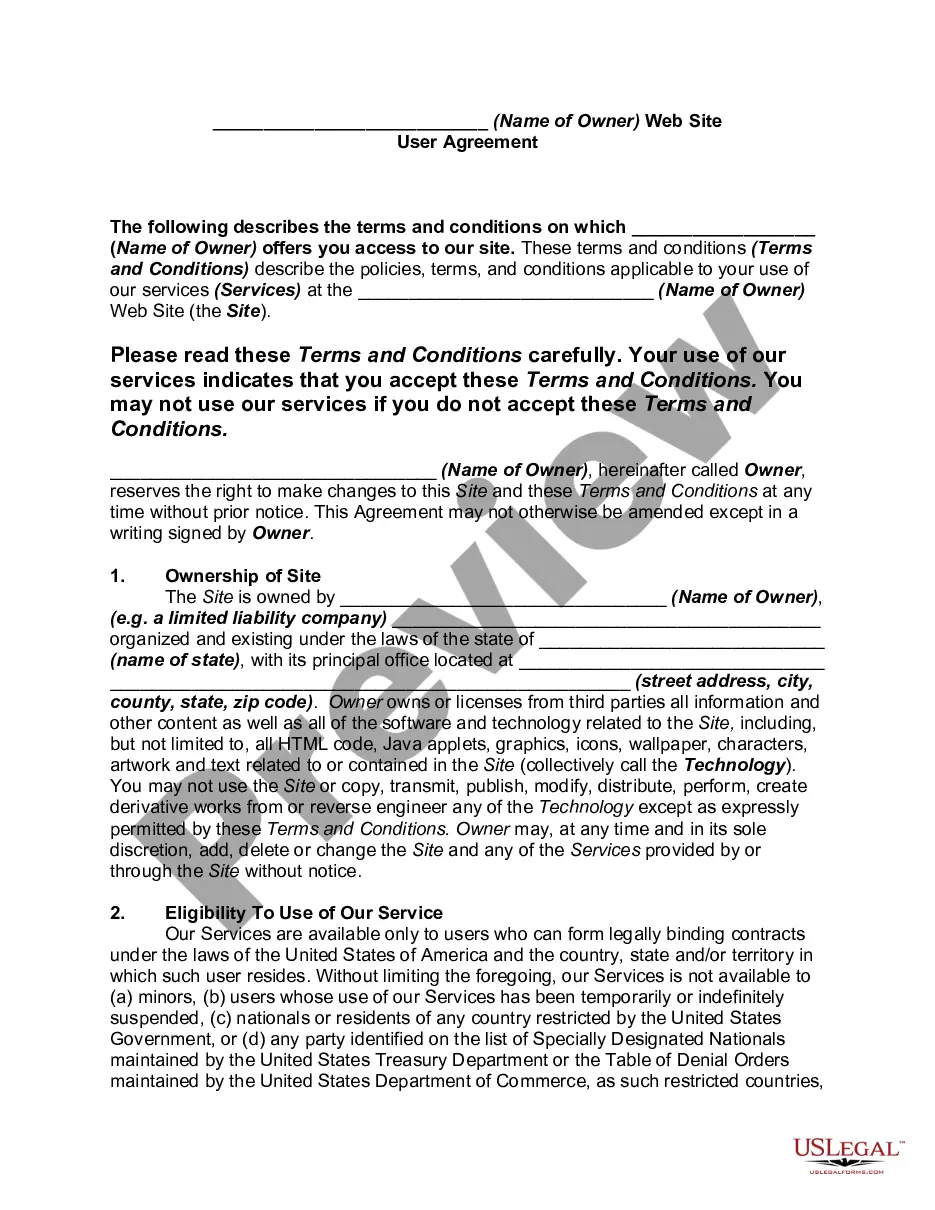
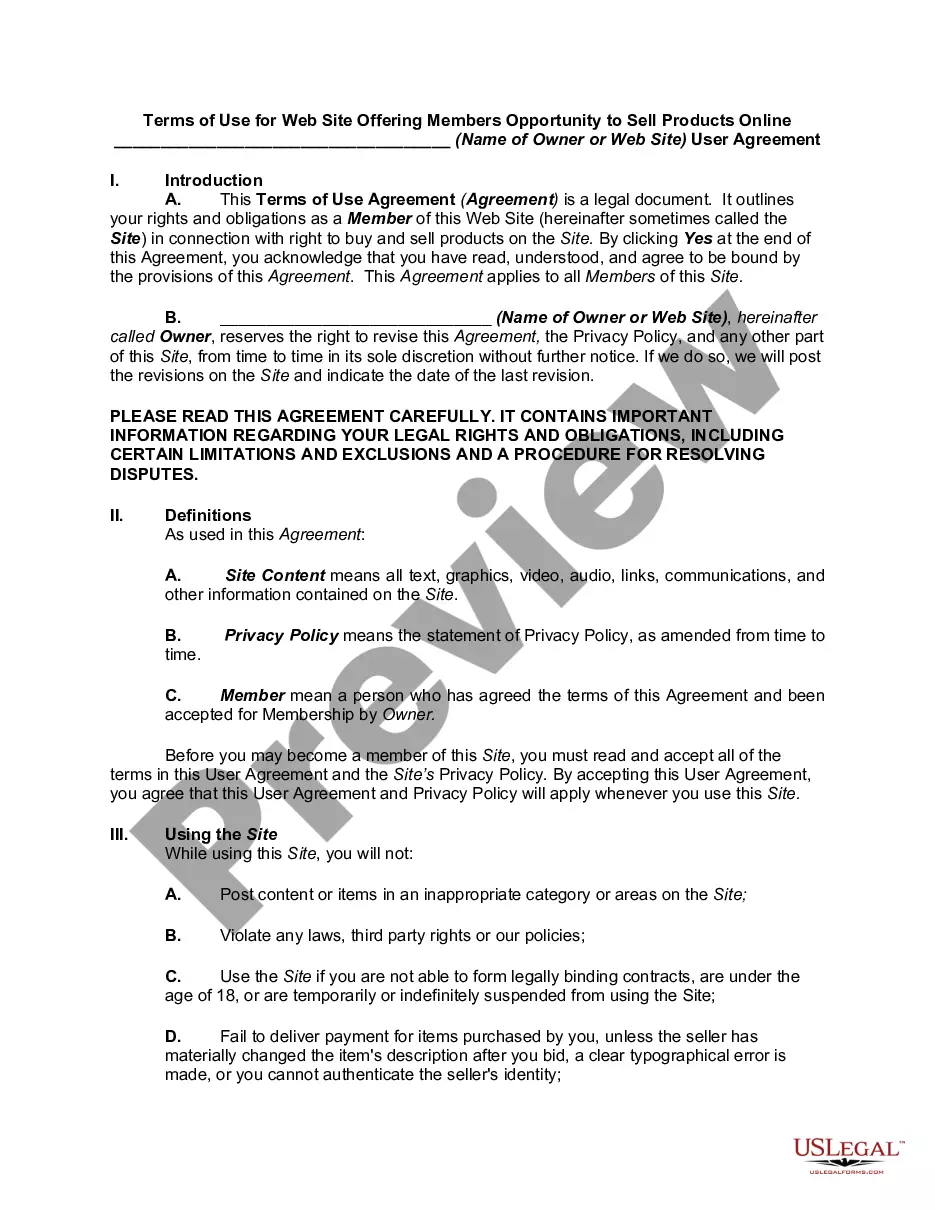
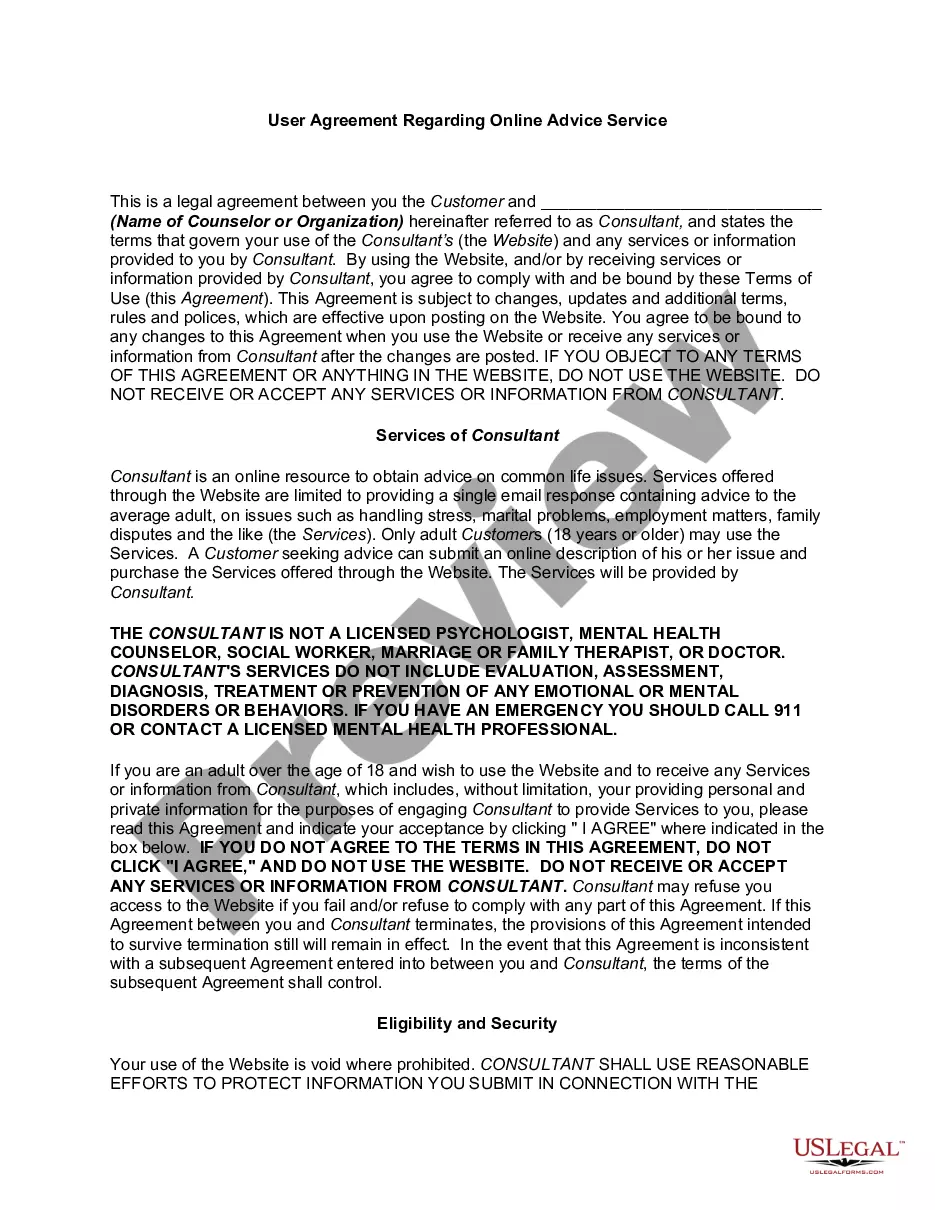
Get your form ready online
Our built-in tools help you complete, sign, share, and store your documents in one place.
Make edits, fill in missing information, and update formatting in US Legal Forms—just like you would in MS Word.
Download a copy, print it, send it by email, or mail it via USPS—whatever works best for your next step.
Sign and collect signatures with our SignNow integration. Send to multiple recipients, set reminders, and more. Go Premium to unlock E-Sign.
If this form requires notarization, complete it online through a secure video call—no need to meet a notary in person or wait for an appointment.
We protect your documents and personal data by following strict security and privacy standards.

Make edits, fill in missing information, and update formatting in US Legal Forms—just like you would in MS Word.

Download a copy, print it, send it by email, or mail it via USPS—whatever works best for your next step.

Sign and collect signatures with our SignNow integration. Send to multiple recipients, set reminders, and more. Go Premium to unlock E-Sign.

If this form requires notarization, complete it online through a secure video call—no need to meet a notary in person or wait for an appointment.

We protect your documents and personal data by following strict security and privacy standards.
Looking for another form?





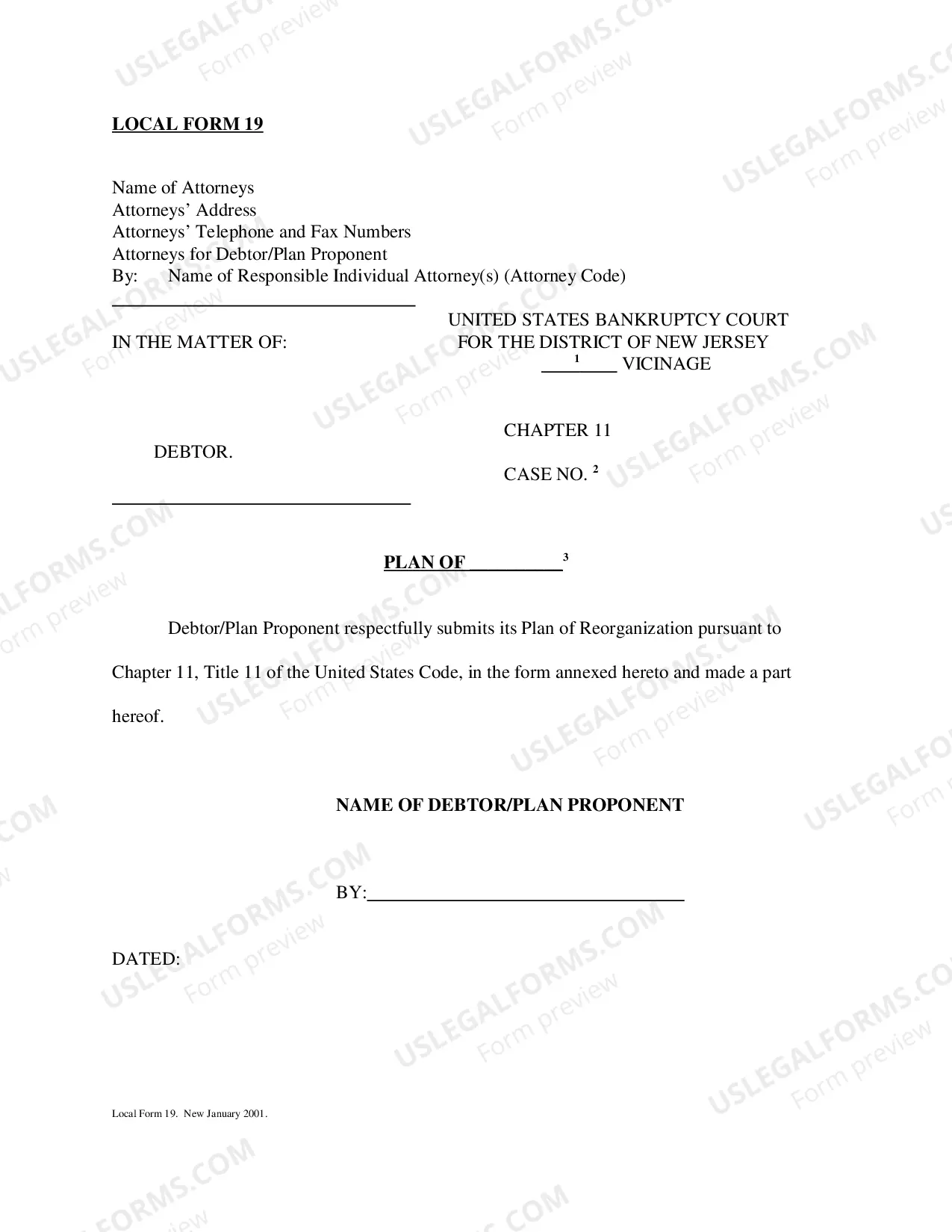
How to fill out Website Subscription User Agreement - Terms Of Use For Website Selling Online E-Course Privacy Policy?
Obtaining a reliable source to access the latest and pertinent legal samples is a significant part of dealing with bureaucracy. Identifying the appropriate legal documents necessitates accuracy and carefulness, which is why it is essential to obtain examples of Website Use Terms For Adsense solely from reputable providers, such as US Legal Forms. An incorrect template can squander your time and delay your current situation. With US Legal Forms, you have minimal concerns. You can access and review all the details regarding the document’s usage and its relevance for your situation and in your jurisdiction.
Follow these steps to complete your Website Use Terms For Adsense.
Eliminate the stress associated with your legal documentation. Explore the extensive US Legal Forms library to find legal samples, verify their relevance to your circumstances, and download them instantly.
- Utilize the library navigation or search tool to find your template.
- Examine the form’s description to ensure it aligns with the requirements of your state and locality.
- If available, view the form preview to confirm that it is indeed the template you need.
- Return to the search to locate the correct template if the Website Use Terms For Adsense does not meet your needs.
- Once you are confident about the form’s applicability, download it.
- If you are an authorized user, click Log in to verify and access your selected forms in My documents.
- If you don’t have an account yet, click Buy now to acquire the template.
- Choose the pricing option that suits your requirements.
- Continue to the registration process to complete your purchase.
- Conclude your transaction by selecting a payment method (credit card or PayPal).
- Select the document format for downloading Website Use Terms For Adsense.
- After downloading the form to your device, you can modify it with an editor or print it and fill it out manually.
Form popularity
FAQ
How to create your account Click Get started. Sign in to your Google Account. Choose whether you'd like AdSense to send you customized help and performance suggestions. ... Select your payment country or territory. ... Review and accept the AdSense Terms and Conditions. Click Start using AdSense.
Add your site Sign in to your AdSense account. On the AdSense homepage, click Add site. Enter the URL of the site that you want to show ads on. If you use Blogger or YouTube (or another AdSense partner), you should sign up for AdSense via your account there as these products follow a different process.
You represent and warrant that (i) you have full power and authority to enter into the AdSense Terms; (ii) you are the owner of, or are legally authorized to act on behalf of the owner of, each Property; (iii) you are the technical and editorial decision maker in relation to each Property on which the Services are ...
How to create your account Click Get started. Sign in to your Google Account. Choose whether you'd like AdSense to send you customized help and performance suggestions. ... Select your payment country or territory. ... Review and accept the AdSense Terms and Conditions. Click Start using AdSense.
Before you accept the Terms and Conditions, you must first accept the Google Ads payment profile. In your email inbox, locate a message from Google Payments titled ?Action required for your Google Account.? Next, log in to your Google Ad Grants account at ads.google.com to accept the Terms and Conditions.