Website Terms Use Template For Email Signature
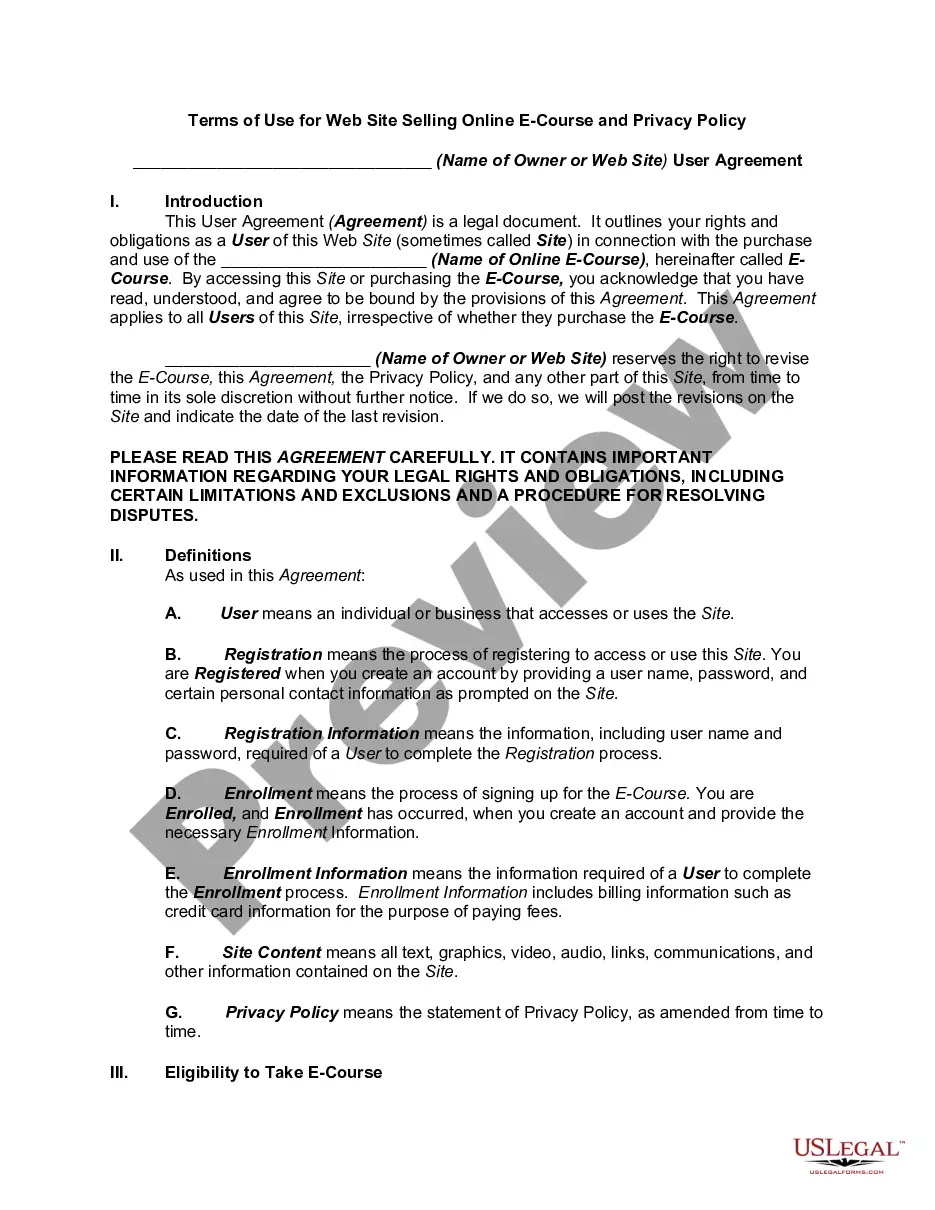
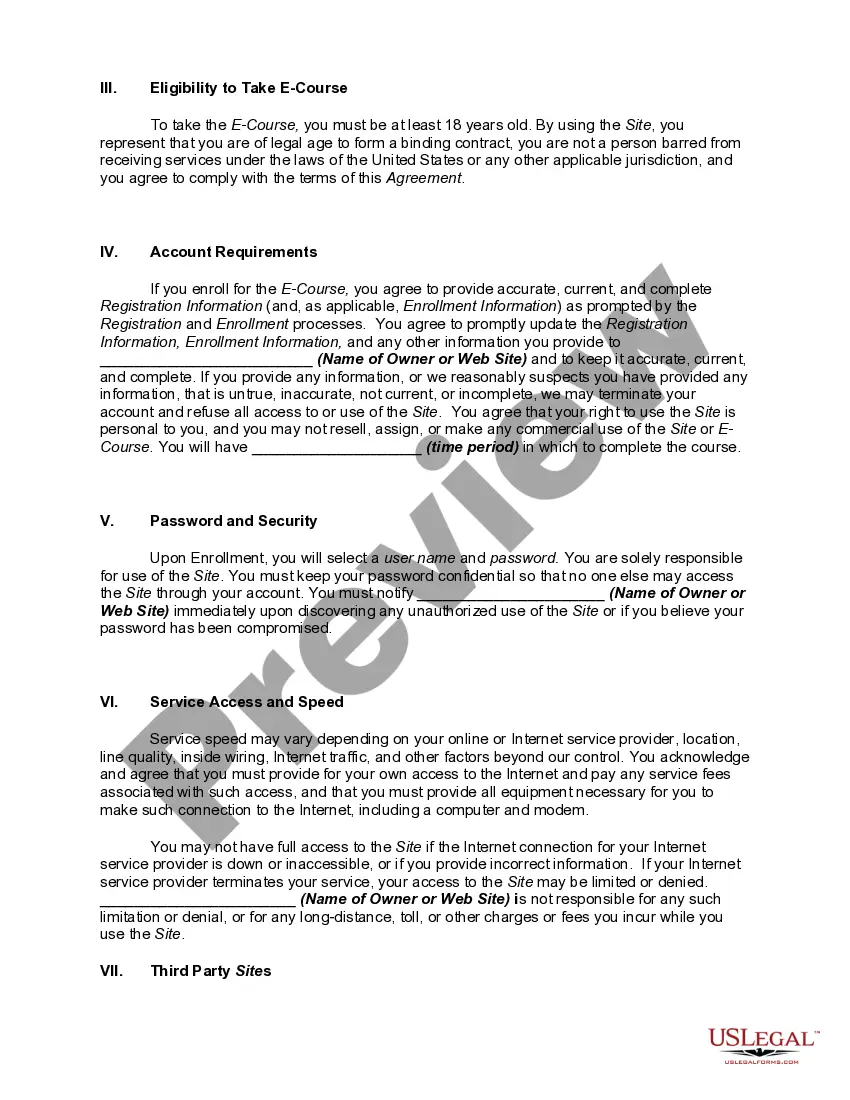
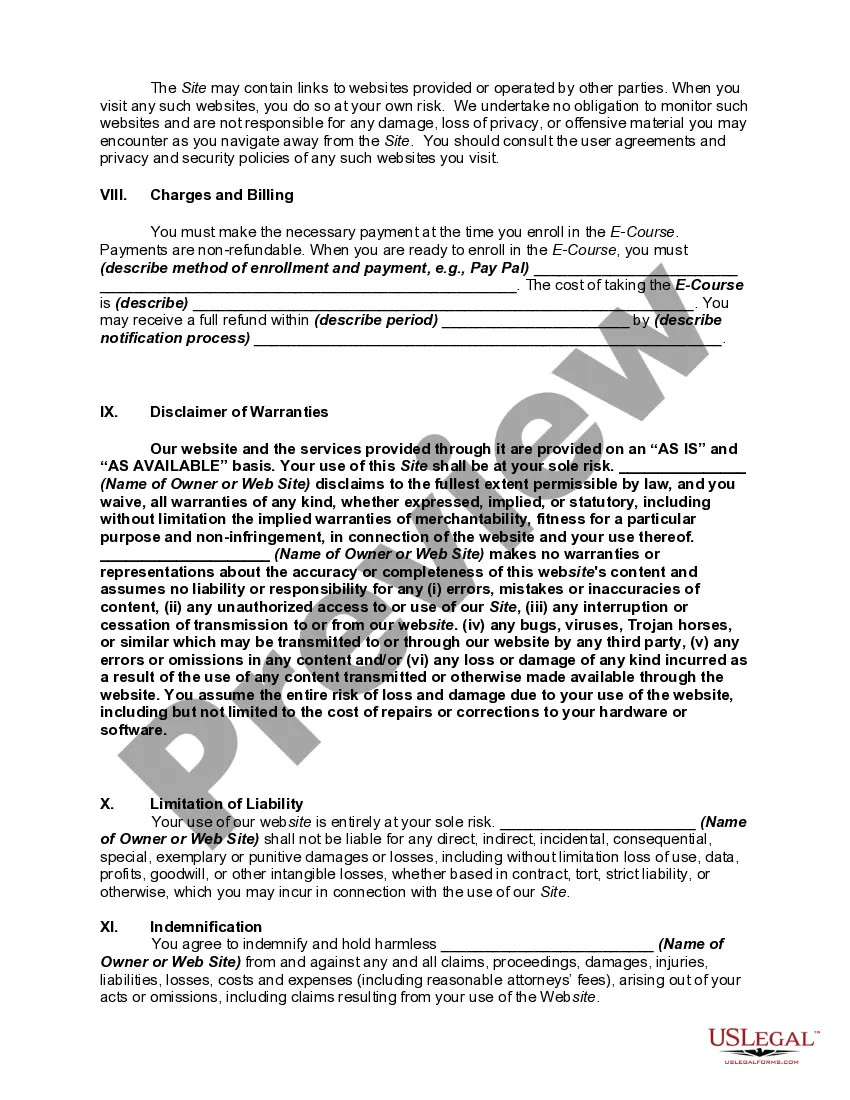
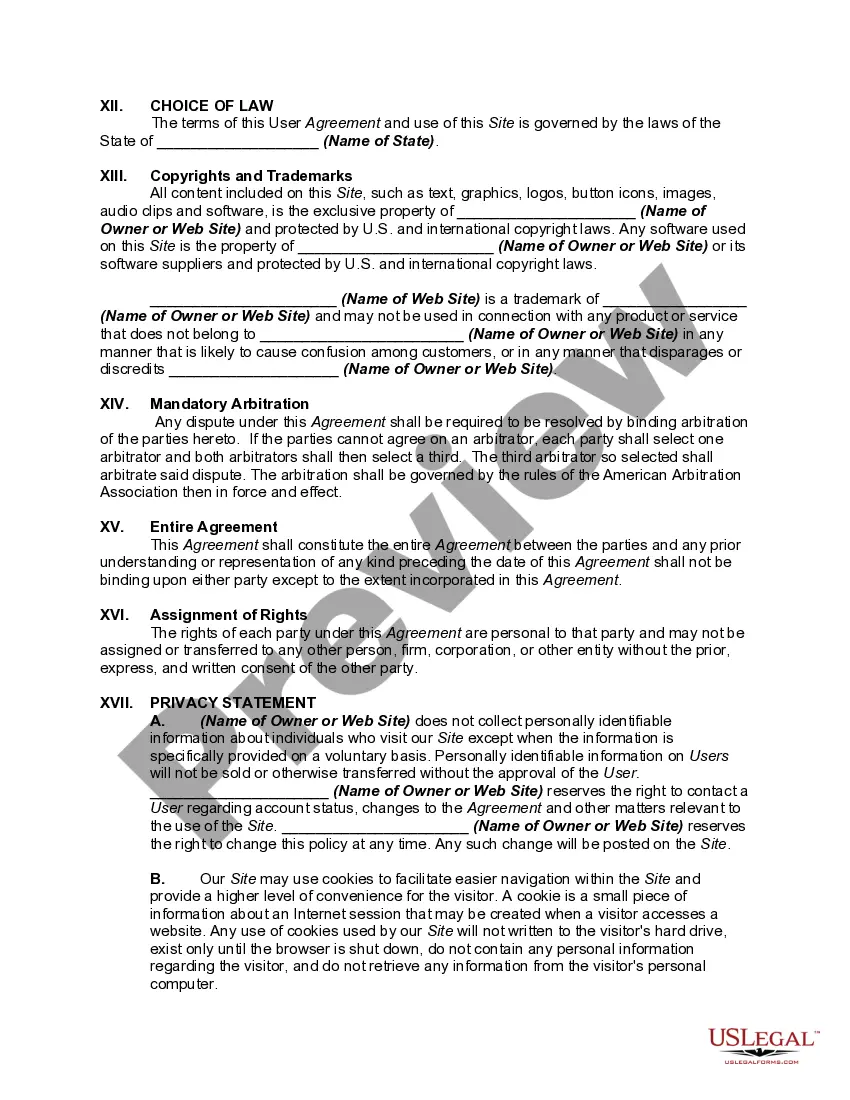
Description
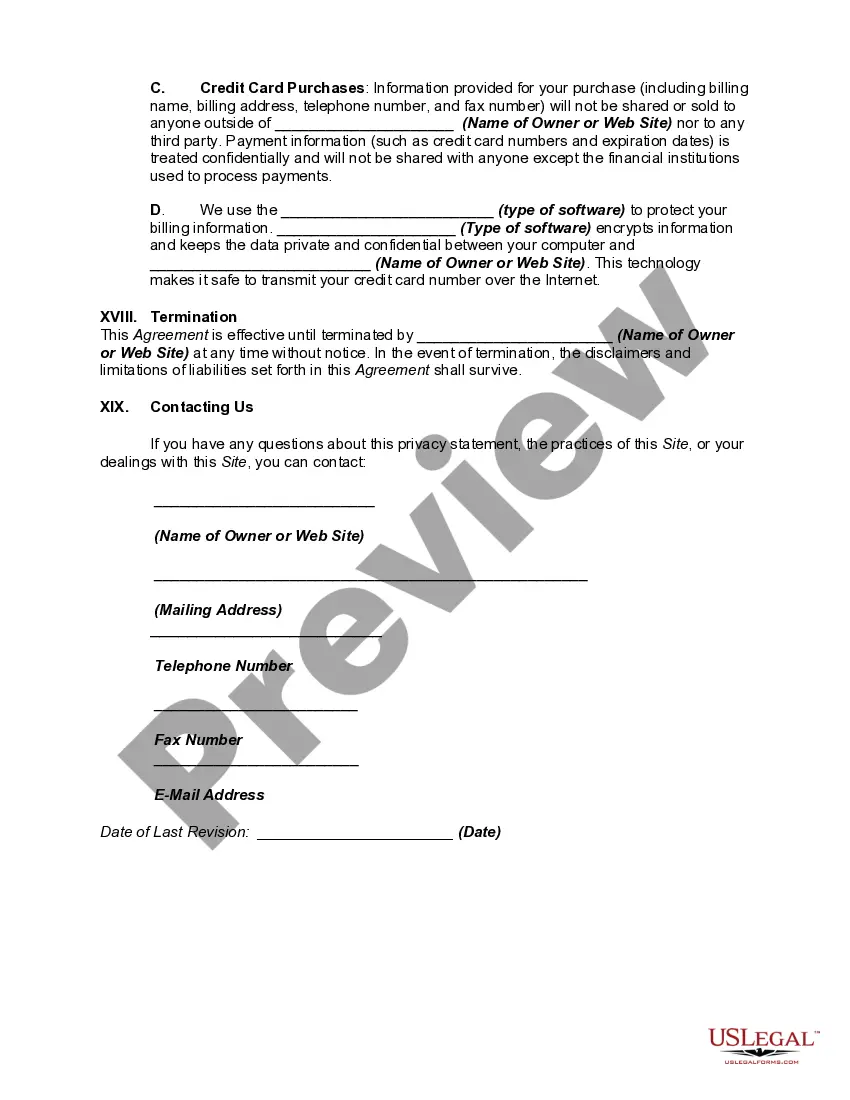
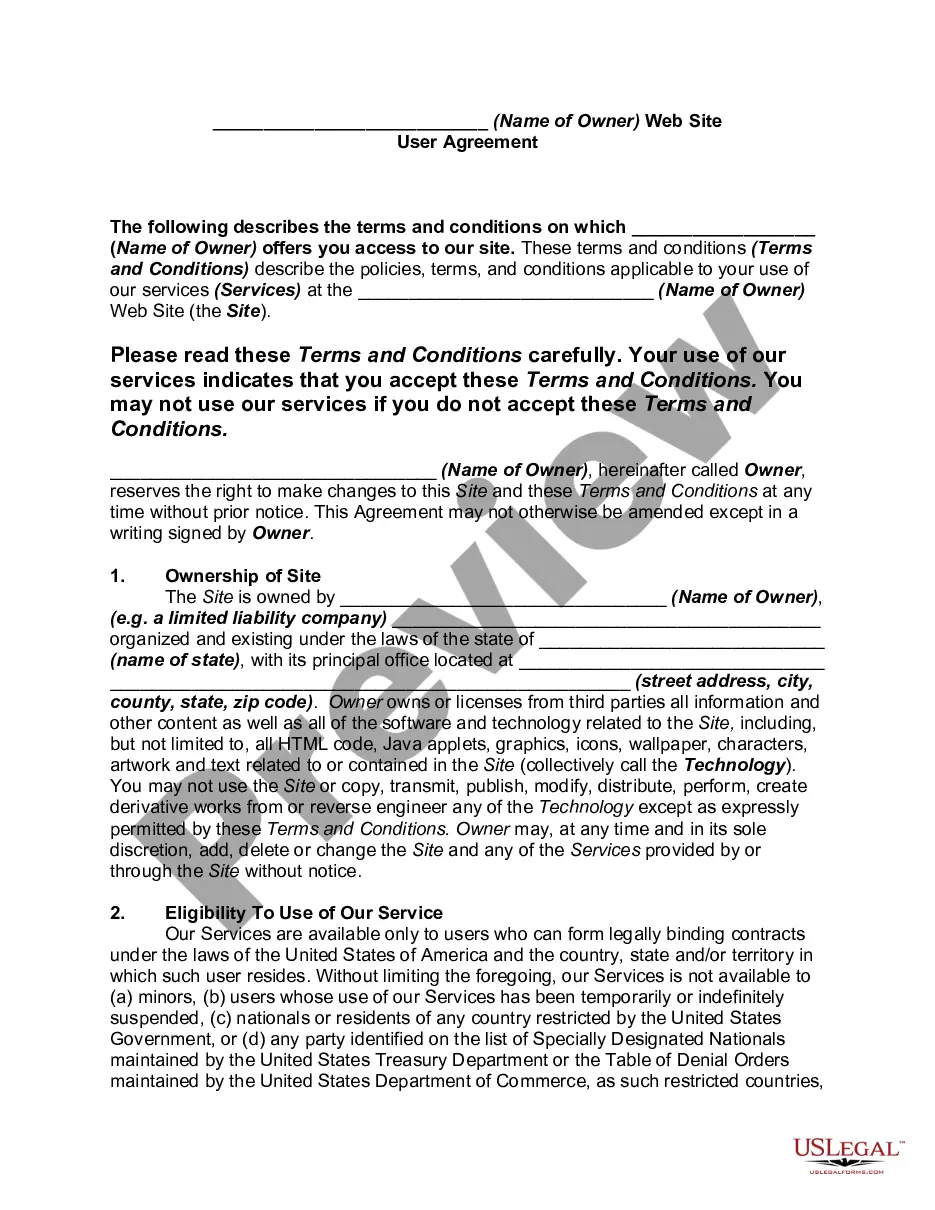
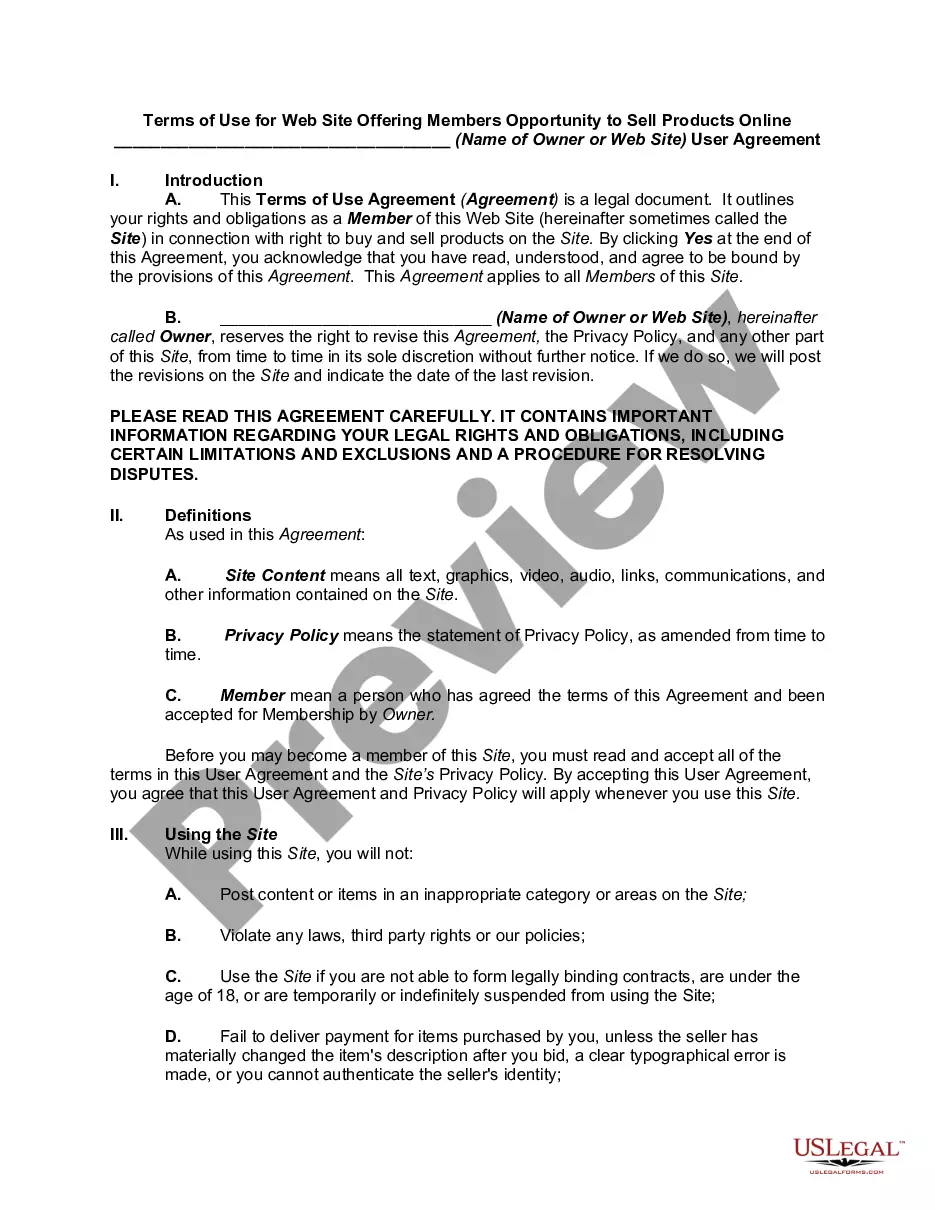
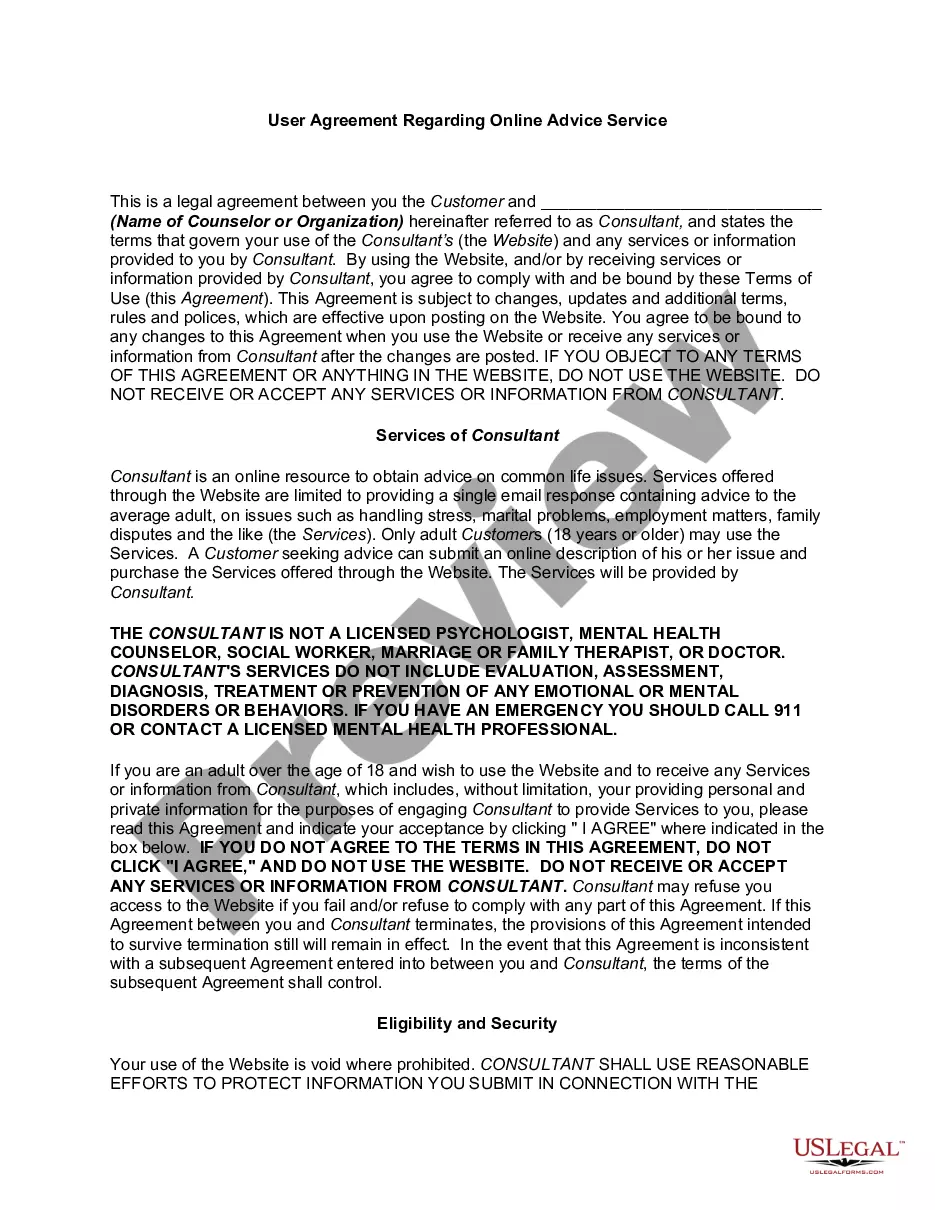
Get your form ready online
Our built-in tools help you complete, sign, share, and store your documents in one place.
Make edits, fill in missing information, and update formatting in US Legal Forms—just like you would in MS Word.
Download a copy, print it, send it by email, or mail it via USPS—whatever works best for your next step.
Sign and collect signatures with our SignNow integration. Send to multiple recipients, set reminders, and more. Go Premium to unlock E-Sign.
If this form requires notarization, complete it online through a secure video call—no need to meet a notary in person or wait for an appointment.
We protect your documents and personal data by following strict security and privacy standards.

Make edits, fill in missing information, and update formatting in US Legal Forms—just like you would in MS Word.

Download a copy, print it, send it by email, or mail it via USPS—whatever works best for your next step.

Sign and collect signatures with our SignNow integration. Send to multiple recipients, set reminders, and more. Go Premium to unlock E-Sign.

If this form requires notarization, complete it online through a secure video call—no need to meet a notary in person or wait for an appointment.

We protect your documents and personal data by following strict security and privacy standards.
Looking for another form?






How to fill out Website Subscription User Agreement - Terms Of Use For Website Selling Online E-Course Privacy Policy?
Creating legal documents from the ground up can frequently be somewhat daunting.
Certain situations may entail extensive investigation and substantial expenditures.
If you’re looking for a more straightforward and economical method of preparing the Website Terms Use Template For Email Signature or any other documents without facing obstacles, US Legal Forms is always available to assist.
Our online library of more than 85,000 current legal documents covers nearly every aspect of your financial, legal, and personal matters.
Review the form preview and descriptions to ensure you have the correct form. Confirm that the template you choose meets the specifications of your state and county. Select the appropriate subscription option to obtain the Website Terms Use Template For Email Signature. Download the file, then complete, sign, and print it. US Legal Forms has a flawless reputation and over 25 years of experience. Join us now and simplify the process of form completion!
- With just a few clicks, you can swiftly access compliant templates designed for your needs by our legal experts.
- Utilize our platform whenever you require dependable services to easily locate and download the Website Terms Use Template For Email Signature.
- If you’re familiar with our services and have an existing account, simply Log In to your account, find the template, and download it immediately or re-download it at any time from the My documents section.
- Don’t possess an account? No worries. Setting one up and navigating the library takes only a few minutes.
- However, before you proceed to download the Website Terms Use Template For Email Signature, adhere to these guidelines.
Form popularity
FAQ
Gmail From your inbox, click the gear icon. Click See all settings. Scroll down to the Signature section, and edit your existing signature, or click Create new to add a signature. Add the text you want to display as your link. Highlight the text and click Link.
Simply put, create an order in which you want your contact information and other signature elements to appear. We typically suggest having your name and job title at the top of the signature. These are the most important parts of any email signature example and should always be front and center.
On the View tab, select View Settings. Select Accounts > Signatures. Select New signature, then give it a distinct name. In the editing box below the new name, type your signature, then format it with the font, color, and styles to get the appearance you want.
To add an HTML signature, you need to create your HTML signature outside of the email services because none offer the ability to edit HTML within the signature fields. If you know HTML well, open your favorite HTML editor, type some code, then copy it into the signature field for Gmail, Outlook, or Yahoo Mail.
Start with the template Download the email signature gallery template. After you have downloaded the template, open it in Word. Choose any signature you like, select all the elements in the signature and select Copy. Open Outlook and select New Email. Paste the copied signature in the email message body.