User Agreement For Venmo
Description
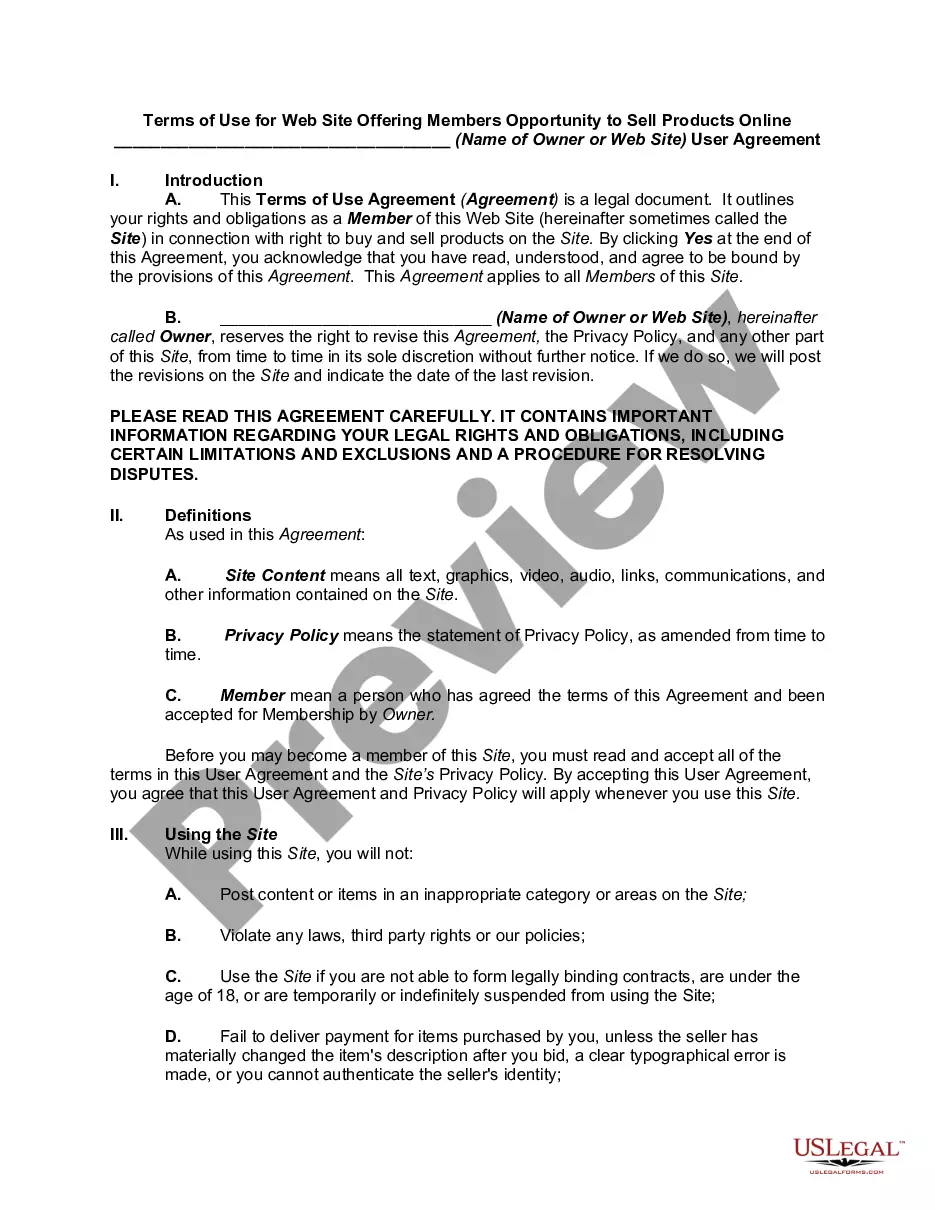
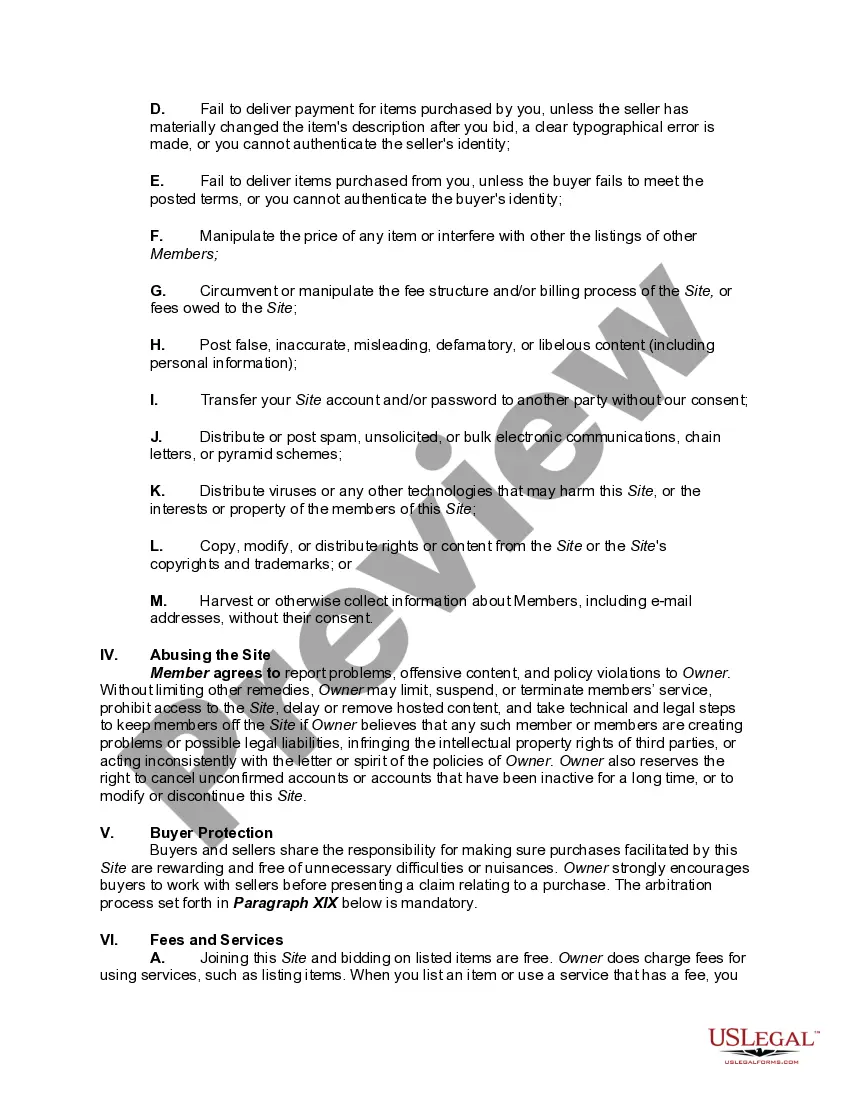
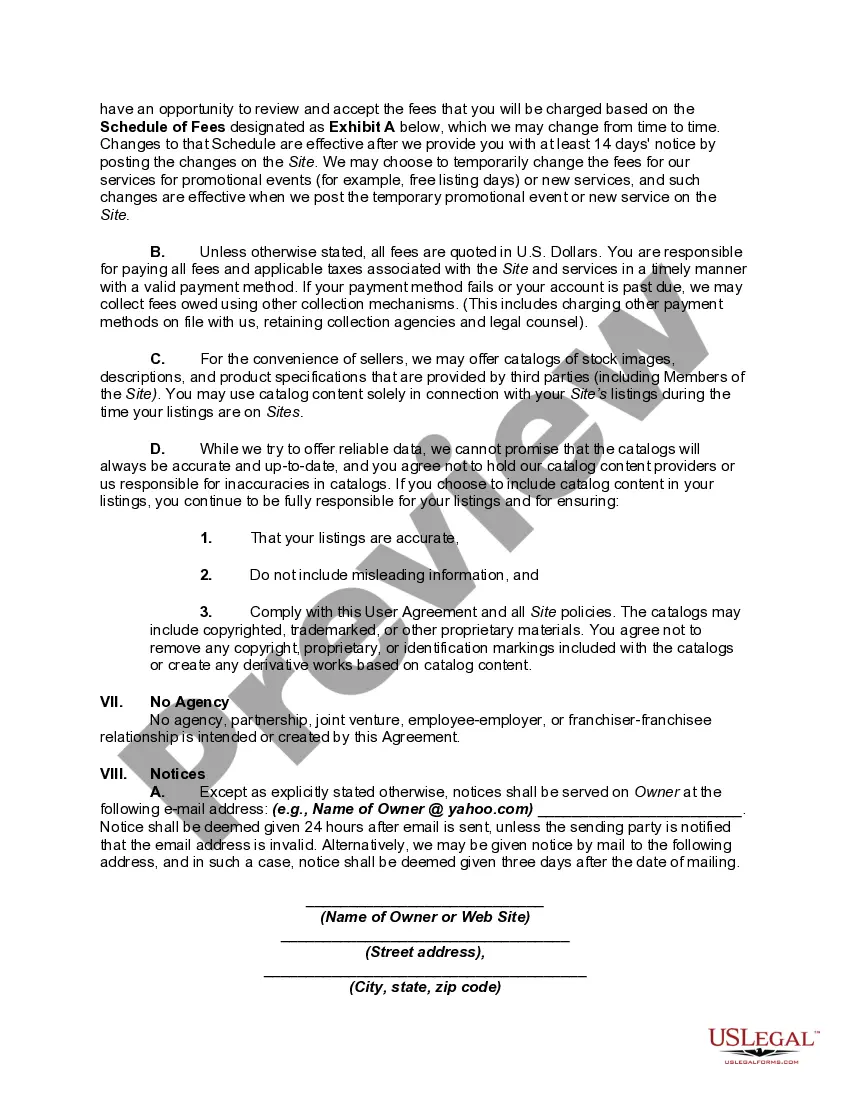
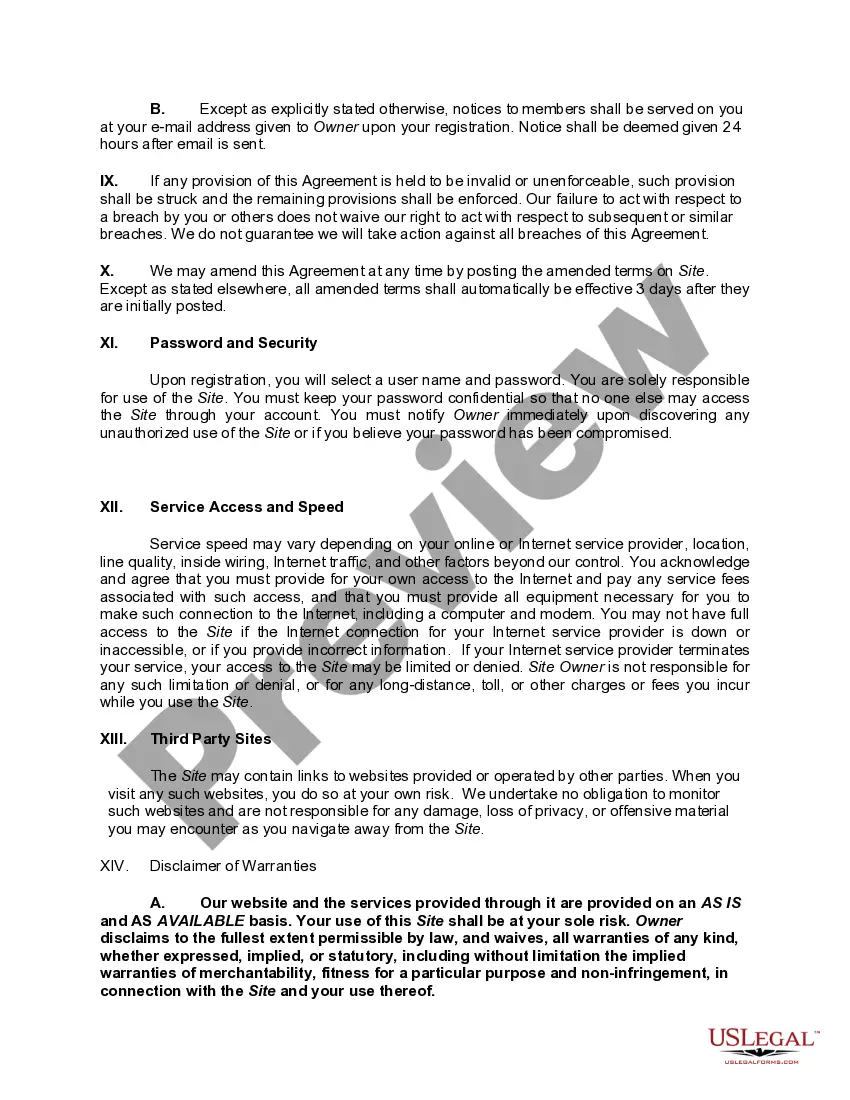
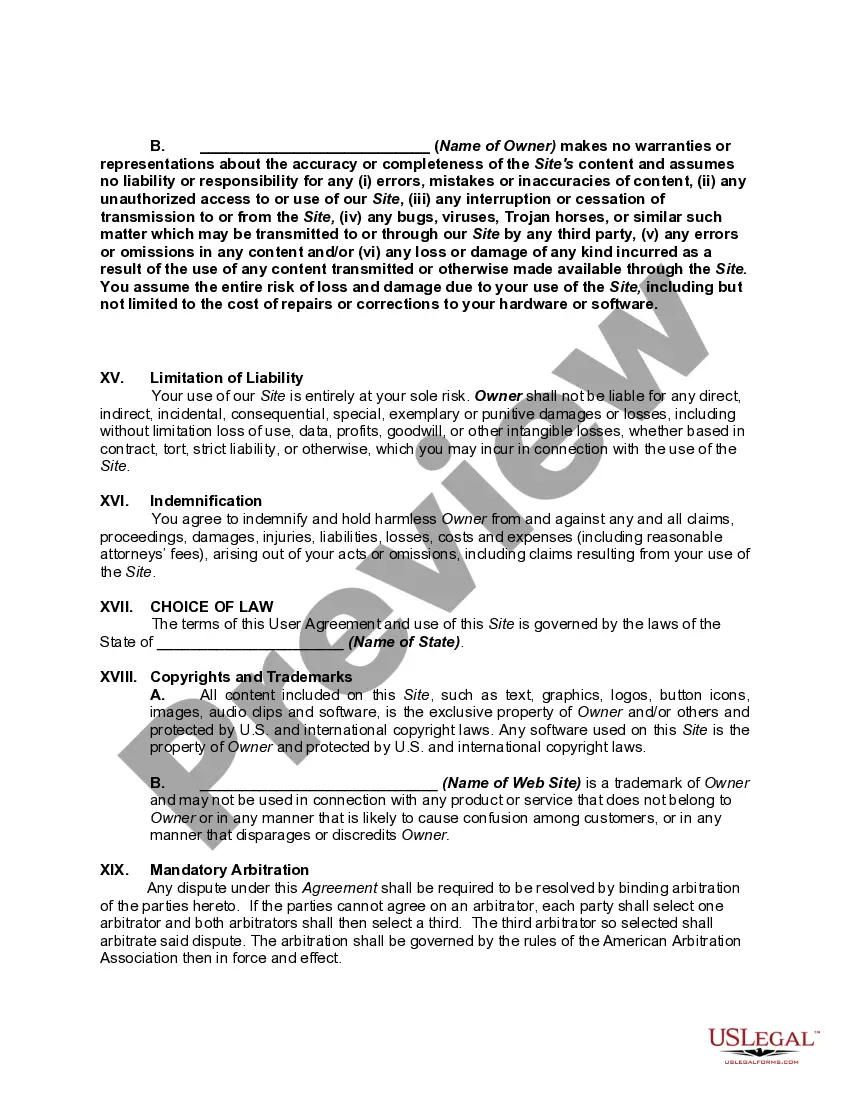
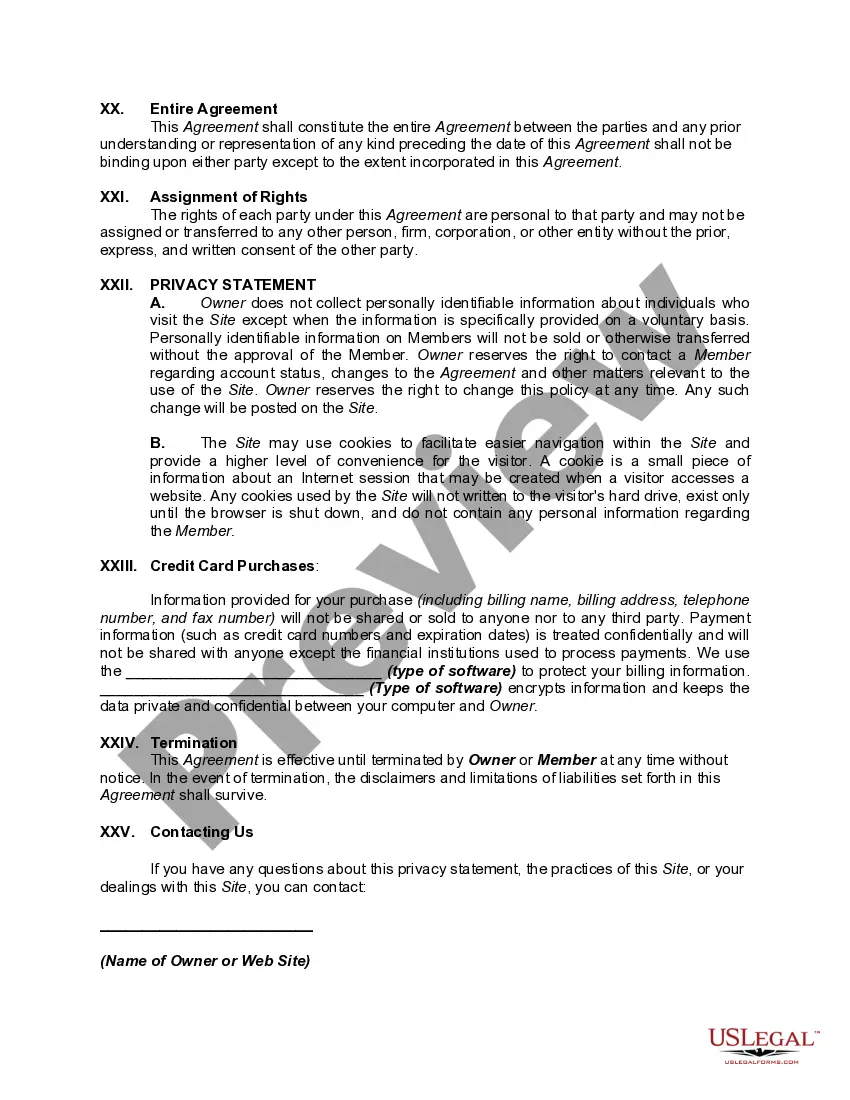
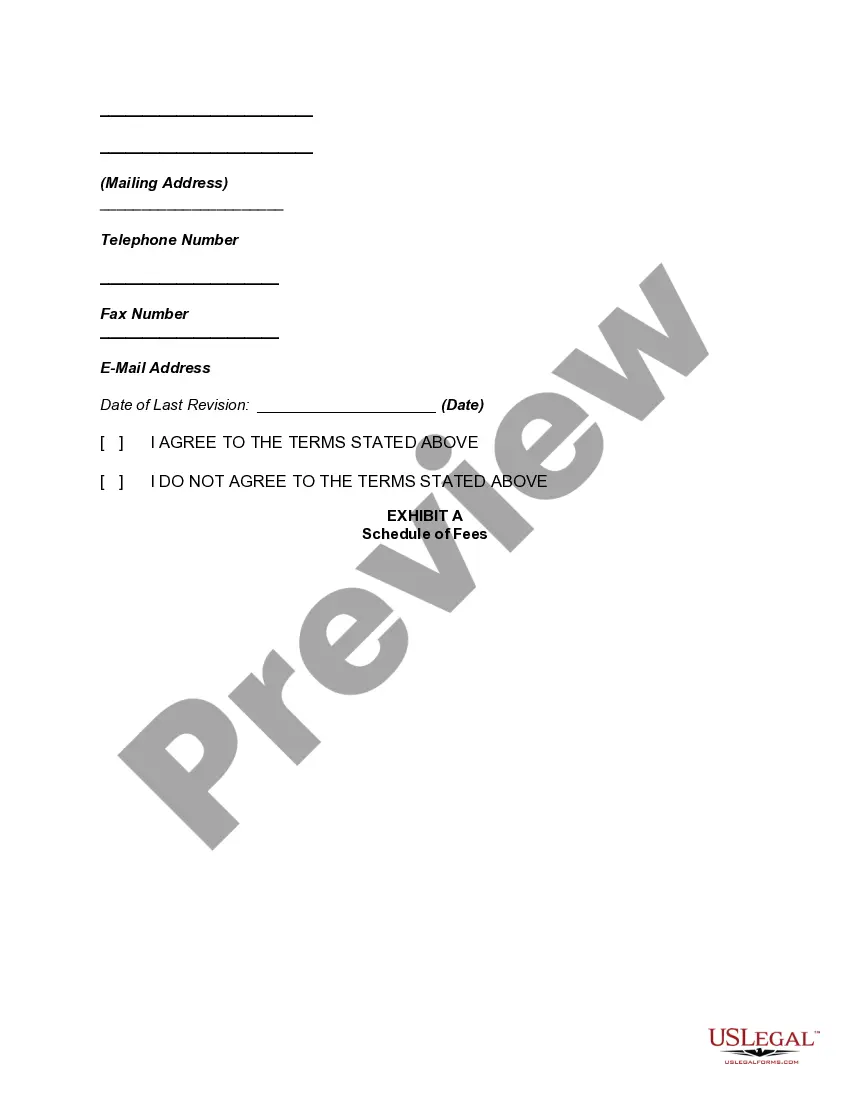
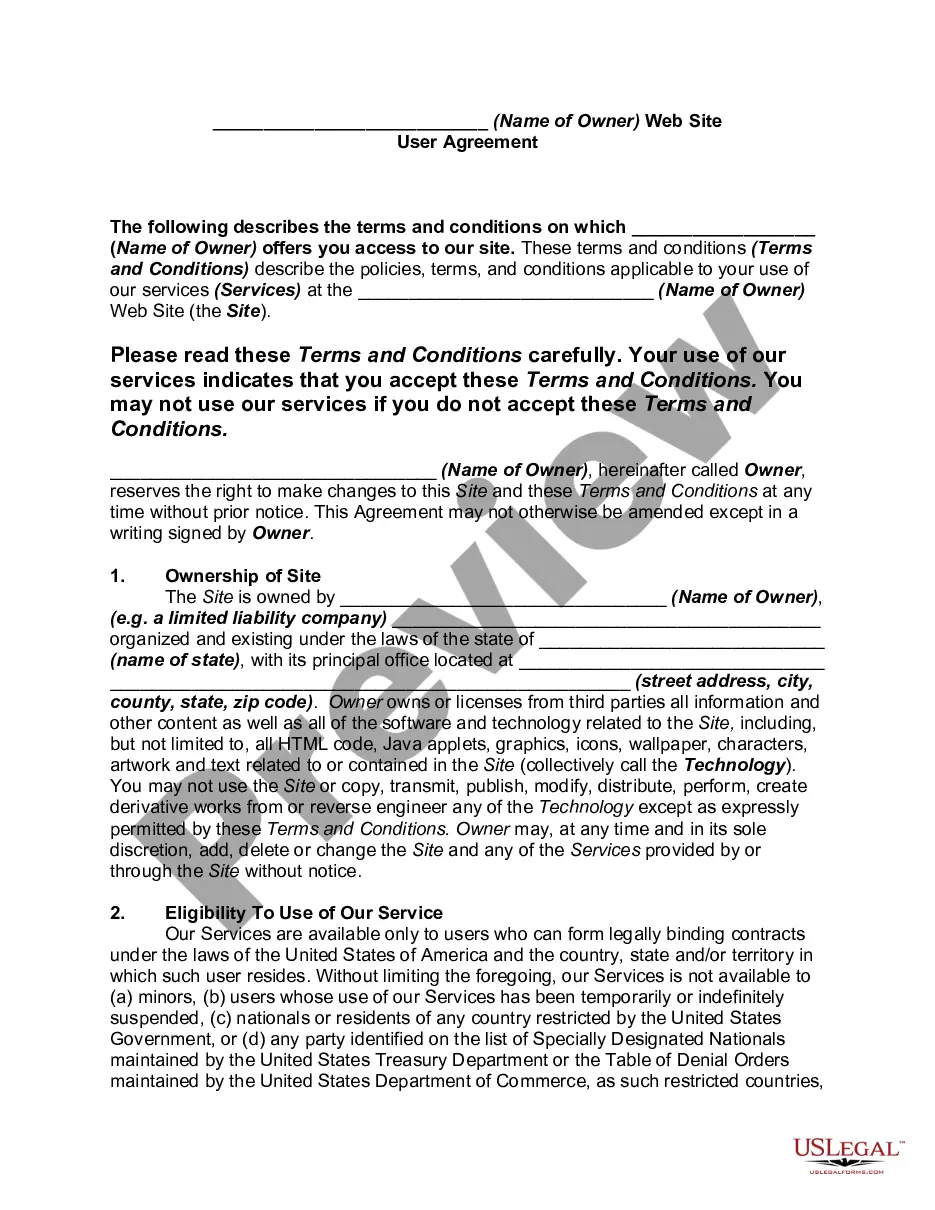
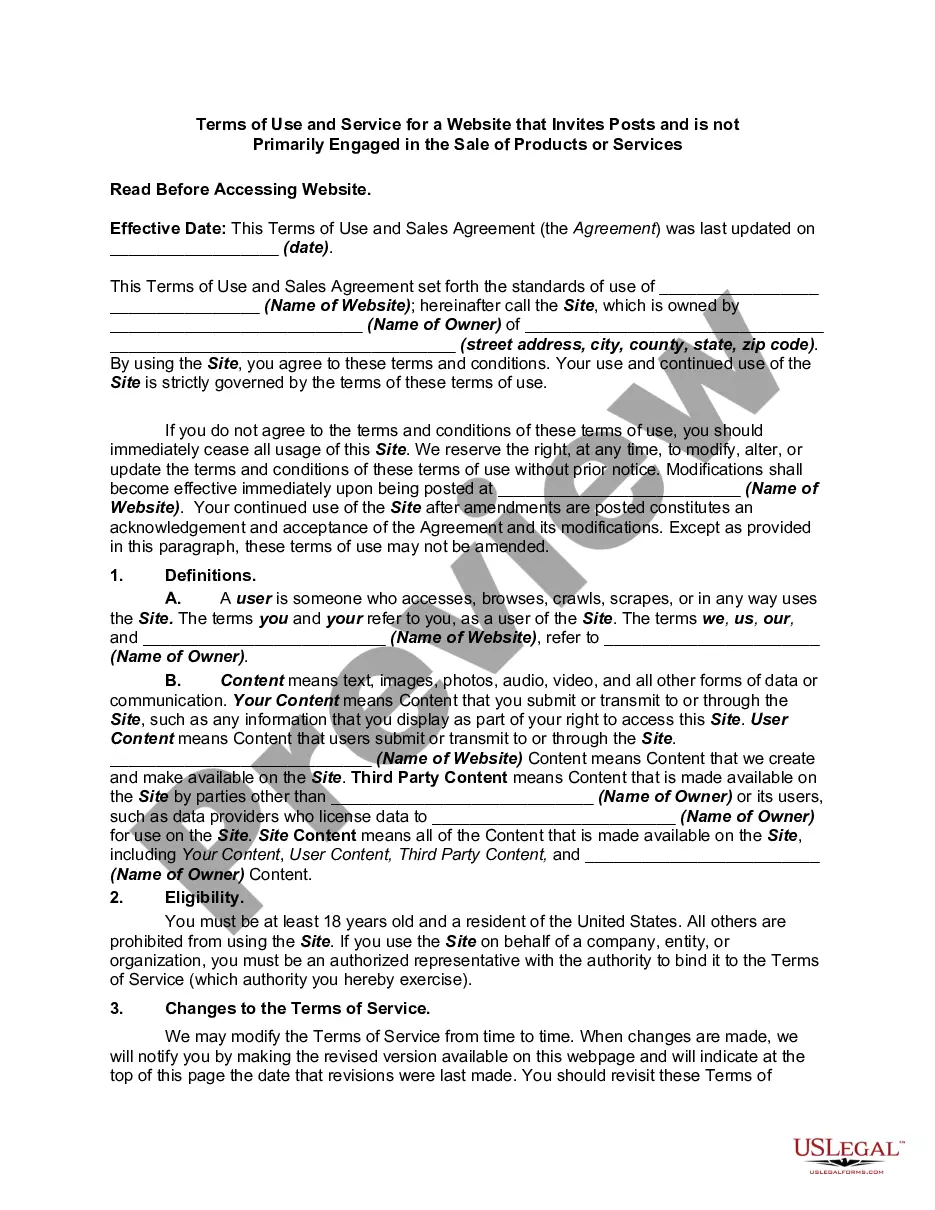
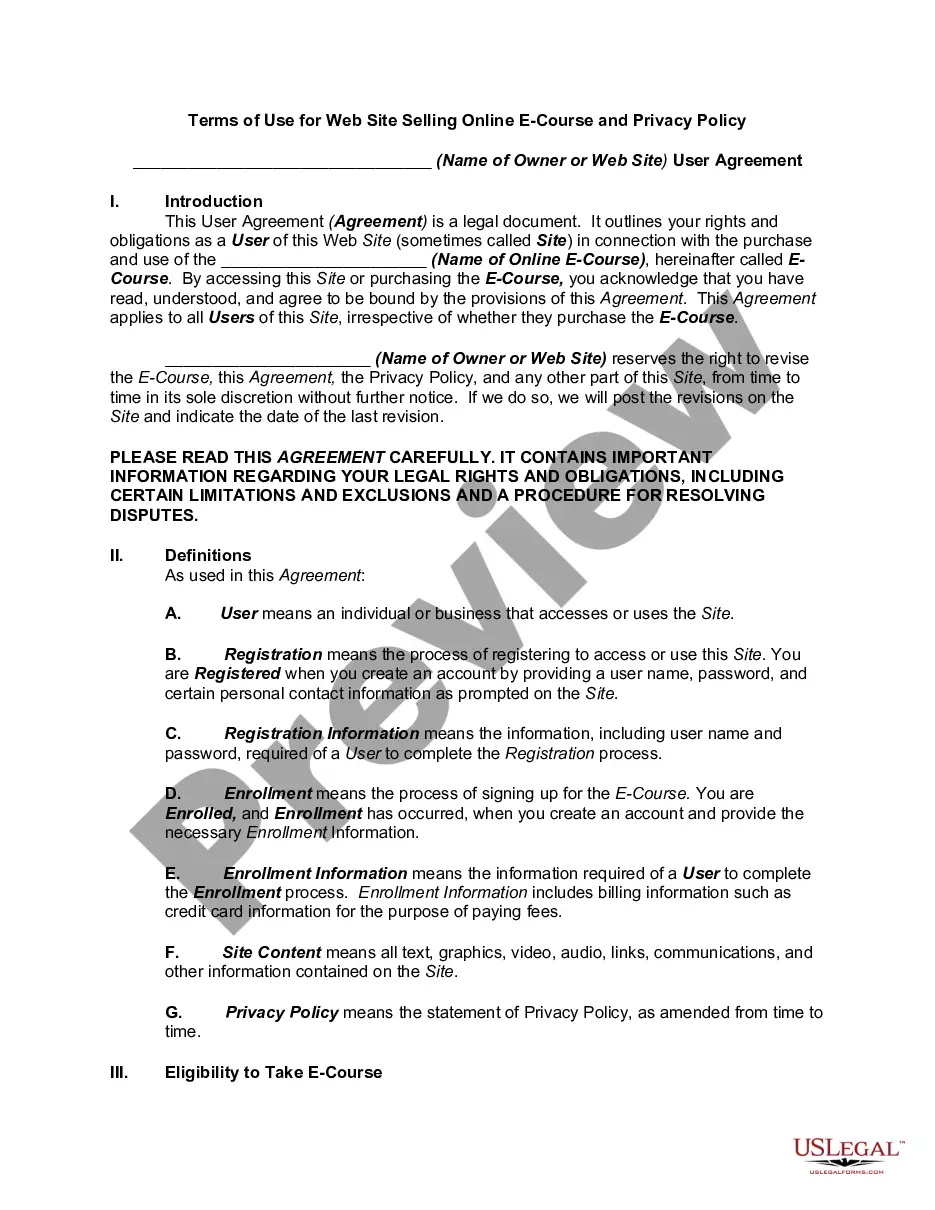
Get your form ready online
Our built-in tools help you complete, sign, share, and store your documents in one place.
Make edits, fill in missing information, and update formatting in US Legal Forms—just like you would in MS Word.
Download a copy, print it, send it by email, or mail it via USPS—whatever works best for your next step.
Sign and collect signatures with our SignNow integration. Send to multiple recipients, set reminders, and more. Go Premium to unlock E-Sign.
If this form requires notarization, complete it online through a secure video call—no need to meet a notary in person or wait for an appointment.
We protect your documents and personal data by following strict security and privacy standards.

Make edits, fill in missing information, and update formatting in US Legal Forms—just like you would in MS Word.

Download a copy, print it, send it by email, or mail it via USPS—whatever works best for your next step.

Sign and collect signatures with our SignNow integration. Send to multiple recipients, set reminders, and more. Go Premium to unlock E-Sign.

If this form requires notarization, complete it online through a secure video call—no need to meet a notary in person or wait for an appointment.

We protect your documents and personal data by following strict security and privacy standards.
Looking for another form?



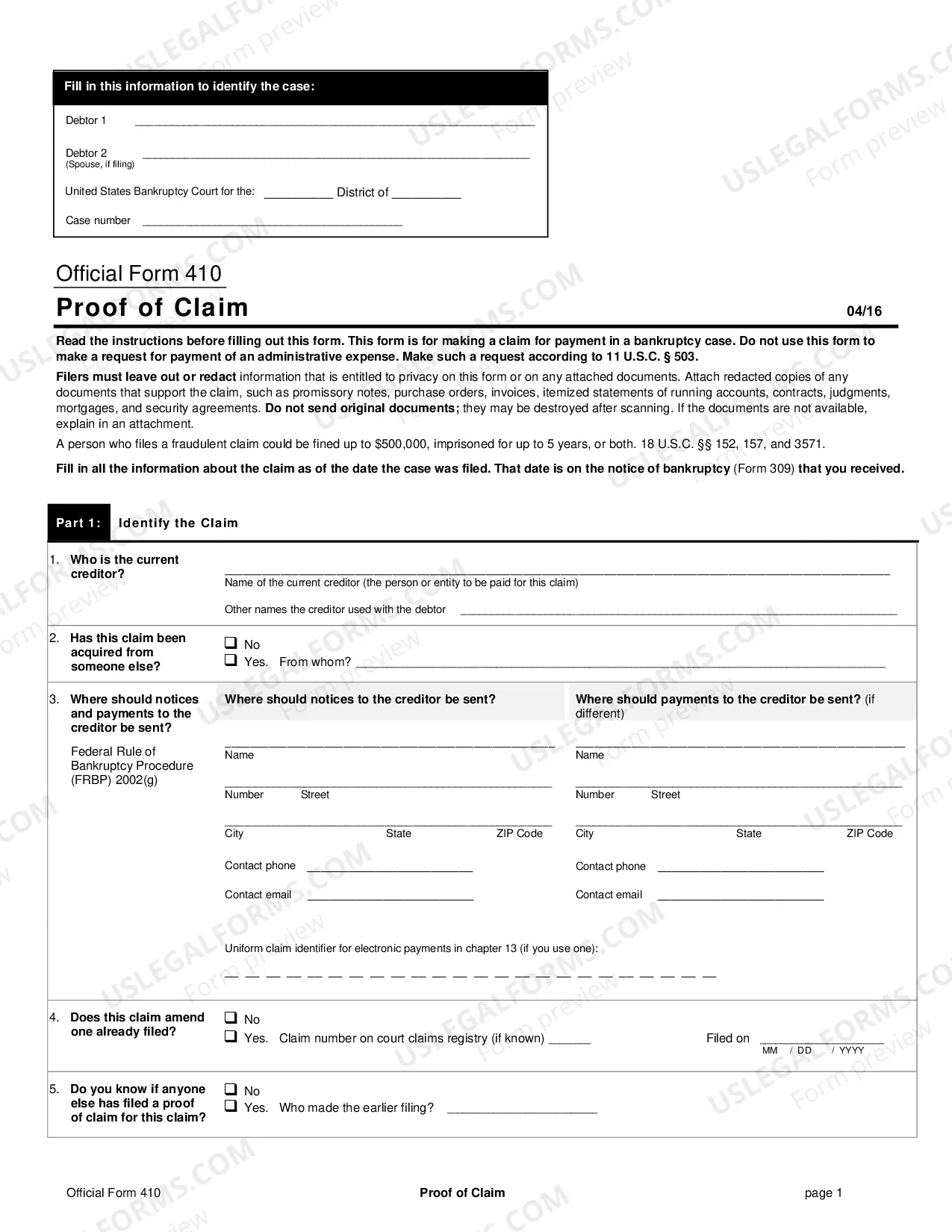

How to fill out Website Subscription User Agreement - Terms Of Use For Website Offering Members Opportunity To Sell Products Online?
Individuals frequently link legal documentation with complexity that only an expert can handle.
In some respects, this is accurate, as formulating a User Agreement For Venmo requires comprehensive understanding of topic requirements, encompassing state and municipal laws.
Yet, with US Legal Forms, it has become considerably simpler: pre-made legal documents for any life and business need specific to state statutes are gathered in a singular online catalog and are now accessible to everyone.
All templates in our catalog can be reused: once purchased, they remain stored in your profile. You can access them anytime you need via the My documents tab. Discover all the benefits of utilizing the US Legal Forms platform. Subscribe today!
- US Legal Forms offers over 85k current forms organized by state and application area, making it easy to locate User Agreement For Venmo or any other specific template in just minutes.
- Registered users with an active subscription must Log In to their account and click Download to obtain the form.
- New users to the platform will first need to create an account and subscribe before they can save any legal documents.
- Here is the step-by-step instructions on how to acquire the User Agreement For Venmo.
- Carefully examine the page content to ensure it meets your requirements.
- Review the form description or confirm it through the Preview feature.
- Utilize the Search field in the header to find another sample if the previous one doesn’t meet your needs.
- Select Buy Now once you identify the appropriate User Agreement For Venmo.
- Choose a pricing plan that aligns with your needs and budget.
- Create an account or sign in to advance to the payment page.
- Complete your subscription payment via PayPal or with your credit card.
- Select the format for your document and click Download.
- Print your document or upload it to an online editor for faster completion.
Form popularity
FAQ
Go to your personal transactions feed and tap the Manage balance option at the top right. Enter the amount you want to add and click on Done. Choose the account you'd like to transfer money from and select Next. Review the transfer information and estimated time of arrival then tap Add Money.
When you accept a charge request sent by another Venmo user, you will send them money. Payments with friendsYou can send money to or request money from a friend using the Pay and Request feature in your Venmo account (sometimes called personal payments or peer-to-peer/P2P payments).
If you send a Venmo payment to an unauthorized business profile or another individual for a good or service without identifying the payment as for goods and services, you could lose your money without ever getting what you paid for.
To ask for or send money, users simply tap on the Pay or Request button in the Venmo app, and put in their friend's username, phone number, or email in the top box. If the friend is nearby, they can also scan a QR code from the app.
You need to verify your identity on Venmo in order to carry and use a balance on the platform. To verify your identity, Venmo asks for your legal name, address, date of birth, and Social Security Number or Tax Identification Number.
