Contract Construction Contractor Forum
Description
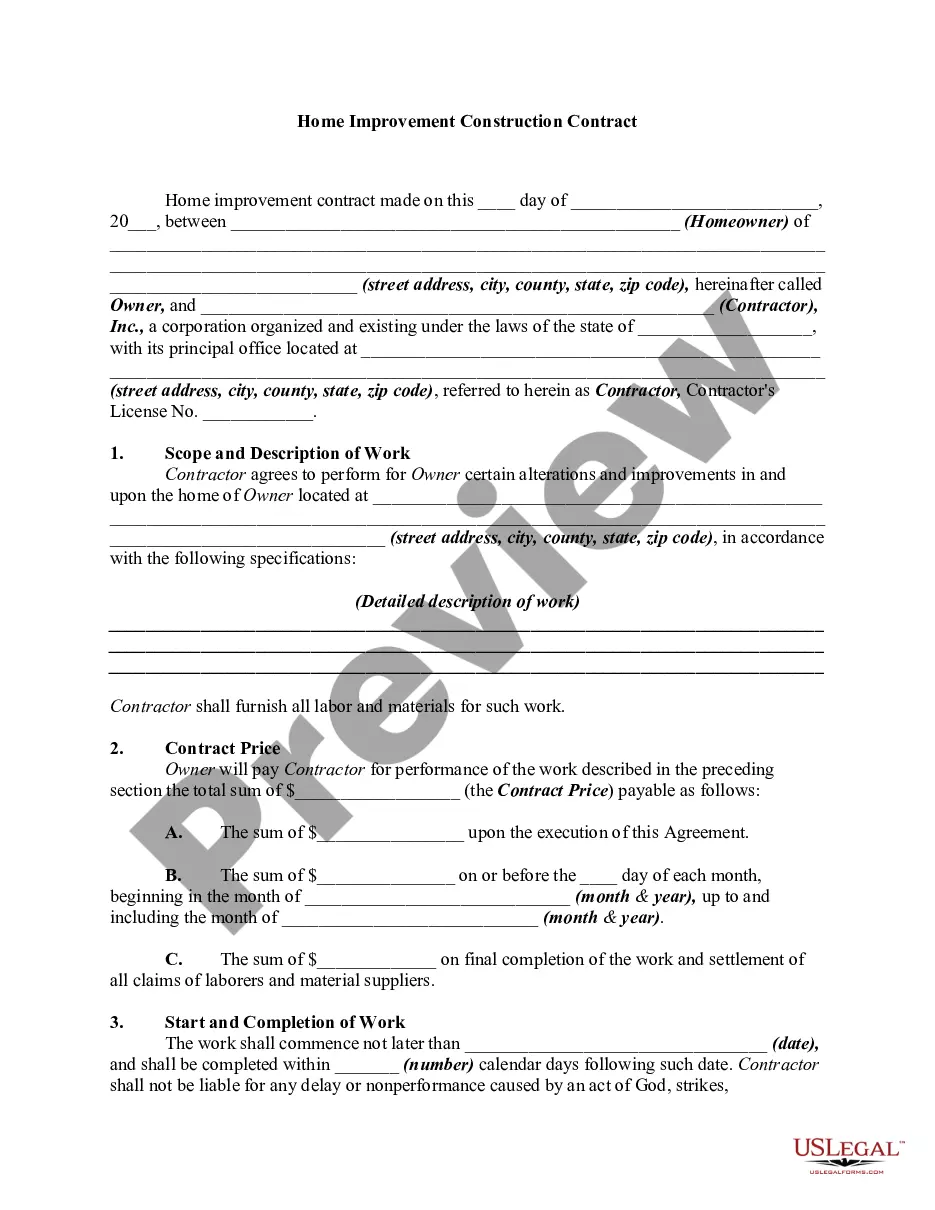
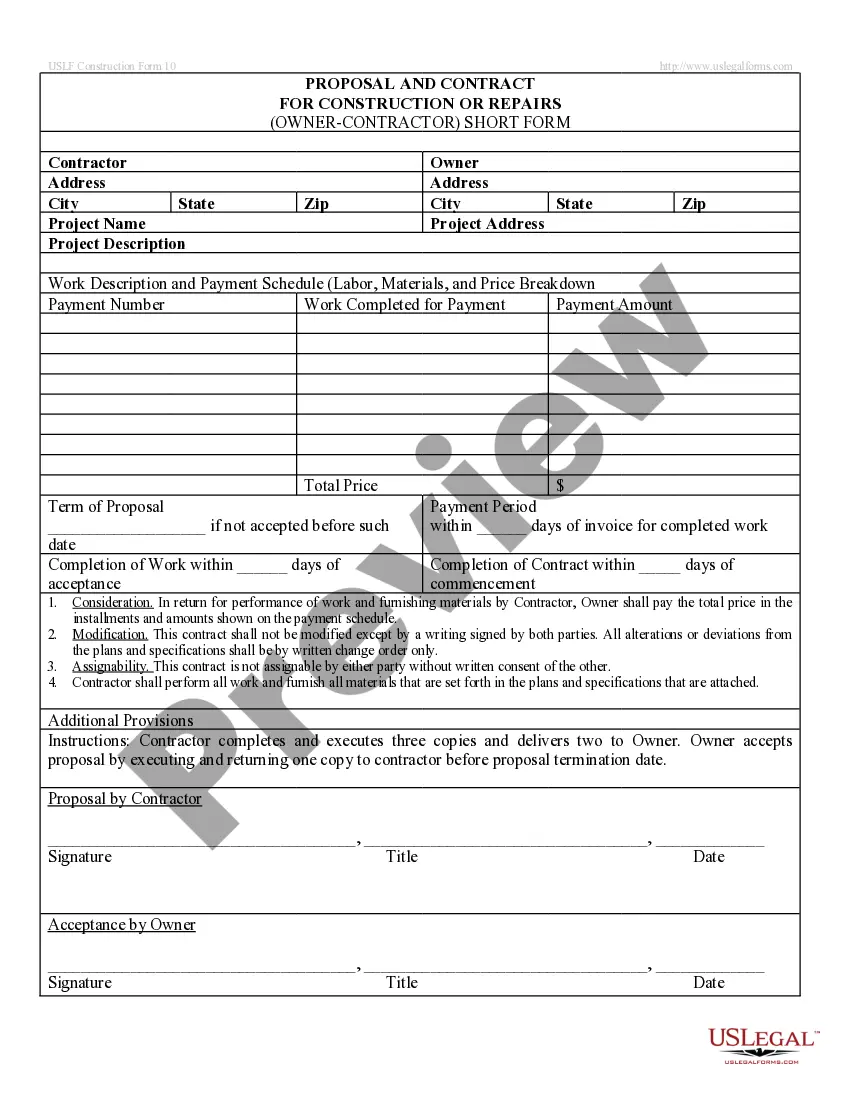
Get your form ready online
Our built-in tools help you complete, sign, share, and store your documents in one place.
Make edits, fill in missing information, and update formatting in US Legal Forms—just like you would in MS Word.
Download a copy, print it, send it by email, or mail it via USPS—whatever works best for your next step.
Sign and collect signatures with our SignNow integration. Send to multiple recipients, set reminders, and more. Go Premium to unlock E-Sign.
If this form requires notarization, complete it online through a secure video call—no need to meet a notary in person or wait for an appointment.
We protect your documents and personal data by following strict security and privacy standards.

Make edits, fill in missing information, and update formatting in US Legal Forms—just like you would in MS Word.

Download a copy, print it, send it by email, or mail it via USPS—whatever works best for your next step.

Sign and collect signatures with our SignNow integration. Send to multiple recipients, set reminders, and more. Go Premium to unlock E-Sign.

If this form requires notarization, complete it online through a secure video call—no need to meet a notary in person or wait for an appointment.

We protect your documents and personal data by following strict security and privacy standards.
Looking for another form?






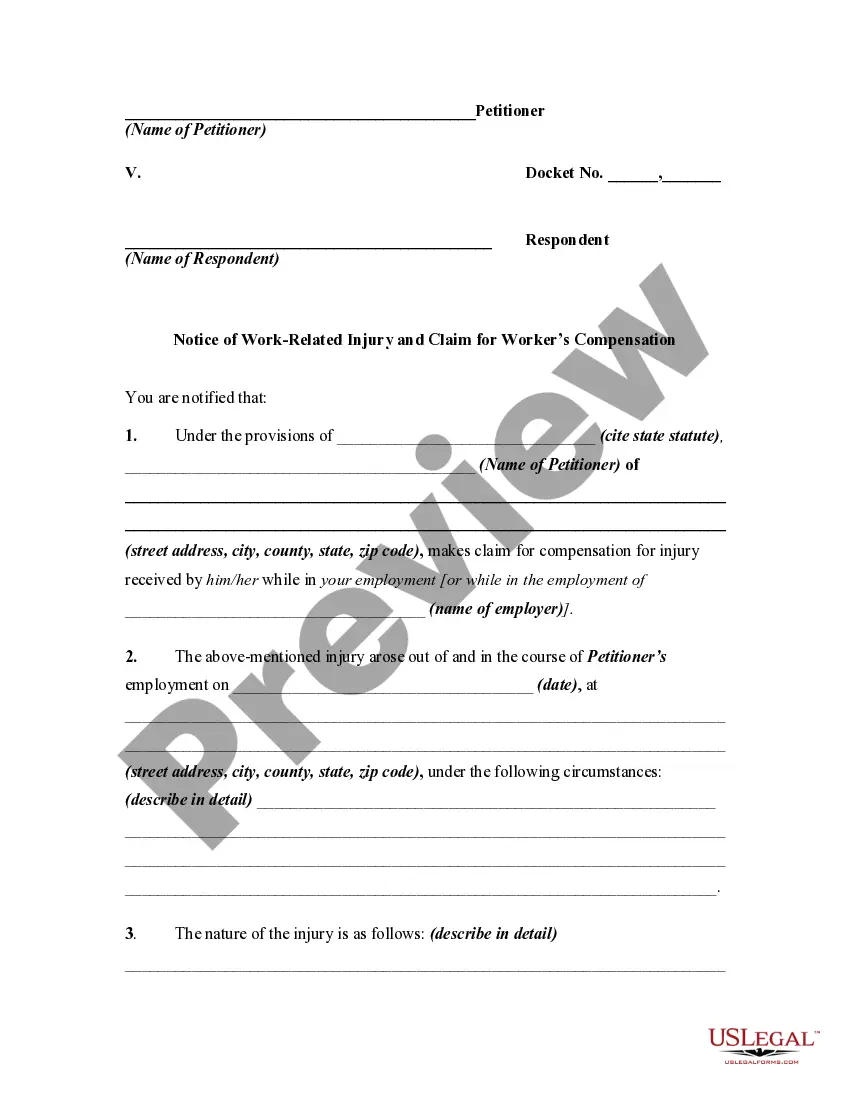
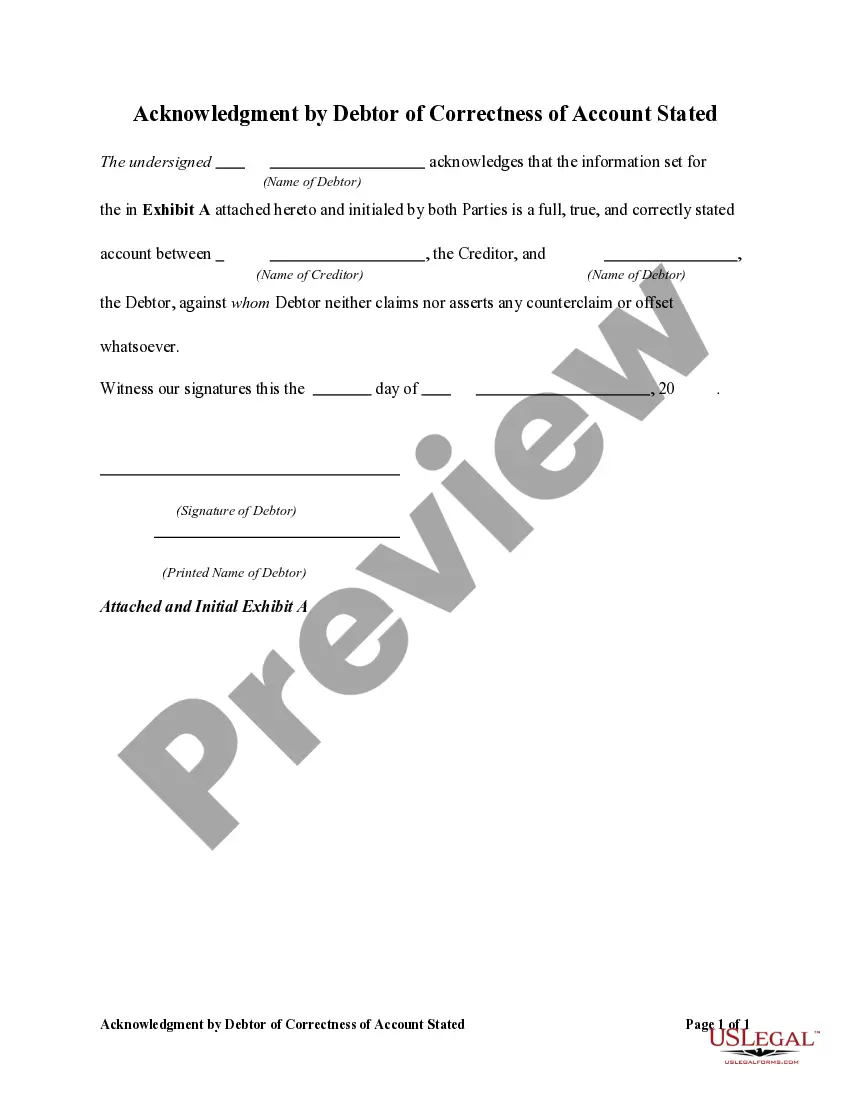
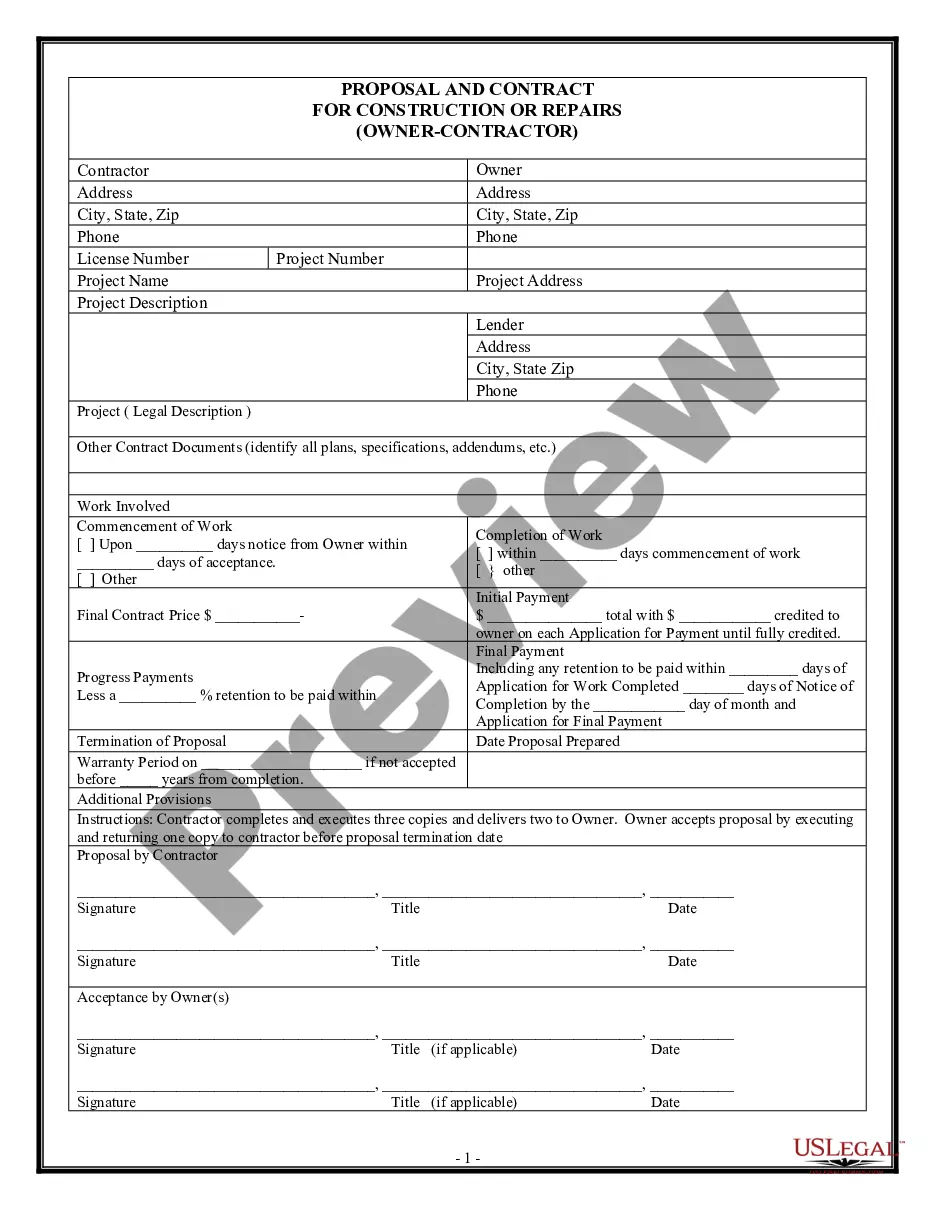
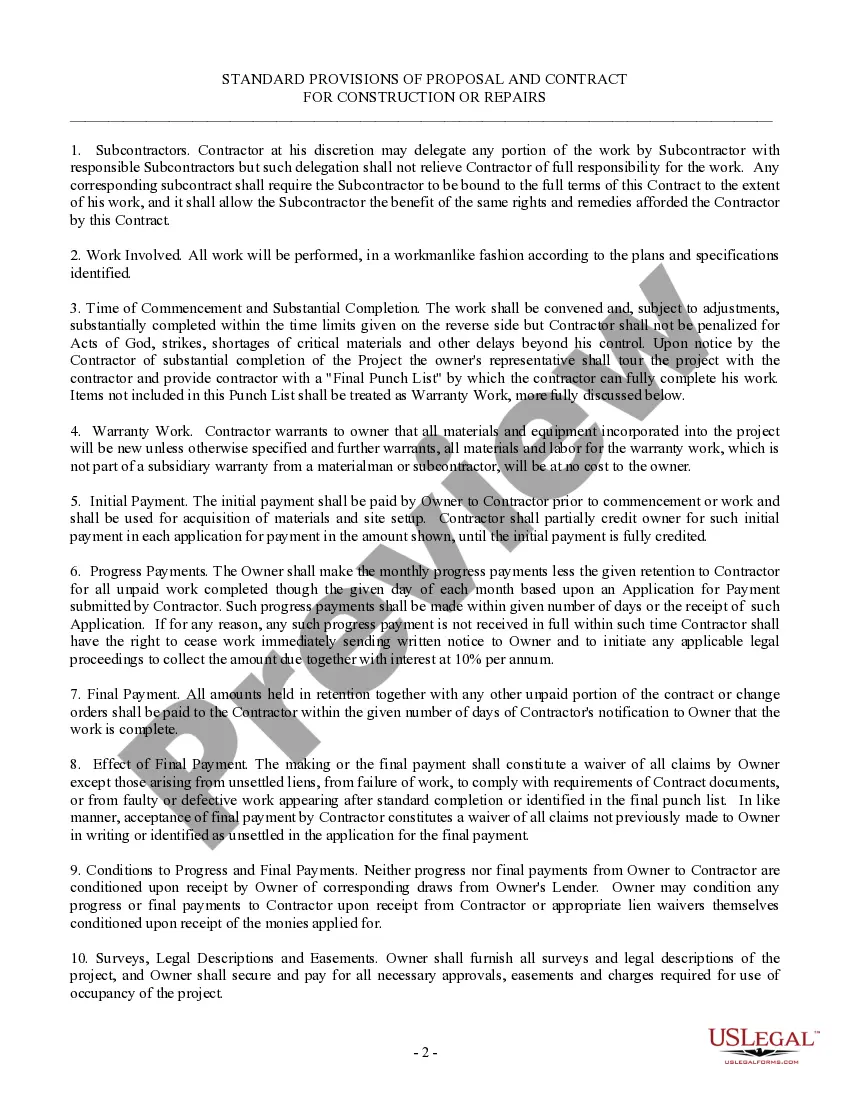
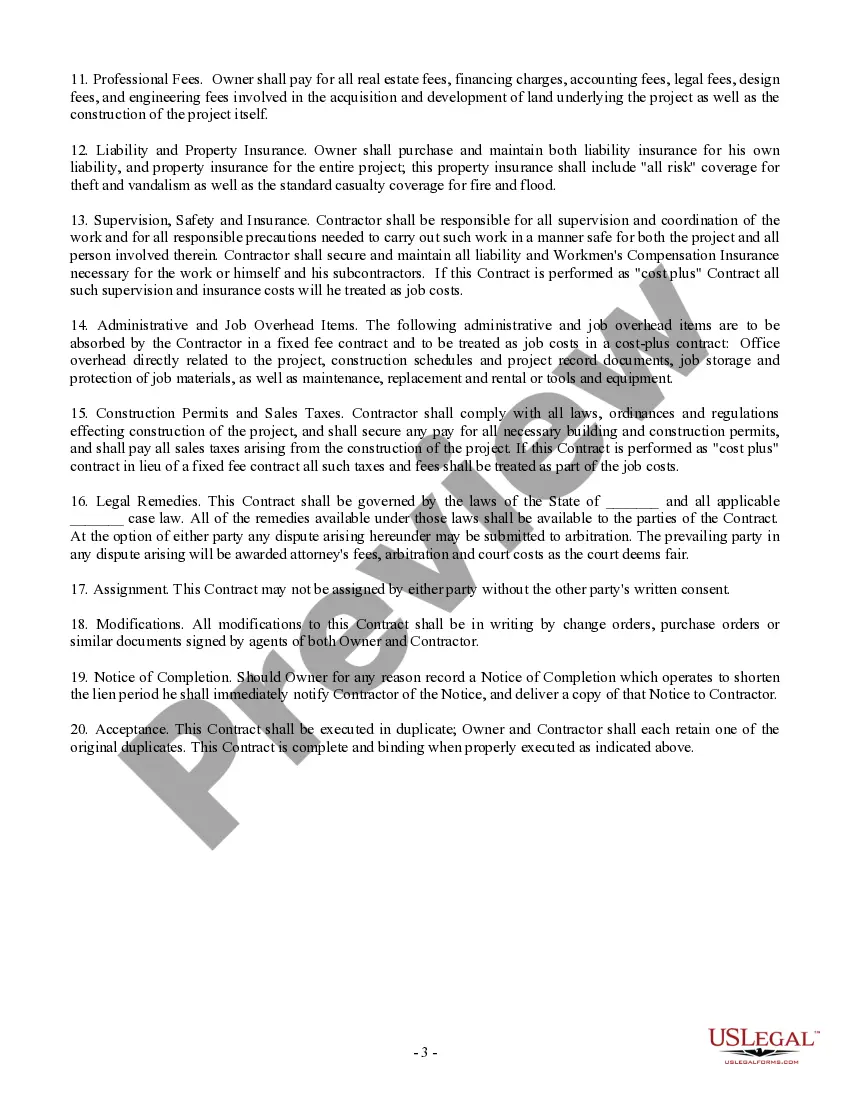
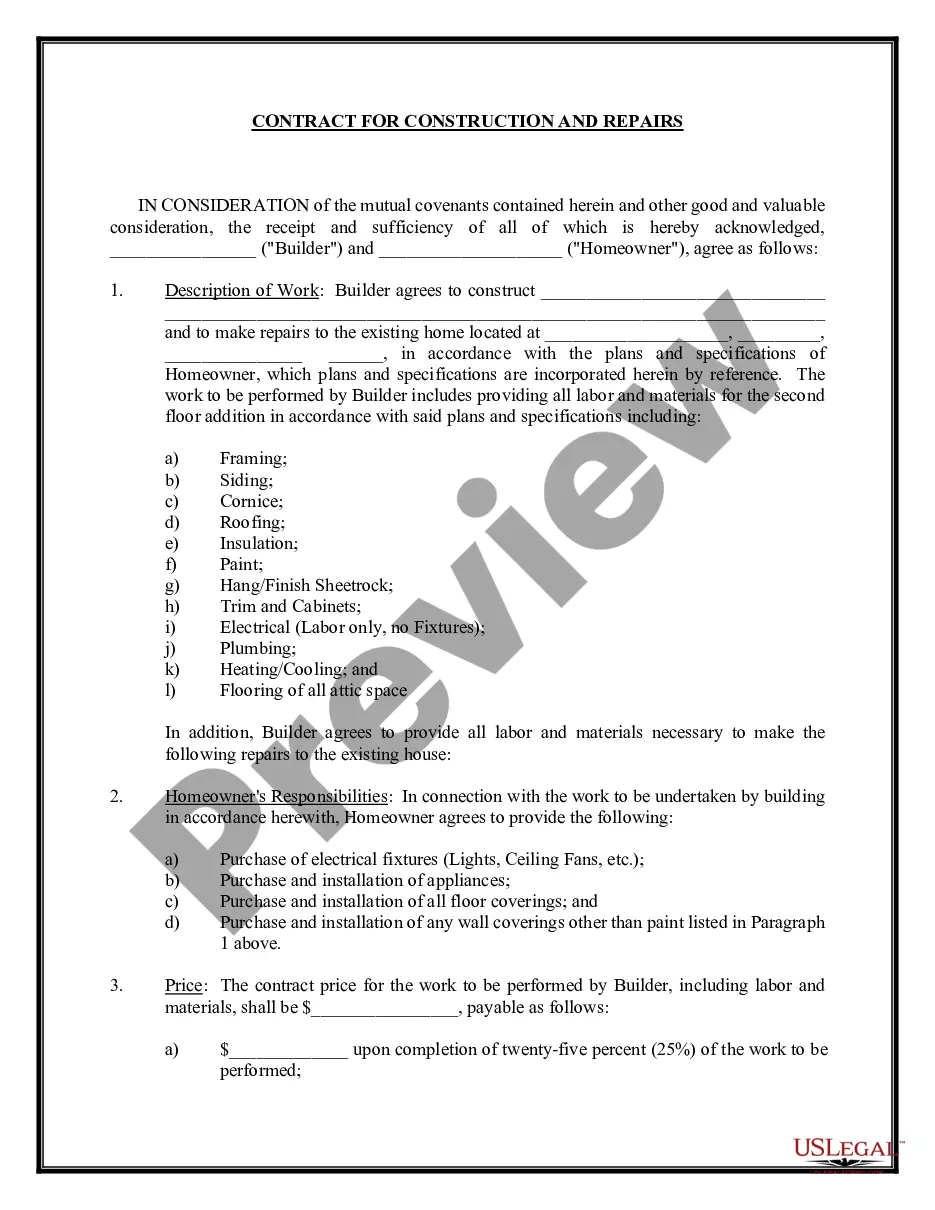
How to fill out Proposal And Contract For Construction Or Repairs By Contractor?
Finding a go-to place to access the most recent and relevant legal templates is half the struggle of dealing with bureaucracy. Discovering the right legal files requirements accuracy and attention to detail, which is the reason it is very important to take samples of Contract Construction Contractor Forum only from reliable sources, like US Legal Forms. An improper template will waste your time and hold off the situation you are in. With US Legal Forms, you have very little to worry about. You can access and view all the information concerning the document’s use and relevance for the situation and in your state or region.
Consider the following steps to finish your Contract Construction Contractor Forum:
- Use the library navigation or search field to locate your sample.
- Open the form’s information to ascertain if it matches the requirements of your state and area.
- Open the form preview, if there is one, to make sure the template is the one you are searching for.
- Go back to the search and locate the appropriate template if the Contract Construction Contractor Forum does not fit your needs.
- If you are positive about the form’s relevance, download it.
- When you are an authorized user, click Log in to authenticate and access your selected templates in My Forms.
- If you do not have an account yet, click Buy now to obtain the form.
- Select the pricing plan that suits your needs.
- Proceed to the registration to finalize your purchase.
- Complete your purchase by selecting a payment method (credit card or PayPal).
- Select the document format for downloading Contract Construction Contractor Forum.
- Once you have the form on your gadget, you may modify it using the editor or print it and complete it manually.
Remove the headache that comes with your legal paperwork. Explore the extensive US Legal Forms library to find legal templates, check their relevance to your situation, and download them immediately.
Form popularity
FAQ
Here are five of the most important terms that should be a part of every construction contract. Scope of Work. Clients need to be clear about what a company is going to do for them. ... Payment Obligations. ... Insurance Information. ... Parties to the Agreement and Notice. ... Authority to Make Decisions.
How to Write a Contractor Agreement Outline Services Provided. The contractor agreement should list all services the contractor will provide. ... Document Duration of the Work. Specify the duration of the working relationship. ... Outline Payment Terms. ... Outline Confidentiality Agreement. ... Consult with a Lawyer.
6 things every change order should include Project and contact information. Dates of the change. Details of the work. Updated schedule. Cost of the change. Updated contract value. Match the payment application. Get it in writing ? and save it.
Create an introductory paragraph with the legal names and contact information for all parties and a start/end date for the contract. Define the key terms that appear in the document for clarity (e.g., unit price) Define the scope of work, deliverables, and responsibilities of each party.
Change orders should also clearly identify the relevant project by including the: Original contract number; Project owner's name and contact information; Contractor's name, contact information and license number; Lender's information where applicable; Project address; and. Change order number.