Responses Request Sample For Email
Description

Get your form ready online
Our built-in tools help you complete, sign, share, and store your documents in one place.
Make edits, fill in missing information, and update formatting in US Legal Forms—just like you would in MS Word.
Download a copy, print it, send it by email, or mail it via USPS—whatever works best for your next step.
Sign and collect signatures with our SignNow integration. Send to multiple recipients, set reminders, and more. Go Premium to unlock E-Sign.
If this form requires notarization, complete it online through a secure video call—no need to meet a notary in person or wait for an appointment.
We protect your documents and personal data by following strict security and privacy standards.

Make edits, fill in missing information, and update formatting in US Legal Forms—just like you would in MS Word.

Download a copy, print it, send it by email, or mail it via USPS—whatever works best for your next step.

Sign and collect signatures with our SignNow integration. Send to multiple recipients, set reminders, and more. Go Premium to unlock E-Sign.

If this form requires notarization, complete it online through a secure video call—no need to meet a notary in person or wait for an appointment.

We protect your documents and personal data by following strict security and privacy standards.
Looking for another form?
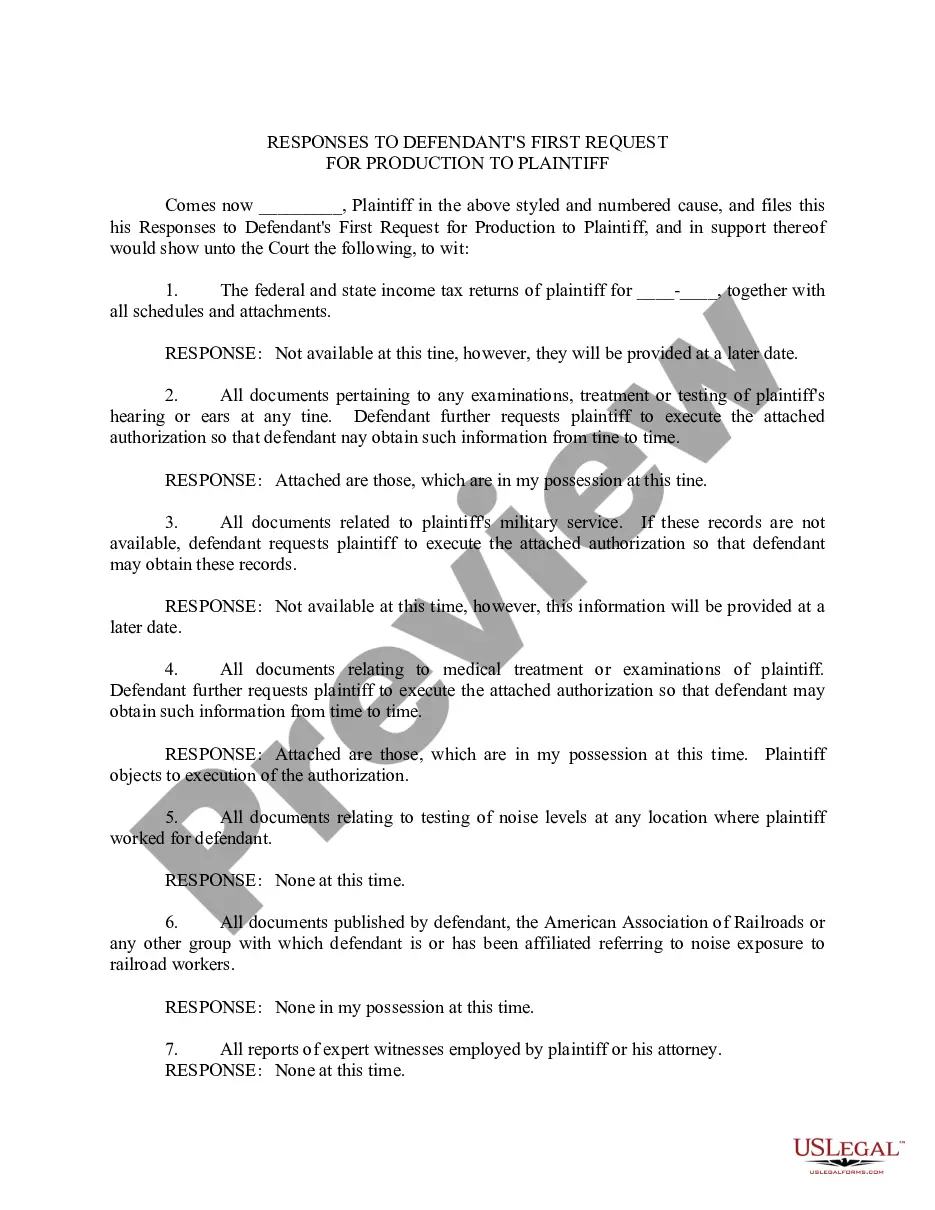
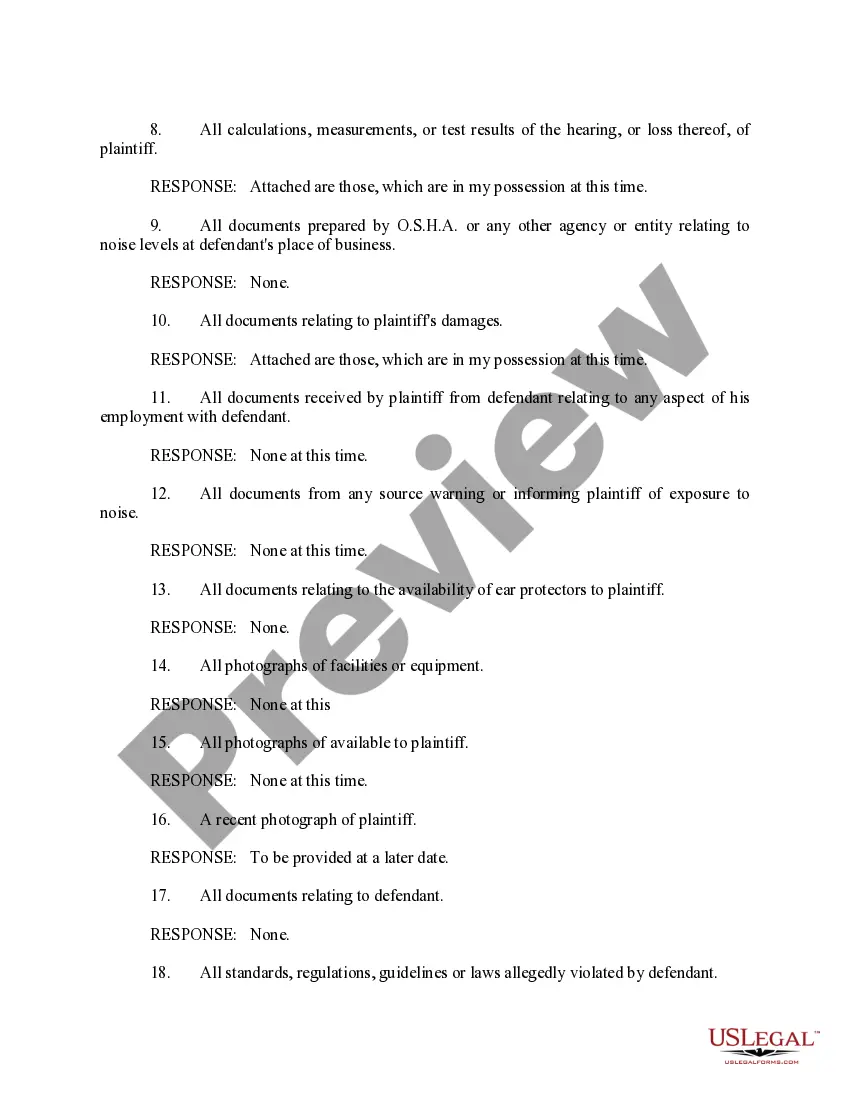
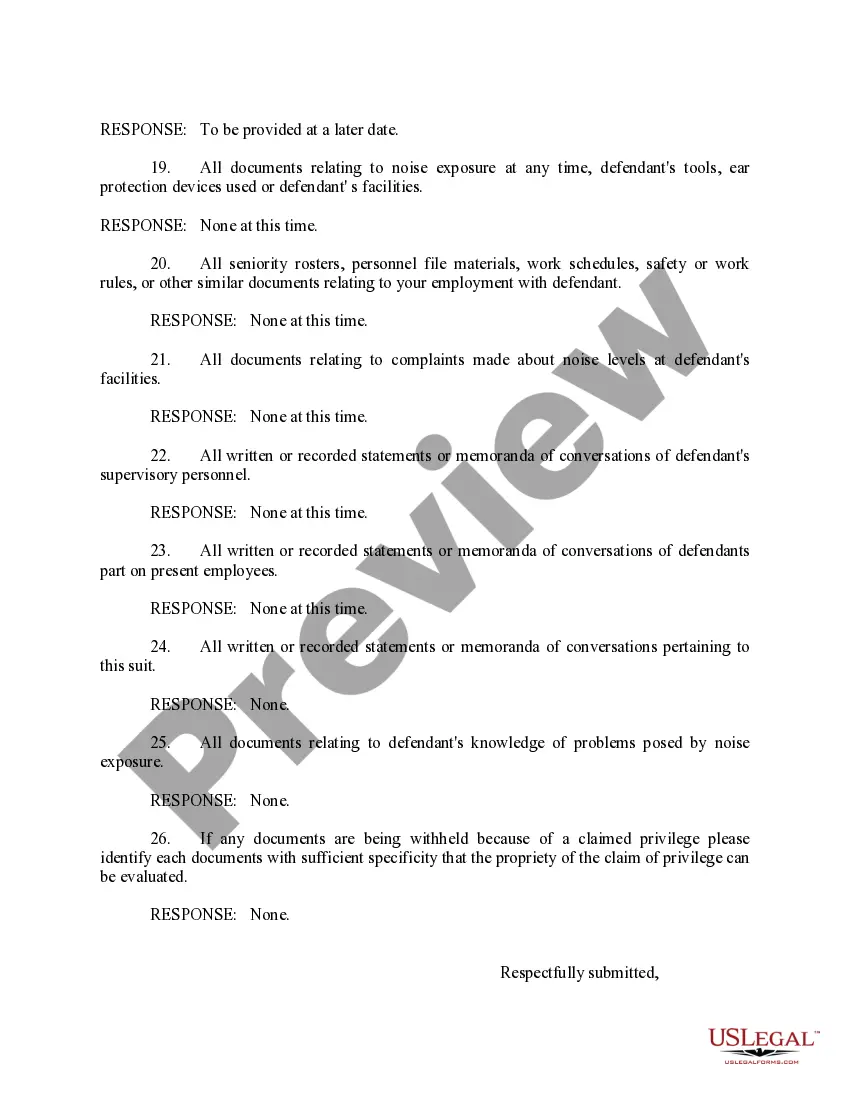
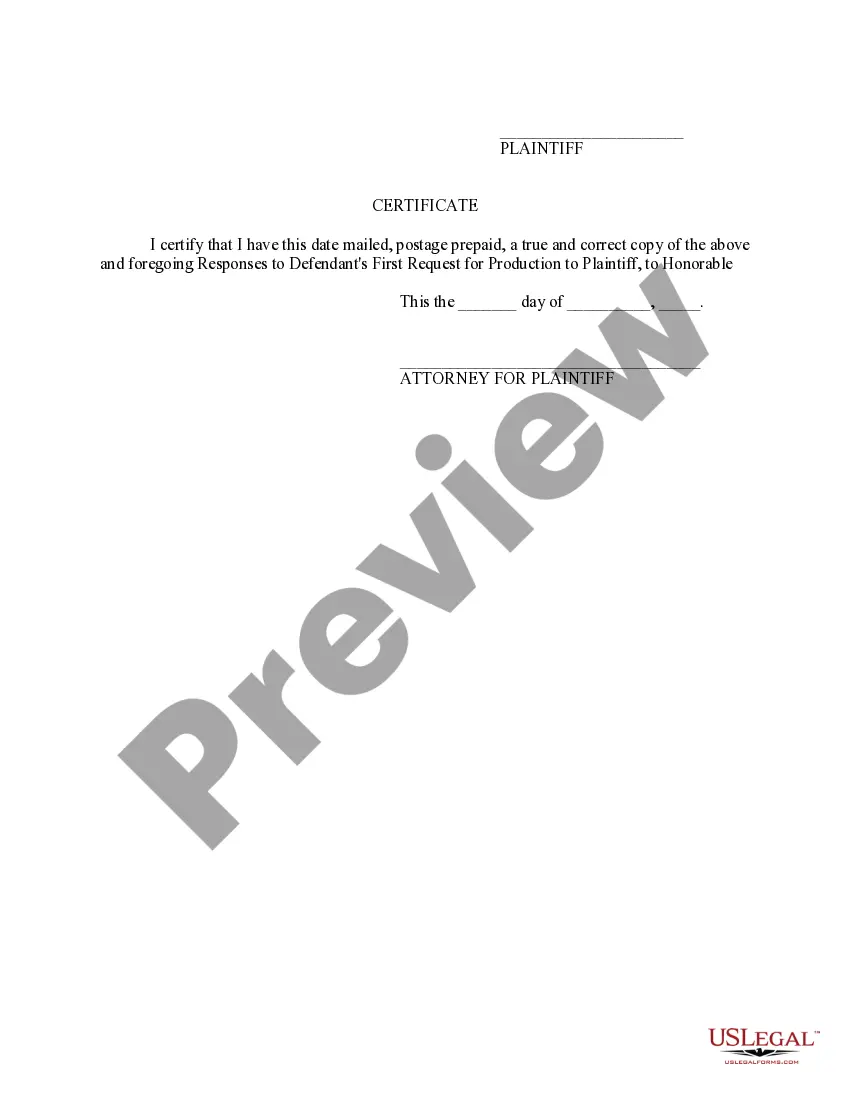
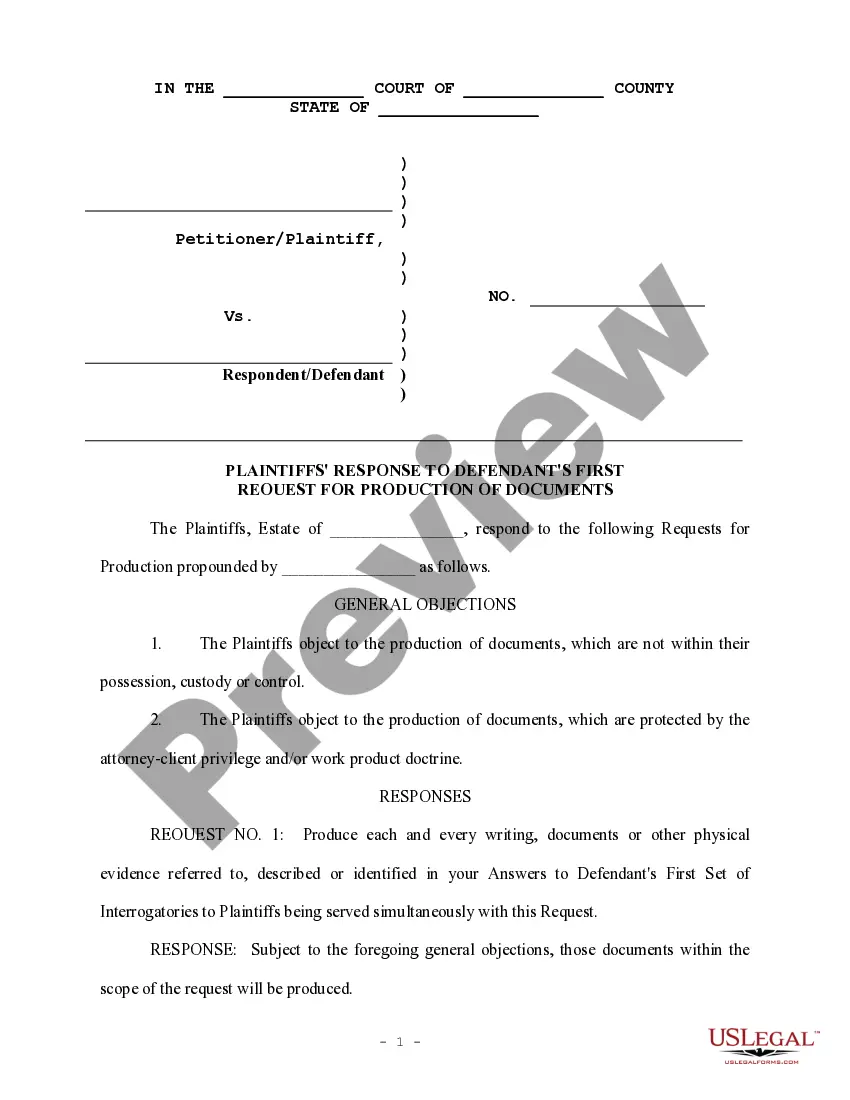
How to fill out Responses To Defendant's First Request For Production To Plaintiff?
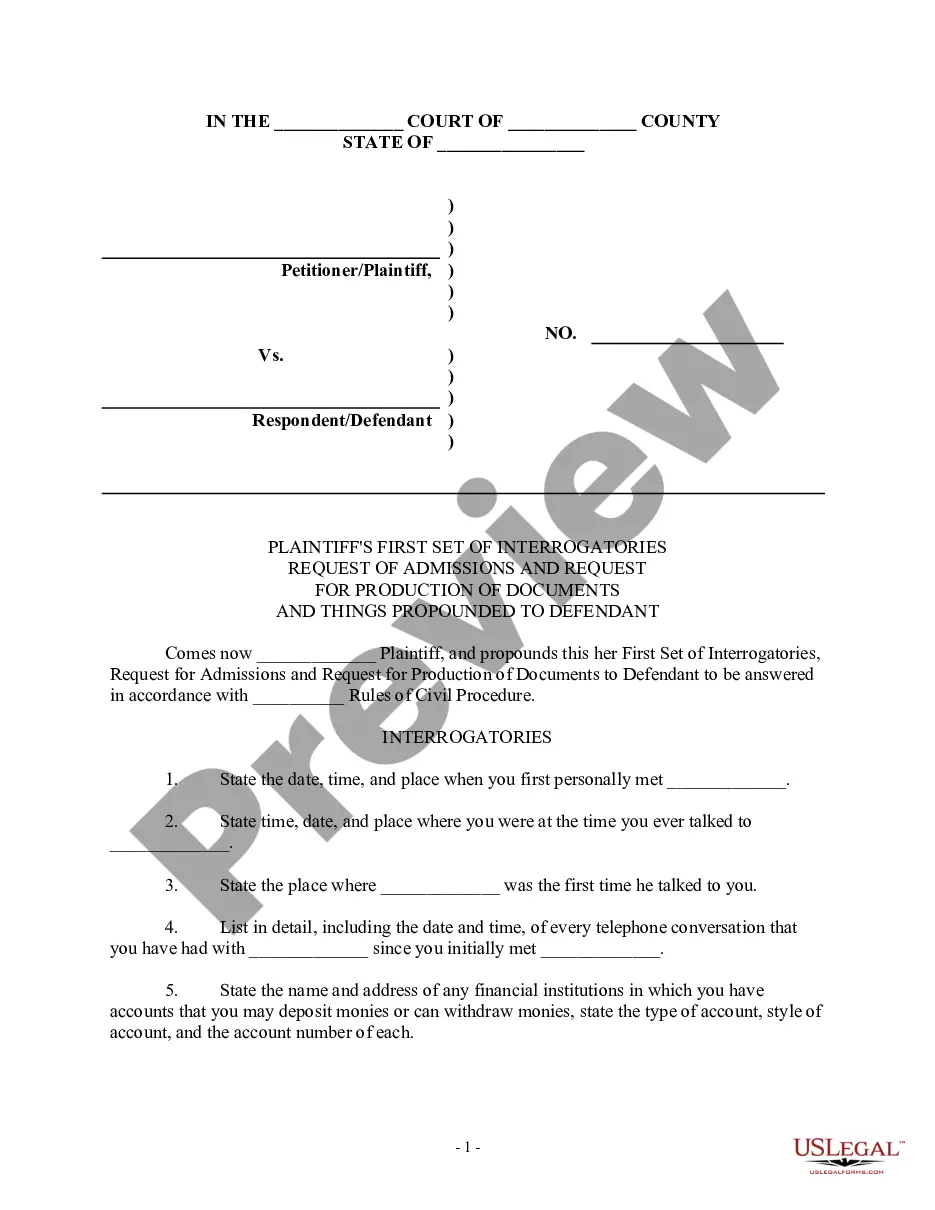
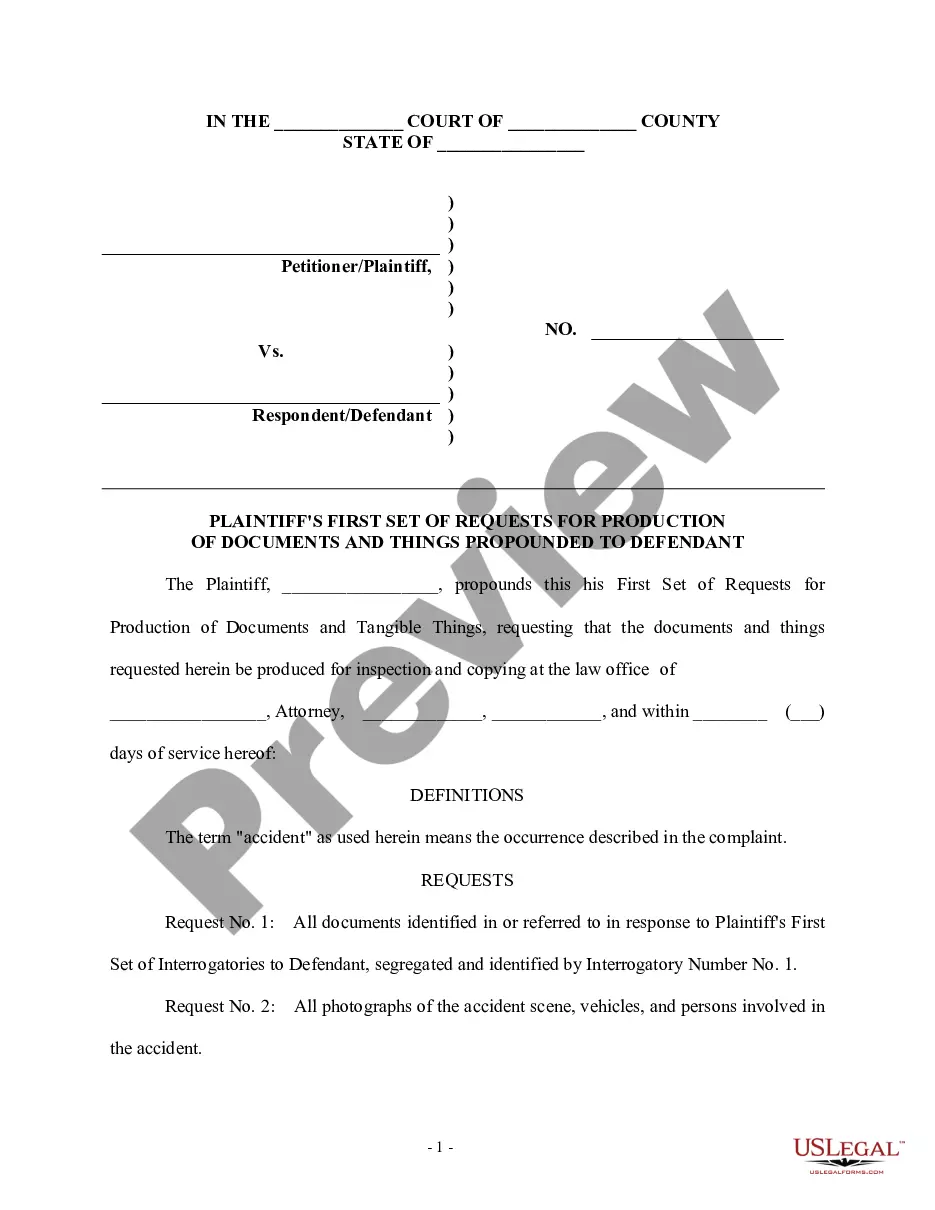
The Responses Request Sample For Email displayed on this webpage is a reusable official template created by experienced lawyers in accordance with federal and state laws and regulations.
For over 25 years, US Legal Forms has supplied individuals, businesses, and attorneys with more than 85,000 confirmed, state-specific forms for any business and personal situation. It’s the quickest, simplest, and most dependable method to obtain the paperwork you require, as the service ensures bank-level data security and malware protection.
Register for US Legal Forms to have verified legal templates for all of life’s circumstances at your fingertips.
- Search for the document you require and review it.
- Browse through the file you searched and preview it or check the form description to confirm it meets your needs. If it doesn’t, use the search bar to find the correct one. Click Buy Now once you have found the template you require.
- Choose and Log In.
- Select the pricing plan that fits you and create an account. Use PayPal or a credit card for a quick transaction. If you already possess an account, Log In and check your subscription to continue.
- Obtain the editable template.
- Select the format you desire for your Responses Request Sample For Email (PDF, DOCX, RTF) and download the sample to your device.
- Fill out and sign the document.
- Print the template to complete it by hand. Alternatively, use an online multi-functional PDF editor to quickly and accurately fill out and sign your form with a valid signature.
- Retrieve your paperwork once more.
- Reopen the same document whenever necessary. Access the My documents tab in your profile to redownload any forms you’ve previously purchased.
Form popularity
FAQ
When writing an email that requests a reply, start with a clear subject line such as 'Response Needed: Subject'. In the body of your email, briefly state the reason for your message, and kindly ask for a response with phrases like, 'Could you please provide your thoughts on this?' Including a responses request sample for email can help ensure your request is clear and encourages timely feedback.
To express your need for a response politely, consider saying something like, 'I would appreciate your feedback at your earliest convenience.' This approach shows respect for the recipient's time while clearly communicating your expectation. Additionally, using a phrases like 'your input is valuable' can encourage a response. For reference, you might find a responses request sample for email helpful in crafting your message.
If you do not receive a reply to your email, consider sending a polite follow-up reminder. Ensure your follow-up is friendly and concise to encourage a response. You might also provide a responses request sample for email within your follow-up to make replying easier for your recipient. Reflect on your original email to see if improvements can be made for future communications.
To enable automatic email replies, navigate to your email settings and look for the 'Out of Office' or 'Automatic Replies' option. You can customize your message to inform contacts of your unavailability and encourage them to reach out later. Including a responses request sample for email in your automatic reply can guide senders on how to communicate with you effectively while you are away.
There could be a variety of reasons for not receiving email replies. Recipients may be overwhelmed with messages, or they might find your email unclear or unengaging. To combat this, leverage a responses request sample for email that prompts a specific action and makes it easier for them to engage. Ensuring your subject line is compelling and your email is easy to respond to can also help.
Getting email replies involves crafting engaging and relevant content in your messages. Start by personalizing your emails and expressing genuine interest in the recipient's views or needs. You can use a responses request sample for email to make it easier for your contacts to reply. Remember, building a relationship over time can significantly increase your response rate.
To receive replies on email, make sure your messages are clear and direct. Focus on asking specific questions or requesting information, as this encourages recipients to respond. Additionally, consider including a responses request sample for email to guide your contacts on how to reply effectively. Consistent follow-up can also boost your chances of getting a response.
When responding to an email that requests information, begin by acknowledging the request clearly. Provide the requested information concisely and offer to answer any further questions. For a polished response, consider utilizing a responses request sample for email, as it can help structure your reply effectively.
To convey 'here is the information you requested,' you can say, 'I have included the information you requested below.' This phrasing is straightforward and direct, ensuring your message is clear. Including a responses request sample for email can further enhance your communication.
Replying to emails professionally requires a clear structure and tone. Start with a friendly greeting, thank the sender for their message, and address their concerns or questions directly. Consider using a responses request sample for email to maintain professionalism and clarity throughout your correspondence.