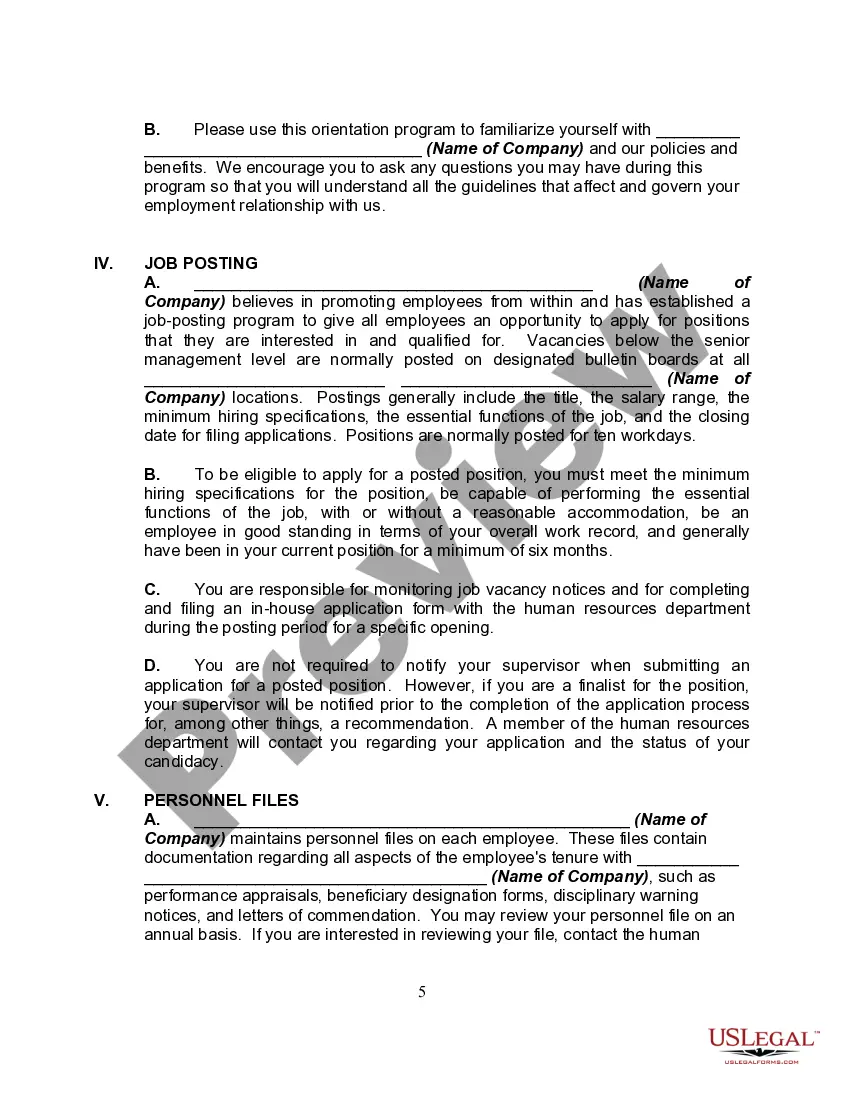
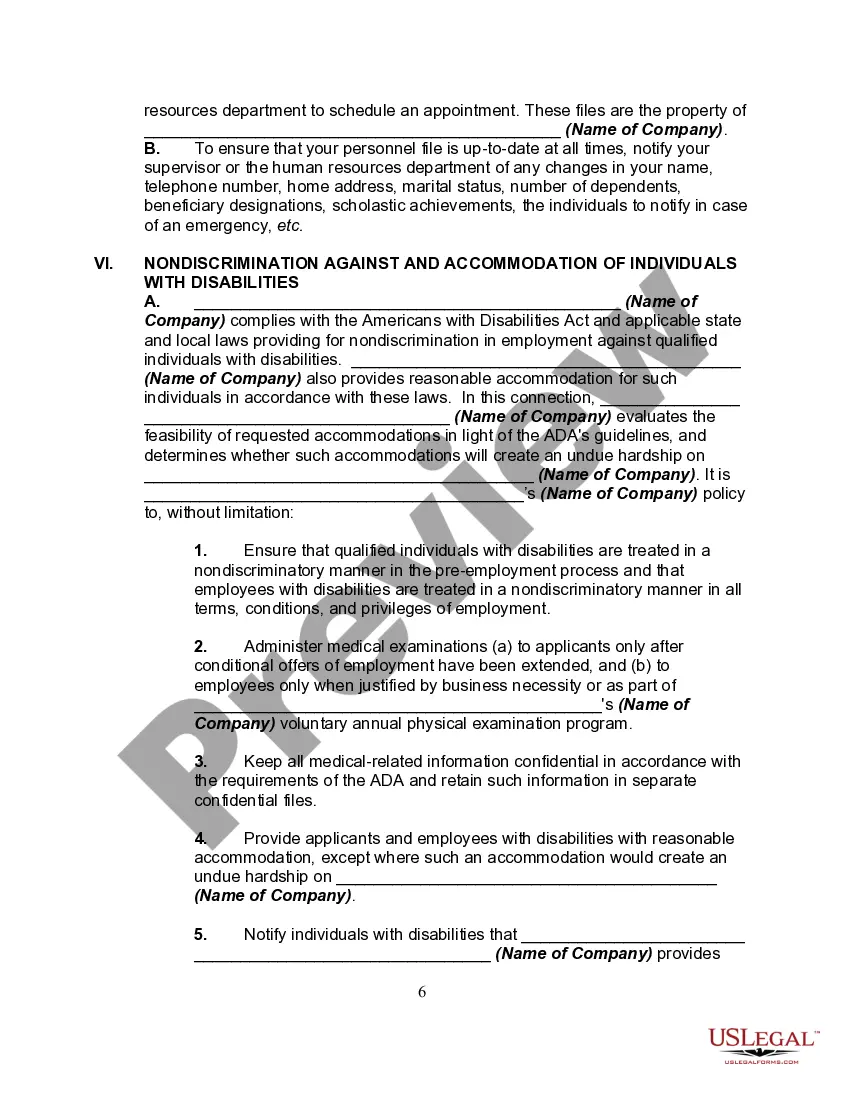
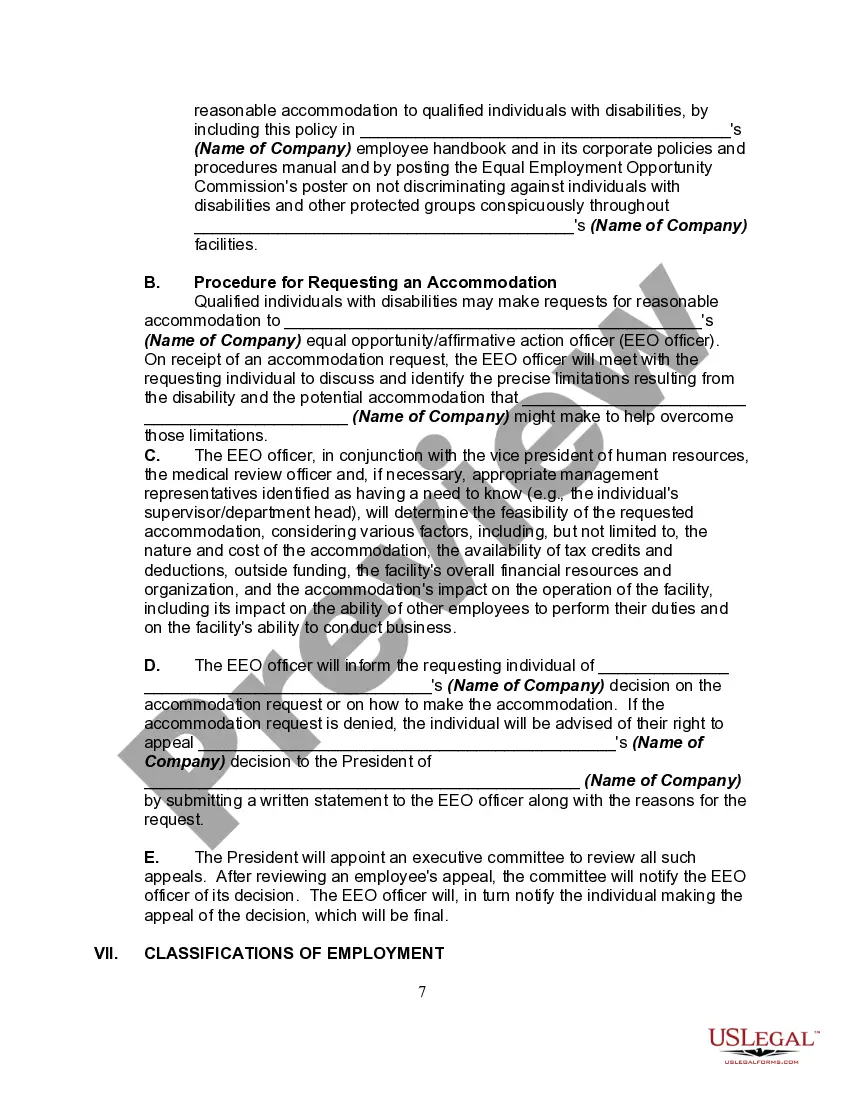
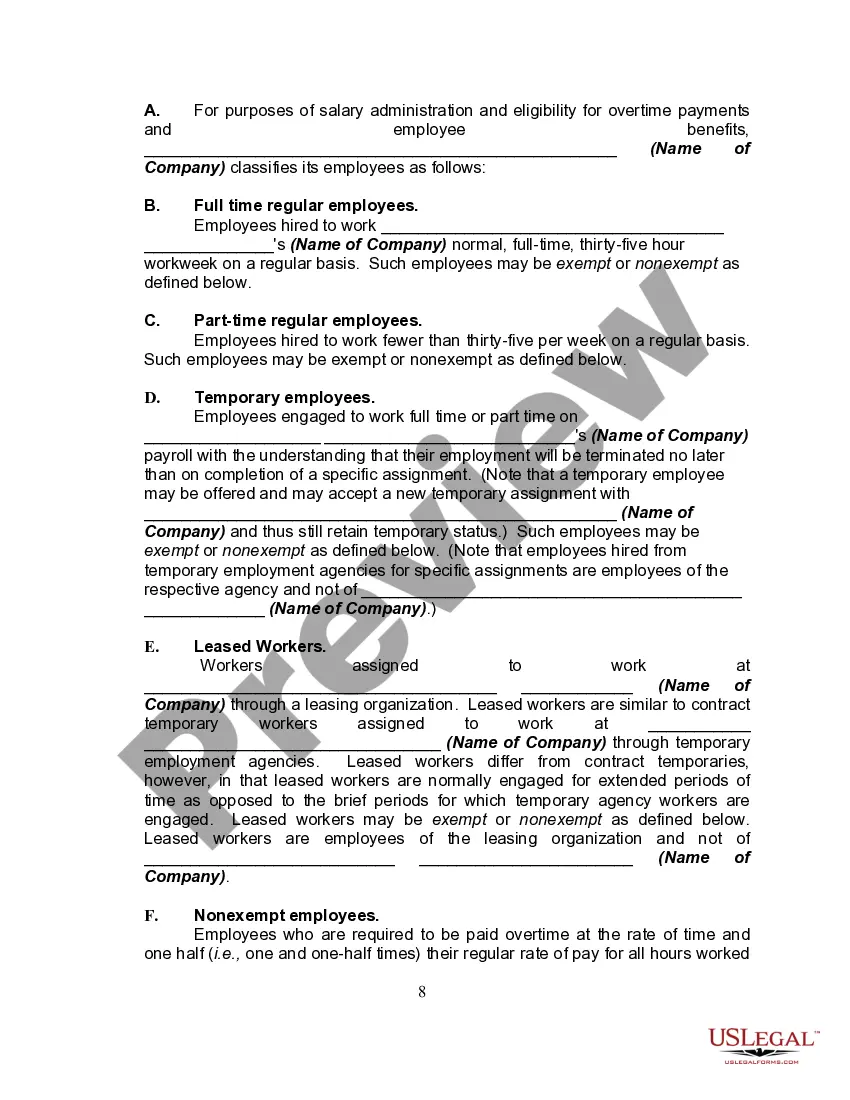
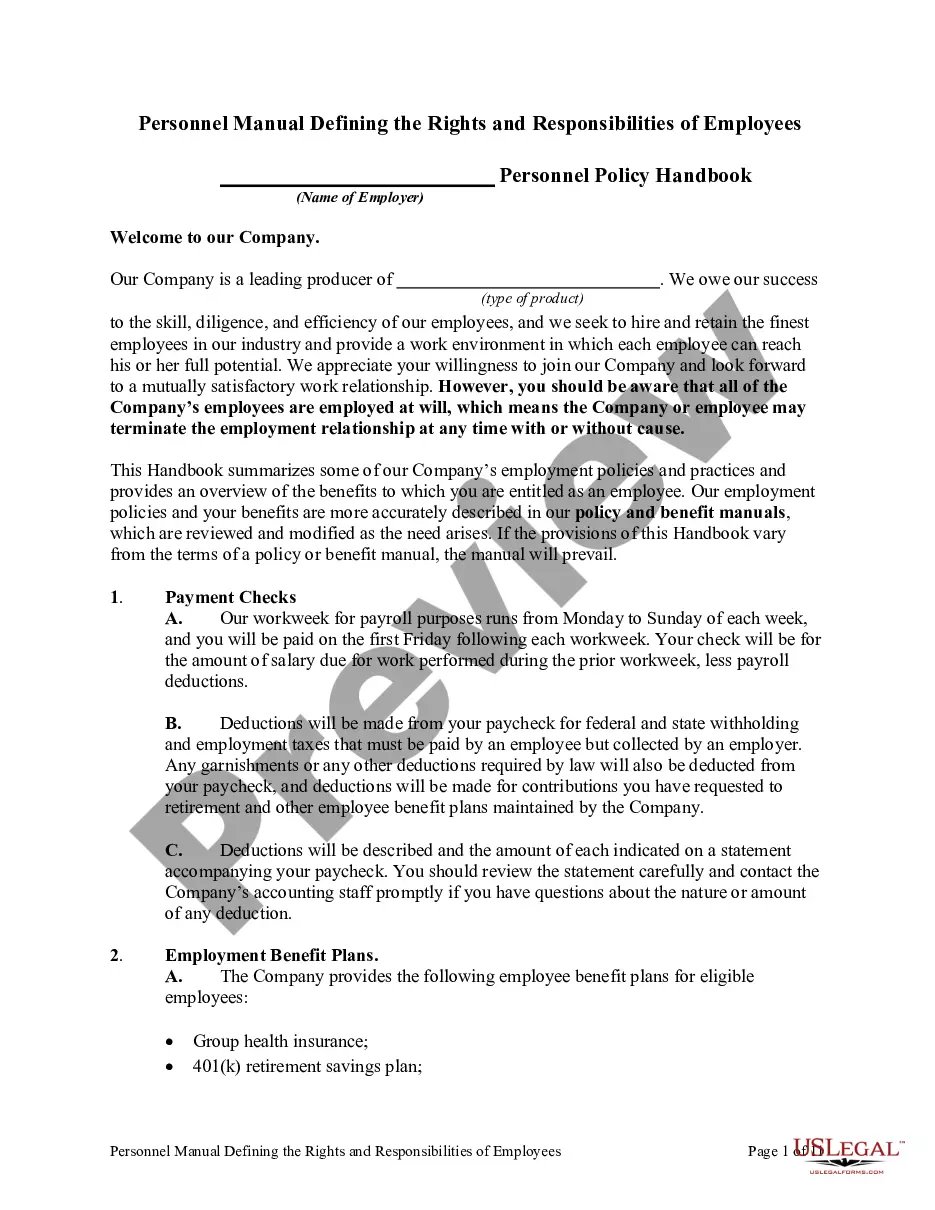
Employee Handbook For Medical Office
Description
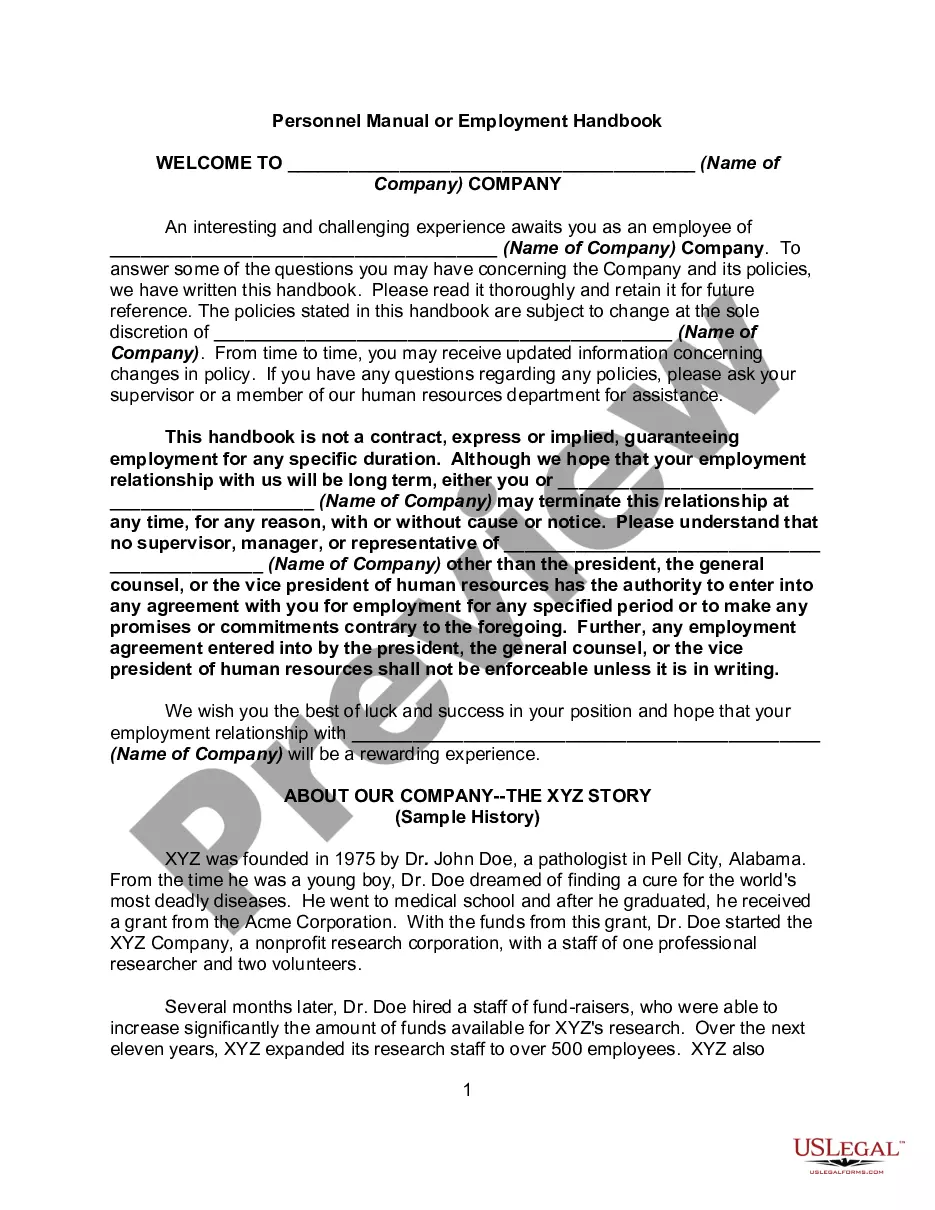
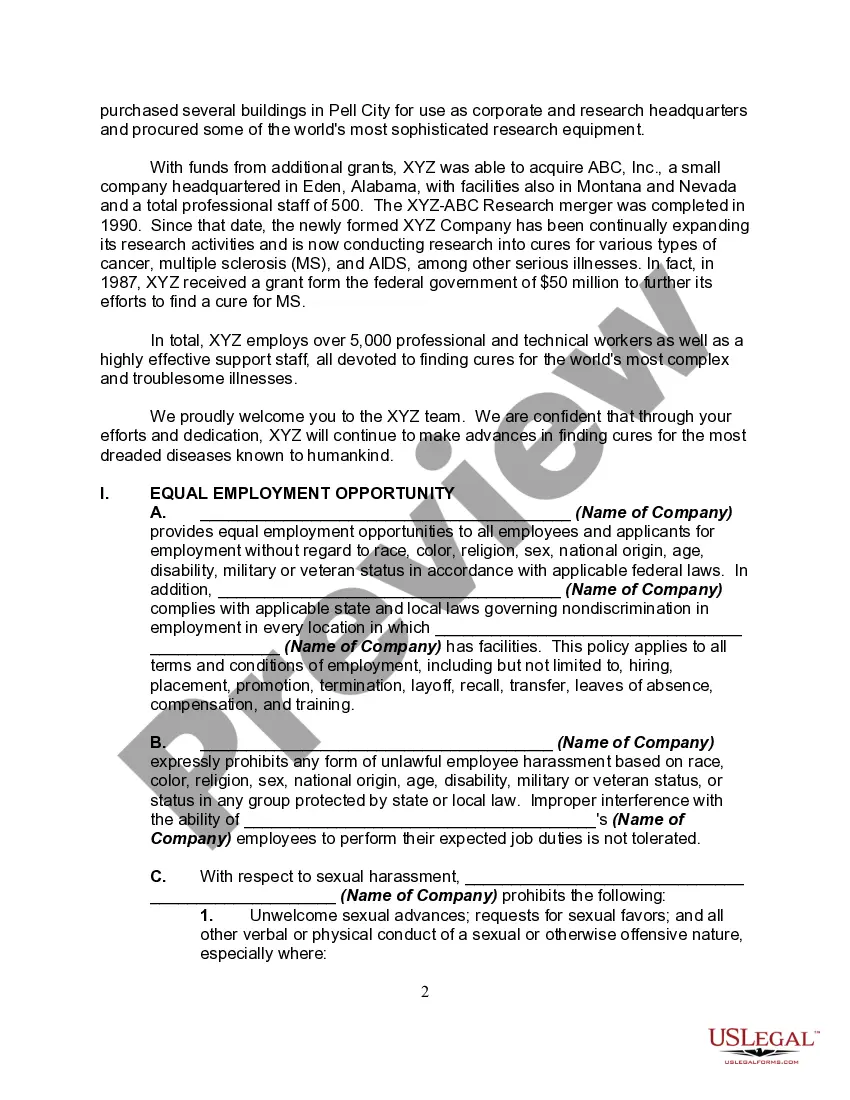
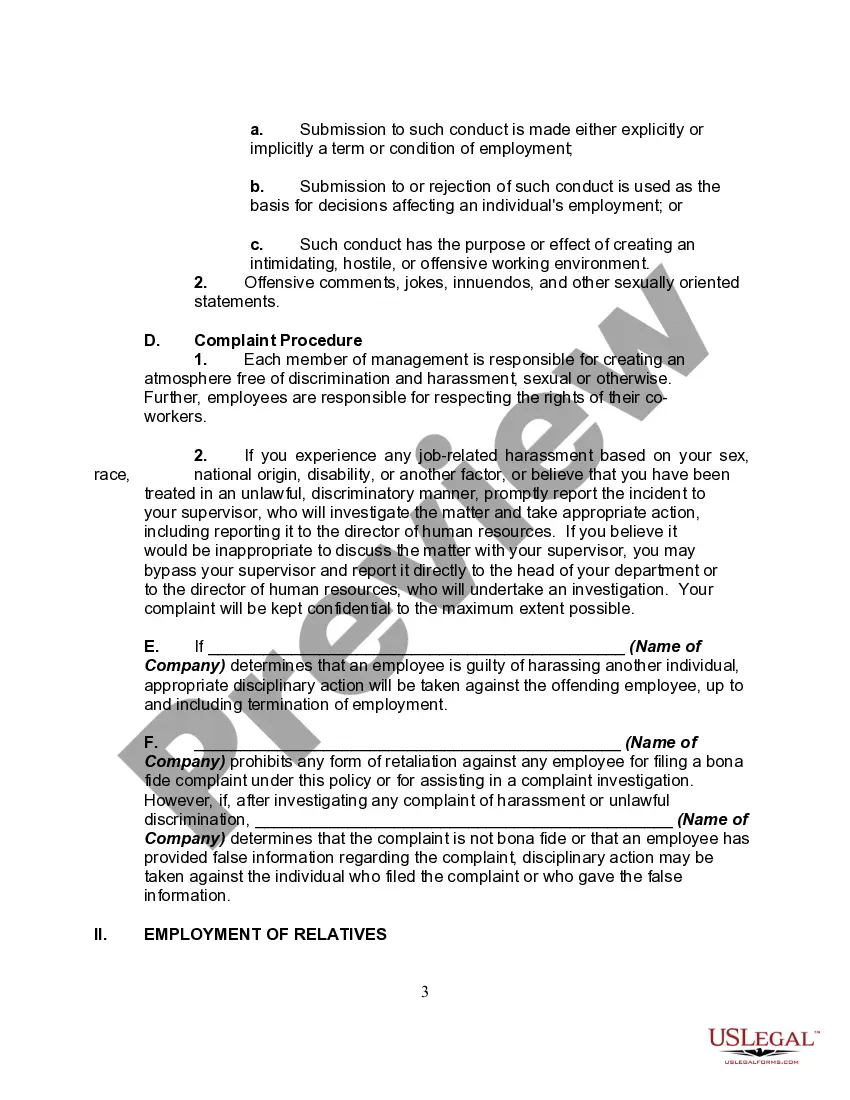
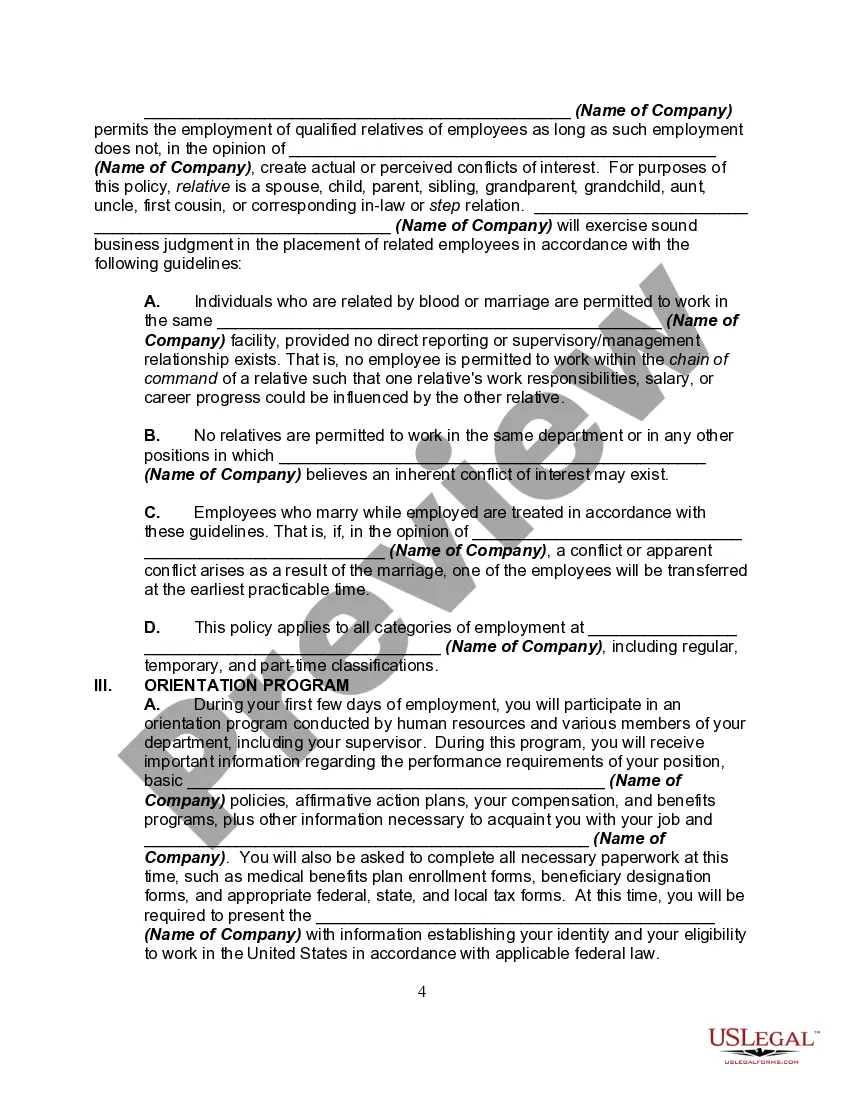
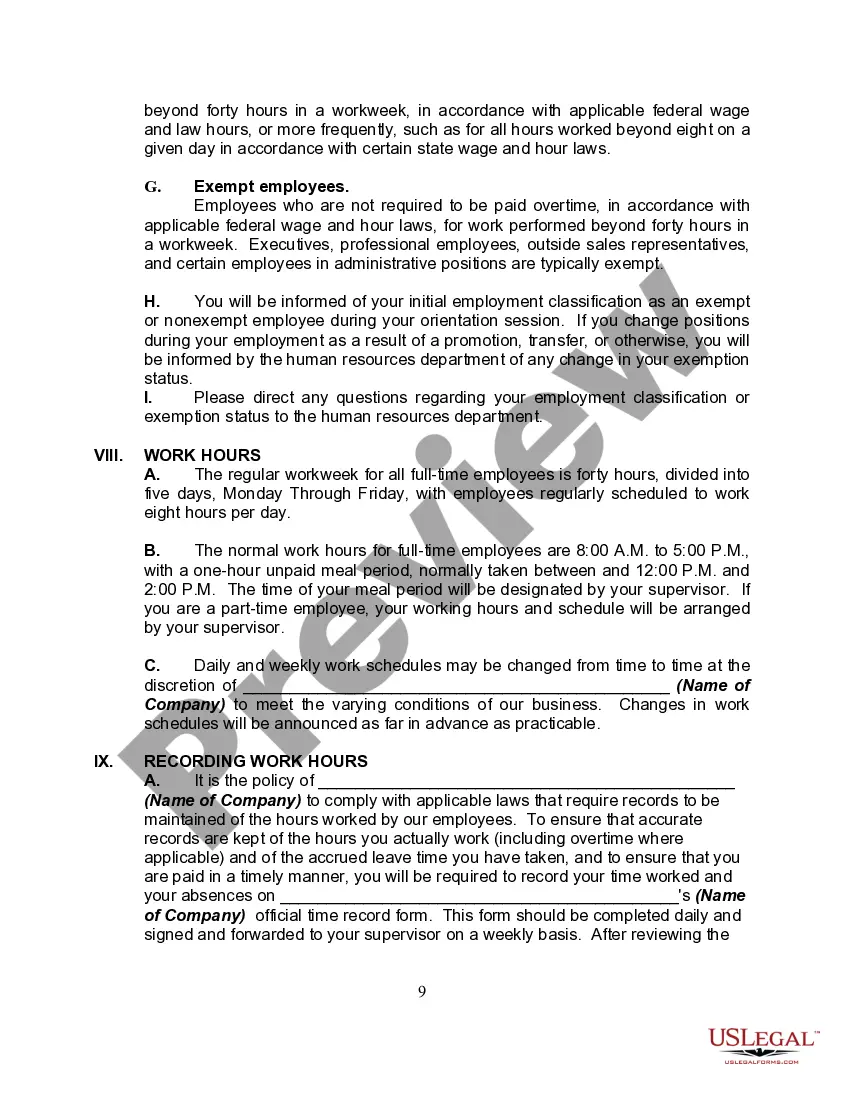
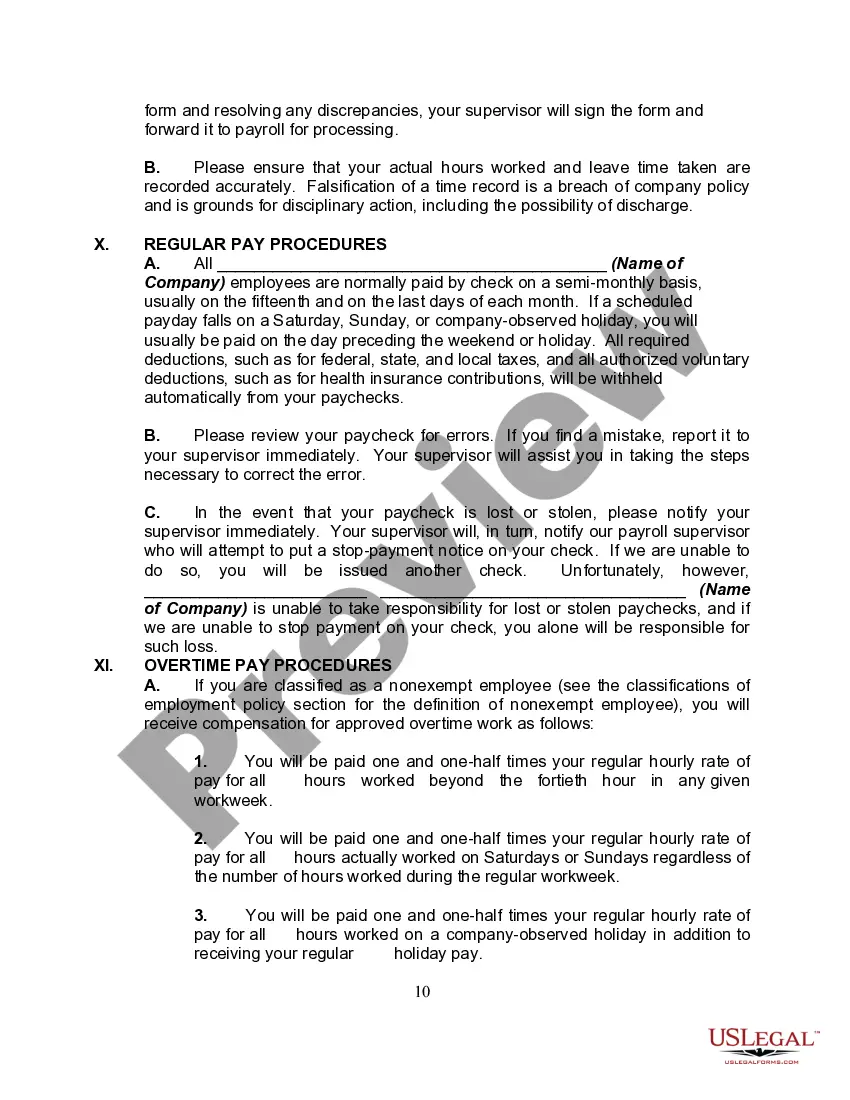

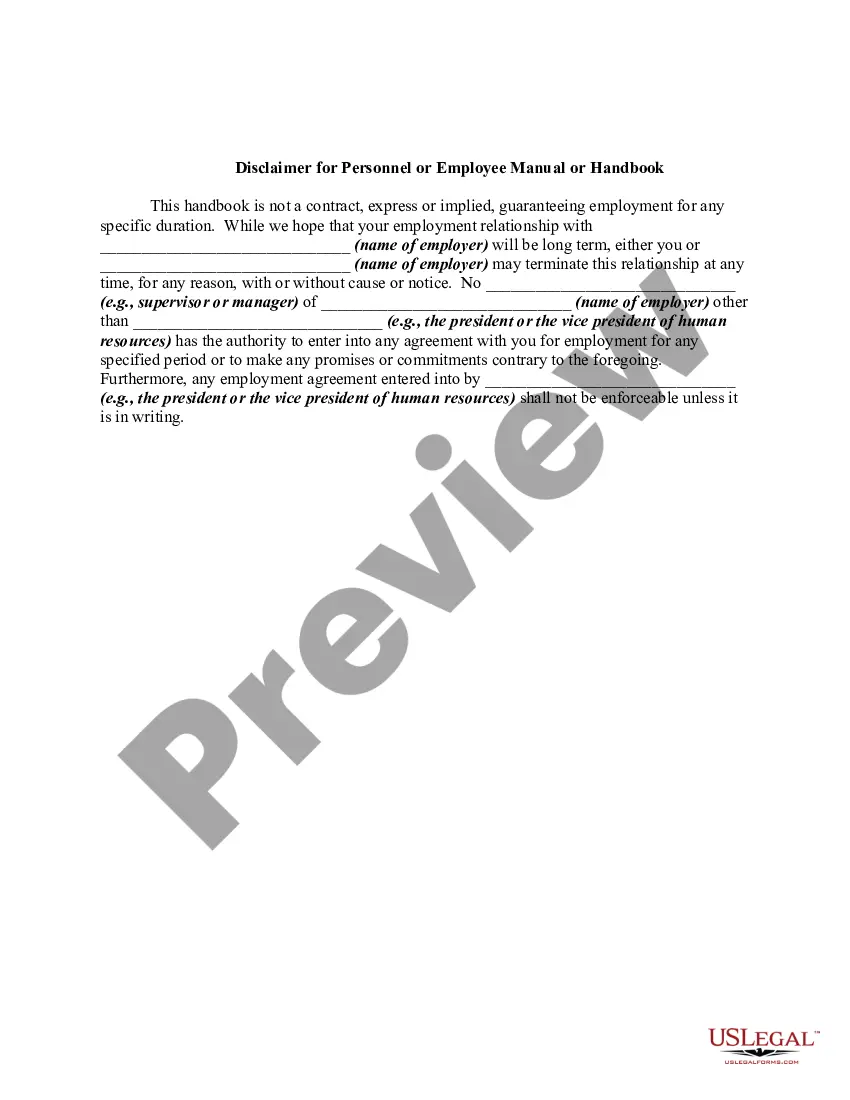
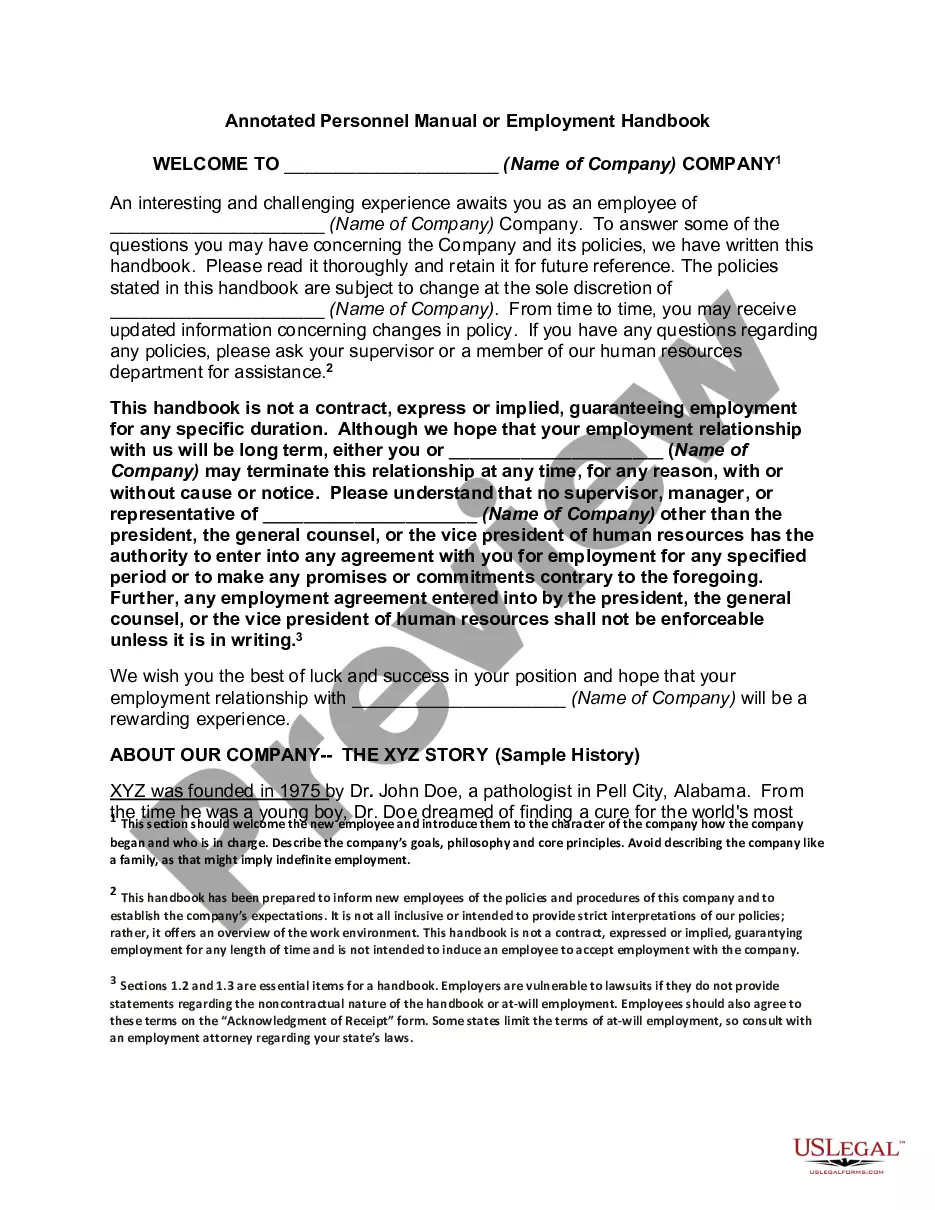
Get your form ready online
Our built-in tools help you complete, sign, share, and store your documents in one place.
Make edits, fill in missing information, and update formatting in US Legal Forms—just like you would in MS Word.
Download a copy, print it, send it by email, or mail it via USPS—whatever works best for your next step.
Sign and collect signatures with our SignNow integration. Send to multiple recipients, set reminders, and more. Go Premium to unlock E-Sign.
If this form requires notarization, complete it online through a secure video call—no need to meet a notary in person or wait for an appointment.
We protect your documents and personal data by following strict security and privacy standards.

Make edits, fill in missing information, and update formatting in US Legal Forms—just like you would in MS Word.

Download a copy, print it, send it by email, or mail it via USPS—whatever works best for your next step.

Sign and collect signatures with our SignNow integration. Send to multiple recipients, set reminders, and more. Go Premium to unlock E-Sign.

If this form requires notarization, complete it online through a secure video call—no need to meet a notary in person or wait for an appointment.

We protect your documents and personal data by following strict security and privacy standards.
Looking for another form?
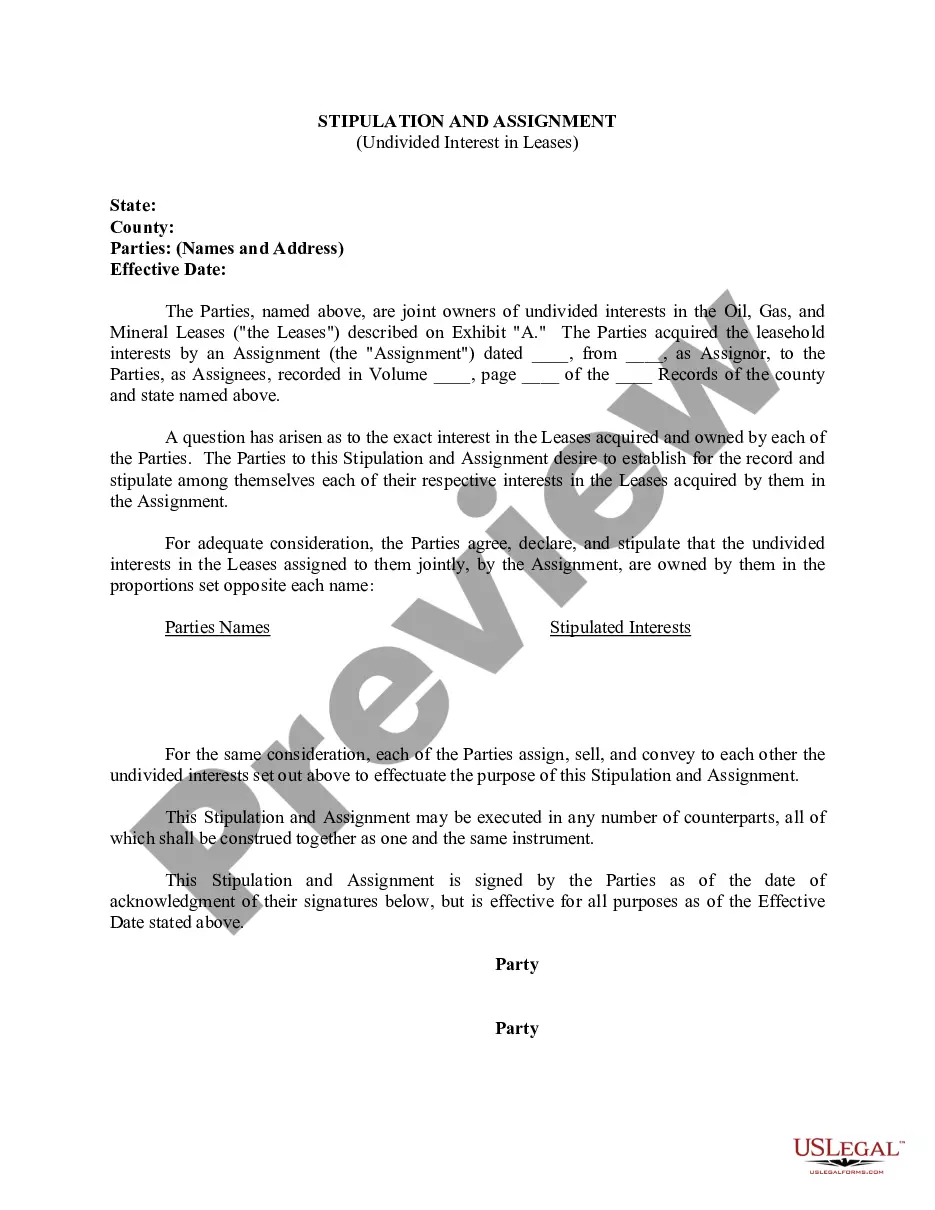






How to fill out Personnel Manual, Policies Or Employment Handbook?
Whether for commercial reasons or personal issues, everyone inevitably encounters legal matters at some point in their lives.
Filling out legal documents requires meticulous care, beginning with selecting the right form template.
Once it is downloaded, you can fill out the form using editing software or print it and complete it manually. With a comprehensive library of US Legal Forms available, you don't have to waste time searching for the correct template online. Utilize the library’s straightforward navigation to find the suitable form for any situation.
- Locate the template you require using the search bar or catalog navigation.
- Review the form’s description to verify it suits your circumstances, jurisdiction, and locality.
- Click on the form’s preview to examine it.
- If it is the incorrect document, return to the search tool to find the Employee Handbook For Medical Office template you need.
- Download the template if it satisfies your criteria.
- If you possess a US Legal Forms account, click Log in to access saved files in My documents.
- If you don’t have an account yet, you can obtain the form by clicking Buy now.
- Select the appropriate pricing option.
- Fill out the account registration form.
- Choose your payment option: you can use a credit card or PayPal account.
- Select the document format you desire and download the Employee Handbook For Medical Office.
Form popularity
FAQ
Yes, Microsoft Word offers various templates, including an employee handbook template. You can easily access these templates, customize them, and create a comprehensive employee handbook for your medical office. This can streamline the process, saving you time while ensuring you cover essential policies and procedures.
There are three types of guardianships: Guardianship of an adult person, guardianship of an adult person's property and guardianship of the property of a minor child who is under eighteen.
An Emergency Petition for Custody, Partial Custody or Visitation must be filed in person at the Office of Judicial Support. The filing party will be required to present the Emergency Petition to the District Court Administrator's Office which will forward it to a judge.
Items necessary to file a Conservatorship: Social Security Form (Confidential) completed by proposed conservator; not the applicant; Record Check Authorization signed by the proposed conservator; The base court cost deposit is one hundred and two dollars ($102.00); and.
?Disabled person? means an individual 18 years of age or older who is unable to care for their person and/or property by reason of physical and/or mental impairment. A ?guardian? is a person, or persons (co-guardians), appointed by the Court to make medical and/or financial decisions for a disabled person.
The emergency guardian serves for a short period of time to protect the ward against significant injury to the person and/or the estate, if appropriate. If an emergency guardian is appointed through an ex parte hearing the appointment is valid for a maximum of 72 hours.
Yes. Evictions are heard in Delaware Justice of the Peace Court. The small claims division is also an excellent forum for other types of cases typically brought in small claims courts, such as property damage matters and breach of contract disputes.
If you feel that your child is at risk of immediate and irreparable harm, Delaware Family Court can grant emergency custody to a parent under emergency circumstances by filing a Motion and Affidavit for Emergency Ex Parte (without notice to the other party) Order or a Motion for Interim (Temporary) Relief or a ...