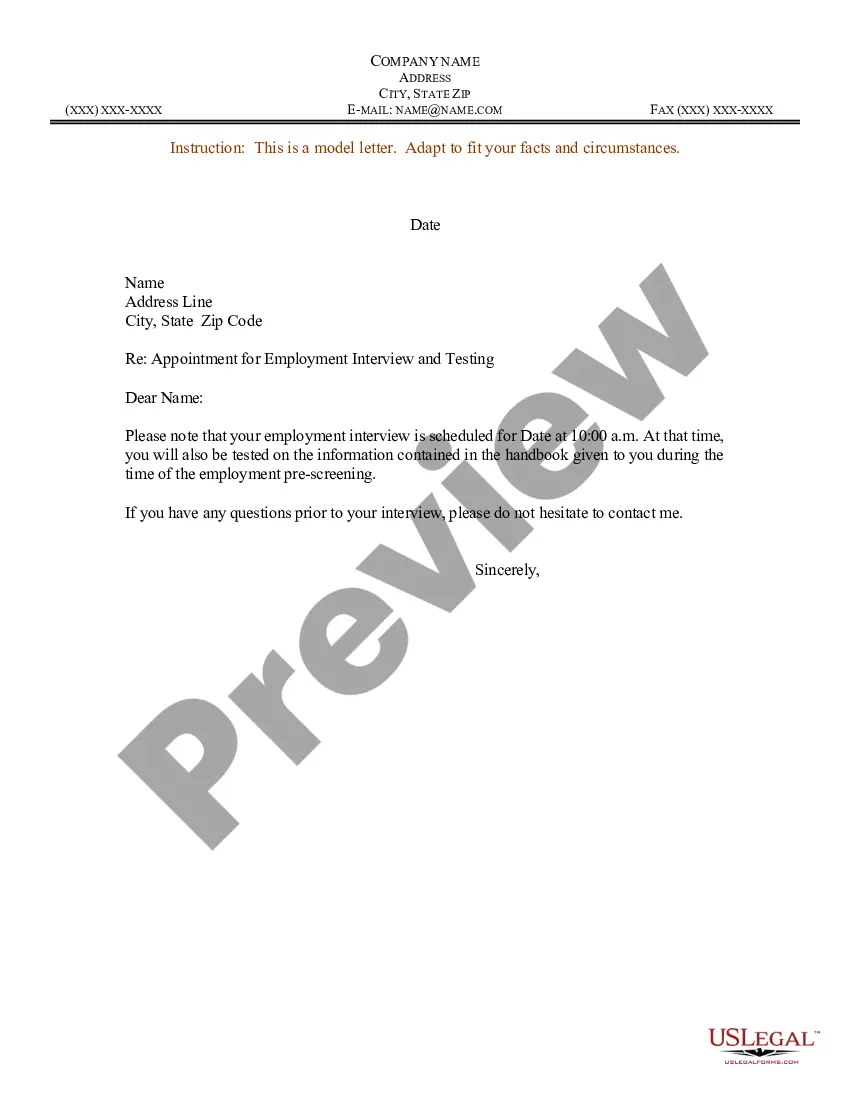
Sample Appointment Letter For Vice President Position
Description
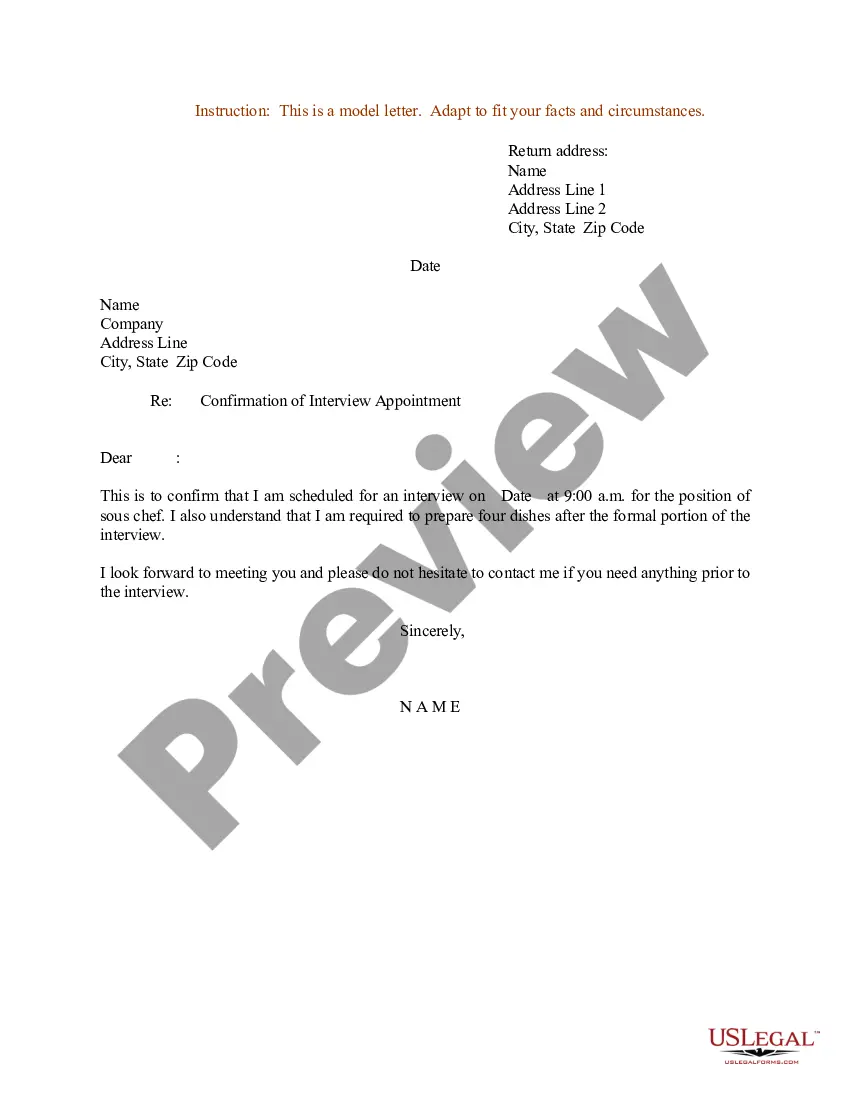
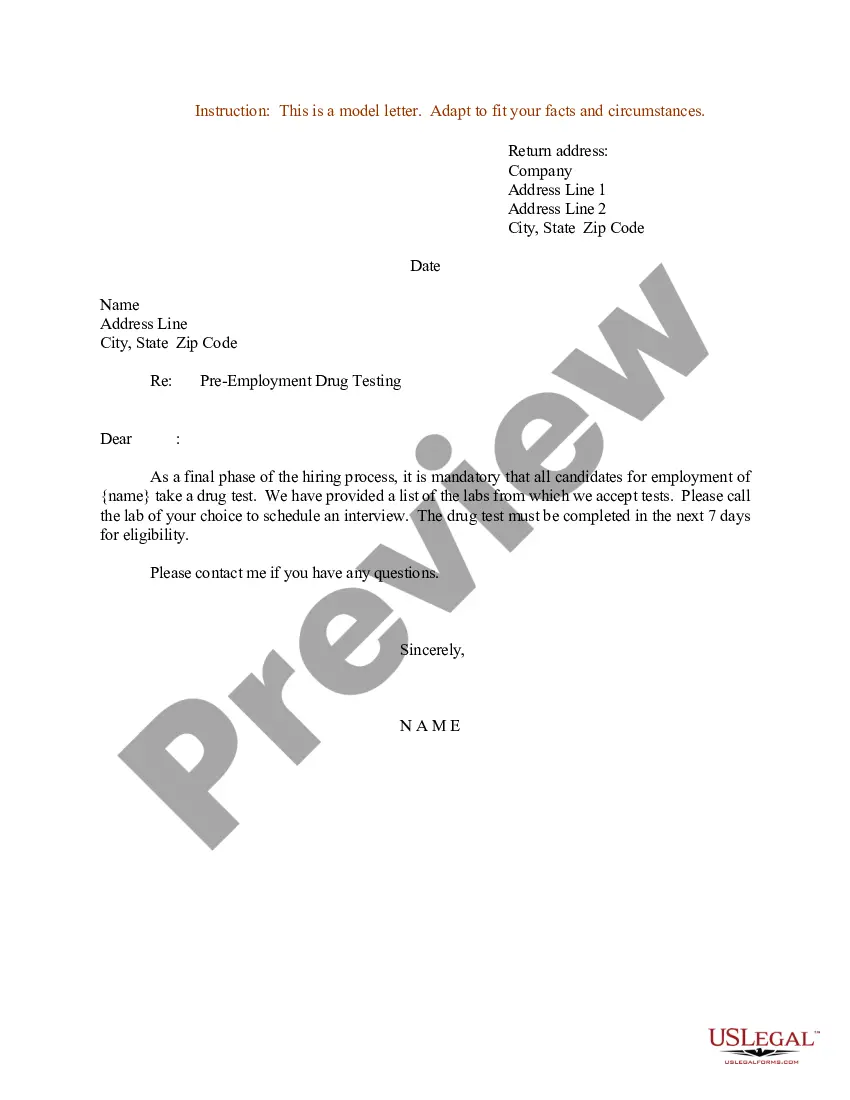
Get your form ready online
Our built-in tools help you complete, sign, share, and store your documents in one place.
Make edits, fill in missing information, and update formatting in US Legal Forms—just like you would in MS Word.
Download a copy, print it, send it by email, or mail it via USPS—whatever works best for your next step.
Sign and collect signatures with our SignNow integration. Send to multiple recipients, set reminders, and more. Go Premium to unlock E-Sign.
If this form requires notarization, complete it online through a secure video call—no need to meet a notary in person or wait for an appointment.
We protect your documents and personal data by following strict security and privacy standards.

Make edits, fill in missing information, and update formatting in US Legal Forms—just like you would in MS Word.

Download a copy, print it, send it by email, or mail it via USPS—whatever works best for your next step.

Sign and collect signatures with our SignNow integration. Send to multiple recipients, set reminders, and more. Go Premium to unlock E-Sign.

If this form requires notarization, complete it online through a secure video call—no need to meet a notary in person or wait for an appointment.

We protect your documents and personal data by following strict security and privacy standards.
Looking for another form?
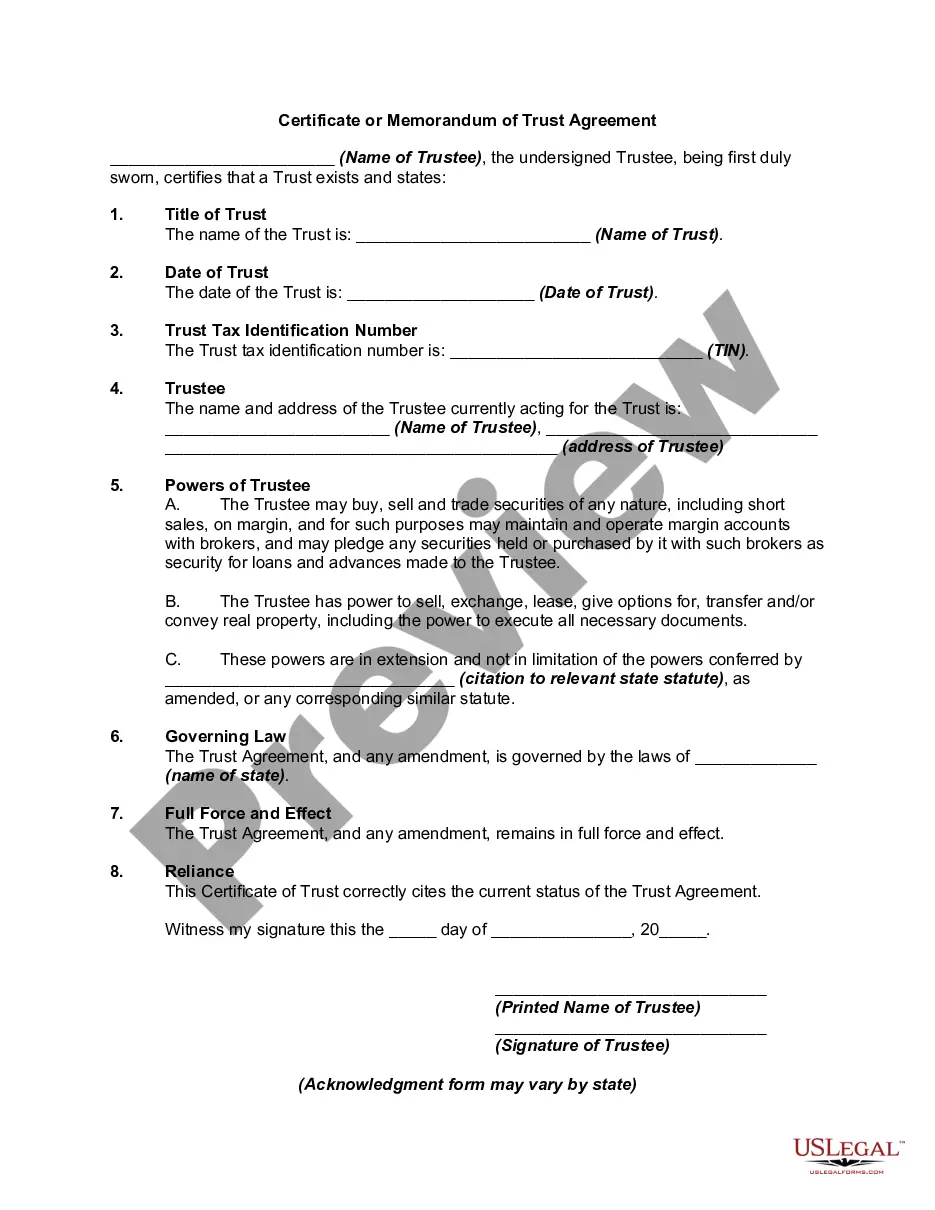

How to fill out Sample Letter For Appointment For Employment Interview And Testing?
Whether for business purposes or for individual affairs, everybody has to manage legal situations sooner or later in their life. Completing legal papers demands careful attention, beginning from selecting the right form sample. For example, when you select a wrong edition of the Sample Appointment Letter For Vice President Position, it will be declined once you submit it. It is therefore essential to have a dependable source of legal documents like US Legal Forms.
If you need to obtain a Sample Appointment Letter For Vice President Position sample, follow these simple steps:
- Find the template you need by using the search field or catalog navigation.
- Look through the form’s description to make sure it suits your case, state, and county.
- Click on the form’s preview to view it.
- If it is the incorrect form, go back to the search function to locate the Sample Appointment Letter For Vice President Position sample you require.
- Get the file if it meets your needs.
- If you have a US Legal Forms profile, click Log in to access previously saved templates in My Forms.
- If you do not have an account yet, you can download the form by clicking Buy now.
- Choose the appropriate pricing option.
- Complete the profile registration form.
- Select your payment method: use a bank card or PayPal account.
- Choose the document format you want and download the Sample Appointment Letter For Vice President Position.
- When it is saved, you can complete the form with the help of editing software or print it and finish it manually.
With a large US Legal Forms catalog at hand, you do not need to spend time looking for the right template across the internet. Make use of the library’s simple navigation to find the right form for any occasion.
Form popularity
FAQ
Hear this out loud PauseWe are pleased to inform you that you have been selected to be appointed as a company secretary in our company subject to following terms and conditions: That your appointment shall be for a period of three years from the date on which you take charge of the post on or before ____________ (enter date).
How to write an appointment letter Include a header. ... Begin with a greeting. ... Offer the position. ... Include a job description. ... Mention a start date. ... Discuss working hours. ... Define salary. ... Describe benefits.
Designation. Date of Joining. Location of Employment. Benefits and Salary. Working hours. Leave policy and terms and conditions.
Hear this out loud PauseAn Offer Letter is different from an Appointment Letter. The main differences between an appointment letter and an offer letter are: Candidates get an offer letter after clearing all rounds of interviews. But an appointment letter gets issued to a candidate only after they accept the offer letter.
An appointment letter is a formal letter written to the candidate who has been selected for the particular job role. It is to be signed by the candidate as proof or confirmation of acceptance.