Revocation Receipt Trustee For The Security Certificate
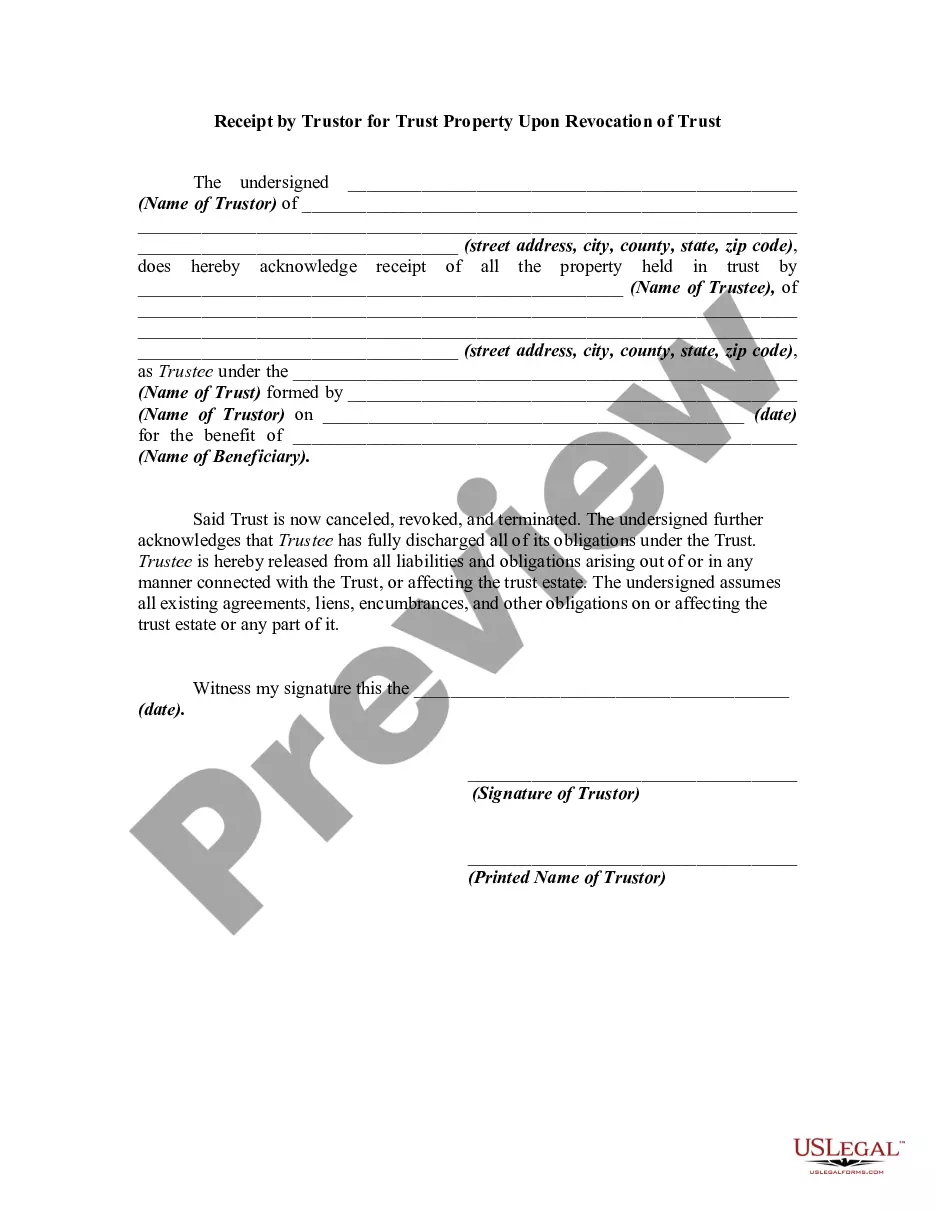
Description
Get your form ready online
Our built-in tools help you complete, sign, share, and store your documents in one place.
Make edits, fill in missing information, and update formatting in US Legal Forms—just like you would in MS Word.
Download a copy, print it, send it by email, or mail it via USPS—whatever works best for your next step.
Sign and collect signatures with our SignNow integration. Send to multiple recipients, set reminders, and more. Go Premium to unlock E-Sign.
If this form requires notarization, complete it online through a secure video call—no need to meet a notary in person or wait for an appointment.
We protect your documents and personal data by following strict security and privacy standards.

Make edits, fill in missing information, and update formatting in US Legal Forms—just like you would in MS Word.

Download a copy, print it, send it by email, or mail it via USPS—whatever works best for your next step.

Sign and collect signatures with our SignNow integration. Send to multiple recipients, set reminders, and more. Go Premium to unlock E-Sign.

If this form requires notarization, complete it online through a secure video call—no need to meet a notary in person or wait for an appointment.

We protect your documents and personal data by following strict security and privacy standards.
Looking for another form?







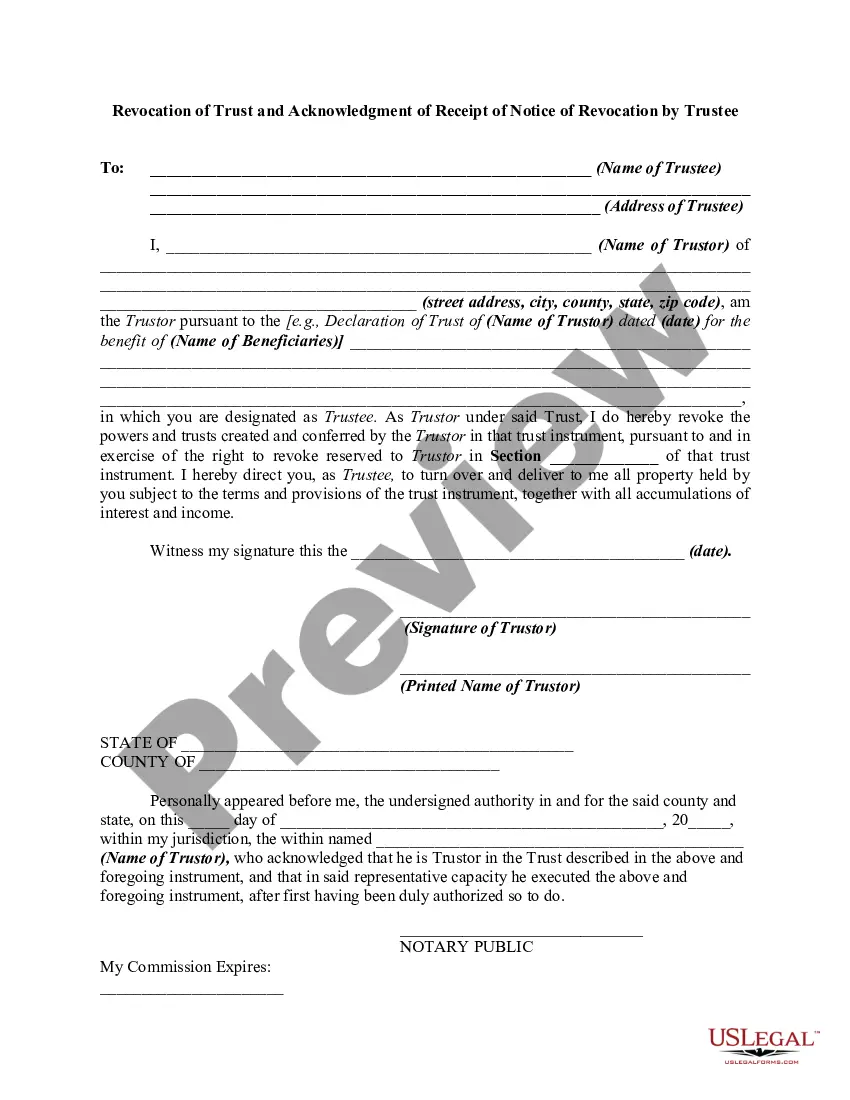
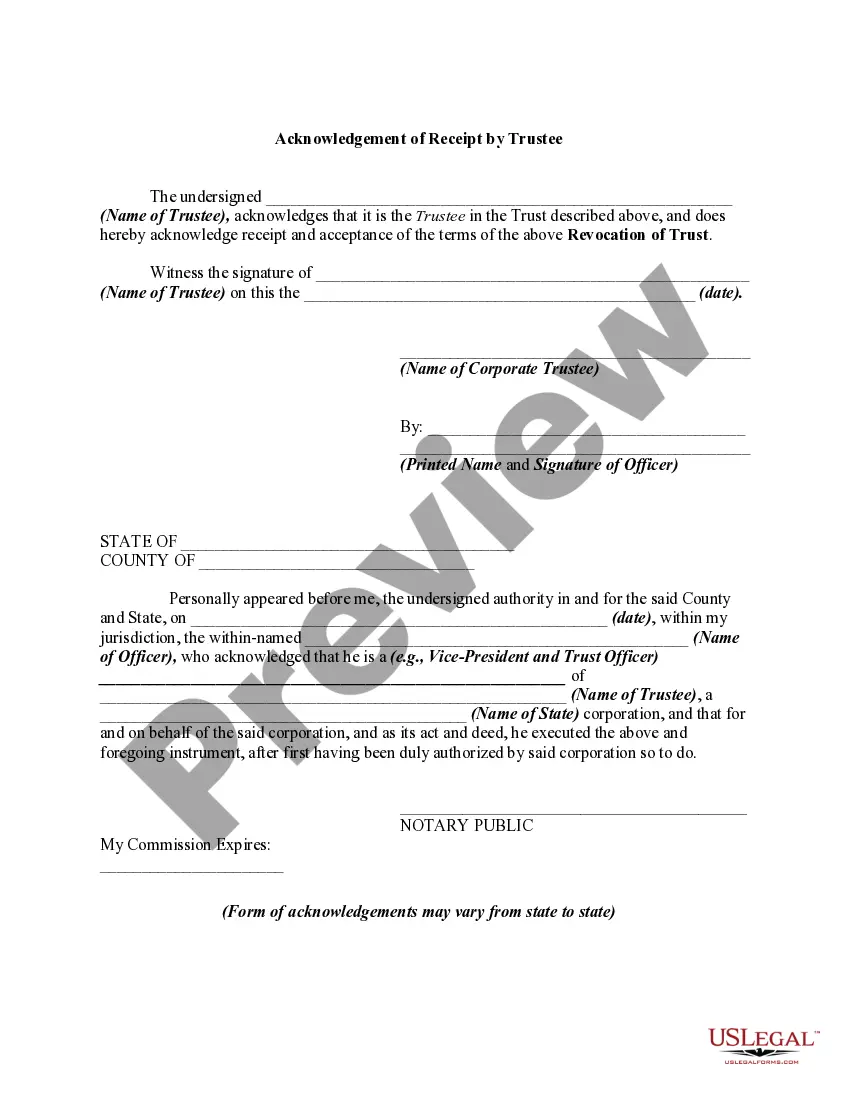
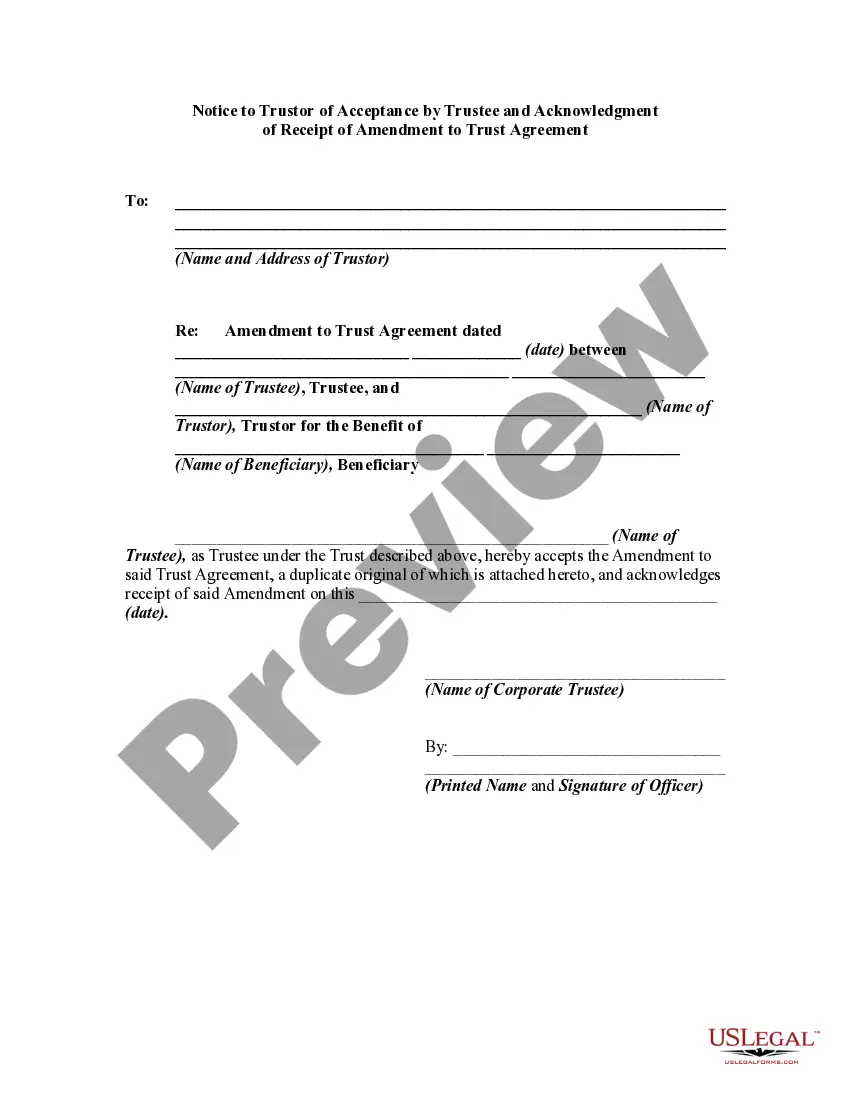
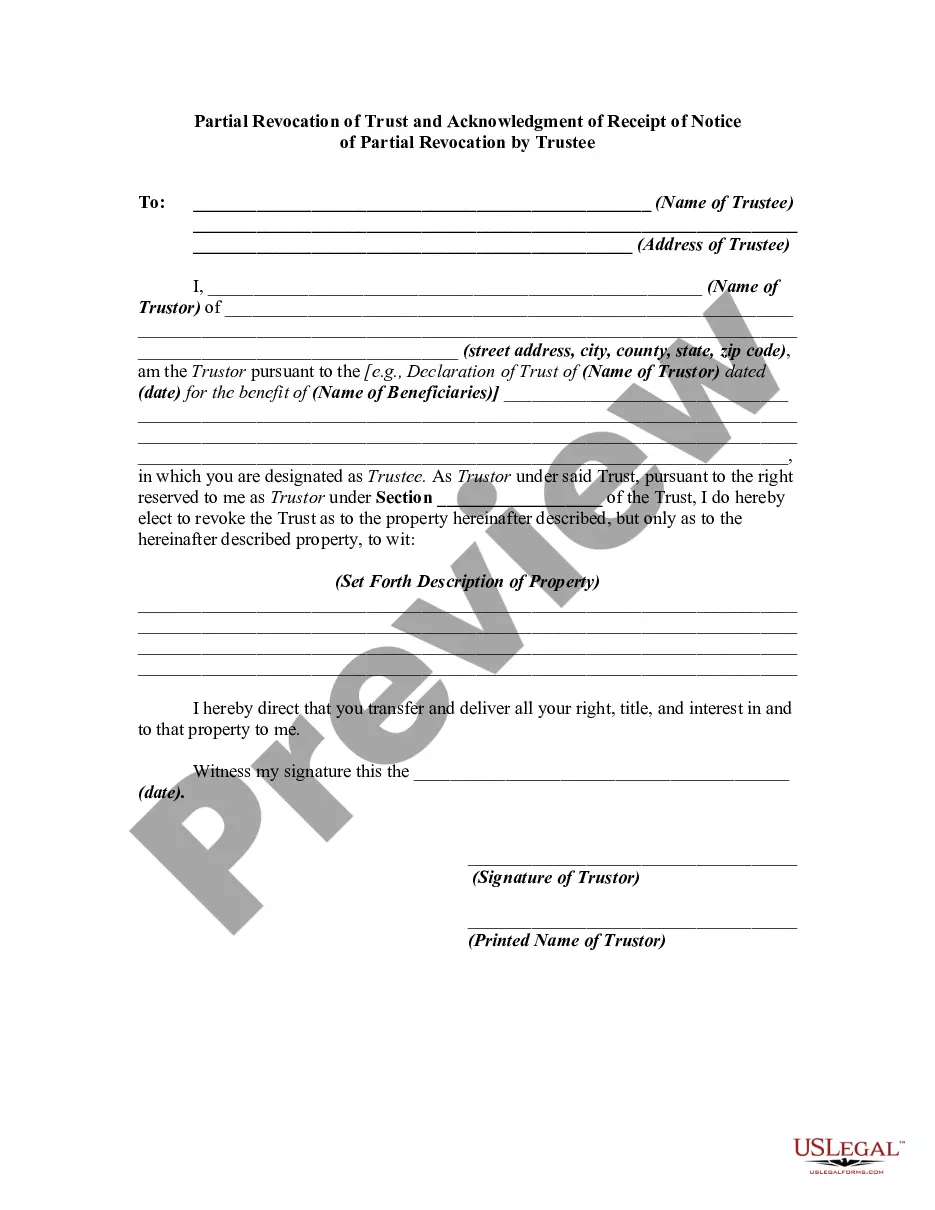
How to fill out Revocation Of Trust And Acknowledgment Of Receipt Of Notice Of Revocation By Trustee?
- Log in to your US Legal Forms account and verify your subscription status.
- If you're a first-time user, select the Preview mode to check the document's details and ensure it meets your local jurisdiction requirements.
- Use the Search feature to look for any specific forms you might need, ensuring complete accuracy before proceeding.
- Click on the Buy Now button to select your preferred subscription plan and create your account if necessary.
- Complete your purchase with your payment details, using a credit card or PayPal.
- Download your document and save it to your device. You can always access it later in the My Forms section of your account.
US Legal Forms not only offers a robust collection of documents but also ensures users receive premium support. With over 85,000 editable legal forms, including the one you need, the platform simplifies the legal process.
Start navigating through your legal needs with US Legal Forms today! Check out our extensive library and empower yourself with the tools you need.
Form popularity
FAQ
Removing a security alert certificate requires accessing your device's certificate management settings. Once there, find the security alert certificate you wish to delete and follow the prompts to remove it. For added confidence in handling certificate issues, using a revocation receipt trustee for the security certificate can aid in verifying your certificates’ statuses and managing certificates more effectively.
Certificate revocation in network security refers to the invalidation of a digital certificate before its scheduled expiration date. This measure enhances security by preventing unauthorized access when certificates are stolen or misused. To effectively manage this procedure, consider utilizing a revocation receipt trustee for the security certificate, which provides assurance that the revoked certificates are correctly logged and monitored.
The process of certificate revocation typically involves marking a digital certificate as no longer valid before its expiration date. This action is essential when a certificate is compromised or the associated private key is lost. Using a revocation receipt trustee for the security certificate helps maintain transparency in this process, ensuring users can trust the validity of the certificates they encounter.
Fixing revocation information for the security certificate often involves updating the certificate with the correct revocation details. Start by checking the certificate authority's guidelines to ensure compliance. Additionally, using a revocation receipt trustee for the security certificate can streamline this process, providing clarity and confidence in its status.
To fix an issue with a revoked server security certificate, start by identifying why it was revoked, which can usually be found in the certificate authority's notification. You will likely need to replace the revoked certificate with a new, valid one issued by a trusted authority. Integrating the revocation receipt trustee for the security certificate into your security infrastructure can help you maintain real-time awareness of certificate statuses and preempt future issues.
When you revoke a certificate, it becomes immediately invalid and will no longer establish a secure connection. This action protects users from potential fraud and ensures that any data transmitted does not fall into the wrong hands. It is important to use the revocation receipt trustee for the security certificate to communicate the changes to the relevant parties effectively.
To remove revocation information for a security certificate, you may need to create a new, valid certificate and replace the outdated one. Ensure to check your server settings to eliminate any lingering references to the revoked certificate. Utilizing the revocation receipt trustee for the security certificate can help streamline this process and maintain the integrity of your security protocols.
To fix your server security certificate, first, identify the specific issue causing the problem, whether it's due to expiration, incorrect configuration, or revocation. You may need to obtain a new certificate or renew the existing one from a trusted certificate authority. Implementing the revocation receipt trustee for the security certificate can help confirm the validity of your certificates and avoid potential security breaches.
A revocation security certificate refers to a certificate that has been rendered invalid before its expiration date. This occurs when its issuing authority determines it should no longer be trusted, often due to security concerns. It's crucial to manage these revocation receipts, as they ensure that your digital communication remains secure. The revocation receipt trustee for the security certificate plays a vital role in verifying the status of these certificates.
To resolve a certificate revocation security alert, check your connection and verify that the certificate hasn’t been revoked by the issuer. Confirm the certificate settings in your system or browser, as misconfigurations could trigger false alerts. If necessary, reach out to your certificate authority for clarification. Utilizing a revocation receipt trustee for the security certificate can also help prevent these alerts effectively.