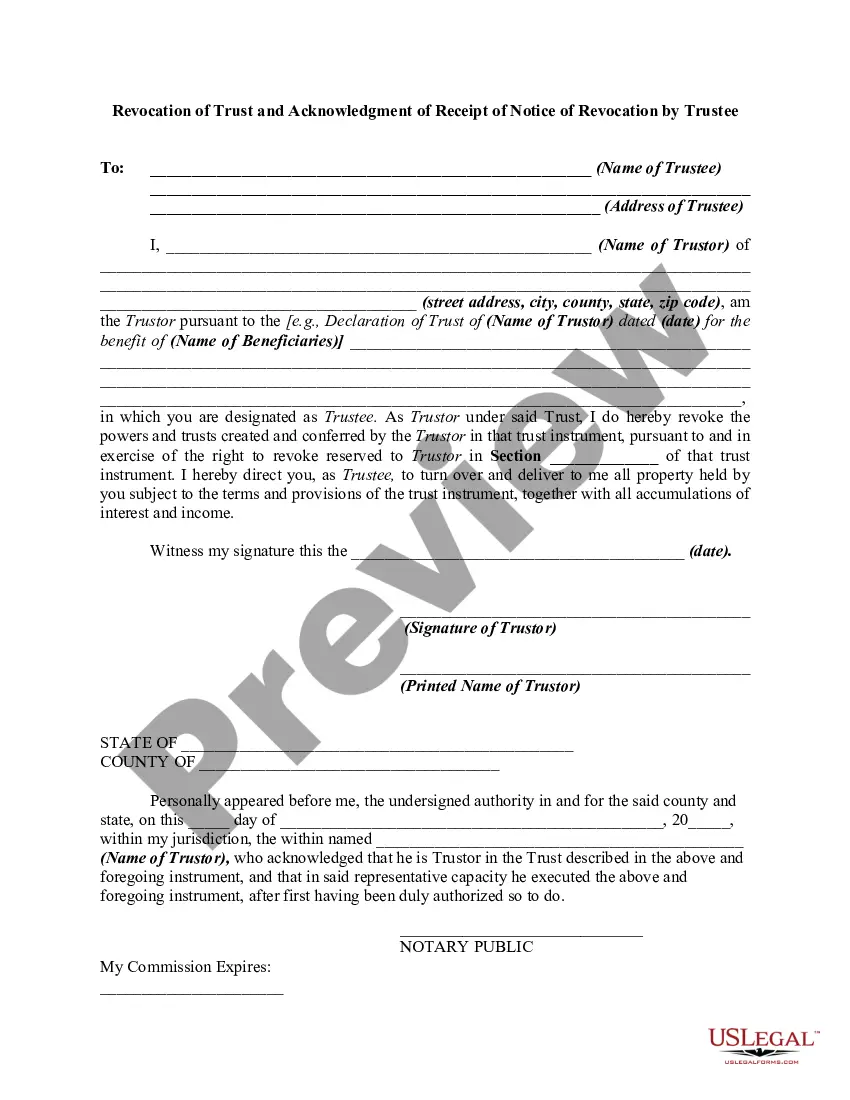
Revocation Acknowledgment Trustee For The Security Certificate
Description
Get your form ready online
Our built-in tools help you complete, sign, share, and store your documents in one place.
Make edits, fill in missing information, and update formatting in US Legal Forms—just like you would in MS Word.
Download a copy, print it, send it by email, or mail it via USPS—whatever works best for your next step.
Sign and collect signatures with our SignNow integration. Send to multiple recipients, set reminders, and more. Go Premium to unlock E-Sign.
If this form requires notarization, complete it online through a secure video call—no need to meet a notary in person or wait for an appointment.
We protect your documents and personal data by following strict security and privacy standards.

Make edits, fill in missing information, and update formatting in US Legal Forms—just like you would in MS Word.

Download a copy, print it, send it by email, or mail it via USPS—whatever works best for your next step.

Sign and collect signatures with our SignNow integration. Send to multiple recipients, set reminders, and more. Go Premium to unlock E-Sign.

If this form requires notarization, complete it online through a secure video call—no need to meet a notary in person or wait for an appointment.

We protect your documents and personal data by following strict security and privacy standards.
Looking for another form?

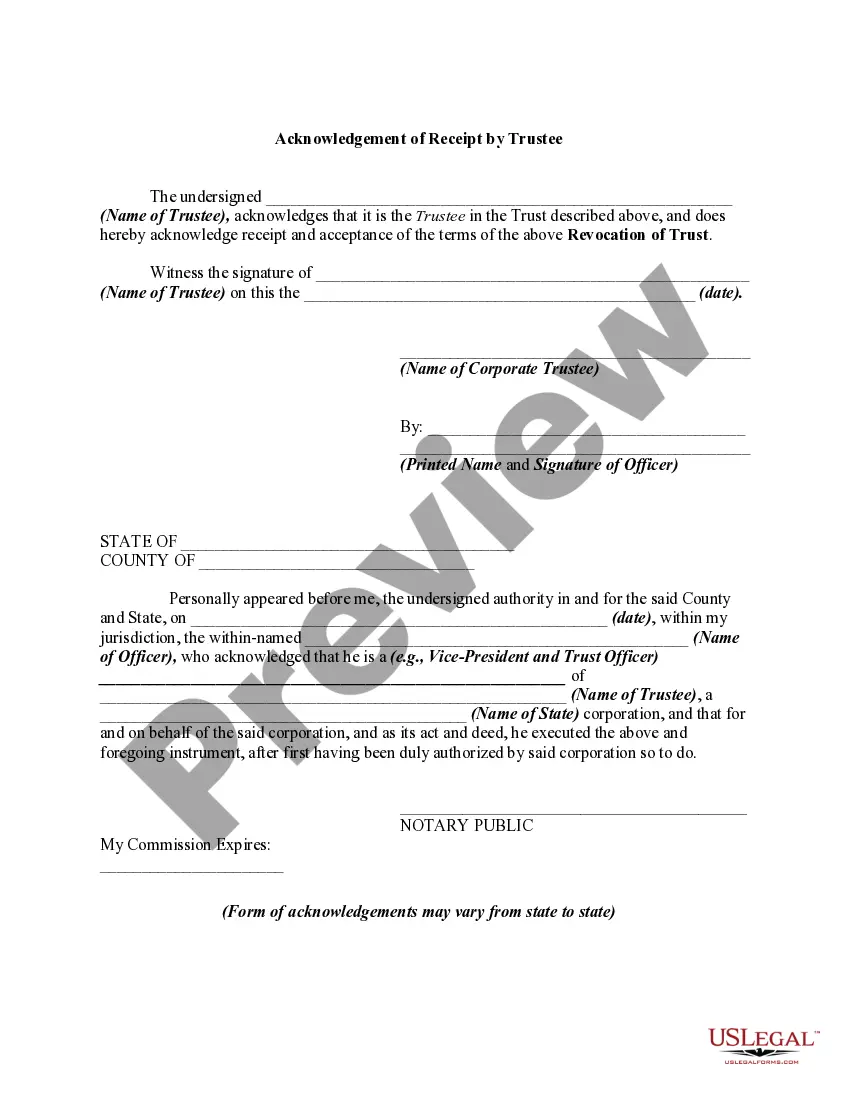
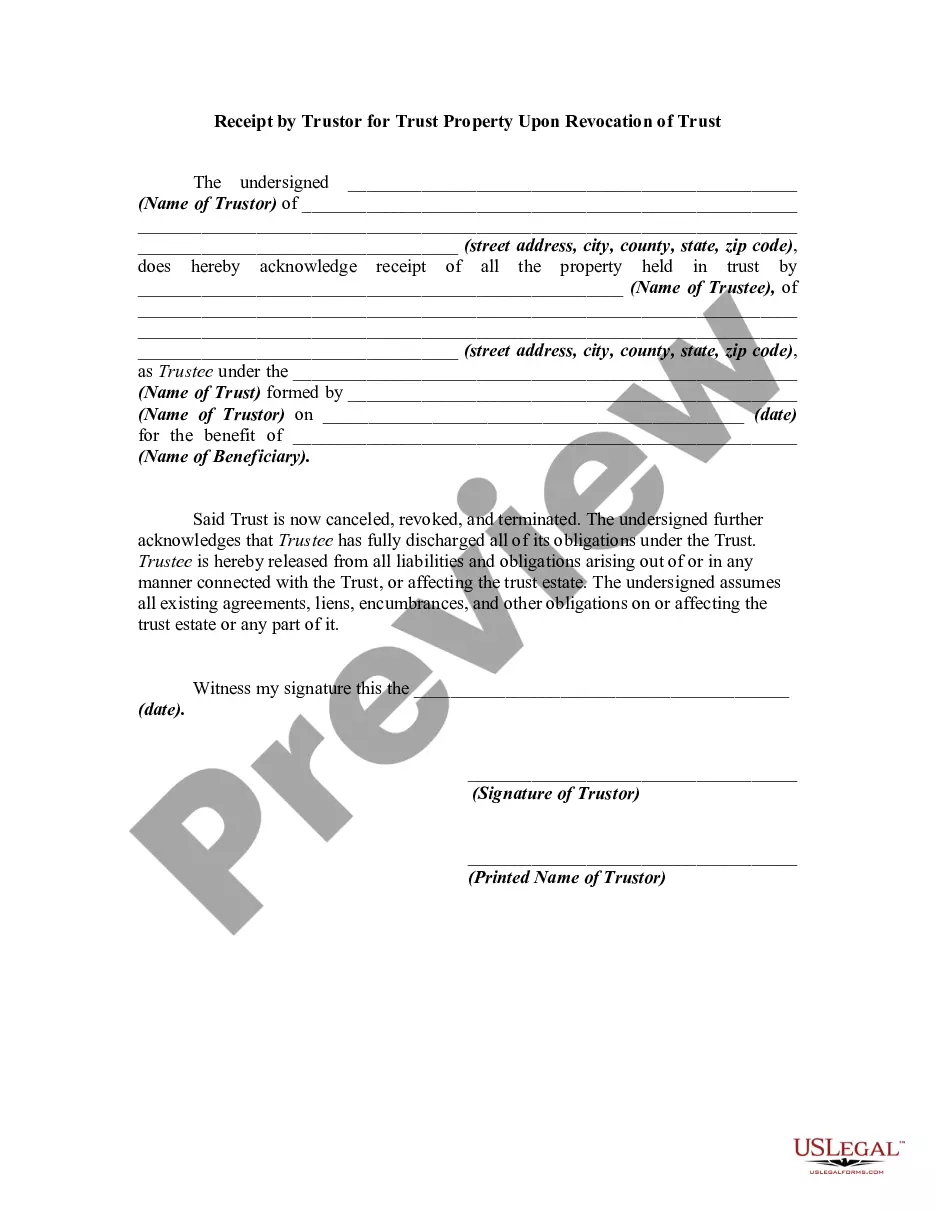
How to fill out Revocation Of Trust And Acknowledgment Of Receipt Of Notice Of Revocation By Trustee?
- Log in to your US Legal Forms account if you are a returning user and check that your subscription is current. If needed, renew according to your payment plan.
- For new users, start by previewing the available forms. Ensure you select the correct revocation acknowledgment trustee document that matches your local jurisdiction.
- If you need a different form or find discrepancies, utilize the Search feature to locate the appropriate documents.
- Once you've found the right form, click the 'Buy Now' button and select your preferred subscription plan while creating your account.
- Complete your purchase by entering your payment details, whether by credit card or PayPal.
- Finally, download your completed form and access it anytime via the 'My Forms' section of your profile.
With US Legal Forms, you gain access to over 85,000 editable legal documents, ensuring you have all the resources necessary to create legally sound paperwork. Plus, prompt assistance from premium experts helps you navigate the complexities of legal language.
Take control of your legal needs today with US Legal Forms. Start your subscription and simplify your document processes!
Form popularity
FAQ
To fix revocation information for your security certificate, first check the certificate for proper installation and validity. If there are issues, reach out to your certificate provider for assistance in correcting any discrepancies. It is useful to reference the revocation acknowledgment trustee for the security certificate for troubleshooting steps. Using platforms like U.S. Legal Forms can further enhance your understanding and help you address any legal paperwork efficiently.
Fixing a revoked website certificate typically involves contacting your certificate authority for clarification on the revocation status. They can guide you through obtaining a new certificate if necessary. Moreover, reviewing the revocation acknowledgment trustee for the security certificate will provide insights on maintaining robust security practices. You might also consider utilizing U.S. Legal Forms for resources to streamline your documentation process.
To fix a certificate revocation error, start by clearing your browser's cache and cookies. This action often resolves temporary issues related to your browser's stored data. Additionally, confirm that your security software is not blocking the certificate; checking the revocation acknowledgment trustee for the security certificate may help in understanding the specific problem. If needed, seek assistance from platforms like U.S. Legal Forms to obtain support and advice.
Fixing your website's security certificate often begins with verifying that your SSL certificate is correctly installed. You can use online tools to check its status and see if there are any issues. If you identify problems, addressing them through the revocation acknowledgment trustee for the security certificate will help ensure your visitors experience a secure connection. Consider utilizing U.S. Legal Forms to obtain the necessary documents and guidance for compliance.
To resolve a certificate revocation security alert, first ensure your device's date and time settings are correct, as discrepancies can trigger these alerts. Next, check for updates for your browser and operating system, ensuring they are up to date. If the problem persists, consider reviewing the revocation acknowledgment trustee for the security certificate for any misconfigurations or untrusted certificates. If necessary, engage with a trusted service, like U.S. Legal Forms, to guide you through the process.
To revoke a power of attorney (POA) with the IRS, you need to submit a written notice to notify them of the revocation. This notice should include your identification information, the name of the agent, and the specific powers being revoked. It's essential to also provide a copy of the revocation acknowledgment trustee for the security certificate when submitting your notice. By handling this process correctly, you ensure that your intentions are clear and legally recognized.
Fixing a certificate of revocation typically involves determining why the certificate was revoked and addressing the underlying issue. If necessary, you should contact the issuing certificate authority for clarification and potential reinstatement of the certificate. Furthermore, utilizing the services offered by platforms like uslegalforms can provide helpful resources and templates to ease the documentation process.
To fix the message indicating that the security certificate for the site has been revoked, start by checking the certificate’s status against the issuing authority. If it was revoked in error, contact the authority for clarification. Additionally, reviewing your domain settings and updating the certificate as necessary is crucial. You can also consult the revocation acknowledgment trustee for the security certificate for assistance and guidance.
Typically, the authority to revoke a certificate lies with the certificate authority that issued it. They evaluate the conditions and take action based on their policies. Revocation can also be initiated by the certificate holder in certain cases. Understanding this hierarchy is important for managing your digital security effectively.
Two methods to maintain certificate revocation include using Certificate Revocation Lists (CRLs) and the Online Certificate Status Protocol (OCSP). CRLs are regularly updated lists of revoked certificates, allowing users to verify trust status. Meanwhile, OCSP provides real-time verification of a certificate's status without needing to download full lists. Implementing both methods can enhance your security posture.