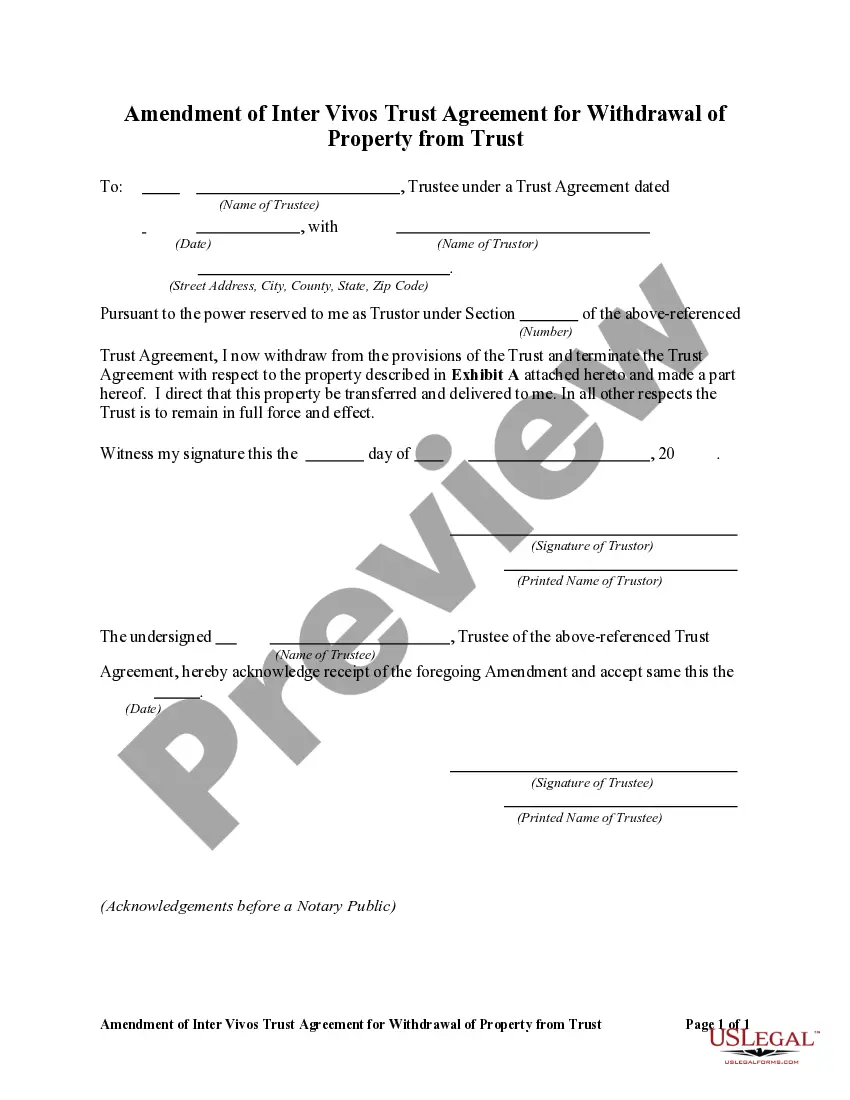
Form To Dissolve Trust For Historic Preservation
Description

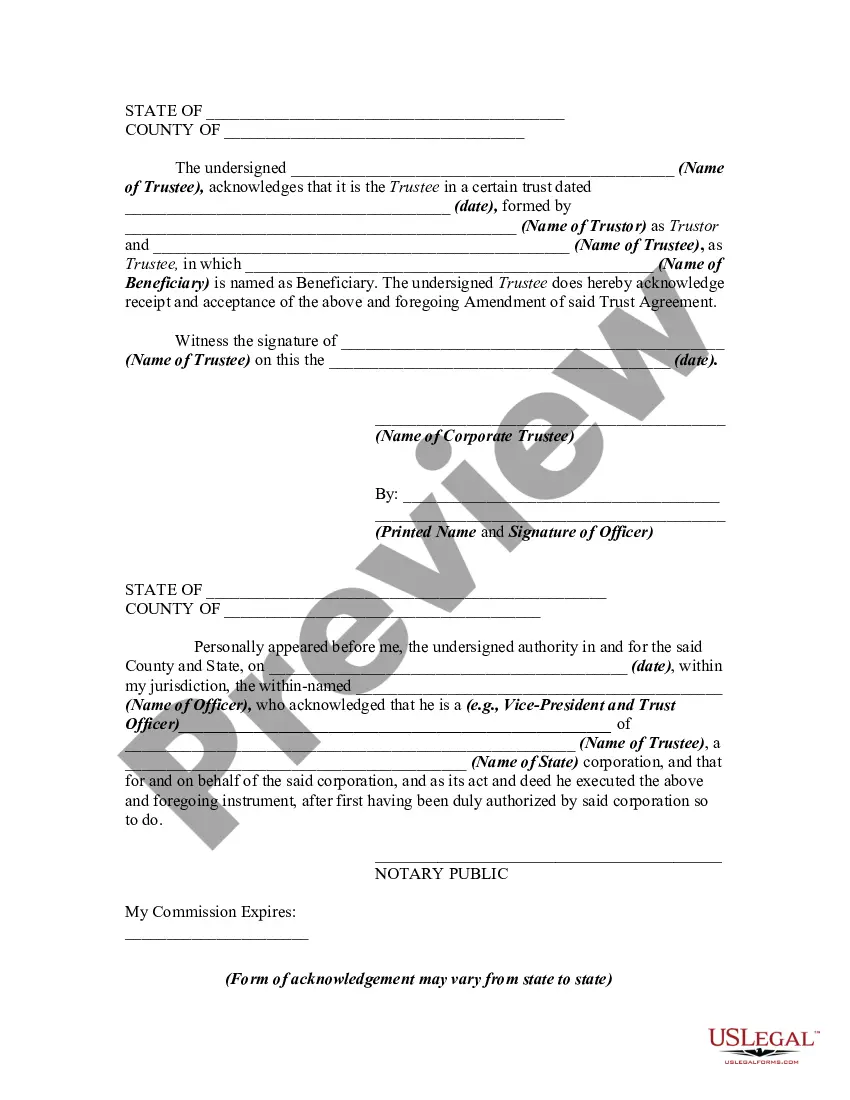


Get your form ready online
Our built-in tools help you complete, sign, share, and store your documents in one place.
Make edits, fill in missing information, and update formatting in US Legal Forms—just like you would in MS Word.
Download a copy, print it, send it by email, or mail it via USPS—whatever works best for your next step.
Sign and collect signatures with our SignNow integration. Send to multiple recipients, set reminders, and more. Go Premium to unlock E-Sign.
If this form requires notarization, complete it online through a secure video call—no need to meet a notary in person or wait for an appointment.
We protect your documents and personal data by following strict security and privacy standards.

Make edits, fill in missing information, and update formatting in US Legal Forms—just like you would in MS Word.

Download a copy, print it, send it by email, or mail it via USPS—whatever works best for your next step.

Sign and collect signatures with our SignNow integration. Send to multiple recipients, set reminders, and more. Go Premium to unlock E-Sign.

If this form requires notarization, complete it online through a secure video call—no need to meet a notary in person or wait for an appointment.

We protect your documents and personal data by following strict security and privacy standards.
Looking for another form?


How to fill out Amendment Of Trust Agreement And Revocation Of Particular Provision?
Legal documents handling can be perplexing, even for experienced professionals.
When you are looking for a Form To Dissolve Trust For Historic Preservation and do not have the opportunity to spend time searching for the correct and current version, the process can be overwhelming.
US Legal Forms meets any requirements you might have, from personal to corporate documents, all in one location.
Utilize cutting-edge tools to complete and manage your Form To Dissolve Trust For Historic Preservation.
Here are the steps to follow after accessing the form you desire: Confirm it is the correct document by previewing it and reviewing its details. Ensure that the template is accepted in your state or county. Click Buy Now when you are ready. Choose a monthly subscription plan. Select the format you prefer, and Download, complete, eSign, print, and submit your document. Take advantage of the US Legal Forms online library, backed by 25 years of experience and reliability. Transform your daily document management into a straightforward and user-friendly process today.
- Access a resource base of articles, guidelines, and manuals related to your situation and requirements.
- Save time and energy searching for the documents you need, and use US Legal Forms’ advanced search and Preview tool to locate Form To Dissolve Trust For Historic Preservation and obtain it.
- If you have a membership, Log In to your US Legal Forms account, search for the form, and download it.
- Check the My documents tab to view the documents you previously saved and manage your folders as you see fit.
- If this is your first time with US Legal Forms, create a free account and gain unlimited access to all the platform's benefits.
- A robust online form repository can be a game-changer for anyone aiming to manage these circumstances effectively.
- US Legal Forms stands as a market leader in online legal documents, offering over 85,000 state-specific legal forms accessible at any moment.
- With US Legal Forms, you can access state- or county-specific legal and business documents.
Form popularity
FAQ
A beneficiary can renounce their interest from the trust and, upon the consent of other beneficiaries, be allowed to exit. A trustee cannot remove a beneficiary from an irrevocable trust. A grantor can remove a beneficiary from a revocable trust by going back to the trust deed codes that allow for the same.
(If you are a beneficiary, you will likely need approval from the trust's founder if they still live, its trustees and all other beneficiaries.) If you have approval from all the relevant parties, you will then have to petition a court and state your reasons for dissolving the trust.
If you have the express written agreement of all the trust's beneficiaries and the trustee as well, they ? not you ? might be able to ask the court to intervene. If everyone is on the same page and they present a good argument for moving property out of the trust, the judge may issue an order allowing it to happen.
First it's important to note that all Asset Protection Trusts are irrevocable. This means that once you create them, it's nearly impossible, or at the very least extremely difficult, to alter or terminate them in any way without the approval of the Trustee.
The trust can pay out a lump sum or percentage of the funds, make incremental payments throughout the years, or even make distributions based on the trustee's assessments. Whatever the grantor decides, their distribution method must be included in the trust agreement drawn up when they first set up the trust.