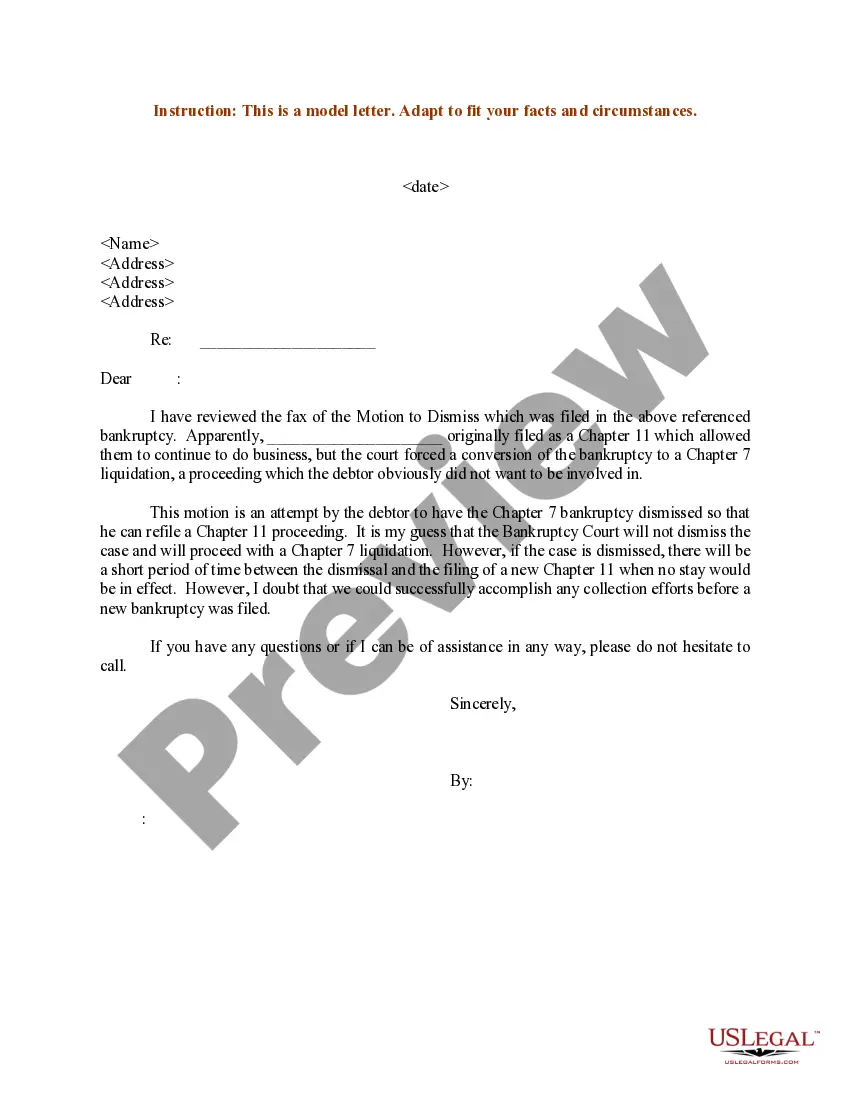
Chapter 7 Motion To Dismiss Sample Form California
Description
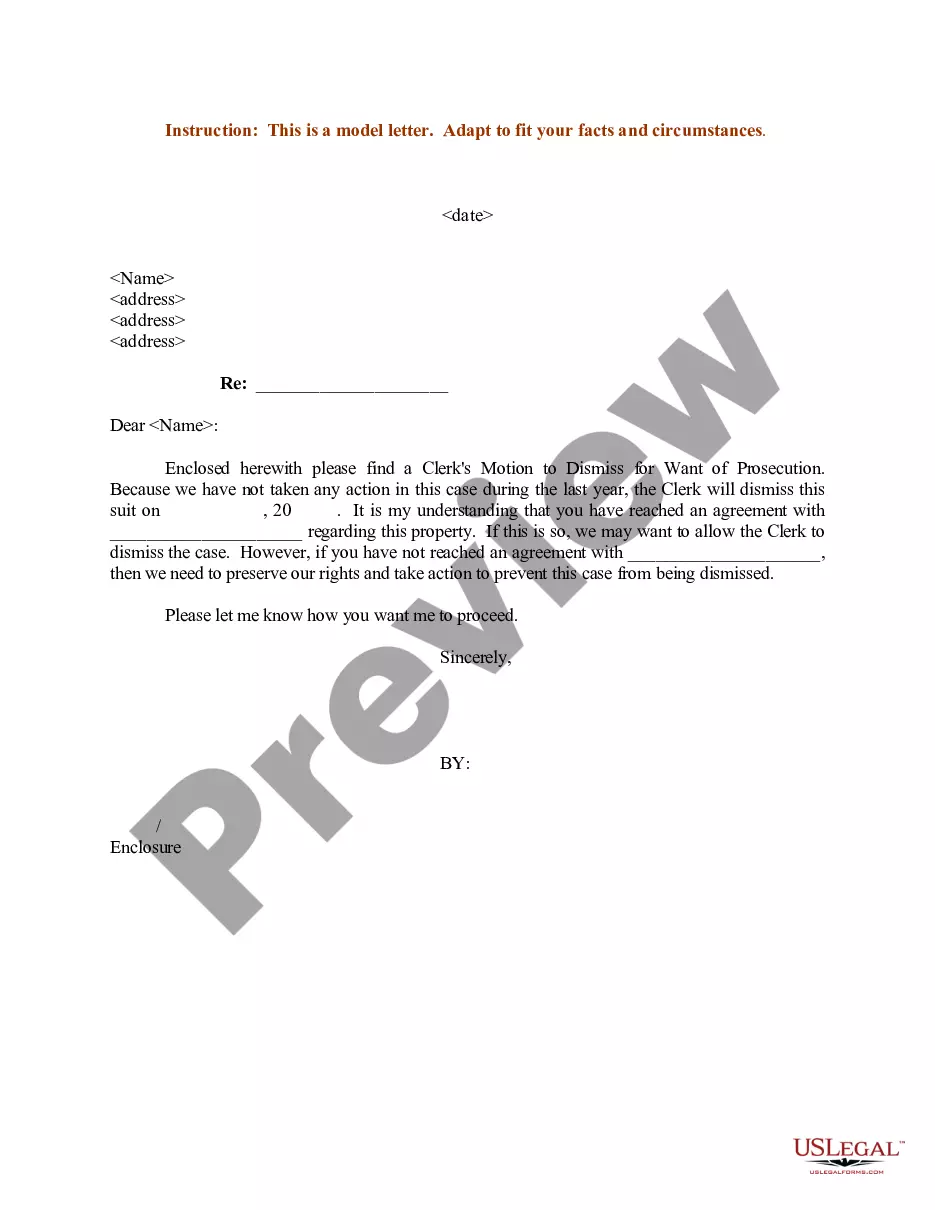
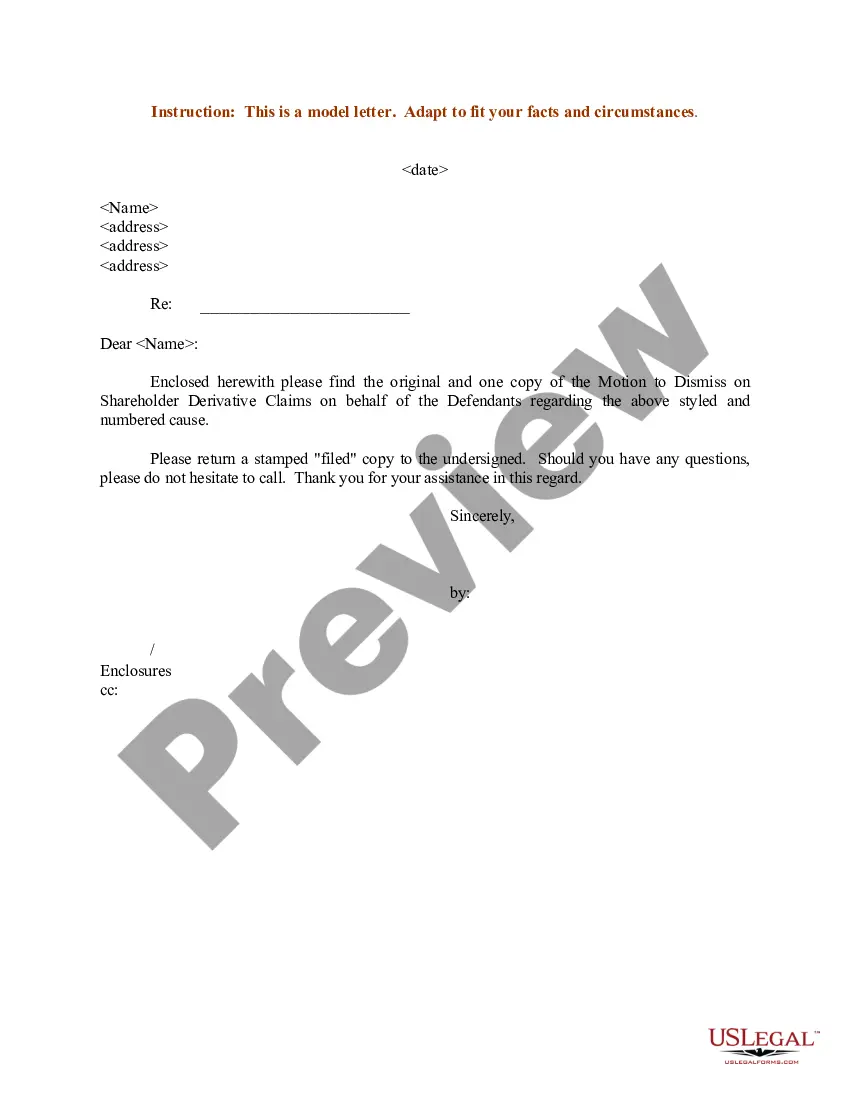
Get your form ready online
Our built-in tools help you complete, sign, share, and store your documents in one place.
Make edits, fill in missing information, and update formatting in US Legal Forms—just like you would in MS Word.
Download a copy, print it, send it by email, or mail it via USPS—whatever works best for your next step.
Sign and collect signatures with our SignNow integration. Send to multiple recipients, set reminders, and more. Go Premium to unlock E-Sign.
If this form requires notarization, complete it online through a secure video call—no need to meet a notary in person or wait for an appointment.
We protect your documents and personal data by following strict security and privacy standards.

Make edits, fill in missing information, and update formatting in US Legal Forms—just like you would in MS Word.

Download a copy, print it, send it by email, or mail it via USPS—whatever works best for your next step.

Sign and collect signatures with our SignNow integration. Send to multiple recipients, set reminders, and more. Go Premium to unlock E-Sign.

If this form requires notarization, complete it online through a secure video call—no need to meet a notary in person or wait for an appointment.

We protect your documents and personal data by following strict security and privacy standards.
Looking for another form?
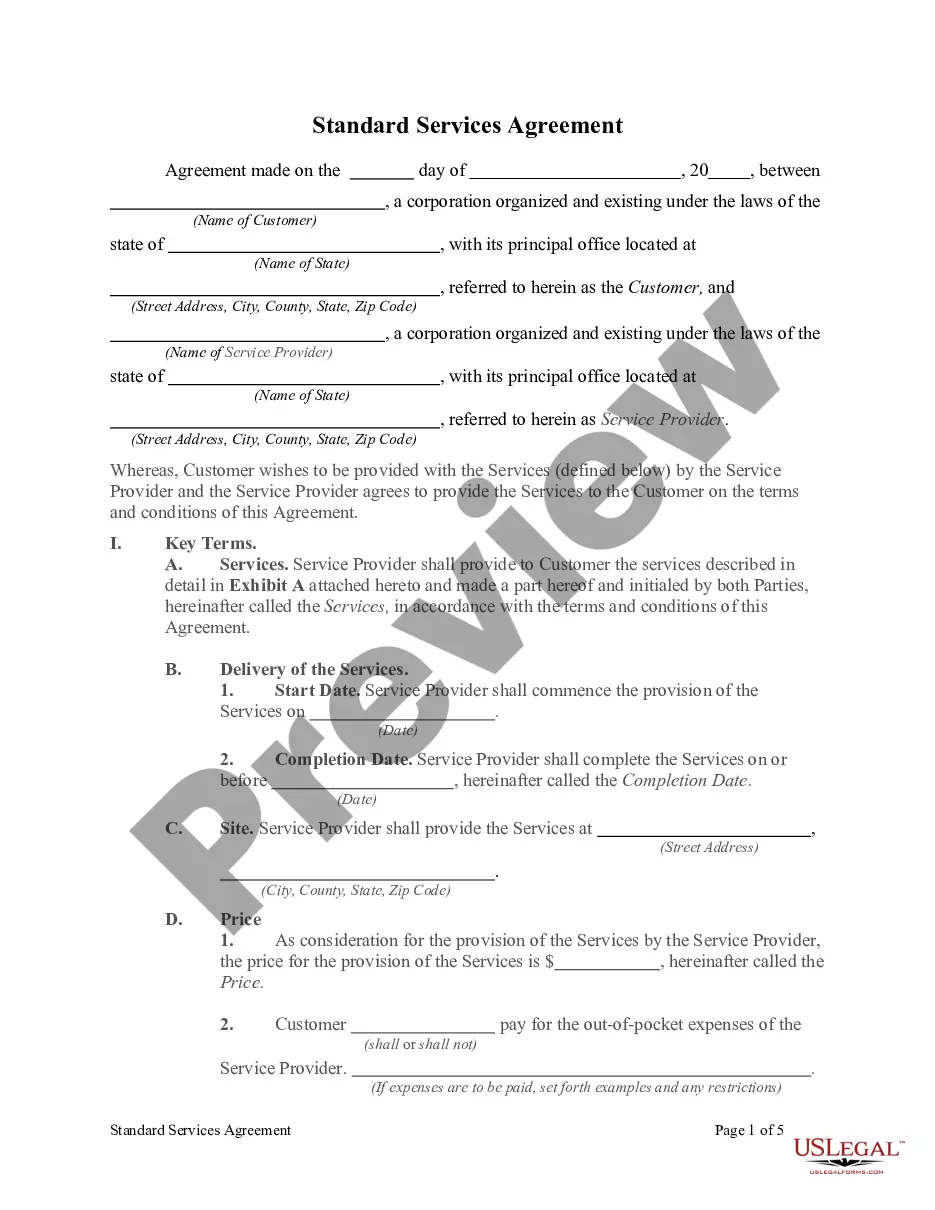
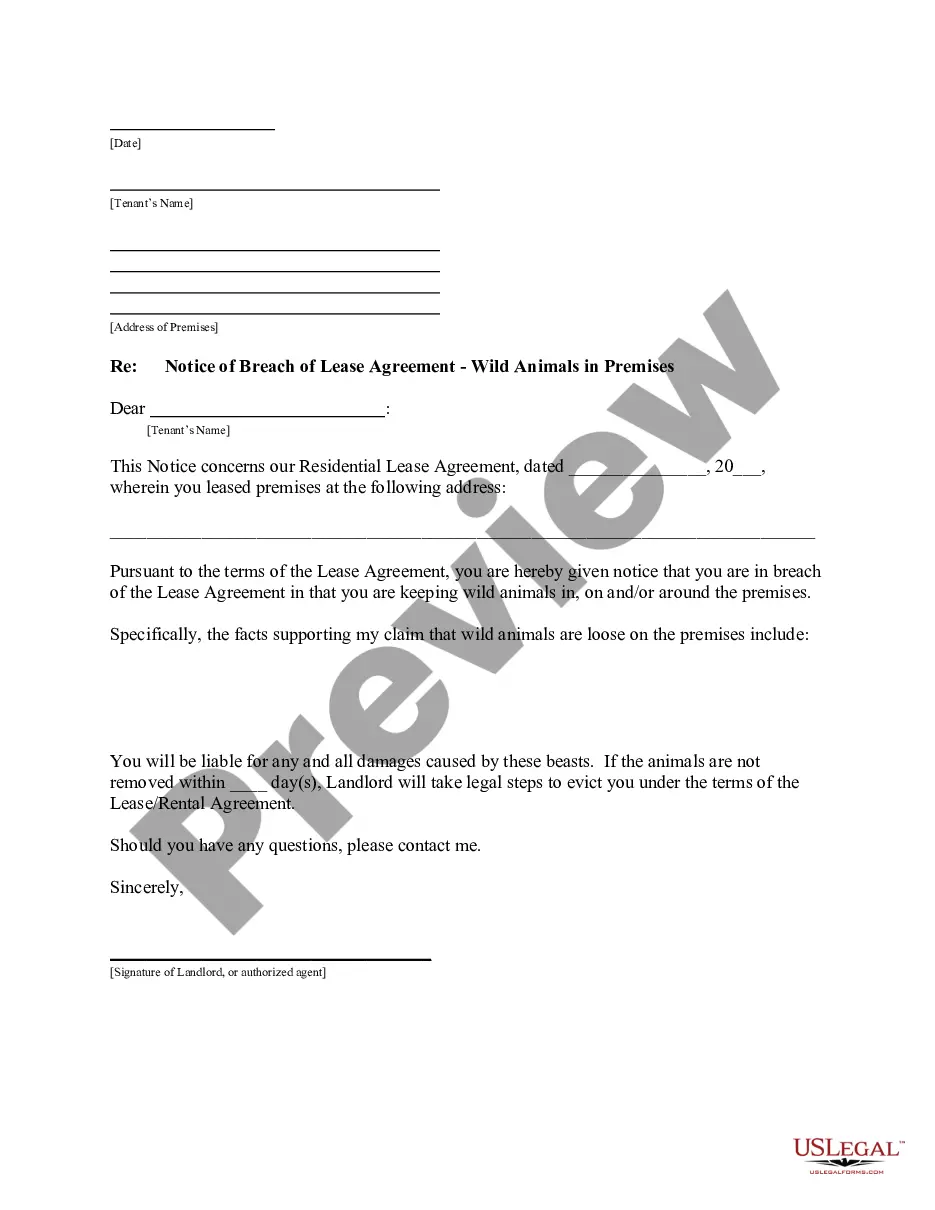
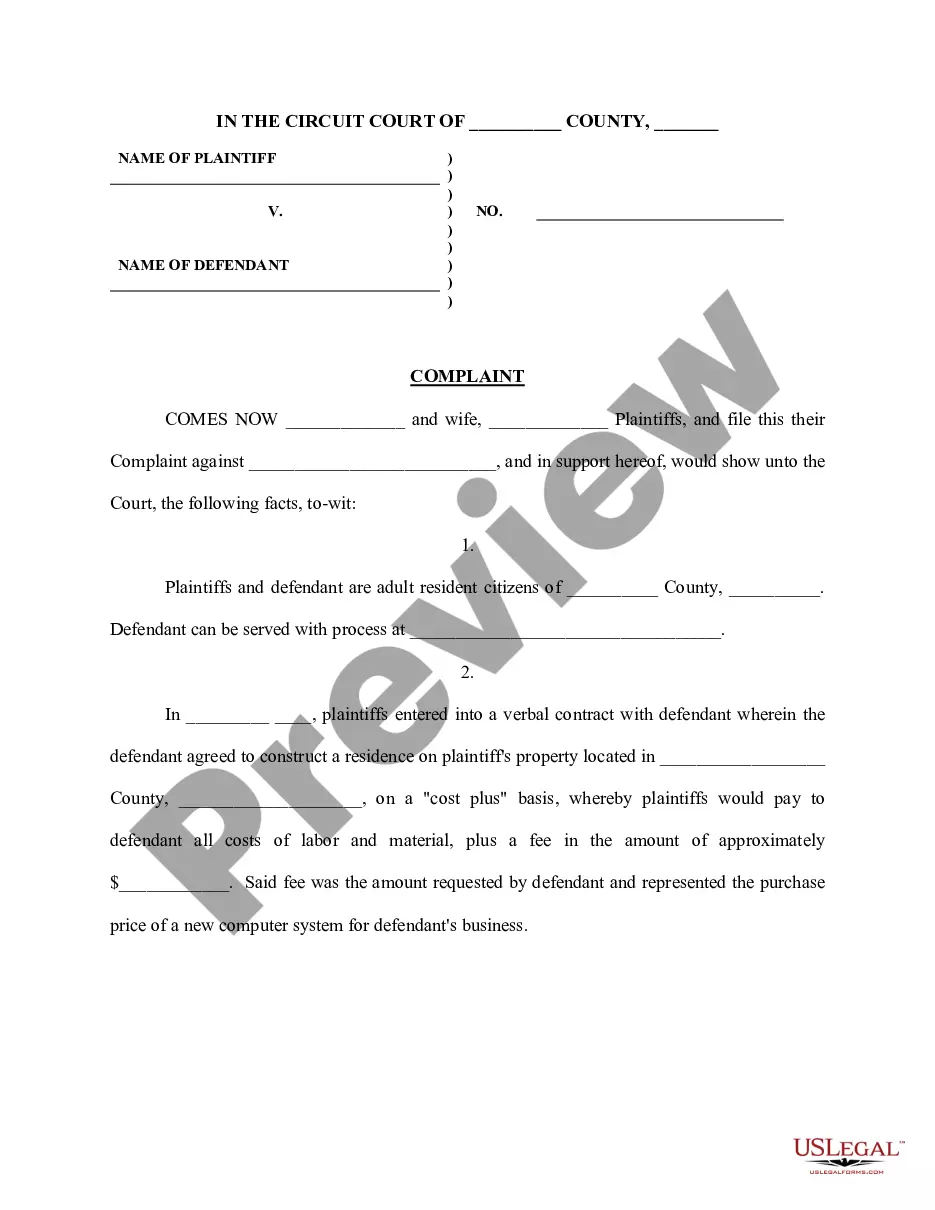
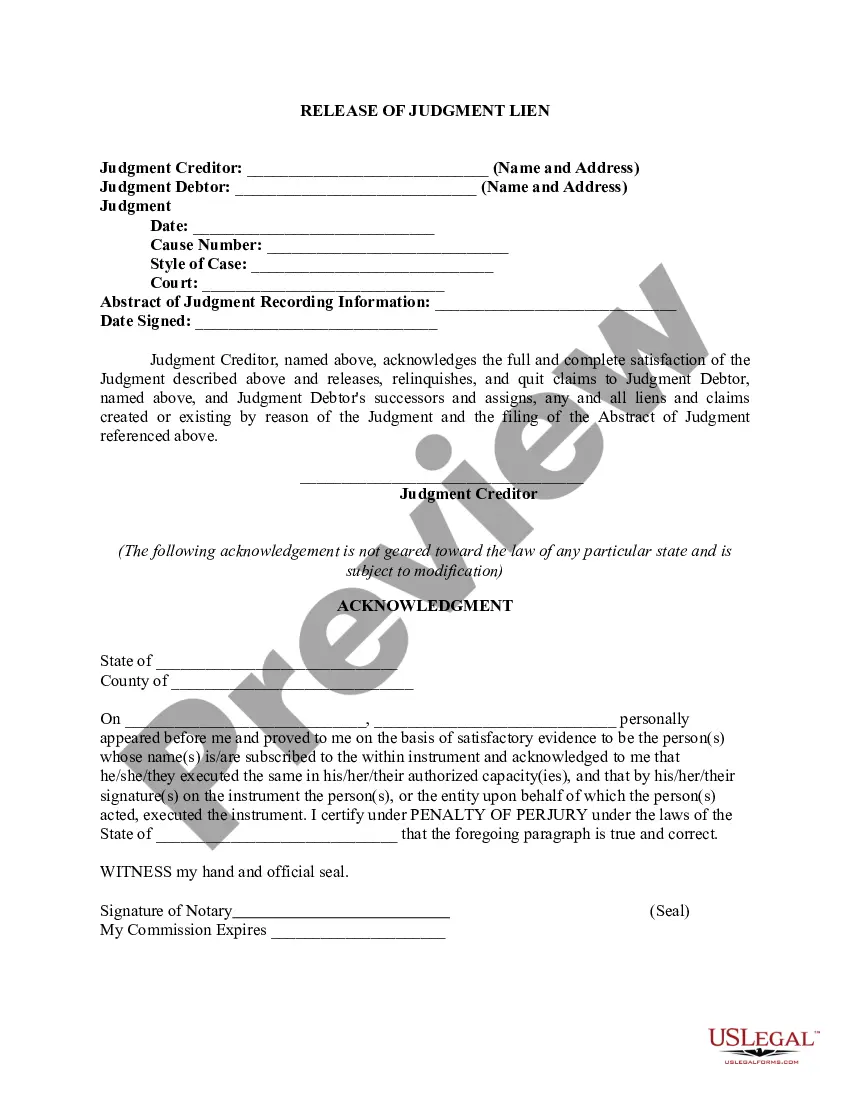
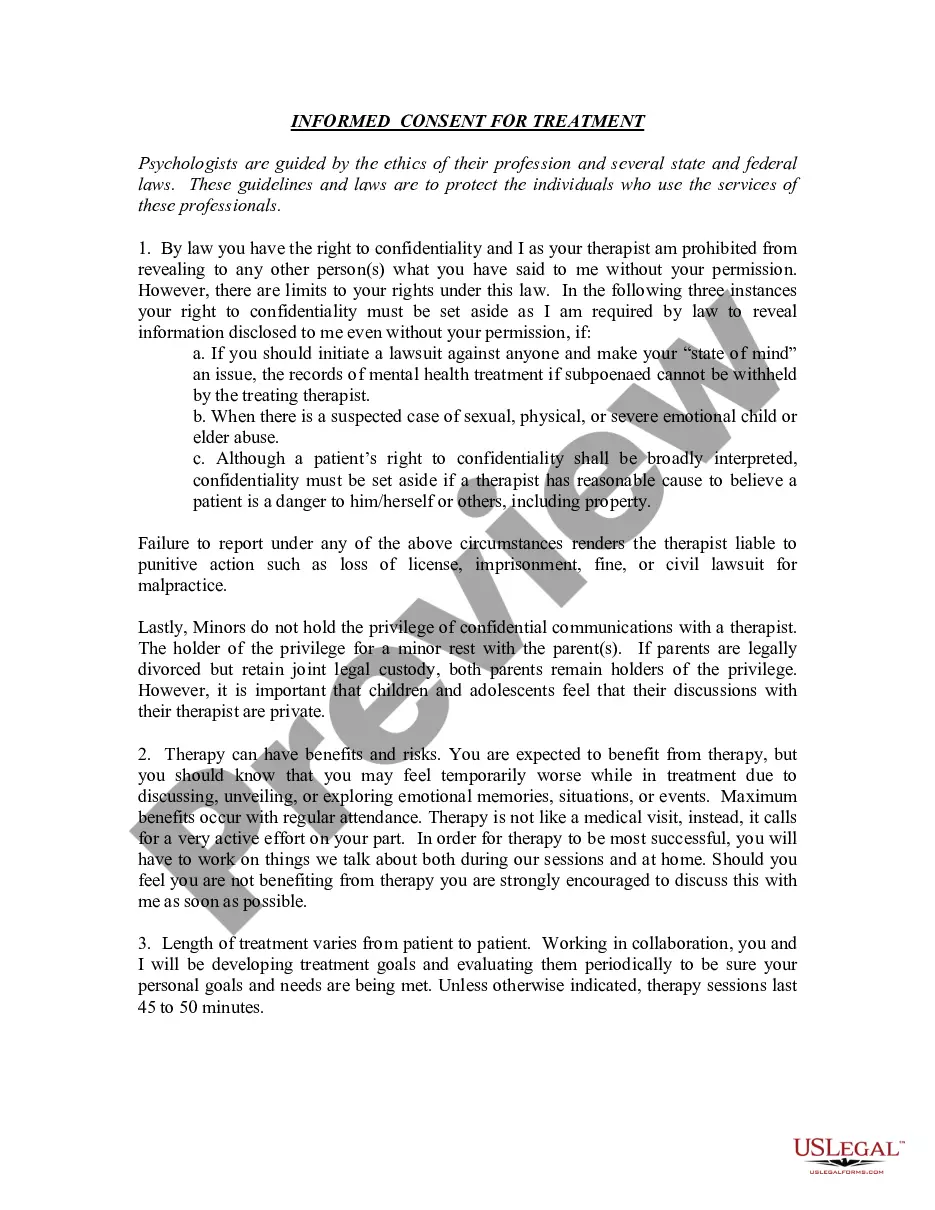

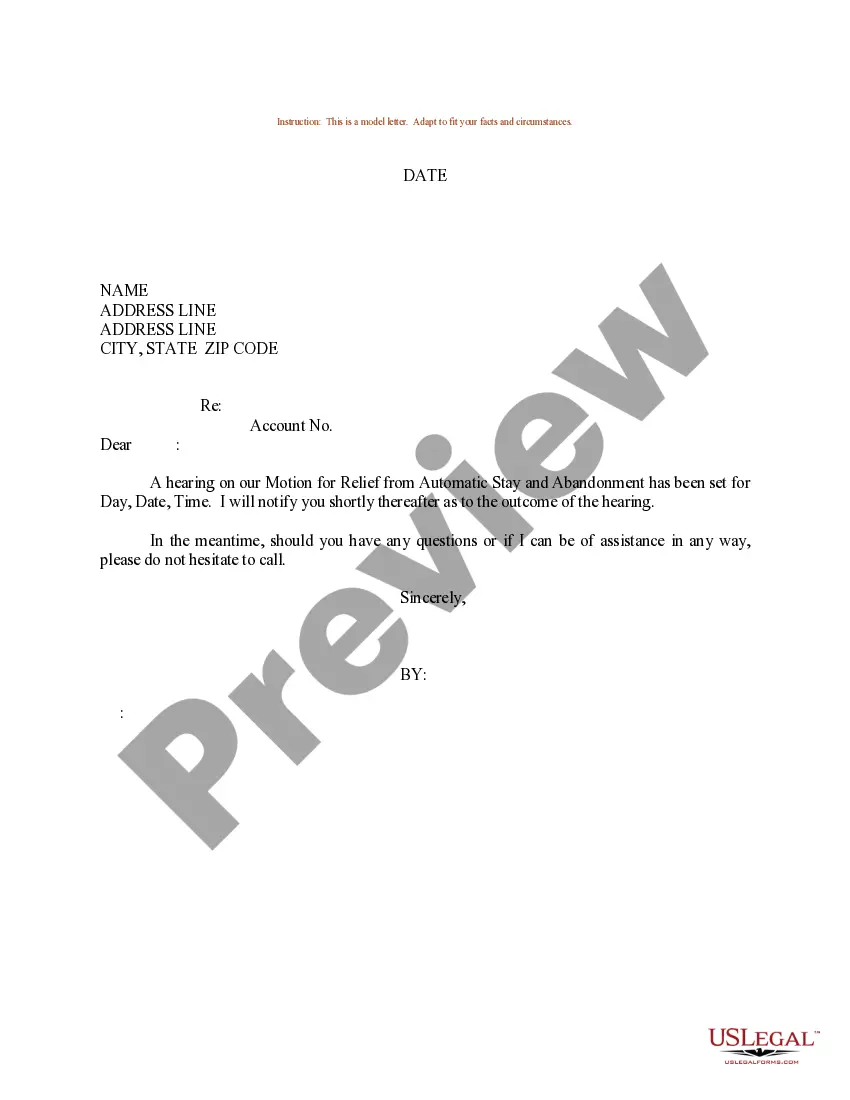
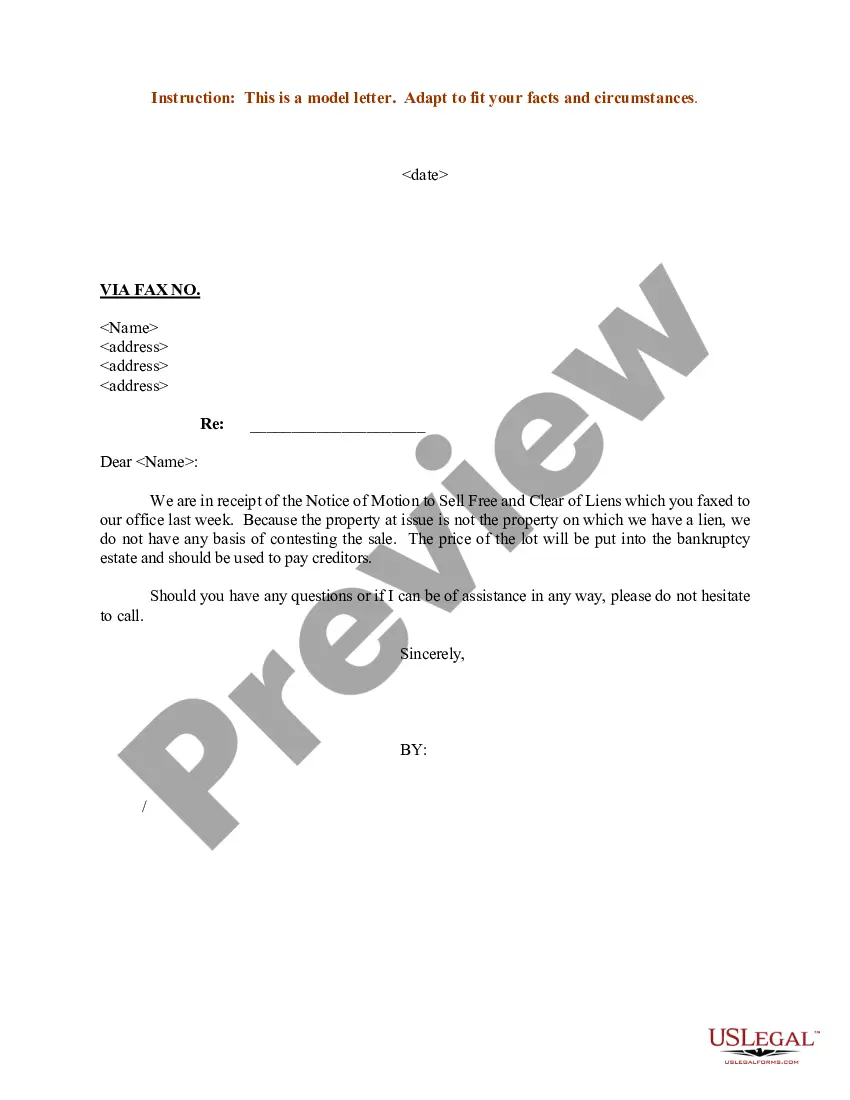
How to fill out Sample Letter For Motion To Dismiss In Referenced Bankruptcy?
Regardless of whether for corporate objectives or personal matters, each individual encounters the necessity to navigate legal issues at some moment in their existence.
Completing legal documents requires meticulous care, starting from choosing the correct template.
With an extensive US Legal Forms library available, you don’t have to waste time searching for the correct template online. Utilize the library’s straightforward navigation to find the appropriate form for any circumstance.
- Locate the template you require by using the search bar or browsing the catalog.
- Examine the details of the form to confirm it aligns with your situation, jurisdiction, and locality.
- Select the preview of the form to review it.
- If it is not the correct form, return to the search feature to find the Chapter 7 Motion To Dismiss Sample Form California sample you need.
- Download the document when it satisfies your requirements.
- If you possess a US Legal Forms account, click Log in to access previously saved documents in My documents.
- If you do not yet have an account, you can obtain the form by clicking Buy now.
- Select the appropriate pricing choice.
- Fill out the account registration form.
- Choose your payment method: either a credit card or PayPal.
- Select the format you desire for the document and download the Chapter 7 Motion To Dismiss Sample Form California.
- After it is downloaded, you can fill out the form using editing software or print it and complete it by hand.
Form popularity
FAQ
In most cases you will only pay back a portion of the outstanding debt to creditors. In a Chapter 13 bankruptcy a 36 to 60-month payment plan is proposed to the court to repay your debt. A 36-month plan is proposed to the court if your gross income is below the median income for your state.
To vacate a court order or judgment means to cancel it or render it null and void. ?DISMISSED? the ruling by a judge that all or a portion (one or more of the causes of action) of the plaintiff's lawsuit is terminated (thrown out) at that point without further evidence or testimony.
To set aside or annul a previous judgment or order.
'Vacating' or 'setting aside' is used when referring to nullifying a specific judgment from the judge (in this case, a guilty or 'no contest' judgment). On the other hand, 'dismissing' applies to the entire case. It means that the case is thrown out for reasons other than its factual merits.
What is a Motion to Vacate? It asks a judge to cancel (to vacate) an earlier order or judgment entered by the same court. You file this Motion in the Washington state court where the Order you want vacated was issued. Does a Motion to Vacate make sense for my situation?