Secure Agreement With The Client
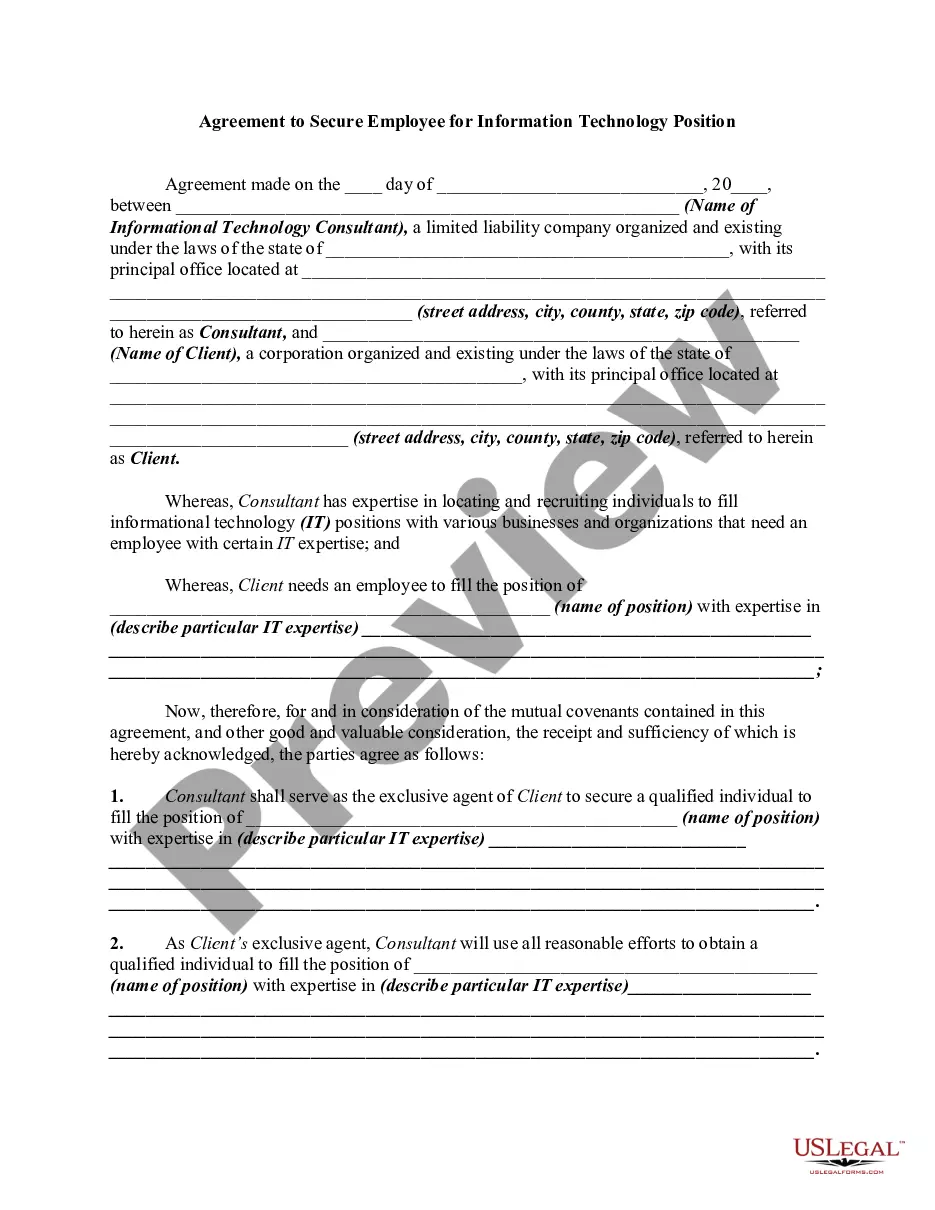
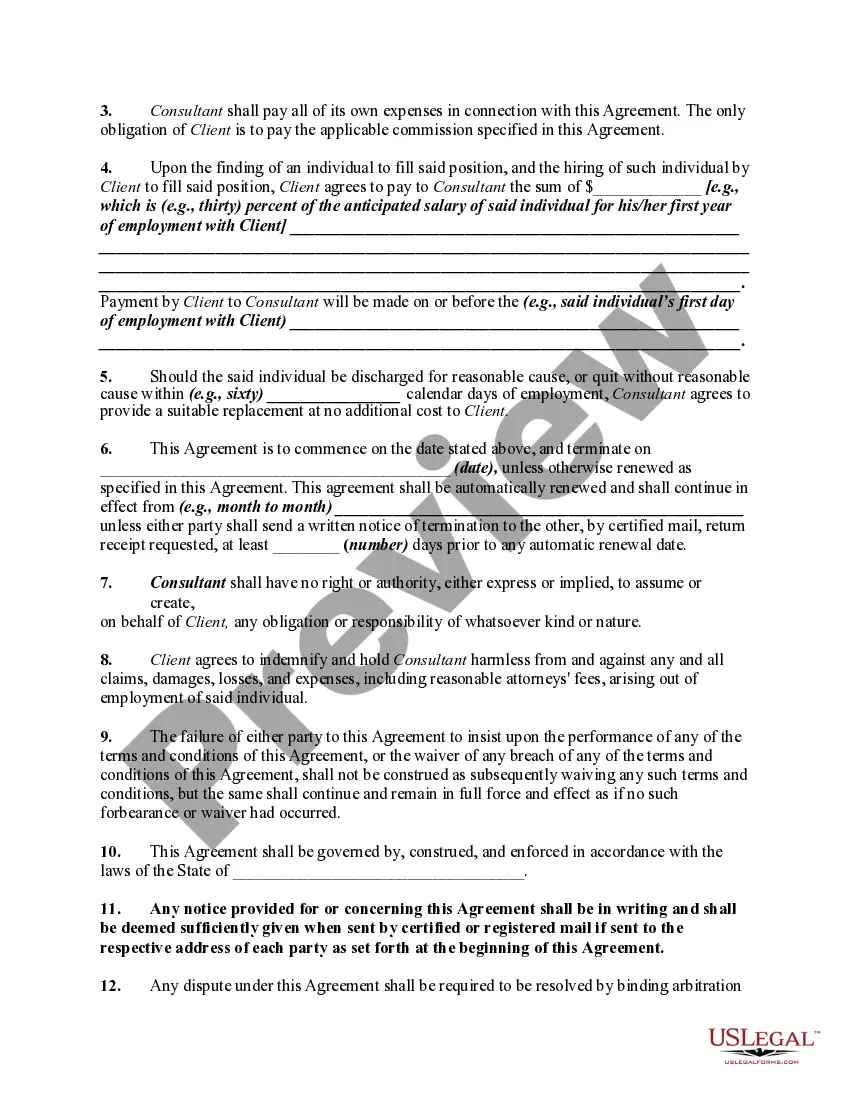
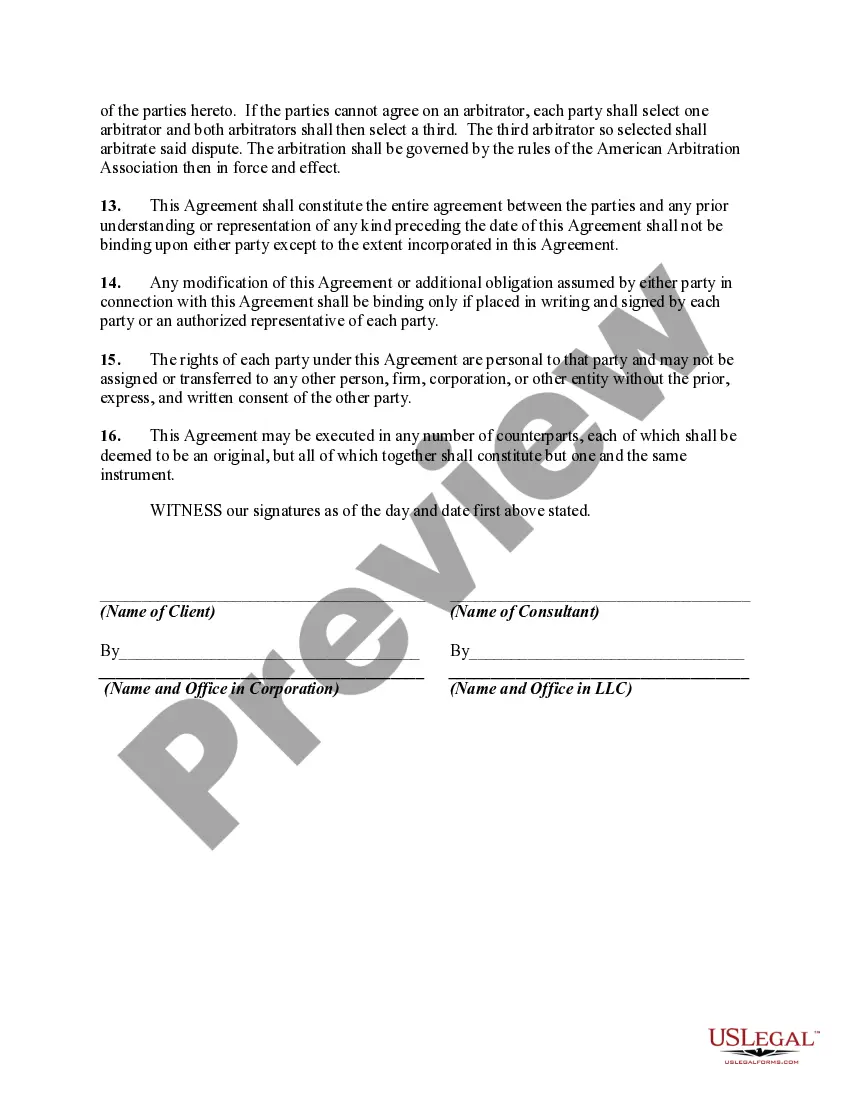
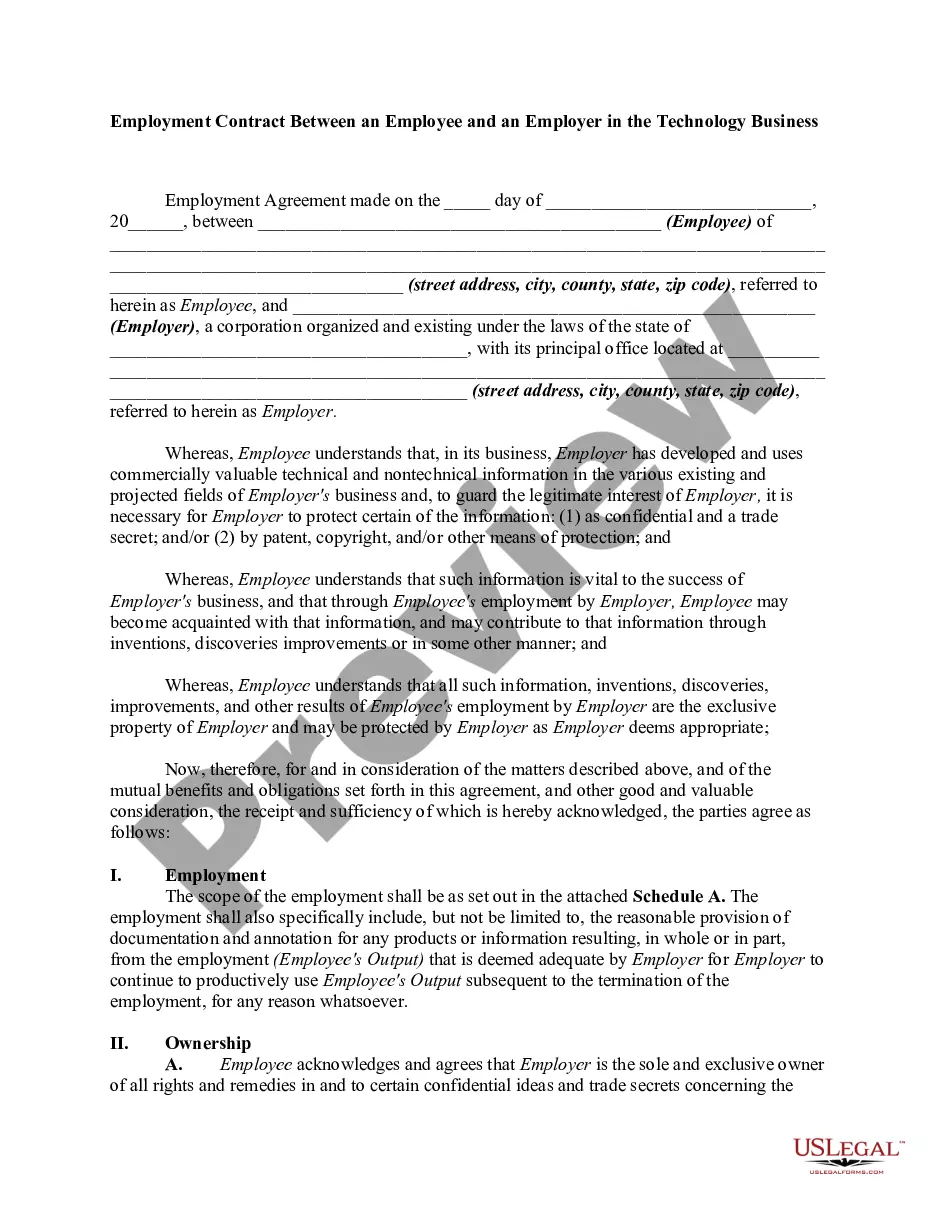
Description
Get your form ready online
Our built-in tools help you complete, sign, share, and store your documents in one place.
Make edits, fill in missing information, and update formatting in US Legal Forms—just like you would in MS Word.
Download a copy, print it, send it by email, or mail it via USPS—whatever works best for your next step.
Sign and collect signatures with our SignNow integration. Send to multiple recipients, set reminders, and more. Go Premium to unlock E-Sign.
If this form requires notarization, complete it online through a secure video call—no need to meet a notary in person or wait for an appointment.
We protect your documents and personal data by following strict security and privacy standards.

Make edits, fill in missing information, and update formatting in US Legal Forms—just like you would in MS Word.

Download a copy, print it, send it by email, or mail it via USPS—whatever works best for your next step.

Sign and collect signatures with our SignNow integration. Send to multiple recipients, set reminders, and more. Go Premium to unlock E-Sign.

If this form requires notarization, complete it online through a secure video call—no need to meet a notary in person or wait for an appointment.

We protect your documents and personal data by following strict security and privacy standards.
Looking for another form?







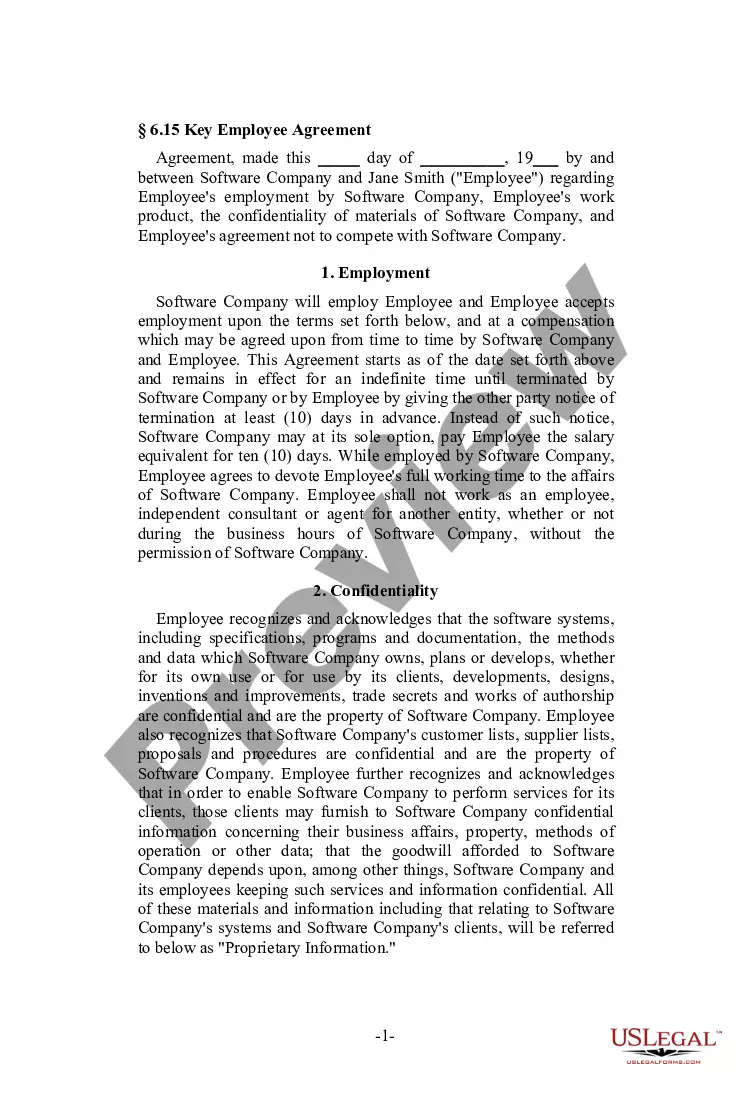
How to fill out Agreement To Secure Employee For Information Technology Position?
How to locate professional legal documents that adhere to your state regulations and formulate the Secure Agreement With The Client without the assistance of a lawyer.
Numerous online services offer templates catering to various legal needs and formalities. However, it may require some time to determine which of the existing samples meet both functional and legal criteria for you.
US Legal Forms is a reliable service that aids you in finding official papers designed in line with the latest state law revisions, helping you save costs on legal services.
If you don't have an account with US Legal Forms, follow the steps outlined below.
- US Legal Forms is not an ordinary online directory.
- It's a repository of over 85,000 validated templates for diverse business and personal circumstances.
- All documents are categorized by area and state to streamline your search experience.
- Additionally, it connects with advanced tools for PDF editing and electronic signatures, permitting Premium subscribers to quickly complete their forms online.
- It requires minimal time and effort to obtain the necessary documents.
- If you already possess an account, Log In and confirm your subscription is active.
- Download the Secure Agreement With The Client via the button adjacent to the file name.
Form popularity
FAQ
A client agreement is a legally binding contract between your business and your clients, who you are providing your services to. The clauses of a client agreement: set out the rights and obligations of both your business and your client; set out the expectations of both parties; and.
Ten Tips for Making Solid Business Agreements and ContractsGet it in writing.Keep it simple.Deal with the right person.Identify each party correctly.Spell out all of the details.Specify payment obligations.Agree on circumstances that terminate the contract.Agree on a way to resolve disputes.More items...
Here's a look at the basic steps you'll need to take to create a simple and effective client contract:Include Contact Information of Both Parties.Specify Project Terms and Scope.Establish Payment Terms.Set the Schedule.Decide What Happens If a Contract Is Terminated.Determine Who Owns Final Copyrights.More items...
Here's a look at the basic steps you'll need to take to create a simple and effective client contract:Include Contact Information of Both Parties.Specify Project Terms and Scope.Establish Payment Terms.Set the Schedule.Decide What Happens If a Contract Is Terminated.Determine Who Owns Final Copyrights.More items...
Select / confirm the contract due date and/or shoot date.Save the contract!Review your contract.Click the "Send to Client" button in the top right, (if you are using a second signer you can choose to send the document to both or only one of the clients on the contract), edit the email as you wish, and click "Send."
