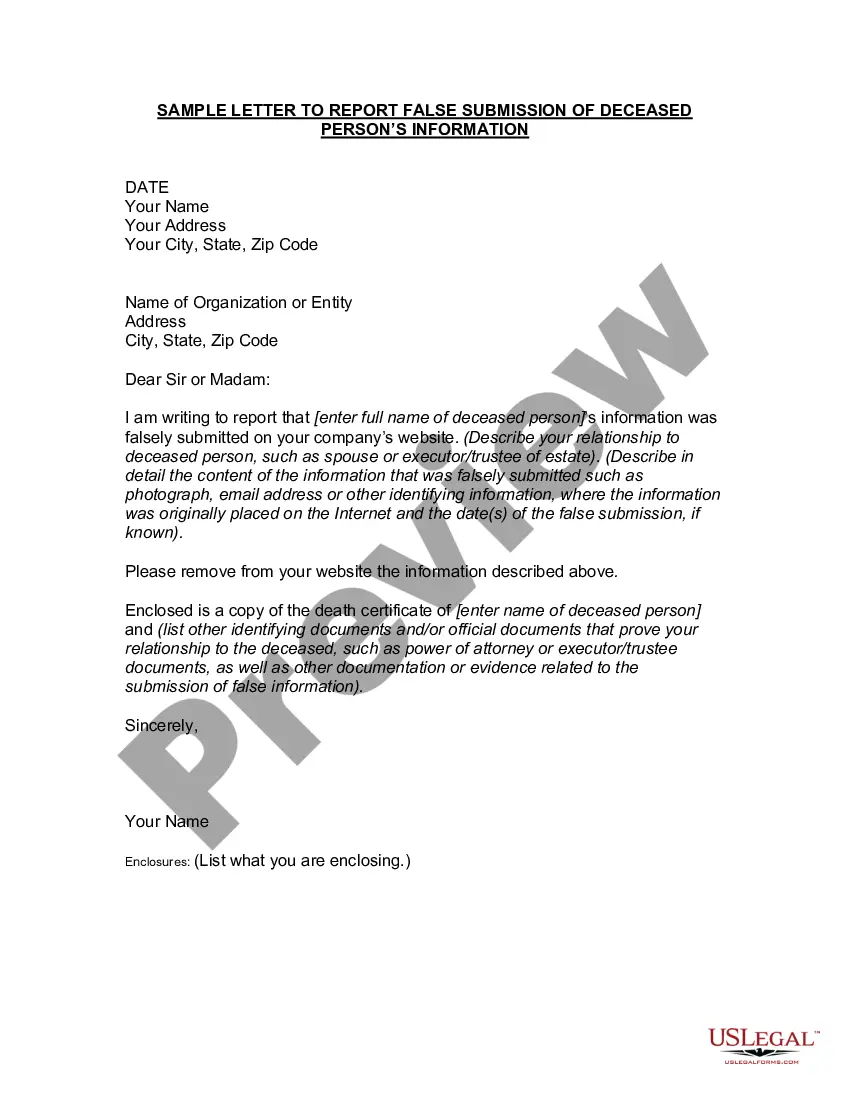
Report False Person With Social Security
Description
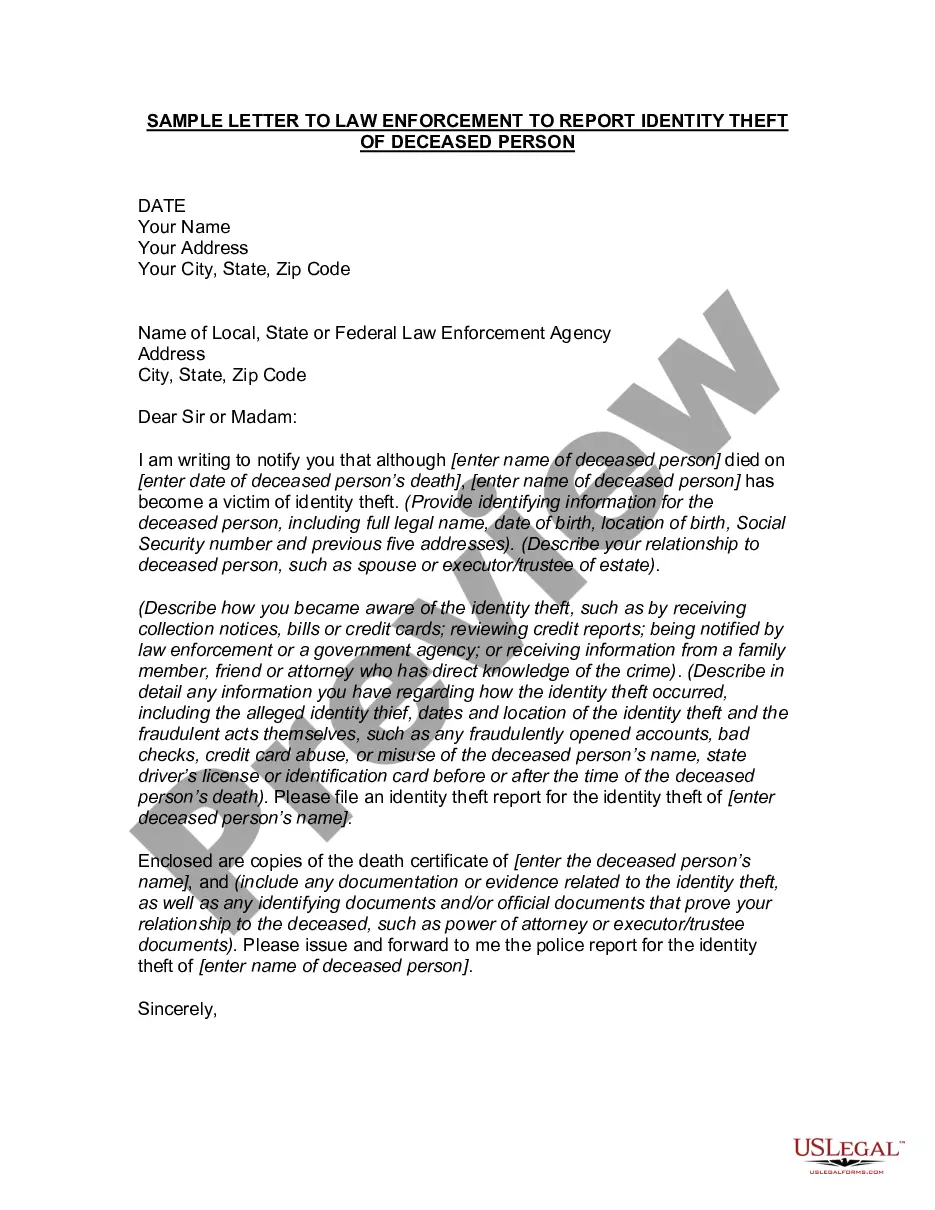
Get your form ready online
Our built-in tools help you complete, sign, share, and store your documents in one place.
Make edits, fill in missing information, and update formatting in US Legal Forms—just like you would in MS Word.
Download a copy, print it, send it by email, or mail it via USPS—whatever works best for your next step.
Sign and collect signatures with our SignNow integration. Send to multiple recipients, set reminders, and more. Go Premium to unlock E-Sign.
If this form requires notarization, complete it online through a secure video call—no need to meet a notary in person or wait for an appointment.
We protect your documents and personal data by following strict security and privacy standards.

Make edits, fill in missing information, and update formatting in US Legal Forms—just like you would in MS Word.

Download a copy, print it, send it by email, or mail it via USPS—whatever works best for your next step.

Sign and collect signatures with our SignNow integration. Send to multiple recipients, set reminders, and more. Go Premium to unlock E-Sign.

If this form requires notarization, complete it online through a secure video call—no need to meet a notary in person or wait for an appointment.

We protect your documents and personal data by following strict security and privacy standards.
Looking for another form?
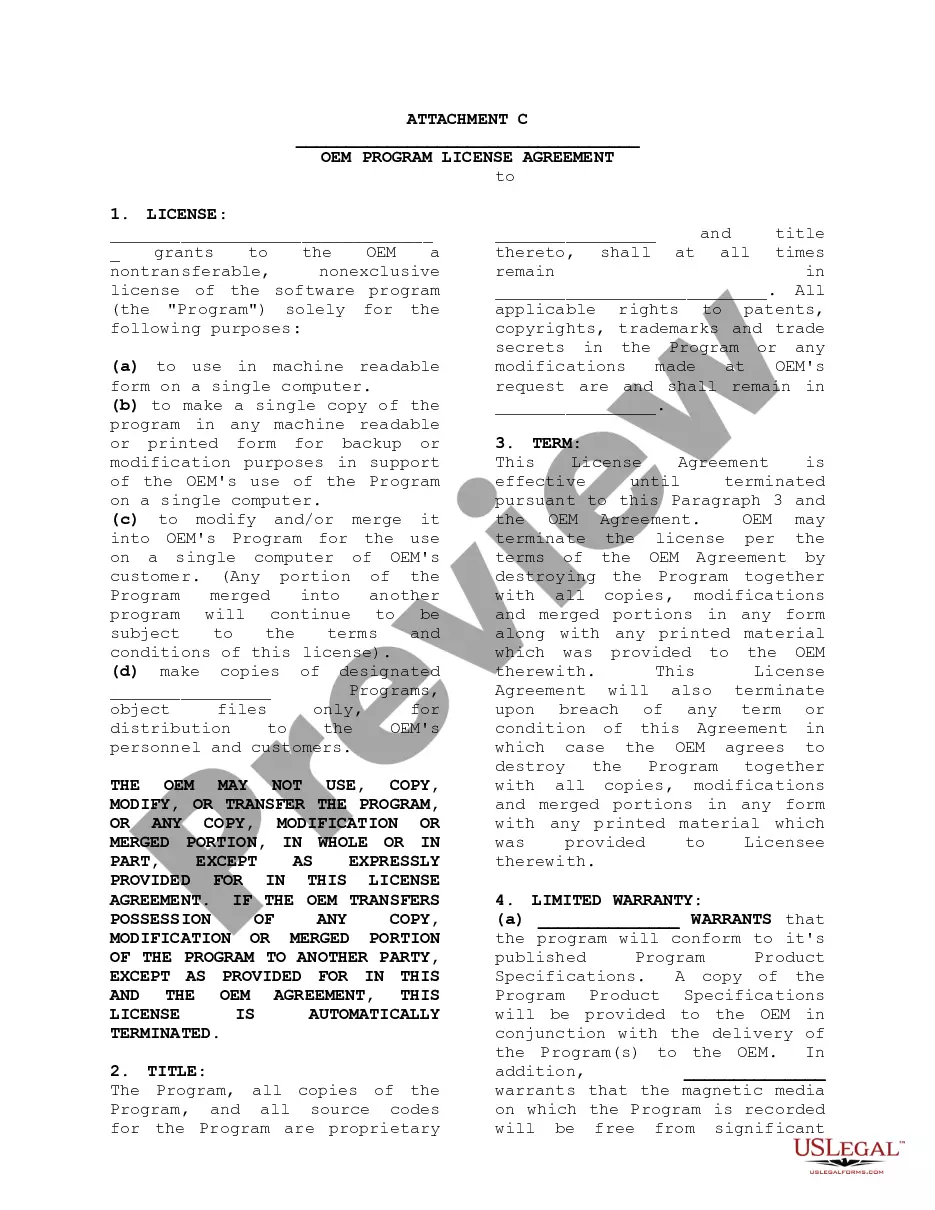

How to fill out Letter To Report False Submission Of Deceased Person's Information?
It’s clear that you cannot transform into a legal expert in a day, nor can you learn how to swiftly draft Report False Person With Social Security without possessing a specialized foundation.
Producing legal documents is a lengthy endeavor that necessitates particular education and expertise. So why not entrust the drafting of the Report False Person With Social Security to the experts.
With US Legal Forms, one of the most comprehensive legal template collections, you can find everything from court papers to templates for internal business communication. We understand how crucial compliance and adherence to federal and local regulations are. That’s why, on our platform, all templates are location-specific and current.
Select Buy now. Once the payment is processed, you can download the Report False Person With Social Security, fill it out, print it, and forward it by mail to the relevant individuals or entities.
You can regain access to your documents from the My documents tab at any time. If you’re an existing client, you can simply Log In, and locate and download the template from the same tab. Regardless of the purpose of your paperwork—whether it’s financial and legal, or personal—our platform has you covered. Try US Legal Forms today!
- Begin with our platform and obtain the document you need in just minutes.
- Find the document you require using the search bar at the top of the page.
- Preview it (if this option is available) and review the accompanying description to determine if Report False Person With Social Security is what you need.
- Start your search again if you're looking for a different template.
- Create a free account and choose a subscription option to purchase the template.
Form popularity
FAQ
Report fraud, waste or abuse involving the Social Security or SSI programs to our Office of the Inspector General. Or, report anonymously by: Calling our toll-free number at 1-800-269-0271 (TTY 1-866-501-2101), Monday through Friday from 10 a.m. to 4 p.m. ET.
Notify the IRS and the Social Security Administration. Contacting the IRS online at .irs.gov/uac/Identity-Protection or by phone at 800-908-4490 can help you avoid employment fraud and prevent someone else from accessing your tax refund.
Contact the Internal Revenue Service (IRS) at 1-800-908-4490 or visit them online, if you believe someone is using your SSN to work, get your tax refund, or other abuses involving taxes. Order free credit reports annually from the three major credit bureaus (Equifax, Experian, and TransUnion).
Self Lock is the unique feature that lets you protect your identity in E-Verify and Self Check by placing a "lock" in E-Verify on your Social Security number (SSN). This helps prevent anyone else from using your SSN for an E-Verify case.
If you know your Social Security information has been compromised, you can request to Block Electronic Access. This is done by calling our National 800 number (Toll Free 1-800-772-1213 or at our TTY number at 1-800-325-0778).