3rd Party Special Needs Trust Form With Trust

Description

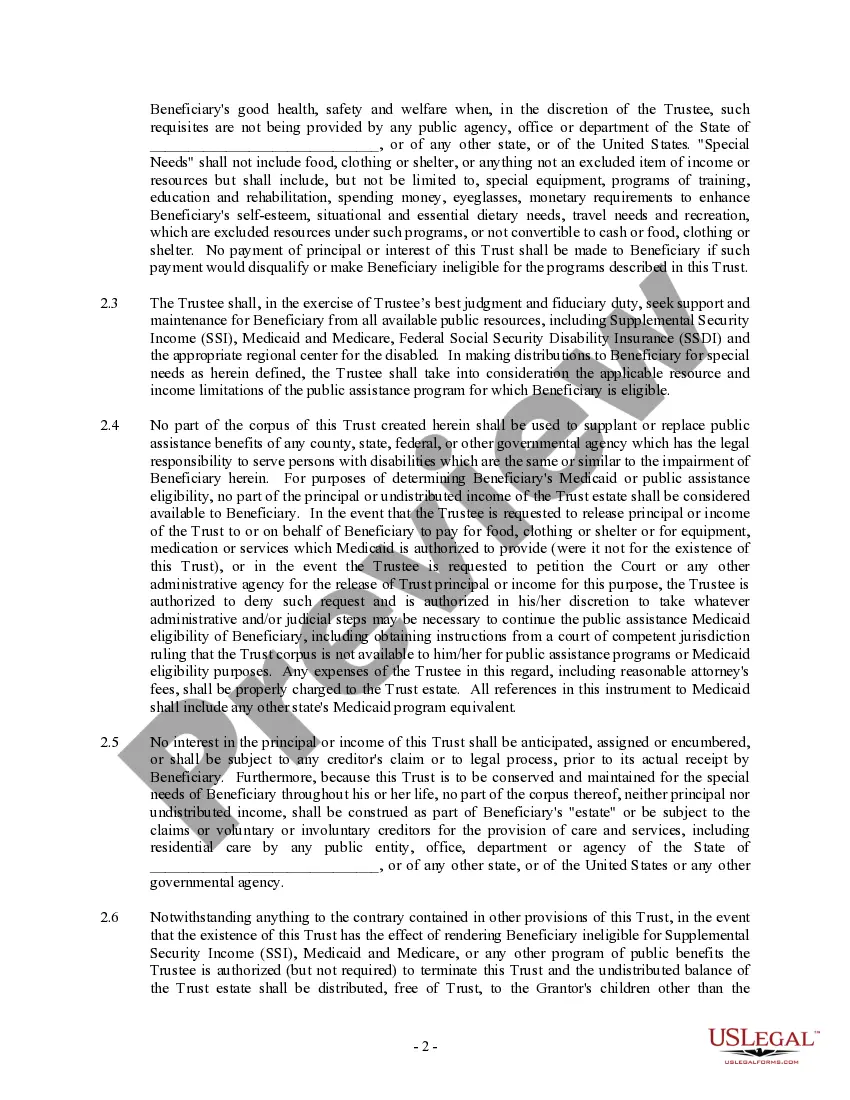
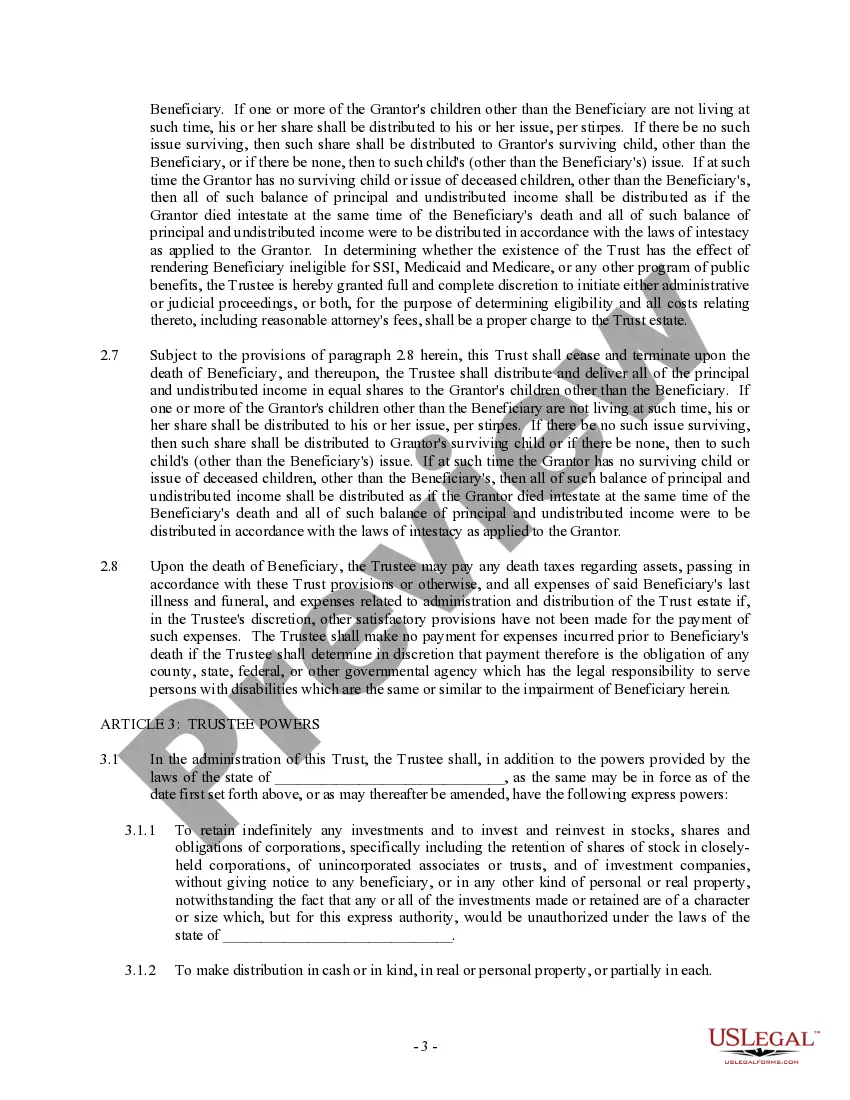
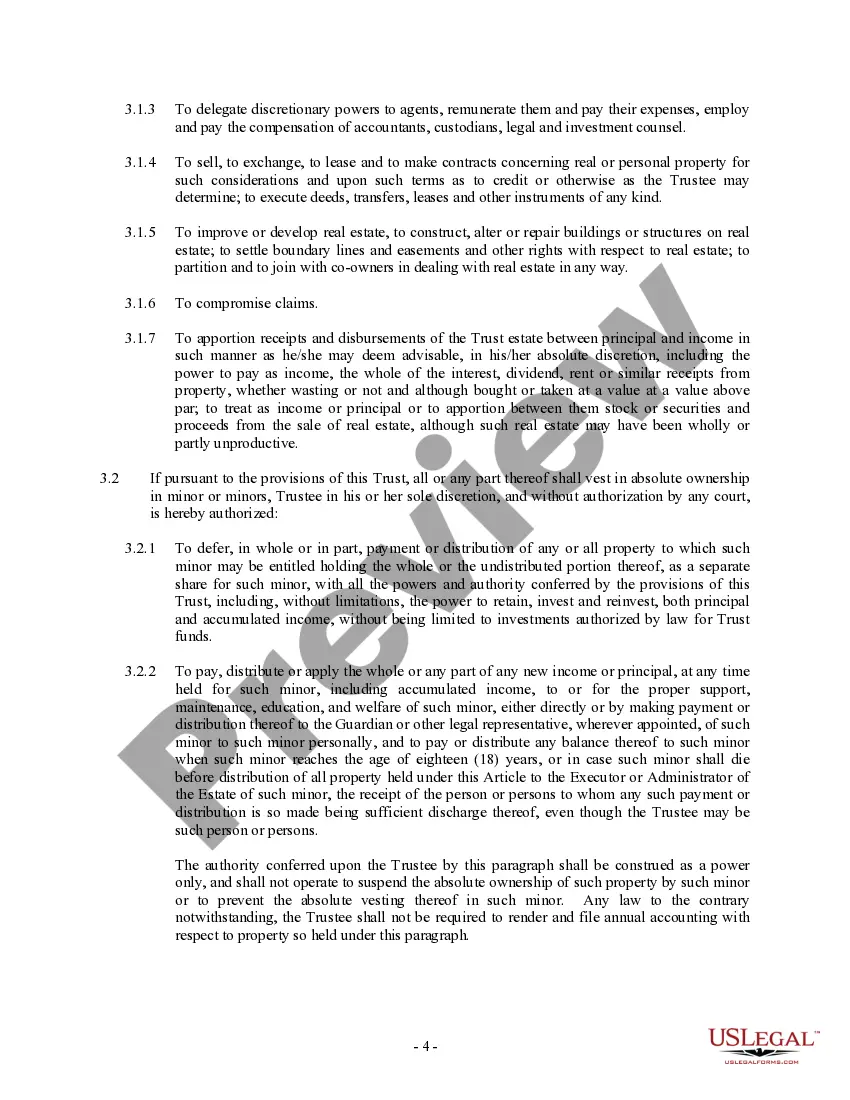
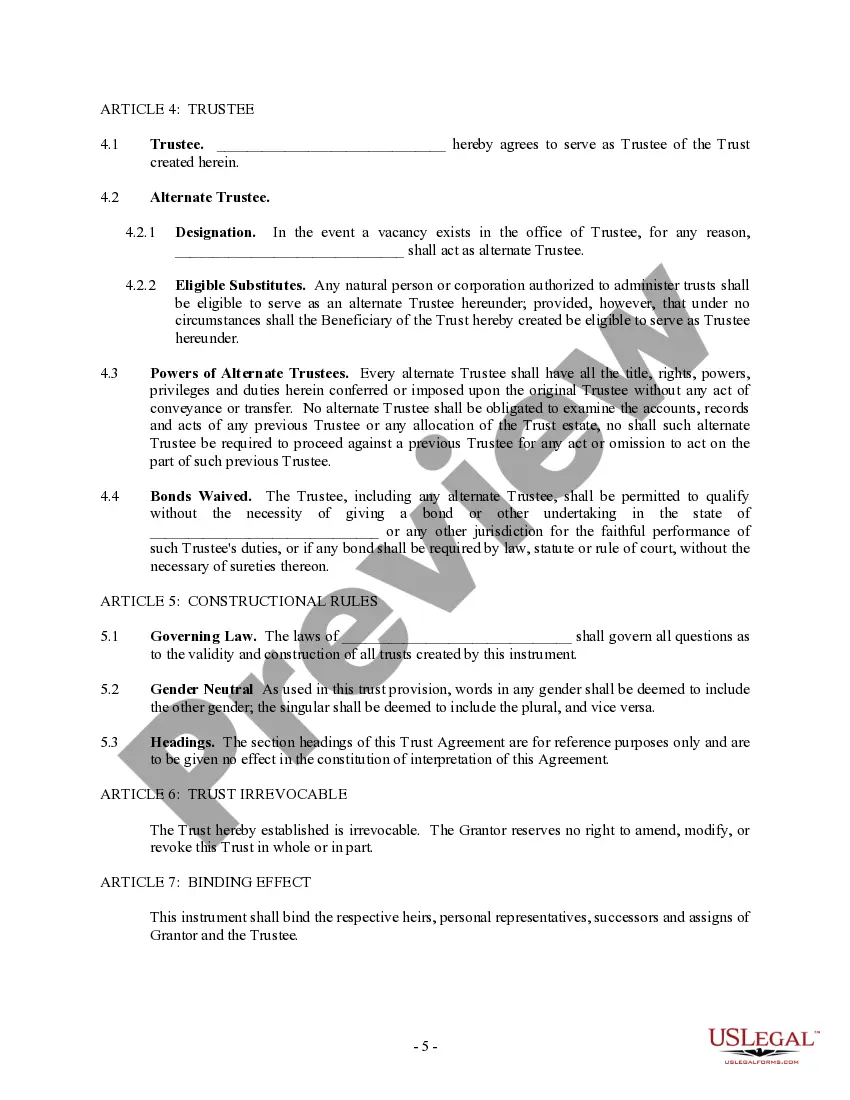
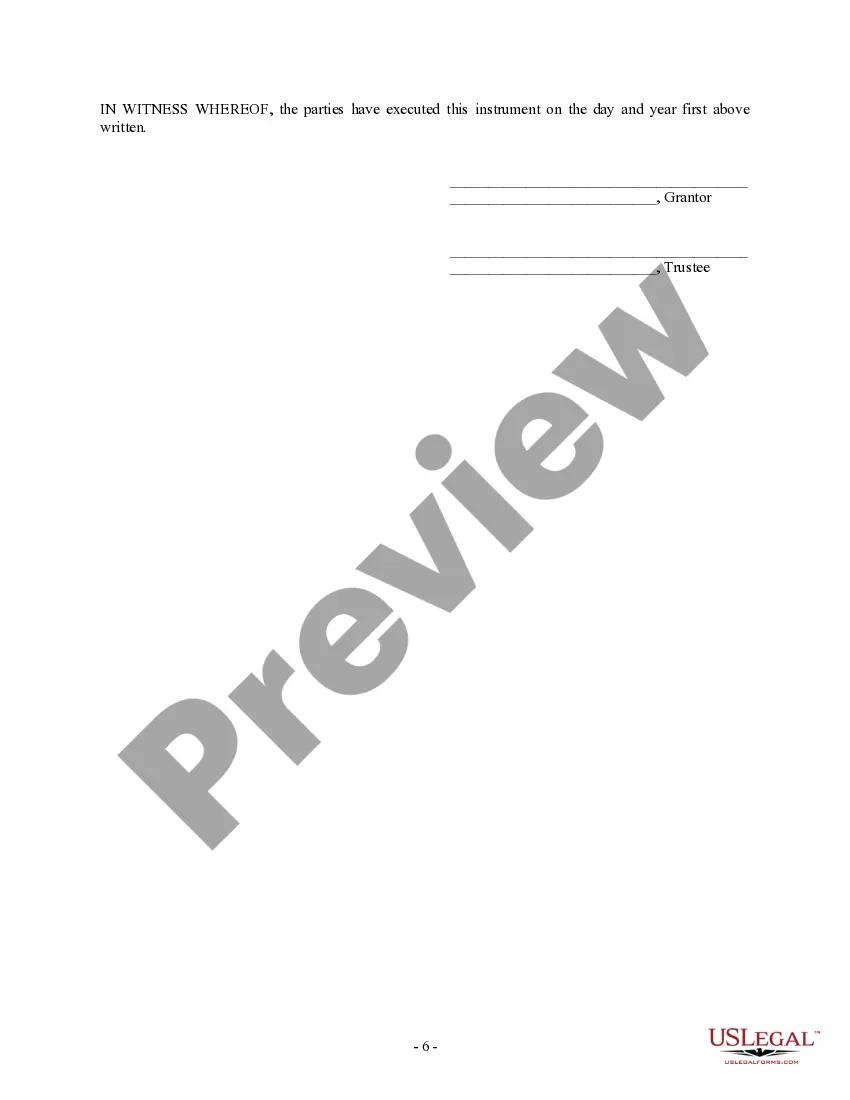
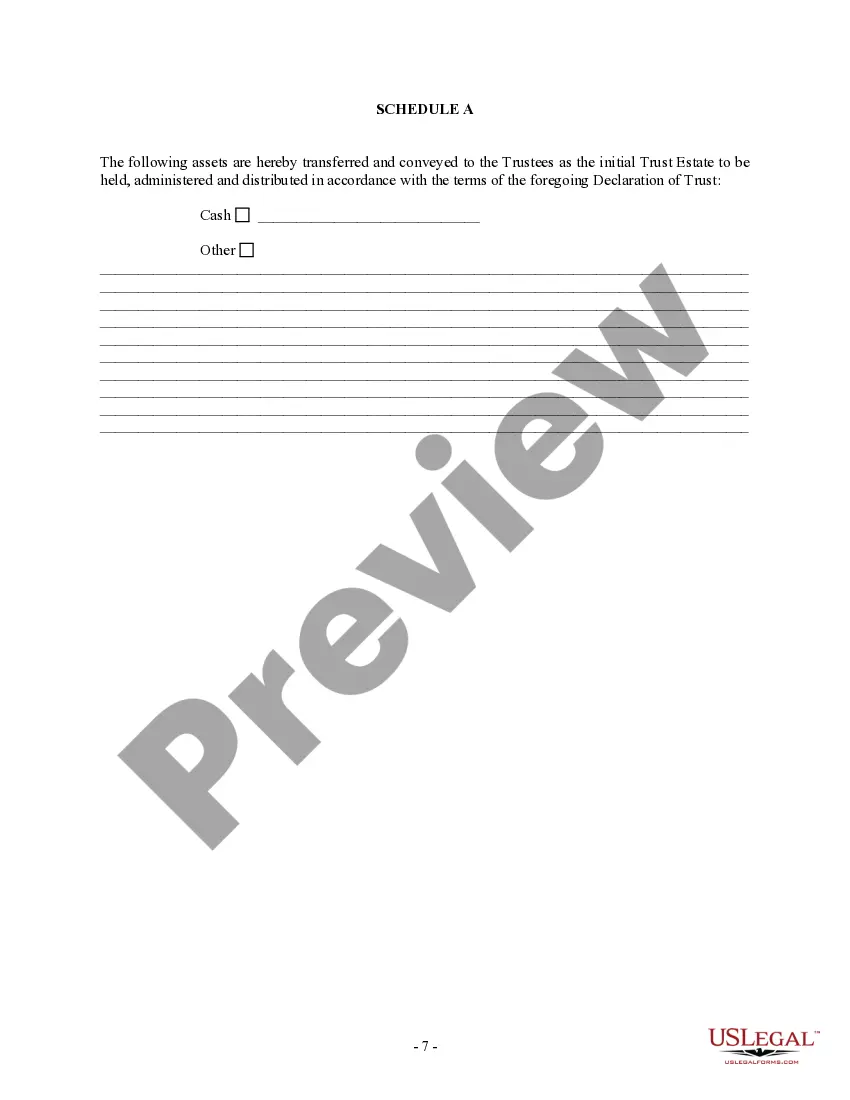
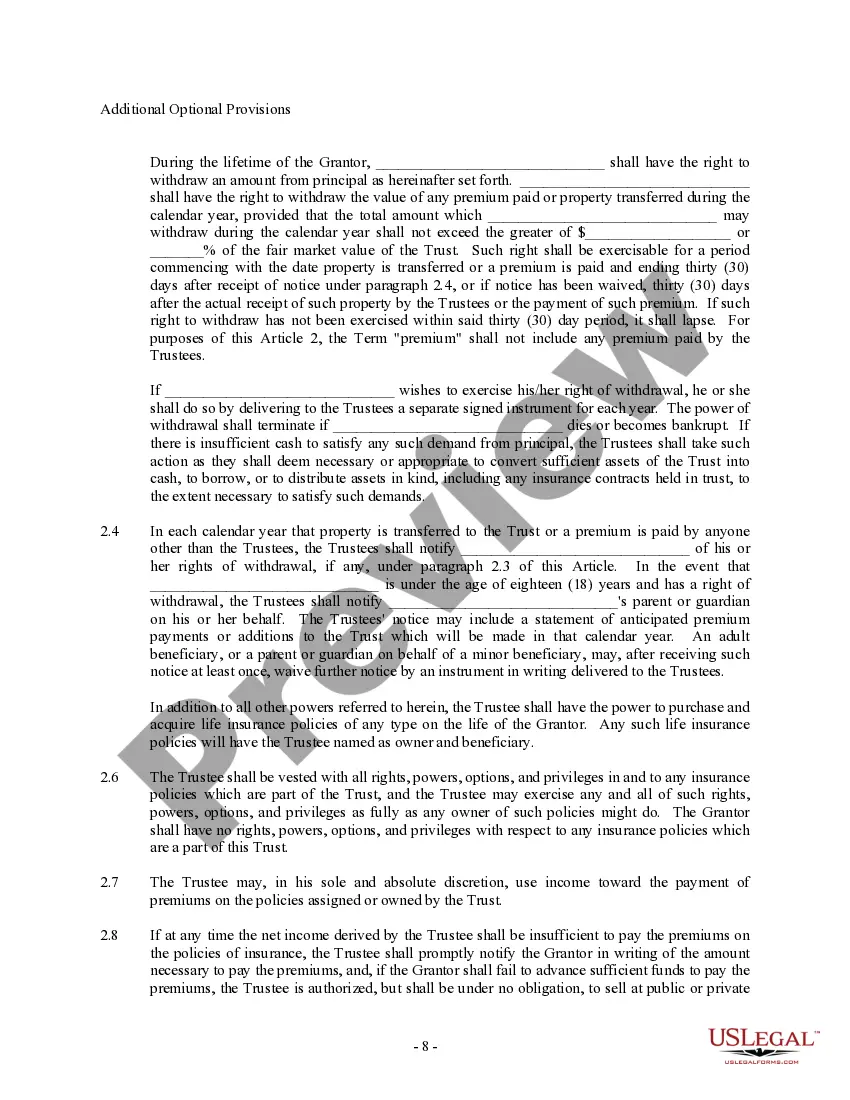
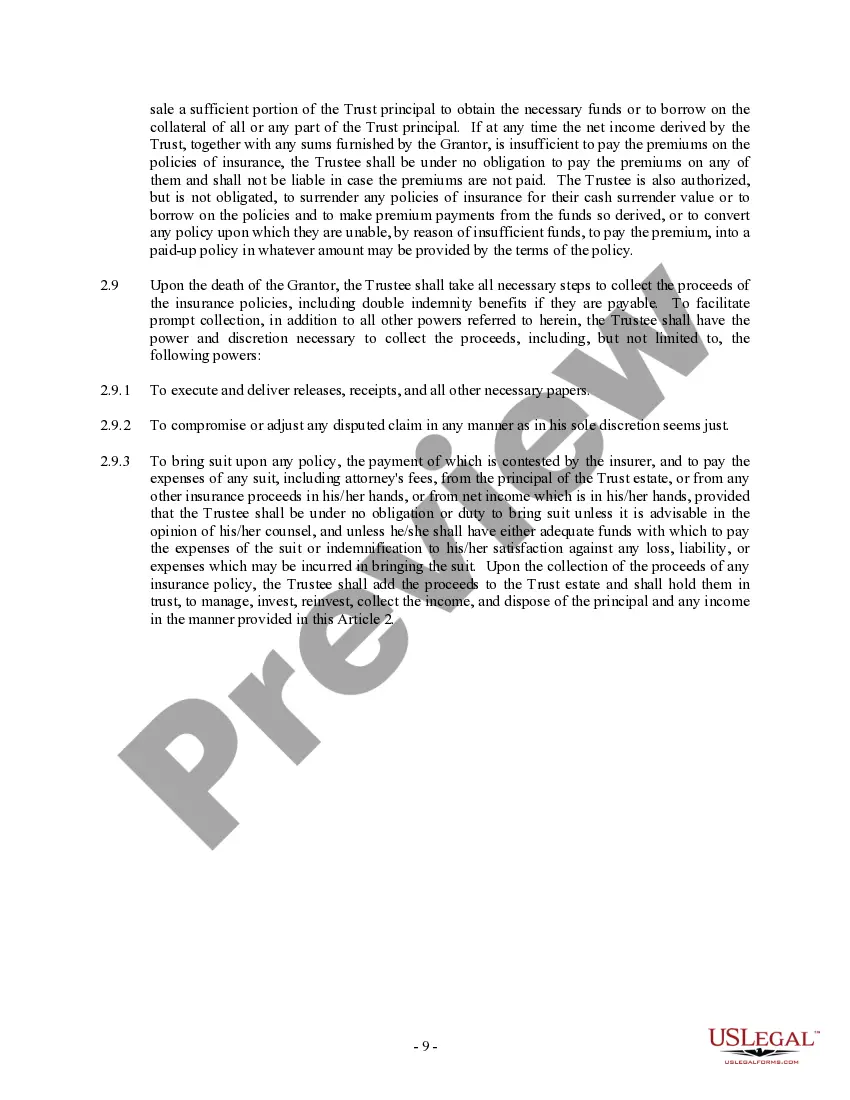


Get your form ready online
Our built-in tools help you complete, sign, share, and store your documents in one place.
Make edits, fill in missing information, and update formatting in US Legal Forms—just like you would in MS Word.
Download a copy, print it, send it by email, or mail it via USPS—whatever works best for your next step.
Sign and collect signatures with our SignNow integration. Send to multiple recipients, set reminders, and more. Go Premium to unlock E-Sign.
If this form requires notarization, complete it online through a secure video call—no need to meet a notary in person or wait for an appointment.
We protect your documents and personal data by following strict security and privacy standards.

Make edits, fill in missing information, and update formatting in US Legal Forms—just like you would in MS Word.

Download a copy, print it, send it by email, or mail it via USPS—whatever works best for your next step.

Sign and collect signatures with our SignNow integration. Send to multiple recipients, set reminders, and more. Go Premium to unlock E-Sign.

If this form requires notarization, complete it online through a secure video call—no need to meet a notary in person or wait for an appointment.

We protect your documents and personal data by following strict security and privacy standards.
Looking for another form?


How to fill out Trust Agreement - Family Special Needs?
It’s well-known that you cannot become a legal authority overnight, nor can you learn how to swiftly create a 3rd Party Special Needs Trust Form With Trust without possessing specialized expertise.
Assembling legal paperwork is a lengthy endeavor that demands particular training and abilities. So why not entrust the development of the 3rd Party Special Needs Trust Form With Trust to the experts.
With US Legal Forms, which boasts one of the most comprehensive collections of legal documents, you can access everything from court forms to templates for office correspondence. We recognize the significance of compliance and adherence to federal and local statutes and regulations. That’s why, on our platform, all forms are tailored to specific locations and kept current.
You can re-access your documents from the My documents tab at any time. If you’re an existing customer, you can easily Log In, and find and download the template from the same tab.
Regardless of the intent behind your documents—whether they are financial and legal or personal—our platform has you covered. Try US Legal Forms today!
- Begin by locating the document you seek using the search bar at the top of the page.
- Preview it (if this feature is available) and review the accompanying description to ascertain if the 3rd Party Special Needs Trust Form With Trust meets your needs.
- Start your search anew if you require any other form.
- Create a complimentary account and choose a subscription plan to purchase the template.
- Select Buy now. After the payment is finalized, you can download the 3rd Party Special Needs Trust Form With Trust, complete it, print it, and send or mail it to the specified individuals or organizations.
Form popularity
FAQ
To change the trust deed itself, you must execute a deed of variation. This is a document that updates the relevant section of the original trust deed. The deed of variation forms part of the documentation of your discretionary trust and details how the trust deed has been changed over time.
What is a Third Party Trust? A Third Party Trust (also known as a Common Law Trust) is funded by the beneficiary's family and/or friends, rather than the beneficiary themselves. It can be funded either during their lifetime and/or through an estate plan.
Beneficiaries can include spouses, children, and other relatives. They can also include friends, trusts, charities, and institutions.
A legal document (which may be a deed or other instrument) that creates a trust. The trust document appoints the trustees and states the terms of the trust, including who the beneficiaries are and the trust property that will be subject to the trust.
What Is a Beneficiary of Trust? A beneficiary of trust is the individual or group of individuals for whom a trust is created. The trust creator or grantor designates beneficiaries and a trustee, who has a fiduciary duty to manage trust assets in the best interests of beneficiaries as outlined in the trust agreement.