Reminder C#
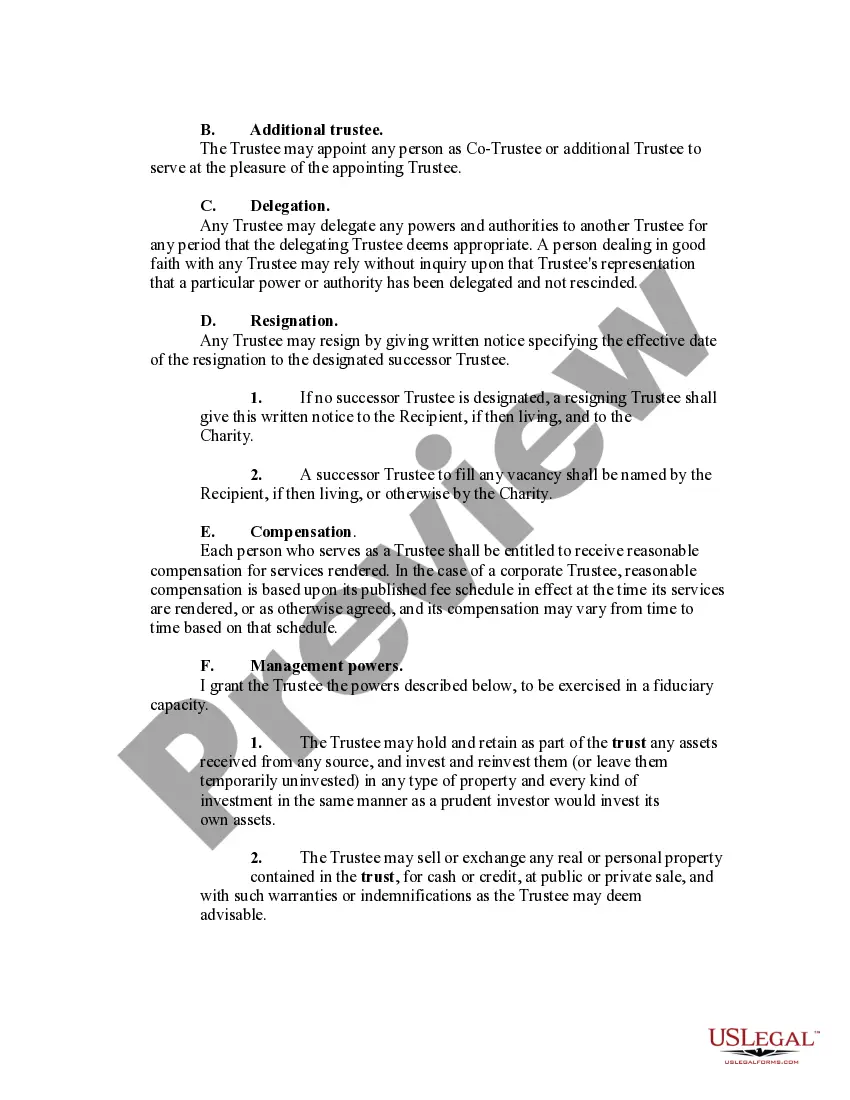
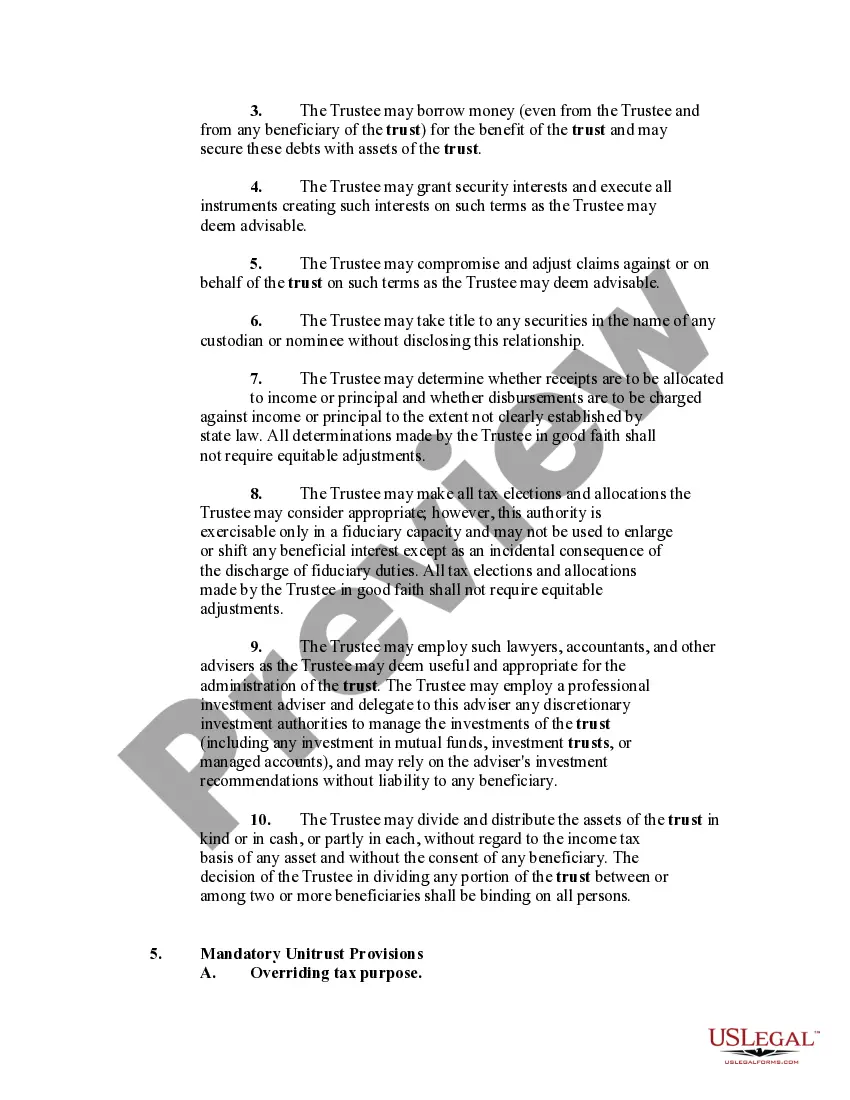
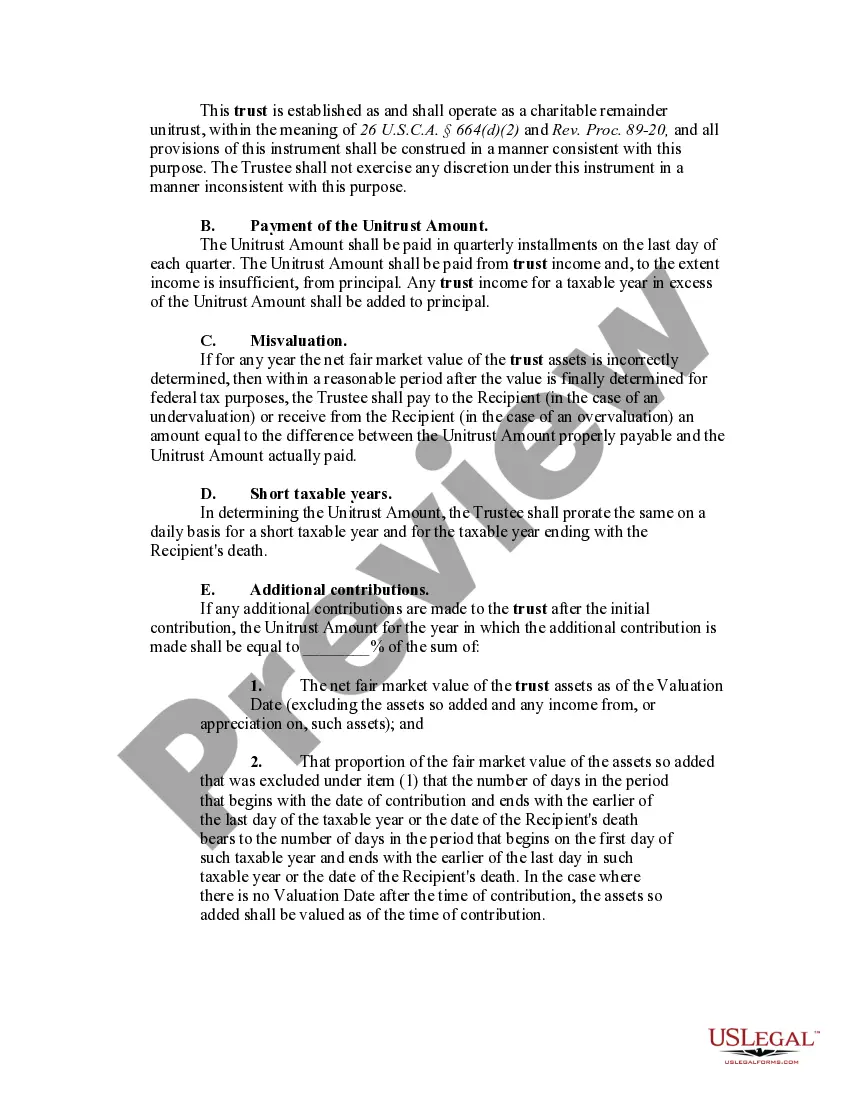
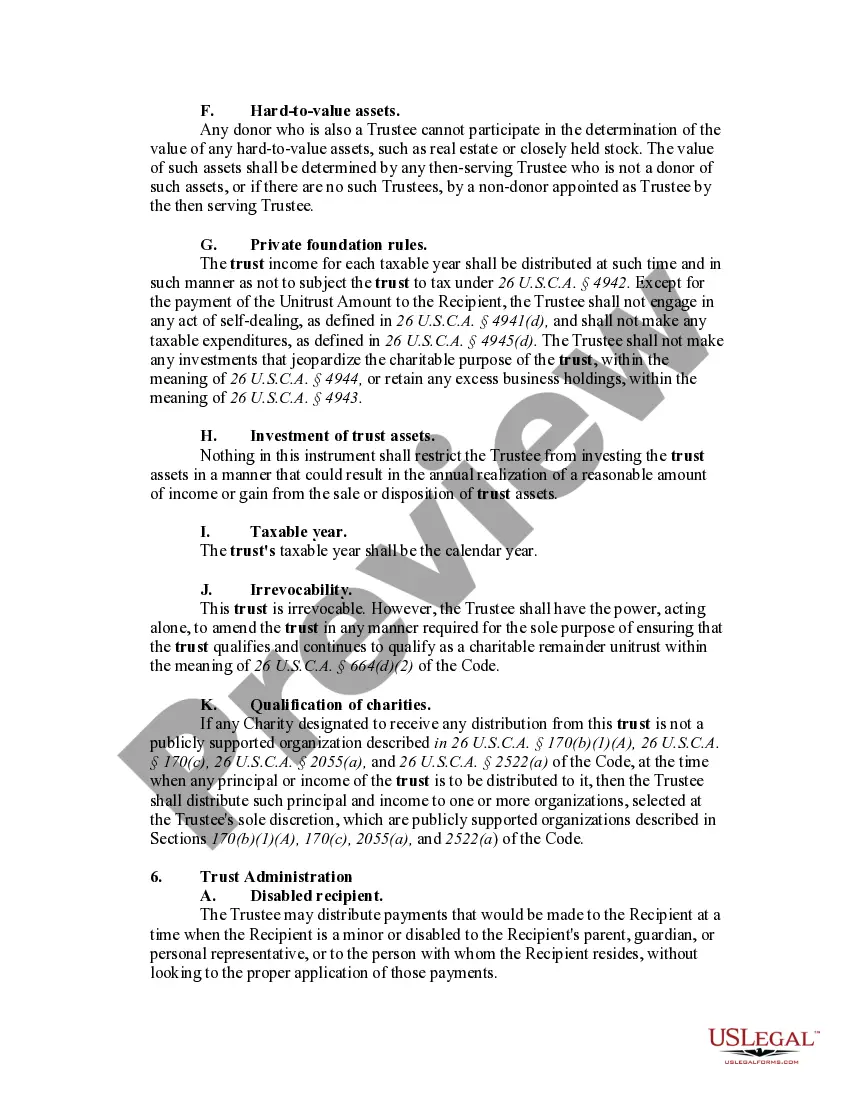
Description

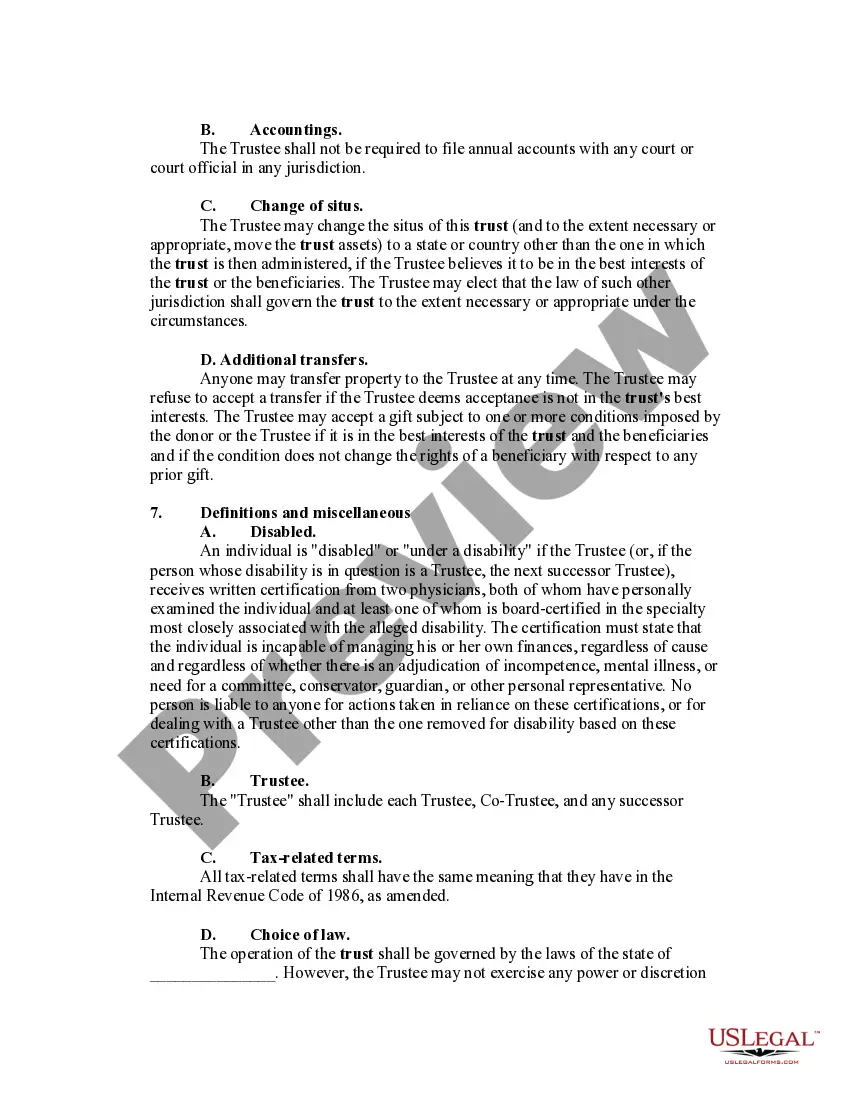
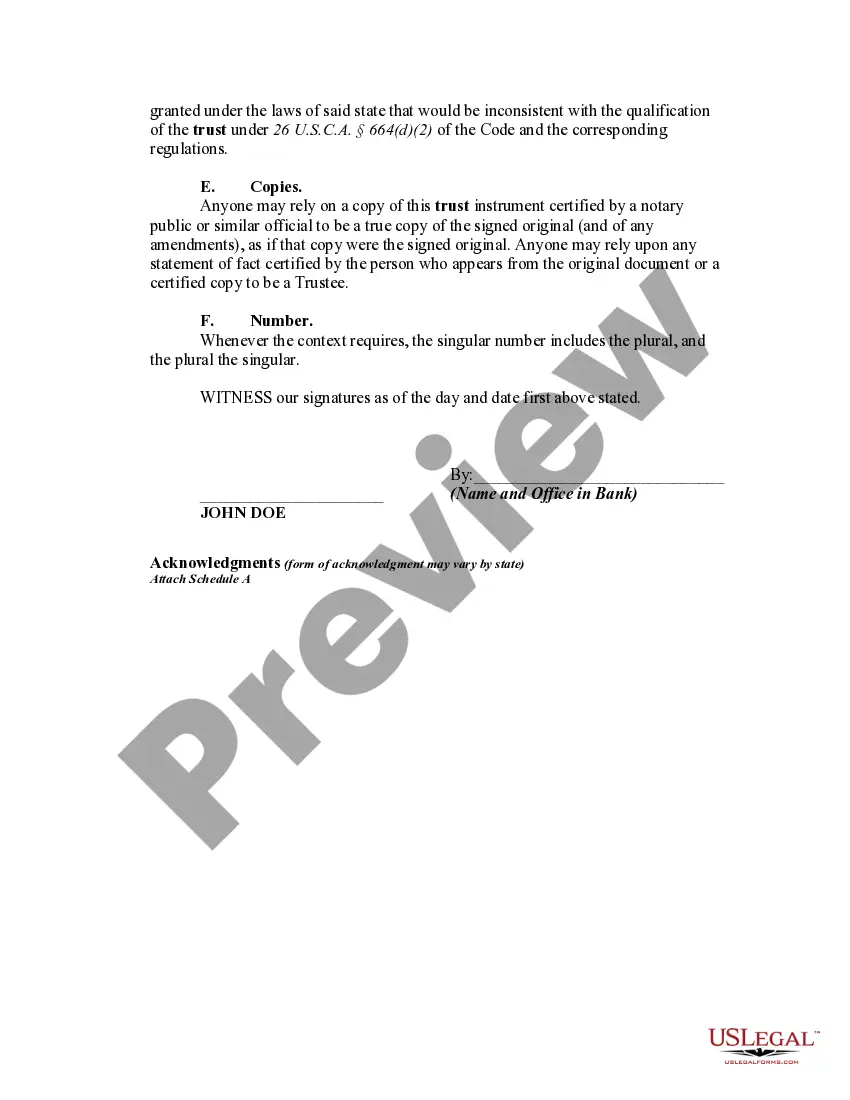
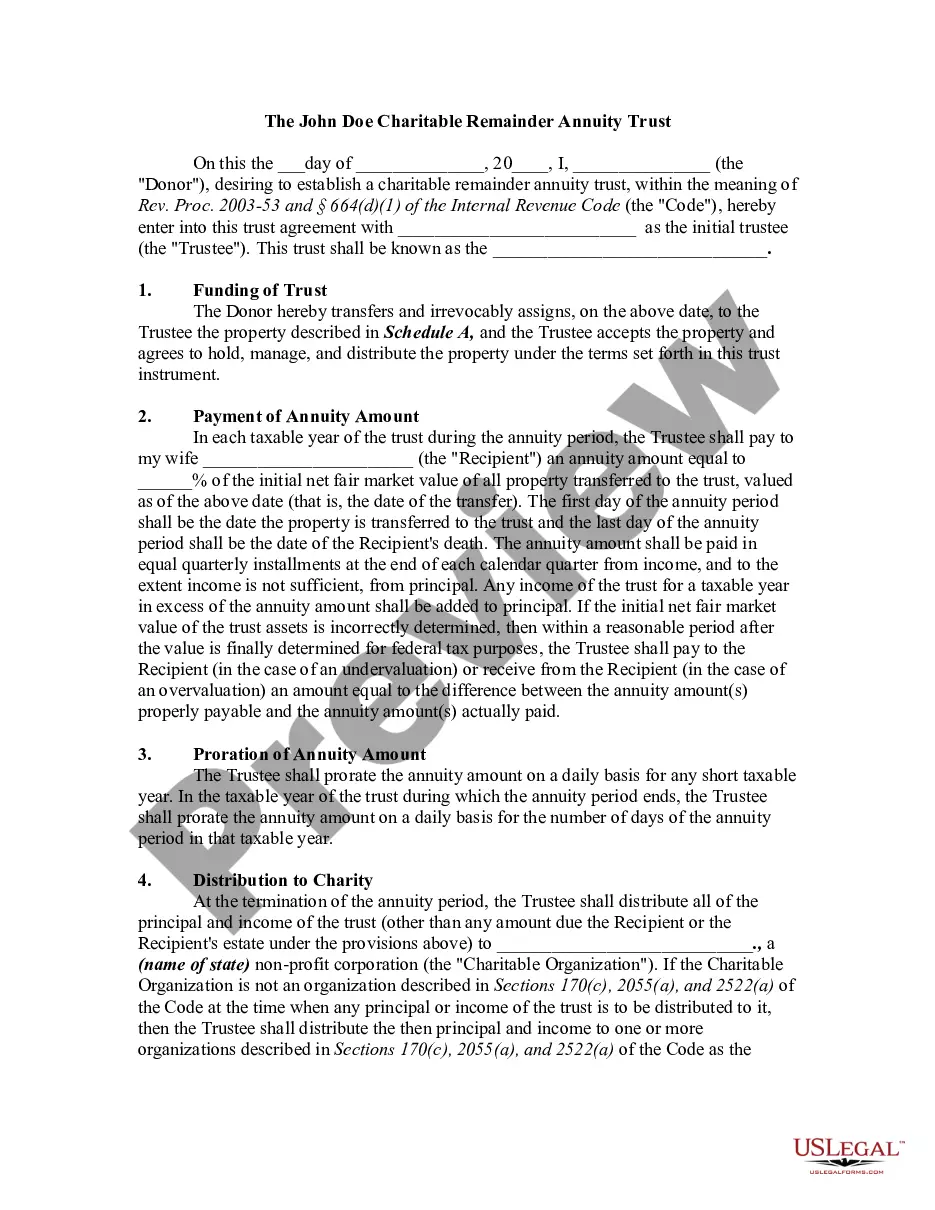




Get your form ready online
Our built-in tools help you complete, sign, share, and store your documents in one place.
Make edits, fill in missing information, and update formatting in US Legal Forms—just like you would in MS Word.
Download a copy, print it, send it by email, or mail it via USPS—whatever works best for your next step.
Sign and collect signatures with our SignNow integration. Send to multiple recipients, set reminders, and more. Go Premium to unlock E-Sign.
If this form requires notarization, complete it online through a secure video call—no need to meet a notary in person or wait for an appointment.
We protect your documents and personal data by following strict security and privacy standards.

Make edits, fill in missing information, and update formatting in US Legal Forms—just like you would in MS Word.

Download a copy, print it, send it by email, or mail it via USPS—whatever works best for your next step.

Sign and collect signatures with our SignNow integration. Send to multiple recipients, set reminders, and more. Go Premium to unlock E-Sign.

If this form requires notarization, complete it online through a secure video call—no need to meet a notary in person or wait for an appointment.

We protect your documents and personal data by following strict security and privacy standards.
Looking for another form?


How to fill out Charitable Remainder Inter Vivos Unitrust Agreement?
- Log in to your account (here) if you're an existing user and ensure your subscription remains active. If not, renew your plan based on your chosen payment method.
- Review the preview mode and description of the forms to make certain they align with your requirements and local laws.
- If a form doesn’t meet your needs, utilize the Search feature to find an appropriate alternative. Once satisfied, proceed to the next step.
- Select the Buy Now option and choose a suitable subscription plan. You must create an account to gain full access to the library.
- Complete your transaction by entering your payment details or logging in with PayPal for a streamlined purchase process.
- Download your selected form and save it on your device. You can access it later from the My Forms section of your profile.
Using US Legal Forms not only provides you with a robust collection of over 85,000 legal templates but also grants you access to expert assistance for precise document completion. This ensures your legal forms are comprehensive and tailored to your needs.
Take advantage of US Legal Forms today and streamline your legal document needs with ease. Start your journey and transform your experience!
Form popularity
FAQ
C does not have a built-in timer function, but you can create timers using libraries such as POSIX or by implementing sleep loops. These methods may require additional handling to achieve desired functionality. For robust applications, a Reminder c# feature might be more efficient, as it eases the process of scheduling and notifying users about important events.
To add a clock in C#, you can use a Label control and update its text property based on the current time. Implementing a Timer ensures that the clock updates every second, giving users a real-time display. Incorporating a Reminder c# system can elevate user experience by synchronizing reminders with the displayed time.
Creating a countdown timer in C# typically involves using a Timer class and managing a countdown variable. Set your Timer to tick at a regular interval, reducing the countdown value accordingly. By integrating a Reminder c# mechanism, you can notify users once the countdown finishes, making the entire experience more engaging and interactive.
The 'Elapsed' event in C# timers occurs when the timer reaches a predetermined interval. This event allows you to run specific code every time the timer ticks, which is ideal for tasks like triggering reminders. Leveraging this feature effectively enables you to implement a seamless Reminder c# experience in your applications, ensuring users are always up-to-date.
Yes, C# provides various timer classes, including System.Timers.Timer and System.Windows.Forms.Timer. These timers enable you to execute code at regular intervals without blocking your application's main thread. Using a Reminder c# integrated solution can enhance your application's functionality by keeping your users informed of key actions or events.
To write a scheduler in C#, begin by utilizing the Task Scheduler API or third-party libraries. You can create tasks that run at specified intervals or specific times. Incorporating a Reminder c# functionality helps in efficiently managing and notifying users about upcoming events. Ultimately, the chosen method depends on your project's requirements and complexity.
To add an element to the end of a linked list in C#, you typically need to traverse to the last node and then link the new node. Alternatively, using a LinkedList class in C# allows you to call 'AddLast(newNode)'. This method is straightforward and efficient, making your data manipulation easier. Familiarizing yourself with linked lists can boost your programming skills.
In C#, you cannot directly add an item to a fixed-size array. One effective approach is to create a new array with a larger size, copy the existing items, and then add the new item. Alternatively, consider using a List for flexibility, as it allows dynamic resizing. This tactic can improve your programming experience significantly.
In C#, the '++' operator is used for incrementing a variable by one. For example, if you have 'int x = 5;', then 'x++;' will change the value of 'x' to 6. This operator is handy for loop counters or simply increasing a value as needed. Understanding this operator is fundamental for efficient coding.
In C#, you use the remainder through the modulus operator (%). For example, to check the remainder of 7 divided by 4, write 'int result = 7 % 4;'. The result will be 3, reflecting the remainder. Mastering this operator can enhance your problem-solving skills in programming.