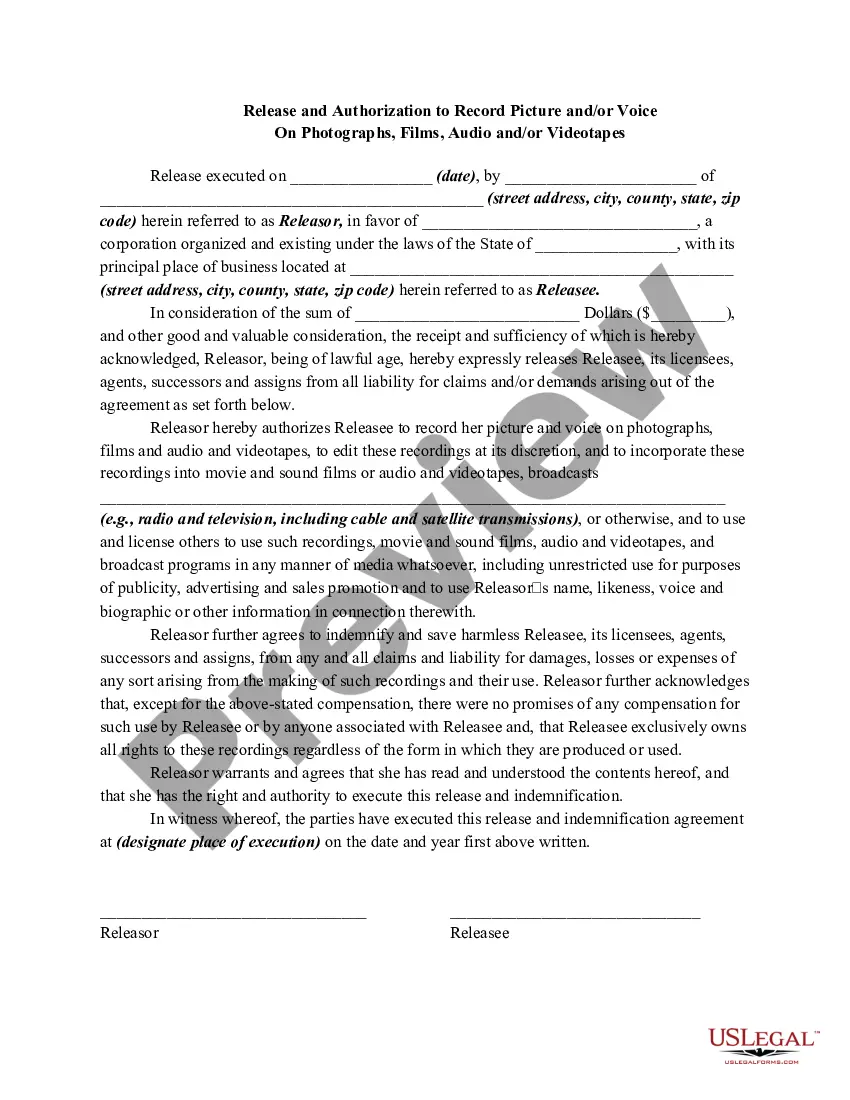
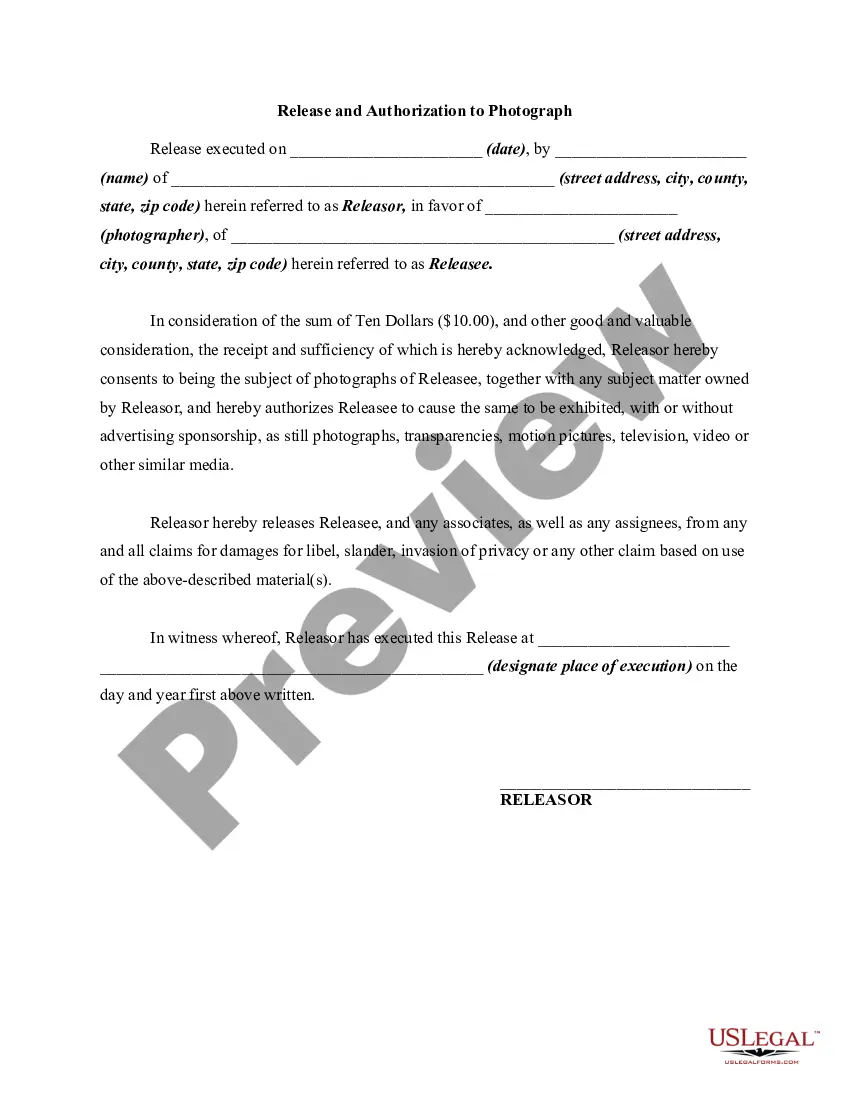
Release Record Form With Sections
Description
Get your form ready online
Our built-in tools help you complete, sign, share, and store your documents in one place.
Make edits, fill in missing information, and update formatting in US Legal Forms—just like you would in MS Word.
Download a copy, print it, send it by email, or mail it via USPS—whatever works best for your next step.
Sign and collect signatures with our SignNow integration. Send to multiple recipients, set reminders, and more. Go Premium to unlock E-Sign.
If this form requires notarization, complete it online through a secure video call—no need to meet a notary in person or wait for an appointment.
We protect your documents and personal data by following strict security and privacy standards.

Make edits, fill in missing information, and update formatting in US Legal Forms—just like you would in MS Word.

Download a copy, print it, send it by email, or mail it via USPS—whatever works best for your next step.

Sign and collect signatures with our SignNow integration. Send to multiple recipients, set reminders, and more. Go Premium to unlock E-Sign.

If this form requires notarization, complete it online through a secure video call—no need to meet a notary in person or wait for an appointment.

We protect your documents and personal data by following strict security and privacy standards.
Looking for another form?
How to fill out Release And Authorization To Record Picture And / Or Voice On Photographs, Films, Audio And / Or Videotapes?
No matter if you handle documentation frequently or if you occasionally need to present a legal document, it is vital to have a source that contains all the relevant and current samples.
The first action you should undertake with a Release Record Form With Sections is to verify that it is indeed the most recent version, as this determines whether it can be submitted.
If you wish to streamline your quest for the most current document samples, look for them on US Legal Forms.
Use the search menu to locate the form you need. Review the Release Record Form With Sections preview and description to confirm it is exactly what you are looking for. After verifying the form, click Buy Now. Select a subscription plan that suits you. Create an account or Log In to your existing one. Enter your credit card information or PayPal account to finalize the purchase. Choose the download file format and confirm it. Eliminate confusion when dealing with legal documents. All your templates will be organized and validated with a US Legal Forms account.
- US Legal Forms is a repository of legal documents that includes nearly every kind of document example you may need.
- Search for the forms you want, immediately check their relevance, and learn more about their application.
- With US Legal Forms, you gain access to approximately 85,000 form templates across numerous fields.
- Retrieve the Release Record Form With Sections examples in just a few clicks and keep them stored at any time in your profile.
- A US Legal Forms profile enables you to obtain all the requisite samples with ease and minimal stress.
- Simply click Log In in the site header and access the My documents section containing all the forms you need at your fingertips, eliminating the need to spend time either locating the correct template or verifying its relevance.
- To obtain a form without an account, follow these steps.
Form popularity
FAQ
Designated record sets include medical records, billing records, payment and claims records, health plan enrollment records, case management records, as well as other records used, in whole or in part, by or for a covered entity to make decisions about individuals.
Which is the appropriate method for correcting data in a medical record? Remove the item with the incorrect data, and then create a new form with the correct information.
When an error is made in a medical record entry, proper error correction procedures must be followed.Draw line through entry (thin pen line).Initial and date the entry.State the reason for the error (i.e. in the margin or above the note if room).Document the correct information.
Release of information (ROI) is the process of providing access to protected health information (PHI) to an individual or entity authorized to receive or review it.
The patient's legal name, date of birth, gender, Social Security number, address, telephone number, guarantor, subscriber, or next-of-kin are key identifying elements that assist in establishing the proper individual.