Buy Sell Agreement Purchase With Bitcoin In Riverside
Description

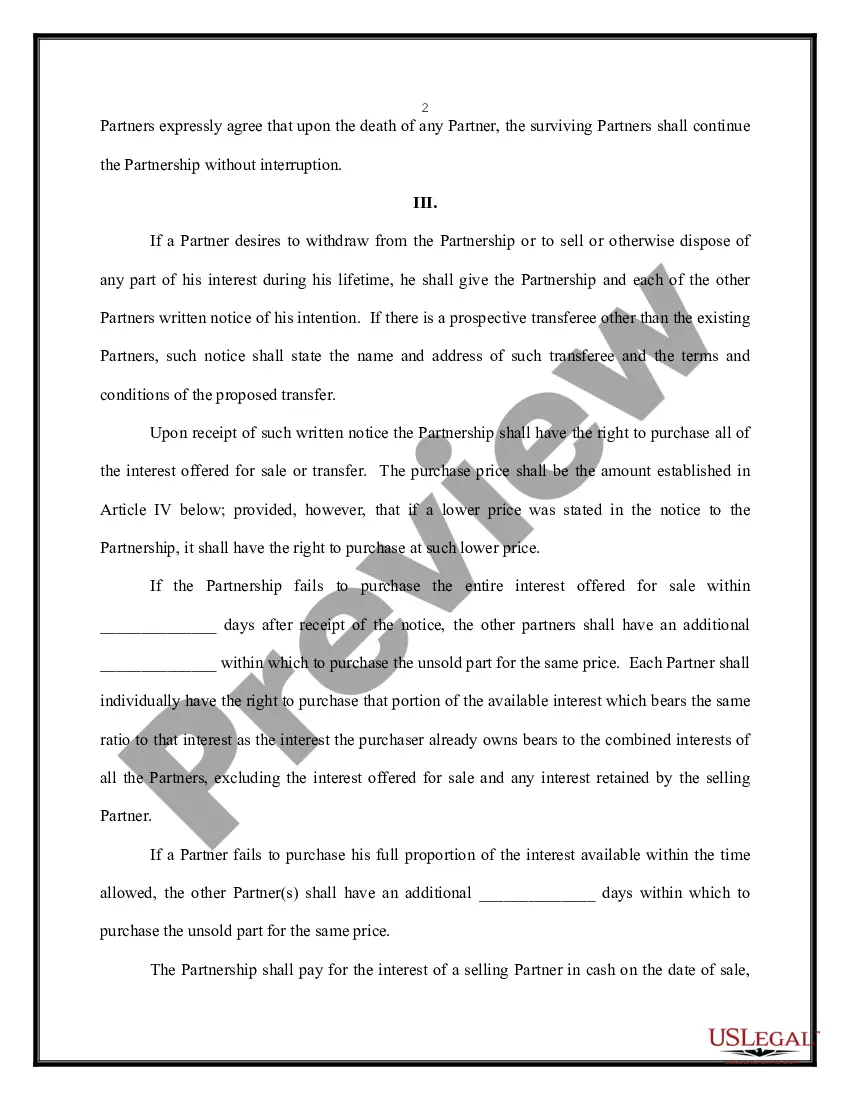
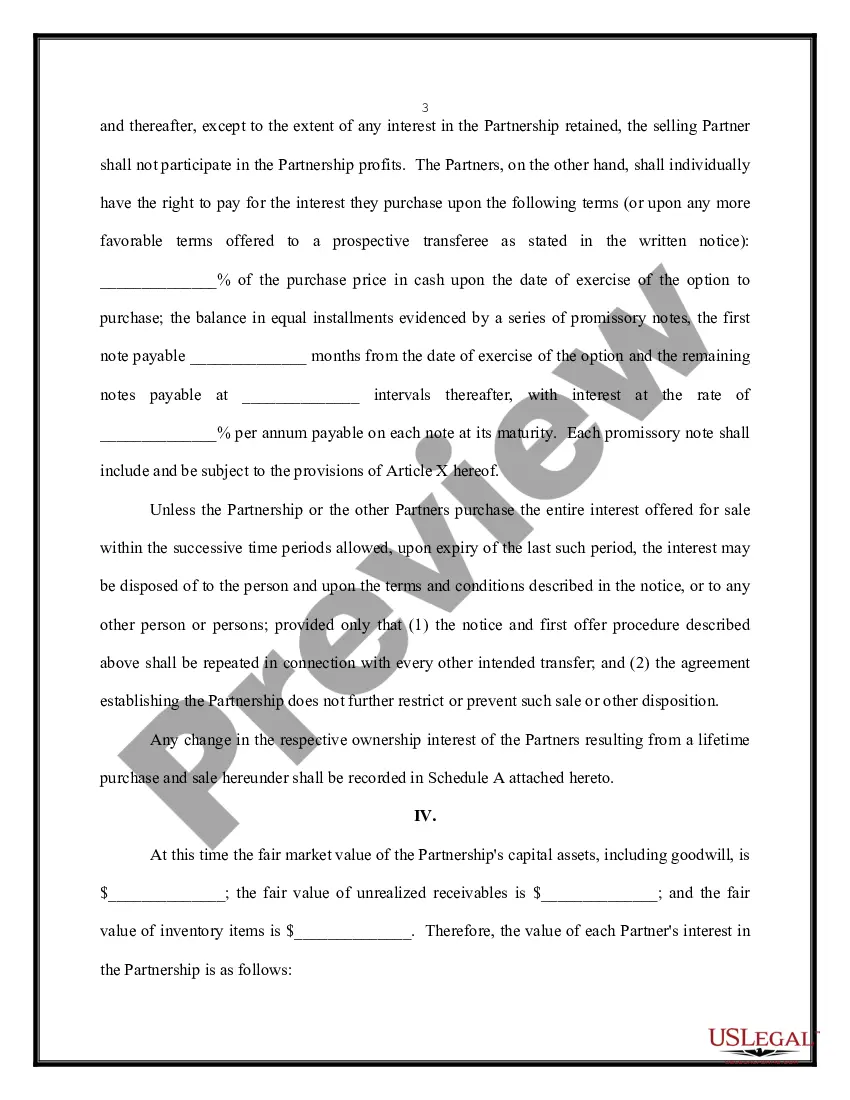
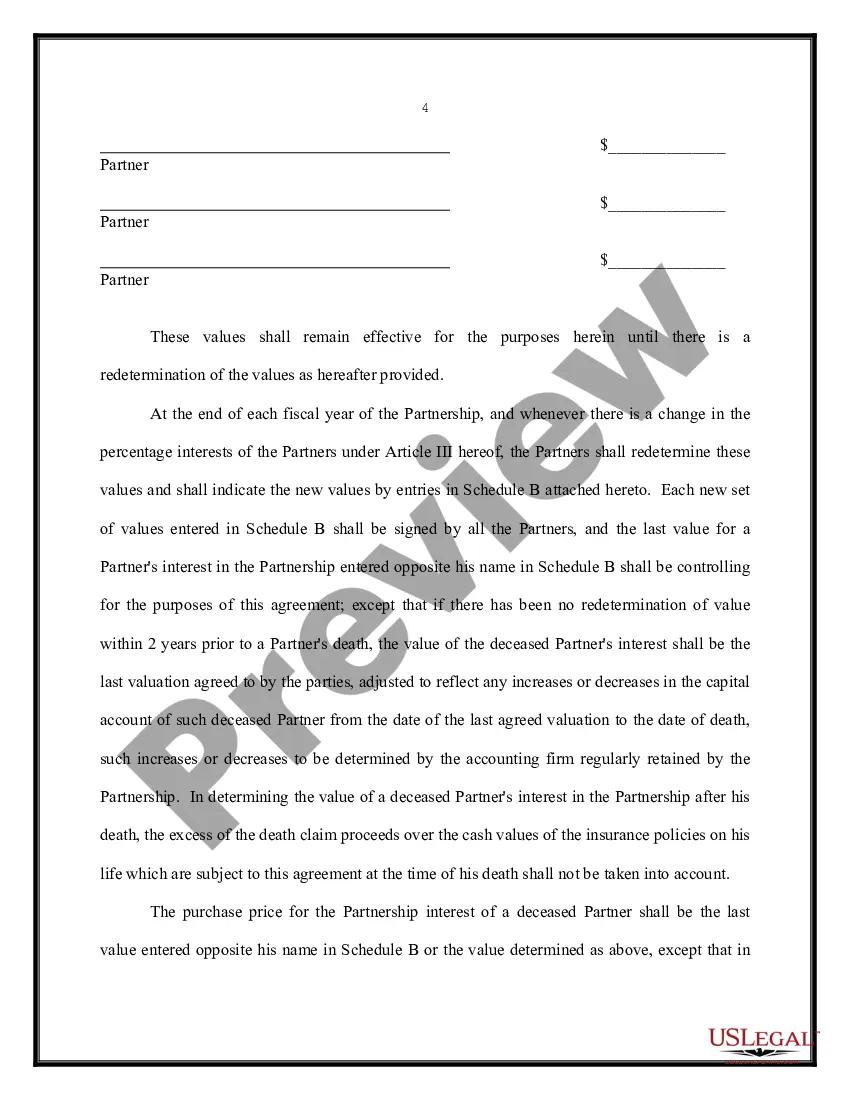
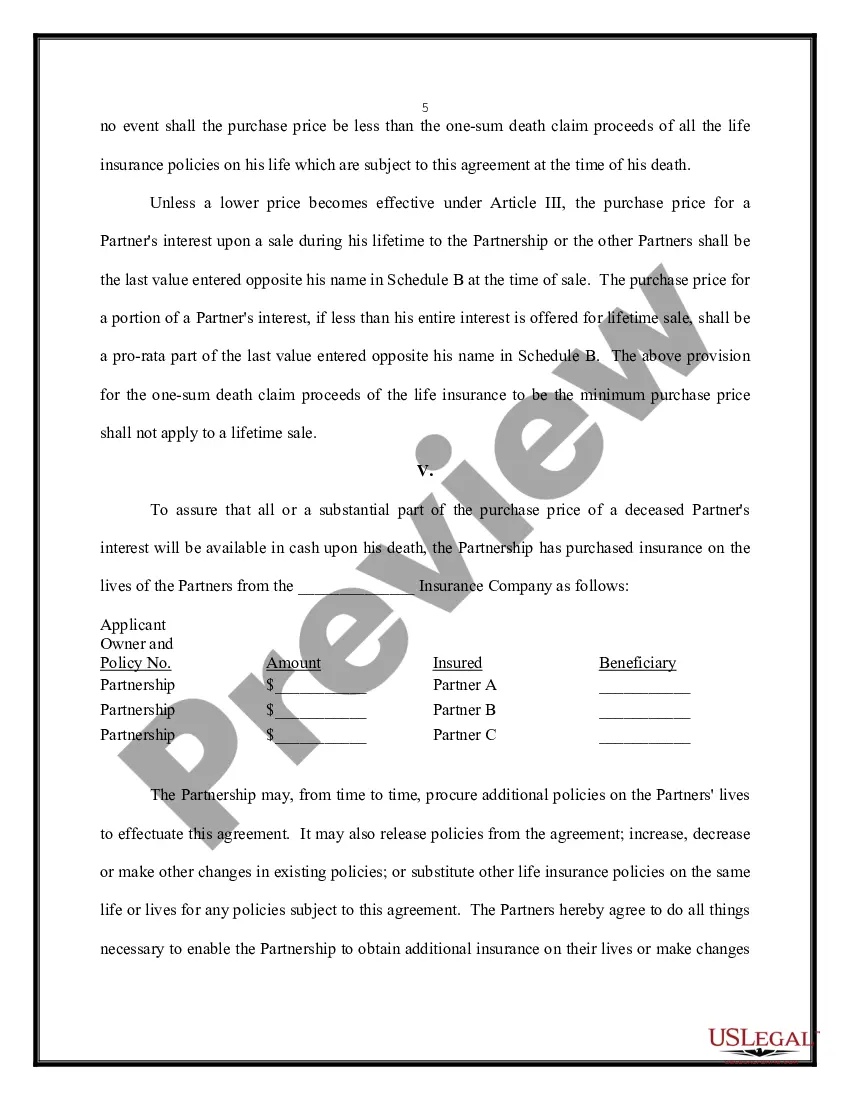


Get your form ready online
Our built-in tools help you complete, sign, share, and store your documents in one place.
Make edits, fill in missing information, and update formatting in US Legal Forms—just like you would in MS Word.
Download a copy, print it, send it by email, or mail it via USPS—whatever works best for your next step.
Sign and collect signatures with our SignNow integration. Send to multiple recipients, set reminders, and more. Go Premium to unlock E-Sign.
If this form requires notarization, complete it online through a secure video call—no need to meet a notary in person or wait for an appointment.
We protect your documents and personal data by following strict security and privacy standards.

Make edits, fill in missing information, and update formatting in US Legal Forms—just like you would in MS Word.

Download a copy, print it, send it by email, or mail it via USPS—whatever works best for your next step.

Sign and collect signatures with our SignNow integration. Send to multiple recipients, set reminders, and more. Go Premium to unlock E-Sign.

If this form requires notarization, complete it online through a secure video call—no need to meet a notary in person or wait for an appointment.

We protect your documents and personal data by following strict security and privacy standards.
Looking for another form?









Form popularity
FAQ
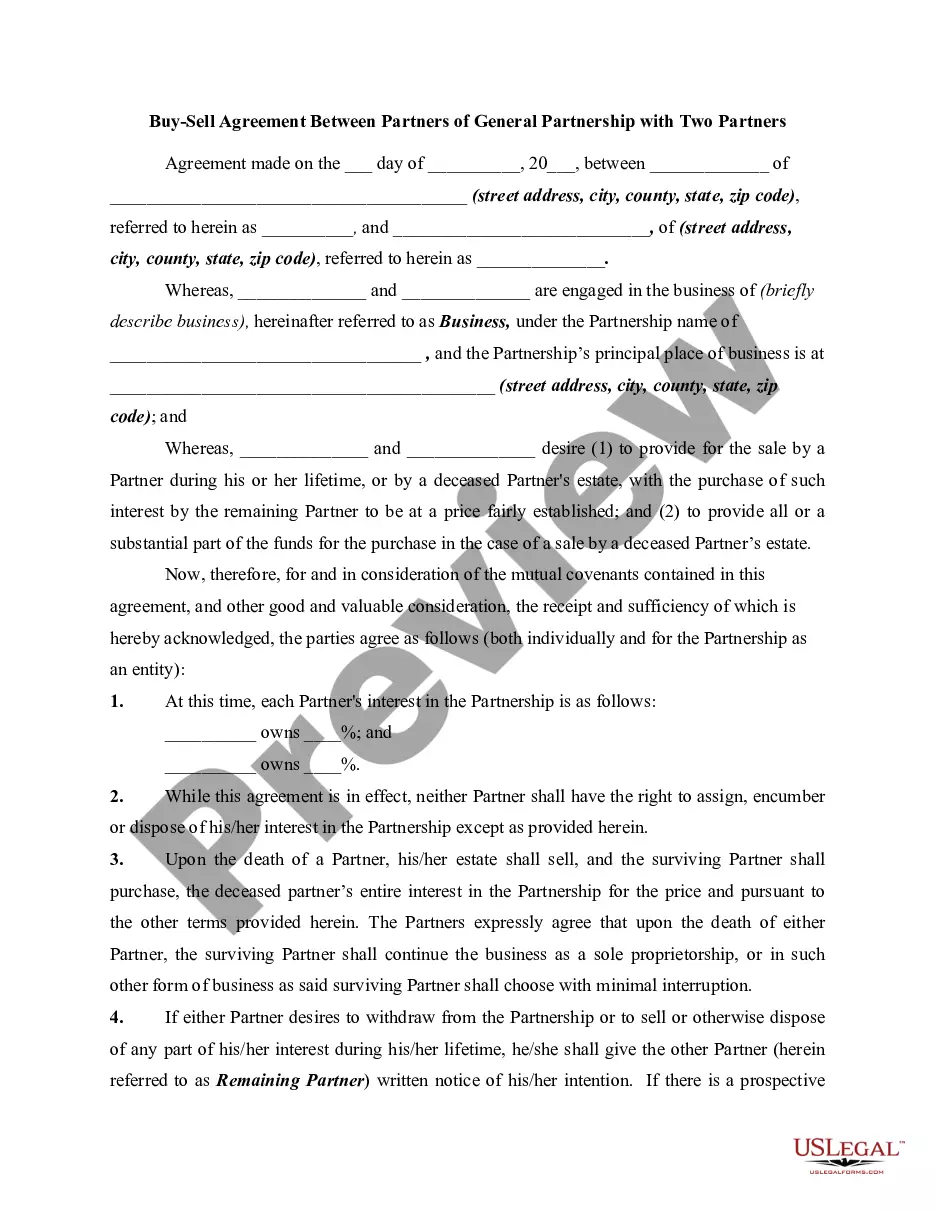
Generally, they should include the following information: A list of the partners or owners involved and their current equity stakes. A recent business valuation, which is used to place a value on each partner's interest. Events that trigger a buyout, such as death, disability, bankruptcy, or retirement.
Trigger events will determine when your buy-sell agreement will come into play. Common circumstances include the death, disability, retirement or voluntary departure of a partner, but may extend to additional scenarios, such as divorce or individual bankruptcy.
sell agreement provides a plan for the orderly transfer of any owner's business interest. Consider a buysell agreement for your business if: You have two or more owners. You want to provide protection in the event of any owner's termination of employment, retirement, divorce, disability, or death.
Step 1: Wallet Download & Installation. Step 2: Wallet Back-Up Process. Step 3: Receiving a Test Transaction to Your Mobile Bitcoin Wallet. Step 4: Deleting Your Bitcoin Wallet and Restoring It From Seed Phrase. Step 5: Sending Transactions From Your Mobile Bitcoin Wallet.
Open your Bitcoin Wallet app and tap the 'Send' button at the top of the home screen. Select Bitcoin (BTC) as the asset to send. Paste the recipient's wallet address into the Bitcoin address field. If you're in person, select “Scan QR code” and simply scan it with your app.
How to Buy Bitcoin and Send it to Someone Step 1: Choose a Cryptocurrency Exchange. The first step in buying bitcoin is to choose a reputable cryptocurrency exchange. Step 2: Deposit Funds. Step 3: Buy Bitcoin. Step 4: Send Bitcoin to Someone. Step 5: Confirm the Transaction. Step 6: Wait for Confirmation.