Notary Affidavit For Oci In San Jose
Description

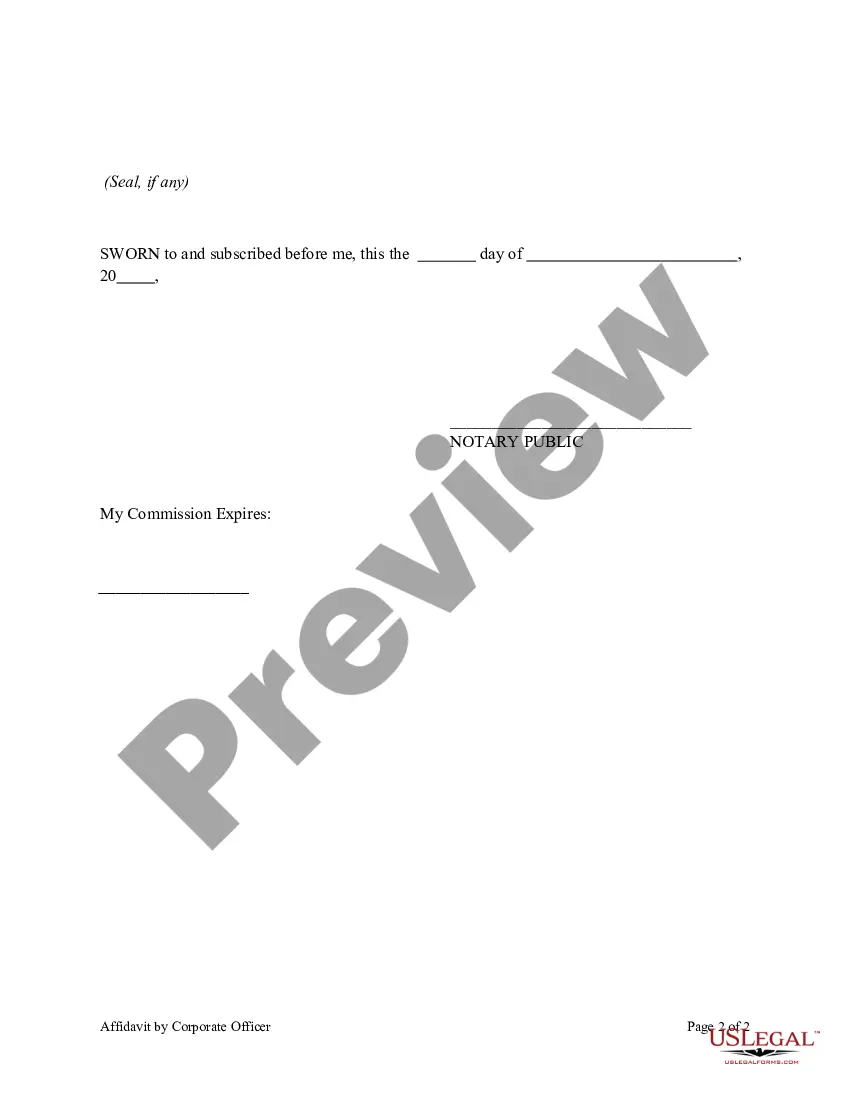
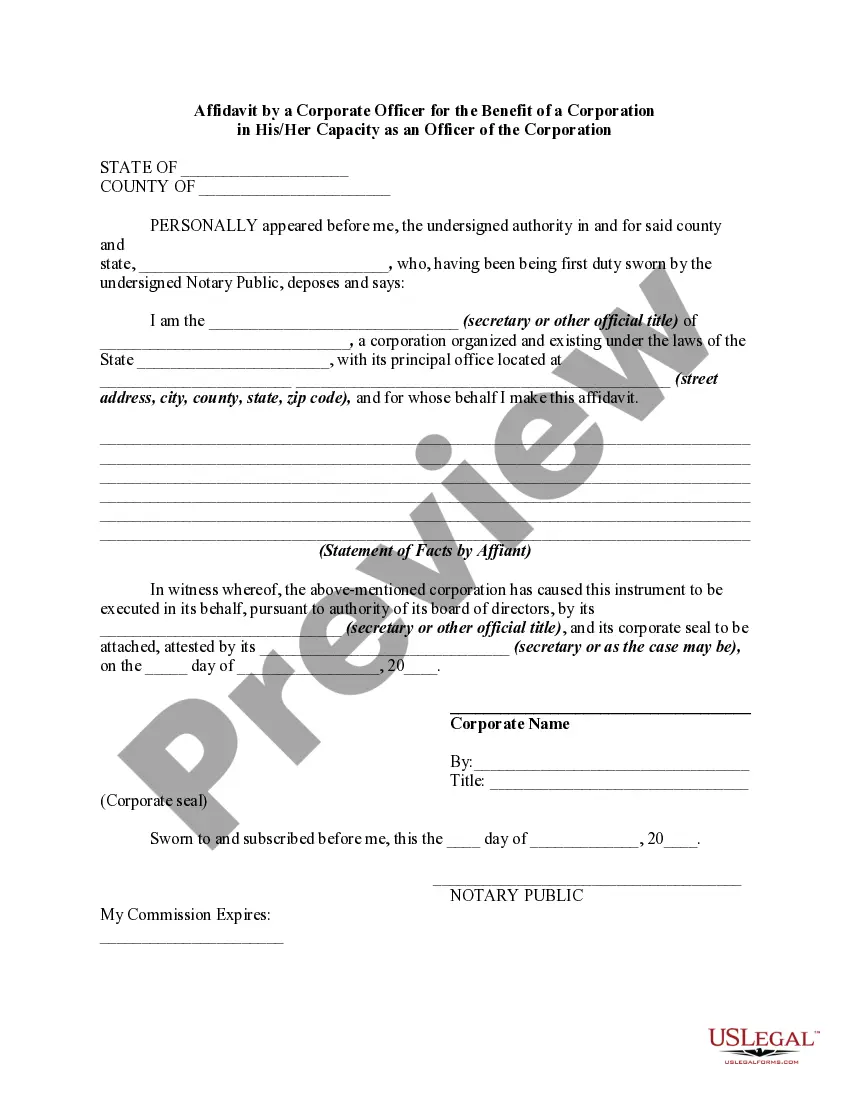
Get your form ready online
Our built-in tools help you complete, sign, share, and store your documents in one place.
Make edits, fill in missing information, and update formatting in US Legal Forms—just like you would in MS Word.
Download a copy, print it, send it by email, or mail it via USPS—whatever works best for your next step.
Sign and collect signatures with our SignNow integration. Send to multiple recipients, set reminders, and more. Go Premium to unlock E-Sign.
If this form requires notarization, complete it online through a secure video call—no need to meet a notary in person or wait for an appointment.
We protect your documents and personal data by following strict security and privacy standards.

Make edits, fill in missing information, and update formatting in US Legal Forms—just like you would in MS Word.

Download a copy, print it, send it by email, or mail it via USPS—whatever works best for your next step.

Sign and collect signatures with our SignNow integration. Send to multiple recipients, set reminders, and more. Go Premium to unlock E-Sign.

If this form requires notarization, complete it online through a secure video call—no need to meet a notary in person or wait for an appointment.

We protect your documents and personal data by following strict security and privacy standards.
Looking for another form?






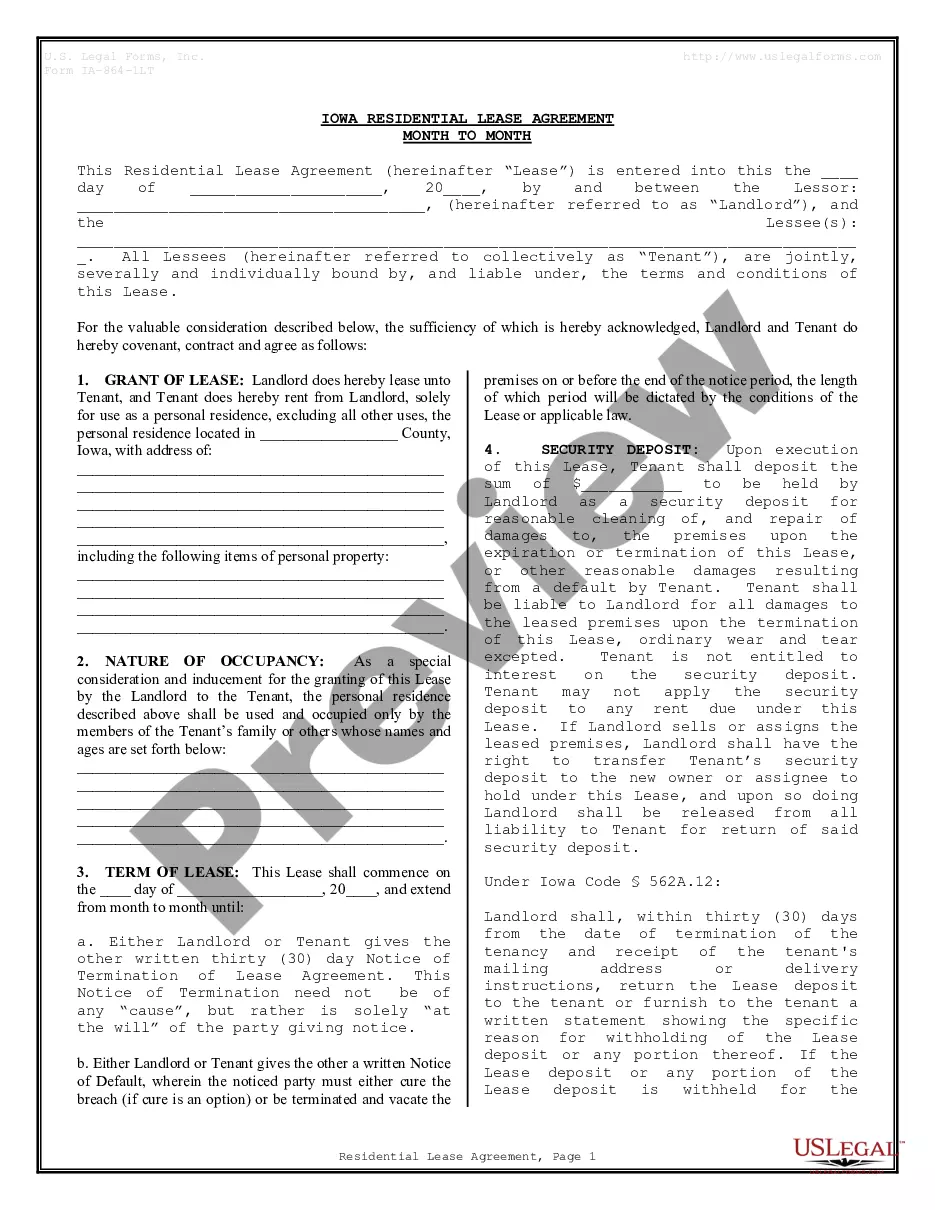



Form popularity
FAQ
One of the best places to get your legal documents and forms notarized is your local bank. Banks and other financial institutions, such as credit unions, often offer notary services in order to provide extra value to their customers. Many banks and financial institutions have their in-house notaries.
How It Works. Getting a document notarized is easy. Simply upload your docs, verify your identity and you will be connected to a notary via an online meeting. Notaries on the Notarize Network are always online and available 24/7.
U.S. embassies and consulates provide notarial services like a notary public in the United States. A notary is someone who witnesses you sign a document. In countries that are part of the Hague Convention, get your document notarized by a local notary.
One of the most common mistakes that notaries make is not printing or signing their name exactly as it appears on their notary commission.
All affidavits must be sworn to be true under oath and, ing to California law, this means you must have a notary public—or other agent certified by the state to administer oaths, such as a judge—execute the affidavit.
If you need to visit a Notary during regular business hours, you can usually find notarial services at banks, libraries, and mailbox/photocopy shops. Other businesses with Notaries on-site include: FindaNotary. AAA and UPS Stores.
How to notarize a document in California Step 1: Personal appearance is required. Step 2: Check over the document before notarizing. Step 3: Carefully identify the signer. Step 4: Complete your journal entry. Step 5: Fill in the notarial certificate.
Creating a Power of Attorney from USA to India requires several steps to ensure it's valid in both the USA and India. Step 1: Draft the Power of Attorney Document. Step 2: Notarisation. Step 3: Apostille or Attestation. Step 4: Sending the POA to India. Step 5: Registration in India (Optional but Recommended)
How to make a digital signature? Open the saved word document you want to sign. To create a signature line, go to the "INSERT" option. Select the space to put the signature line. Now, you get the option to make a digital signature, you can either type in your name or select an image of your handwritten signature.
How to upload photo and signature in online application form? You can add a digital signature to your form via Word. Open the application form. Put your cursor where you want your signature to be. Click on the Insert button. Select the 'signature line' A menu will pop up. Input all the information in the menu. Select 'OK'
