Work State Law For Breaks
Description

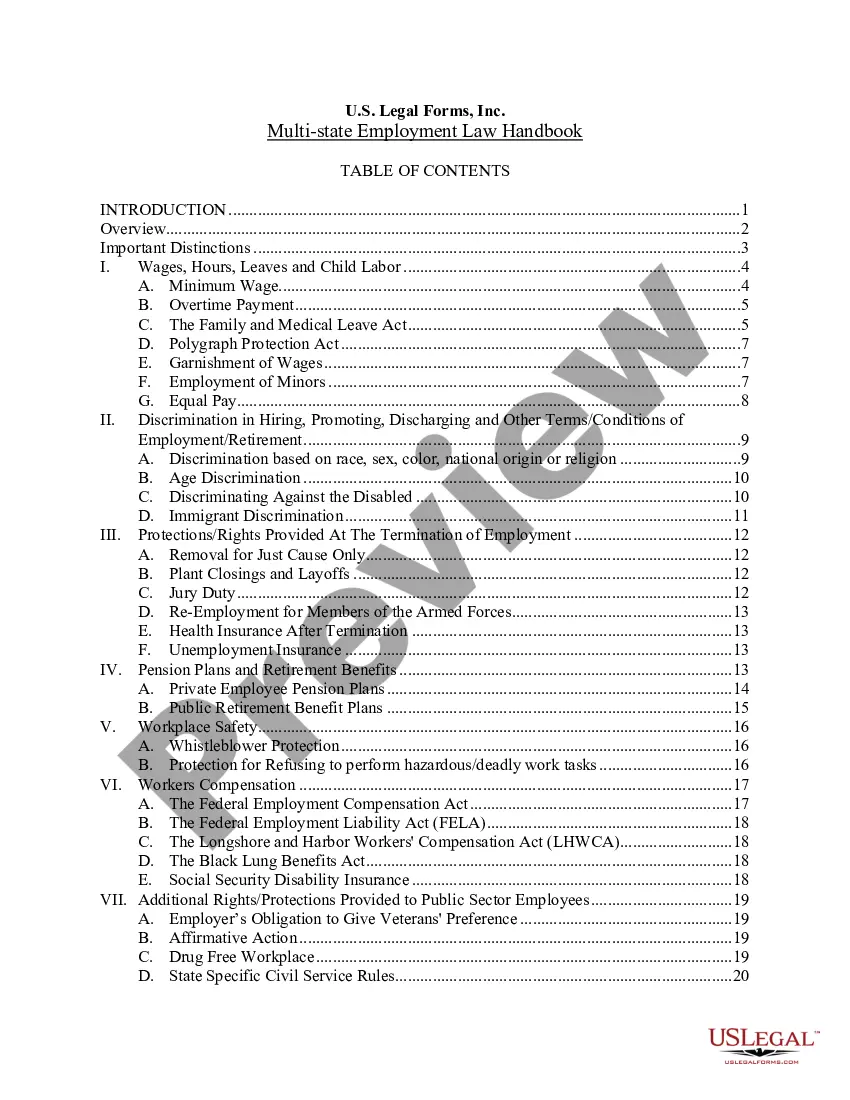
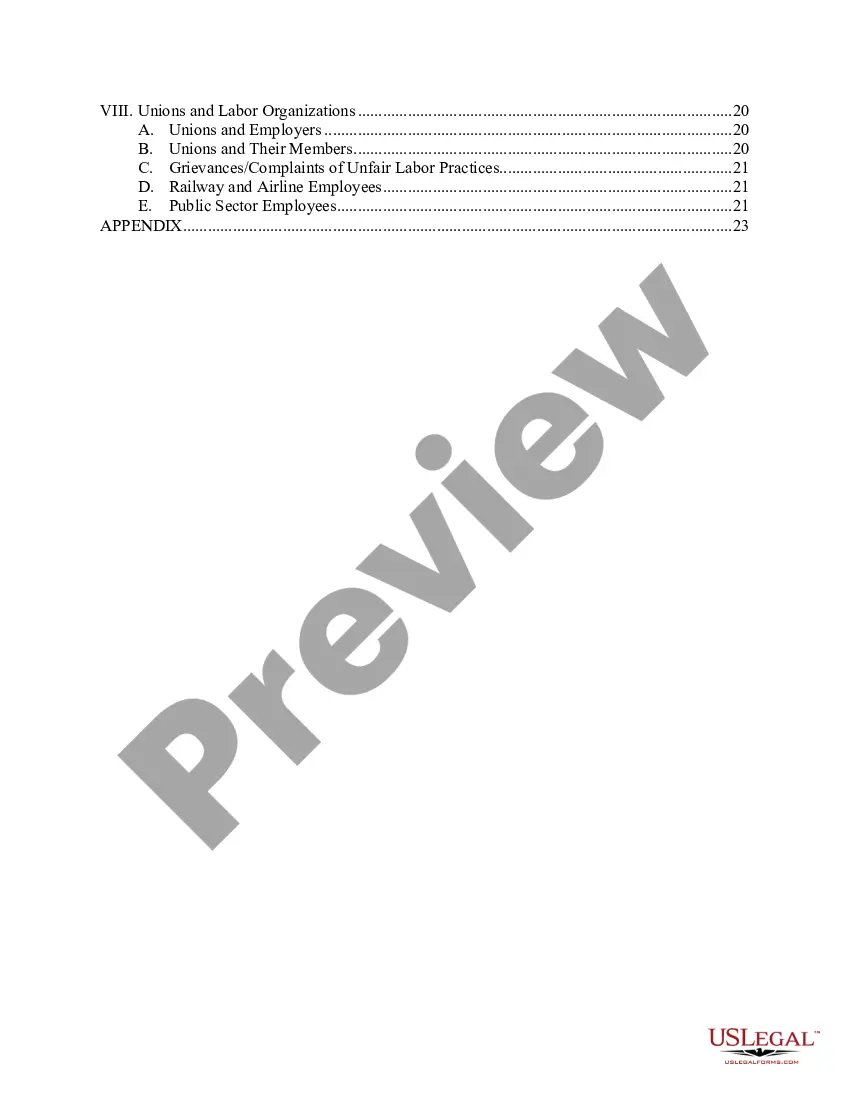
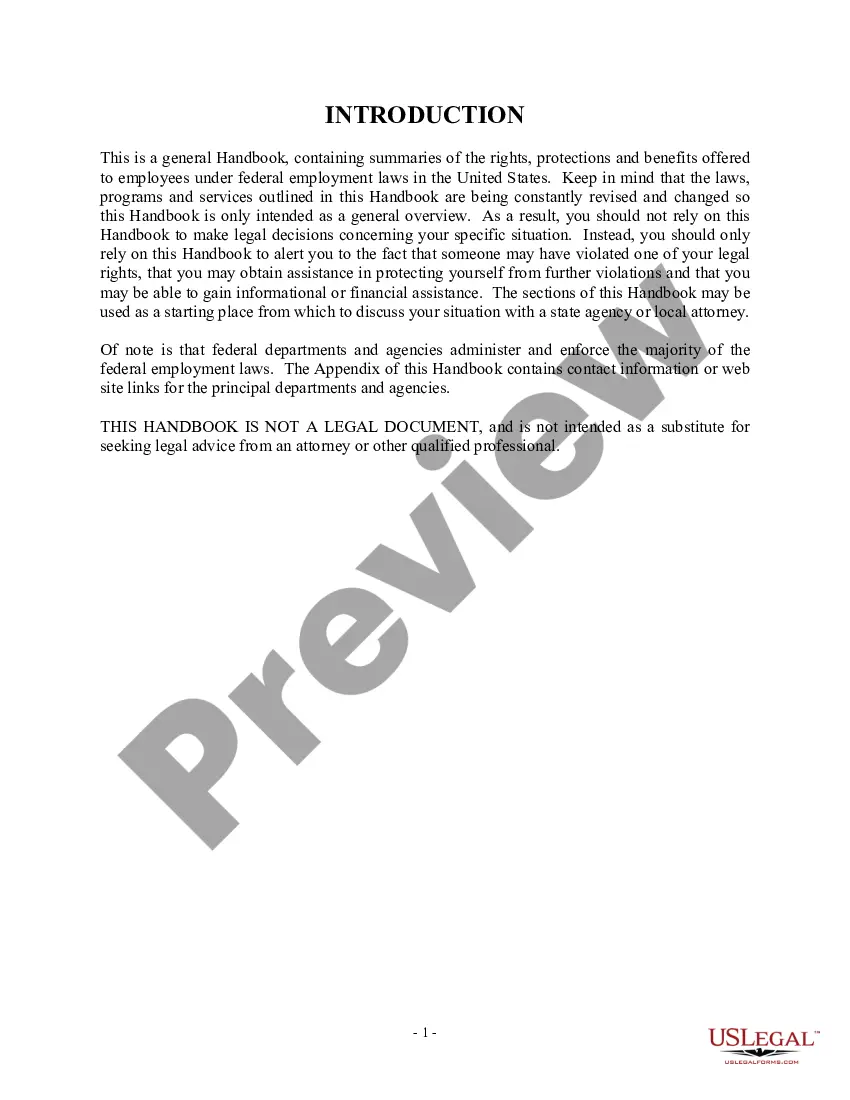
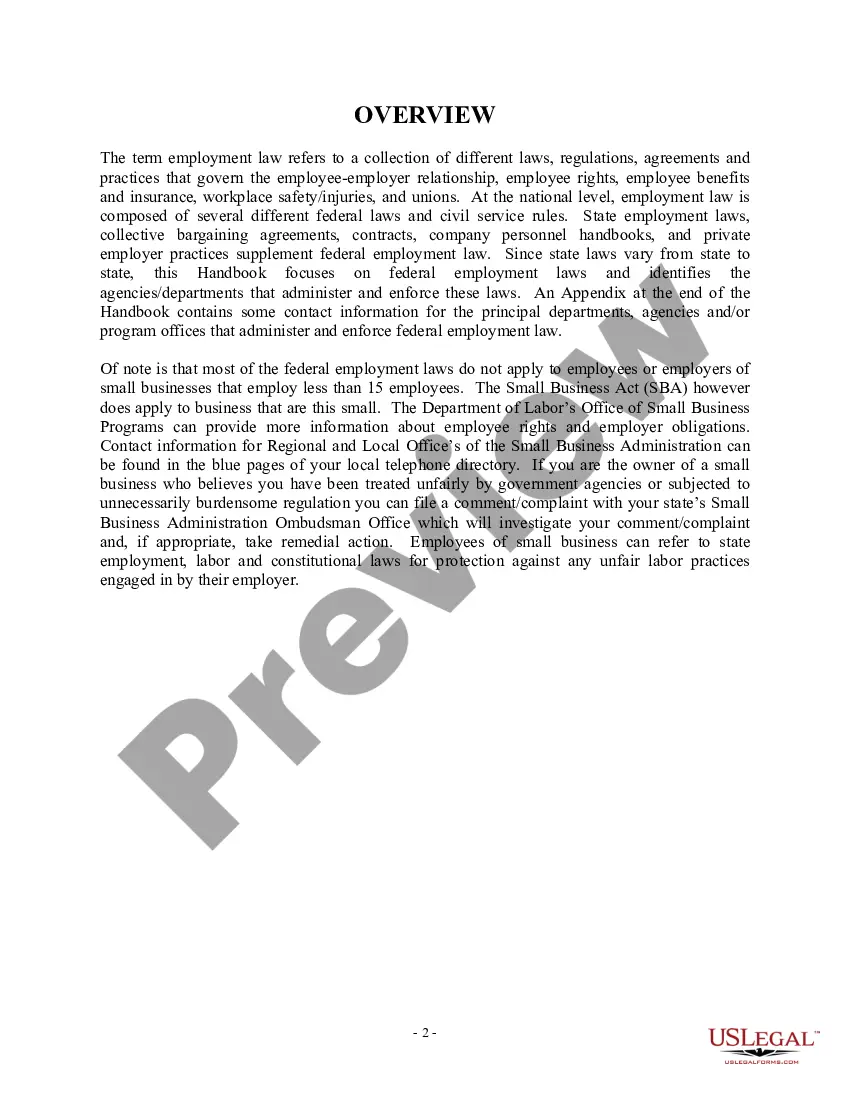
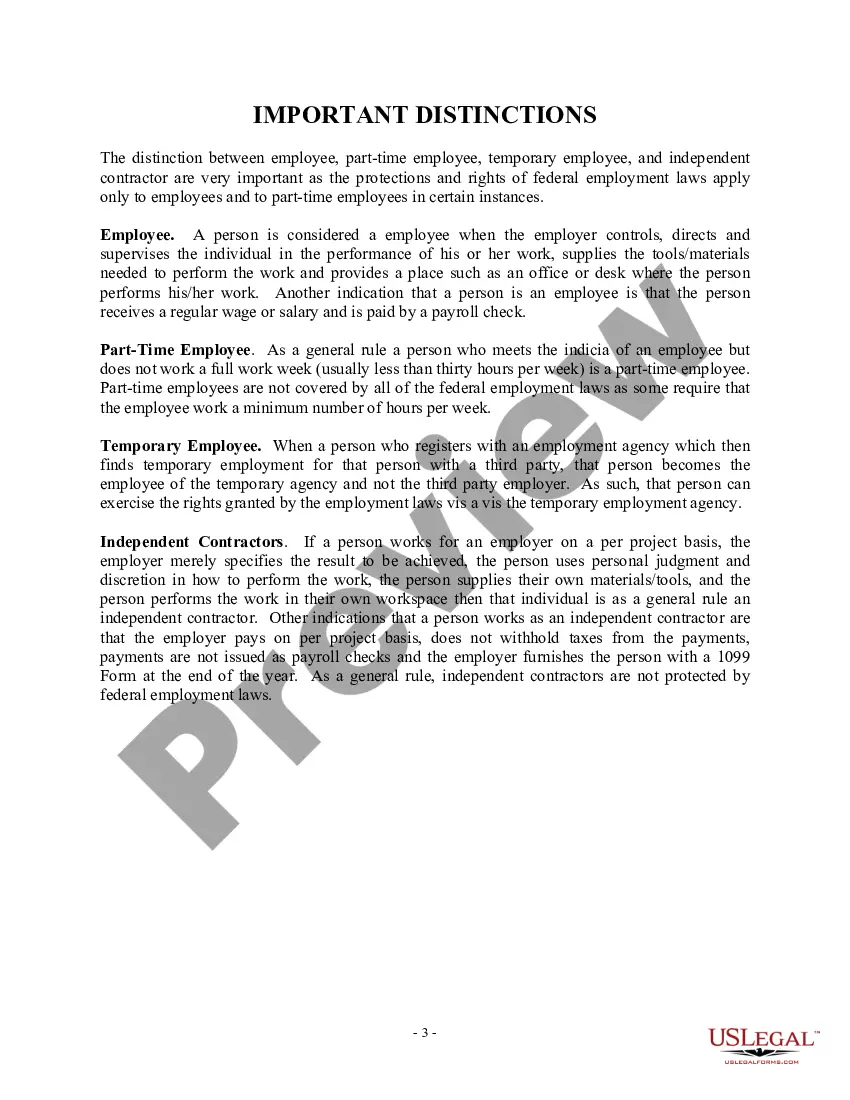
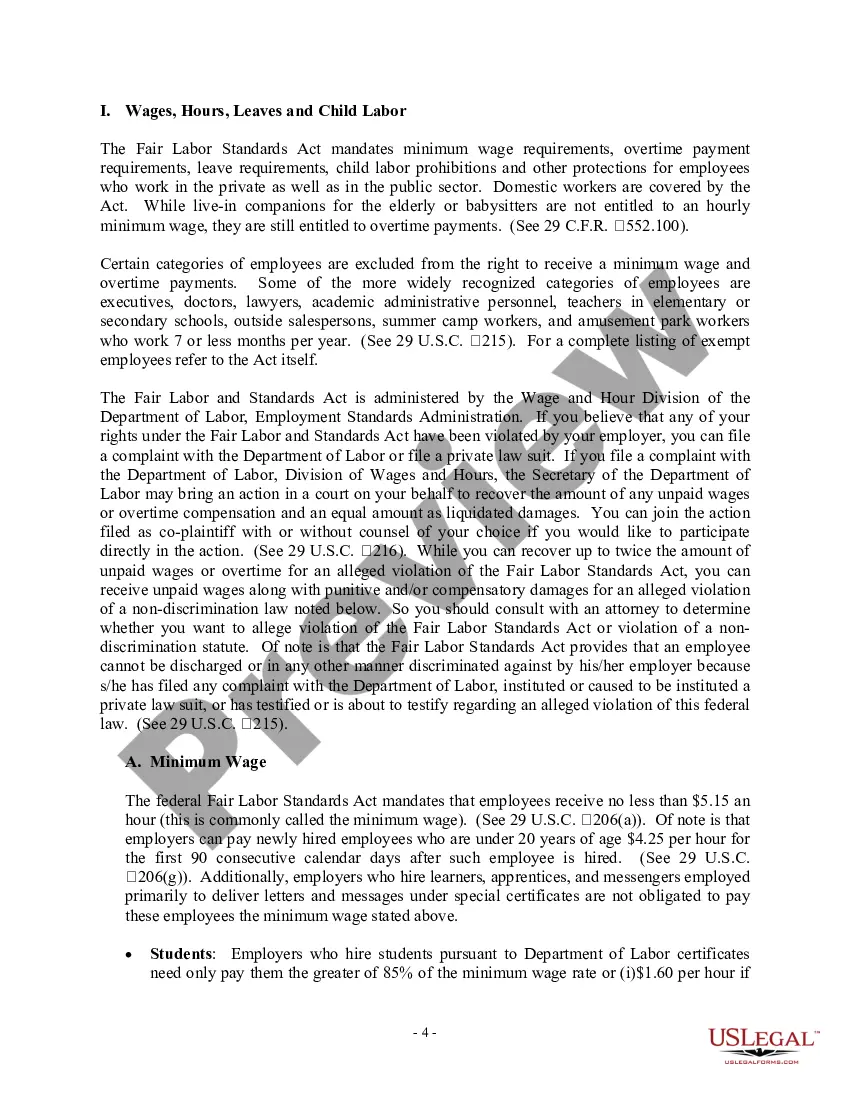
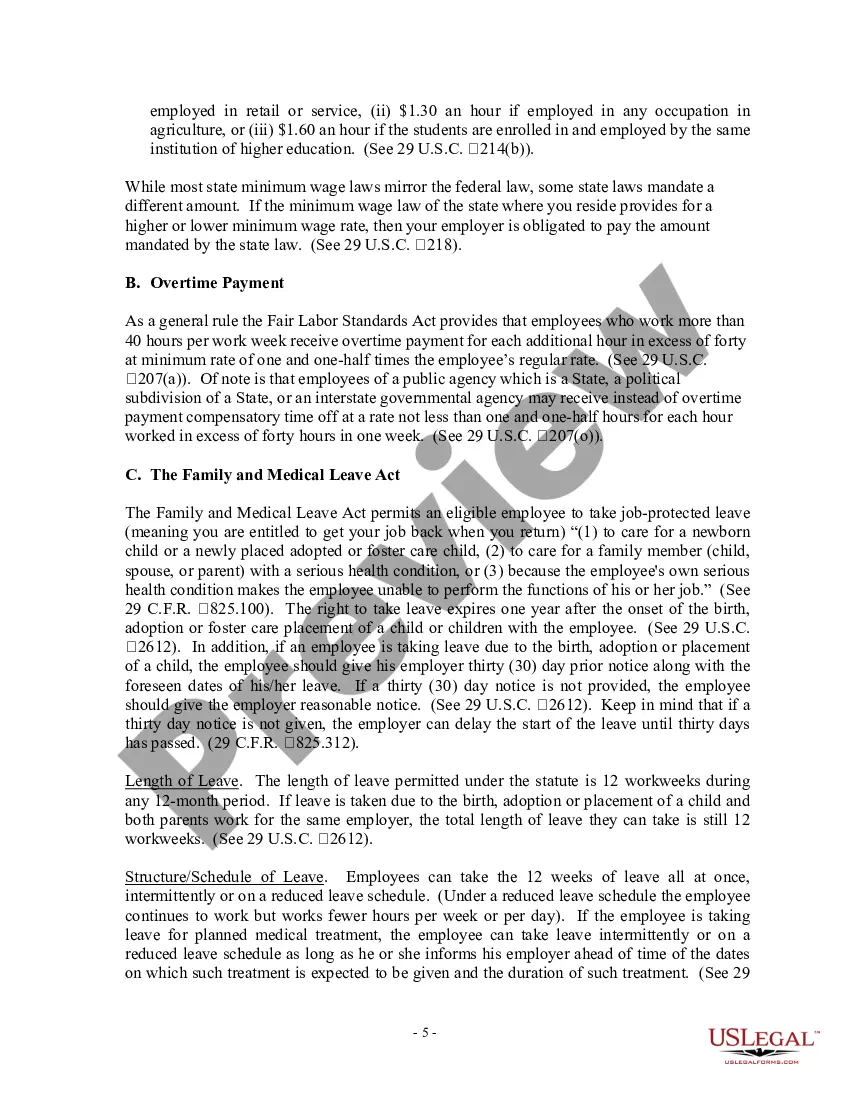
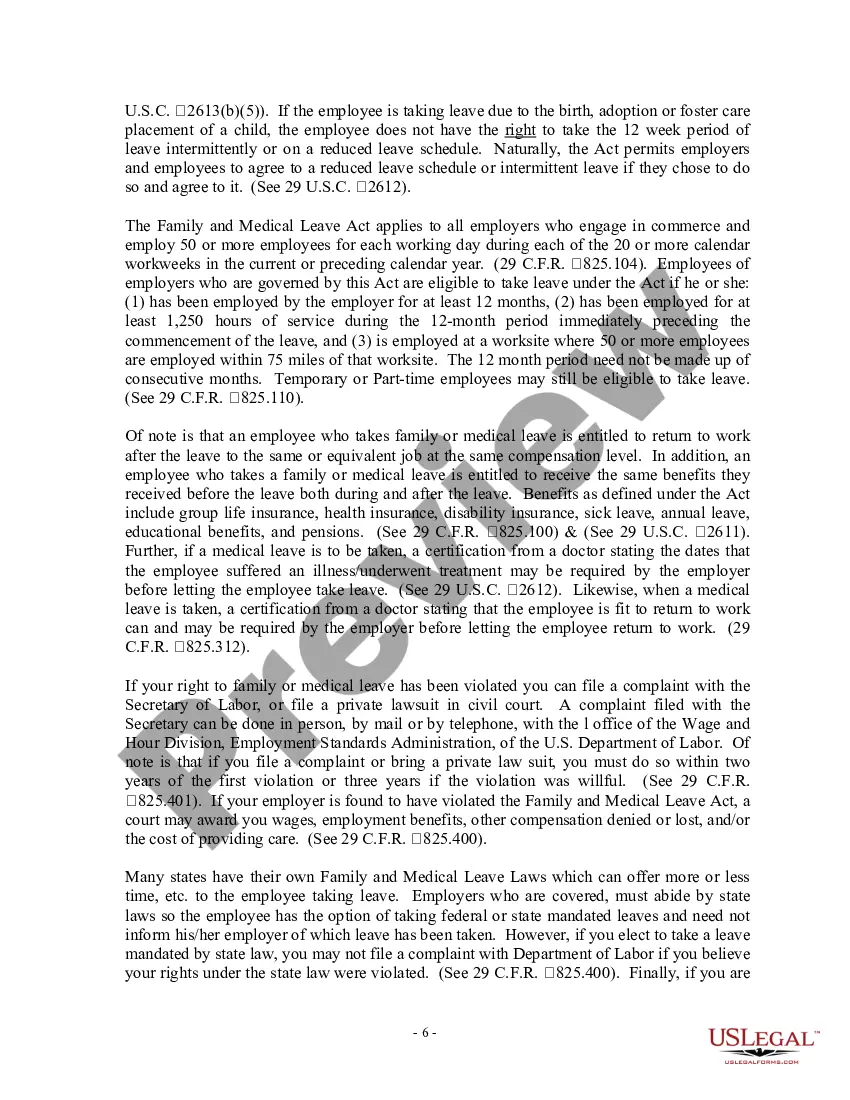



Get your form ready online
Our built-in tools help you complete, sign, share, and store your documents in one place.
Make edits, fill in missing information, and update formatting in US Legal Forms—just like you would in MS Word.
Download a copy, print it, send it by email, or mail it via USPS—whatever works best for your next step.
Sign and collect signatures with our SignNow integration. Send to multiple recipients, set reminders, and more. Go Premium to unlock E-Sign.
If this form requires notarization, complete it online through a secure video call—no need to meet a notary in person or wait for an appointment.
We protect your documents and personal data by following strict security and privacy standards.

Make edits, fill in missing information, and update formatting in US Legal Forms—just like you would in MS Word.

Download a copy, print it, send it by email, or mail it via USPS—whatever works best for your next step.

Sign and collect signatures with our SignNow integration. Send to multiple recipients, set reminders, and more. Go Premium to unlock E-Sign.

If this form requires notarization, complete it online through a secure video call—no need to meet a notary in person or wait for an appointment.

We protect your documents and personal data by following strict security and privacy standards.
Looking for another form?








How to fill out USLF Multistate Employment Law Handbook - Guide?
Handling legal paperwork and operations can be a time-consuming addition to your day. Work State Law For Breaks and forms like it often require that you search for them and understand how you can complete them appropriately. Therefore, if you are taking care of financial, legal, or personal matters, using a comprehensive and practical online catalogue of forms on hand will help a lot.
US Legal Forms is the top online platform of legal templates, boasting over 85,000 state-specific forms and a variety of resources to assist you complete your paperwork quickly. Explore the catalogue of appropriate documents accessible to you with just one click.
US Legal Forms gives you state- and county-specific forms offered at any moment for downloading. Protect your document administration processes having a top-notch service that allows you to prepare any form within minutes with no extra or hidden charges. Just log in to your profile, locate Work State Law For Breaks and download it immediately in the My Forms tab. You can also access previously saved forms.
Would it be the first time utilizing US Legal Forms? Register and set up up your account in a few minutes and you will get access to the form catalogue and Work State Law For Breaks. Then, stick to the steps listed below to complete your form:
- Make sure you have discovered the correct form by using the Preview feature and looking at the form description.
- Pick Buy Now when all set, and choose the subscription plan that fits your needs.
- Press Download then complete, eSign, and print the form.
US Legal Forms has 25 years of expertise supporting users handle their legal paperwork. Discover the form you want today and enhance any operation without breaking a sweat.
Form popularity
FAQ
If you work at least 3.5 hours in a day, you are entitled to one rest break. If you work over 6 hours, you are entitled to a second rest break. If you work over 10 hours, you are entitled to a third rest break. Rest breaks must to the extent possible be in the middle of each work period.
If an employee works 8 or more consecutive hours, the employer must provide a 30-minute break and an additional 15 minute break for every additional 4 consecutive hours worked.
Under California law, non-exempt employees are entitled to one unpaid 30-minute meal break, and two paid 10-minute rest breaks, during a typical 8-hour shift.
The Occupational Safety and Health Administration (OSHA) has neither researched nor issued standards requiring that workers be permitted lunch and rest breaks in the course of their workday.
Yes, your employer can require that you stay on the premises during your rest break. Since you are being compensated for the time during your rest period, your employer can require that you remain on its premises.