Pleading Paper For Court In Florida
Description
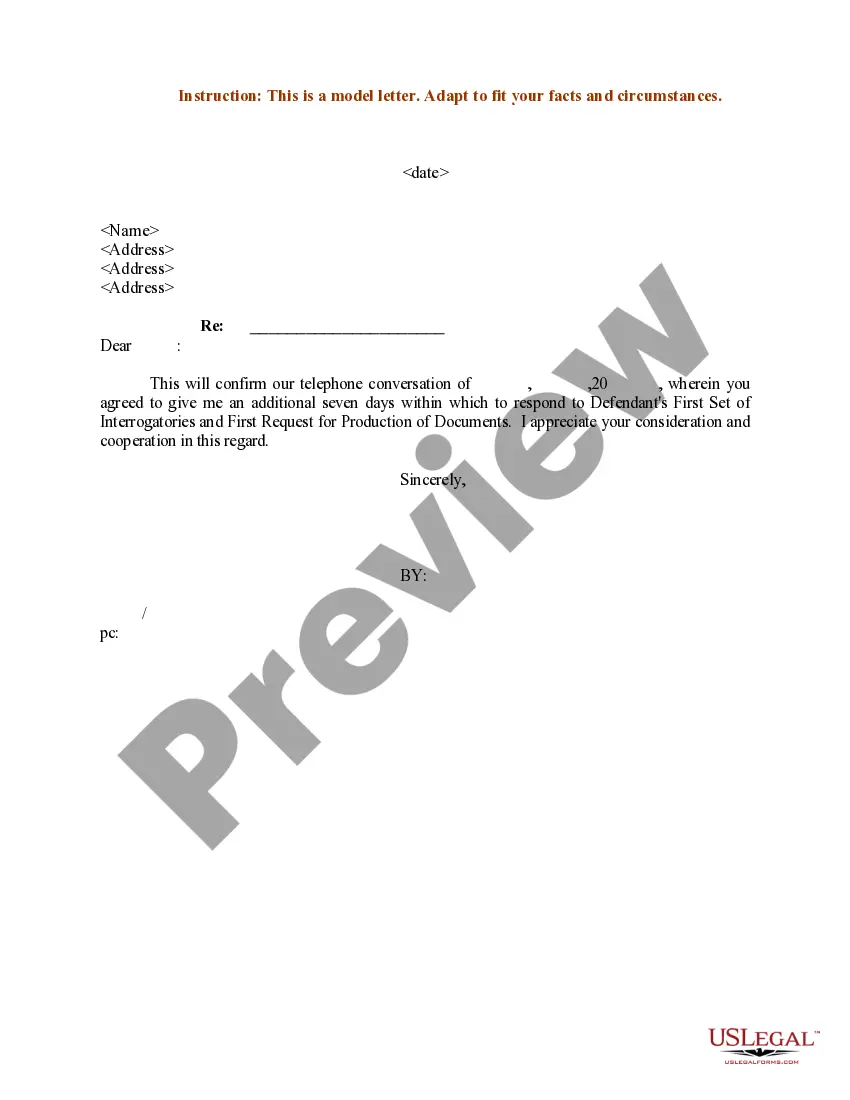
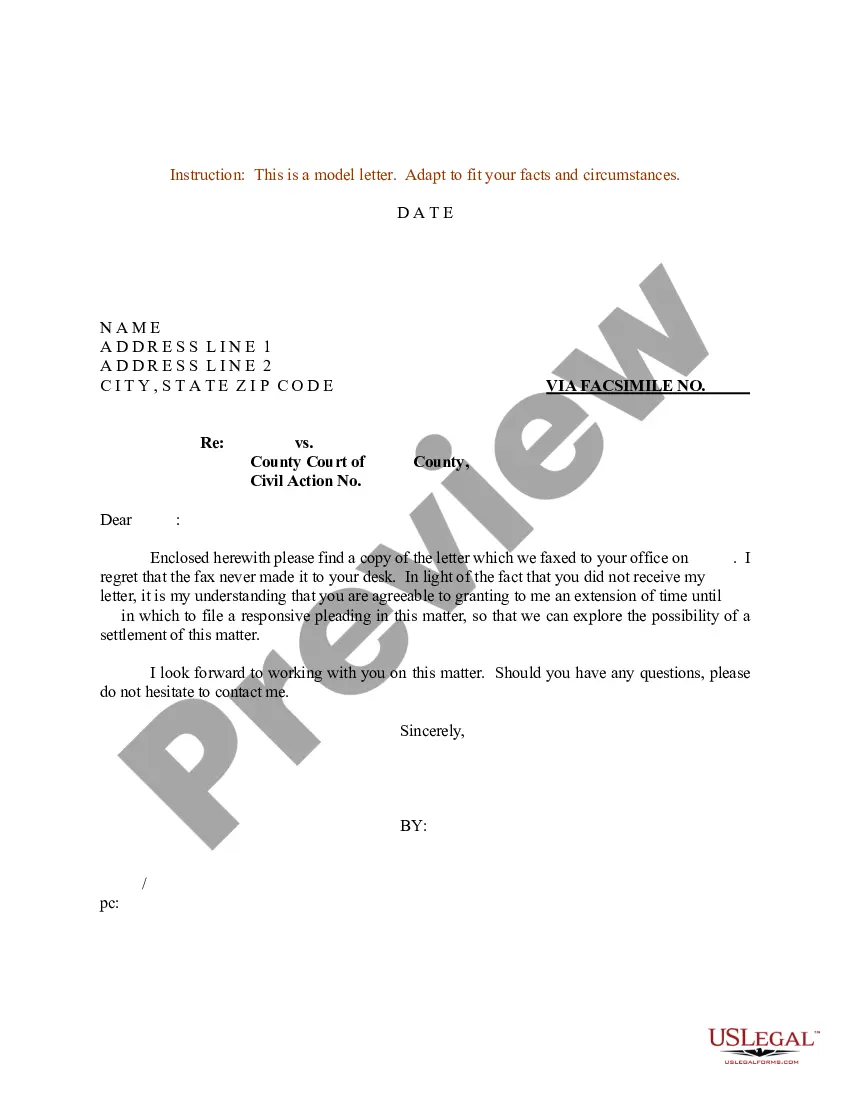


Get your form ready online
Our built-in tools help you complete, sign, share, and store your documents in one place.
Make edits, fill in missing information, and update formatting in US Legal Forms—just like you would in MS Word.
Download a copy, print it, send it by email, or mail it via USPS—whatever works best for your next step.
Sign and collect signatures with our SignNow integration. Send to multiple recipients, set reminders, and more. Go Premium to unlock E-Sign.
If this form requires notarization, complete it online through a secure video call—no need to meet a notary in person or wait for an appointment.
We protect your documents and personal data by following strict security and privacy standards.

Make edits, fill in missing information, and update formatting in US Legal Forms—just like you would in MS Word.

Download a copy, print it, send it by email, or mail it via USPS—whatever works best for your next step.

Sign and collect signatures with our SignNow integration. Send to multiple recipients, set reminders, and more. Go Premium to unlock E-Sign.

If this form requires notarization, complete it online through a secure video call—no need to meet a notary in person or wait for an appointment.

We protect your documents and personal data by following strict security and privacy standards.
Looking for another form?





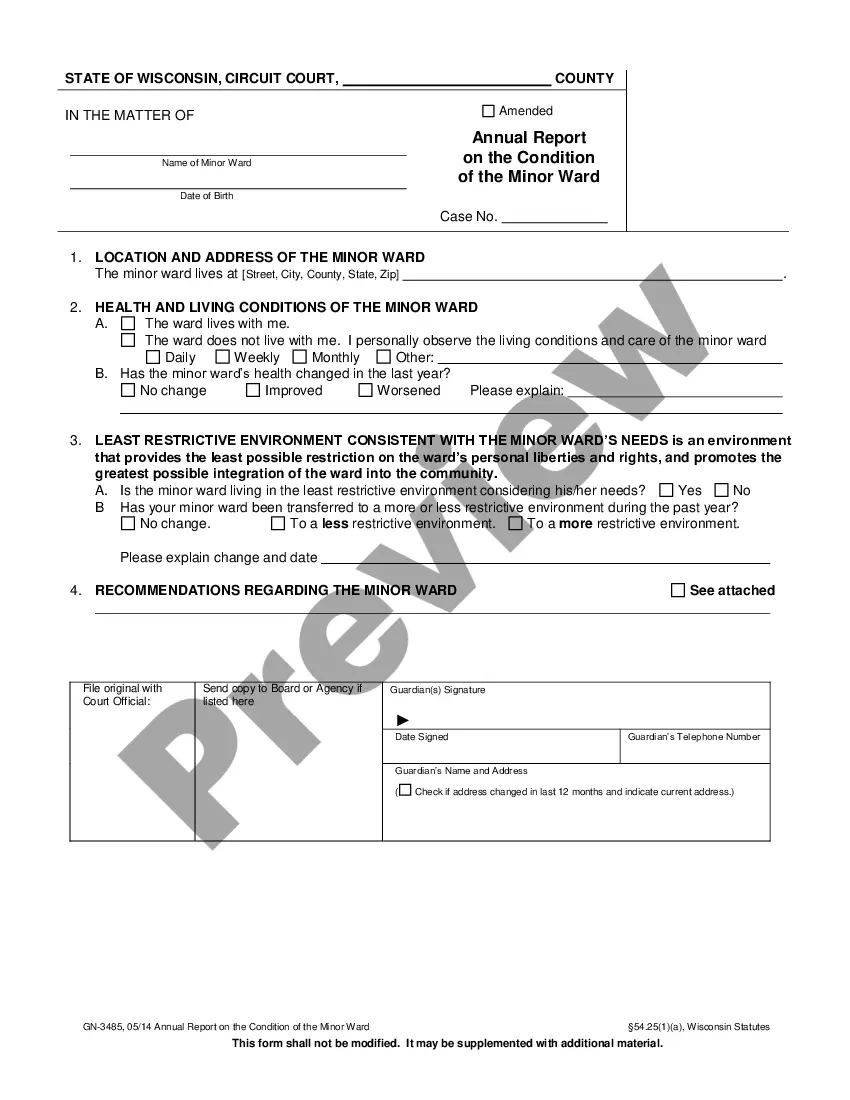
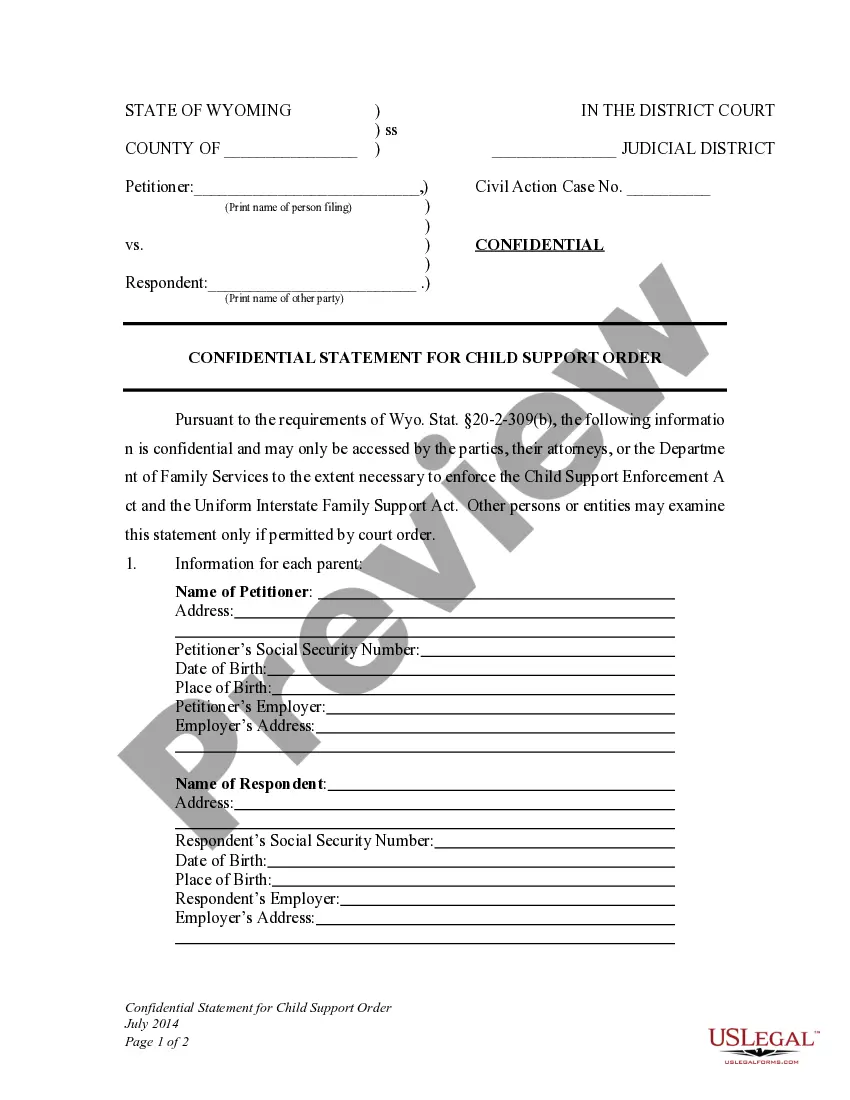


Form popularity
FAQ
You have 20 days to answer after being served with the other party's counterpetition. A copy of this form must be mailed, e-mailed, or hand delivered to the other party. To proceed with your case, you should refer to the instructions to your petition regarding setting a case for trial under UNCONTESTED and CONTESTED.
With the exception of motions filed pursuant to rule 9.410(b), a party may serve 1 response to a motion within 15 days of service of the motion. The court may shorten or extend the time for response to a motion.
If you want to file a motion, the process is generally something like this: You write your motion. You file your motion with the court clerk. The court clerk inserts the date and time your motion will be heard by the judge. You “serve” (mail) your motion to the other side.
Things You Should Know Write your legal argument by stating the rule and explaining how your facts apply to it. Then, add your signature, a Certificate of Service, and a Notice of Hearing. File your motion with the clerk of court overseeing your case. Then, give copies to each defendant.
By Florida law, the Clerk of Courts in each county is the official custodian of court records. Click here to access the Clerk's Online Services, including official records, civil/family/probate cases, criminal cases and traffic cases, or you may call the Clerk's 24-hour voice response system at (305) 275-1155.
The Florida Courts E-Filing Portal is a single statewide website where users can file court documents in Florida's trial and appellate courts. E-filing is the electronic filing of documents to the clerk's office.
Anonymous Public/Case Search users may view all court records except those that are expunged or sealed, automatically confidential under rule 2.420(d)(1), Fla, R. Gen.
One method is to leave the legal papers with a person at the known address of the defendant. However, this person, under Florida law, has to be at least 15 years of age. Another option for substitute service is to serve the summons and complaint or other legal document at the defendant's known place of business.
If repeated attempts at serving process at a residence fail, a process server may be able to complete their duties by leaving the documents with someone else who lives at the home. Under Florida law, the person who accepts legal documents on behalf of someone else in the house must be at least 15 years old.
If the server consistently fails to reach you despite multiple attempts, they may resort to alternative legal methods or petition the court for permission to use alternative means of service. Most process servers typically make multiple attempts to serve legal documents, often ranging from three to five attempts.

