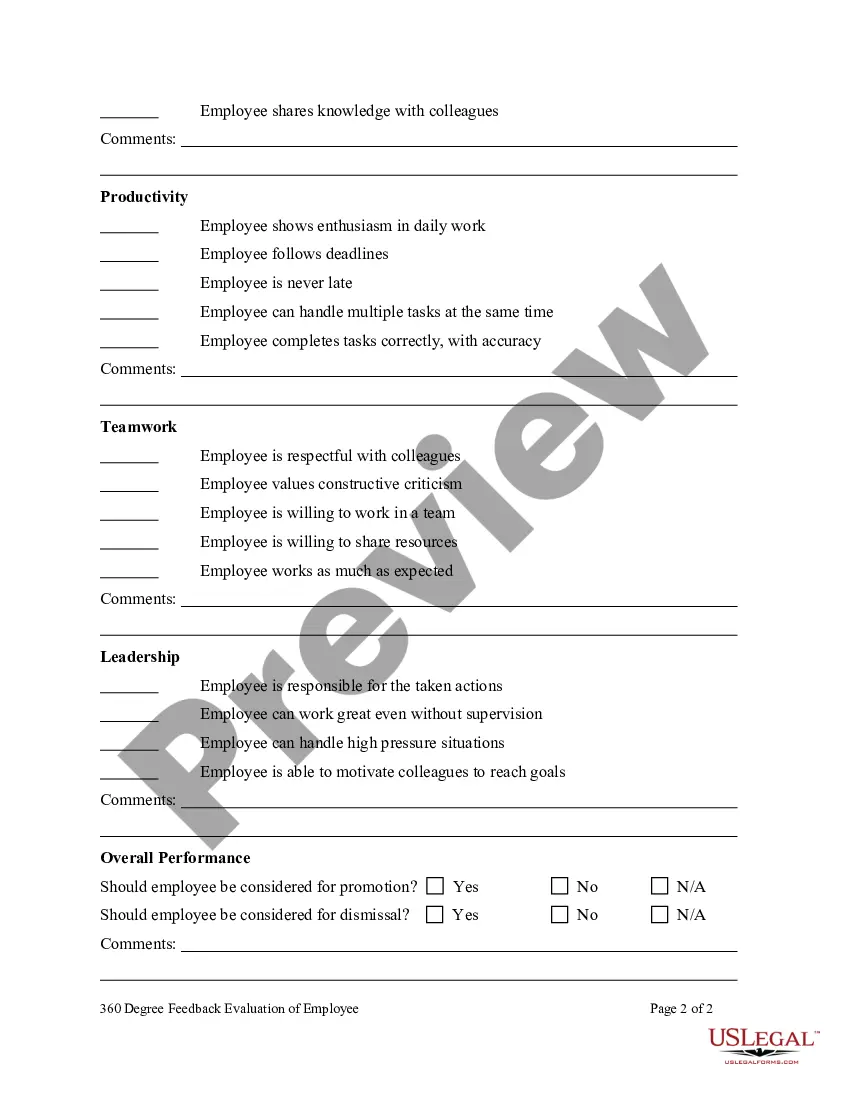
360 Evaluation Form Template In Minnesota
Description


Get your form ready online
Our built-in tools help you complete, sign, share, and store your documents in one place.
Make edits, fill in missing information, and update formatting in US Legal Forms—just like you would in MS Word.
Download a copy, print it, send it by email, or mail it via USPS—whatever works best for your next step.
Sign and collect signatures with our SignNow integration. Send to multiple recipients, set reminders, and more. Go Premium to unlock E-Sign.
If this form requires notarization, complete it online through a secure video call—no need to meet a notary in person or wait for an appointment.
We protect your documents and personal data by following strict security and privacy standards.

Make edits, fill in missing information, and update formatting in US Legal Forms—just like you would in MS Word.

Download a copy, print it, send it by email, or mail it via USPS—whatever works best for your next step.

Sign and collect signatures with our SignNow integration. Send to multiple recipients, set reminders, and more. Go Premium to unlock E-Sign.

If this form requires notarization, complete it online through a secure video call—no need to meet a notary in person or wait for an appointment.

We protect your documents and personal data by following strict security and privacy standards.
Looking for another form?









Form popularity
FAQ
How to write an employee evaluation Gather employee information. Gather required information related to the employee to get the full picture of their value to the company. List employee responsibilities. Use objective language. Use action verbs. Compare performance ratings. Ask open-ended questions. Use a point system.
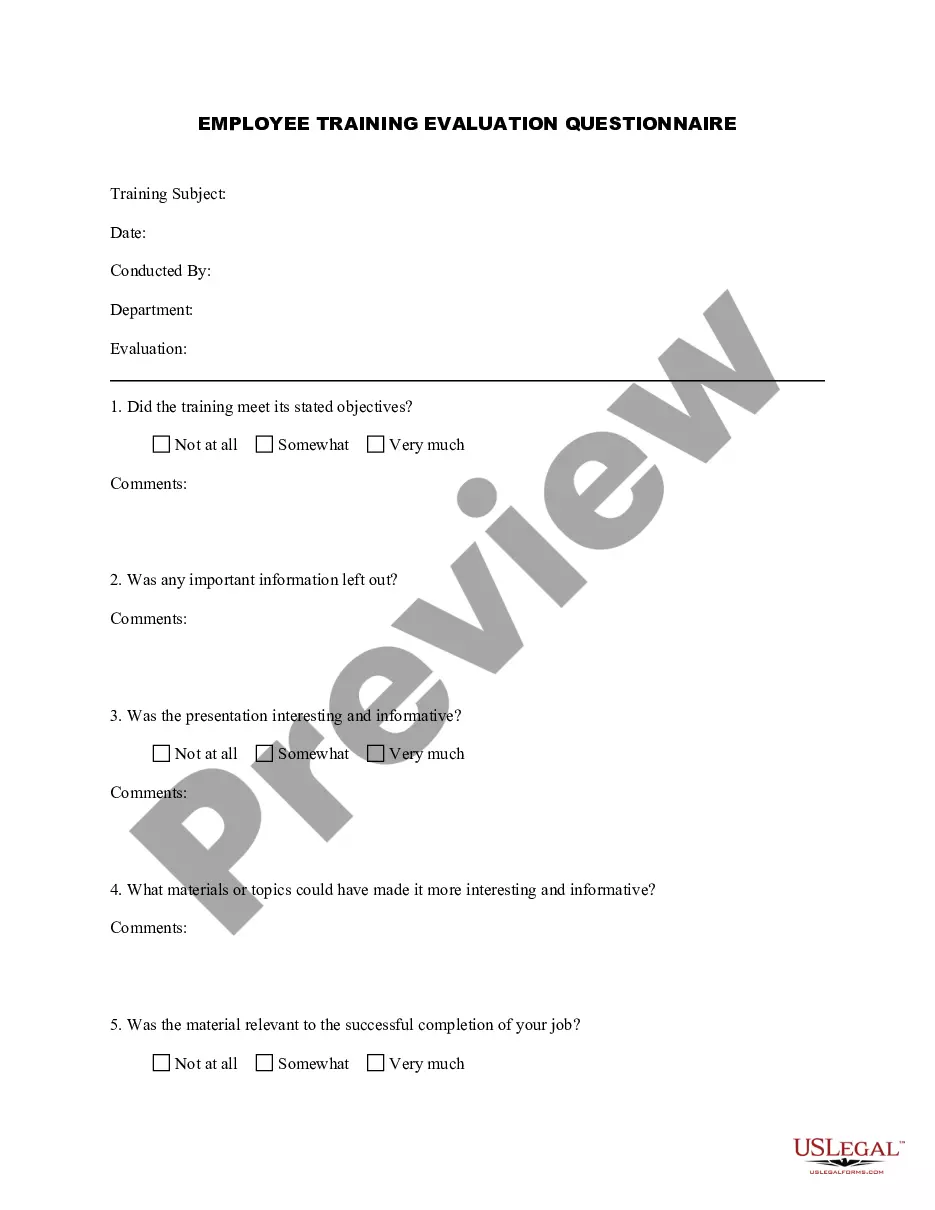
Evaluation Forms Examples Employee Evaluation Form. Customer Service Evaluation Form. Peer Evaluation Form. Performance Improvement Plan Form. Event Evaluation Form. Training Course Feedback Template.
``Please provide your assessment of your overall performance. Include what you accomplished and how well it was completed. Cite your strengths and weaknesses, obstacles you experienced, challenges you overcame, new responsibilities you took on, new skills you acquired and anything else you feel is relevant.''
Detail the problems that routinely occur in your job, commenting on the degree of concentration and accuracy that is required, the reason for the complexity and indicate how much of your job involves problem solving and how much is routine. Give examples in each of the categories in the questionnaire.
When you fill the form: Be honest and critical. Analyze your failures and mention the reasons for it. Keep the words minimal. Identify weaknesses. Mention your achievements. Link achievements to the job description and the organization's goals. Set the goals for the next review period. Resolve conflicts and grievances.
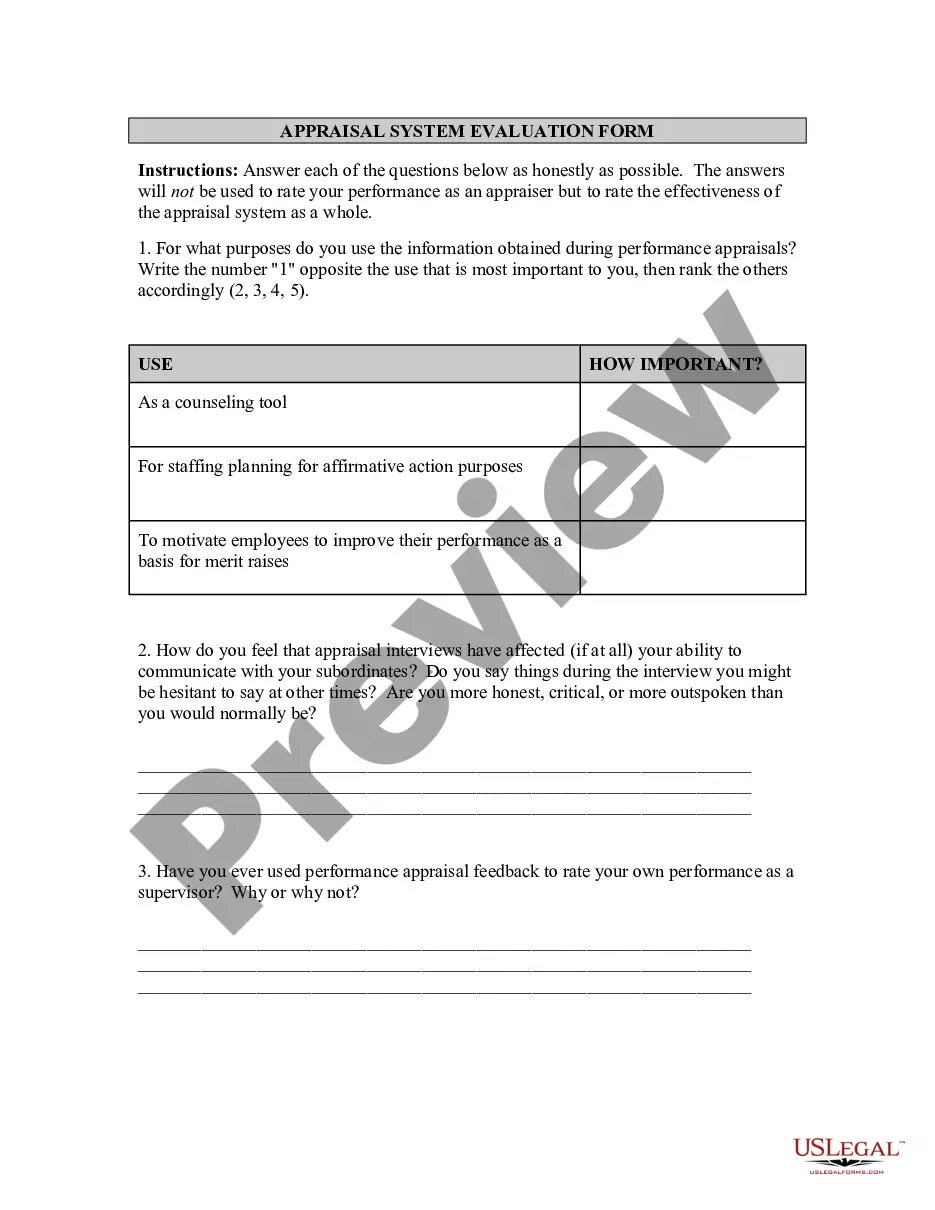
Self-evaluation form State your understanding of your job duties and responsibilities. What are some of the things you achieved in the past year? What are some of the obstacles or drawbacks that you encountered in the past year? Do you feel your accomplishments were recognized?
How to write an employee evaluation Gather employee information. Gather required information related to the employee to get the full picture of their value to the company. List employee responsibilities. Use objective language. Use action verbs. Compare performance ratings. Ask open-ended questions. Use a point system.
Take ownership of your mistakes and weaknesses, explain what happened, what you've learned from them, and how you'll use them to improve and develop in the future. Then set yourself SMART (specific, measurable, achievable, relevant, and timely) goals to improve weak areas.
A 360-degree assessment is a method that systematically collects feedback about an individual's performance from peers, direct reports, colleagues, and superiors within the organization. Overall, it provides a comprehensive, 360-degree view of a leader's strengths and opportunities for growth.
These steps can help you establish a 360 evaluation system. Establish criteria for rating each employee. Choose who will assess each employee. Send surveys. Send the survey to the employee. Schedule the 360 evaluation. Review ratings with employee. Follow up on progress.
