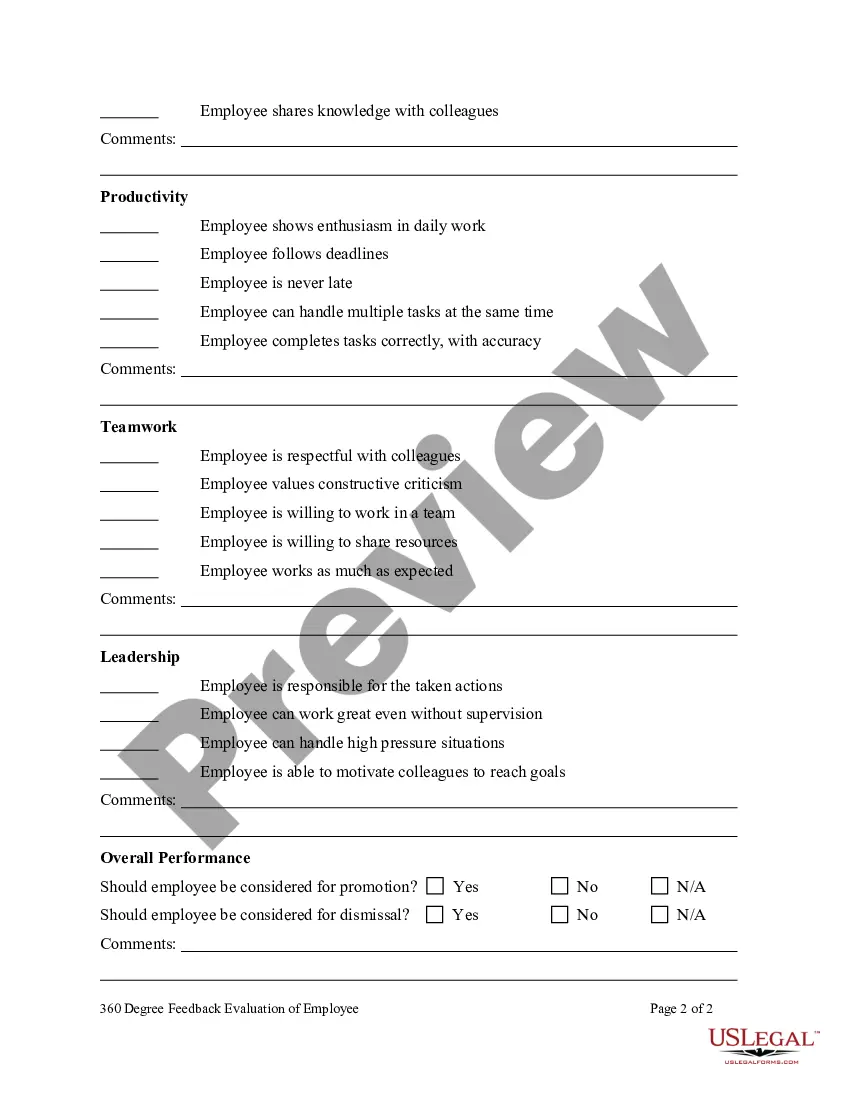
360 Evaluation Form Template In Hillsborough
Description


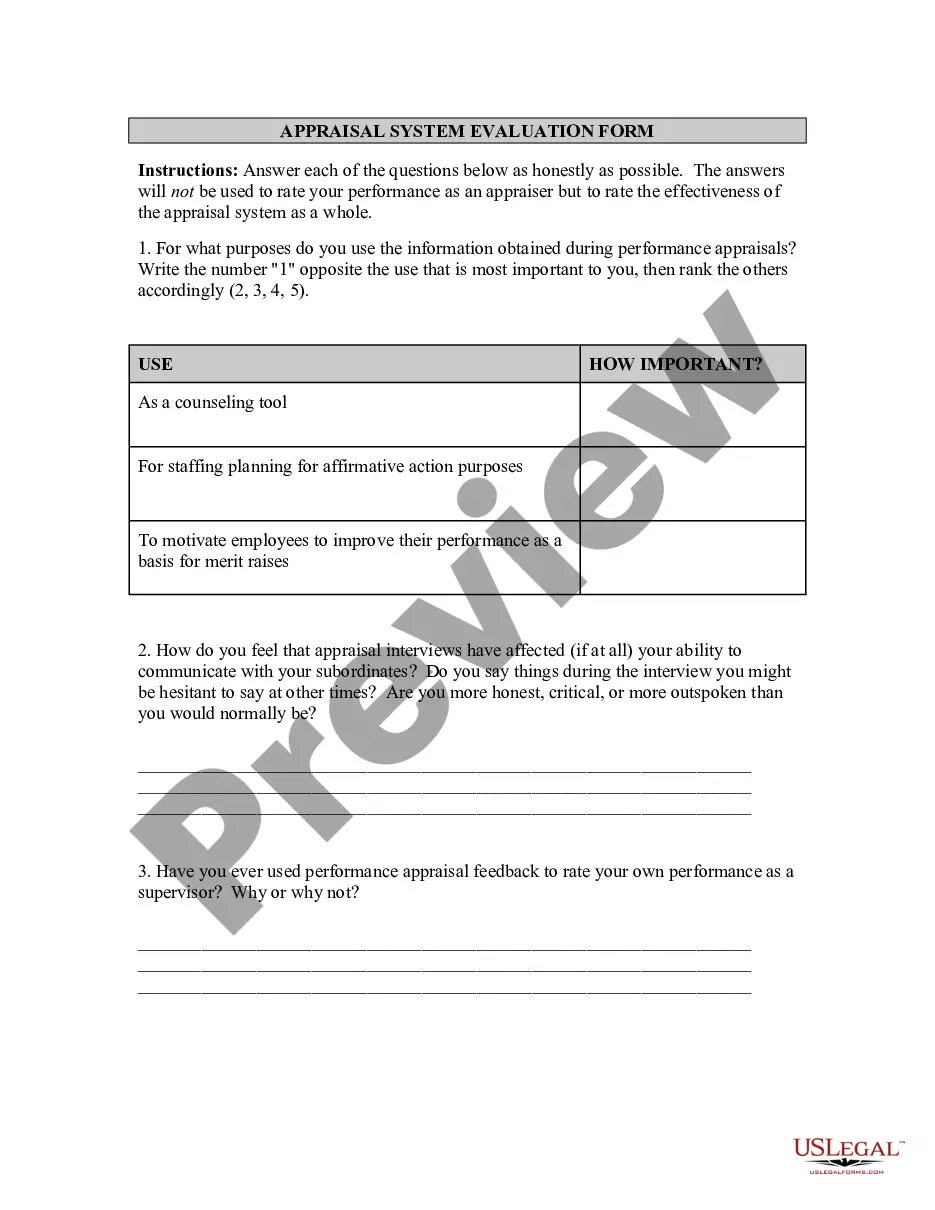
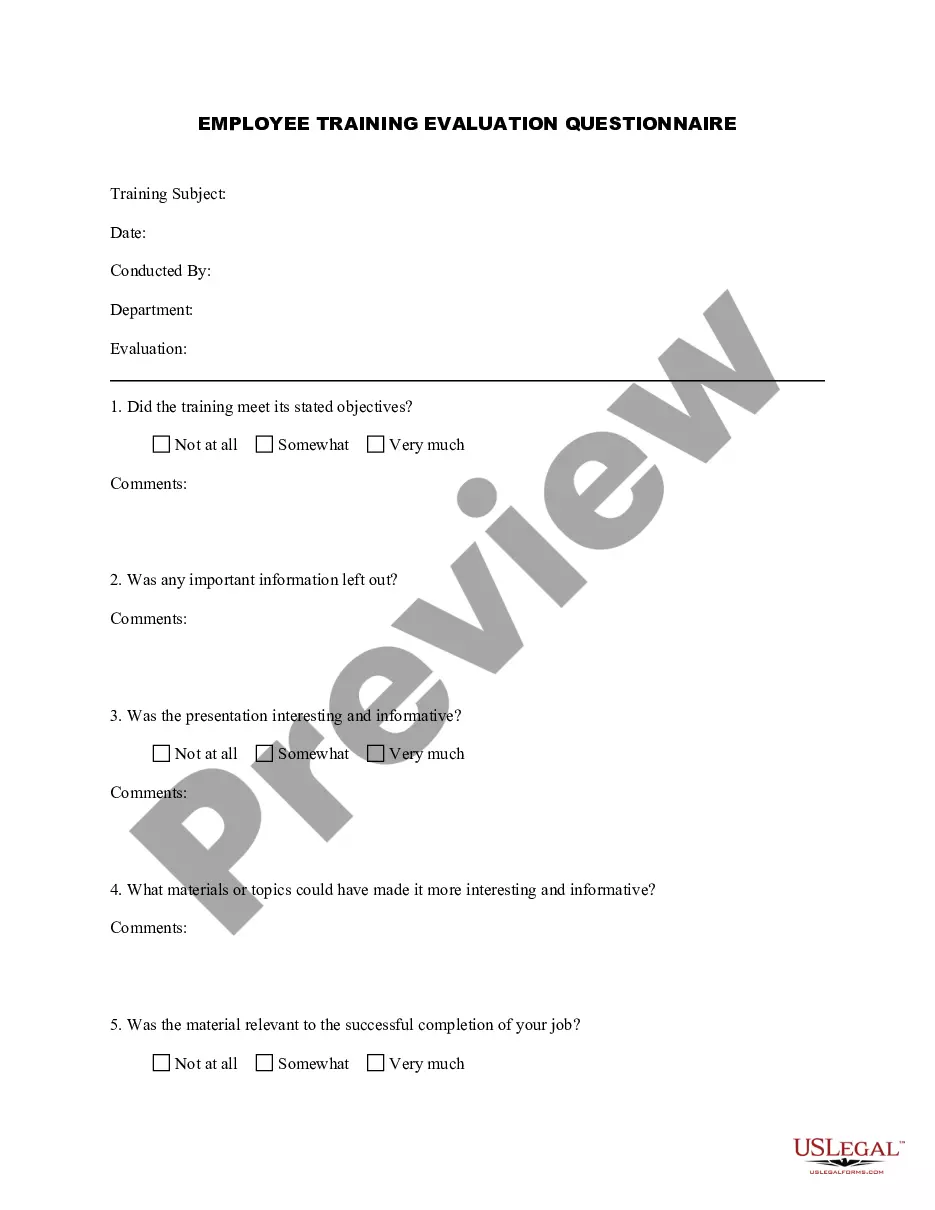
Get your form ready online
Our built-in tools help you complete, sign, share, and store your documents in one place.
Make edits, fill in missing information, and update formatting in US Legal Forms—just like you would in MS Word.
Download a copy, print it, send it by email, or mail it via USPS—whatever works best for your next step.
Sign and collect signatures with our SignNow integration. Send to multiple recipients, set reminders, and more. Go Premium to unlock E-Sign.
If this form requires notarization, complete it online through a secure video call—no need to meet a notary in person or wait for an appointment.
We protect your documents and personal data by following strict security and privacy standards.

Make edits, fill in missing information, and update formatting in US Legal Forms—just like you would in MS Word.

Download a copy, print it, send it by email, or mail it via USPS—whatever works best for your next step.

Sign and collect signatures with our SignNow integration. Send to multiple recipients, set reminders, and more. Go Premium to unlock E-Sign.

If this form requires notarization, complete it online through a secure video call—no need to meet a notary in person or wait for an appointment.

We protect your documents and personal data by following strict security and privacy standards.
Looking for another form?

Form popularity
FAQ
How to conduct 360 reviews Establish criteria for rating each employee. Invest time into developing useful, relevant questions that provide valuable insight. Choose who will assess each employee. Send surveys. Send the survey to the employee. Schedule the 360 evaluation. Review ratings with employee. Follow up on progress.
What is a 360 degree appraisal format? A 360 degree performance appraisal combines anonymous, direct feedback from the employee's self-evaluation, manager, team members and direct reports.
It involves self-appraisal, supervisor appraisal, subordinate appraisal, and peer appraisal.
Positive 360 feedback examples The approach you have to resolving conflicts is commendable. Your active listening and tactful communication have helped to transform conflicts into opportunities for growth and team bonding.
How to design an effective 360 degree feedback questionnaire Identify the themes you want to measure. Create specific 360 questions based on your themes. Example 360 degree feedback questionnaire questions. Define your 360 degree feedback questionnaire rating scale. In conclusion.
The components of 360-degree feedback encompass various sources of input, each serving a unique purpose. Typically, the feedback process includes self-assessment, where employees evaluate their performance. It also involves peer feedback, where colleagues provide insights based on their interactions.
360-degree feedback is a method of employee performance assessment that gathers input and ratings from multiple stakeholders, including peers, managers, and direct reports.
360-degree feedback is a method of employee performance assessment that gathers input and ratings from multiple stakeholders, including peers, managers, and direct reports.
“A 360-degree review is a talent development tool used to provide the recipient with feedback from all directions,” Inoa said. “This typically includes upward feedback from their direct reports, peer feedback from those they work closely with, and downward feedback from their manager.”
A 360-degree feedback survey collects insights from multiple perspectives within the organisation —managers, peers, and direct reports. Gathering feedback from various perspectives is the key to conducting a comprehensive 360-degree appraisal.
