Vendor Agreement With In Allegheny
Description




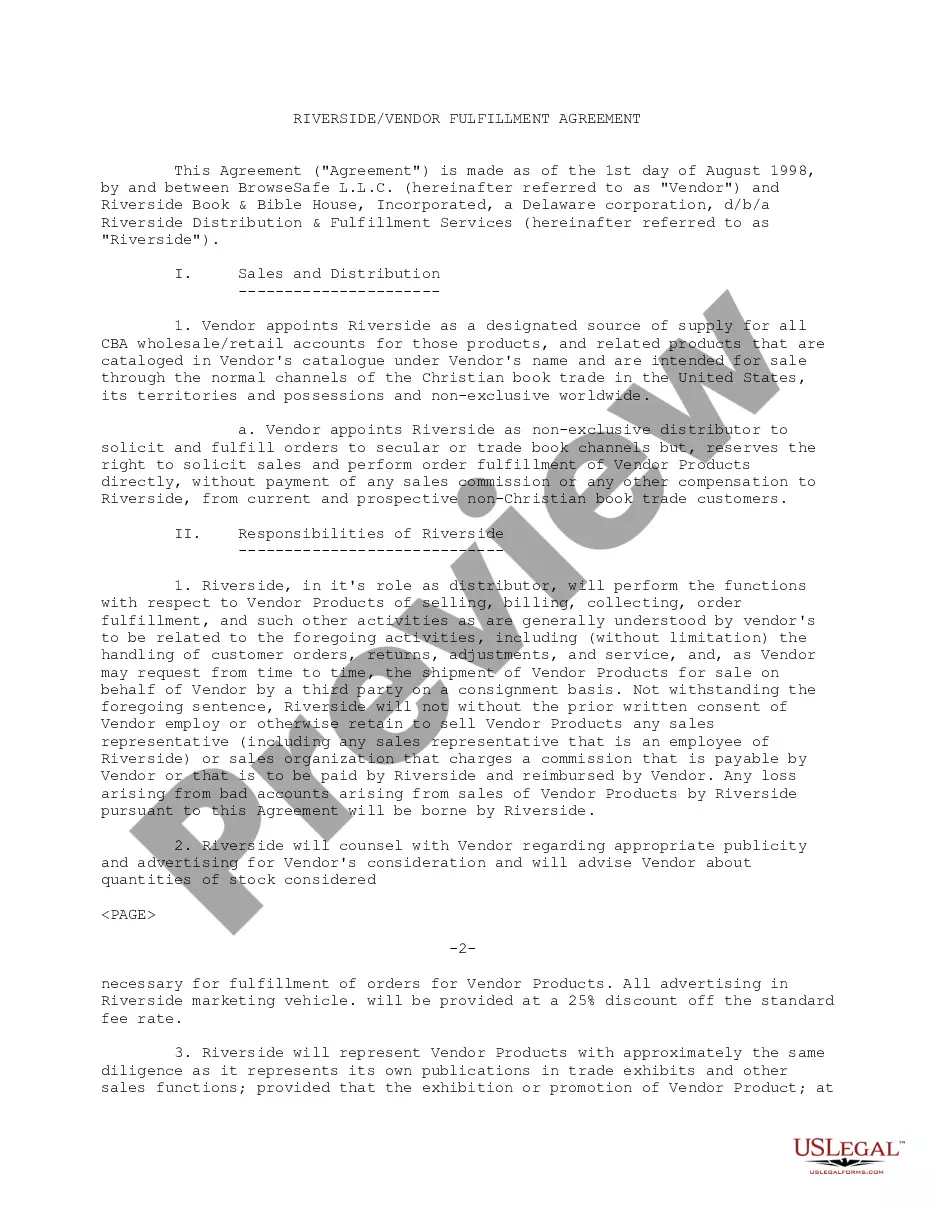
Get your form ready online
Our built-in tools help you complete, sign, share, and store your documents in one place.
Make edits, fill in missing information, and update formatting in US Legal Forms—just like you would in MS Word.
Download a copy, print it, send it by email, or mail it via USPS—whatever works best for your next step.
Sign and collect signatures with our SignNow integration. Send to multiple recipients, set reminders, and more. Go Premium to unlock E-Sign.
If this form requires notarization, complete it online through a secure video call—no need to meet a notary in person or wait for an appointment.
We protect your documents and personal data by following strict security and privacy standards.

Make edits, fill in missing information, and update formatting in US Legal Forms—just like you would in MS Word.

Download a copy, print it, send it by email, or mail it via USPS—whatever works best for your next step.

Sign and collect signatures with our SignNow integration. Send to multiple recipients, set reminders, and more. Go Premium to unlock E-Sign.

If this form requires notarization, complete it online through a secure video call—no need to meet a notary in person or wait for an appointment.

We protect your documents and personal data by following strict security and privacy standards.
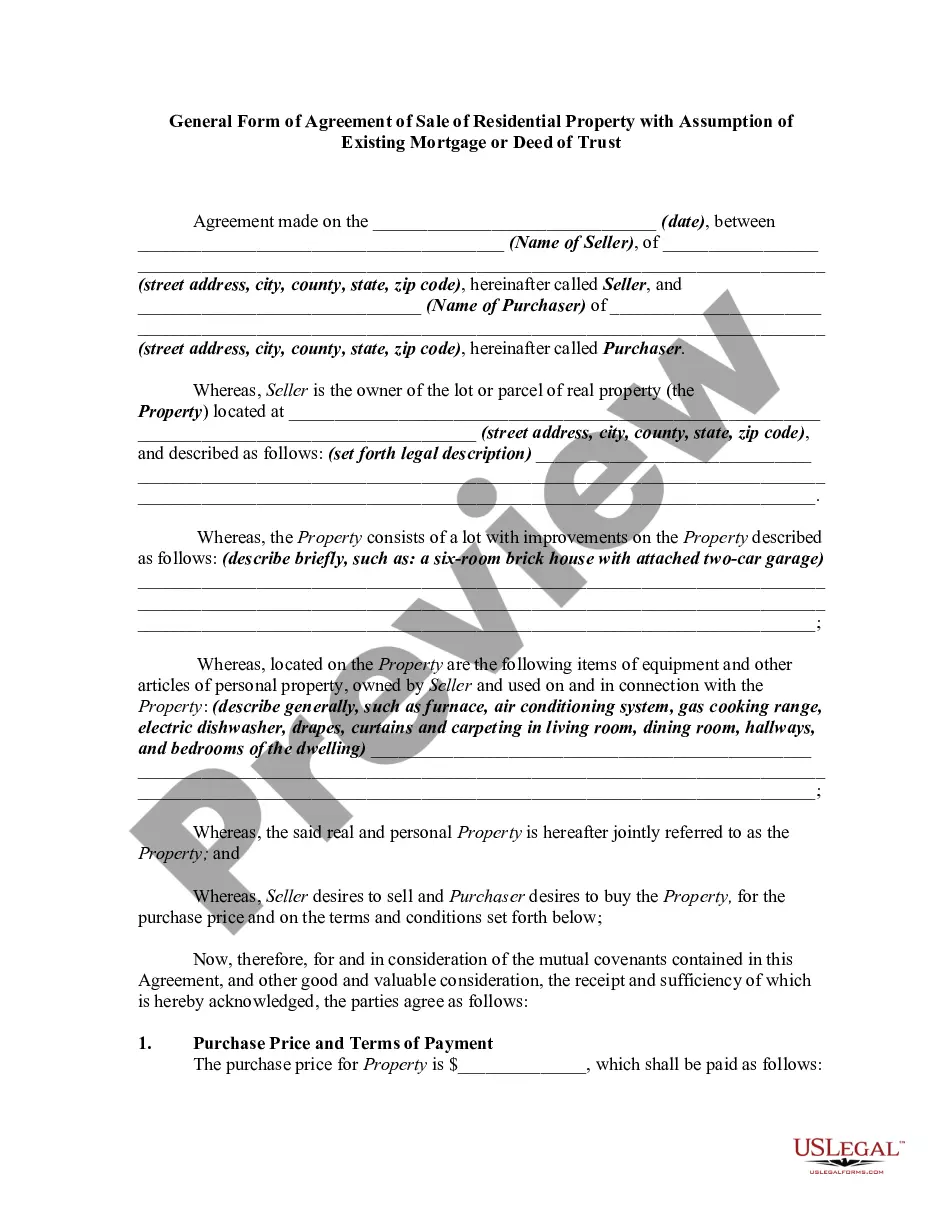
Looking for another form?






Form popularity
FAQ
Creating a vendor contract Step 1: Specify business terms. The first part of each vendor contract usually outlines the business terms including. Step 2: Outline legal concepts. This section usually begins with the representations and warranties section. Step 3: Address consequences.
Write the contract in six steps Start with a contract template. Open with the basic information. Describe in detail what you have agreed to. Include a description of how the contract will be ended. Write into the contract which laws apply and how disputes will be resolved. Include space for signatures.
Form W-9. If you've made the determination that the person you're paying is an independent contractor, the first step is to have the contractor complete Form W-9, Request for Taxpayer Identification Number and Certification.
Write the contract in six steps Start with a contract template. Open with the basic information. Describe in detail what you have agreed to. Include a description of how the contract will be ended. Write into the contract which laws apply and how disputes will be resolved. Include space for signatures.
A vendor contract (otherwise known as a vendor agreement) is a business contract between two parties covering the exchange of goods or services in return for compensation. Vendor contracts establish the business relationship conditions and include details on each party's obligations under the contract.
Write the contract in six steps Start with a contract template. Open with the basic information. Describe in detail what you have agreed to. Include a description of how the contract will be ended. Write into the contract which laws apply and how disputes will be resolved. Include space for signatures.
A vendor management template helps businesses track and manage all their information related to vendors in one place. You can track contracts, payments, vendor requests, etc. with your team and make sure that there are no hiccups in the purchasing process.
Specify governing law. Identify the working relationship. Clearly define the scope of work. Specify what benefits, if any, the contractor will receive. Assign intellectual property. Include confidentiality clauses. Include a termination clause.
Acceptance of an offer: After one party makes an offer, it's up to the other party to accept it. If someone offers you $600 to walk their dogs, for example, you enter into a contractual agreement the moment you accept their offer in exchange for your services.
