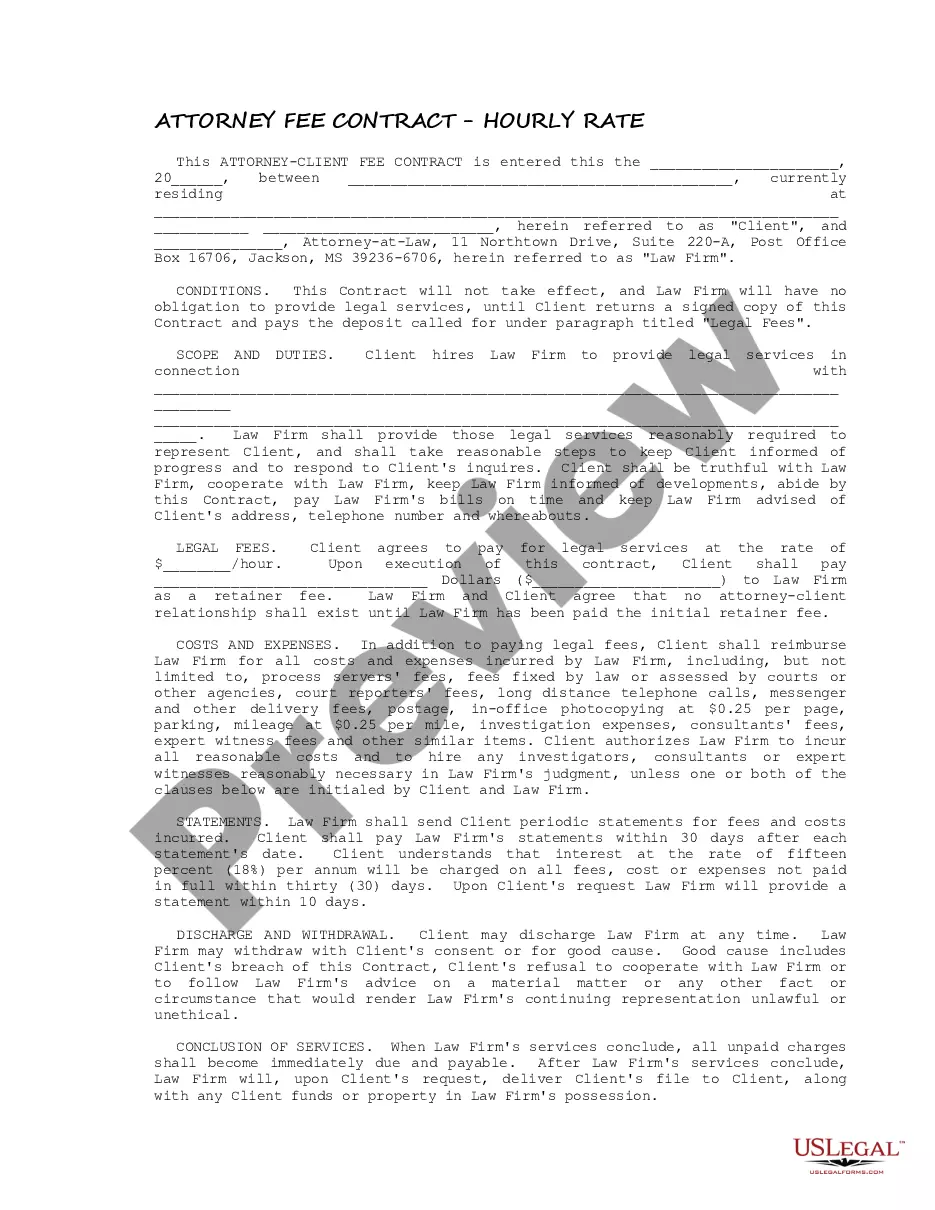
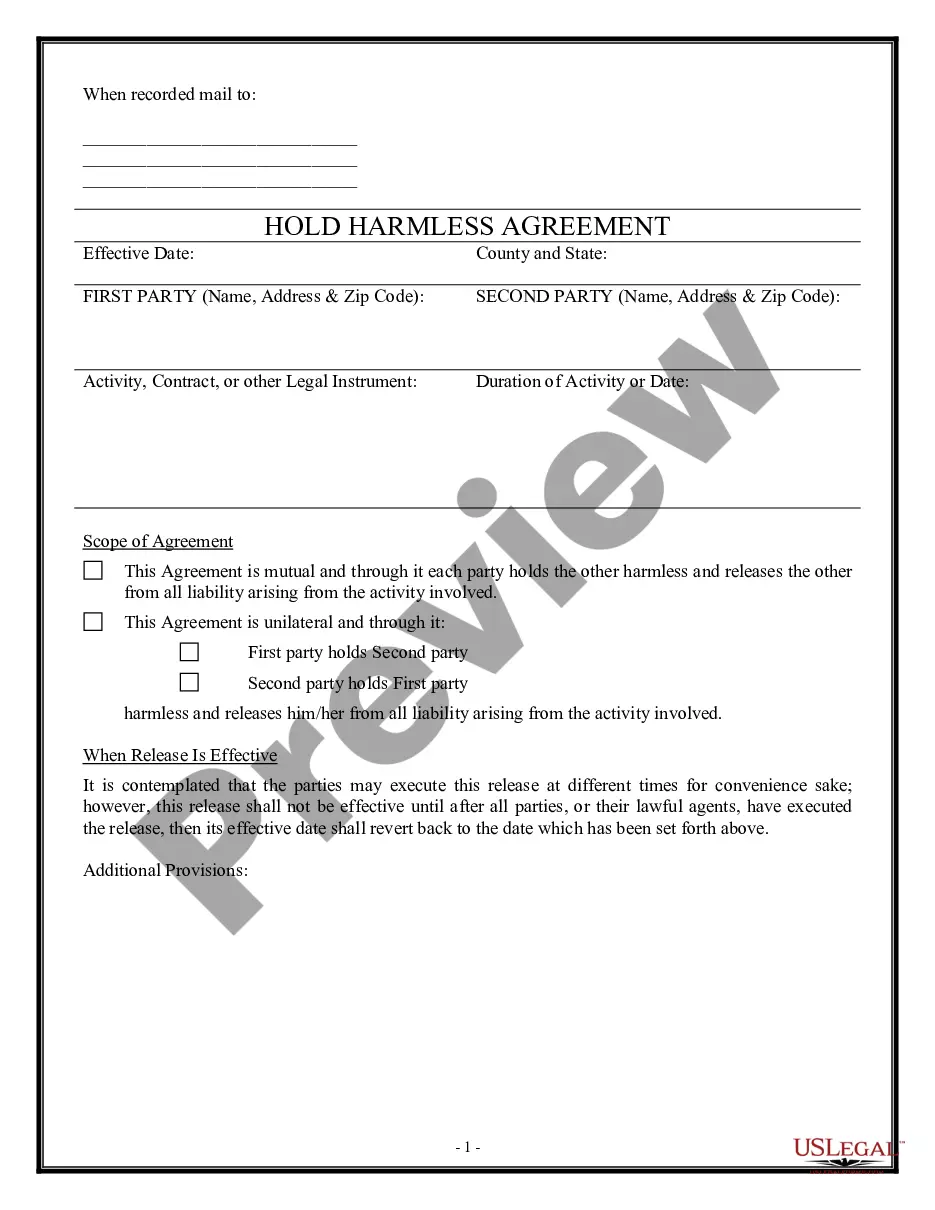
Agreement Form For Employee In Wayne
Description








Get your form ready online
Our built-in tools help you complete, sign, share, and store your documents in one place.
Make edits, fill in missing information, and update formatting in US Legal Forms—just like you would in MS Word.
Download a copy, print it, send it by email, or mail it via USPS—whatever works best for your next step.
Sign and collect signatures with our SignNow integration. Send to multiple recipients, set reminders, and more. Go Premium to unlock E-Sign.
If this form requires notarization, complete it online through a secure video call—no need to meet a notary in person or wait for an appointment.
We protect your documents and personal data by following strict security and privacy standards.

Make edits, fill in missing information, and update formatting in US Legal Forms—just like you would in MS Word.

Download a copy, print it, send it by email, or mail it via USPS—whatever works best for your next step.

Sign and collect signatures with our SignNow integration. Send to multiple recipients, set reminders, and more. Go Premium to unlock E-Sign.

If this form requires notarization, complete it online through a secure video call—no need to meet a notary in person or wait for an appointment.

We protect your documents and personal data by following strict security and privacy standards.
Looking for another form?






Form popularity
FAQ
How to write an employment contract Title the employment contract. Identify the parties. List the term and conditions. Outline the job responsibilities. Include compensation details. Use specific contract terms. Consult with an employment lawyer.
A contract is defined as an enforceable agreement between two parties. An employment contract is an enforceable agreement between two parties that contains whatever terms and conditions of employment the parties agree upon and, when accepted, becomes controlling upon the employment relationship.
An Employee Handbook Agreement form is a document that outlines the policies, procedures, and expectations of an organization for its employees. It serves as a written agreement between the employer and the employee, stating that the employee has received and understands the policies outlined in the handbook.
Write the contract in six steps Start with a contract template. Open with the basic information. Describe in detail what you have agreed to. Include a description of how the contract will be ended. Write into the contract which laws apply and how disputes will be resolved. Include space for signatures.
However, in many cases individuals who are hiring the employee can also choose to write their own contracts. In some cases, independent contractors or freelancers can provide their own contracts and terms of employment. In all scenarios both parties would need to agree and sign the contract for it to be effective.
As a first step, you should look through your records, including your emails. If you can't locate it, you can ask your employer to provide you with a copy. But your employer is not obliged to provide you with a copy of your contract if you have lost your copy.
EMPLOYMENT AGREEMENT. This agreement lays down the terms of employment, agreed upon by the employer and employee. Whether stated explicitly in the agreement or not, both the employee and the employer have the duty of mutual confidence and trust, and to make only lawful and reasonable demands on each other.
