Motion To Strike Form With Motion To Dismiss In Palm Beach
Description

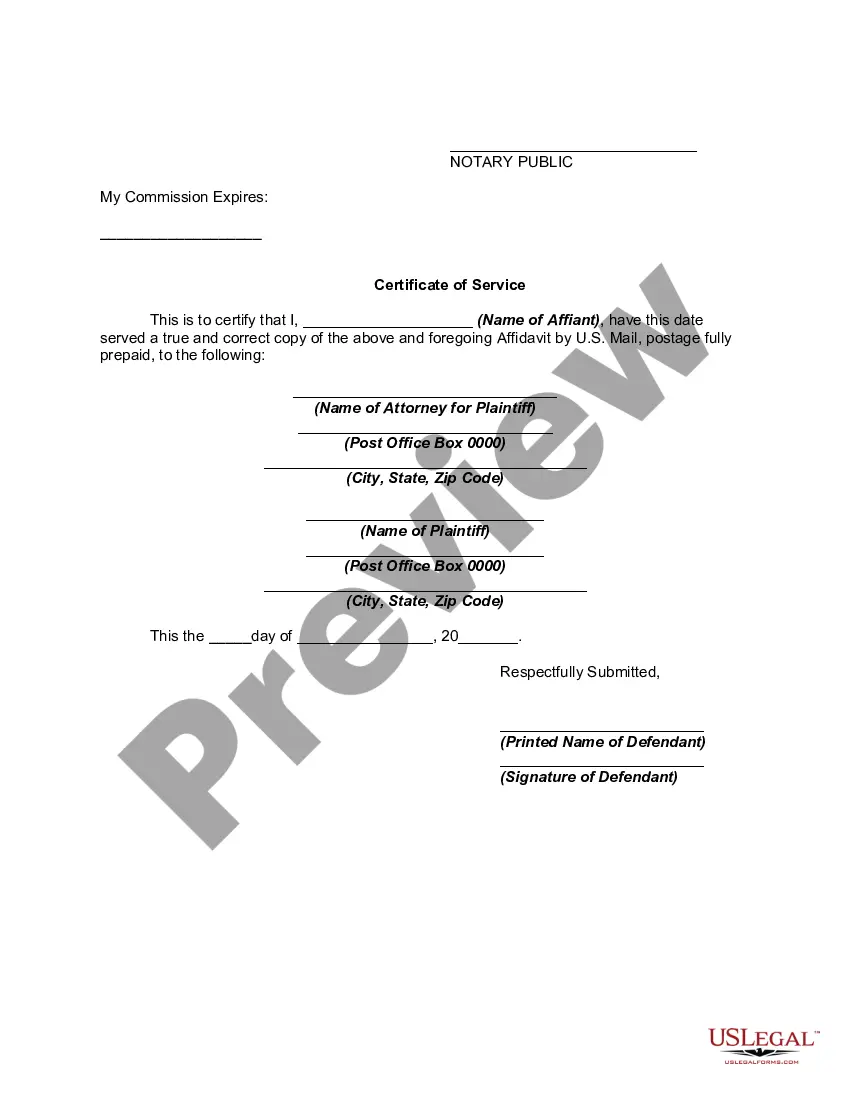




Get your form ready online
Our built-in tools help you complete, sign, share, and store your documents in one place.
Make edits, fill in missing information, and update formatting in US Legal Forms—just like you would in MS Word.
Download a copy, print it, send it by email, or mail it via USPS—whatever works best for your next step.
Sign and collect signatures with our SignNow integration. Send to multiple recipients, set reminders, and more. Go Premium to unlock E-Sign.
If this form requires notarization, complete it online through a secure video call—no need to meet a notary in person or wait for an appointment.
We protect your documents and personal data by following strict security and privacy standards.

Make edits, fill in missing information, and update formatting in US Legal Forms—just like you would in MS Word.

Download a copy, print it, send it by email, or mail it via USPS—whatever works best for your next step.

Sign and collect signatures with our SignNow integration. Send to multiple recipients, set reminders, and more. Go Premium to unlock E-Sign.

If this form requires notarization, complete it online through a secure video call—no need to meet a notary in person or wait for an appointment.

We protect your documents and personal data by following strict security and privacy standards.
Looking for another form?







Form popularity
FAQ
If one party to a case has filed a motion with the court, the other side can file an “opposition.” An “opposition” is a written statement explaining to the judge why the other side is not entitled to whatever he is asking for in his motion. It is your opportunity to oppose the other side's request.
The court may grant a motion to dismiss if the plaintiff's complaint fails to allege all the elements of a claim adequately. Or the court may grant it if the complaint fails to allege a measurable injury.
If you want to file a motion, the process is generally something like this: You write your motion. You file your motion with the court clerk. The court clerk inserts the date and time your motion will be heard by the judge. You “serve” (mail) your motion to the other side.
Filing and Serving Your Motion to Dismiss Follow the applicable rules and procedures for filing with your court. U.S. federal court accepts electronic filings only, and many state courts also have eFiling procedures, so take advantage of this option when possible.
Steps to File a Motion to Dismiss Review the Complaint Thoroughly. Carefully read the plaintiff's complaint to identify any legal deficiencies. Research Relevant Laws and Precedents. Draft the Motion. Include a Conclusion. File the Motion with the Court.
Writing a Persuasive Motion to Dismiss Be Clear and Concise: Use straightforward language and be diligent with proofreading. Stay Focused on the Legal Issues: Avoid unnecessary details and stick to the relevant legal arguments. Support Every Claim: Use statutes, case law, and rules of procedure to back up your points.
In addition to caption requirements, the motion must: (1) be in writing; (2) be signed by the party or party attorney making the motion; (3) state the grounds on which it is based; (4) be served on the adverse party; and (5) be alleged specifically and be sworn to by the defendant.
If you want to file a motion, the process is generally something like this: You write your motion. You file your motion with the court clerk. The court clerk inserts the date and time your motion will be heard by the judge. You “serve” (mail) your motion to the other side.
Oral motion - You can make a motion verbally (orally) while in court. This can be at the initial appearance, at a status appearance, or during a hearing. Usually, you can use an oral motion when the request is not complicated, or if it is an urgent request that you are hoping the judge will grant that day.
