My Trust With
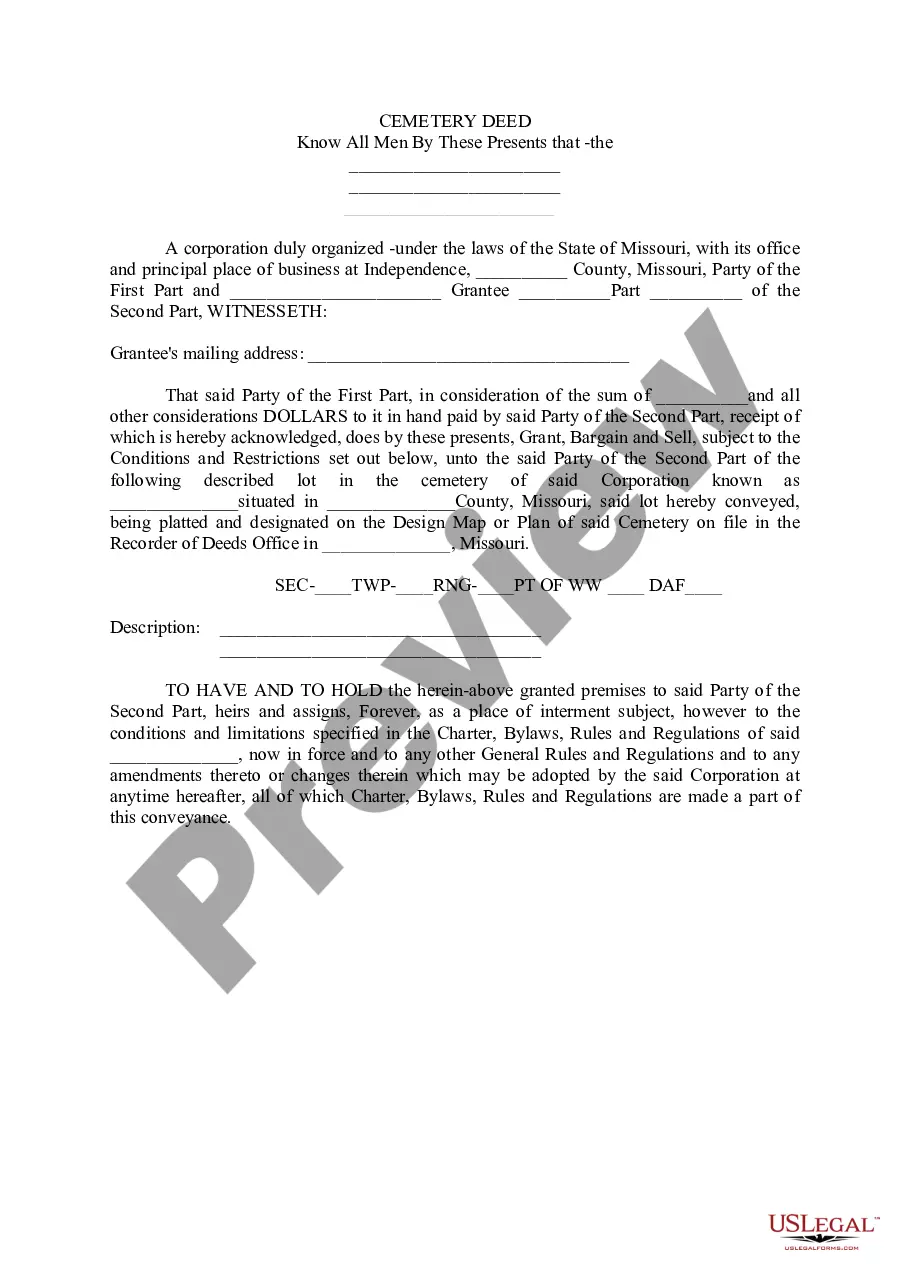
Description
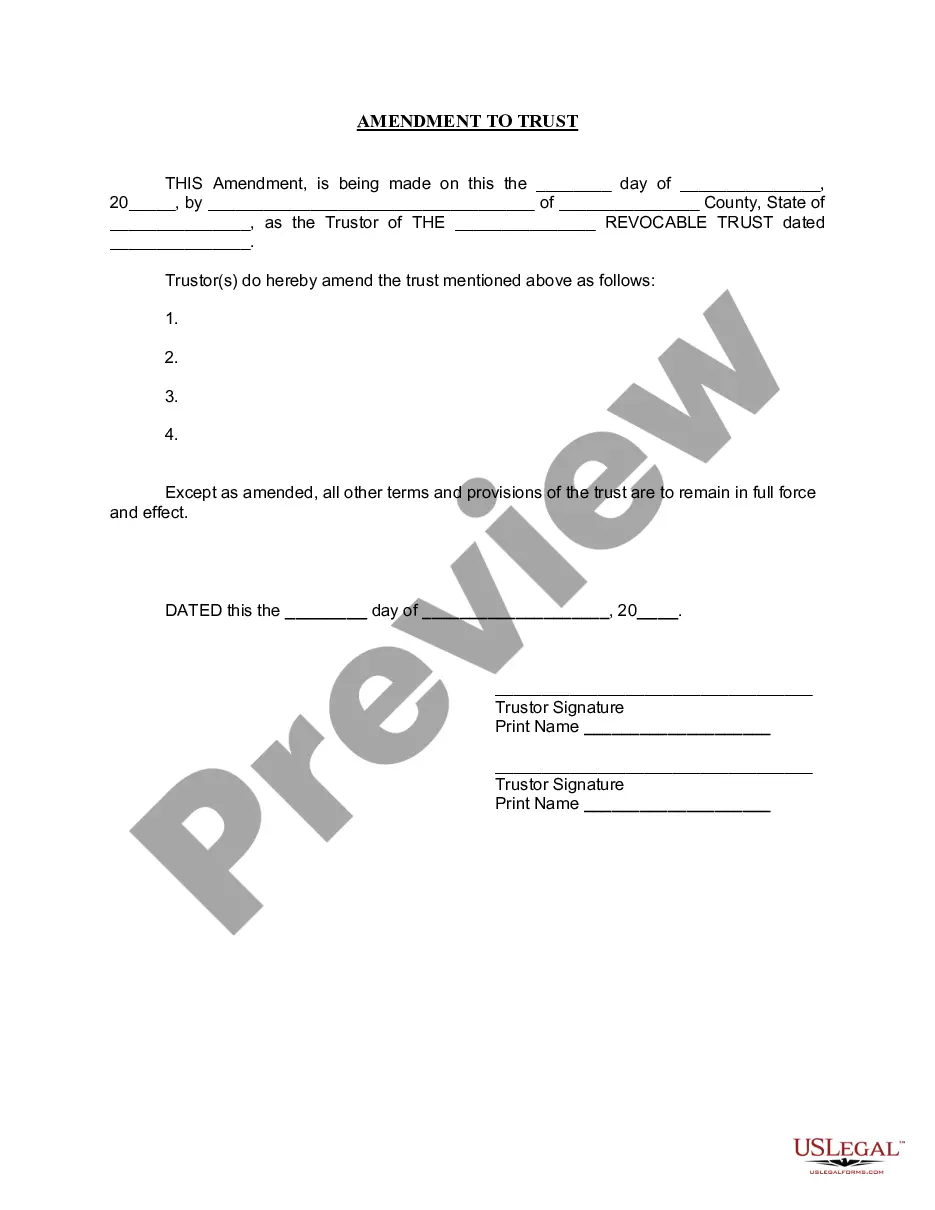
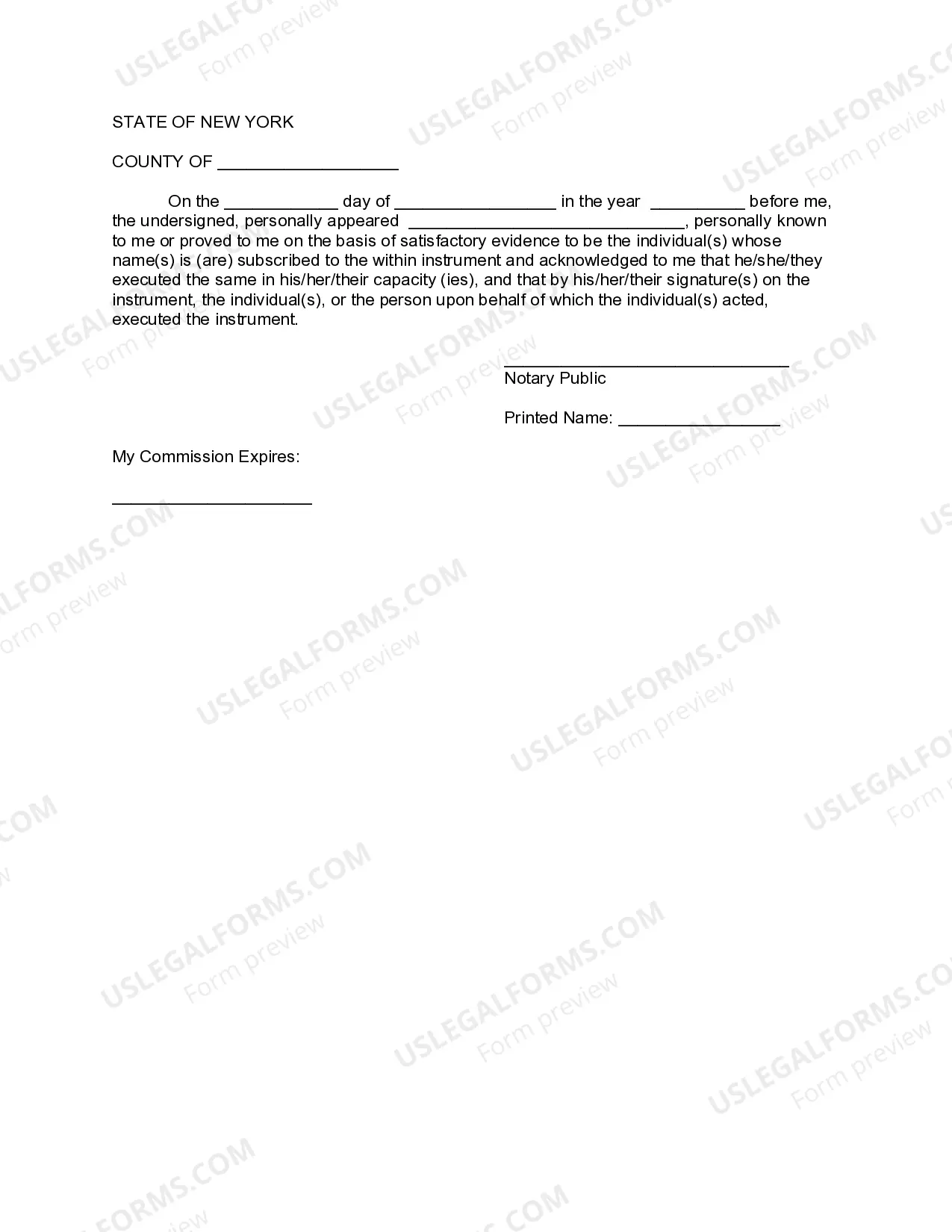


Get your form ready online
Our built-in tools help you complete, sign, share, and store your documents in one place.
Make edits, fill in missing information, and update formatting in US Legal Forms—just like you would in MS Word.
Download a copy, print it, send it by email, or mail it via USPS—whatever works best for your next step.
Sign and collect signatures with our SignNow integration. Send to multiple recipients, set reminders, and more. Go Premium to unlock E-Sign.
If this form requires notarization, complete it online through a secure video call—no need to meet a notary in person or wait for an appointment.
We protect your documents and personal data by following strict security and privacy standards.

Make edits, fill in missing information, and update formatting in US Legal Forms—just like you would in MS Word.

Download a copy, print it, send it by email, or mail it via USPS—whatever works best for your next step.

Sign and collect signatures with our SignNow integration. Send to multiple recipients, set reminders, and more. Go Premium to unlock E-Sign.

If this form requires notarization, complete it online through a secure video call—no need to meet a notary in person or wait for an appointment.

We protect your documents and personal data by following strict security and privacy standards.
Looking for another form?
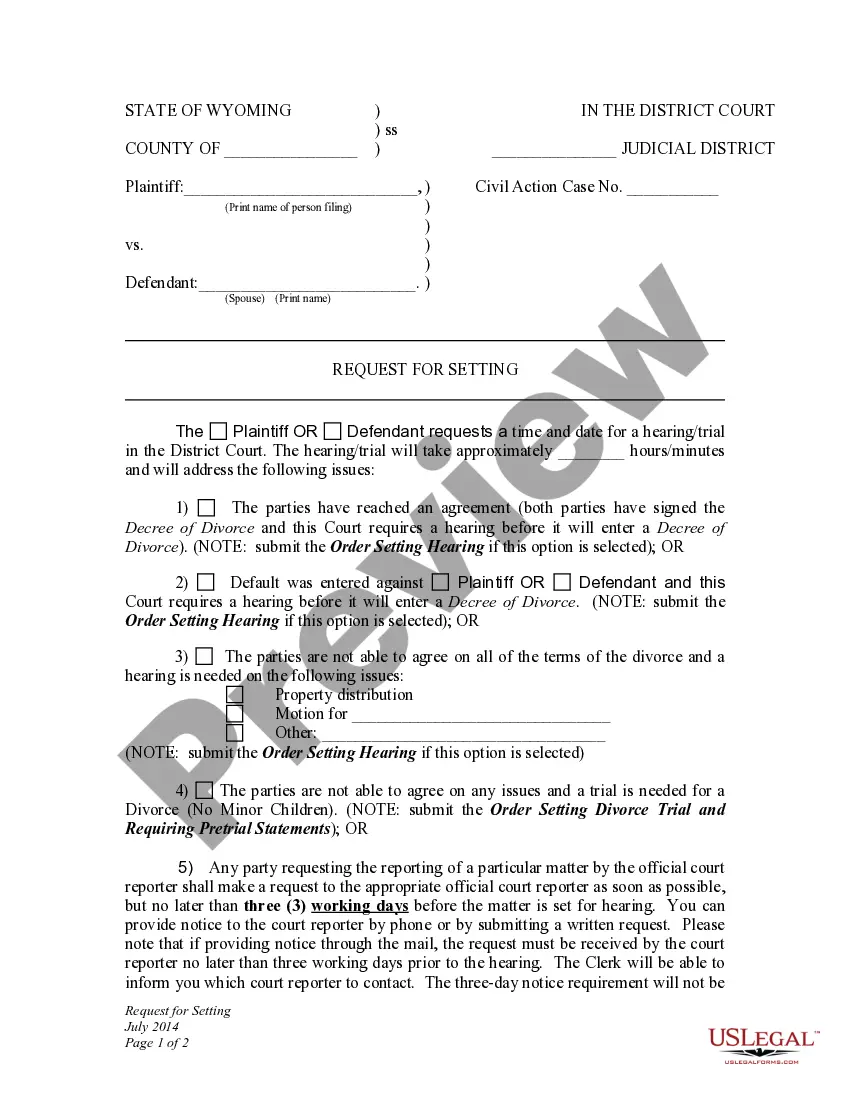






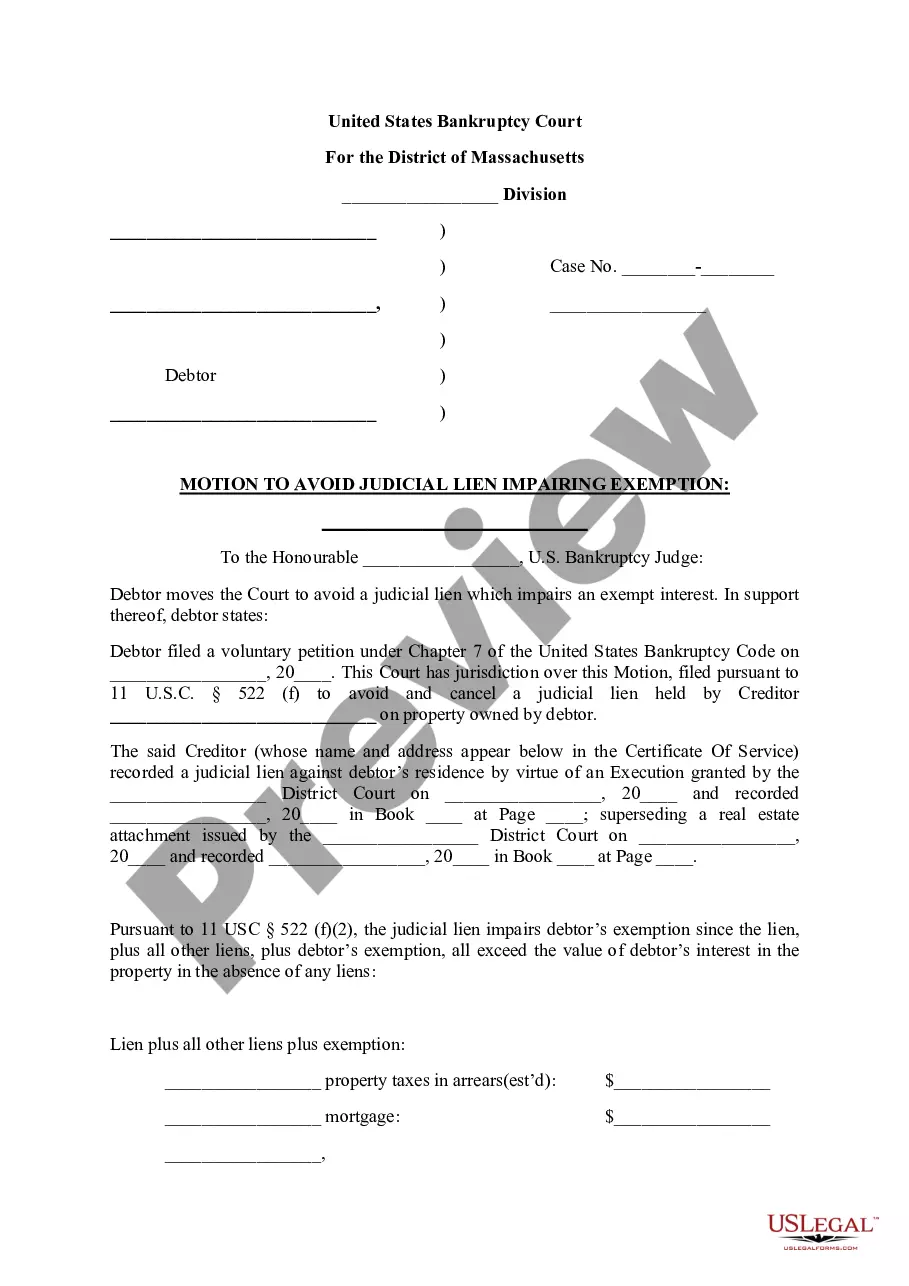

How to fill out New York Amendment To Living Trust?
Using legal templates that meet the federal and regional regulations is essential, and the internet offers a lot of options to pick from. But what’s the point in wasting time looking for the appropriate My Trust With sample on the web if the US Legal Forms online library already has such templates collected in one place?
US Legal Forms is the most extensive online legal catalog with over 85,000 fillable templates drafted by lawyers for any professional and life case. They are easy to browse with all documents organized by state and purpose of use. Our experts stay up with legislative updates, so you can always be confident your form is up to date and compliant when obtaining a My Trust With from our website.
Obtaining a My Trust With is fast and simple for both current and new users. If you already have an account with a valid subscription, log in and download the document sample you require in the right format. If you are new to our website, adhere to the guidelines below:
- Take a look at the template using the Preview option or via the text description to ensure it meets your needs.
- Look for another sample using the search function at the top of the page if needed.
- Click Buy Now when you’ve found the right form and choose a subscription plan.
- Create an account or sign in and make a payment with PayPal or a credit card.
- Choose the right format for your My Trust With and download it.
All documents you locate through US Legal Forms are multi-usable. To re-download and fill out previously purchased forms, open the My Forms tab in your profile. Take advantage of the most extensive and easy-to-use legal paperwork service!
Form popularity
FAQ
On this page Pay online. Online banking. Pre-authorized debit (PAD) payments. Debit card payments. Credit card, PayPal, Interac e-Transfer payments. Wire transfer and internationally issued credit card payments (option for non-residents) Pay in person. Pay by mail. Confirm your payment.
It is recommended that you to use a lawyer who specializes in estate planning. The costs can range from $5000-$10,000 to set up. As long as you do not make any changes, the yearly cost to maintain your trust is the cost to file the separate trust tax return.
In these cases, all income (interest, dividends and capital gains) earned on these funds are taxed in the beneficiary's hands. If there is truly a trust arrangement, the trustee needs to ensure that an annual tax return is filed for the trust, if required.
Trusts must provide beneficial ownership information on a Schedule 15, filed along with a T3 return. These new reporting requirements are effective for taxation years ending after December 30, 2023 and subsequent tax years. This means that some trusts may have to file a T3 return for the first time.
A trust is considered a taxpayer in Canada even though it is not considered a legal entity. A trust pays tax at the highest personal marginal tax rate on its taxable income and doesn't have the benefit of individual tax credits.