Limited/u
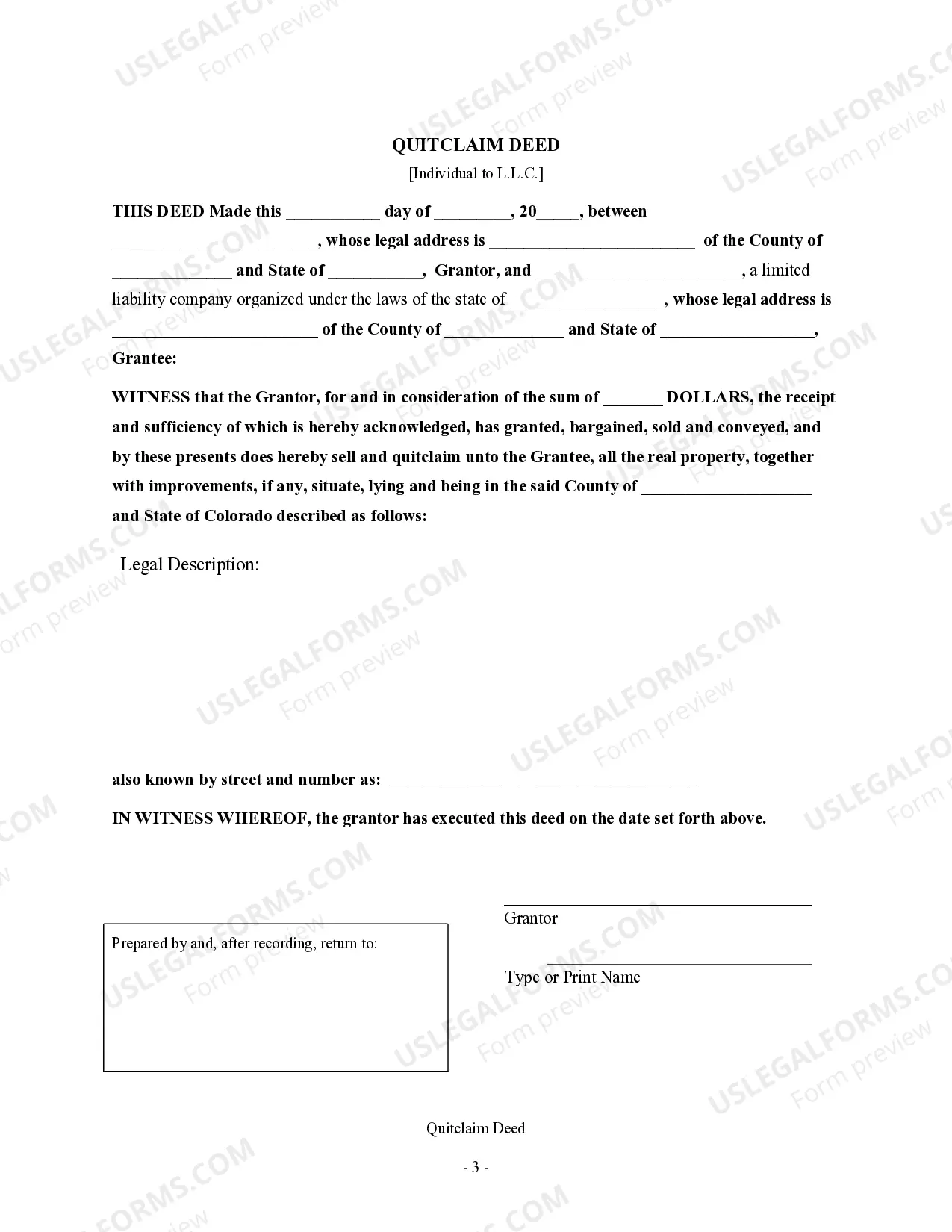
Description
Get your form ready online
Our built-in tools help you complete, sign, share, and store your documents in one place.
Make edits, fill in missing information, and update formatting in US Legal Forms—just like you would in MS Word.
Download a copy, print it, send it by email, or mail it via USPS—whatever works best for your next step.
Sign and collect signatures with our SignNow integration. Send to multiple recipients, set reminders, and more. Go Premium to unlock E-Sign.
If this form requires notarization, complete it online through a secure video call—no need to meet a notary in person or wait for an appointment.
We protect your documents and personal data by following strict security and privacy standards.

Make edits, fill in missing information, and update formatting in US Legal Forms—just like you would in MS Word.

Download a copy, print it, send it by email, or mail it via USPS—whatever works best for your next step.

Sign and collect signatures with our SignNow integration. Send to multiple recipients, set reminders, and more. Go Premium to unlock E-Sign.

If this form requires notarization, complete it online through a secure video call—no need to meet a notary in person or wait for an appointment.

We protect your documents and personal data by following strict security and privacy standards.
Looking for another form?




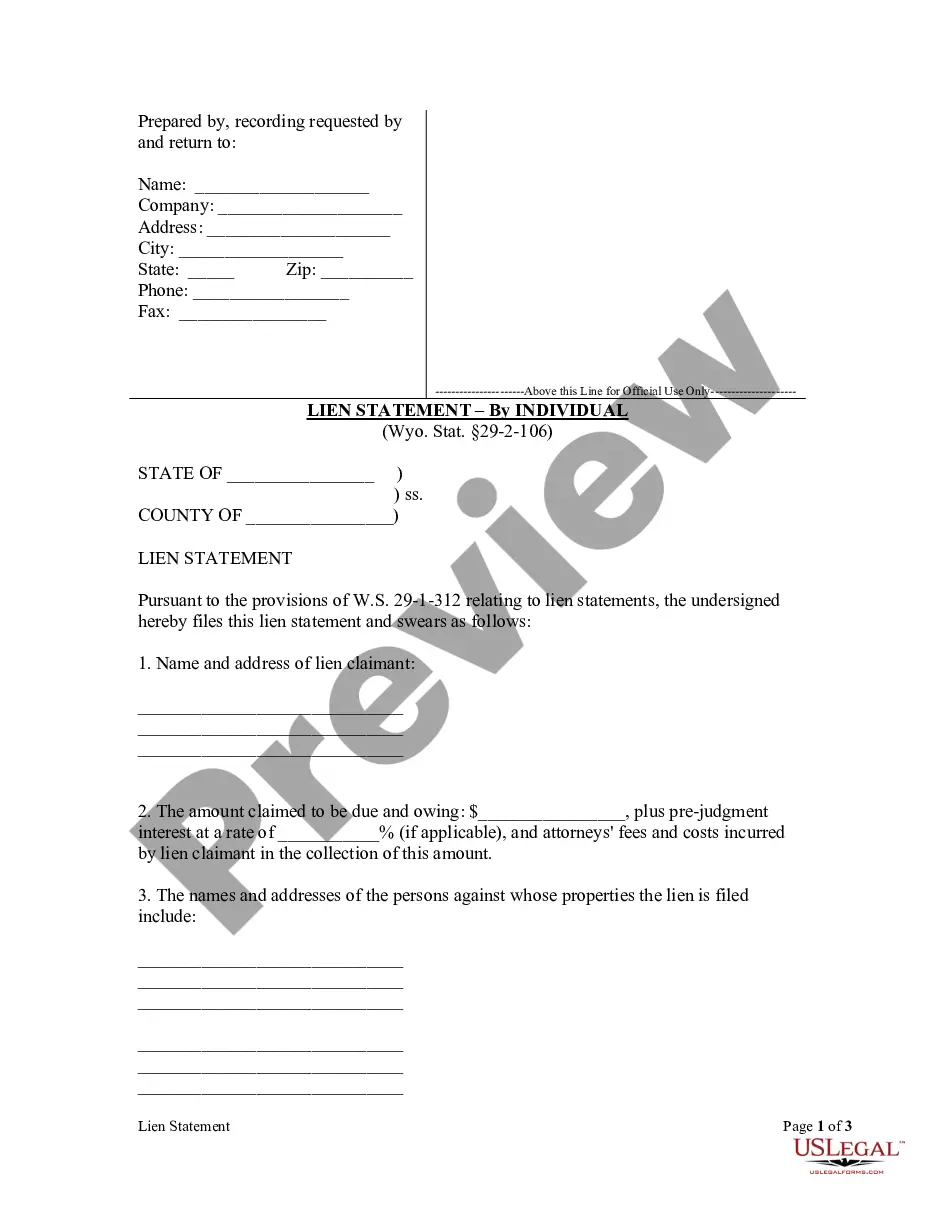
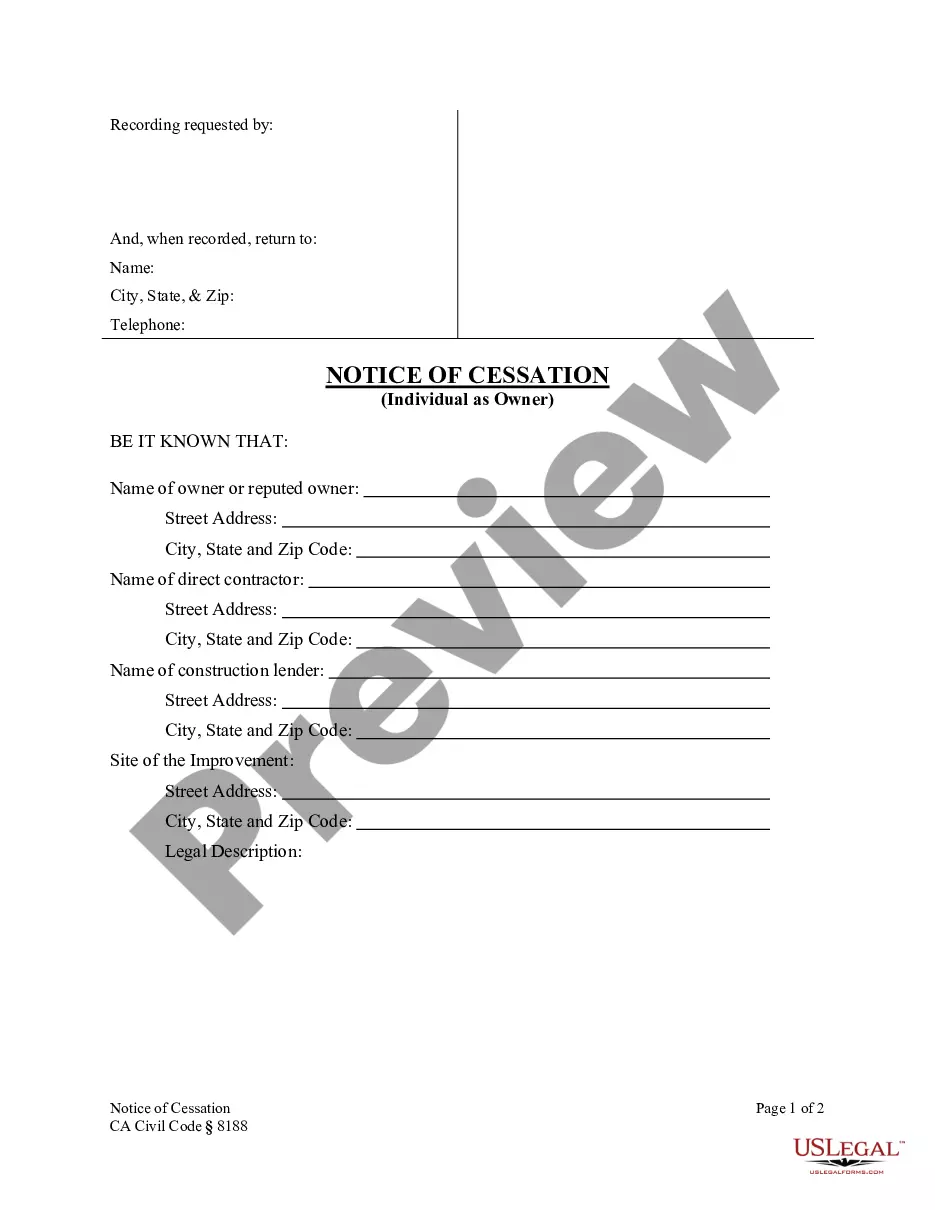
How to fill out Colorado Quitclaim Deed - Individual To Limited Liability Company?
- If you're a returning user, log into your account and retrieve the desired form by clicking the Download button. Ensure that your subscription is active; if it has lapsed, renew it based on your payment plan.
- For first-time users, start by exploring the Preview mode and reviewing the form's description. Confirm that you've selected the right one that meets your requirements.
- If you need a different template, use the Search tab above to locate the appropriate document. Proceed if you find a suitable option.
- Purchase the document by clicking on the Buy Now button and selecting your preferred subscription plan. You'll need to create an account to access the library.
- Complete your purchase by entering your credit card information or using your PayPal account for subscription payment.
- Finally, download your form and save it on your device for completion. Access it anytime via the My Forms menu in your profile.
With these steps, leveraging US Legal Forms for your limited/u needs becomes a seamless process. You can rest assured that you have access to high-quality, legally sound documents tailored to your specifications.
Get started today and simplify your legal documentation with US Legal Forms!
Form popularity
FAQ
When completing a W-9 for a single member LLC, you should check the box labeled 'Limited Liability Company' and add 'disregarded entity' on the tax classification line. This clearly informs the IRS that your LLC is disregarded for tax purposes, making the submission straightforward and efficient.
To fill out a limited power of attorney form, clearly define the specific powers you are granting to your agent. Include your name, the agent's name, a description of the powers, and the durations of those powers. It is essential to sign the document in front of a notary to ensure it meets legal standards.
To fill out a W-9 for a disregarded entity, list the legal name of the entity on the first line and its tax classification as a disregarded entity in the appropriate box. You’ll want to include your taxpayer identification number, which might be your Social Security Number or the EIN for the business. This setup allows correct reporting for tax purposes, preventing future issues.
The best person to serve as power of attorney is someone you trust deeply, such as a family member or close friend. They should have a good understanding of your wishes and be reliable, organized, and capable of handling your financial or medical decisions. Selecting a responsible individual ensures that your interests are well-managed under the limited authority you grant them.
If you are a 501(c)(3) organization filling out a W-9, enter the name of your organization on the first line and select 'Limited Liability Company' for your tax classification. Use your organization’s Employer Identification Number (EIN) for the taxpayer identification number. This ensures clarity for anyone who needs to report payments made to your nonprofit.
Filling out a W-9 correctly involves entering your name, business name, and the appropriate tax classification. Make sure to provide your correct taxpayer identification number and address. Finally, remember to sign and date the form accurately, confirming that you are not subject to backup withholding, which is important for your tax documents.
You report income from a disregarded entity on your personal tax return, typically using Schedule C if you operate a sole proprietorship. The income should be documented thoroughly, ensuring that it aligns with the records kept for your limited liability company. Carefully track expenses as well, since this will affect your taxable income positively.
To fill out a W-9 for an LLC disregarded entity, you should enter the name of the LLC on the first line and indicate that it is a single-member LLC. In the box for the tax classification, check 'Limited Liability Company' and write 'disregarded entity' next to it. This clearly identifies your LLC’s structure and ensures that your tax reporting aligns with the IRS.
Determining the rarest Roblox limited can be subjective, as it often depends on player demand and scarcity. However, items like the 'Black Sparkle Time Fedora' or 'Dominus Empyreus' frequently top the list due to their high prices and limited availability. Their rarity increases their value, making them coveted by collectors. Staying informed about market trends can help you identify these rare Limited/u items.
In the context of Roblox Limited items, 'u' stands for 'user'. Specifically, it indicates that the item is a limited edition created by a user, rather than by Roblox itself. These items can only be bought and traded in the marketplace, making them exclusive and valuable. Understanding this can help you appreciate the uniqueness of Limited/u items.