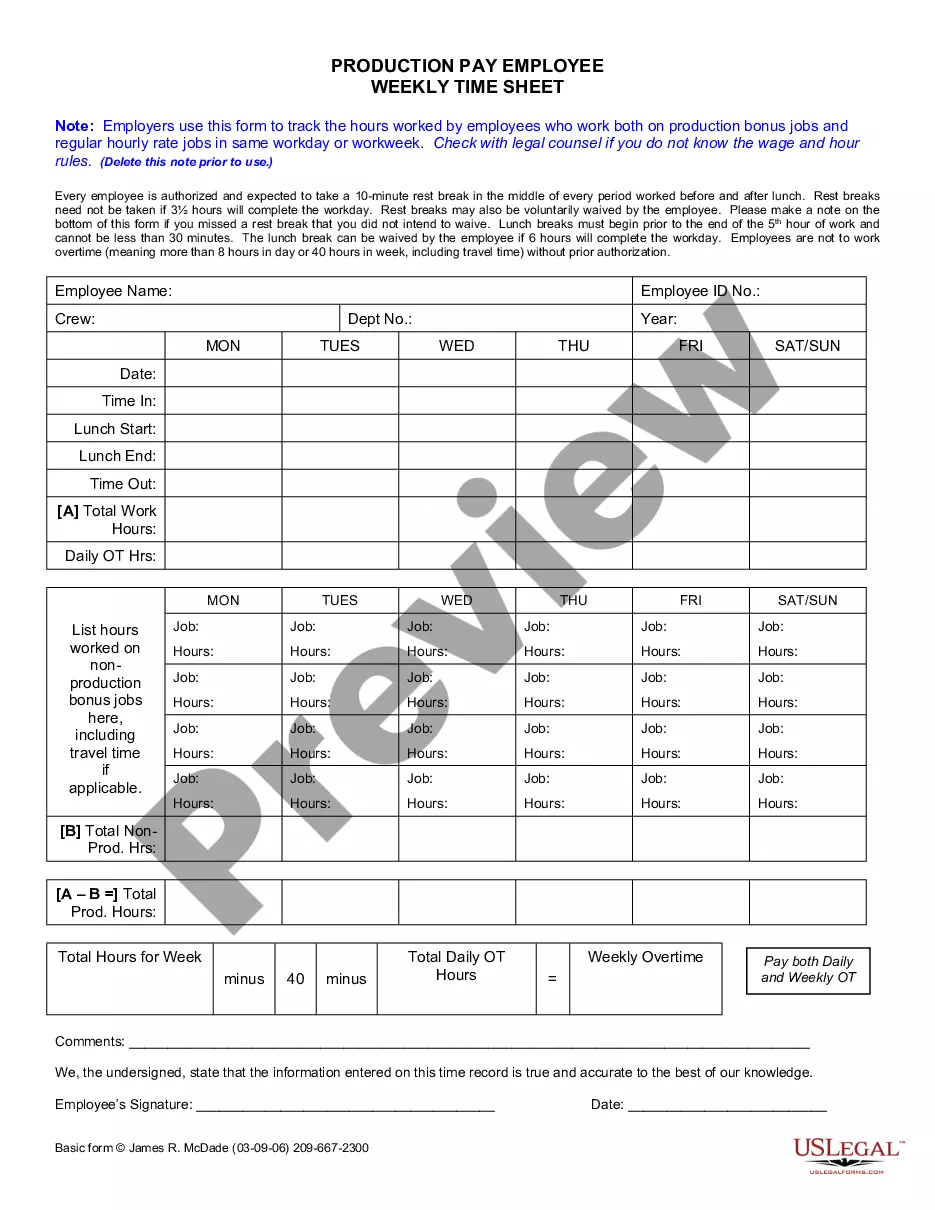
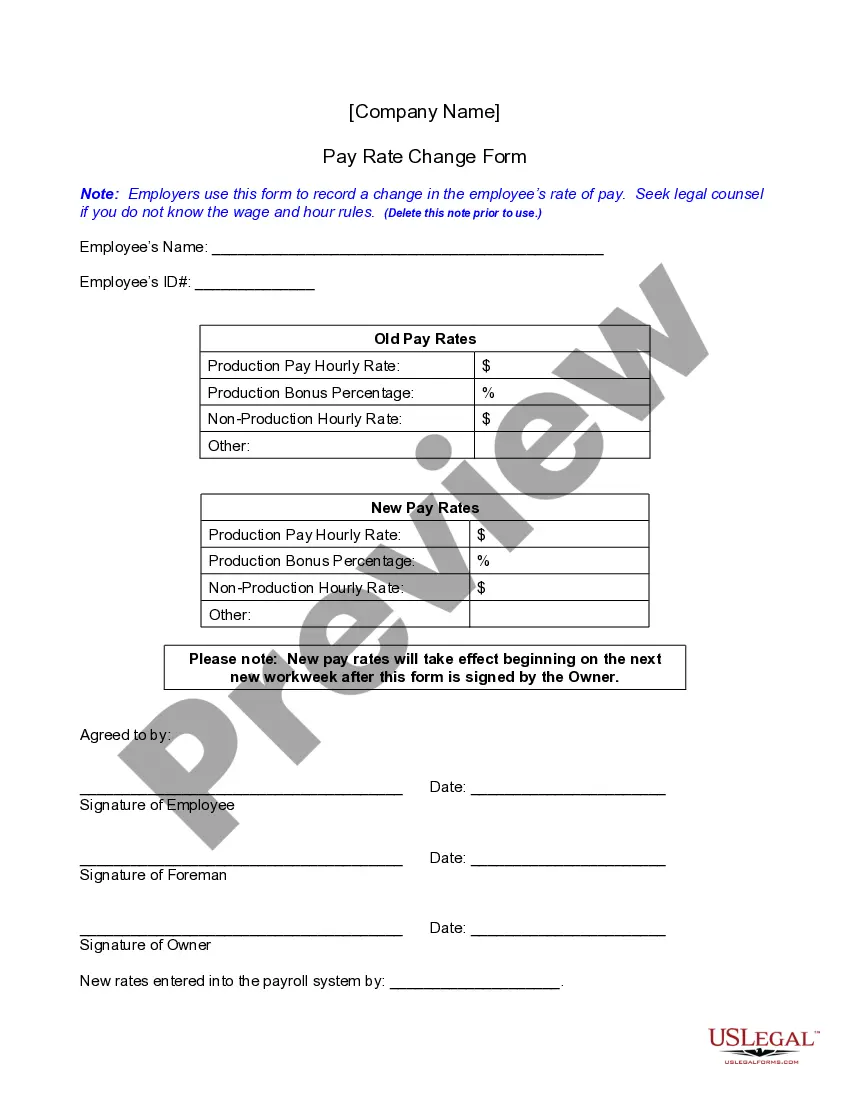
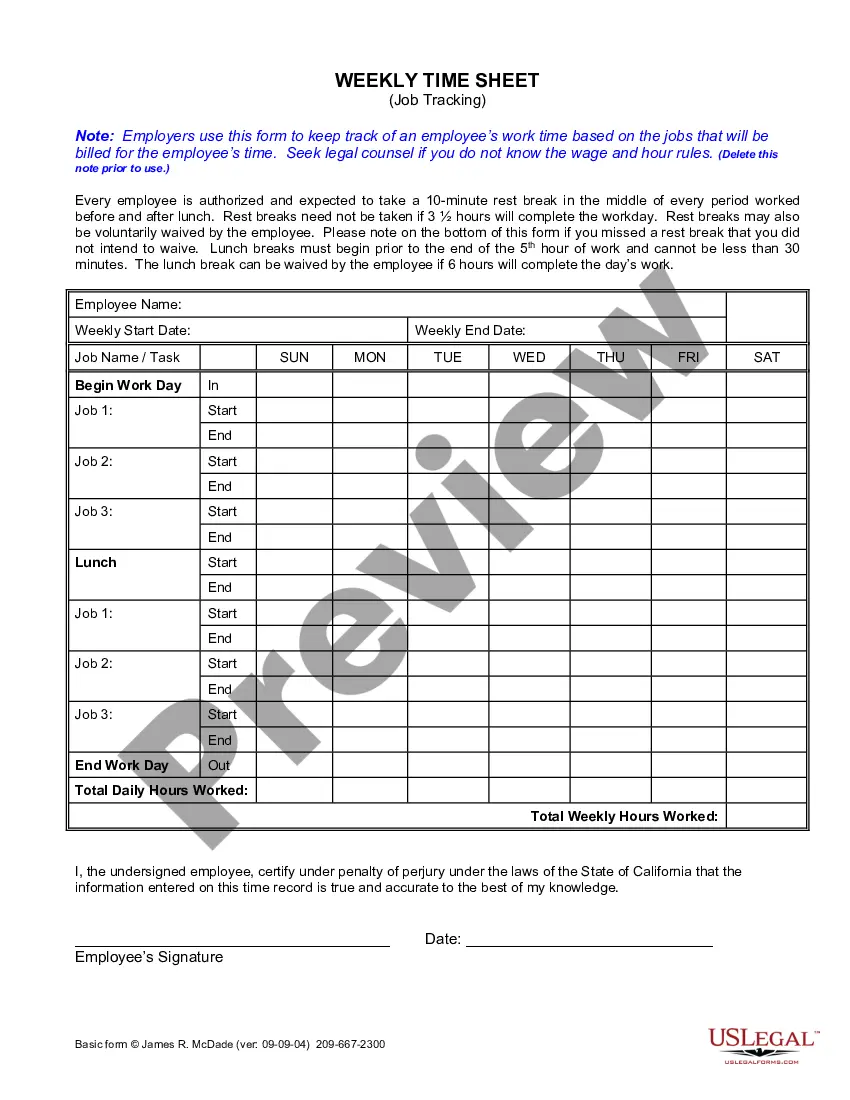
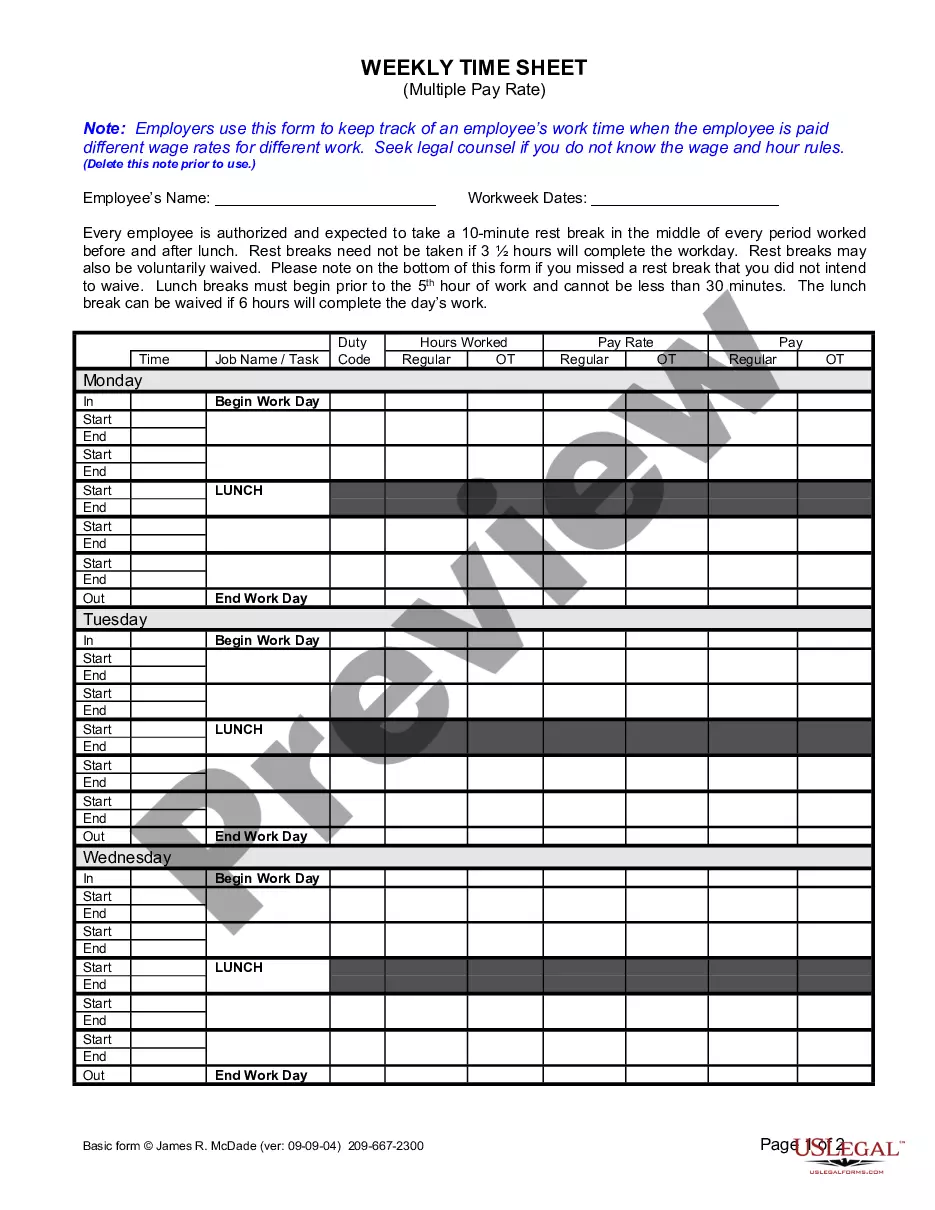
Time Sheet For Employees App
Description
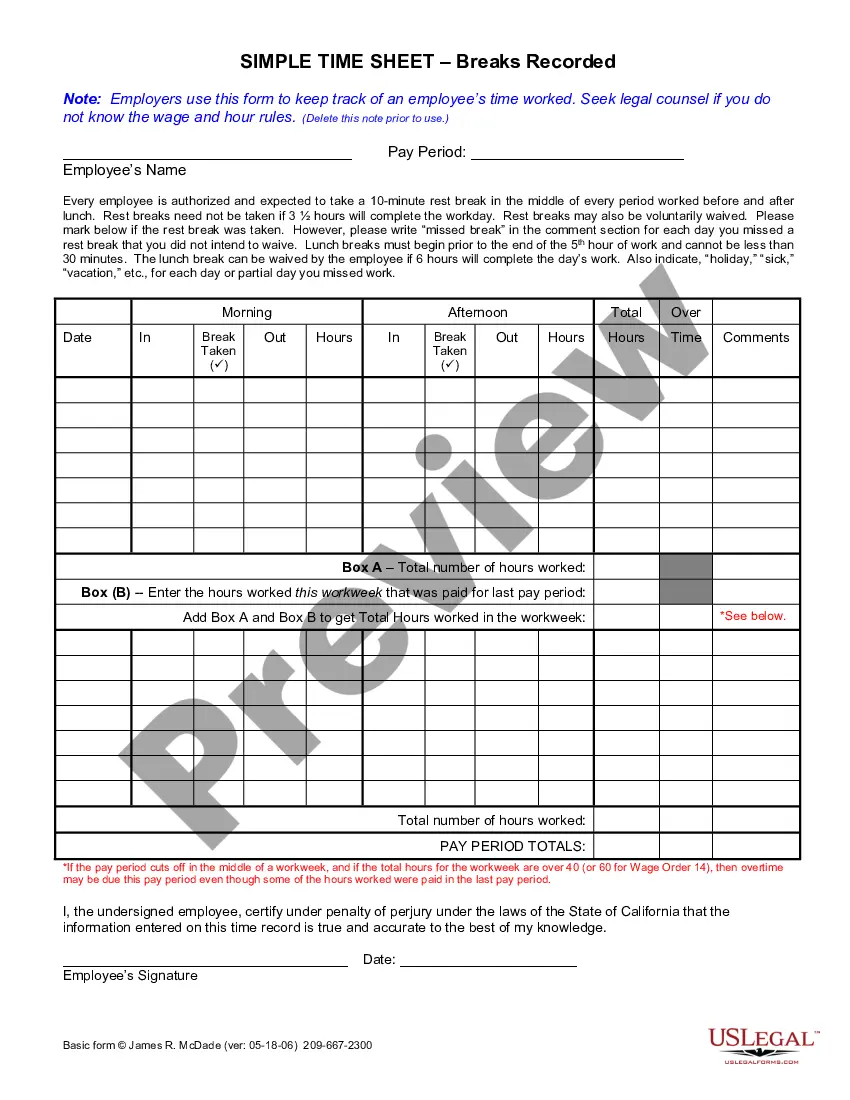

Get your form ready online
Our built-in tools help you complete, sign, share, and store your documents in one place.
Make edits, fill in missing information, and update formatting in US Legal Forms—just like you would in MS Word.
Download a copy, print it, send it by email, or mail it via USPS—whatever works best for your next step.
Sign and collect signatures with our SignNow integration. Send to multiple recipients, set reminders, and more. Go Premium to unlock E-Sign.
If this form requires notarization, complete it online through a secure video call—no need to meet a notary in person or wait for an appointment.
We protect your documents and personal data by following strict security and privacy standards.

Make edits, fill in missing information, and update formatting in US Legal Forms—just like you would in MS Word.

Download a copy, print it, send it by email, or mail it via USPS—whatever works best for your next step.

Sign and collect signatures with our SignNow integration. Send to multiple recipients, set reminders, and more. Go Premium to unlock E-Sign.

If this form requires notarization, complete it online through a secure video call—no need to meet a notary in person or wait for an appointment.

We protect your documents and personal data by following strict security and privacy standards.
Looking for another form?




How to fill out California Weekly Time Sheet For Production Pay Employee?
- Log in to your account if you’re a returning user. Ensure your subscription is current; if not, renew it based on your payment plan.
- Explore the Preview mode and read the form description carefully to confirm that it meets your needs and legal jurisdiction.
- Use the Search tab if you need to find alternative templates or if any inconsistencies arise in your chosen form.
- Select your form and click the Buy Now button, then choose a subscription plan that suits you. You will need to create an account to access the library.
- Complete your purchase by entering your payment details, either through credit card or PayPal.
- Download your time sheet template to your device for filling out, easily accessible anytime from the My Forms menu on your profile.
By utilizing US Legal Forms, you gain access to an extensive library of over 85,000 legal forms that are both fillable and editable. The robust collection ensures you find everything you need for less than the competition.
In conclusion, US Legal Forms makes it easy to obtain legally sound documents efficiently. Start using the service today and take advantage of premium expert support for form completion. Don't miss this opportunity – streamline your business processes and manage time sheet documentation effortlessly!
Form popularity
FAQ
Google offers a variety of tools, but it does not have a dedicated timetable app. However, you can leverage Google Sheets to develop a timetable that functions similarly. By crafting a time sheet for employees app using Google Sheets, you can organize schedules and timelines effectively.
Yes, Google Sheets has an app available for both Android and iOS devices. This app allows you to create and edit spreadsheets on the go, including your time sheet for employees app. With the Google Sheets app, you can easily stay updated on employee hours and project timelines from anywhere.
Google does not have a specific time sheet app, but you can utilize Google Sheets as an effective alternative. With its versatility, you can customize your time sheet for employees app to match your organization's requirements. Additionally, you can integrate Google Sheets with other tools to enhance its functionality and streamline your workflow.
To create a Google time sheet, start by opening Google Sheets and selecting a blank spreadsheet. You can then set up columns for dates, tasks, hours worked, and employee names to effectively track time. For ease of use, consider using uslegalforms to access ready-made templates that simplify setting up your time sheet for employees app.
Google does not offer a dedicated timeline tool, but you can create a timeline using Google Sheets. This approach allows you to build a customized time sheet for employees app that suits your needs. By utilizing templates and functions in Google Sheets, you can effectively manage and visualize timelines for various projects.
To submit a timesheet on the Workday app, open the app and access the time tracking section. You can then enter your worked hours and any necessary information before submitting. Utilizing the time sheet for employees app along with Workday can further optimize this experience by providing a direct link for easy submission. This integration ensures that your timekeeping is efficient and straightforward.
To submit a timesheet in Workday, go to the time sheet section and input your hours worked for the relevant period. It’s important to review your entries before submission to ensure accuracy. The time sheet for employees app can enhance this process by providing reminders and streamlined entry methods. This way, you can focus on your work without worrying about time tracking.
To submit time off on Workday, navigate to the time-off section on the dashboard. You can select the dates you wish to request off and provide any necessary details. The time sheet for employees app integrates smoothly with Workday, making it convenient for you to track your time off requests alongside your regular hours. This integration helps ensure that all your time-related records are in one place.
The app for workers time sheet is designed to help employees log their working hours seamlessly. With the time sheet for employees app, workers can enter their time entries from anywhere, providing flexibility and accuracy. This ensures that your workforce can manage their time efficiently, while managers can maintain oversight on hours logged for accurate payroll processing.
Yes, there is an app to manage employee hours effectively. The time sheet for employees app allows employers to track and record the hours worked by their staff easily. This app simplifies the process of managing time, ensuring accurate payroll and compliance with labor laws. Additionally, you can enhance your team's productivity by minimizing the time spent on administrative tasks.