Weekly Time Sheet Printable Form 2018
Description
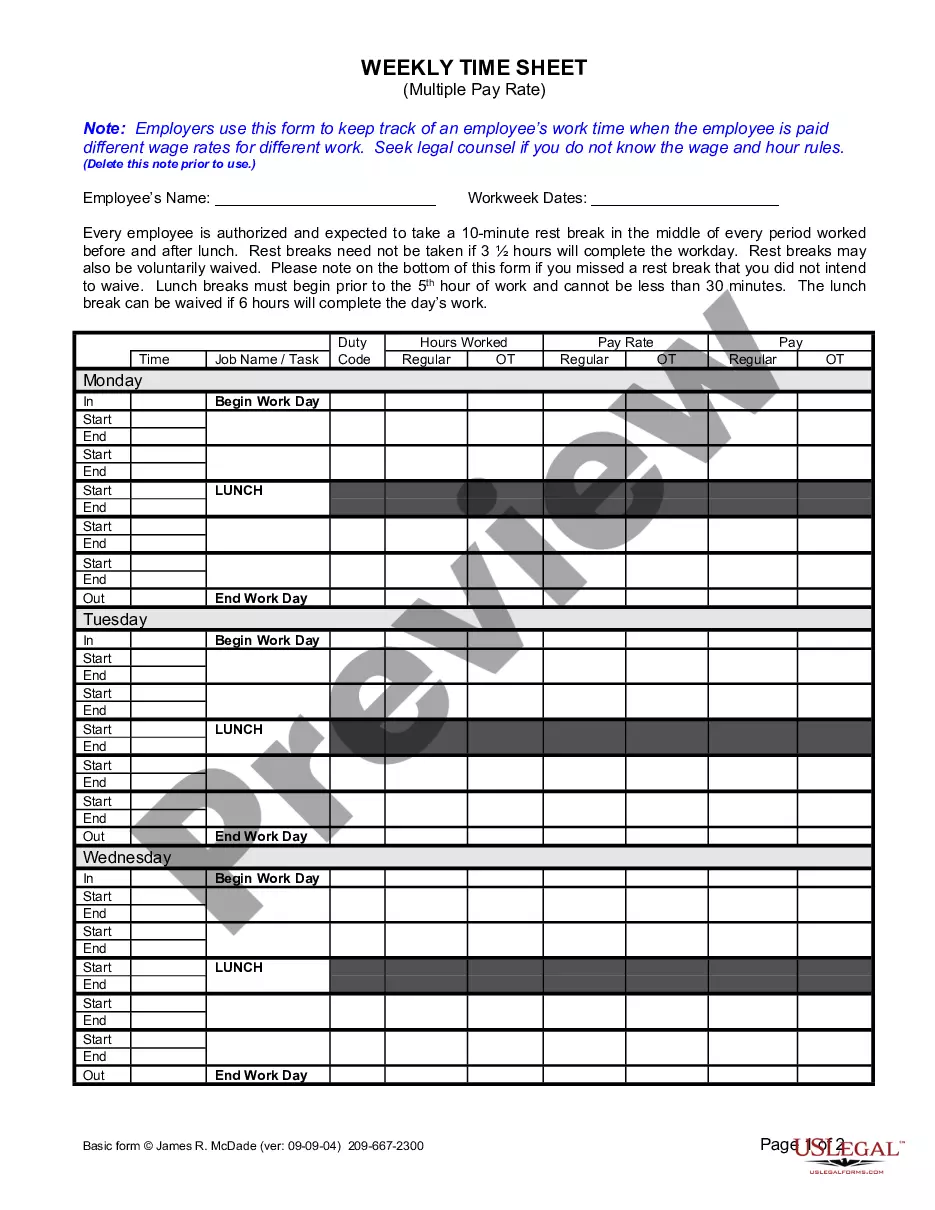
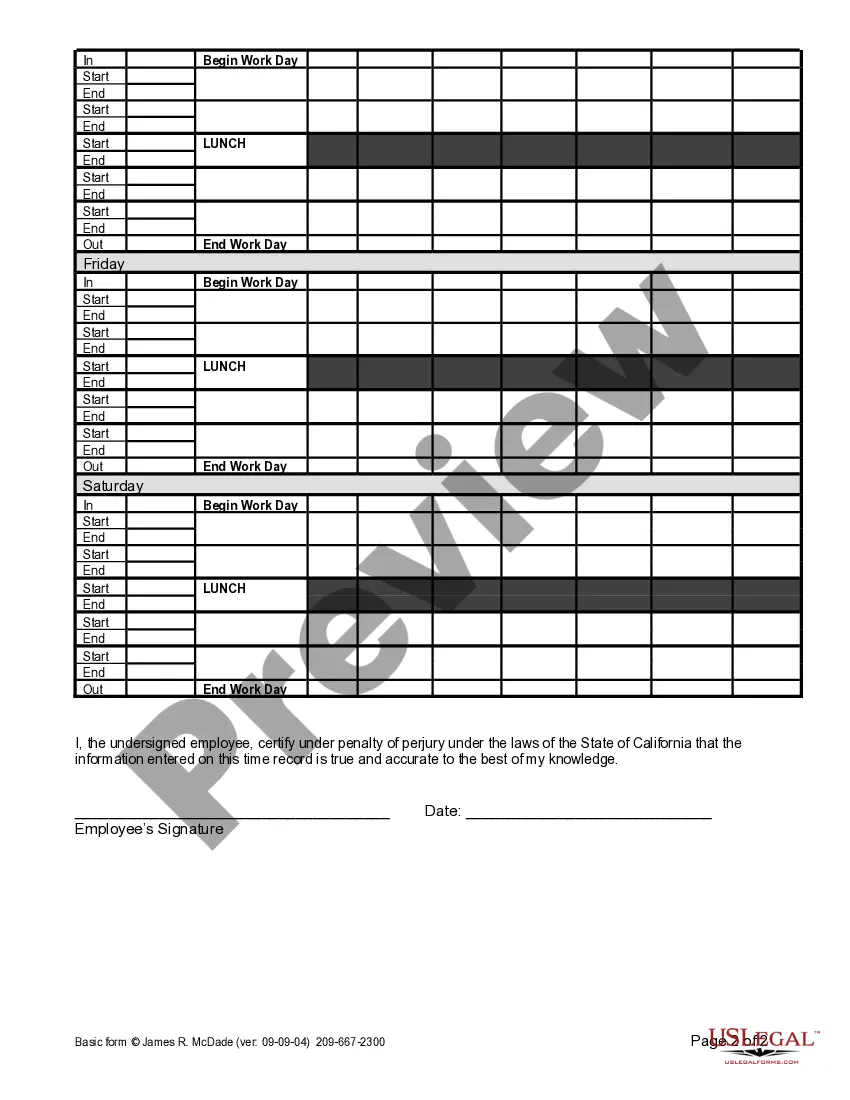
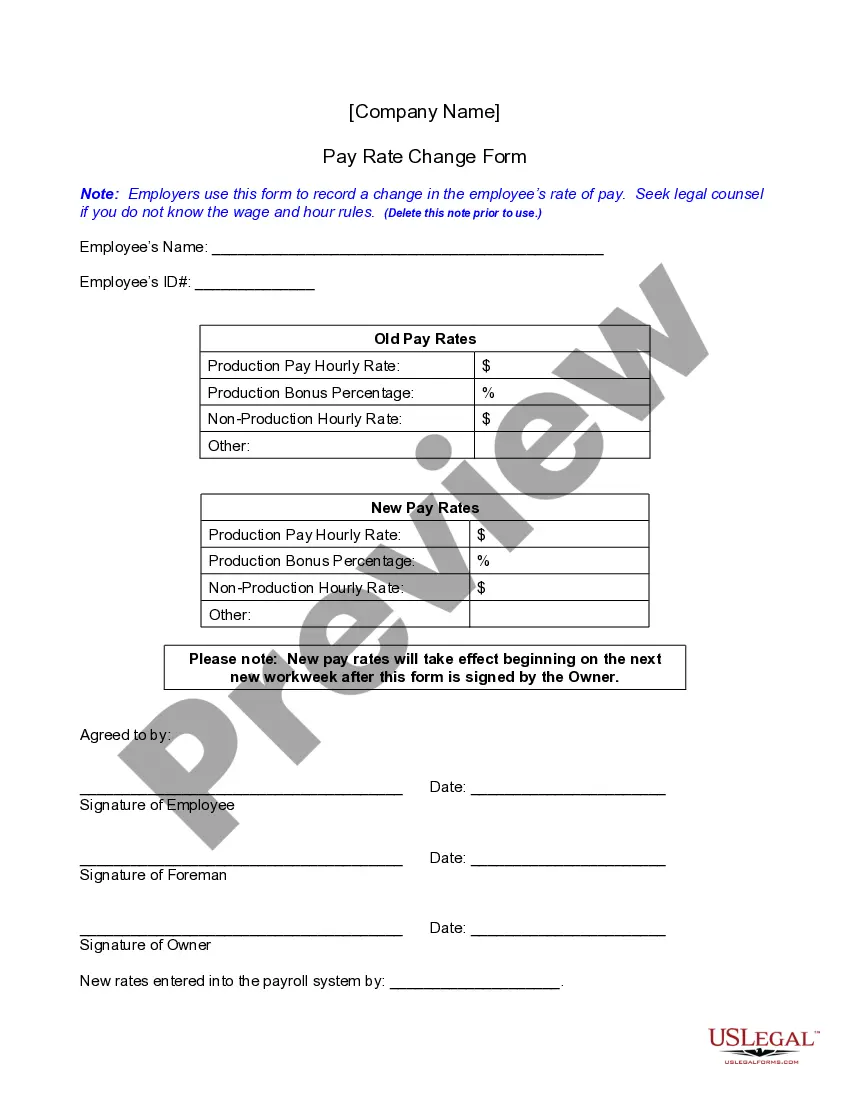
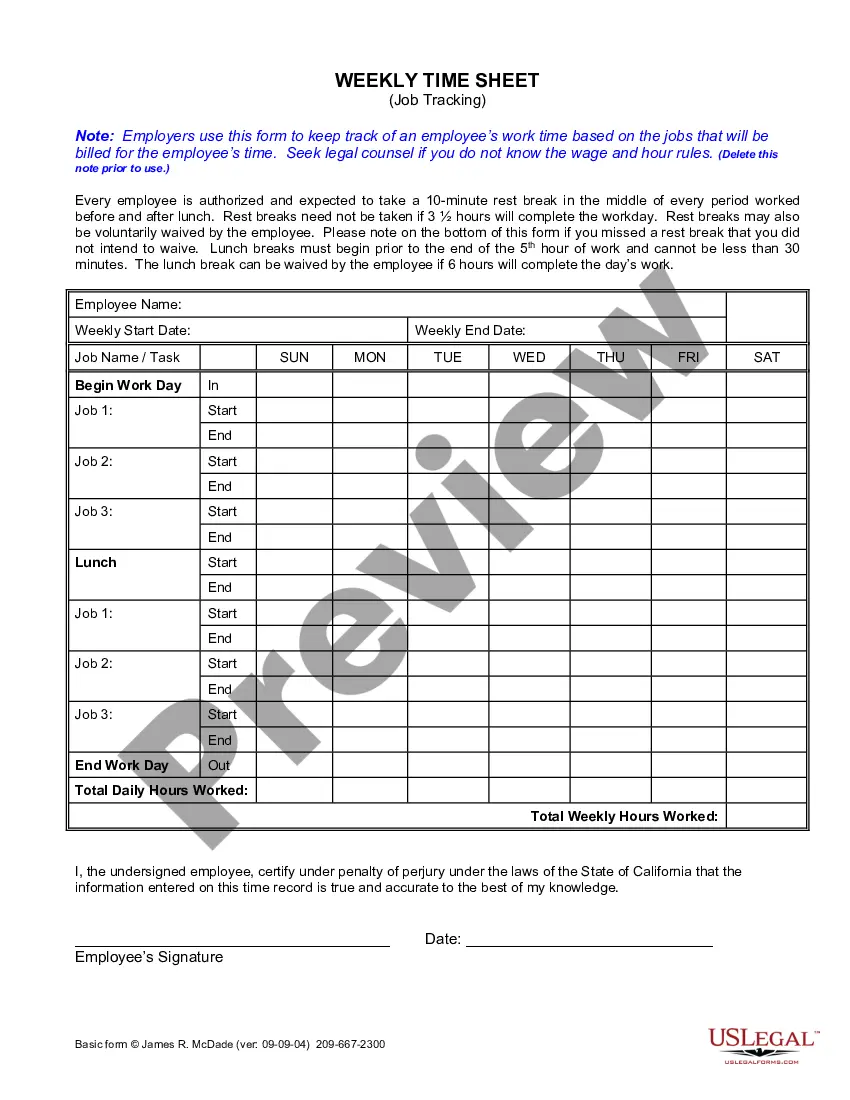
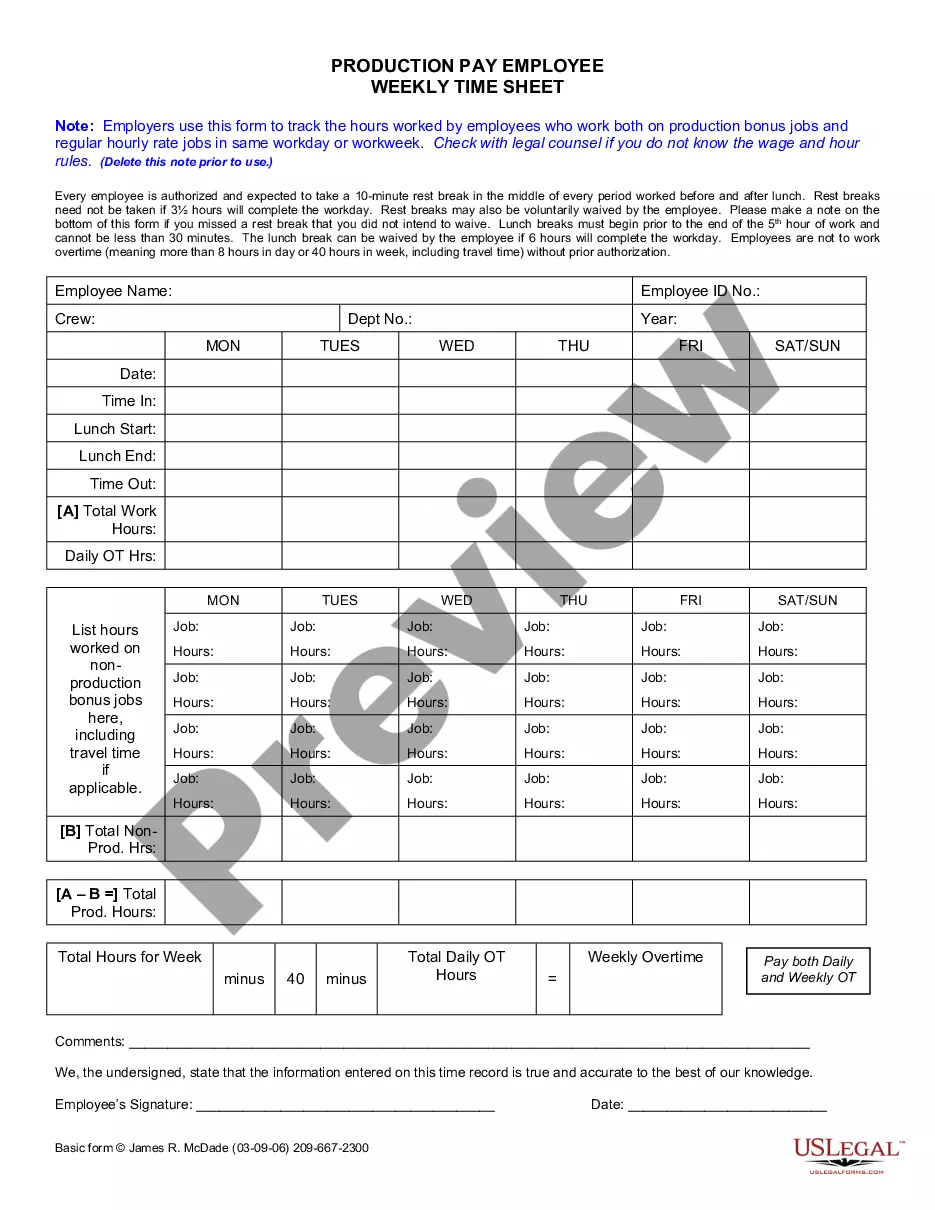
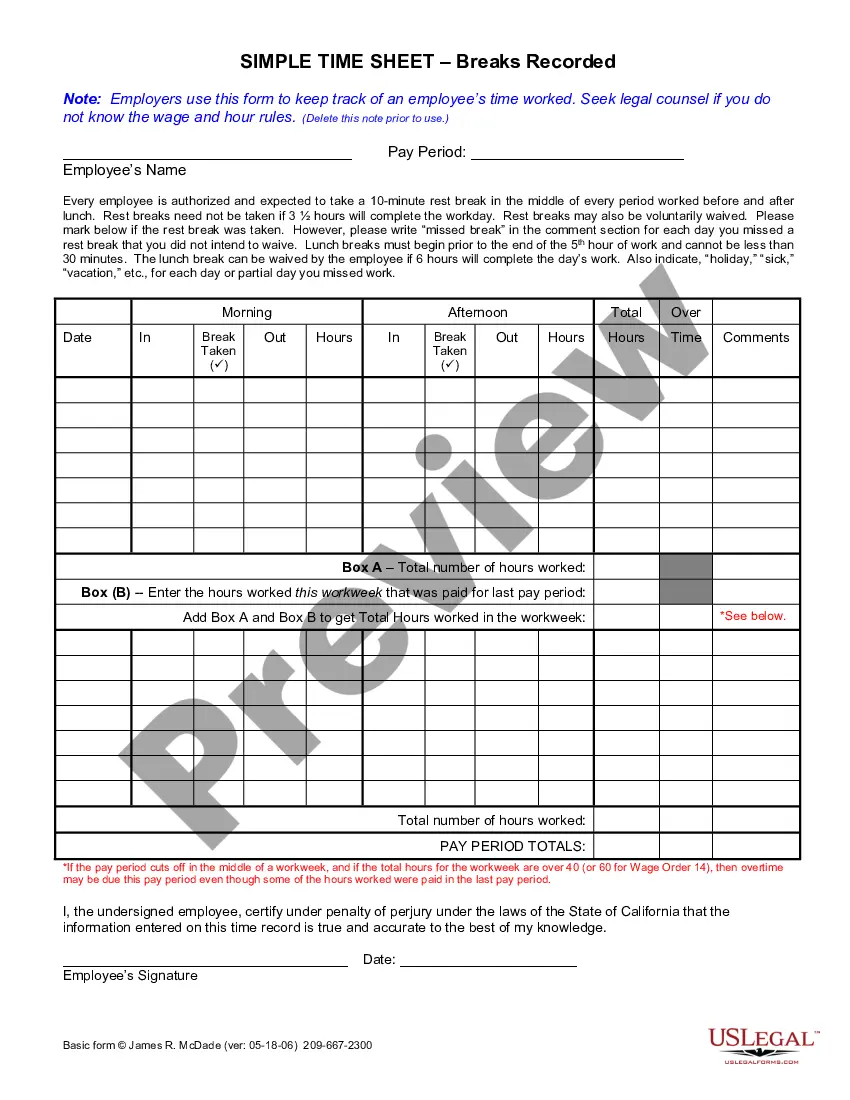


How to fill out California Weekly Time Sheet For Multiple Pay Rate?
Locating a reliable source for the latest and pertinent legal templates is a significant part of dealing with bureaucracy.
Searching for the appropriate legal documents requires accuracy and meticulousness, which is why it is essential to obtain samples of Weekly Time Sheet Printable Form 2018 solely from trustworthy sources, like US Legal Forms.
Conclude your purchase by selecting a payment method (credit card or PayPal). Choose the document format for downloading Weekly Time Sheet Printable Form 2018. Once you have the form on your device, you can edit it with the editor or print it and complete it manually. Eliminate the stress associated with your legal paperwork. Explore the comprehensive US Legal Forms library where you can discover legal templates, assess their relevance to your situation, and download them instantly.
- An incorrect template will squander your time and delay the situation you are facing.
- With US Legal Forms, you have minimal concerns.
- You can access and verify all the information pertaining to the document’s application and relevance for your circumstance and in your state or county.
- Utilize the library navigation or search bar to locate your template.
- Examine the form’s description to determine if it meets your state and local requirements.
- Check the form preview, if available, to confirm that the template aligns with your interests.
- Return to the search to find the right document if the Weekly Time Sheet Printable Form 2018 does not fulfill your needs.
- If you are confident about the form’s applicability, download it.
- When you are a registered user, click Log in to verify your identity and access your selected forms in My documents.
- If you do not have an account yet, click Buy now to acquire the template.
- Select the pricing option that fits your needs.
- Proceed to the registration to complete your purchase.
Form popularity
FAQ
Here's how you calculate time in a weekly Excel timesheet template: Use the =sum() formula again in the "Weekly total" cell with the data in the "Daily total" column, by selecting the G8 cell, and then expanding the selection to G14 ("=sum(G8:G12)").
How to Fill Out a Timesheet Enter the Employee's Name. Here you should fill out the employee's full, legal name whose hours you are recording. Provide the Date or the Date Range. Next up you need to add the date. ... Fill in the Task Details. ... Add Hours Worked. ... Calculate Your Total Hours. ... Approve the Timesheet.
To fill out a payroll timesheet, include an employee's full name, working days, hours worked on these days, project or job details, notes, and a final calculation of all working hours. If you're a manager or work in Human Resources, you may also fill out tax and insurance columns.
How to fill out a timesheet (step-by-step guide) Step 1: Enter the employee's name. ... Step 2: Add the date or date range. ... Step 3: Fill in the project and task details. ... Step 4: Add working hours for each day of the week. ... Step 5: Calculate the total hours. ... Step 6: Add notes if required. ... Step 7: Get approval.
How to Make an Excel Timesheet Like a Pro Step 1: Create your table. First, the basics. ... Step 2: Add dates and times. Every timesheet needs time data. ... Step 3: Add hour types. ... Step 4: Add identifying information. ... Step 5: Adding formulas. ... Step 6: Make it pretty. ... Step 7: Adding hours worked. ... Step 8: Printing.