Trust Living Print With Me
Description
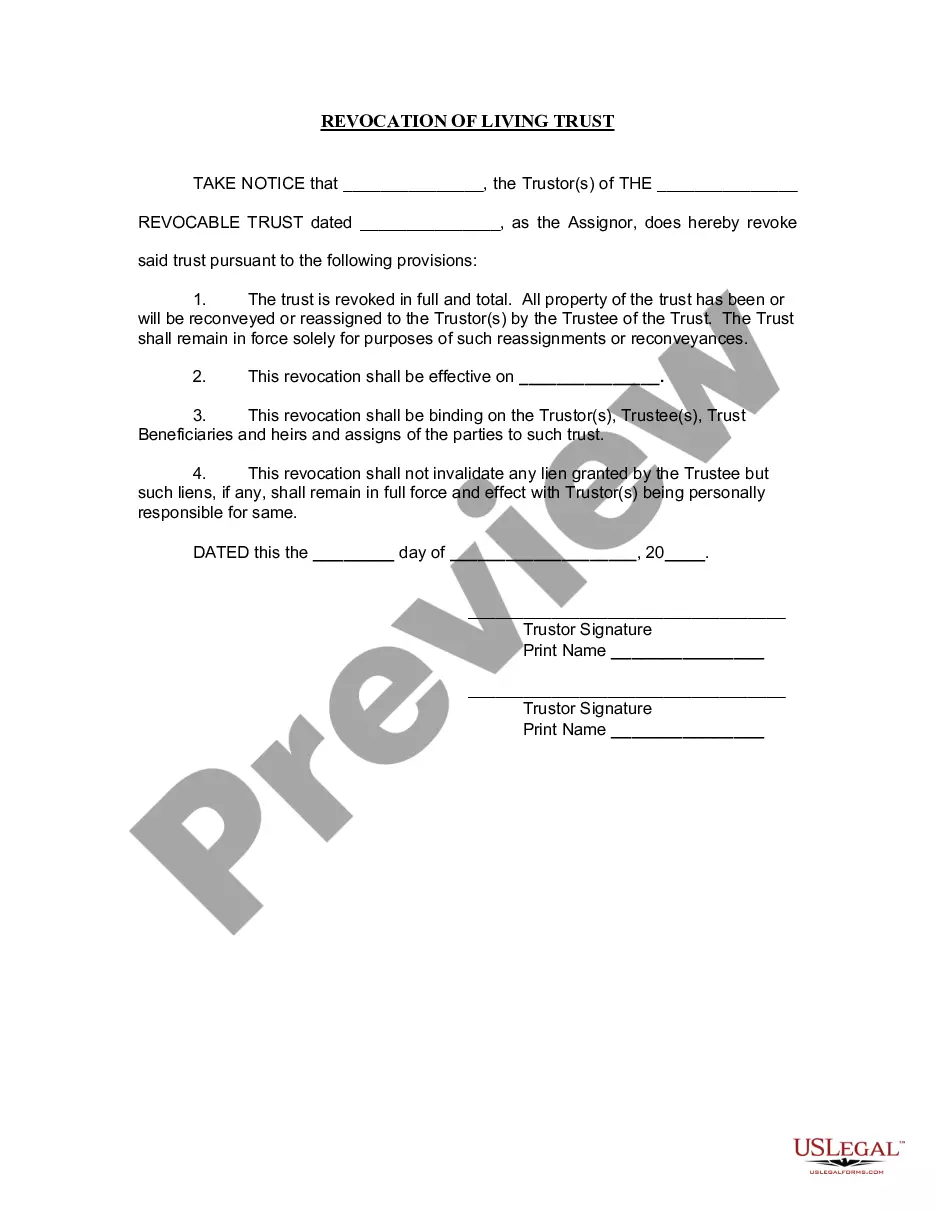




Get your form ready online
Our built-in tools help you complete, sign, share, and store your documents in one place.
Make edits, fill in missing information, and update formatting in US Legal Forms—just like you would in MS Word.
Download a copy, print it, send it by email, or mail it via USPS—whatever works best for your next step.
Sign and collect signatures with our SignNow integration. Send to multiple recipients, set reminders, and more. Go Premium to unlock E-Sign.
If this form requires notarization, complete it online through a secure video call—no need to meet a notary in person or wait for an appointment.
We protect your documents and personal data by following strict security and privacy standards.

Make edits, fill in missing information, and update formatting in US Legal Forms—just like you would in MS Word.

Download a copy, print it, send it by email, or mail it via USPS—whatever works best for your next step.

Sign and collect signatures with our SignNow integration. Send to multiple recipients, set reminders, and more. Go Premium to unlock E-Sign.

If this form requires notarization, complete it online through a secure video call—no need to meet a notary in person or wait for an appointment.

We protect your documents and personal data by following strict security and privacy standards.
Looking for another form?


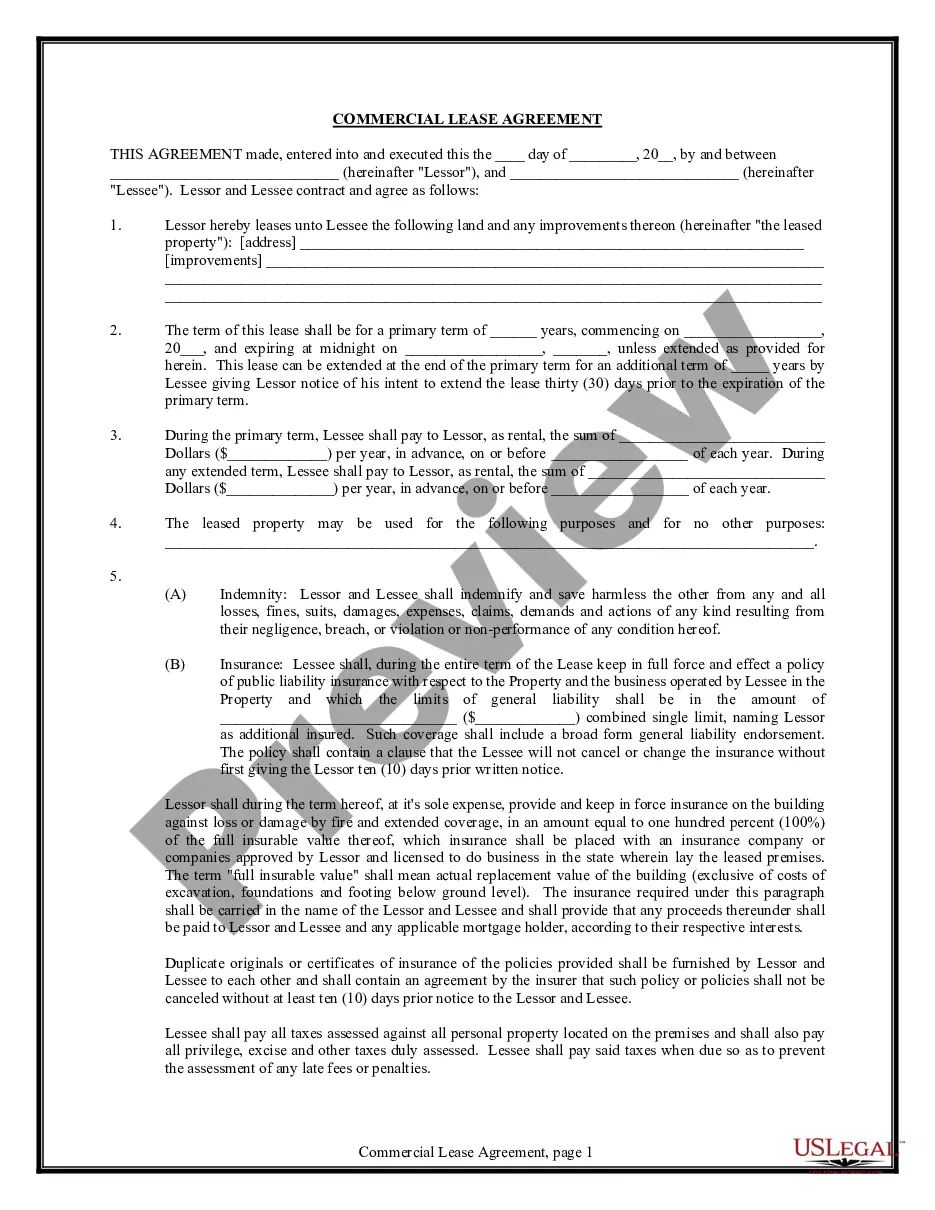
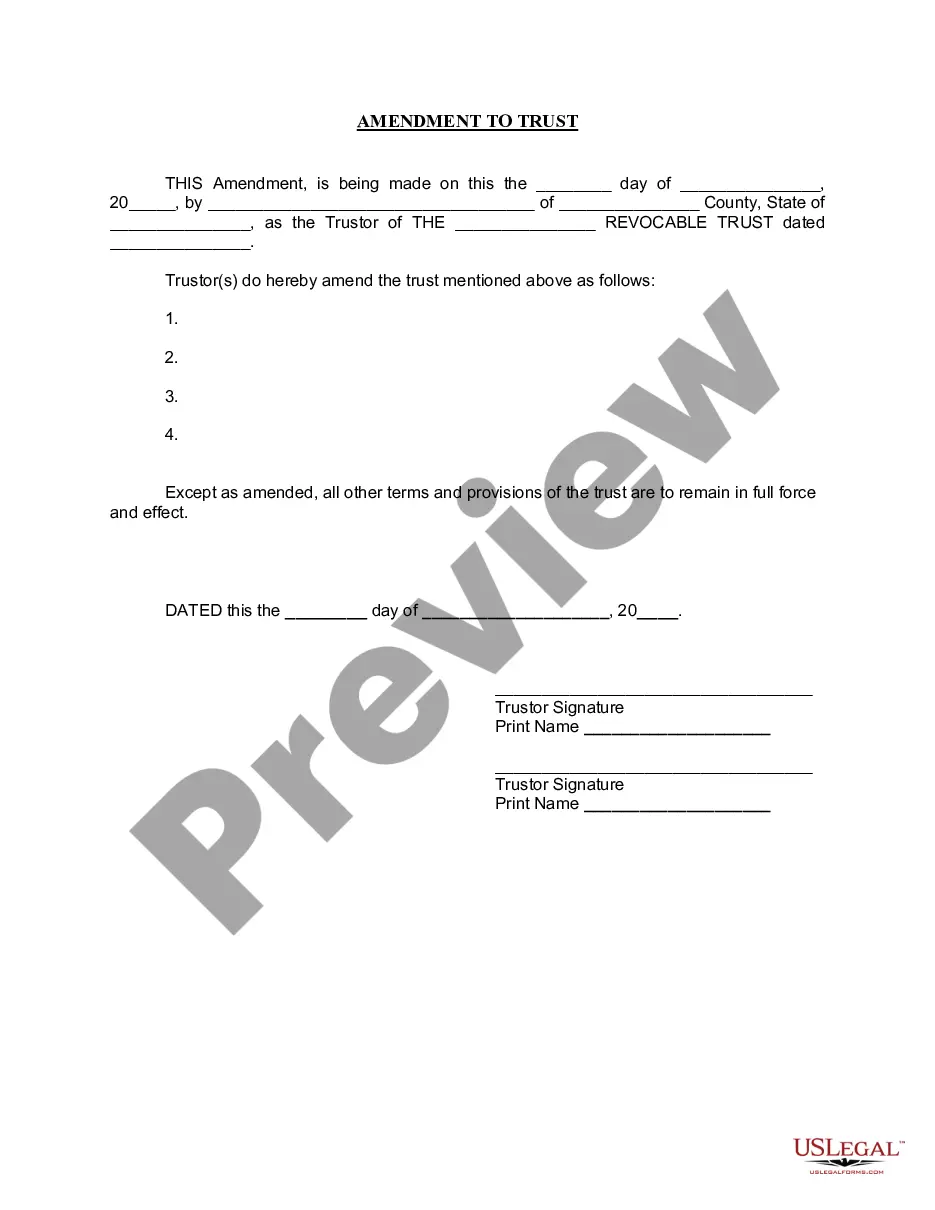
How to fill out Arizona Revocation Of Living Trust?
Using legal document samples that meet the federal and local regulations is crucial, and the internet offers a lot of options to pick from. But what’s the point in wasting time searching for the correctly drafted Trust Living Print With Me sample on the web if the US Legal Forms online library already has such templates gathered in one place?
US Legal Forms is the largest online legal library with over 85,000 fillable templates drafted by lawyers for any business and life scenario. They are easy to browse with all files collected by state and purpose of use. Our experts stay up with legislative changes, so you can always be confident your form is up to date and compliant when acquiring a Trust Living Print With Me from our website.
Obtaining a Trust Living Print With Me is simple and fast for both current and new users. If you already have an account with a valid subscription, log in and download the document sample you require in the preferred format. If you are new to our website, adhere to the instructions below:
- Analyze the template utilizing the Preview option or through the text outline to ensure it meets your requirements.
- Browse for another sample utilizing the search function at the top of the page if necessary.
- Click Buy Now when you’ve located the correct form and select a subscription plan.
- Create an account or sign in and make a payment with PayPal or a credit card.
- Pick the format for your Trust Living Print With Me and download it.
All documents you locate through US Legal Forms are reusable. To re-download and fill out earlier saved forms, open the My Forms tab in your profile. Take advantage of the most extensive and simple-to-use legal paperwork service!
Form popularity
FAQ
How can you create a Living Trust in Florida? Almost all assets may be transferred into one's trust. These may include real estate, bank accounts, personal items, vehicle etc. After deciding which assets are to be transferred into a trust, one should consult with an attorney about drafting the trust agreement.
For a revocable living trust to take effect, it should be funded by transferring certain assets into the trust. Often people fund a living trust with real estate, financial accounts, life insurance, annuity certificates, personal property, business interests, and other assets.
To make a living trust in Maine, you: Choose whether to make an individual or shared trust. Decide what property to include in the trust. Choose a successor trustee. Decide who will be the trust's beneficiaries?that is, who will get the trust property. Create the trust document.
Assets that should not be used to fund your living trust include: Qualified retirement accounts ? 401ks, IRAs, 403(b)s, qualified annuities. Health saving accounts (HSAs) Medical saving accounts (MSAs) Uniform Transfers to Minors (UTMAs) Uniform Gifts to Minors (UGMAs) Life insurance. Motor vehicles.
The key disadvantages of placing a house in a trust include the following: Extra paperwork: Moving property in a trust requires the house owner to transfer the asset's legal title. This involves preparing and signing an additional deed, and some people may consider this cumbersome.