Arizona Revocation Form Az Form 5000
Description
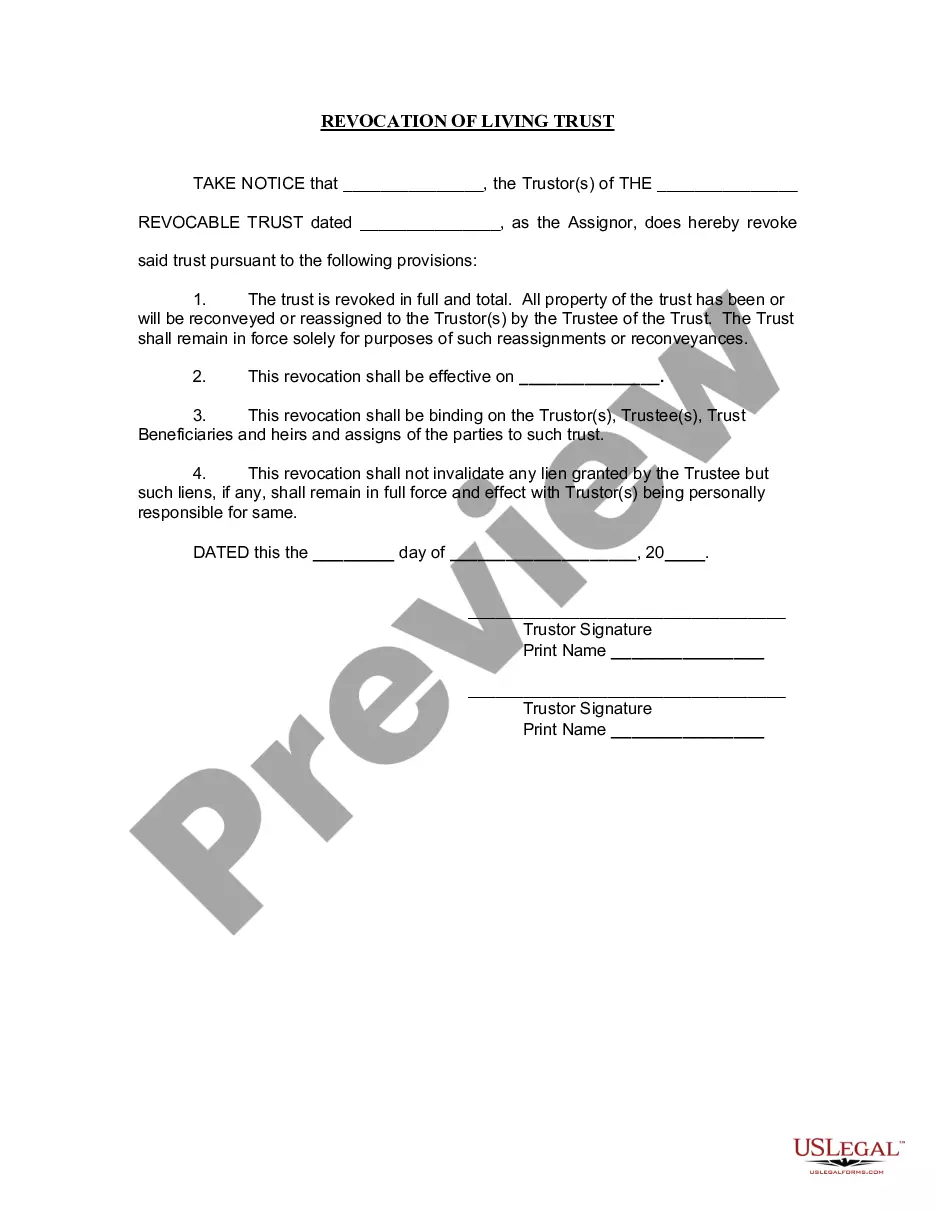
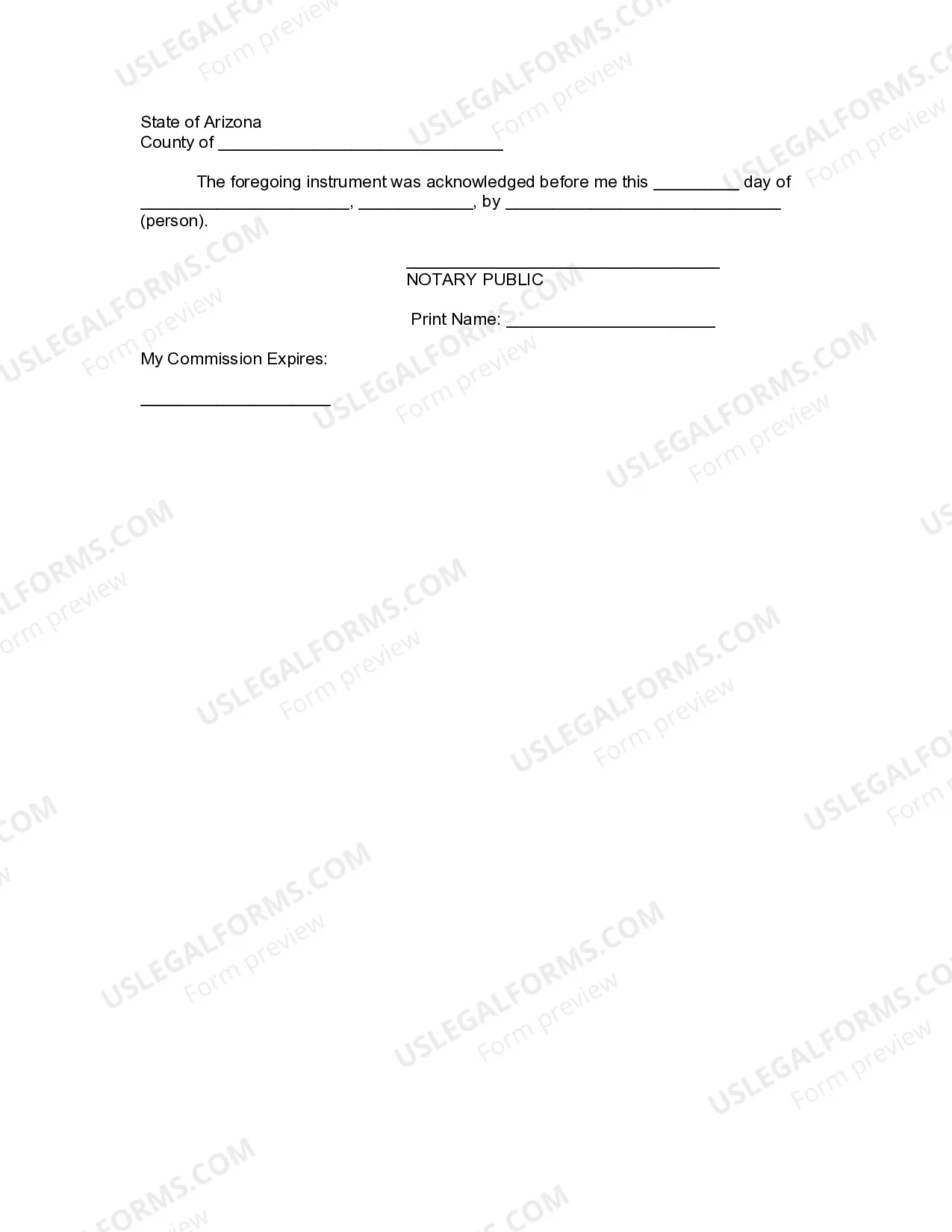




Get your form ready online
Our built-in tools help you complete, sign, share, and store your documents in one place.
Make edits, fill in missing information, and update formatting in US Legal Forms—just like you would in MS Word.
Download a copy, print it, send it by email, or mail it via USPS—whatever works best for your next step.
Sign and collect signatures with our SignNow integration. Send to multiple recipients, set reminders, and more. Go Premium to unlock E-Sign.
If this form requires notarization, complete it online through a secure video call—no need to meet a notary in person or wait for an appointment.
We protect your documents and personal data by following strict security and privacy standards.

Make edits, fill in missing information, and update formatting in US Legal Forms—just like you would in MS Word.

Download a copy, print it, send it by email, or mail it via USPS—whatever works best for your next step.

Sign and collect signatures with our SignNow integration. Send to multiple recipients, set reminders, and more. Go Premium to unlock E-Sign.

If this form requires notarization, complete it online through a secure video call—no need to meet a notary in person or wait for an appointment.

We protect your documents and personal data by following strict security and privacy standards.
Looking for another form?







How to fill out Arizona Revocation Of Living Trust?
The Arizona Revocation Form Az Form 5000 displayed on this page is a reusable official template created by skilled attorneys in accordance with federal and state laws and regulations. For over 25 years, US Legal Forms has supplied individuals, organizations, and legal professionals with over 85,000 validated, state-specific forms for any business and personal situation. It’s the fastest, easiest, and most dependable method to acquire the documents you require, as the service ensures bank-level data security and anti-malware protection.
Acquiring this Arizona Revocation Form Az Form 5000 will take you just a few straightforward steps.
Subscribe to US Legal Forms to have verified legal templates for all of life’s situations at your fingertips.
- Search for the document you require and examine it. Look through the file you searched and preview it or review the form description to confirm it meets your needs. If it does not, use the search option to find the suitable one. Click Buy Now when you have identified the template you need.
- Register and Log In. Select the pricing plan that fits you and create an account. Use PayPal or a credit card to make a quick payment. If you already possess an account, Log In and check your subscription to proceed.
- Acquire the fillable template. Choose the format you desire for your Arizona Revocation Form Az Form 5000 (PDF, Word, RTF) and save the sample on your device.
- Fill out and sign the document. Print the template to complete it manually. Alternatively, utilize an online multifunctional PDF editor to swiftly and accurately fill out and sign your form with a legally-binding electronic signature.
- Download your paperwork again. Use the same document again whenever necessary. Open the My documents tab in your profile to redownload any previously downloaded forms.
Form popularity
FAQ
Filling out Arizona Form 5000A requires you to provide specific information about the license or privilege you wish to revoke. Start by entering your personal or business details accurately. Next, clearly indicate the reason for the revocation and any other required information. For assistance, USLegalForms offers guidance to help you complete the Arizona revocation form az form 5000A correctly.
To cancel a business license in Arizona, you must first complete the appropriate cancellation form provided by the state. Ensure that you have settled any outstanding dues or obligations related to your business. After completing the cancellation form, submit it to the relevant state department. Using the Arizona revocation form az form 5000 can streamline this process and ensure all necessary details are included.
Arizona Form 5000 is a legal document used for revocation purposes under state law. This form allows individuals or businesses to formally cancel certain privileges or licenses they hold. By completing this form accurately, you can ensure compliance with state requirements. Using the Arizona revocation form az form 5000 simplifies the process and helps you avoid potential legal issues.
To request a penalty abatement in Arizona, you need to file a formal request with the Arizona Department of Revenue. It’s important to provide a clear explanation of the circumstances leading to the penalties. Additionally, you should include any supporting documentation that backs your case. For more efficient processing, consider using the Arizona revocation form az form 5000 through USLegalForms.
Can I submit a filing extension request online for Individual Income or Small Business Income Tax? No. However, if you have an approved federal extension from the Internal Revenue Service, you do not need to file an extension with Arizona.
However, there are certain purchases that are exempt from sales tax pursuant to ARS §42-5061. Common sales tax exemptions include: Professional or personal services where the sale of tangible personal property constitutes an inconsequential element.
To file an extension on a return, individuals use Arizona Form 204 to apply for an automatic extension to file. The completed extension form must be filed by April 18, 2023.
Arizona Forms 5000 are used to claim Arizona TPT (sales tax) exemptions from vendors. Arizona Forms 5000A are used to claim Arizona TPT (sales tax) exemptions from vendors when making purchases for resale where tax will be collected on the retail sale to the end user.
Arizona Form 5000 is used to claim Arizona TPT (sales tax) exemptions from a vendor. The Certificate must be provided to the vendor in order for the vendor to document why sales tax is not charged to the University in these cases, or for the vendor to refund the sales tax already billed to the University.