Employment Statement
What this document covers
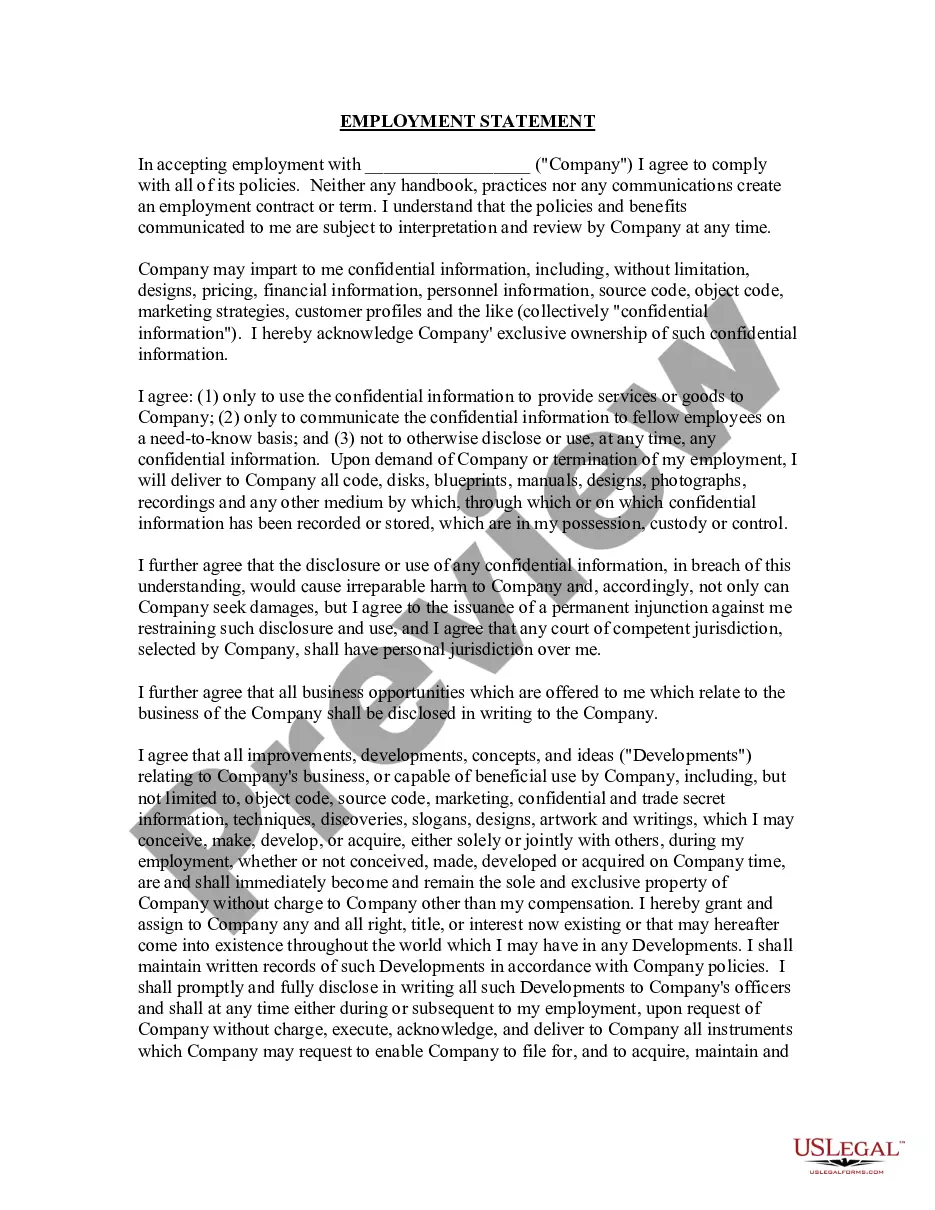
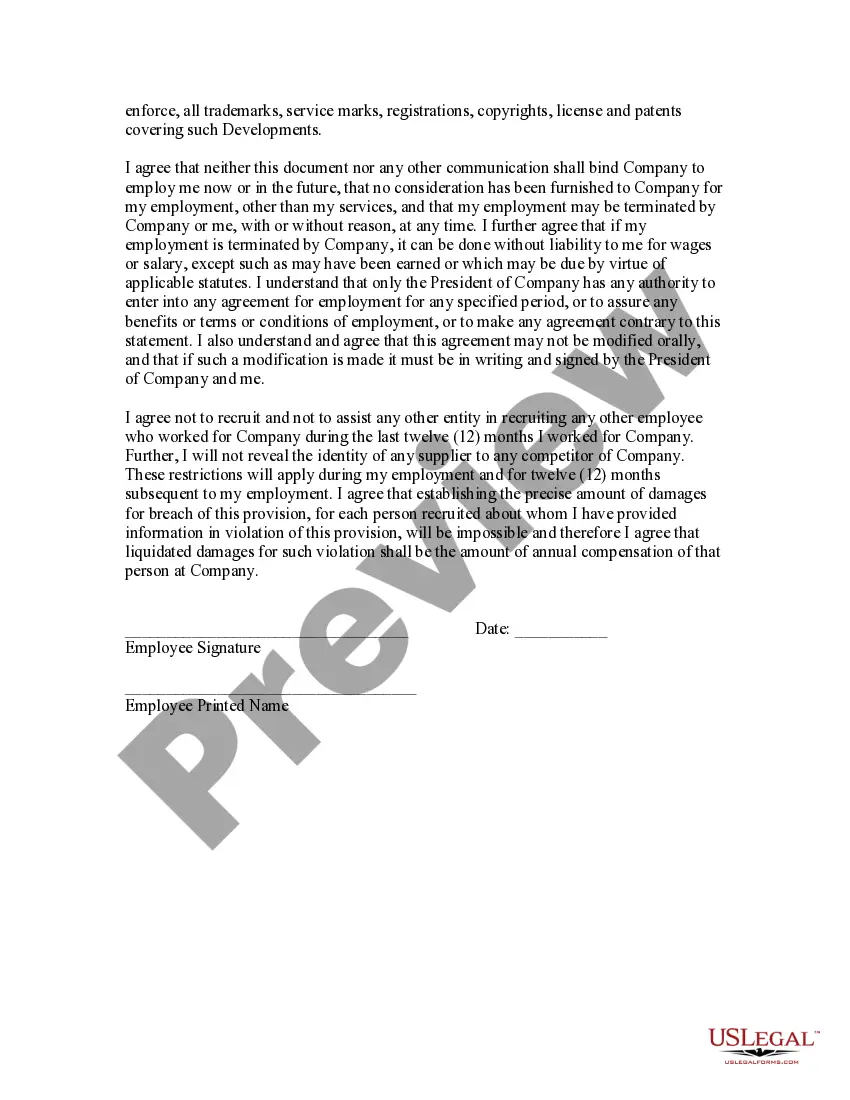
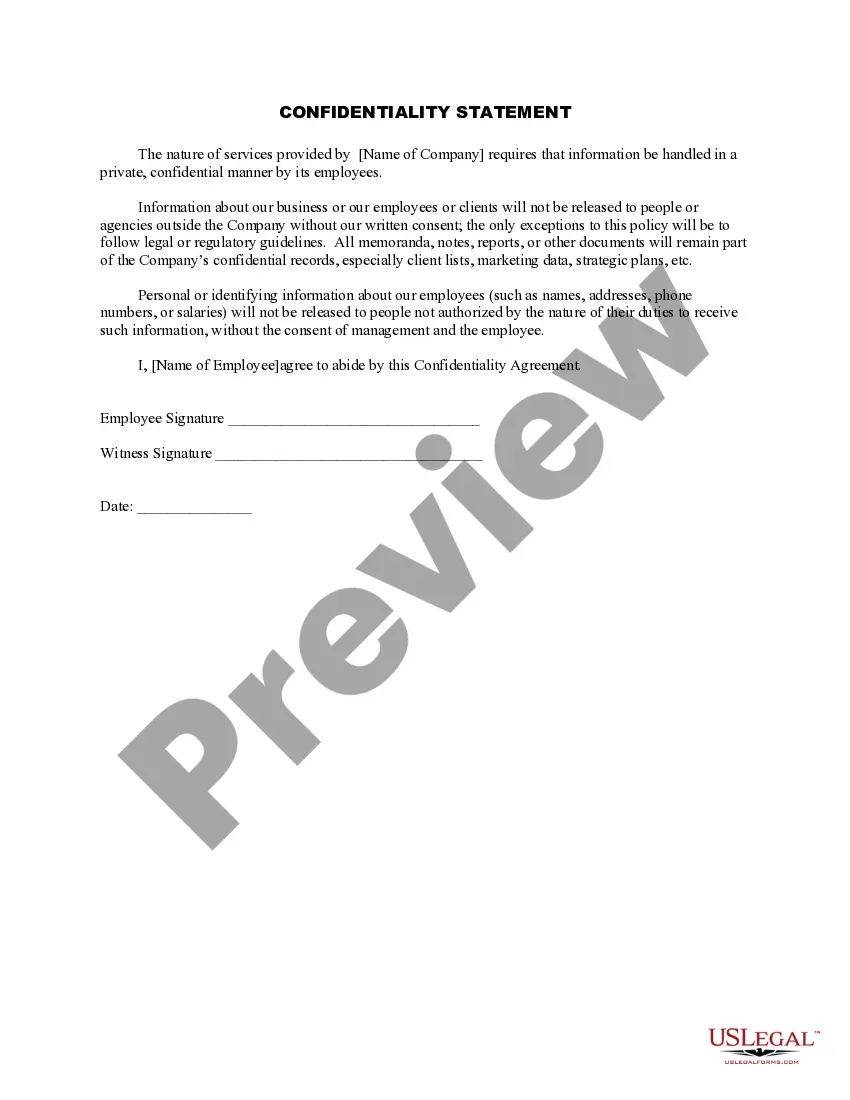
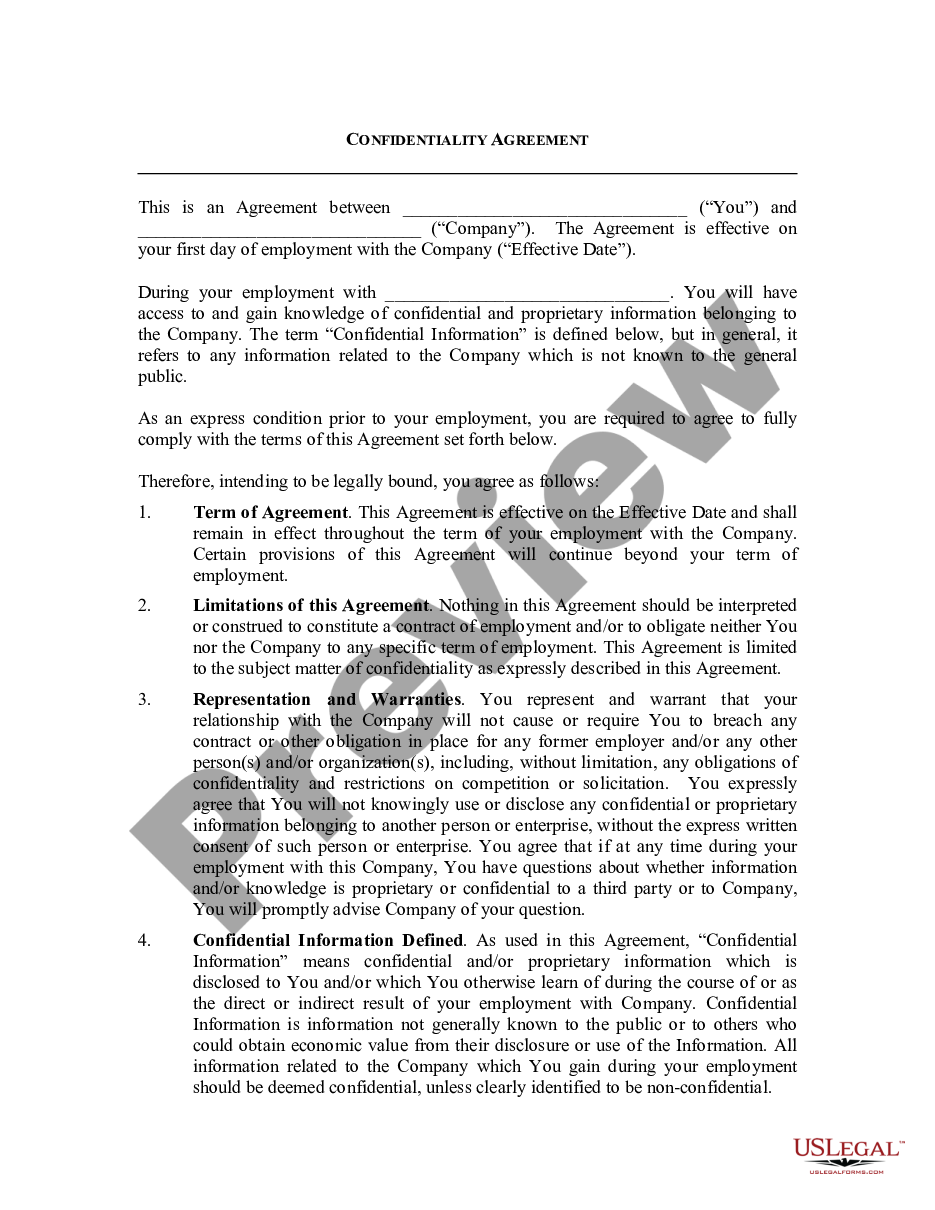
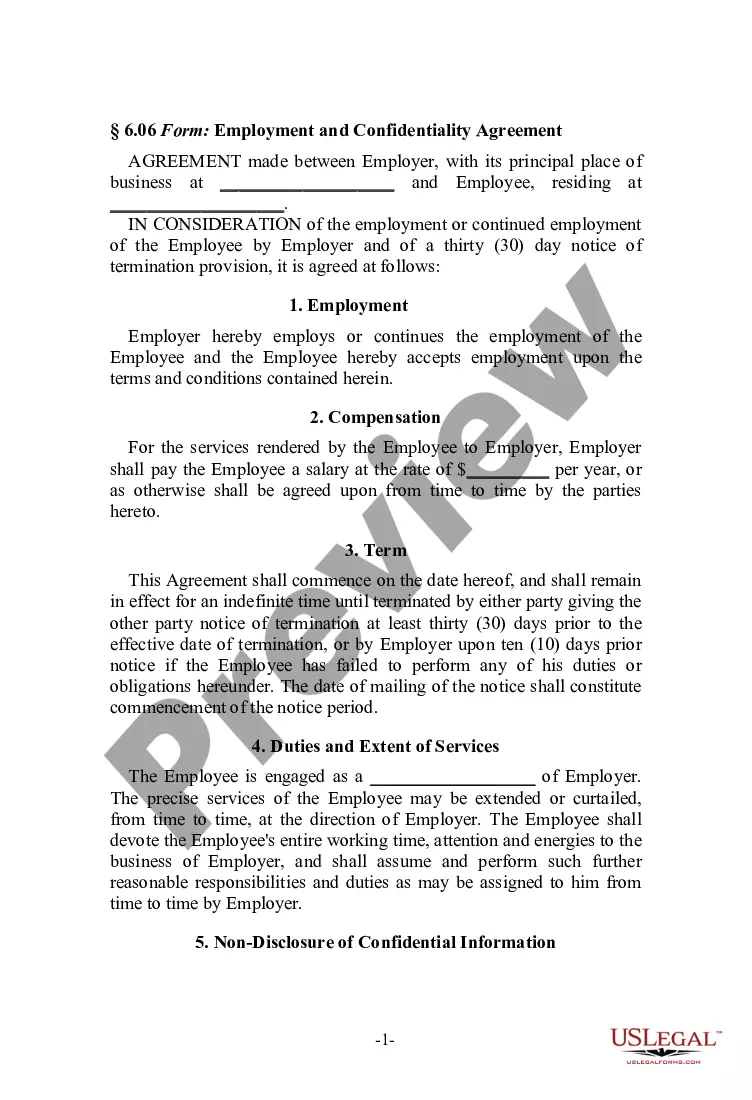
The Employment Statement is a legal document that formalizes an employee's agreement to comply with a company's policies and maintain confidentiality regarding company information. This form is distinct from other employment agreements because it focuses specifically on confidentiality and the handling of proprietary information relevant to the employer's operations.
Key components of this form
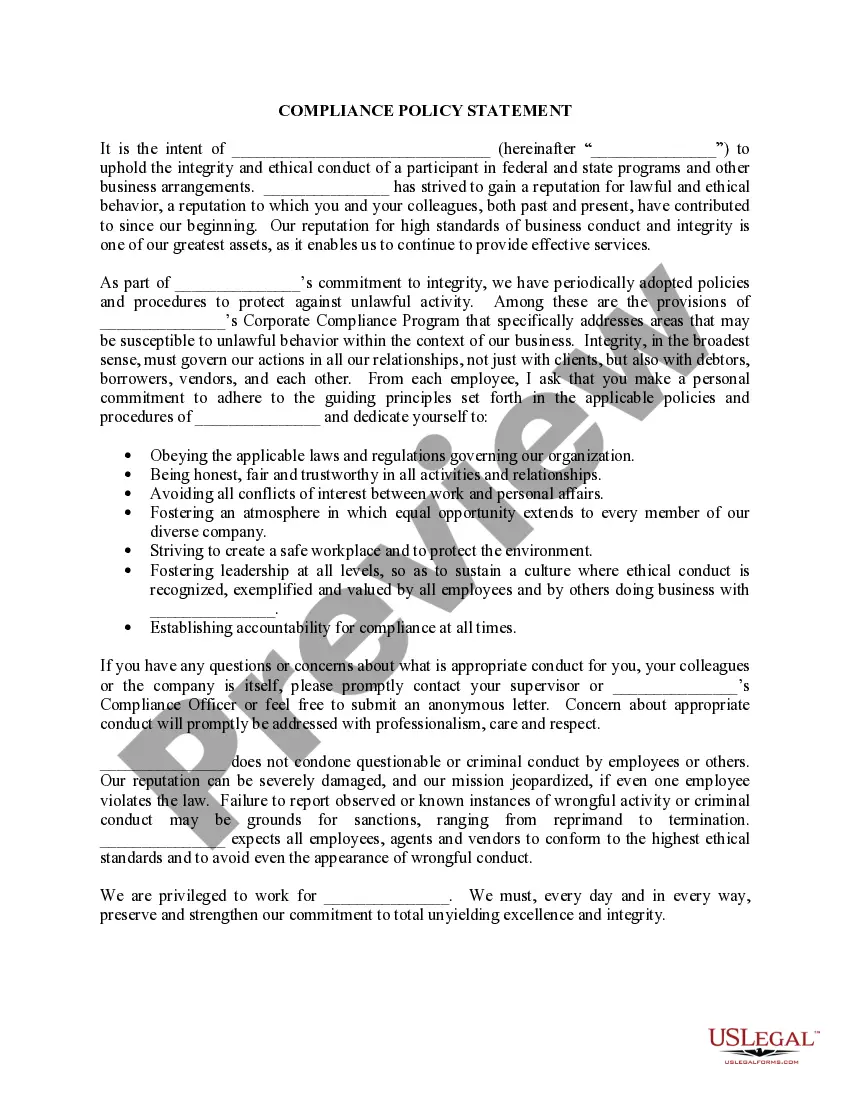
- Agreement to comply with company policies and understand they may change.
- Acknowledgment of the company's exclusive ownership of confidential information.
- Restrictions on using or disclosing confidential information.
- Disclosure obligations regarding business opportunities related to the company.
- Terms about intellectual property developed during employment.
- Non-recruitment clause to prevent poaching of company employees.
Common use cases
This form should be used when an employee starts their employment with a company and needs to acknowledge their understanding of confidentiality requirements and company policies. It is particularly important in industries where intellectual property and trade secrets are critical to maintaining a competitive edge.
Who needs this form
- New employees who are about to start working for a company.
- Employers looking to protect their proprietary information and ensure compliance with company policies.
- Companies in industries that handle sensitive information or have trade secrets.
How to complete this form
- Fill in the company's name in the designated space.
- Read the agreement carefully to understand the confidentiality and compliance obligations.
- Sign and date the form to acknowledge your acceptance of the terms.
- Provide your printed name as indicated.
- Keep a copy for your records after it has been submitted.
Does this document require notarization?
In most cases, this form does not require notarization. However, some jurisdictions or signing circumstances might. US Legal Forms offers online notarization powered by Notarize, accessible 24/7 for a quick, remote process.
Get your form ready online
Our built-in tools help you complete, sign, share, and store your documents in one place.
Make edits, fill in missing information, and update formatting in US Legal Forms—just like you would in MS Word.
Download a copy, print it, send it by email, or mail it via USPS—whatever works best for your next step.
Sign and collect signatures with our SignNow integration. Send to multiple recipients, set reminders, and more. Go Premium to unlock E-Sign.
If this form requires notarization, complete it online through a secure video call—no need to meet a notary in person or wait for an appointment.
We protect your documents and personal data by following strict security and privacy standards.

Make edits, fill in missing information, and update formatting in US Legal Forms—just like you would in MS Word.

Download a copy, print it, send it by email, or mail it via USPS—whatever works best for your next step.

Sign and collect signatures with our SignNow integration. Send to multiple recipients, set reminders, and more. Go Premium to unlock E-Sign.

If this form requires notarization, complete it online through a secure video call—no need to meet a notary in person or wait for an appointment.

We protect your documents and personal data by following strict security and privacy standards.
Mistakes to watch out for
- Failing to read the entire document before signing.
- Leaving the company name blank.
- Not retaining a signed copy for personal records.
Advantages of online completion
- Convenience of immediate download and access.
- Editability to customize the form for your specific company policies.
- Reliability of professionally drafted language ensuring legal compliance.
Legal use & context
- This form is legally binding once signed by both parties.
- Ensures protection of proprietary information and company interests.
- It can be enforced in court in case of breaches regarding confidentiality or competition.
Summary of main points
- The Employment Statement is essential for protecting company confidentiality.
- Signing this document indicates understanding and agreeing to comply with company policies.
- It contains important clauses regarding intellectual property and non-recruitment obligations.
Looking for another form?
Form popularity
FAQ
U.S. passport. Permanent resident card. Driver's license. State, school, or military ID. Voter's registration card.
An employee work statement spells out in detail your employees' daily work duties, while a job description gives a basic outline, usually in a paragraph or two, of your workers' overall job duties.
The employment forms you may need include job applications, W-2 forms, an I-9 form, and a W-4 form. Some forms are available from the companies you're applying to, some you may already have, and others are available online or need to be ordered.
Outline employee's duties and responsibilities before you hire. Specify the daily tasks and duties you expect your employees to complete. List all the duties and responsibilities an Employee will be expected to Perform. Make it Mandatory for your employees to sign the statement.
Step 1: Provide Your Information. Provide your name, address, filing status, and Social Security number. Step 2: Add Multiple Jobs or a Working Spouse. Step 3: Add Dependents. Step 4: Add Other Adjustments. Step 5: Sign and Date W-4 Form.
The principal statement must include at least: the employer's name. the employee's or worker's name, job title or a description of work and start date. how much and how often an employee or worker will get paid.
Outline employee's duties and responsibilities before you hire. Specify the daily tasks and duties you expect your employees to complete. List all the duties and responsibilities an Employee will be expected to Perform. Make it Mandatory for your employees to sign the statement.
Employer address. Name and address of the company requesting verification. Employee name. Employment dates. Employee job title. Employee job description. Employee current salary. Reason for termination.
First, fill out an employment verification form. Second, draft a short letter of consent, if necessary. Next, provide a list of all required details. Last, include your contact information and complete your request.