Returned for Repair
What this document covers
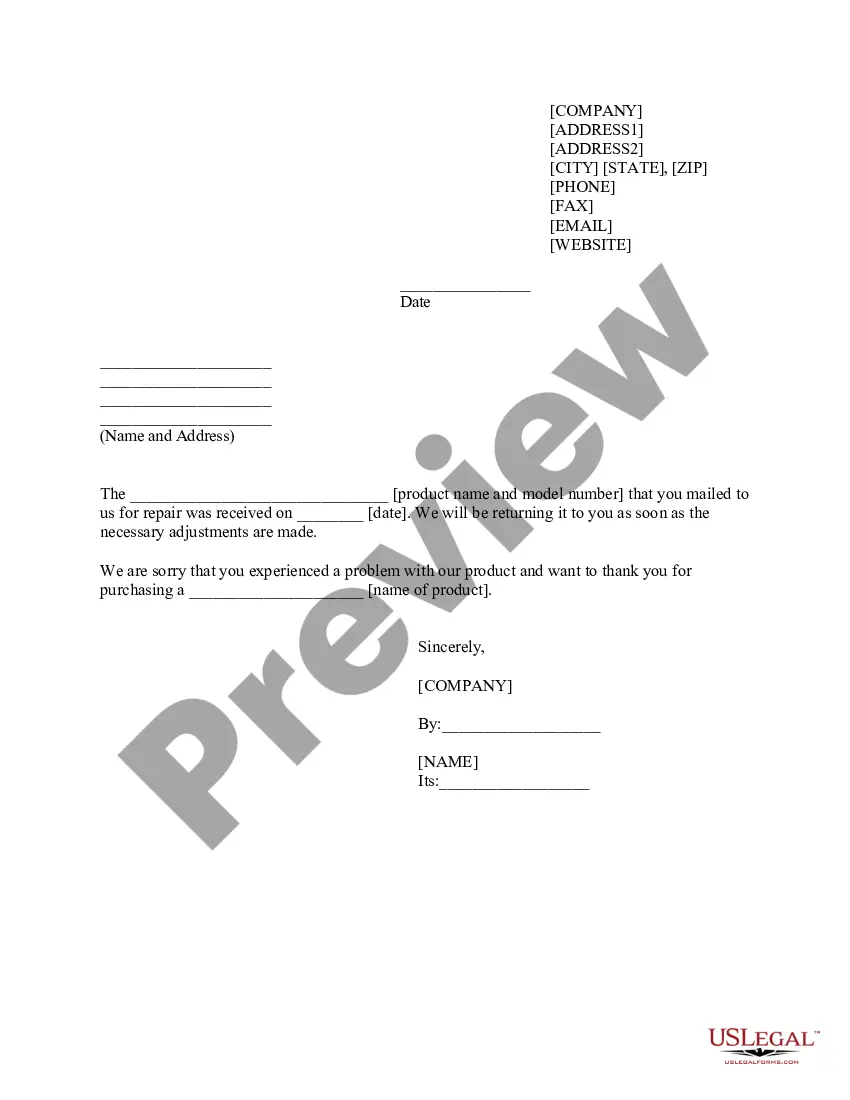
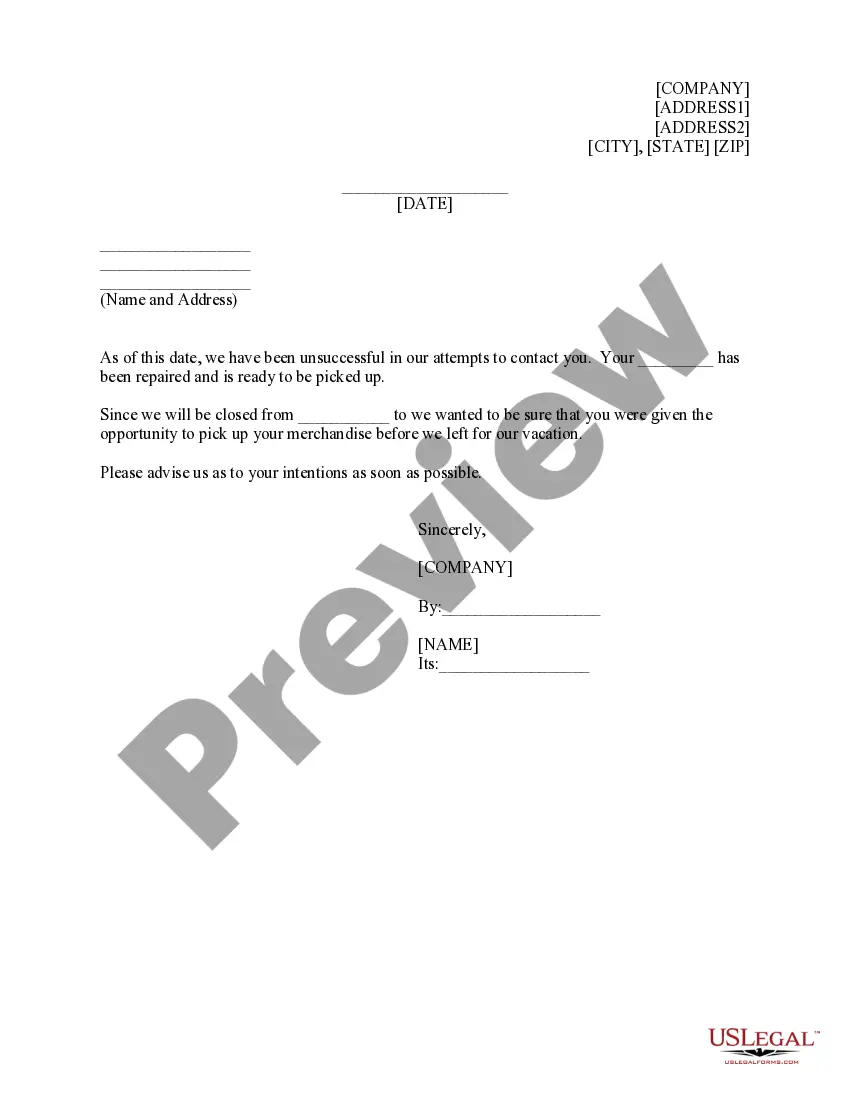
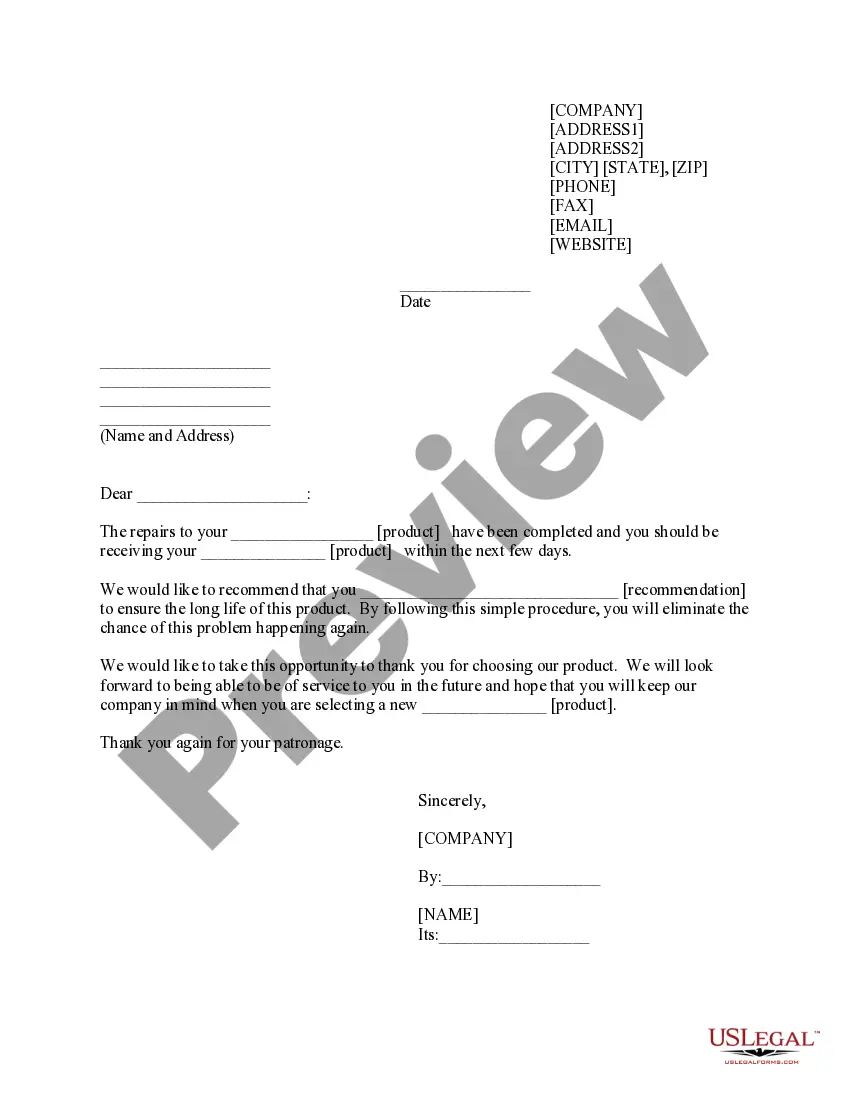
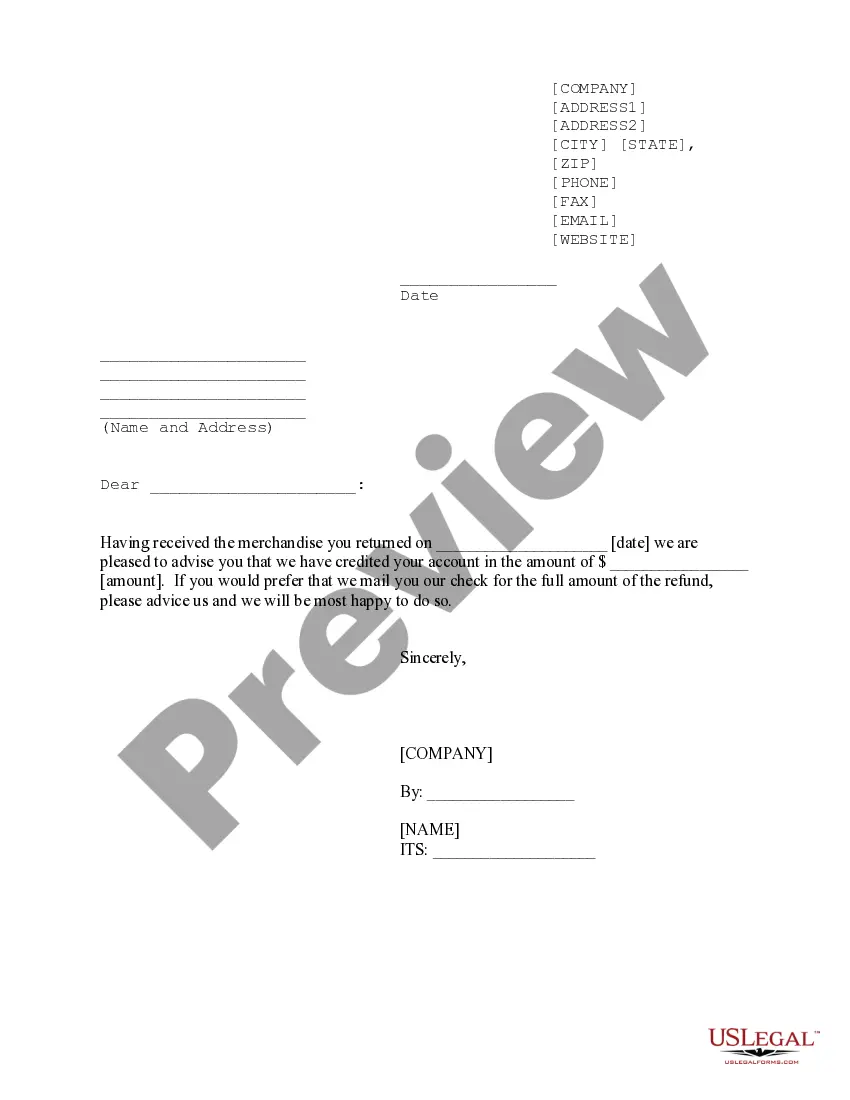
The Returned for Repair form is a document used to confirm the receipt of a product sent back to a company for repair. It serves as a communication tool between the company and the customer, outlining the product details and reassuring the customer about the repair process. This form simplifies the exchange by providing a clear reference of the transaction, setting it apart from general product return forms, which may not include specific repair information.
Main sections of this form
- Company's name and contact information
- Date of product receipt
- Product name and model number
- Date the product was sent for repair
- Company representative's name and title
Common use cases
This form should be used whenever a customer returns a product to a company for repair. It is essential when the customer wants to ensure proper documentation of the return process, clarify details about the product being repaired, and provide the company with accurate information regarding the issue faced. Utilizing this form can help prevent misunderstandings and expedites the repair process.
Who this form is for
- Customers who need to return a product for repair
- Businesses that offer repair services for products
- Companies handling warranty or service agreements
Completing this form step by step
- Fill in your contact information at the top, including your name, address, phone, and email.
- Enter the date you are filling out the form.
- Specify the product name and model number you are returning.
- Indicate the date the product was sent for repair.
- Include the name and title of the company representative once the product is processed.
Is notarization required?
Notarization is not commonly needed for this form. However, certain documents or local rules may make it necessary. Our notarization service, powered by Notarize, allows you to finalize it securely online anytime, day or night.
Get your form ready online
Our built-in tools help you complete, sign, share, and store your documents in one place.
Make edits, fill in missing information, and update formatting in US Legal Forms—just like you would in MS Word.
Download a copy, print it, send it by email, or mail it via USPS—whatever works best for your next step.
Sign and collect signatures with our SignNow integration. Send to multiple recipients, set reminders, and more. Go Premium to unlock E-Sign.
If this form requires notarization, complete it online through a secure video call—no need to meet a notary in person or wait for an appointment.
We protect your documents and personal data by following strict security and privacy standards.

Make edits, fill in missing information, and update formatting in US Legal Forms—just like you would in MS Word.

Download a copy, print it, send it by email, or mail it via USPS—whatever works best for your next step.

Sign and collect signatures with our SignNow integration. Send to multiple recipients, set reminders, and more. Go Premium to unlock E-Sign.

If this form requires notarization, complete it online through a secure video call—no need to meet a notary in person or wait for an appointment.

We protect your documents and personal data by following strict security and privacy standards.
Mistakes to watch out for
- Not including complete contact information.
- Omitting the product name or model number.
- Failing to date the form accurately.
Benefits of completing this form online
- Easy to access and download for immediate use.
- Edit and customize the form to fit specific needs.
- Provides a reliable record of communication for both parties.
Looking for another form?
Form popularity
FAQ
Code 9801.10.0000 for goods reexported after repair.
Selecting Repair and Return (R&R) is a clearance method that allows: Goods to be re-imported into the country free of duty (not VAT) after being repaired overseas at no cost to the importer.
When the item is repaired and returned to the United States, the item should be classified under HS code 9802.00. More specifically, 9802.00. 40 should be used for repairs or alterations made under warranty and 9802.00.
REPAIR AND RETURN means repair of a faulty Unit, which is defined as Category 2 and Category 3, and reshipment to Purchaser.
The value should be the cost of the repair, or if opting for shipment insurance the value should be the replacement cost of the product (not a sale price) and the cost of the repair.
An RMA is the first part of the process of returning a product to a business to receive a refund, replacement, or repair. While you won't need to pay any customs duties for domestic shipments, you may run into these fees when sending an RMA shipment internationally.
RMA Instructions Use HTS code 9801100000. In the description of the product put: US manufactured goods returned for repair.