Terminate Protection
Description


Get your form ready online
Our built-in tools help you complete, sign, share, and store your documents in one place.
Make edits, fill in missing information, and update formatting in US Legal Forms—just like you would in MS Word.
Download a copy, print it, send it by email, or mail it via USPS—whatever works best for your next step.
Sign and collect signatures with our SignNow integration. Send to multiple recipients, set reminders, and more. Go Premium to unlock E-Sign.
If this form requires notarization, complete it online through a secure video call—no need to meet a notary in person or wait for an appointment.
We protect your documents and personal data by following strict security and privacy standards.

Make edits, fill in missing information, and update formatting in US Legal Forms—just like you would in MS Word.

Download a copy, print it, send it by email, or mail it via USPS—whatever works best for your next step.

Sign and collect signatures with our SignNow integration. Send to multiple recipients, set reminders, and more. Go Premium to unlock E-Sign.

If this form requires notarization, complete it online through a secure video call—no need to meet a notary in person or wait for an appointment.

We protect your documents and personal data by following strict security and privacy standards.
Looking for another form?







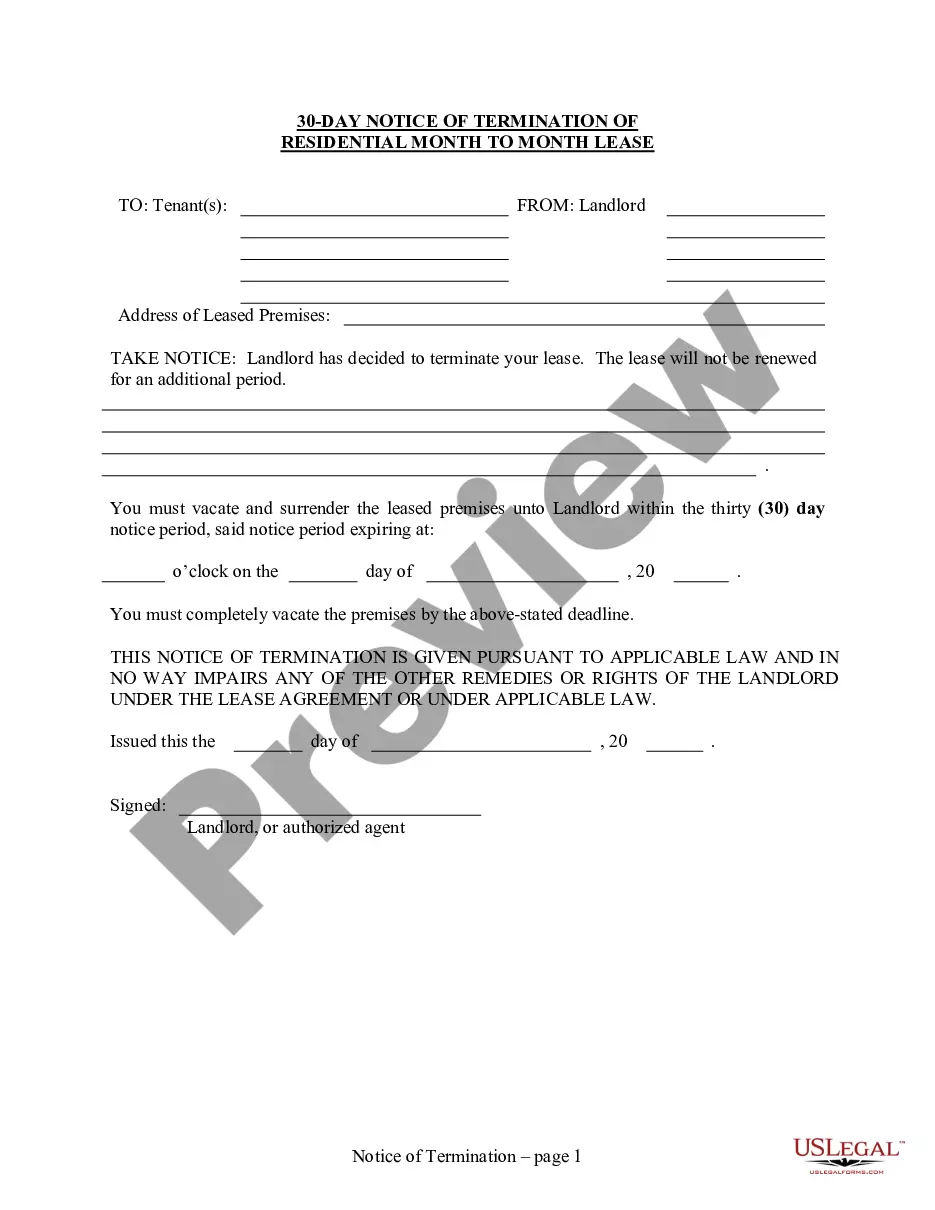
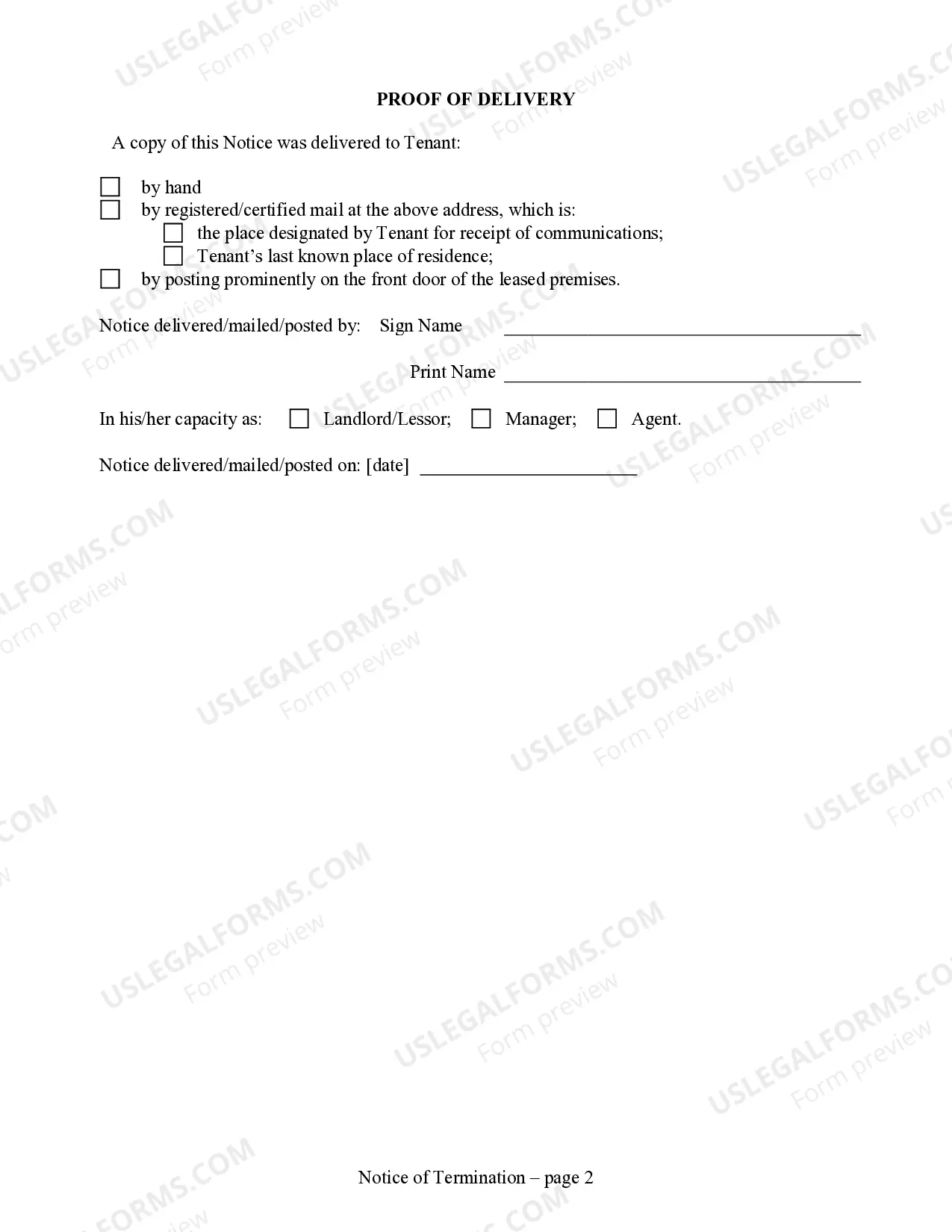
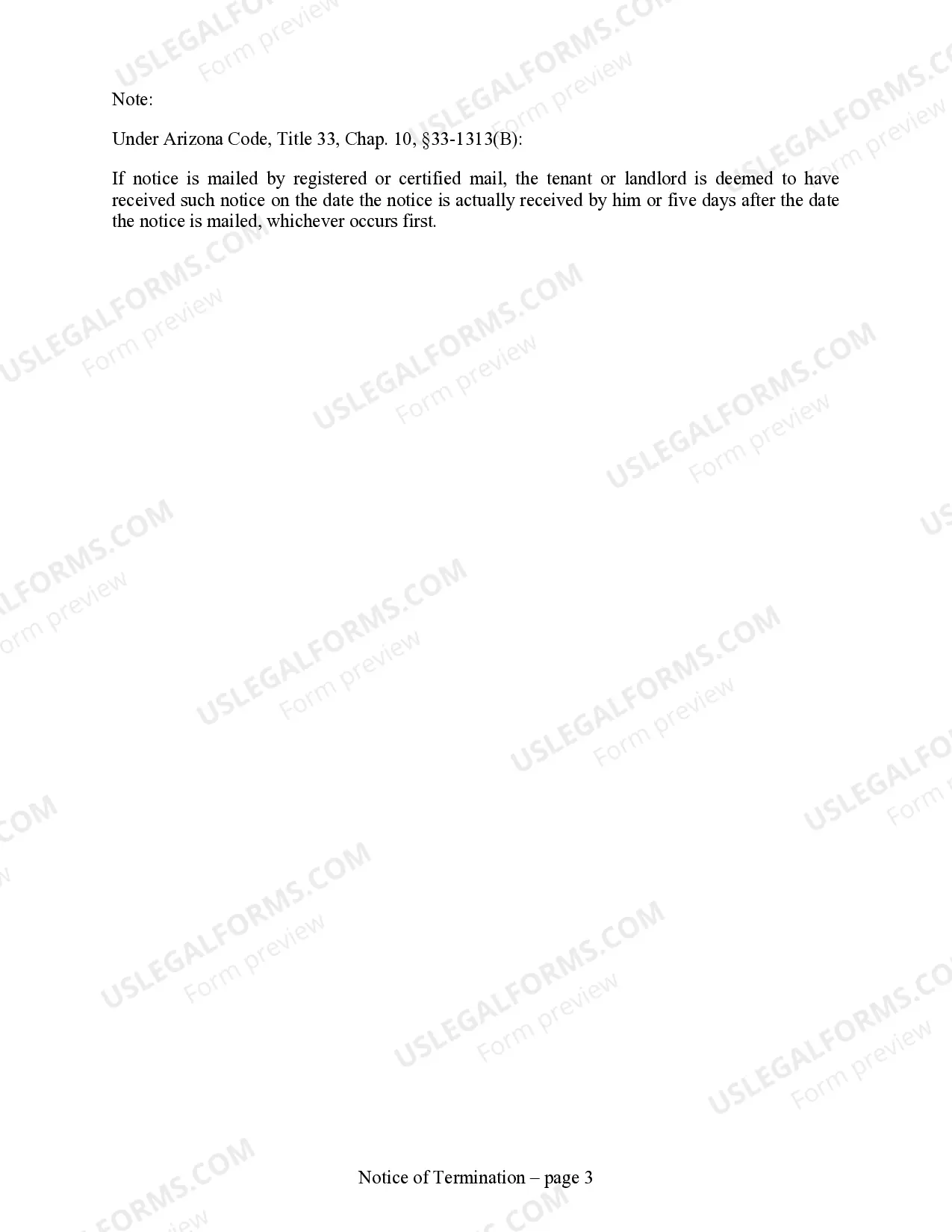
How to fill out Arizona 30 Day Notice To Terminate Month To Month Lease - Residential From Landlord To Tenant?
- For returning users, log in to your account and ensure your subscription is active. Then, find your desired form template and click the Download button.
- If you’re new to the service, begin by browsing the extensive legal form library. Preview form descriptions to verify they meet your local jurisdiction requirements.
- If you need a different form, use the Search tab to find the specific document you require.
- Once you’ve found the appropriate form, click the Buy Now button and select your preferred subscription plan. You’ll need to create an account to access the full library.
- Proceed to purchase by providing your credit card information or using your PayPal account.
- After completing your purchase, download your form and save it to your device. You can always access it later through the My Forms section.
In conclusion, US Legal Forms simplifies the process of obtaining legal documents with its extensive library and user-friendly approach. With over 85,000 forms available, you'll find what you need quickly and effortlessly.
Start your journey with US Legal Forms today, and empower yourself with the legal protections you deserve!
Form popularity
FAQ
To cancel an Order of Protection in Tennessee, file a motion in the appropriate court where the original order was issued. Clearly articulate your reasons for wanting to terminate protection and gather supporting documentation. It is crucial to follow the court's procedures properly, and having legal guidance can greatly simplify this process. Checking the uslegalforms platform can also facilitate drafting and filing your motion.
A motion to quash a protective order is a legal request asking the court to invalidate the existing order. Parties typically file this motion when they believe the order was issued incorrectly or lacks sufficient grounds. To effectively terminate protection, you need to present compelling evidence. Legal assistance can enhance your chances of a successful outcome.
A protective order may be dismissed for several reasons, such as lack of evidence of abuse or if the parties have reconciled. The court may also dismiss it if the protected person requests the termination of protection in writing. Understanding the specific laws in your jurisdiction can help clarify these situations. Consulting with a legal professional is a great starting point.
To motion for dismissal of an Order of Protection, you'll need to file the appropriate paperwork with the court. Include details about why you believe the order should be terminated protection, such as changes in the underlying circumstances. It helps to present evidence supporting your claim, which can strengthen your motion. Remember, legal aid can also provide guidance throughout this process.
Breaking a protective order is not advisable, as it can lead to serious legal consequences. If you believe the order should be terminated, you must file a motion in court to request a modification or dismissal. Focus on your case facts and demonstrate reasons for terminating the protection. Seeking legal assistance can help you navigate this process safely and effectively.
To remove a restraining order, begin by drafting a formal letter addressed to the court. Clearly state your request to terminate protection and include your case number. Provide specific reasons for your request, such as evidence of changed circumstances or the desire for reconciliation. Submit the letter to the court and serve a copy to the other party.
When an instance is terminated, it undergoes a clean shutdown, and all associated resources are released. You will lose all data stored in the instance unless you have taken steps to back it up. To avoid unintentional loss of important data, consider using terminate protection, which provides peace of mind knowing your resources are safeguarded.
Termination protection is a feature designed to prevent accidental deletion of instances. By enabling this feature, you add an extra layer of security to your instance management, ensuring vital resources remain intact. This is particularly beneficial for users who rely on their instances consistently, helping them maintain control over their infrastructure.
You will not incur charges for terminated instances, as you are only charged for resources while they are running. However, if you leave any associated storage, like EBS volumes, they may still incur charges. To manage costs effectively, consider integrate terminate protection to safeguard against accidental terminations and unwanted expenses.
When you terminate an instance, AWS performs a clean shutdown and releases the associated resources. This operation deletes the instance along with its ephemeral storage, though EBS volumes can persist if configured accordingly. Enabling terminate protection can help you prevent unintended terminations where losing vital data could be a concern.