System requirements
Understanding this form
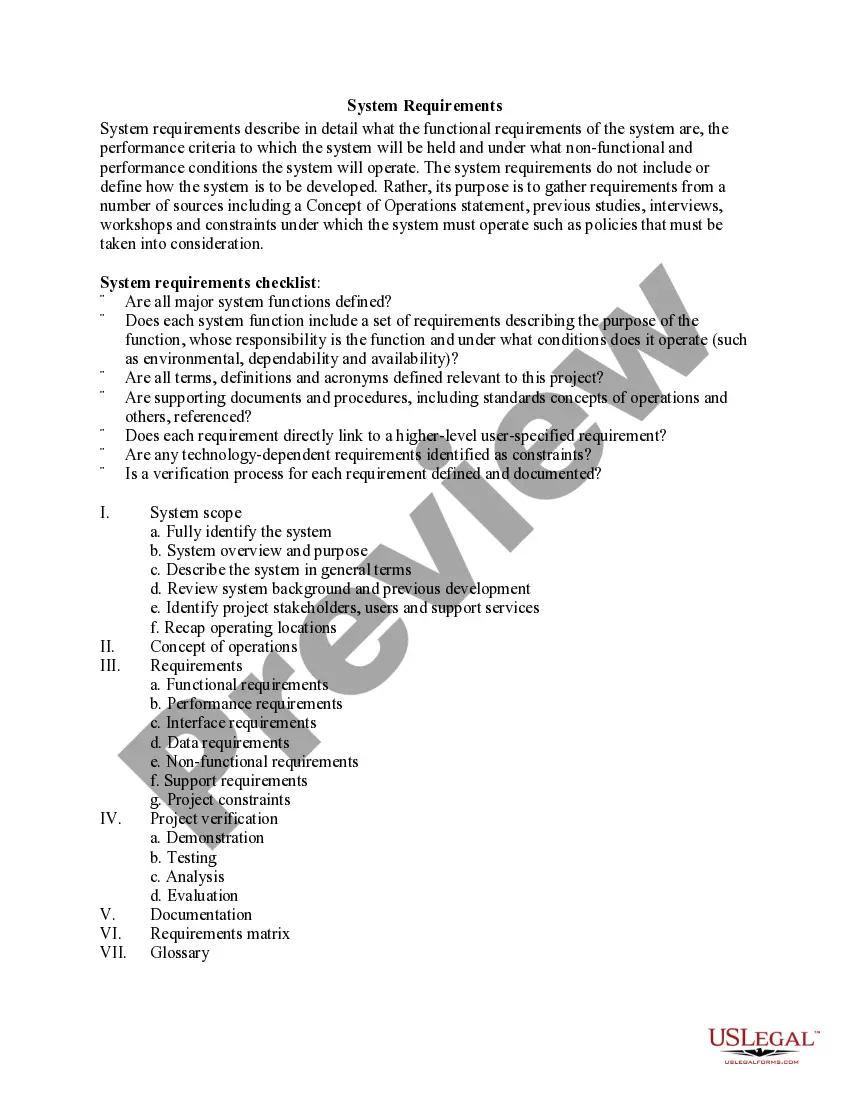
The System Requirements form outlines the essential specifications, functionalities, and performance criteria necessary for a system to function effectively. Unlike development documents, which dictate how a system is built, this form focuses on gathering all relevant requirements from various stakeholders. It ensures clarity and completeness of what the system is expected to achieve and the environments in which it will operate.
What’s included in this form
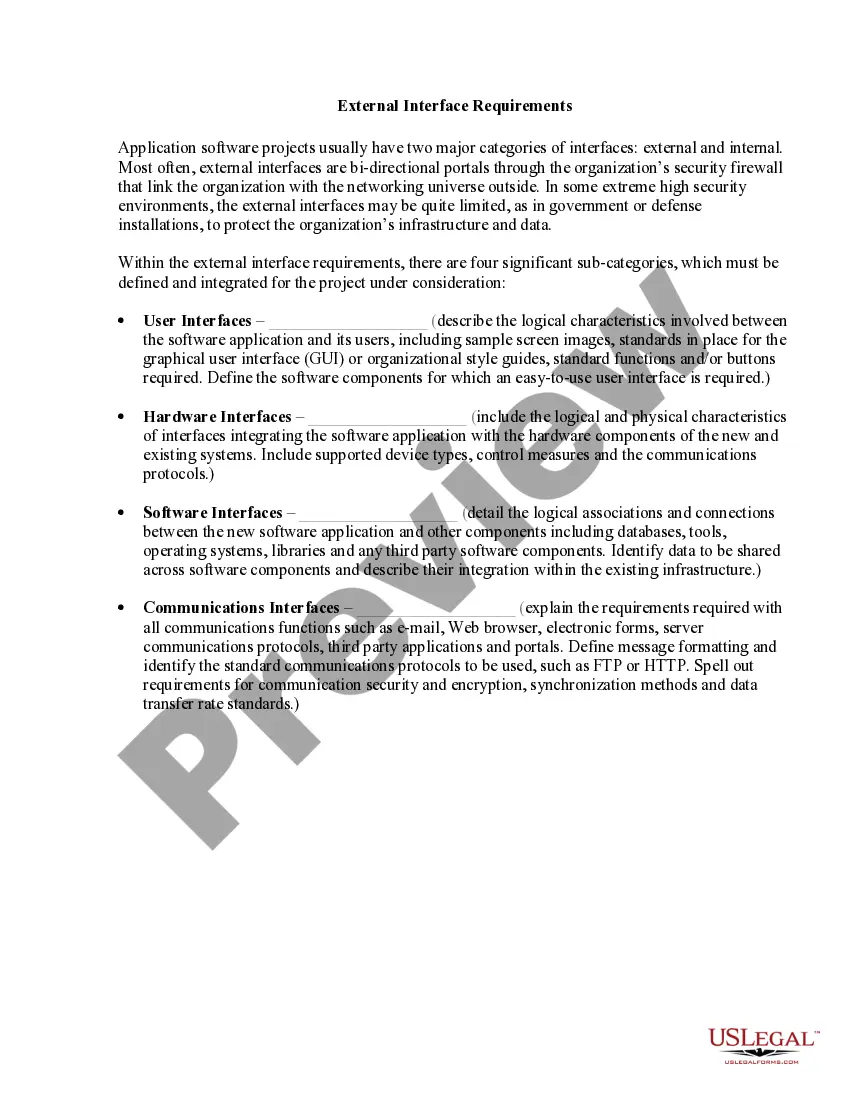
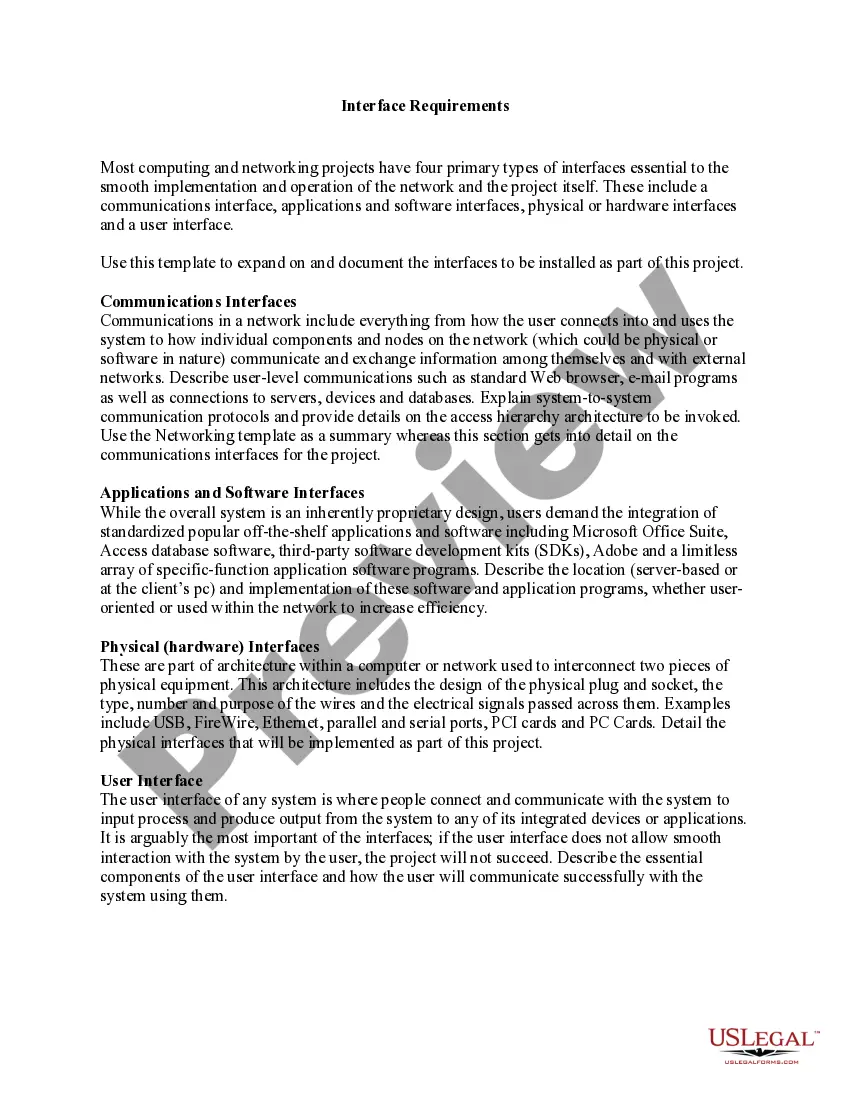
- System scope: Identifies the system and its overview.
- Concept of operations: Describes how the system will operate in various conditions.
- Requirements: Covers functional, performance, and non-functional requirements.
- Project verification: Details methods like testing and evaluation for ensuring requirements are met.
- Documentation: References all supporting documents related to the project.
- Requirements matrix: Provides a structured layout of the requirements linked to user specifications.
When to use this form
This form is essential when embarking on a new project that involves system development. It is particularly useful during the planning and analysis phases, where clear specifications and requirements must be established. Use this form when collaborating with stakeholders to ensure everyone's expectations are documented and understood before moving forward.
Who can use this document
- Project managers overseeing system development.
- Business analysts gathering requirements from different stakeholders.
- Technical teams working on implementing system functionalities.
- Quality assurance professionals verifying that the system meets stipulated requirements.
Completing this form step by step
- Identify the system: Clearly define what system you are documenting.
- Gather requirements: Consult stakeholders to compile functional and non-functional requirements.
- Outline project constraints: Document any limitations or policies influencing the system.
- Develop a verification process: Specify how each requirement will be tested and verified.
- Reference supporting documents: Ensure all relevant materials and previous studies are included.
Does this form need to be notarized?
Notarization is generally not required for this form. However, certain states or situations might demand it. You can complete notarization online through US Legal Forms, powered by Notarize, using a verified video call available anytime.
Get your form ready online
Our built-in tools help you complete, sign, share, and store your documents in one place.
Make edits, fill in missing information, and update formatting in US Legal Forms—just like you would in MS Word.
Download a copy, print it, send it by email, or mail it via USPS—whatever works best for your next step.
Sign and collect signatures with our SignNow integration. Send to multiple recipients, set reminders, and more. Go Premium to unlock E-Sign.
If this form requires notarization, complete it online through a secure video call—no need to meet a notary in person or wait for an appointment.
We protect your documents and personal data by following strict security and privacy standards.

Make edits, fill in missing information, and update formatting in US Legal Forms—just like you would in MS Word.

Download a copy, print it, send it by email, or mail it via USPS—whatever works best for your next step.

Sign and collect signatures with our SignNow integration. Send to multiple recipients, set reminders, and more. Go Premium to unlock E-Sign.

If this form requires notarization, complete it online through a secure video call—no need to meet a notary in person or wait for an appointment.

We protect your documents and personal data by following strict security and privacy standards.
Common mistakes to avoid
- Failing to include all stakeholders in the requirement-gathering process.
- Not clearly defining terms and acronyms, leading to misunderstandings.
- Overlooking non-functional requirements, such as performance and security criteria.
- Forgetting to link requirements to higher-level project objectives.
Benefits of using this form online
- Convenient access allows for quick updates and revisions.
- Editable templates enable customization to fit specific project needs.
- Reliable formats ensure all required information is captured efficiently.
Legal use & context
- System Requirements form serves as a foundational document in project planning.
- Ensures all parties understand the expectations and functionalities of the system.
- Acts as a reference point for verifying compliance with established requirements during development.
Key takeaways
- The System Requirements form is critical for defining what a system needs to accomplish.
- Clarity in requirements leads to effective project management and successful system development.
- Involvement of stakeholders is essential to create comprehensive and achievable requirements.
Looking for another form?

Form popularity
FAQ
A good requirement states something that is necessary, verifiable, and attainable. Even if it is verifiable and attainable, and eloquently written, if it is not necessary, it is not a good requirement.
How to bypass Windows 11 CPU requirements Windows+r and then type regedit. After that navigate to HKEYLOCALMACHINE\SYSTEM\Setup\MoSetup. Then right-click on the left side and create a new DWORD (32-bit) Value. Now you have to set its name to AllowUpgradesWithUnsupportedTPMOrCPU and set its value to 1.
System Requirements Operating system. Minimum CPU or processor speed. Minimum GPU or video memory. Minimum system memory (RAM) Minimum free storage space. Audio hardware (sound card, speakers, etc)
What Does System Requirements Mean? System requirements are the configuration that a system must have in order for a hardware or software application to run smoothly and efficiently. Failure to meet these requirements can result in installation problems or performance problems.
For Windows 10 To check your PC hardware specs, click on the Windows Start button, then click on Settings (the gear icon). In the Settings menu, click on System. Scroll down and click on About. On this screen, you should see specs for your processor, Memory (RAM), and other system info, including Windows version.