Invoice 5
Overview of this form
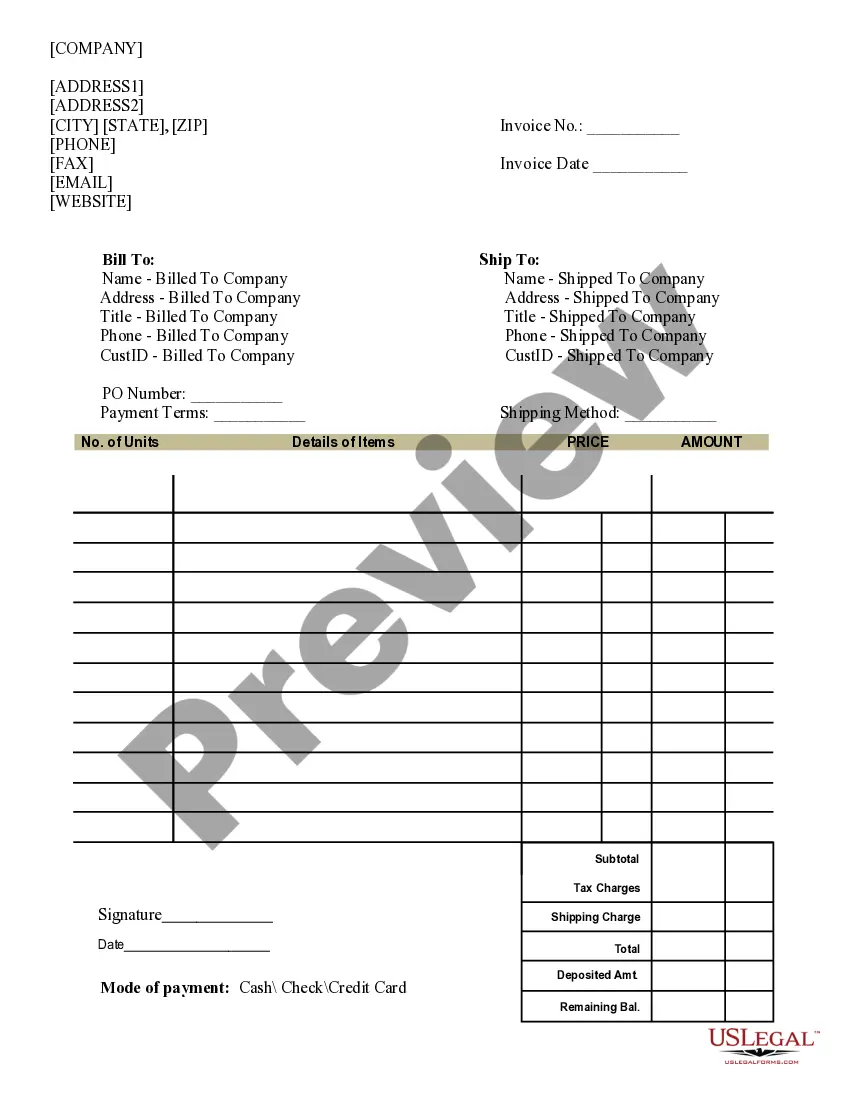
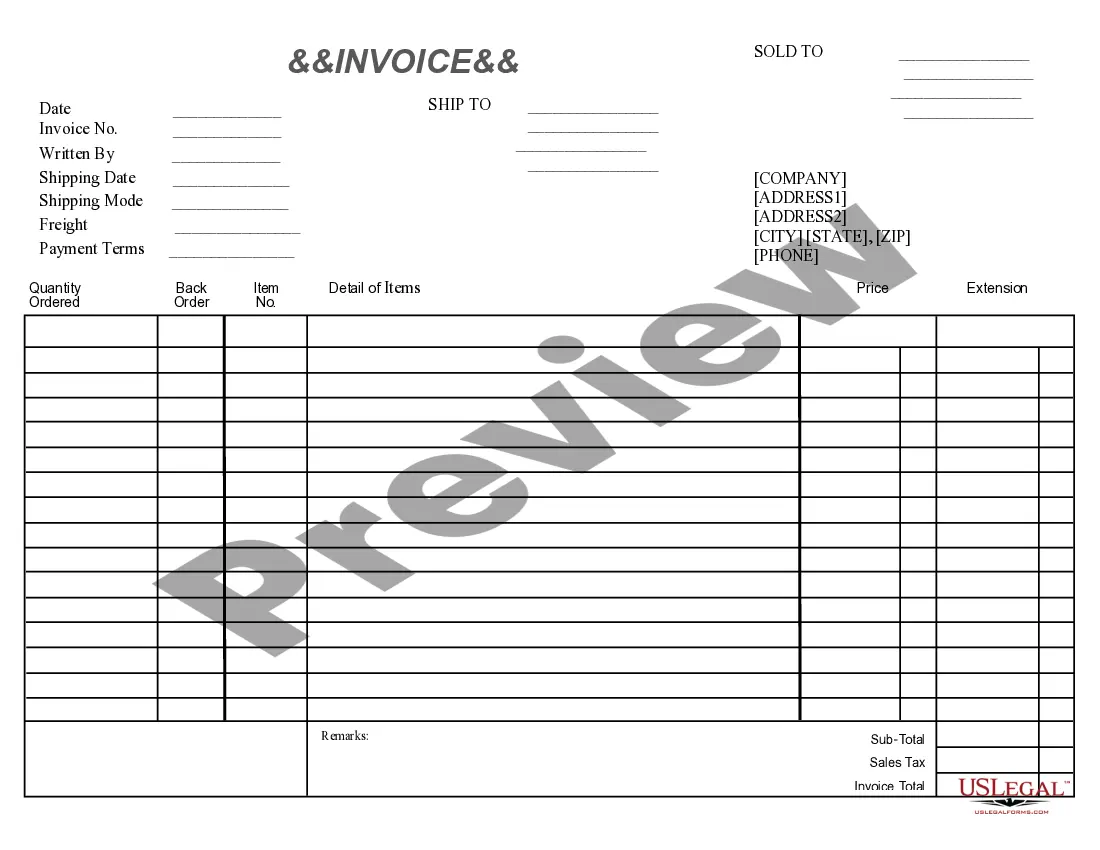
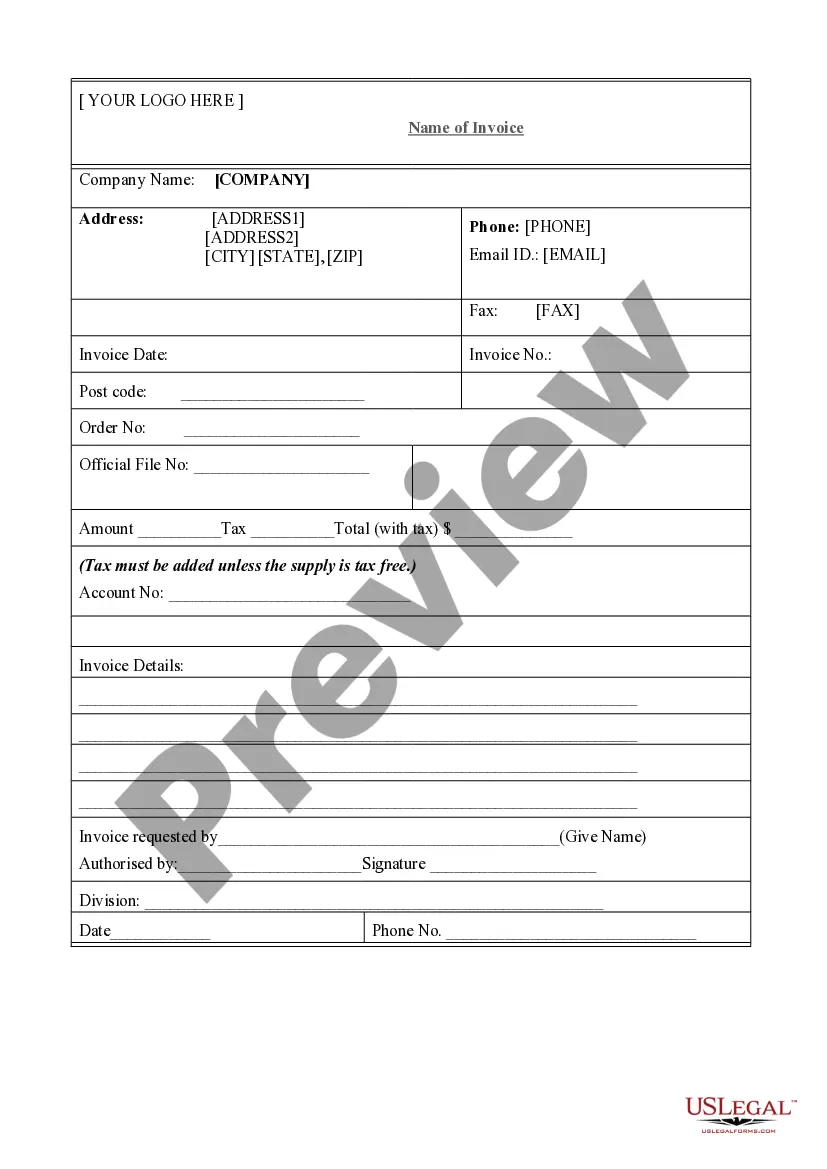
An Invoice 5 is a formal document that outlines the goods or services delivered, along with the amounts owed by the buyer. It serves as a request for payment and is often referred to as a bill. Unlike simple receipts or informal statements, this invoice provides detailed itemization, making it essential for both sellers and buyers in business transactions.
Main sections of this form
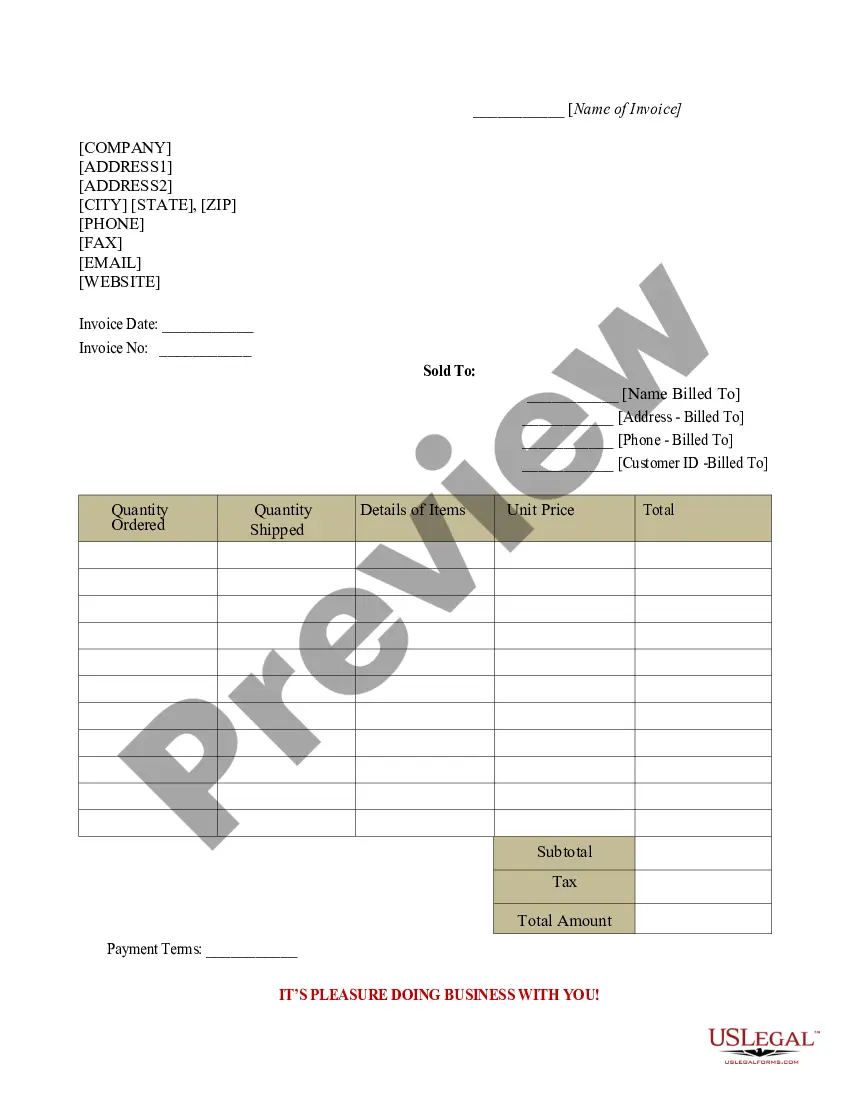
- Invoice number: A unique identifier for tracking the invoice.
- Invoice date: The date when the invoice is issued.
- Billing and shipping information: Includes name and address for both the billed and shipped parties.
- Payment terms: Specifies how and when payments should be made.
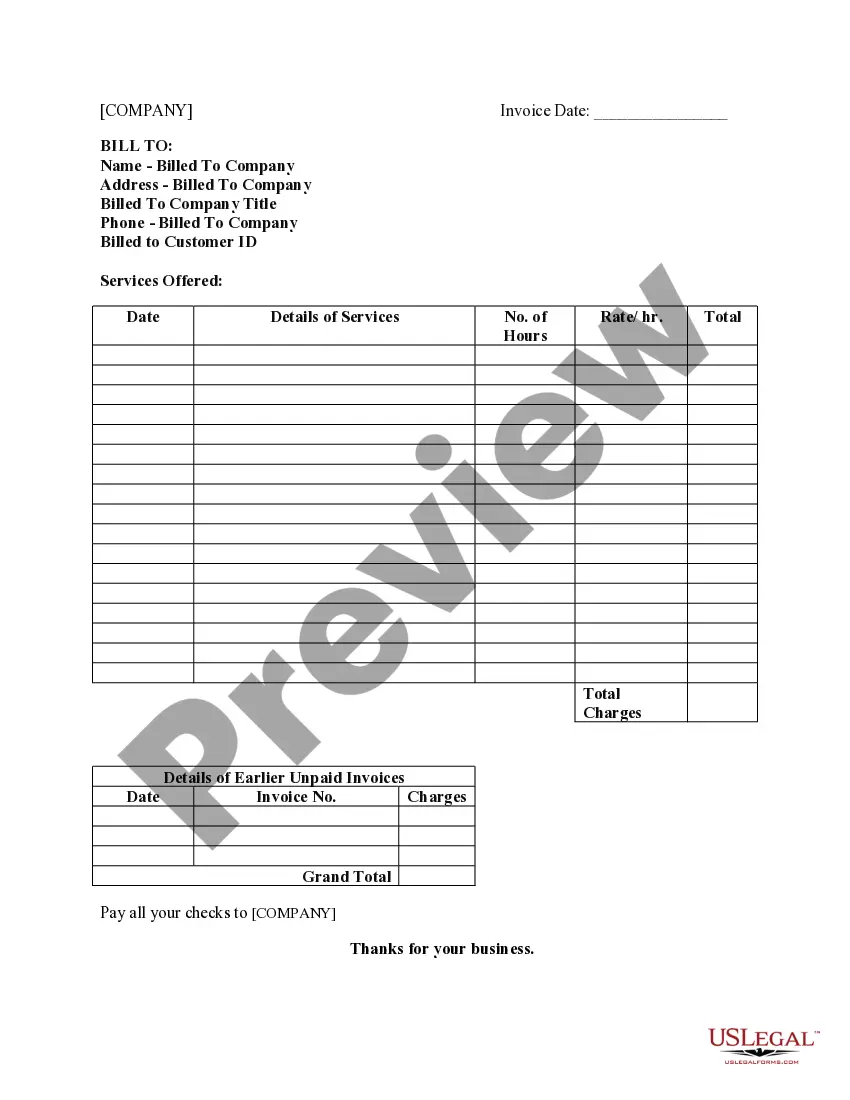
- Item details: Lists the products or services provided, including quantity and pricing.
- Total amount due: The total of charges, including any applicable taxes and shipping fees.

Situations where this form applies
Use the Invoice 5 when you need to formally request payment from a customer for goods or services rendered. It is suitable for various industries and can be used by freelancers, service providers, and businesses that sell products. This form is beneficial in instances where precise payment tracking and clear communication of charges are necessary.
Intended users of this form
- Businesses of all sizes needing to bill customers for products sold or services rendered.
- Freelancers requiring a method to provide detailed invoices to clients.
- Service providers who want to ensure clear payment terms and itemized billing.
- Anyone involved in a transaction that requires documentation of services or goods provided.
Steps to complete this form
- Fill in the company address and contact details at the top of the invoice.
- Assign a unique invoice number and specify the invoice date.
- Enter the billing and shipping information for the customer, including names and addresses.
- Detail the items being billed, noting the quantity and price for each.
- Calculate and enter the totals, including subtotal, shipping charges, and tax.
- Provide space for signatures and dates if required, to finalize the invoice.
Does this form need to be notarized?
Notarization is not commonly needed for this form. However, certain documents or local rules may make it necessary. Our notarization service, powered by Notarize, allows you to finalize it securely online anytime, day or night.
Get your form ready online
Our built-in tools help you complete, sign, share, and store your documents in one place.
Make edits, fill in missing information, and update formatting in US Legal Forms—just like you would in MS Word.
Download a copy, print it, send it by email, or mail it via USPS—whatever works best for your next step.
Sign and collect signatures with our SignNow integration. Send to multiple recipients, set reminders, and more. Go Premium to unlock E-Sign.
If this form requires notarization, complete it online through a secure video call—no need to meet a notary in person or wait for an appointment.
We protect your documents and personal data by following strict security and privacy standards.

Make edits, fill in missing information, and update formatting in US Legal Forms—just like you would in MS Word.

Download a copy, print it, send it by email, or mail it via USPS—whatever works best for your next step.

Sign and collect signatures with our SignNow integration. Send to multiple recipients, set reminders, and more. Go Premium to unlock E-Sign.

If this form requires notarization, complete it online through a secure video call—no need to meet a notary in person or wait for an appointment.

We protect your documents and personal data by following strict security and privacy standards.
Avoid these common issues
- Forgetting to assign a unique invoice number, making tracking difficult.
- Providing incorrect billing or shipping addresses, leading to delivery issues.
- Not clearly stating payment terms, which can cause confusion about when payment is due.
- Failing to double-check calculations for total amounts, which could result in disputes.
Benefits of using this form online
- Easy to download and customize according to business needs.
- Access to templates drafted by licensed attorneys, ensuring legal compliance.
- Convenient digital format allows for quick edits and efficient record-keeping.
- Immediate availability and storage options to manage invoices effectively.
Looking for another form?
Form popularity
FAQ
How to assign an invoice number Use unique numbers. Make each invoice number unique to avoid confusion.Assign numbers sequentially.Designate invoice numbers chronologically.Consider using project codes.Use accounting software.Follow any regulatory guidelines.Double check your invoice numbers.Maintain your invoices.
An invoice and a bill convey the same information about the amount owed as part of a business transaction, but an invoice is generated by the business providing a service, and the customer receiving the invoice records it as a bill to be paid.
An invoice number is a unique, sequential code that is systematically assigned to invoices. Invoice numbers are one of the most important aspects of invoicing as they ensure that income is properly documented for tax and accounting purposes. They also make it easier to track payments and manage overdue invoices.
You could start with 1, 2, 3, or even 00001, 00002, 00003. The most common sequential invoice numbering approach is to start with 0000000001 (9 zeros, followed by a 1). When doing this numbering manually, always write down the customers' name and amount owed in a separate sheet.
Invoice coding is the process of embedding additional information into an invoice using a unique system of codes. At a high level, it's really that simple. But there are important differences in invoice coding between the invoices that companies send to customers and the invoices that companies receive from vendors.