Invoice 7
Overview of this form
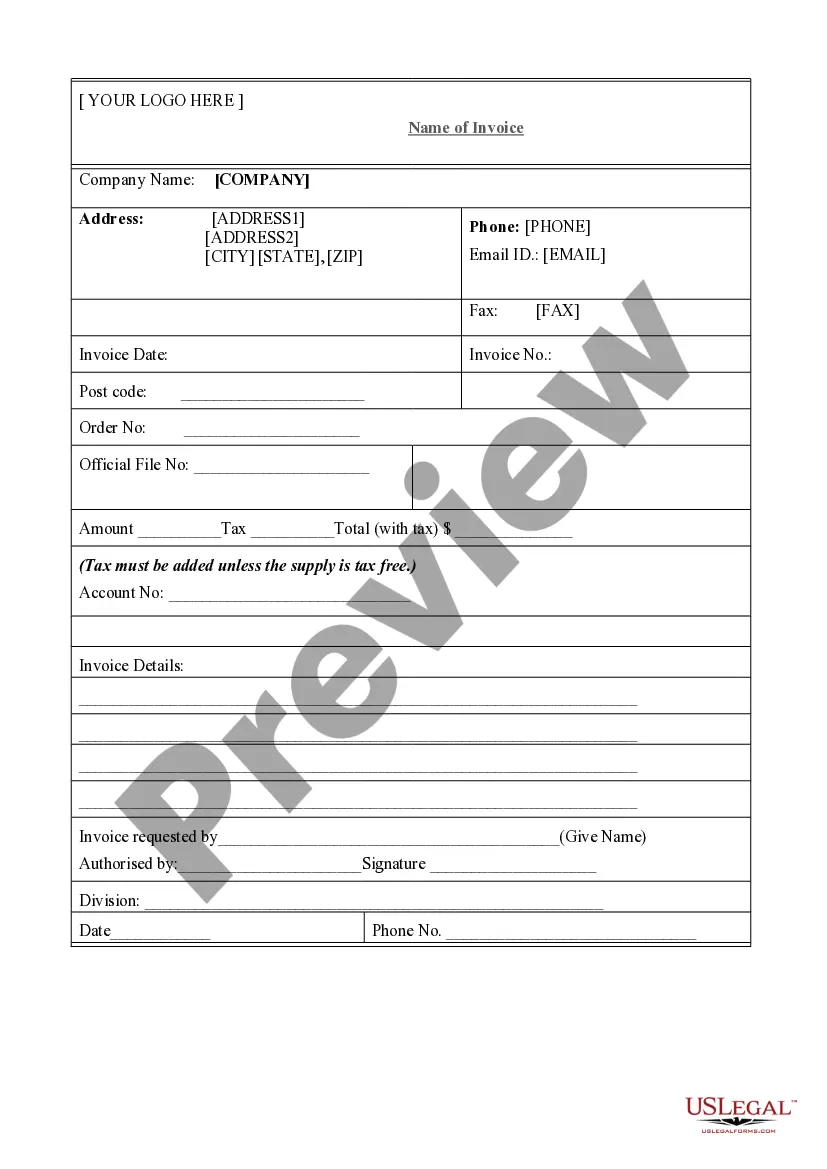
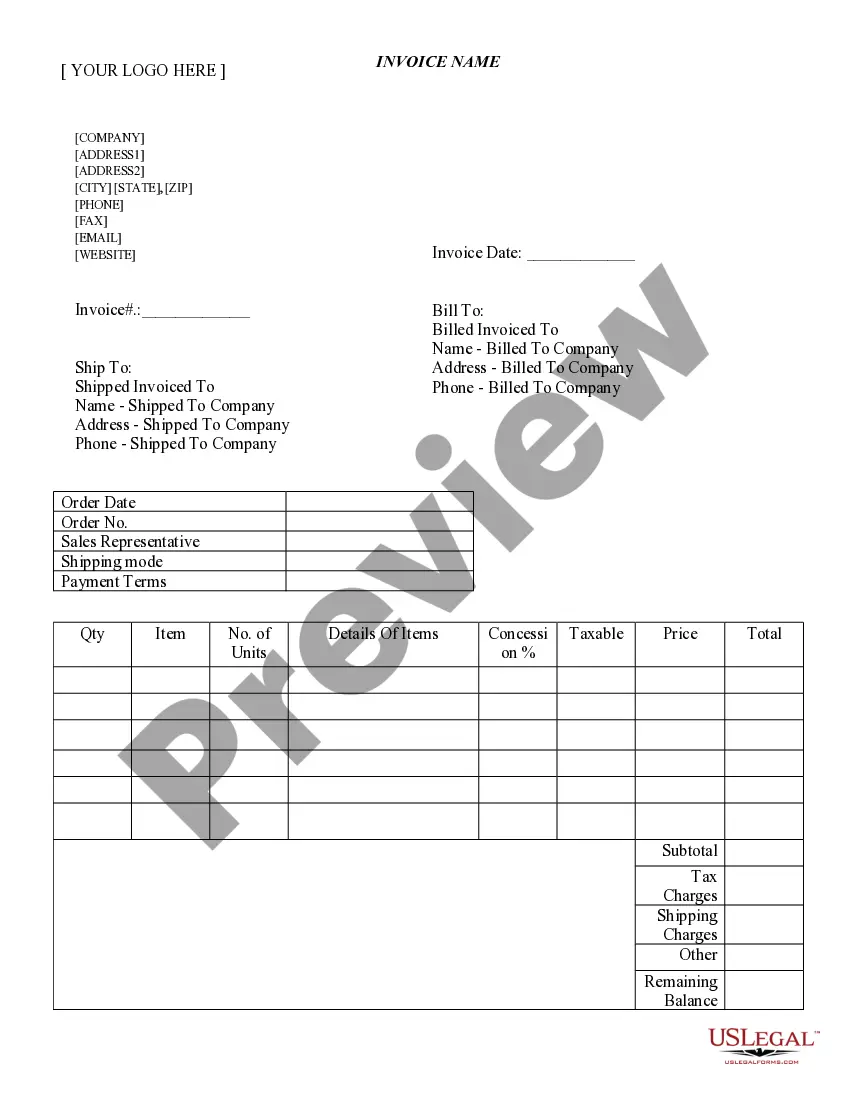
An Invoice is a document that details the items sold or services rendered, along with the amount payable. Often referred to as a bill, this legal form serves as an important record for both sellers and buyers. It outlines the transaction specifics and is crucial for accounting and tax purposes. Unlike receipts, which acknowledge payment, invoices request payment for goods or services provided.
Form components explained
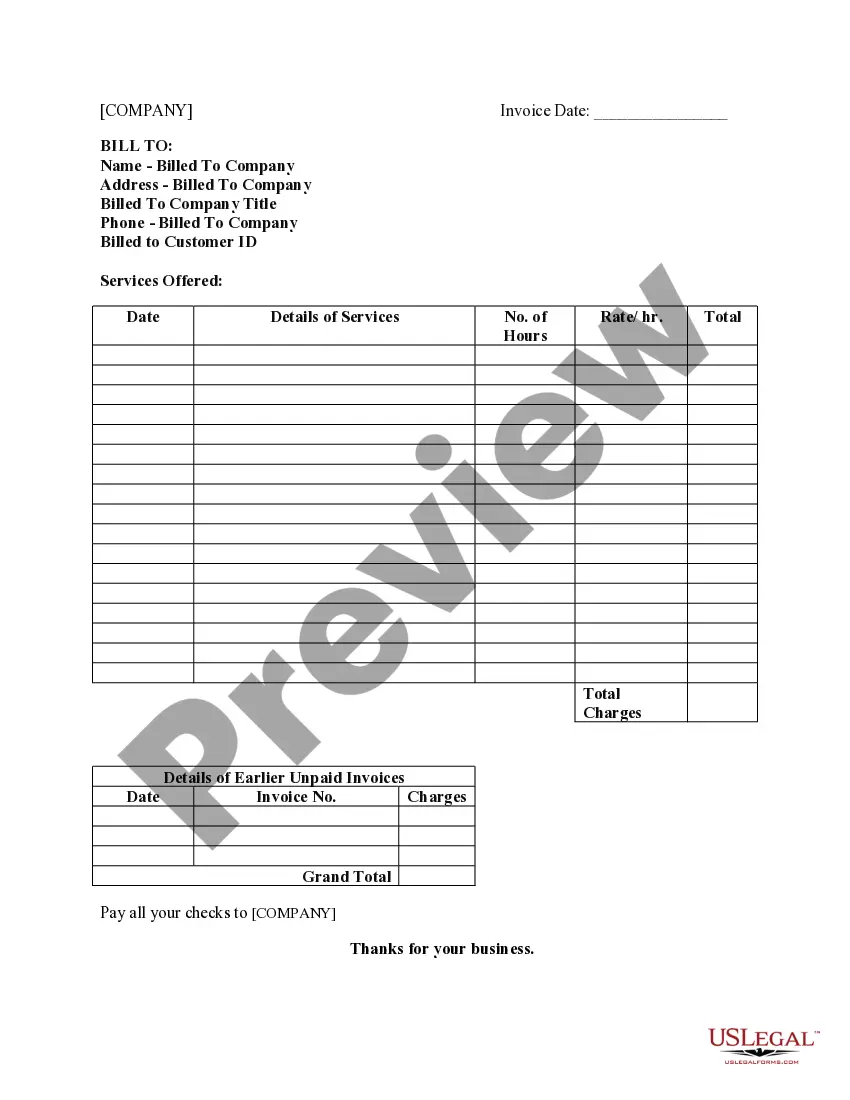
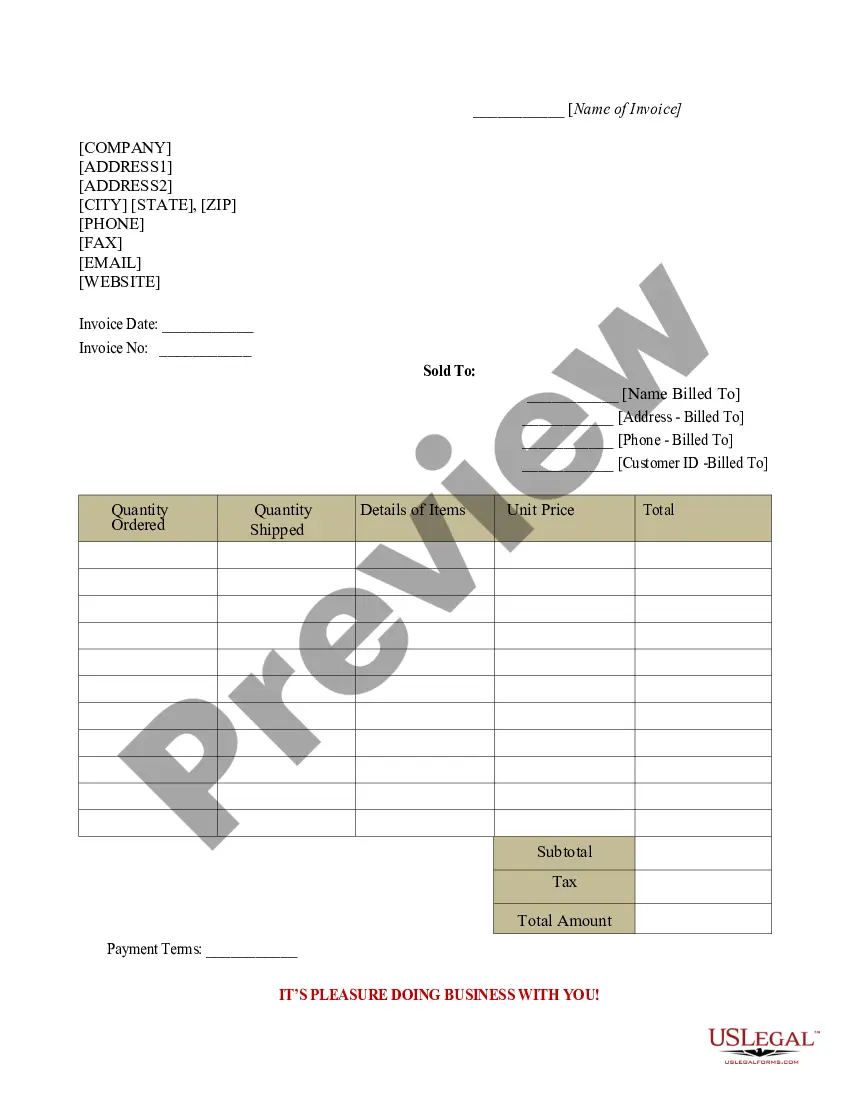
- Name of the customer being billed
- Company name and address of the billing entity
- Details of the services offered
- Hours worked and hourly rate
- Total charges and details of any earlier unpaid invoices
- Grand total amount due

When this form is needed
This Invoice form is used in various scenarios, such as when a business needs to bill a client for goods sold or services provided. It's essential when tracking payments or maintaining accurate financial records for client transactions. Use this form anytime you provide services and are expecting payment from a customer.
Who needs this form
This form is intended for:
- Freelancers and independent contractors
- Small business owners
- Service providers in various industries
- Professionals who bill clients for their services
How to complete this form
- Identify the parties: Enter the name and address of the billing client and your company information.
- Specify the services: Clearly describe the services offered along with dates and hours worked.
- Enter pricing: Include the hourly rate and calculate the total charges for services rendered.
- Detail previous invoices: If applicable, list any earlier unpaid invoices to keep records up to date.
- Calculate the grand total: Sum the total due and ensure that it reflects the full amount owed.
Does this document require notarization?
This form usually doesn’t need to be notarized. However, local laws or specific transactions may require it. Our online notarization service, powered by Notarize, lets you complete it remotely through a secure video session, available 24/7.
Get your form ready online
Our built-in tools help you complete, sign, share, and store your documents in one place.
Make edits, fill in missing information, and update formatting in US Legal Forms—just like you would in MS Word.
Download a copy, print it, send it by email, or mail it via USPS—whatever works best for your next step.
Sign and collect signatures with our SignNow integration. Send to multiple recipients, set reminders, and more. Go Premium to unlock E-Sign.
If this form requires notarization, complete it online through a secure video call—no need to meet a notary in person or wait for an appointment.
We protect your documents and personal data by following strict security and privacy standards.

Make edits, fill in missing information, and update formatting in US Legal Forms—just like you would in MS Word.

Download a copy, print it, send it by email, or mail it via USPS—whatever works best for your next step.

Sign and collect signatures with our SignNow integration. Send to multiple recipients, set reminders, and more. Go Premium to unlock E-Sign.

If this form requires notarization, complete it online through a secure video call—no need to meet a notary in person or wait for an appointment.

We protect your documents and personal data by following strict security and privacy standards.
Avoid these common issues
- Failing to include complete and accurate contact information.
- Not itemizing services or providing insufficient details.
- Calculating totals incorrectly, leading to disputes over amounts owed.
- Omitting previous unpaid invoices, which can create confusion for clients.
Why use this form online
- Convenience: Easily fill out and download the invoice without needing to visit a physical location.
- Editability: Customize the form to meet your specific needs before sending it to clients.
- Reliability: Receive templates drafted by licensed attorneys, ensuring legal compliance.
- Time-saving: Quickly generate invoices to maintain cash flow for your business.
Looking for another form?




Form popularity
FAQ
Learn how to write an invoice: Start with a professional layout. Include company and customer information. Add a unique invoice number, an issue date, and a due date. Write each line item with a description of services. Add up line items for total money owed. Include your payment terms and options. Add a personal note.
How to create an invoice number numbering your invoices sequentially, for example, INV00001, INV00002. starting with a unique customer code, for example, XER00001. including the date at the start of your invoice number, for example, 2023-01-001. combining the customer code and date, for example, XER-2023-01-001.
How to Fill Out an Invoice: Step-by-Step Step #1. List Business Contact Information.Step #2. Write the Client's Contact Details.Step #3. Generate a Unique Invoice Number.Step #4. Clearly Display the Dates.Step #5.Step #6: Display Pricing.Step #7.Step #8: Write Down Payment Terms and Any Additional Notes.
Invoice numbers are a mandatory invoice field. They should be assigned sequentially, meaning that the number of each new invoice increases. Legally, an invoice number sequence should never contain repeats or gaps. It's not recommended to simply number invoices '1', '2', '3', etc.
Sequentially creating your invoice numbers means moving up numerically by one with every new invoice. You could start with 1, 2, 3, or even 00001, 00002, 00003. The most common sequential invoice numbering approach is to start with 0000000001 (9 zeros, followed by a 1).
How to assign an invoice number Use unique numbers. Make each invoice number unique to avoid confusion.Assign numbers sequentially.Designate invoice numbers chronologically.Consider using project codes.Use accounting software.Follow any regulatory guidelines.Double check your invoice numbers.Maintain your invoices.
Some examples of common invoice number formats include: 2021-027: This refers to the 27th invoice issued in the year 2021. 2021/INV/017: This refers to the 17th invoice issued in the year 2021. ?INV? stands for invoice to differentiate it from other sales documents such as quotes.
An invoice number is a unique, sequential code that is systematically assigned to invoices. Invoice numbers are one of the most important aspects of invoicing as they ensure that income is properly documented for tax and accounting purposes. They also make it easier to track payments and manage overdue invoices.