Direct Deposit Form for Employer
Understanding this form
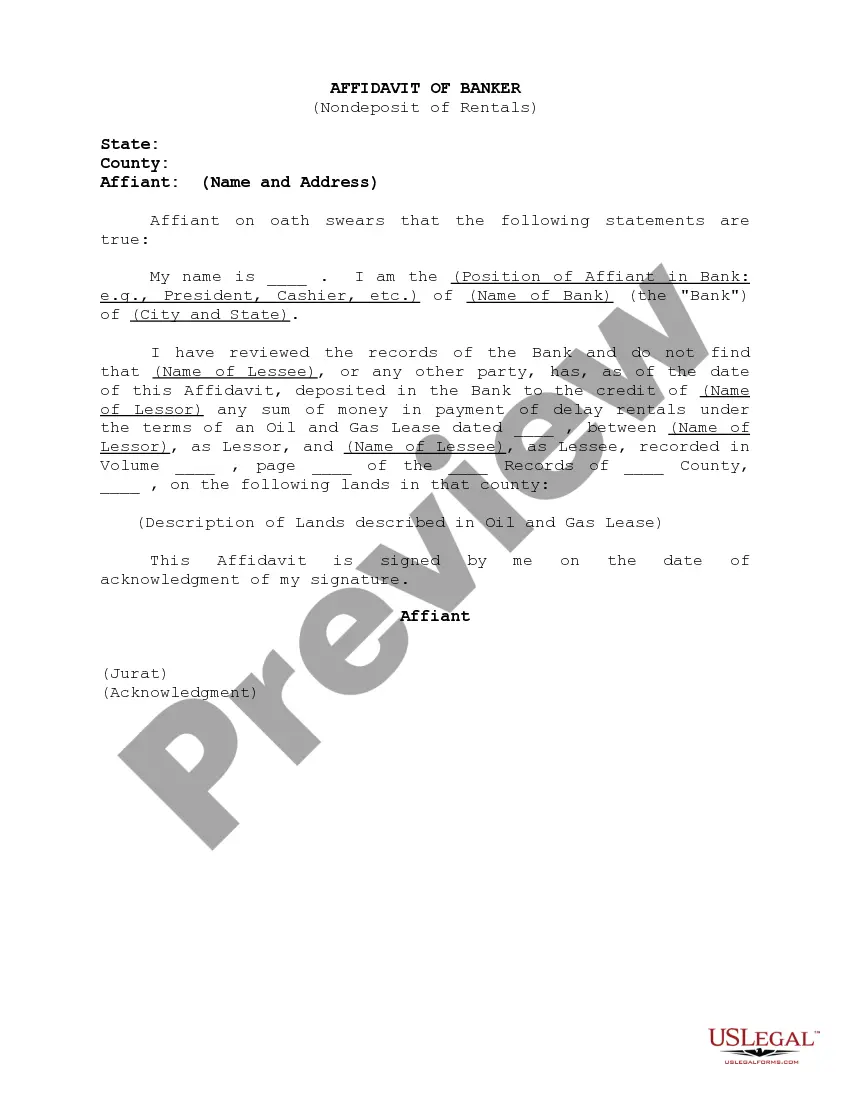
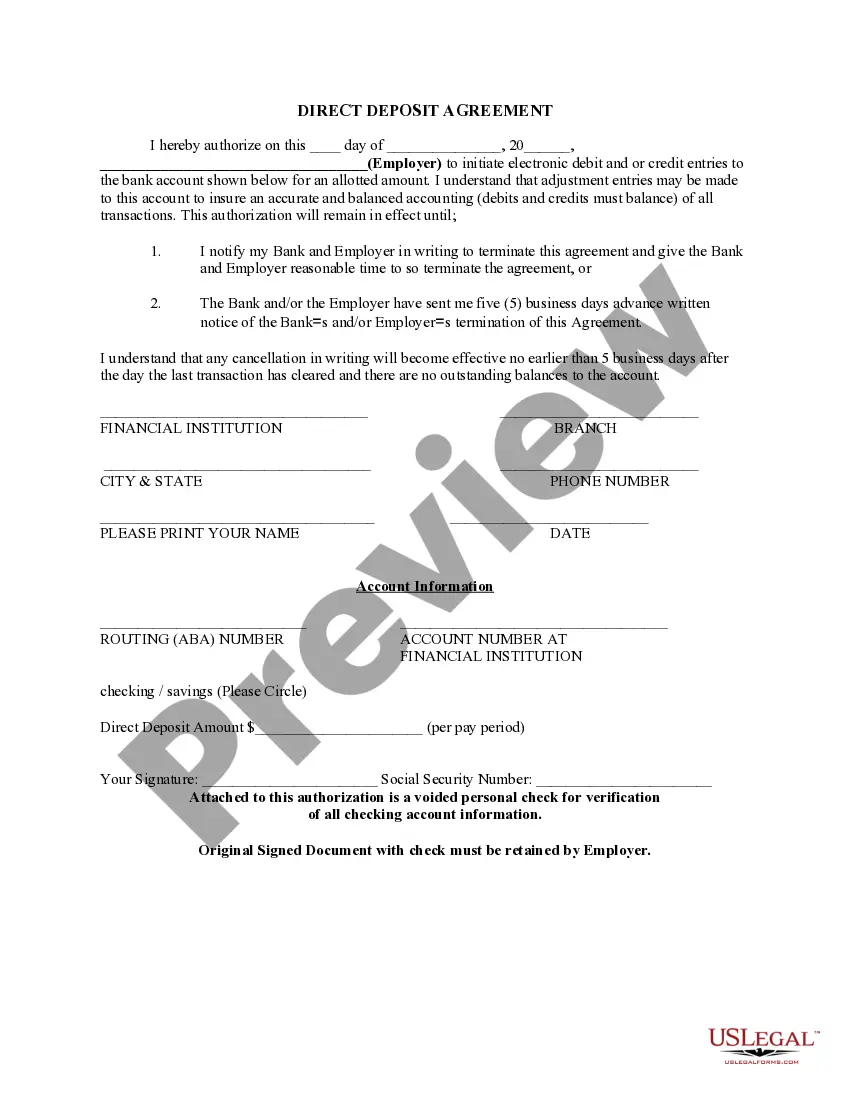
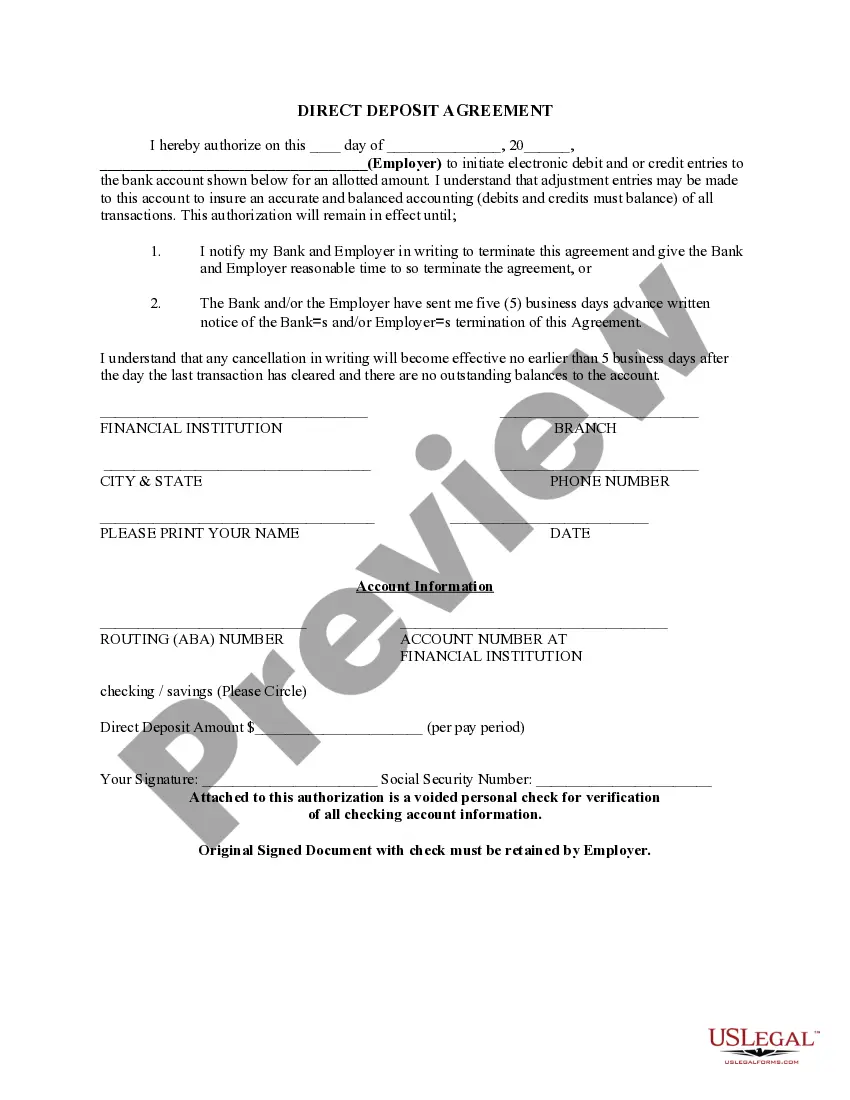
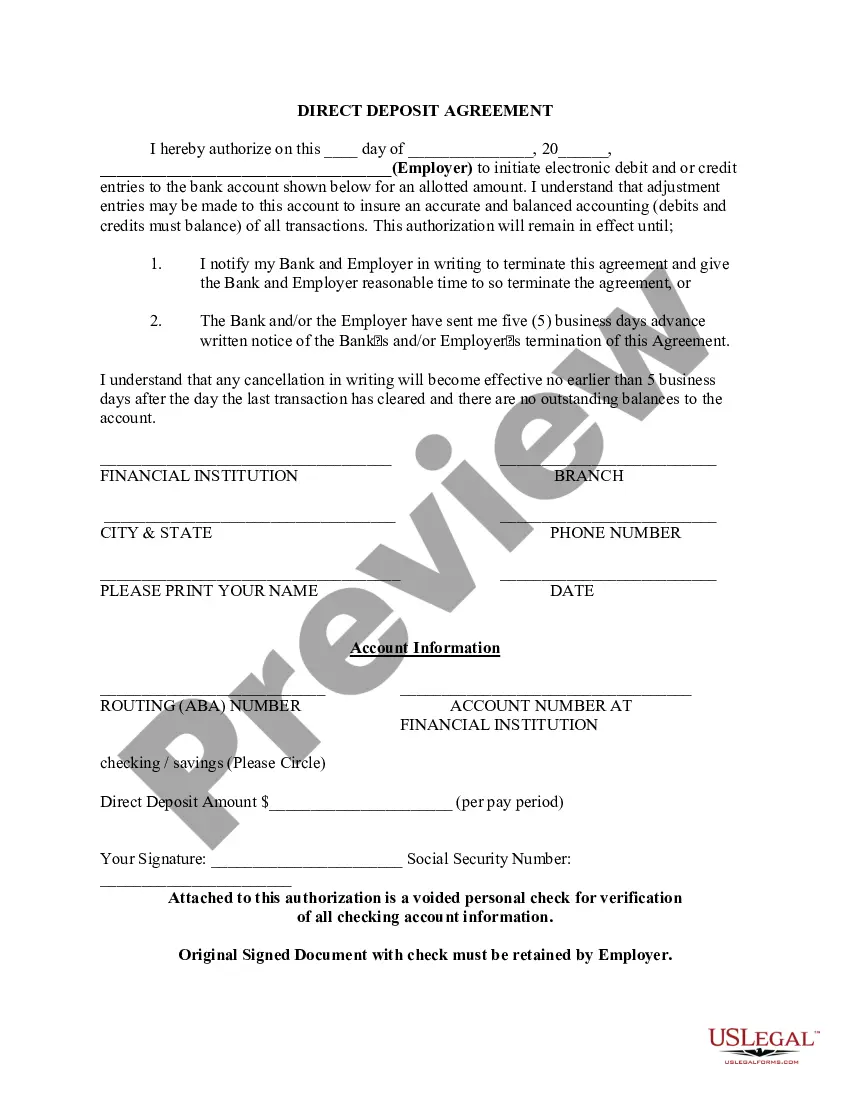
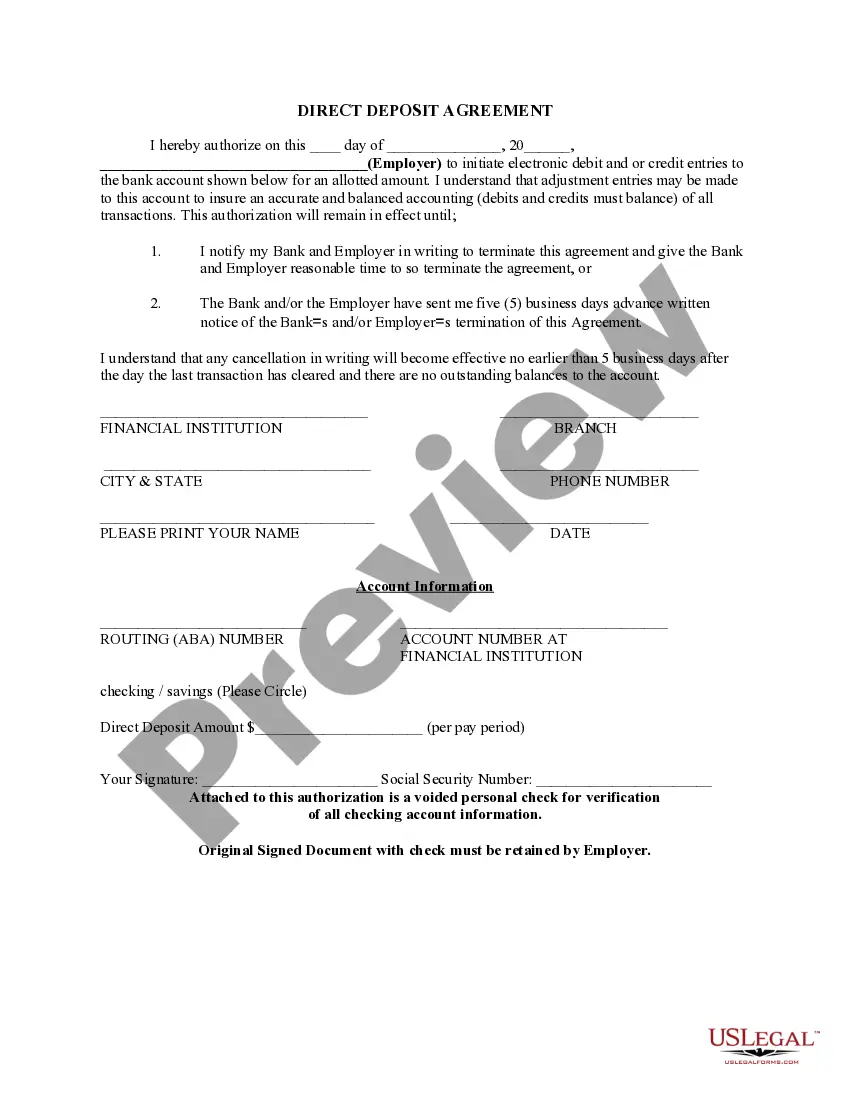
The Direct Deposit Form for Employer is a legal document that allows employees and benefits recipients to authorize the electronic transfer of their payments directly into their bank accounts. This form is essential for ensuring timely payments without the need for paper checks. Unlike traditional payment methods, direct deposit is secure, reliable, and convenient, helping to streamline the payroll process for both employers and employees.
Main sections of this form
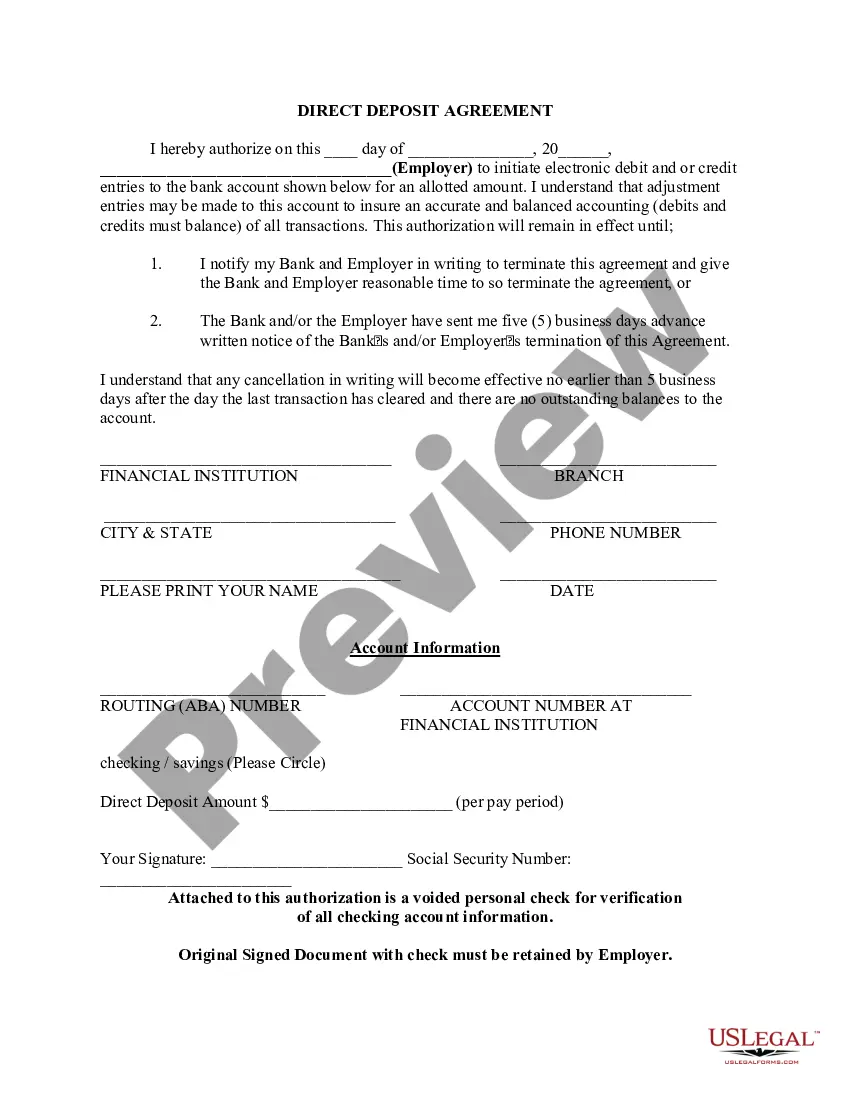
- Date of authorization.
- Employer's name and contact information.
- Financial institution details, including routing number and account number.
- Direct deposit amount to be specified per pay period.
- Signature of the employee authorizing the direct deposit.
- Optional: Voided personal check for bank account verification.

Situations where this form applies
This form should be used when an employee or benefits recipient wishes to receive payments via direct deposit. Common scenarios include starting a new job, changing banks, or updating payment details for government benefits such as Social Security. It is essential for anyone who prefers the convenience and security of having funds directly deposited into their checking or savings account.
Who needs this form
- Employees receiving regular wages from an employer.
- Individuals enrolled in government benefit programs needing direct deposit.
- Contract workers seeking efficient payment methods.
- Anyone wanting to ensure timely receipt of funds without relying on physical checks.
Completing this form step by step
- Fill in the date of authorization at the top of the form.
- Enter the employer's name and the relevant bank details, including the routing and account numbers.
- Specify the amount to be deposited per pay period.
- Sign the form to authorize your employer to initiate direct deposits.
- If requested, attach a voided check to verify your account information.
Does this document require notarization?
This form does not typically require notarization unless specified by local law. Always check with your employer or financial institution for any specific requirements related to the direct deposit process.
Get your form ready online
Our built-in tools help you complete, sign, share, and store your documents in one place.
Make edits, fill in missing information, and update formatting in US Legal Forms—just like you would in MS Word.
Download a copy, print it, send it by email, or mail it via USPS—whatever works best for your next step.
Sign and collect signatures with our SignNow integration. Send to multiple recipients, set reminders, and more. Go Premium to unlock E-Sign.
If this form requires notarization, complete it online through a secure video call—no need to meet a notary in person or wait for an appointment.
We protect your documents and personal data by following strict security and privacy standards.

Make edits, fill in missing information, and update formatting in US Legal Forms—just like you would in MS Word.

Download a copy, print it, send it by email, or mail it via USPS—whatever works best for your next step.

Sign and collect signatures with our SignNow integration. Send to multiple recipients, set reminders, and more. Go Premium to unlock E-Sign.

If this form requires notarization, complete it online through a secure video call—no need to meet a notary in person or wait for an appointment.

We protect your documents and personal data by following strict security and privacy standards.
Mistakes to watch out for
- Failing to provide accurate bank account details, such as the routing or account number.
- Not signing the form, which invalidates the authorization.
- Submitting a form without confirming the deposit amount with the employer.
- Forgetting to attach the voided check if required by the employer.
Benefits of completing this form online
- Convenience of instant access and ability to fill out the form at any time.
- Editability allows for easy corrections before submission.
- Secure storage options for personal information.
- Reliable processing ensures timely receipt of payments.
Looking for another form?



Form popularity
FAQ
Or you can download a blank Direct Deposit Information Form (PDF) and fill in the information yourself. For accounts with checks, a diagram on the form shows you where you can find the information you'll need.
You will need to know two pieces of information your account number and the routing number for your financial institution.
Choose a direct deposit payroll provider. You will need to set up a payroll service. Collect information from your employees. Add employees to the payroll system. Select your deposit schedule.
Your social insurance number. the name of your bank or financial institution. the branch/transit number and. your account number.
Ask for a copy of your employer's direct deposit signup form, or download the U.S. Bank Direct Deposit Authorization Form (PDF). Provide your U.S. Bank deposit account type (checking or savings), account number and routing number, and other required information.
If you find yourself running out of deposit slips for your troop, you can print your own. It is not necessary to get special paper to print the deposit slips on, but the tellers do appreciate it if you cut them out.