Emergency Contact Form For Employees
Description
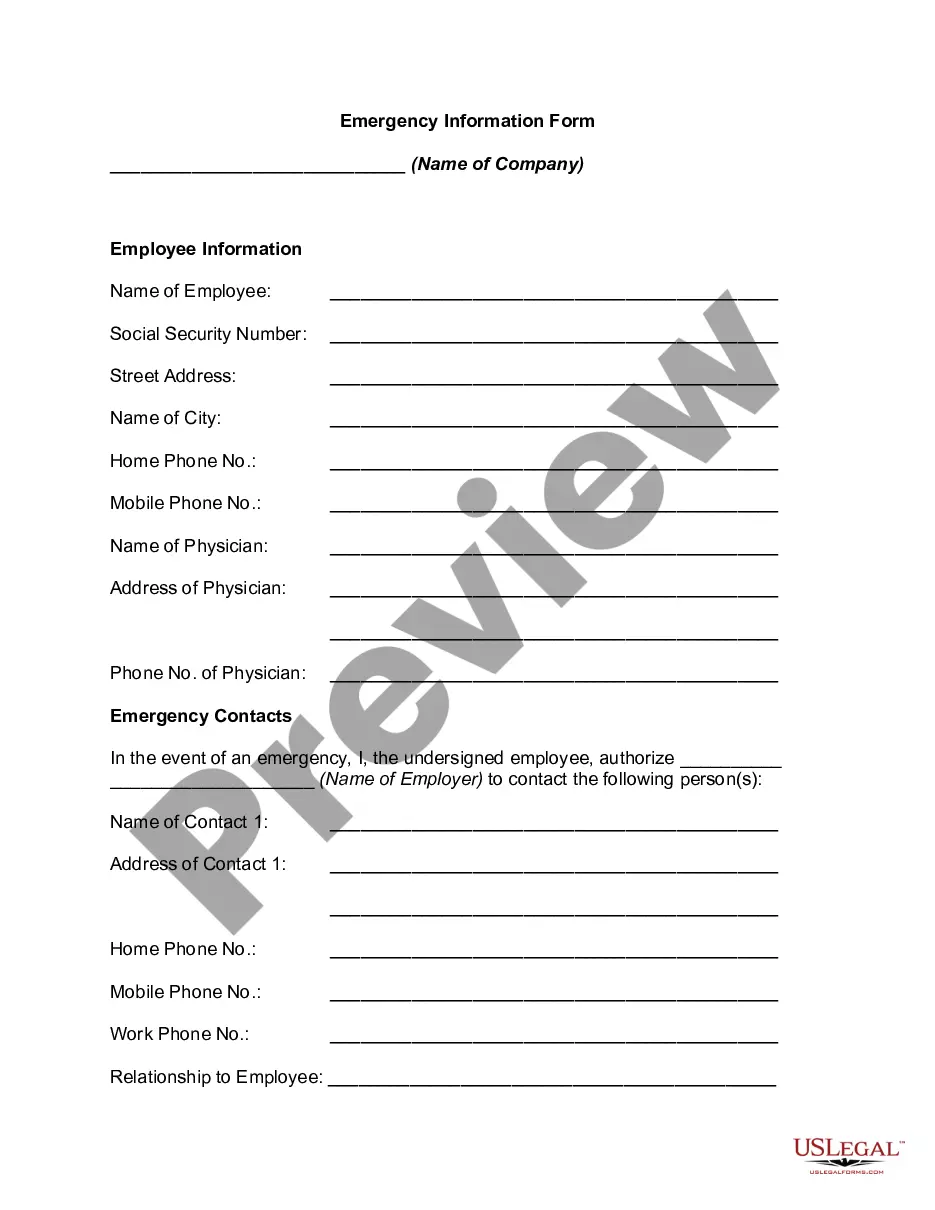
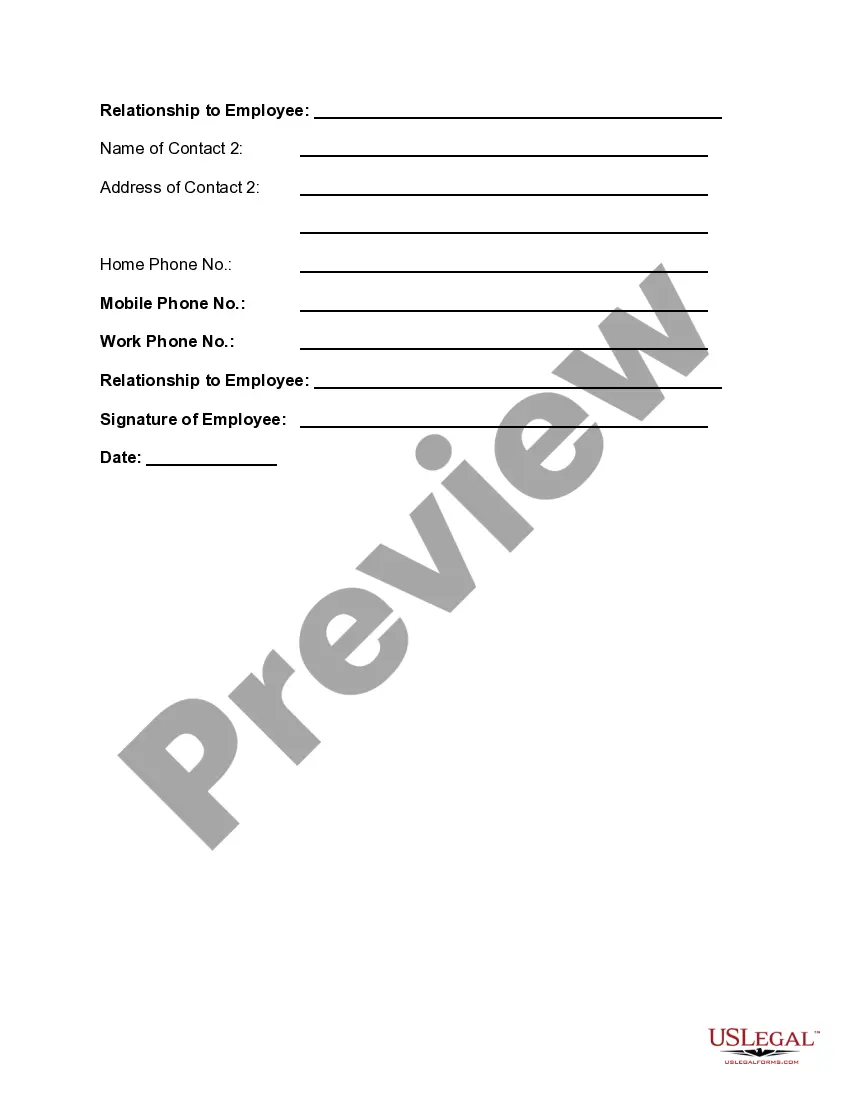

Get your form ready online
Our built-in tools help you complete, sign, share, and store your documents in one place.
Make edits, fill in missing information, and update formatting in US Legal Forms—just like you would in MS Word.
Download a copy, print it, send it by email, or mail it via USPS—whatever works best for your next step.
Sign and collect signatures with our SignNow integration. Send to multiple recipients, set reminders, and more. Go Premium to unlock E-Sign.
If this form requires notarization, complete it online through a secure video call—no need to meet a notary in person or wait for an appointment.
We protect your documents and personal data by following strict security and privacy standards.

Make edits, fill in missing information, and update formatting in US Legal Forms—just like you would in MS Word.

Download a copy, print it, send it by email, or mail it via USPS—whatever works best for your next step.

Sign and collect signatures with our SignNow integration. Send to multiple recipients, set reminders, and more. Go Premium to unlock E-Sign.

If this form requires notarization, complete it online through a secure video call—no need to meet a notary in person or wait for an appointment.

We protect your documents and personal data by following strict security and privacy standards.
Looking for another form?


How to fill out Emergency Information Form?
Creating legal papers from the beginning can frequently feel a bit daunting.
Certain situations might necessitate numerous hours of investigation and substantial financial investment.
If you’re looking for an easier and more cost-effective method of generating Emergency Contact Form For Employees or any other documents without complicated procedures, US Legal Forms is always accessible.
Our online repository of more than 85,000 current legal documents encompasses nearly every facet of your monetary, legal, and personal affairs.
However, before directly proceeding to download Emergency Contact Form For Employees, follow these suggestions: Review the form preview and descriptions to confirm that you have located the form you need. Verify that the template you select adheres to the regulations and laws of your state and county. Choose the appropriate subscription option to obtain the Emergency Contact Form For Employees. Download the document, then complete, verify, and print it out. US Legal Forms has a pristine reputation and over 25 years of experience. Join us today and transform form completion into something straightforward and efficient!
- With just a few clicks, you can promptly acquire state- and county-compliant templates meticulously crafted by our legal specialists.
- Utilize our platform whenever you require dependable and trustworthy services to swiftly locate and download the Emergency Contact Form For Employees.
- If you’re familiar with our website and have previously registered an account, simply Log In to your account, select the form and download it or re-download it later via the My documents section.
- Don't possess an account? No worries. It requires minimal time to sign up and explore the library.
Form popularity
FAQ
Emergency contact details Ensure you have a name, contact details, their relationship to the employee, and permission to share medical information if required.
Ask for the following information on your emergency contact form: The Employee's Information. If your company keeps paper files, make sure to add the employee's name, job title, or department. ... Primary Emergency Contact. ... Secondary Emergency Contact. ... Home Information. ... Voluntary Additional Information.
Since accidents happen in the workplace, it's important for employers to know who to contact in case of an emergency. Having a reliable data quality system to keep this information intact can be of immense help in that regard.
This should include your company name, address, location, and phone number. While you may think you'll remember these details, in a moment of panic you could forget valuable information, so it's better to be safe. That way, when you're speaking with emergency services, you have all the details right in front of you.
The easiest way to gather this information is during the hiring process. As a part of the onboarding paperwork new hires fill out, just include a simple form where they add a name, relation, and phone number or email address. That is the most information you should need under normal circumstances.