Motion Vacate Judgment Form For Default
Description







Get your form ready online
Our built-in tools help you complete, sign, share, and store your documents in one place.
Make edits, fill in missing information, and update formatting in US Legal Forms—just like you would in MS Word.
Download a copy, print it, send it by email, or mail it via USPS—whatever works best for your next step.
Sign and collect signatures with our SignNow integration. Send to multiple recipients, set reminders, and more. Go Premium to unlock E-Sign.
If this form requires notarization, complete it online through a secure video call—no need to meet a notary in person or wait for an appointment.
We protect your documents and personal data by following strict security and privacy standards.

Make edits, fill in missing information, and update formatting in US Legal Forms—just like you would in MS Word.

Download a copy, print it, send it by email, or mail it via USPS—whatever works best for your next step.

Sign and collect signatures with our SignNow integration. Send to multiple recipients, set reminders, and more. Go Premium to unlock E-Sign.

If this form requires notarization, complete it online through a secure video call—no need to meet a notary in person or wait for an appointment.

We protect your documents and personal data by following strict security and privacy standards.
Looking for another form?

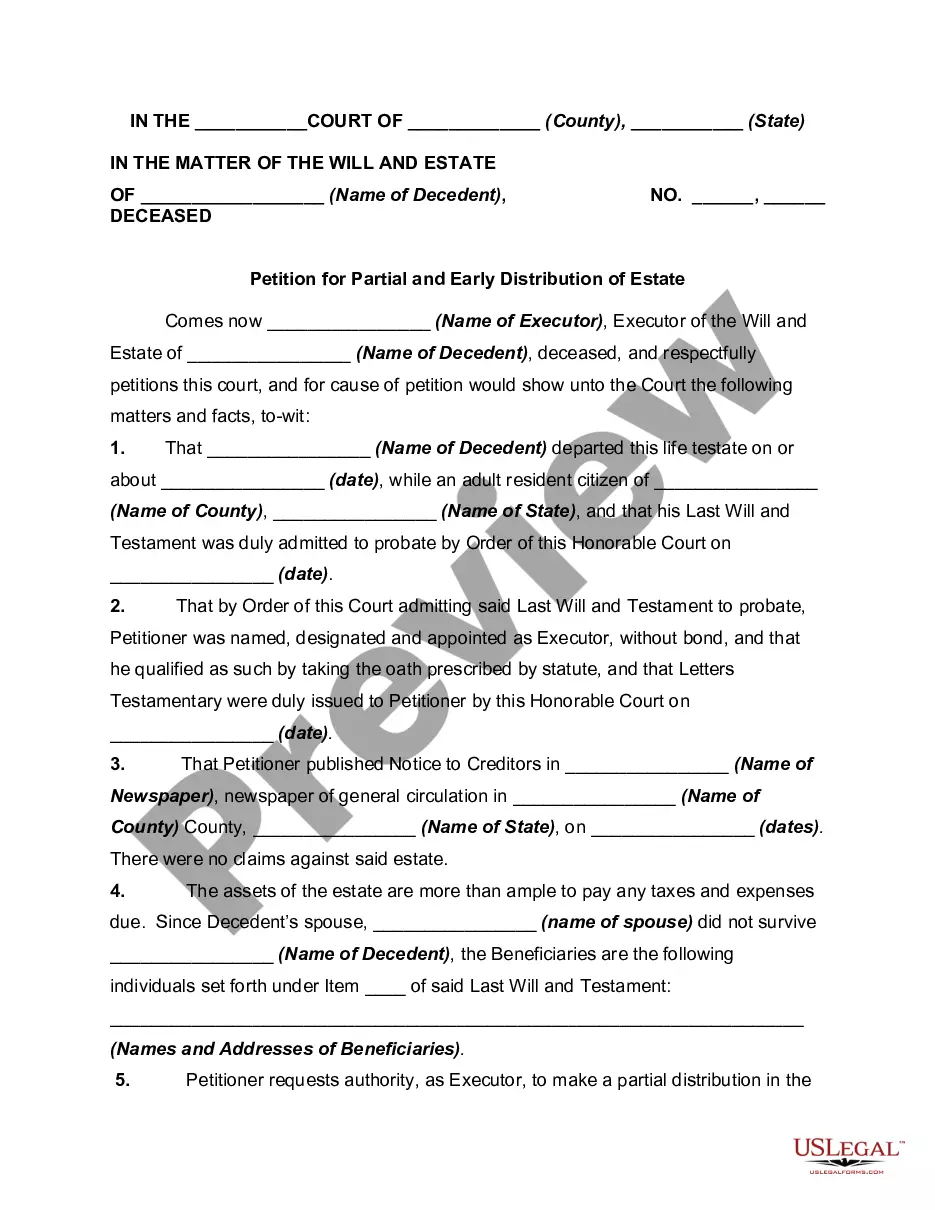

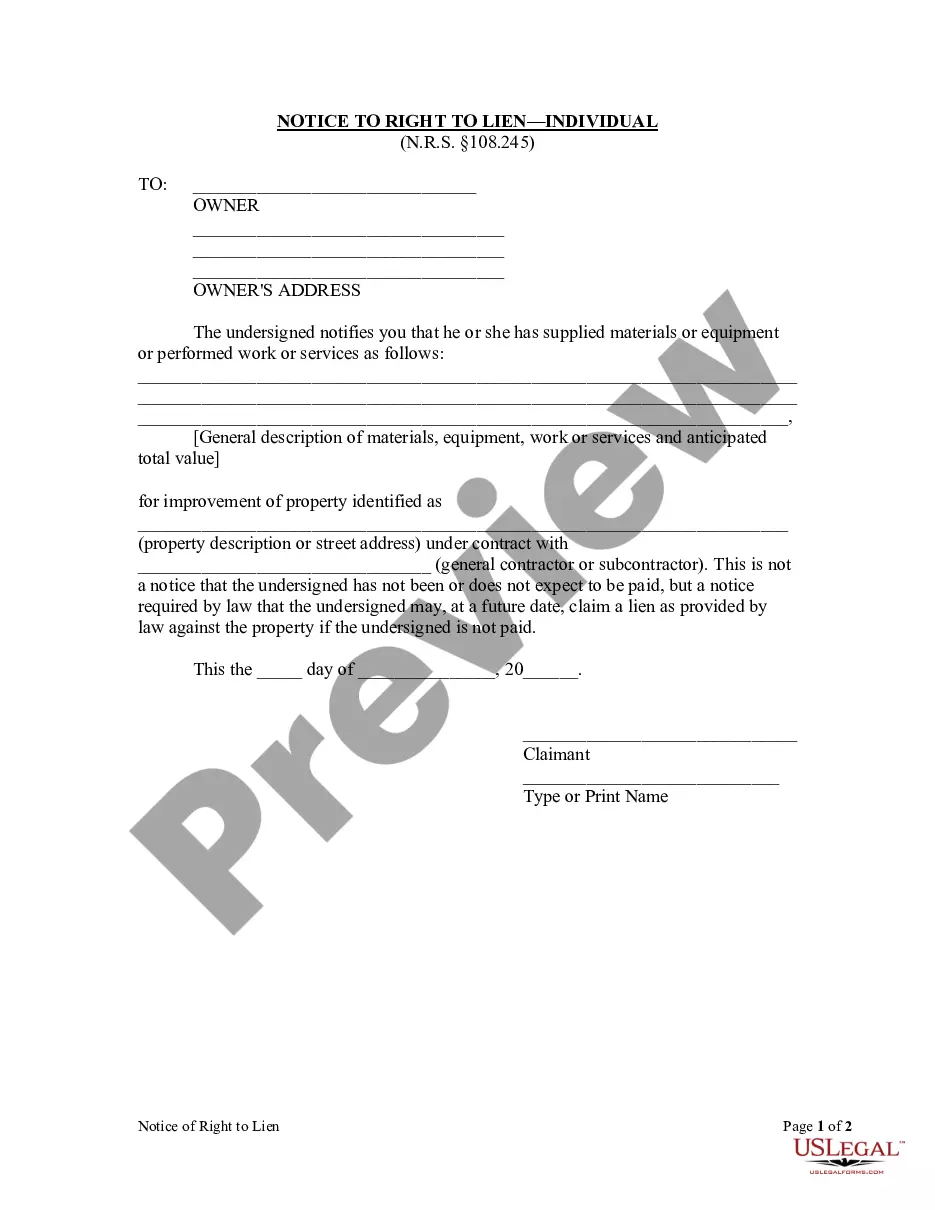






How to fill out Motion To Vacate Judgment, Quash Subpoena Duces Tecum, Dismiss Writ Of Garnishment, And For Leave To File An Answer To Complaint?
Regardless of whether it's for corporate reasons or personal affairs, everyone must handle legal matters at some stage in their existence.
Filling out legal documents requires meticulous care, starting from selecting the appropriate form template.
Once it is saved, you can fill out the form using editing software or print it and complete it by hand. With an extensive US Legal Forms catalog available, you no longer need to waste time searching for the correct template online. Utilize the library’s easy navigation to find the appropriate template for any circumstance.
- For example, if you select an incorrect variant of the Motion Vacate Judgment Form For Default, it will be rejected upon submission.
- Thus, it is essential to find a reliable source of legal documents such as US Legal Forms.
- If you wish to acquire a Motion Vacate Judgment Form For Default template, follow these straightforward steps.
- Obtain the template you require by utilizing the search box or catalog browsing.
- Review the form’s details to confirm it suits your situation, state, and locality.
- Click on the form’s preview to view it.
- If it is the incorrect form, return to the search feature to find the Motion Vacate Judgment Form For Default template that you need.
- Download the template once it satisfies your needs.
- If you possess a US Legal Forms account, click Log in to access previously stored documents in My documents.
- If you haven't created an account yet, you can download the form by clicking Buy now.
- Choose the suitable pricing option.
- Complete the account registration form.
- Select your payment method: you can utilize a credit card or PayPal account.
- Choose the document format you desire and download the Motion Vacate Judgment Form For Default.
Form popularity
FAQ
To withdraw a default judgment, you typically need to file a motion claiming the judgment was improper. This involves completing a motion vacate judgment form for default, which outlines your specific reasons for the withdrawal. You should gather supporting evidence to strengthen your case. Once filed, the court will review your motion and set a date for a hearing to assess your request.
A motion for default judgment occurs when a party fails to respond to a lawsuit, prompting the other party to request a ruling in their favor. This is filed when the court has no response to show that the defendant is contesting the case. It is different from a motion to vacate, as it seeks to obtain a judgment rather than overturning one. Understanding these differences is vital for effective legal strategy.
To vacate a default judgment in New York, you must file a motion with the court using a Motion vacate judgment form for default. This form allows you to explain why the default judgment should be removed, such as showing a valid reason for missing prior court dates. You must also provide supporting evidence and, in most cases, file this motion within one year of the judgment. Once submitted, a hearing may be scheduled to allow both parties to present their arguments.
In a Nutshell But you can have this judgment vacated or removed. To do so, you need to have a reasonable excuse for not appearing in court and a defense to the allegations against you. You also have grounds to vacate if the person suing you didn't properly serve the required documents.
If you file a motion to vacate a default or a default judgment, you must file an answer to the original complaint along with any cross claims or counterclaims you may wish to assert, and the motion must be accompanied by the appropriate fee.
You must show two things: a good reason why you missed your court date or did not answer (reasonable excuse, see examples listed below); and. a good reason why the plaintiff should not win the case (good defense, see examples listed below).
How to File a Motion and Affidavit to Set Aside a Default or Default Judgment Step 1: Prepare your forms and find out how you will file. ... Step 2: Sign your Motion and have it notarized. ... Step 3: Make copies. ... Step 4: File your Motion and pay the filing fee. ... Step 5: Serve your Motion. ... Step 6: Prepare for your hearing.
If you received (were served) a copy of the judgment, you have up to one year from the date of the judgment to ask the court to vacate a judgment based on excusable default. If you never received (were served) a copy of the judgment, this one-year time limit does not apply to you.