Address Service Mail Without
Description
Get your form ready online
Our built-in tools help you complete, sign, share, and store your documents in one place.
Make edits, fill in missing information, and update formatting in US Legal Forms—just like you would in MS Word.
Download a copy, print it, send it by email, or mail it via USPS—whatever works best for your next step.
Sign and collect signatures with our SignNow integration. Send to multiple recipients, set reminders, and more. Go Premium to unlock E-Sign.
If this form requires notarization, complete it online through a secure video call—no need to meet a notary in person or wait for an appointment.
We protect your documents and personal data by following strict security and privacy standards.

Make edits, fill in missing information, and update formatting in US Legal Forms—just like you would in MS Word.

Download a copy, print it, send it by email, or mail it via USPS—whatever works best for your next step.

Sign and collect signatures with our SignNow integration. Send to multiple recipients, set reminders, and more. Go Premium to unlock E-Sign.

If this form requires notarization, complete it online through a secure video call—no need to meet a notary in person or wait for an appointment.

We protect your documents and personal data by following strict security and privacy standards.
Looking for another form?
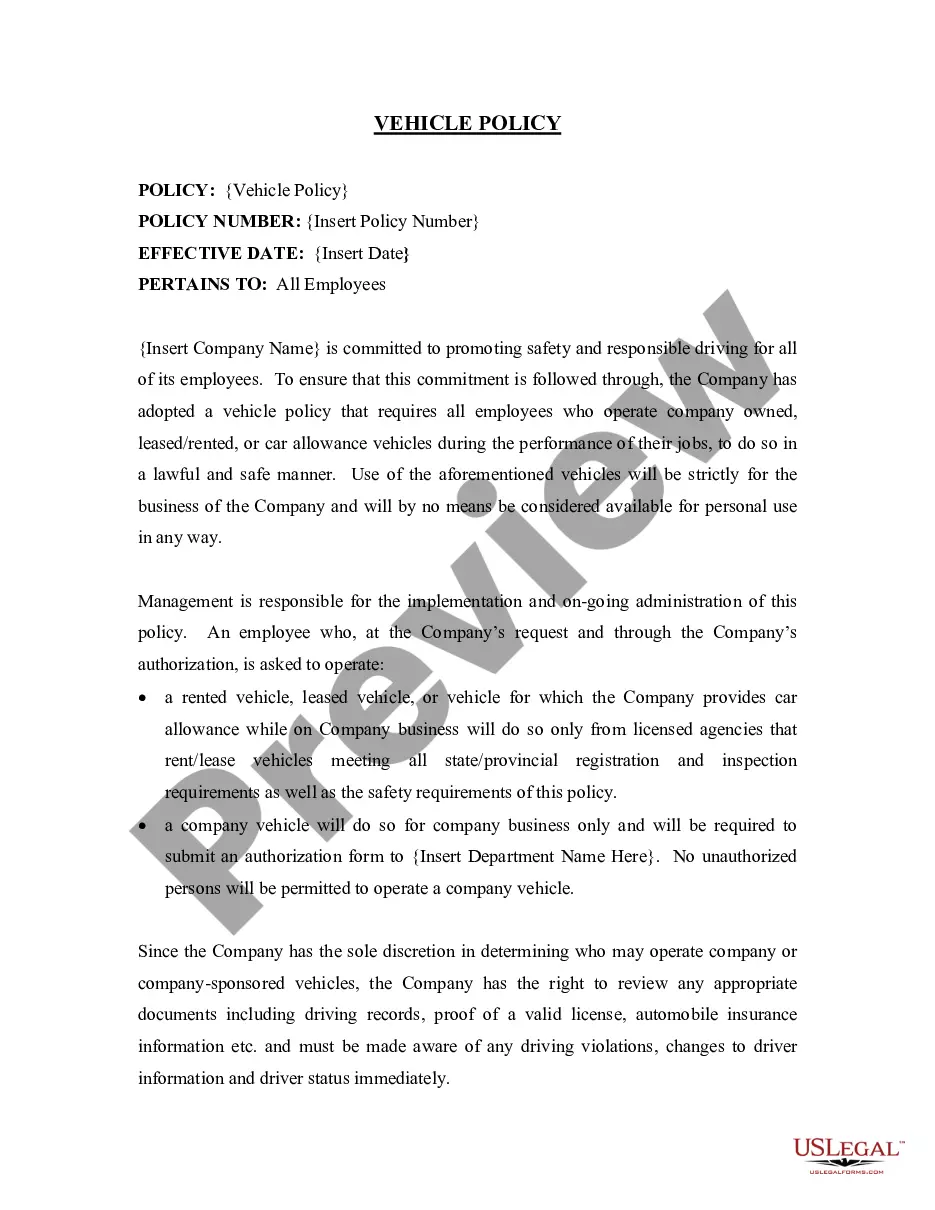


How to fill out No Trespassing Notice To Individual?
Utilizing legal templates that adhere to national and local regulations is crucial, and the web provides a multitude of choices to choose from.
However, what is the benefit of spending time searching for the correct Address Service Mail Without example online if the US Legal Forms digital repository already has such templates gathered in one location.
US Legal Forms is the largest online legal resource with more than 85,000 customizable templates created by lawyers for any business and personal situation.
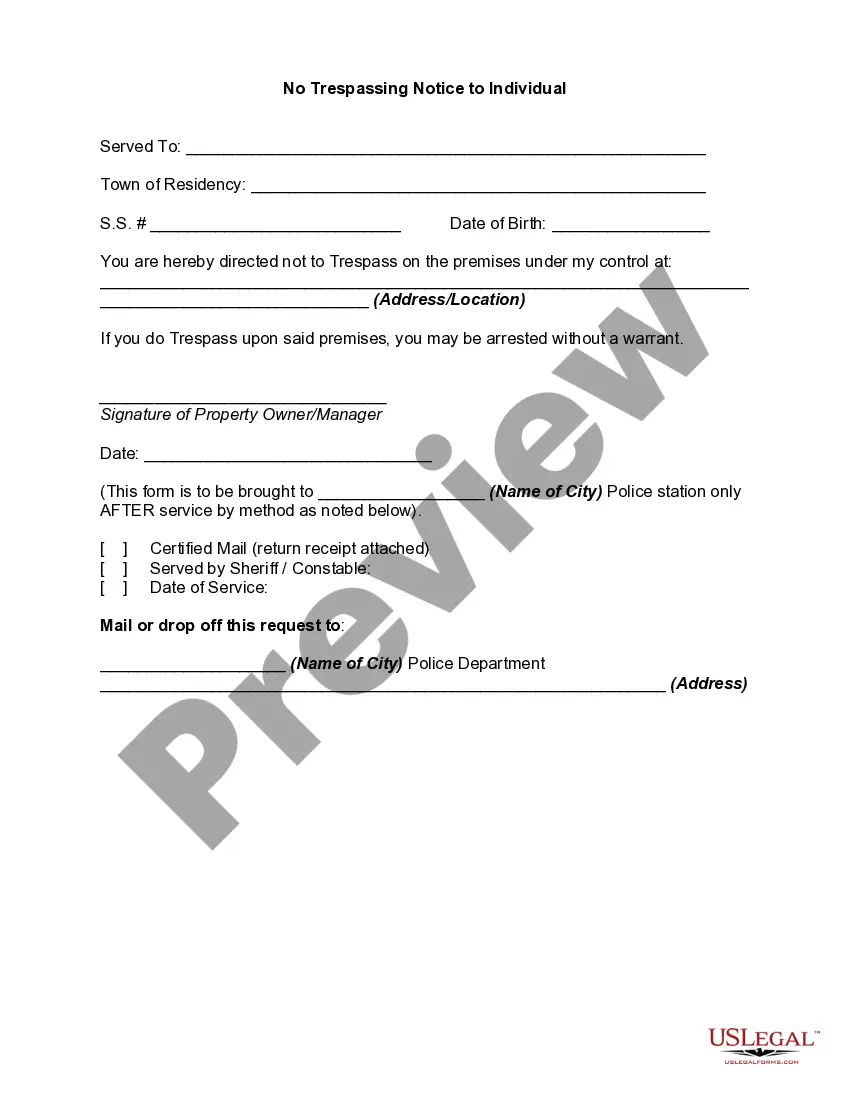
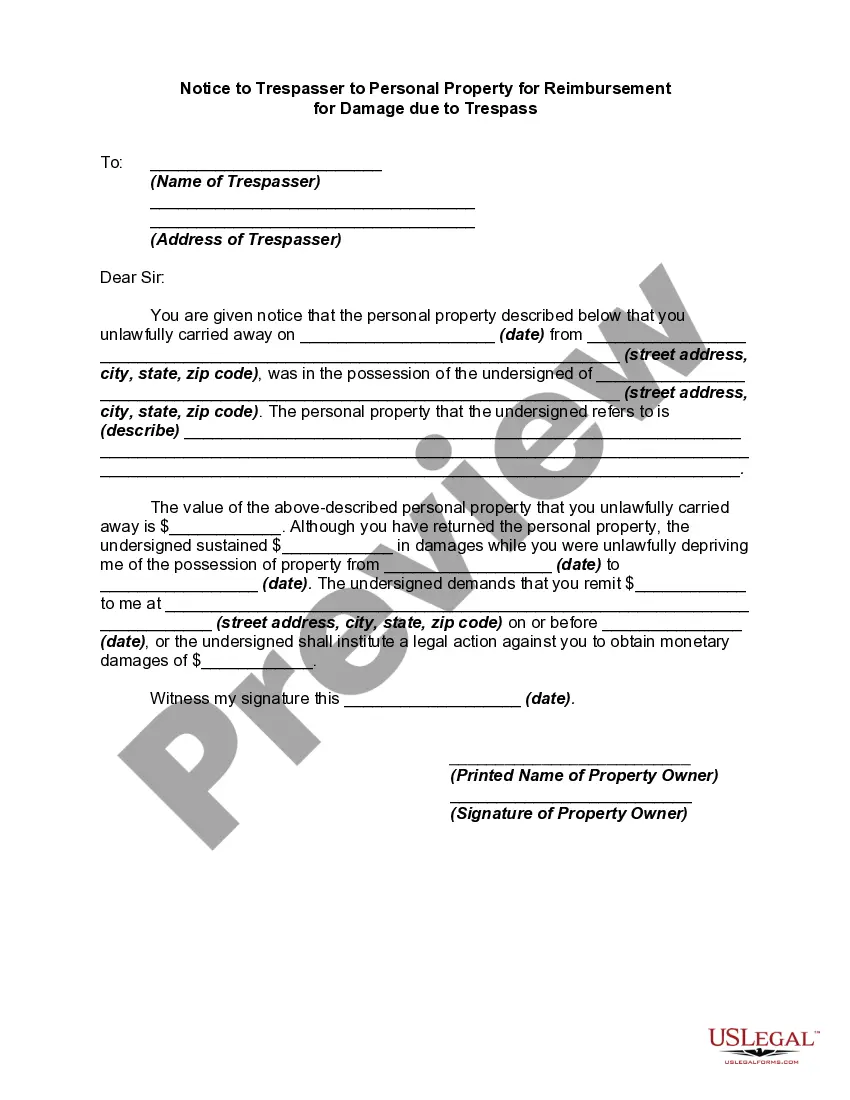
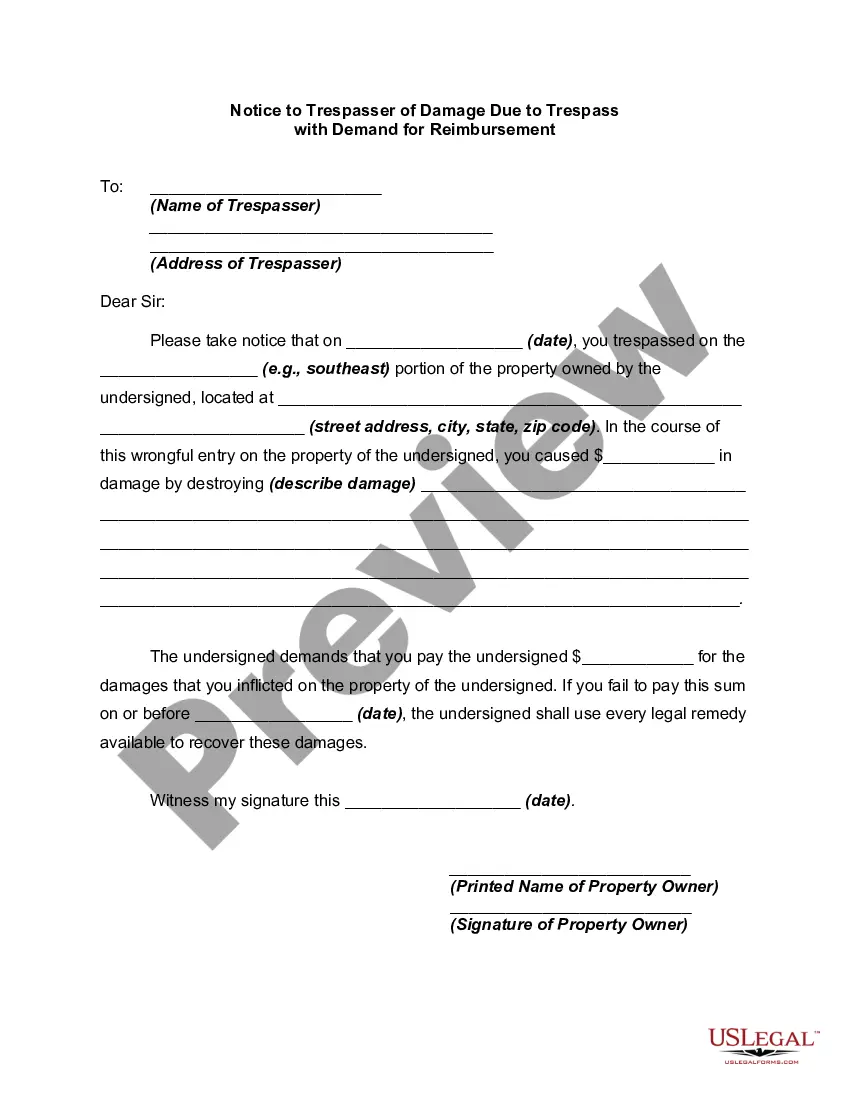
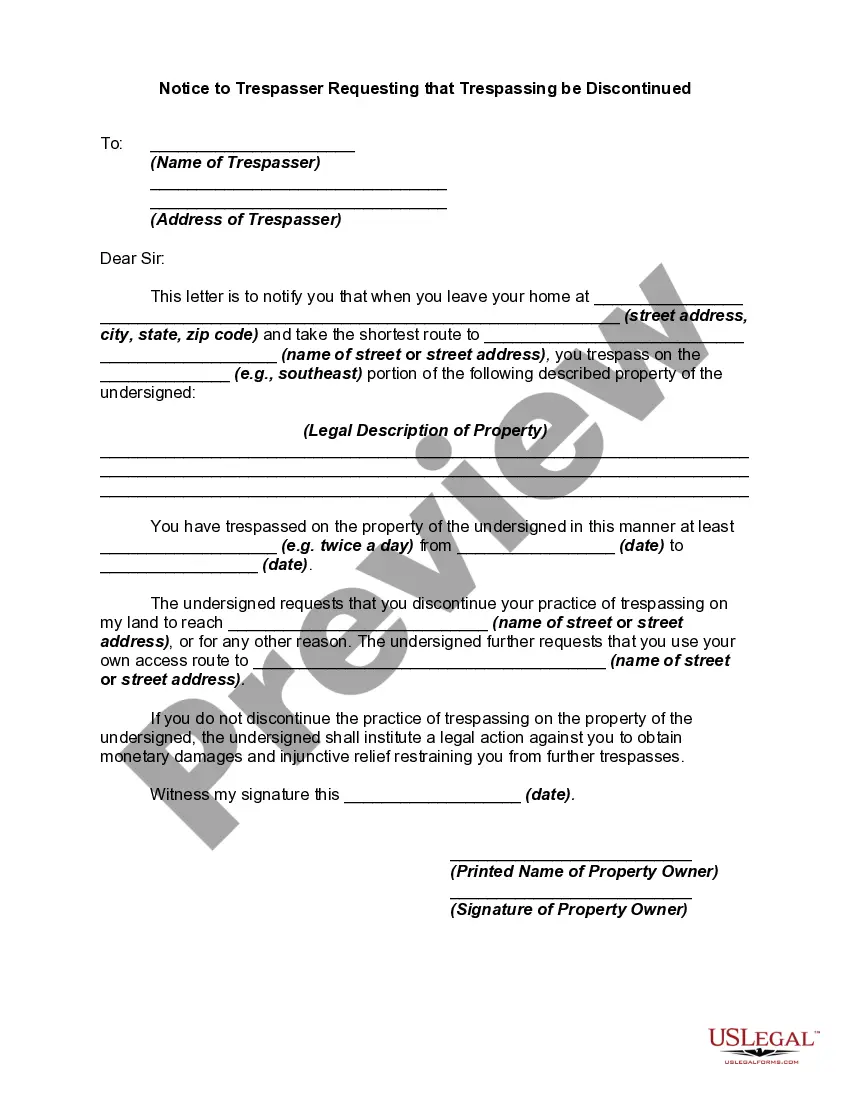
Review the template using the Preview feature or through the written explanation to confirm it meets your requirements.
- They are straightforward to navigate with all documents organized by state and intended purpose.
- Our experts keep pace with legal updates, ensuring you can always be confident that your form is current and compliant when obtaining a Address Service Mail Without from our platform.
- Acquiring a Address Service Mail Without is quick and easy for both existing and new users.
- If you already possess an account with an active subscription, Log In and download the document template you need in the appropriate format.
- If you are a first-time visitor to our site, follow the instructions below.
Form popularity
FAQ
Using c/o, which stands for 'care of', indicates that the mail should be delivered to someone else at a specific address. Place 'c/o' before the name of the person receiving the mail at that address. This is particularly useful when you want to address service mail without disclosing your own address but still need to ensure delivery.
2 ways to delete Google Forms responses (2023) - YouTube YouTube Start of suggested clip End of suggested clip So you can see all of them here. And then if I wanted to. I could actually just go through. And thenMoreSo you can see all of them here. And then if I wanted to. I could actually just go through. And then just delete them like that. I think actually the sheets.
Restore an earlier version On your computer, open a document, spreadsheet, or presentation. Choose an option: At the top, click File Version history See version history. At the top right, click Last edit . In the right panel, choose an earlier version. At the top, click Restore this version Restore.
There is also no version history which makes it very difficult to reset the questions that have been overwritten.
Recover a deleted form Go to the Deleted forms tab. This tab serves as your recycle bin. ... On the form you want to delete, select More options in the lower right corner of the form tile, and then click Restore. ... To see your recovered form, go to your All forms tab.
If you make a change you later regret, there's no way to find the version before this change. The only way to revert these changes is by doing so manually or simply clicking the Undo button a few times.
Important: Only copies of the form made with Forms History are available in the version history. GETTING STARTED (1) the Forms History add-on. (2) At the top of your Google Form, click Add-ons (puzzle icon) > Forms History > Open.