Copyright Logo Copy With Keyboard
Description
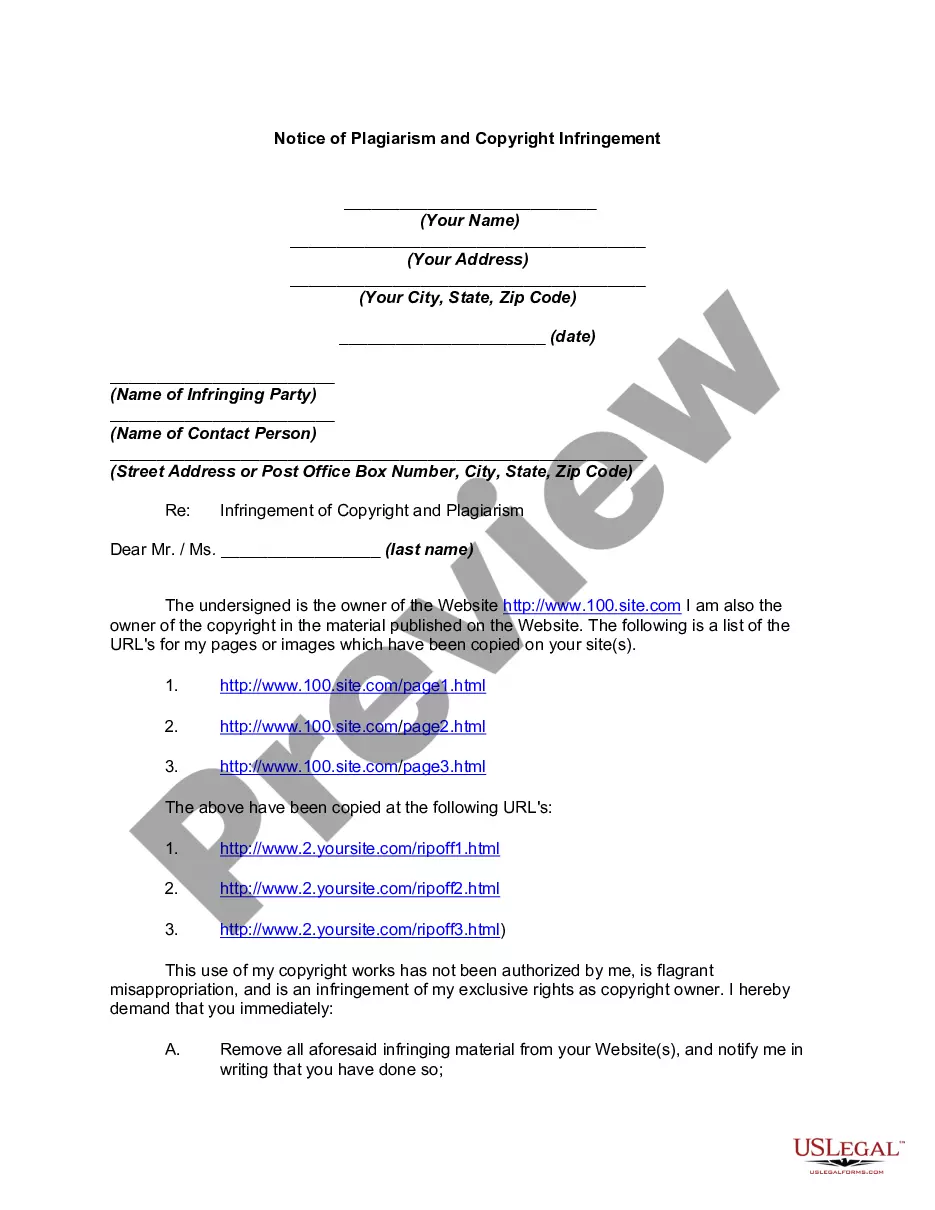
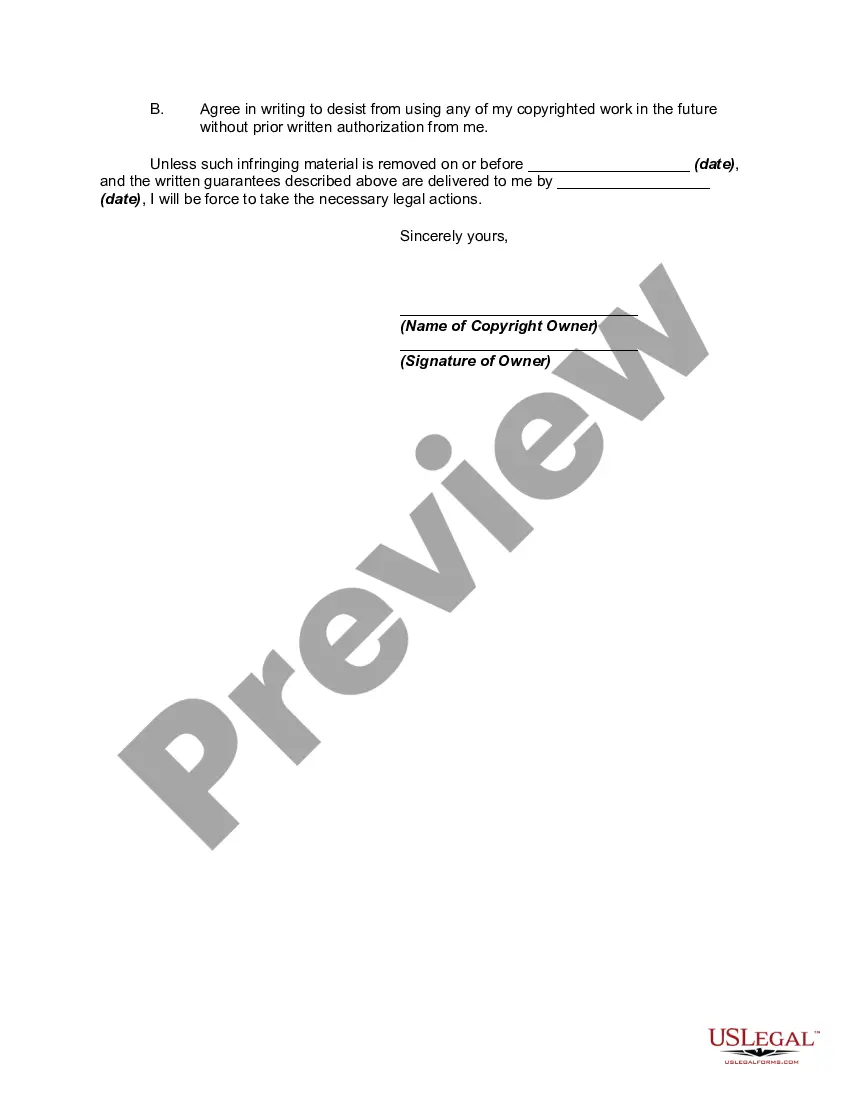
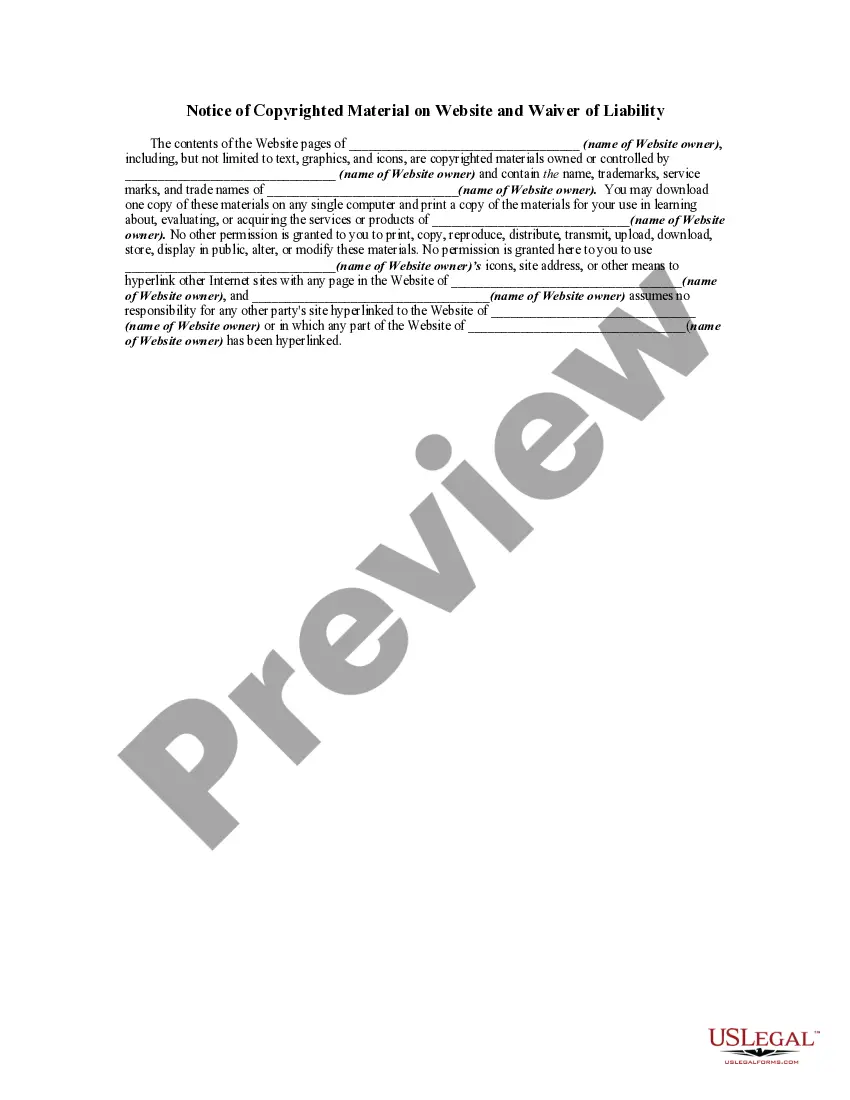
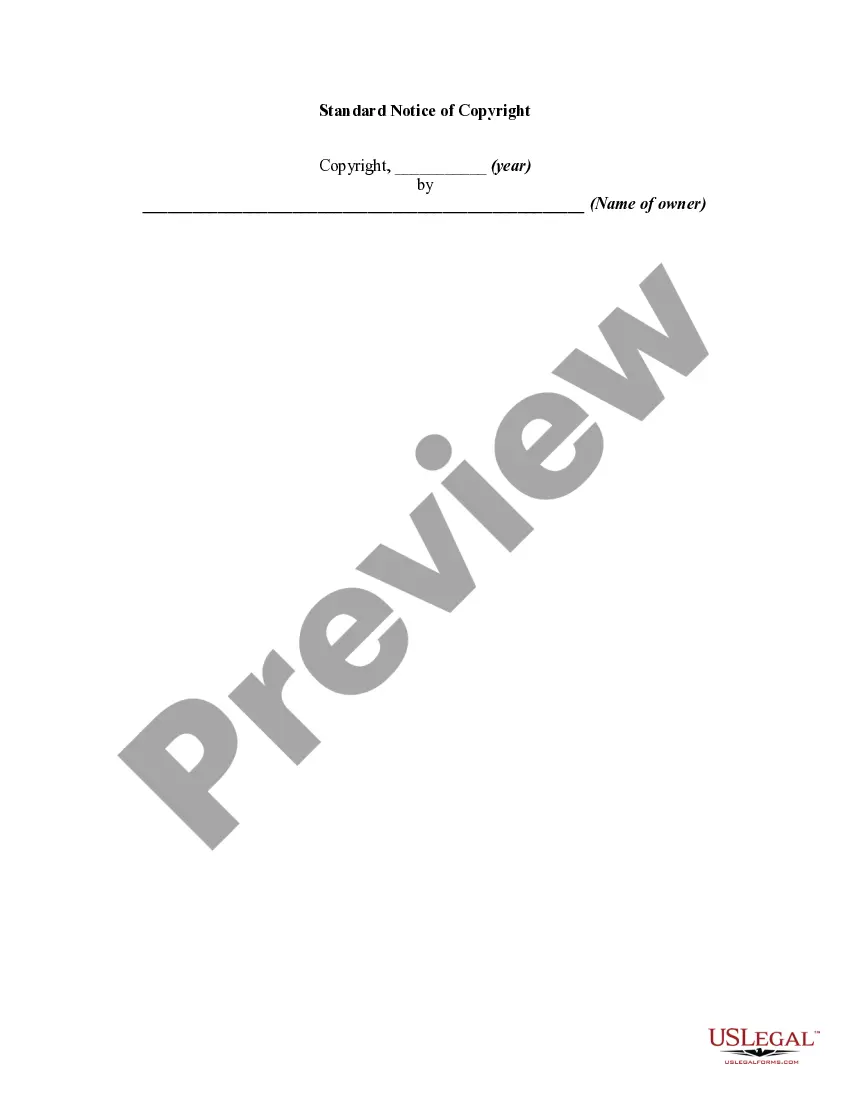

Get your form ready online
Our built-in tools help you complete, sign, share, and store your documents in one place.
Make edits, fill in missing information, and update formatting in US Legal Forms—just like you would in MS Word.
Download a copy, print it, send it by email, or mail it via USPS—whatever works best for your next step.
Sign and collect signatures with our SignNow integration. Send to multiple recipients, set reminders, and more. Go Premium to unlock E-Sign.
If this form requires notarization, complete it online through a secure video call—no need to meet a notary in person or wait for an appointment.
We protect your documents and personal data by following strict security and privacy standards.

Make edits, fill in missing information, and update formatting in US Legal Forms—just like you would in MS Word.

Download a copy, print it, send it by email, or mail it via USPS—whatever works best for your next step.

Sign and collect signatures with our SignNow integration. Send to multiple recipients, set reminders, and more. Go Premium to unlock E-Sign.

If this form requires notarization, complete it online through a secure video call—no need to meet a notary in person or wait for an appointment.

We protect your documents and personal data by following strict security and privacy standards.
Looking for another form?









How to fill out Notice Of Plagiarism And Copyright Infringement?
Legal administration can be daunting, even for the most proficient professionals.
When searching for a Copyright Logo Copy With Keyboard and you lack the time to find the correct and current version, the processes can become stressful.
Access state- or county-specific legal and organizational documents.
US Legal Forms accommodates any requirements you may encounter, from personal to corporate documentation, consolidated in one location.
If this is your initial experience with US Legal Forms, create an account and gain limitless access to the platform's benefits.
- Utilize cutting-edge tools to complete and manage your Copyright Logo Copy With Keyboard.
- Tap into a valuable resource pool of articles, guides, and materials pertinent to your situation and needs.
- Conserve time and energy in searching for necessary documents, using US Legal Forms’ sophisticated search and Preview tool to obtain Copyright Logo Copy With Keyboard and secure it.
- If you possess a subscription, Log In to your US Legal Forms account, locate the form, and obtain it.
- Check your My documents section to review the documents you've previously downloaded and to manage your folders as desired.
- A strong online form repository can transform the experience for anyone aiming to navigate these challenges effectively.
- US Legal Forms stands as a leader in the field of online legal documentation, featuring over 85,000 state-focused legal forms accessible to you at all times.
- With US Legal Forms, you can streamline your tasks.
Form popularity
FAQ
To type the copyright symbol using a keyboard, you can use a few different methods depending on your operating system. On Windows, hold down the 'Alt' key and type '0169' on the numeric keypad. For Mac users, simply press 'Option' and 'G' together. Knowing how to create the copyright logo copy with keyboard shortcuts can help you easily protect your creative work.
You can type a copyright symbol in various ways depending on your device. For Windows users, holding down the Alt key and entering 0169 on the numeric keypad will insert the symbol. On Mac, use Option + G to achieve the same result. If you are looking for more guidance on copyright symbols and legal documents, consider exploring US Legal Forms for additional resources and templates.
Typing the copyright symbol (©) on your keyboard is straightforward. On a Windows computer, hold down the Alt key and type 0169 using the numeric keypad. If you are using a Mac, simply press Option + G. Utilizing these methods allows you to easily create a copyright logo copy with keyboard, which is essential for protecting your creative works.
To type the ℗ symbol, commonly known as the phonorecord copyright symbol, you can use the Unicode method. In Windows, hold down the Alt key and type 0253 on the numeric keypad. For Mac users, press Option + G. This method provides an easy way to incorporate the copyright logo copy with keyboard effectively into your documents.
To write the at symbol (@) on your laptop, locate the 'Shift' key and the '2' key on your keyboard. Press and hold the 'Shift' key, then press the '2' key simultaneously. This combination will insert the '@' symbol into your document or text field. If you are using a different keyboard layout, the location may vary, so check your keyboard settings if you encounter issues.
The 'Alt 0174' code generates the registered trademark symbol (®) when typed on a numeric keypad. This is different from the copyright symbol, which uses 'Alt 0169'. Knowing these keyboard shortcuts can enhance your text documents, especially when you need to include various legal logos like copyright and trademark symbols efficiently.
To type the copyright logo on your keyboard, you can use the 'Alt' code method on Windows or the 'Option' key on Mac. For Windows, hold 'Alt' and type '0169' on the numeric keypad. On a Mac, simply press 'Option' + 'G', and you will have your copyright logo copy with keyboard effortlessly.
If you press the '@' button and receive a different symbol, it may be due to your keyboard layout settings. Ensure your keyboard is set to the correct language and layout in your computer settings. This adjustment can prevent unexpected outputs and help you achieve the desired copyright logo copy with keyboard.
You can access the copyright symbol directly through keyboard shortcuts. On Windows, use 'Alt' + '0169', and on Mac, press 'Option' + 'G'. If you frequently need the copyright logo copy with keyboard, consider adding it to your text expansion tool for quick access.
To include the copyright logo in your text, you can use specific keyboard shortcuts. On Windows, hold down the 'Alt' key and type '0169' on the numeric keypad. For Mac users, simply press 'Option' + 'G'. This method allows you to easily create a copyright logo copy with keyboard.