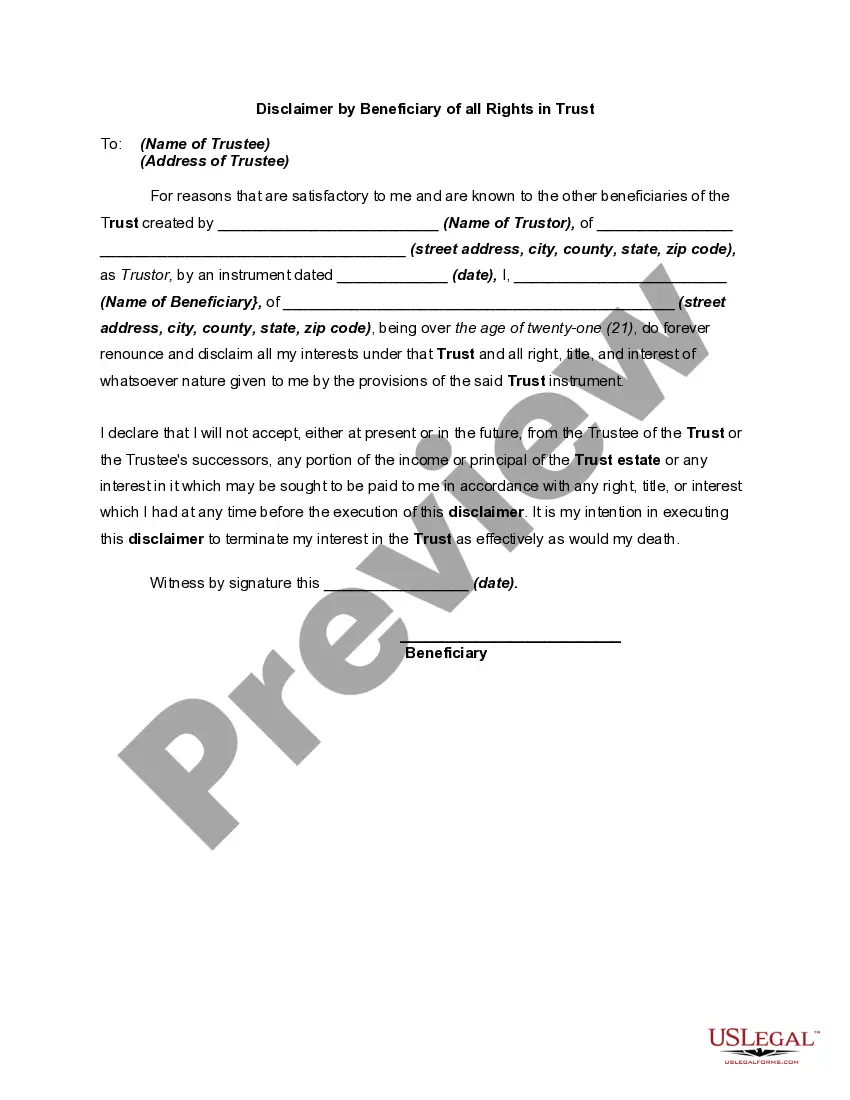
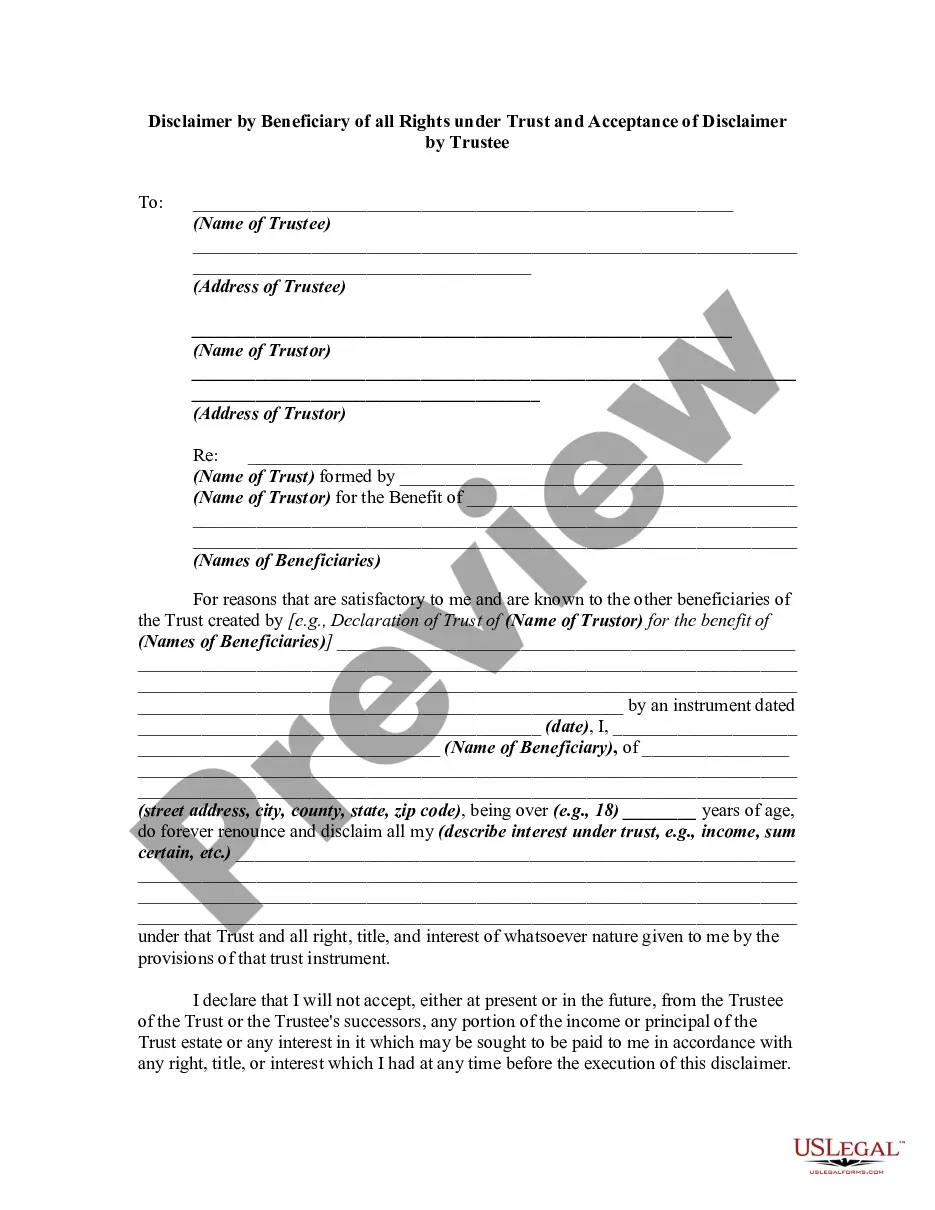
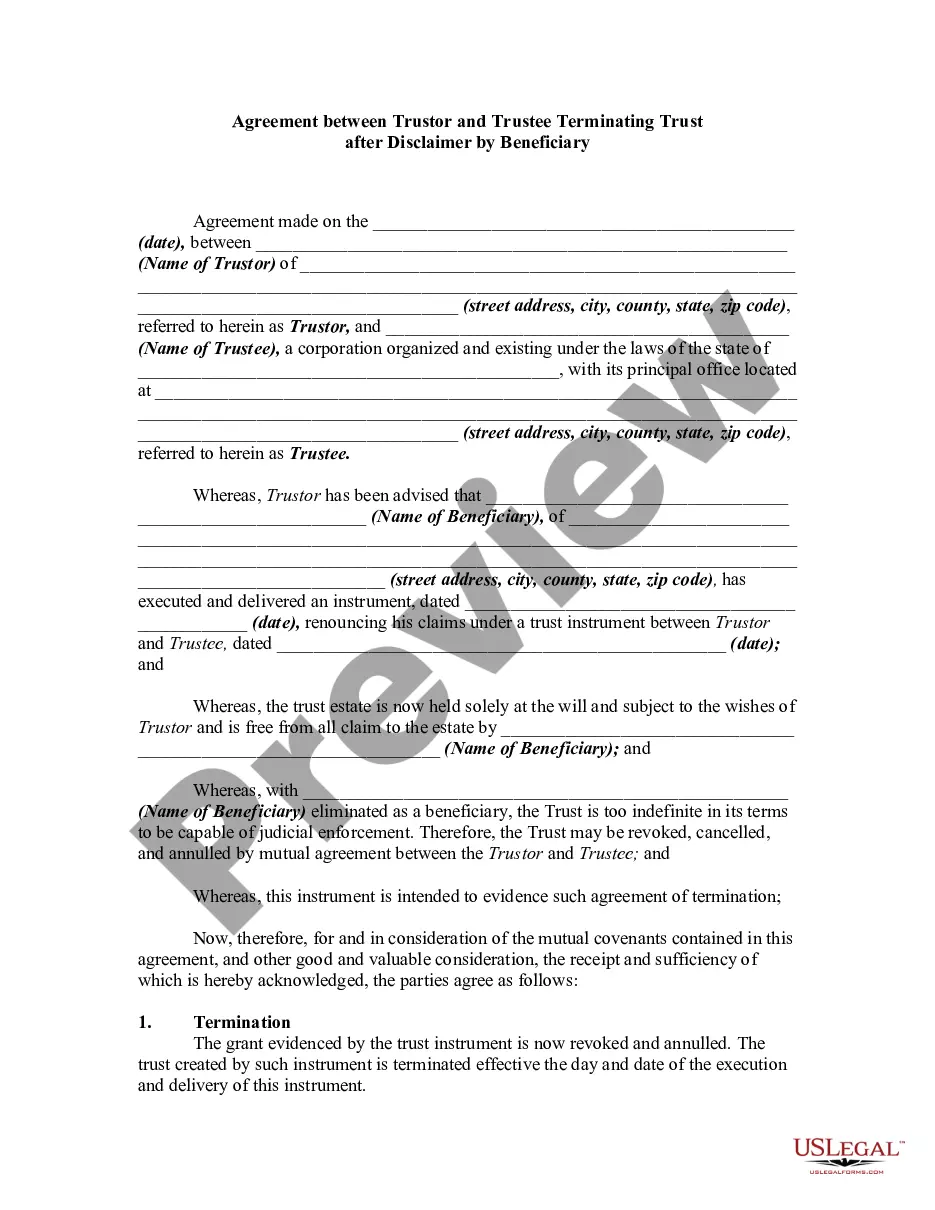
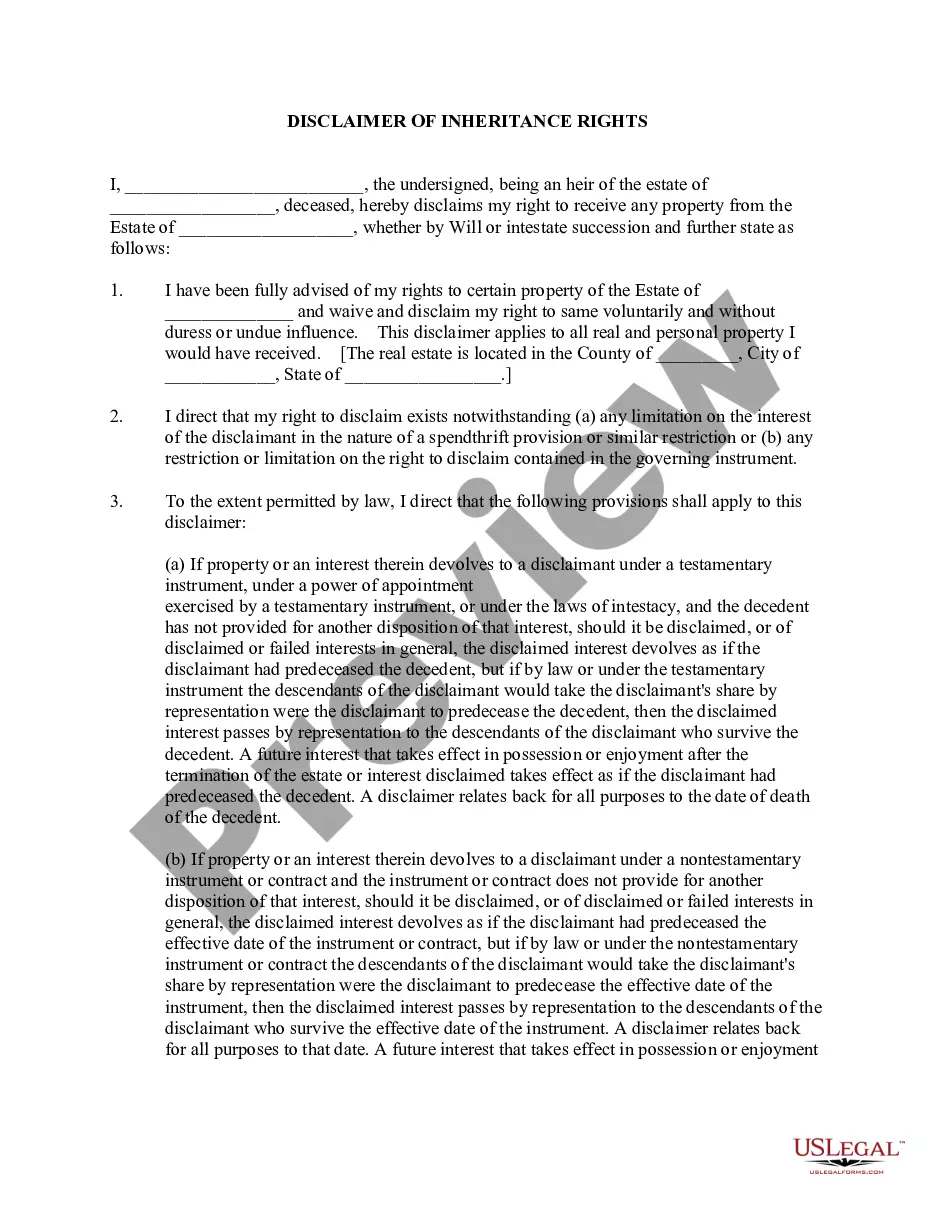
All Rights Statement Format
Description
Get your form ready online
Our built-in tools help you complete, sign, share, and store your documents in one place.
Make edits, fill in missing information, and update formatting in US Legal Forms—just like you would in MS Word.
Download a copy, print it, send it by email, or mail it via USPS—whatever works best for your next step.
Sign and collect signatures with our SignNow integration. Send to multiple recipients, set reminders, and more. Go Premium to unlock E-Sign.
If this form requires notarization, complete it online through a secure video call—no need to meet a notary in person or wait for an appointment.
We protect your documents and personal data by following strict security and privacy standards.

Make edits, fill in missing information, and update formatting in US Legal Forms—just like you would in MS Word.

Download a copy, print it, send it by email, or mail it via USPS—whatever works best for your next step.

Sign and collect signatures with our SignNow integration. Send to multiple recipients, set reminders, and more. Go Premium to unlock E-Sign.

If this form requires notarization, complete it online through a secure video call—no need to meet a notary in person or wait for an appointment.

We protect your documents and personal data by following strict security and privacy standards.
Looking for another form?

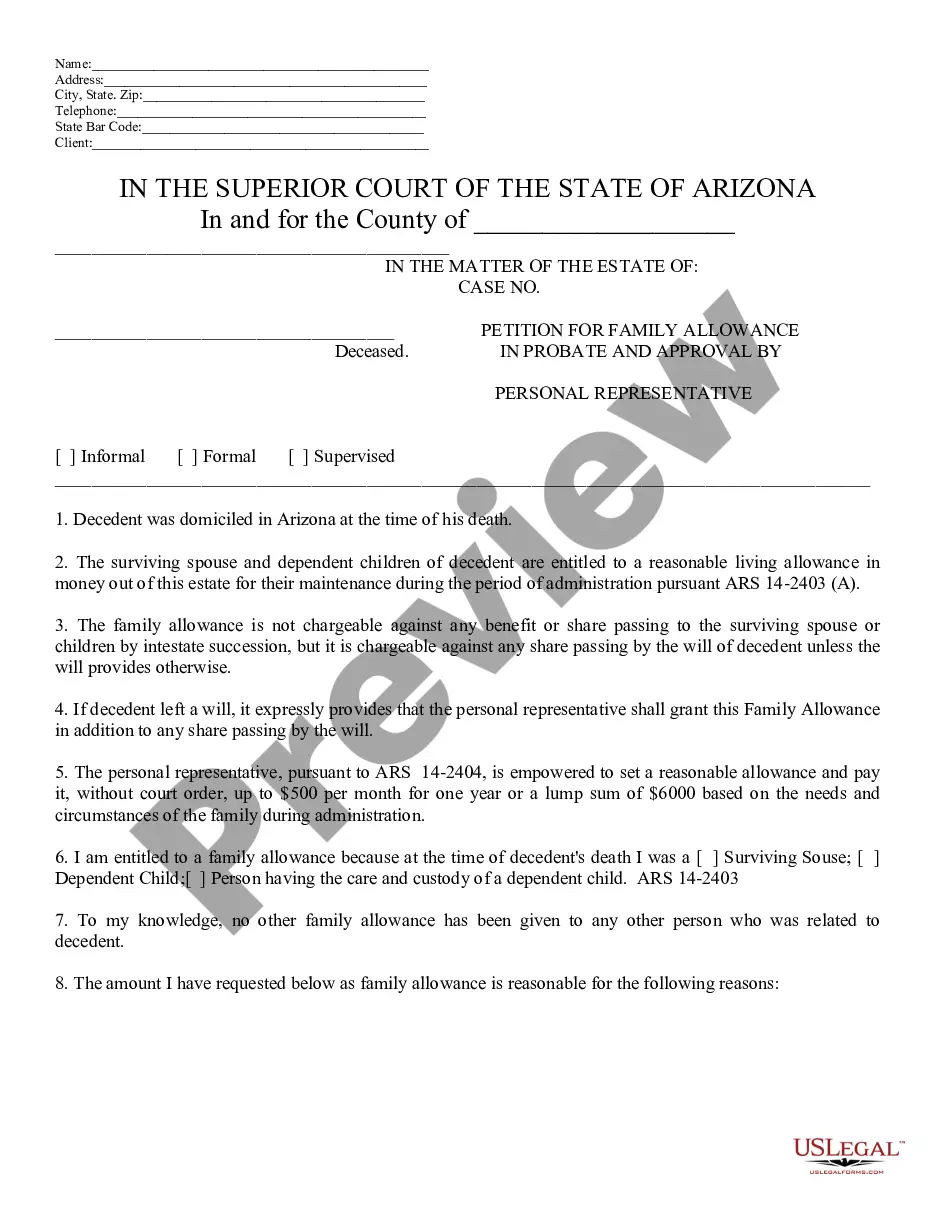
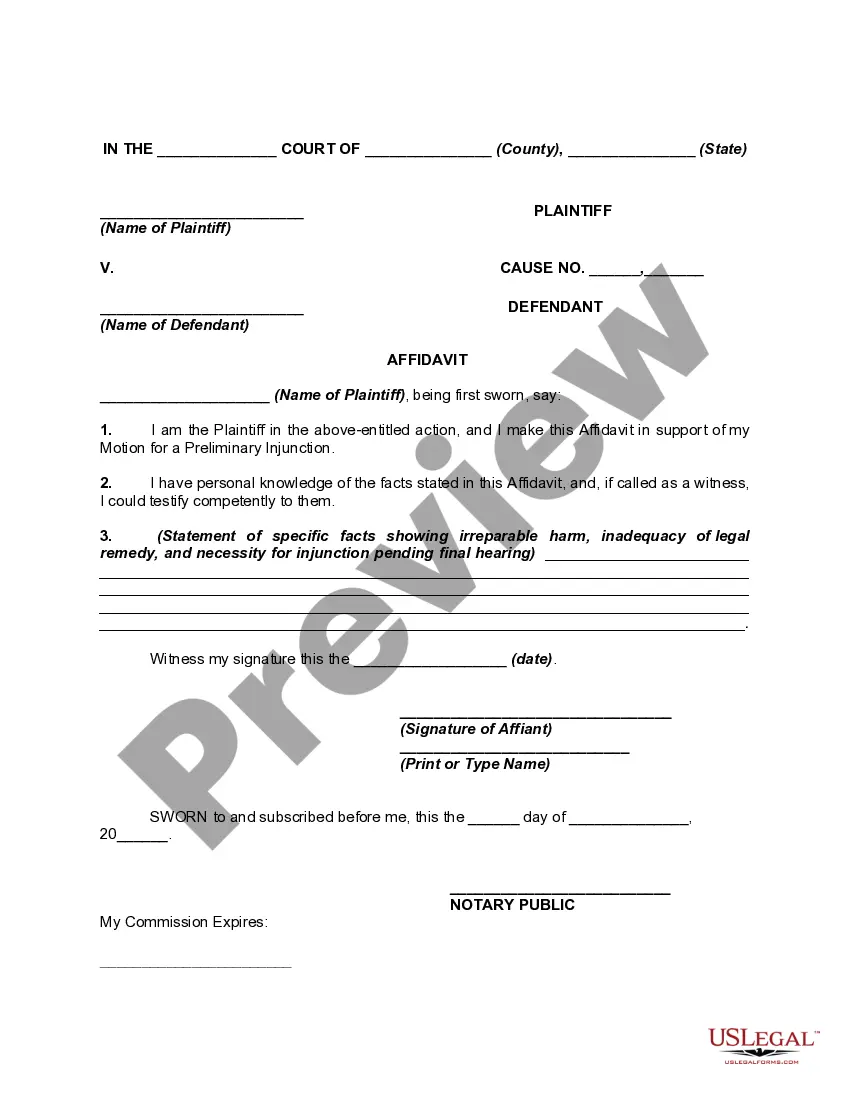
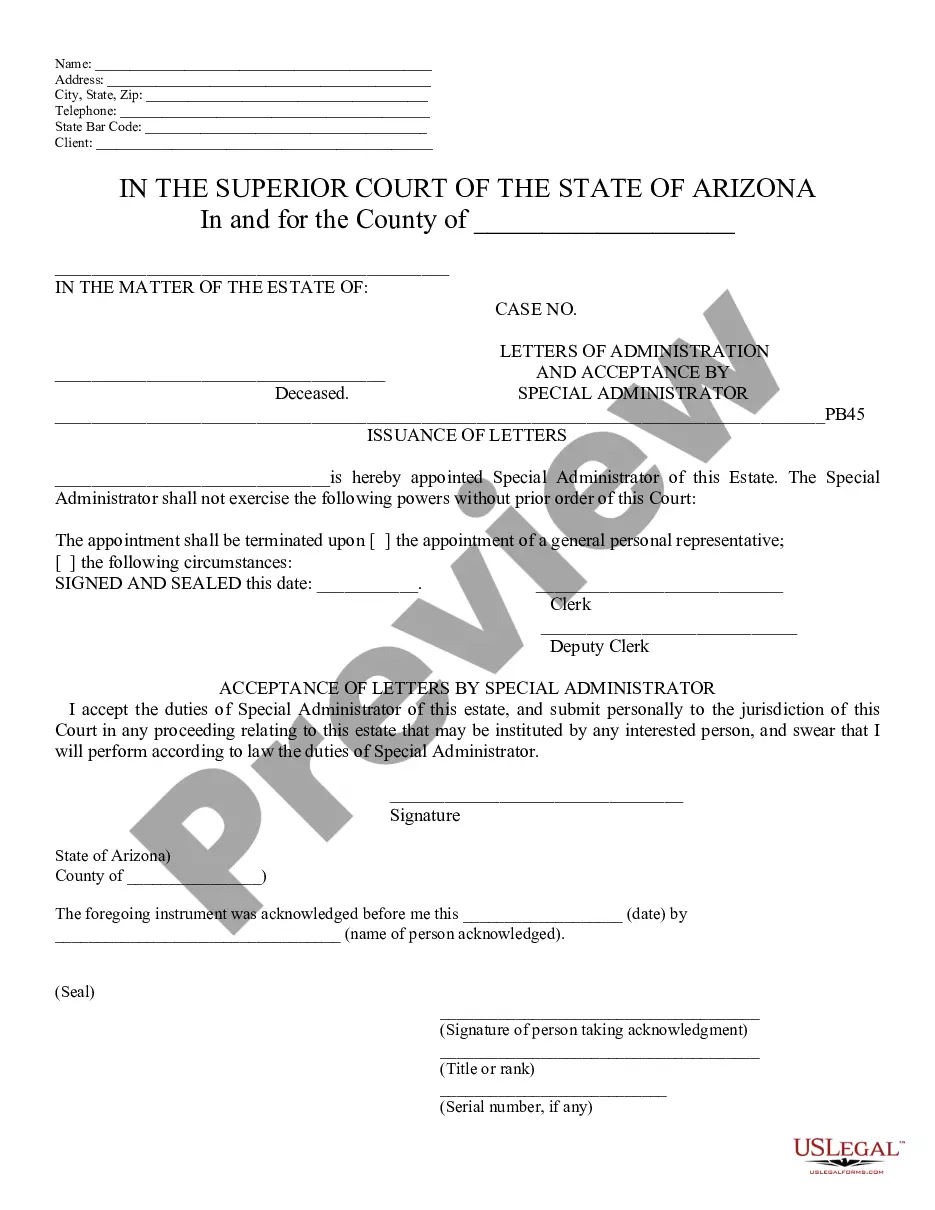
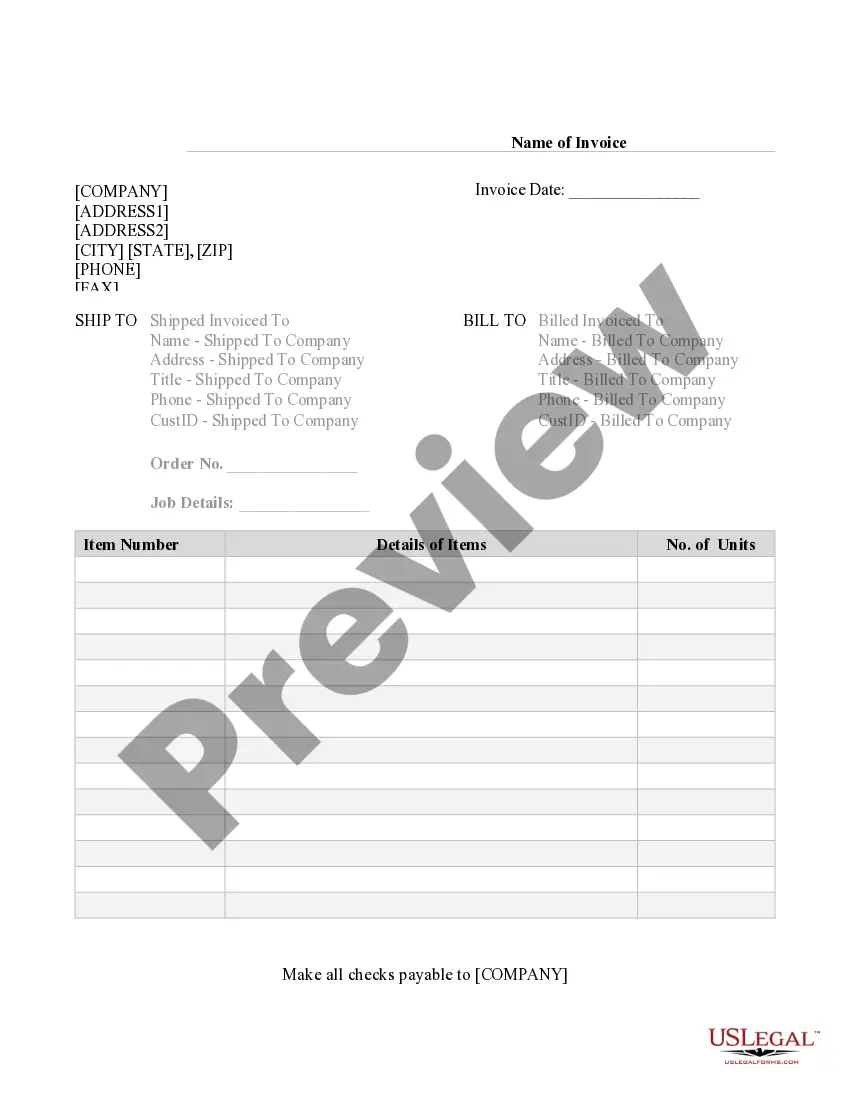
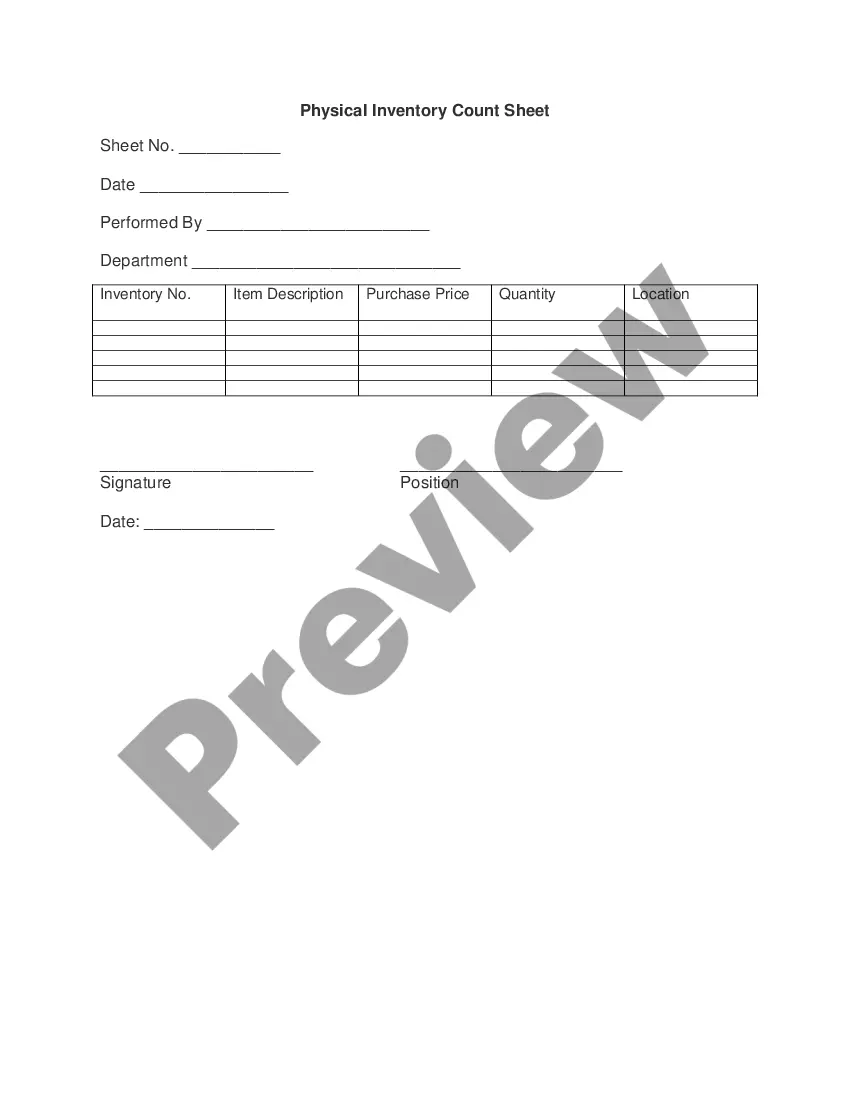

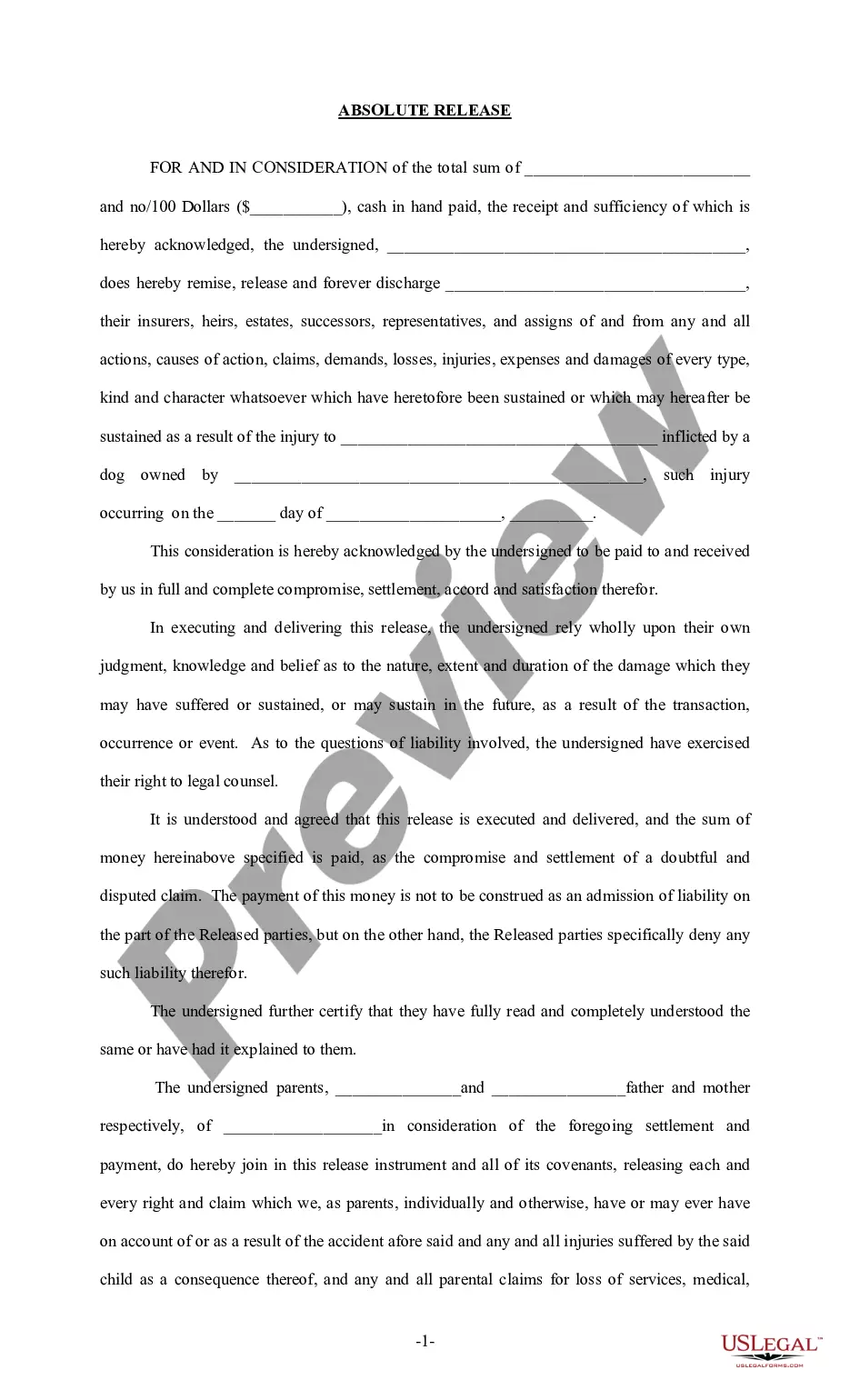
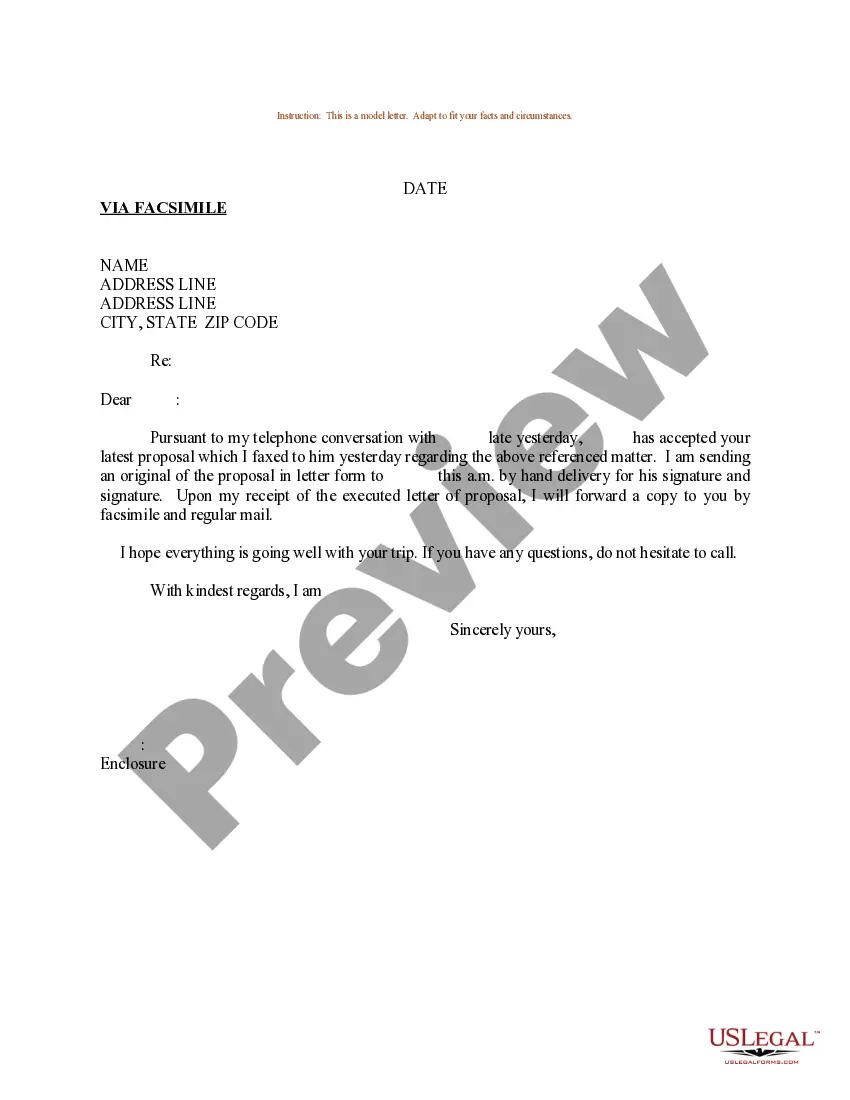

How to fill out Disclaimer By Beneficiary Of All Rights In Trust?
Engaging with legal documentation and procedures can be a lengthy addition to your day.
Templates like the All Rights Statement Format typically necessitate you to search for them and understand how to complete them efficiently.
For this reason, whether you're handling financial, legal, or personal issues, utilizing an extensive and convenient online directory of forms when needed will be beneficial.
US Legal Forms is the premier online platform for legal templates, featuring over 85,000 state-specific documents and various tools to facilitate your paperwork completion with ease.
Simply Log In to your account, locate the All Rights Statement Format, and download it instantly through the My documents section. You can also access previously downloaded templates.
- Browse the selection of relevant documents accessible to you with just one click.
- US Legal Forms provides state- and county-specific templates available for download at any time.
- Protect your document management processes with high-quality support that enables you to prepare any form within minutes without any extra or concealed fees.
Form popularity
FAQ
At that time a paper title will be printed and mailed to the location indicated by the lienholder in the release. South Dakota has been an ELT state since October 2012.
Gifting or Inheriting a Vehicle in SD The original title certificate. A copy of the representative's appointment papers. The driver's license and Social Security numbers of each person taking ownership of the vehicle. A completed South Dakota Exemptions form (Form MV-609). Payment for transfer fees.
Needed with ALL Title Transfers for each owner: Original Title. Driver's License or State Issued ID. Proof of social security number (Copy of Social Security card or W-2) South Dakota Application for Motor Vehicle/Boat Title & Registration (MV-1001)
If you're transferring a vehicle title in South Dakota you'll also need to include title transfer fees, tax, and any lien notations or late application fees. In South Dakota those fees cost: Title Transfer Fee: $10. Late Application Fee: $1 for every one week past the original 45 days.
REQUIRED DOCUMENTS FOR TITLE TRANSFERS: Original Title. Driver's License or State Issued ID. Proof of social security number (Copy of Social Security card or W-2) South Dakota Application for Motor Vehicle/Boat Title & Registration (MV-1001)
South Dakota requires a bill of sale to be filled out by the buyer and the seller for private vehicle purchases. The official South Dakota bill of sale is form MV016 which contains the following information: Year, Make and Model of the Vehicle. Vehicle Identification Number (VIN)
South Dakota law requires that the title be transferred within 30 days of the date of sale/purchase. An unexpired plate cannot be attached to a newly acquired vehicle until the title is transferred, through the purchaser's local county treasurer's office.