Publication Photographs For Exhibition
Description
Get your form ready online
Our built-in tools help you complete, sign, share, and store your documents in one place.
Make edits, fill in missing information, and update formatting in US Legal Forms—just like you would in MS Word.
Download a copy, print it, send it by email, or mail it via USPS—whatever works best for your next step.
Sign and collect signatures with our SignNow integration. Send to multiple recipients, set reminders, and more. Go Premium to unlock E-Sign.
If this form requires notarization, complete it online through a secure video call—no need to meet a notary in person or wait for an appointment.
We protect your documents and personal data by following strict security and privacy standards.

Make edits, fill in missing information, and update formatting in US Legal Forms—just like you would in MS Word.

Download a copy, print it, send it by email, or mail it via USPS—whatever works best for your next step.

Sign and collect signatures with our SignNow integration. Send to multiple recipients, set reminders, and more. Go Premium to unlock E-Sign.

If this form requires notarization, complete it online through a secure video call—no need to meet a notary in person or wait for an appointment.

We protect your documents and personal data by following strict security and privacy standards.
Looking for another form?






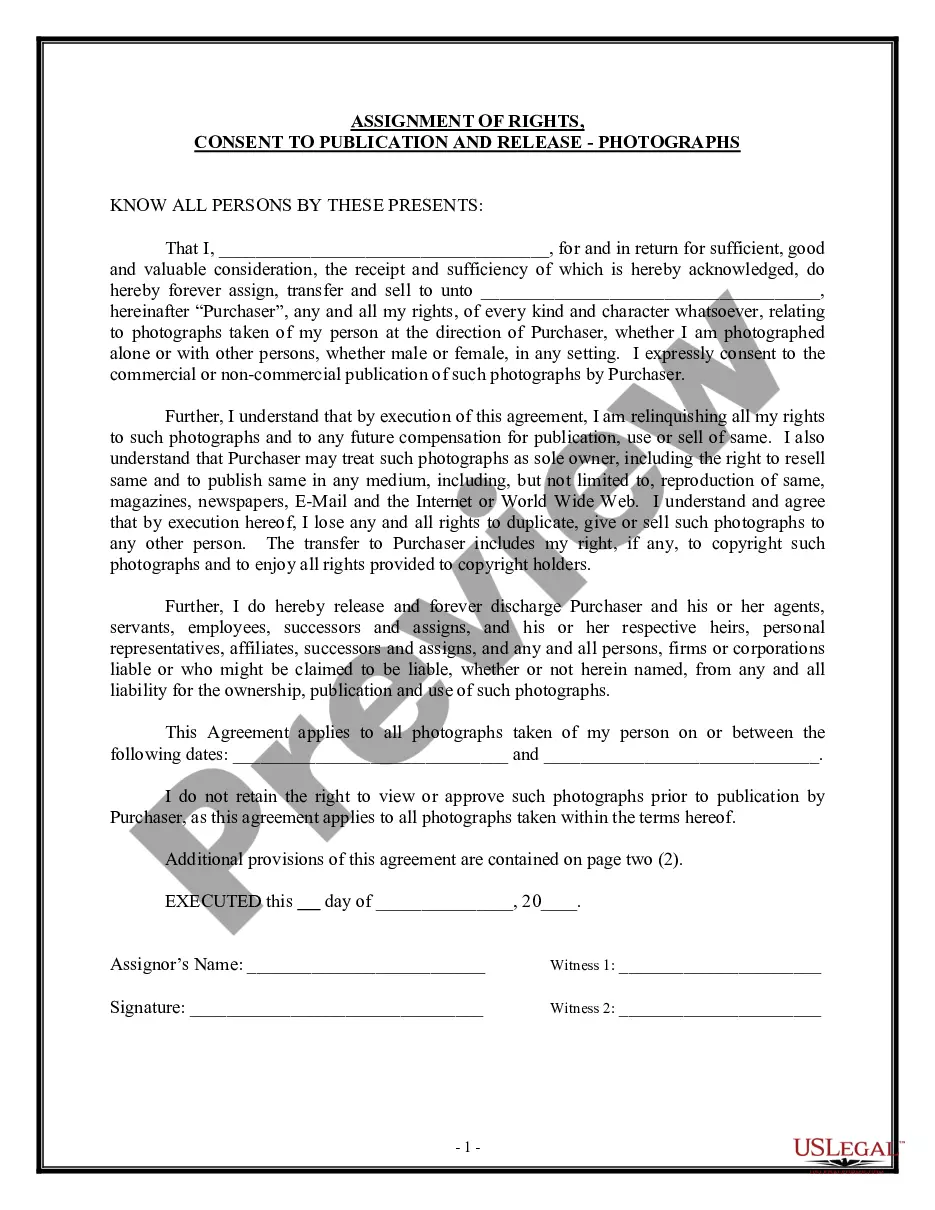
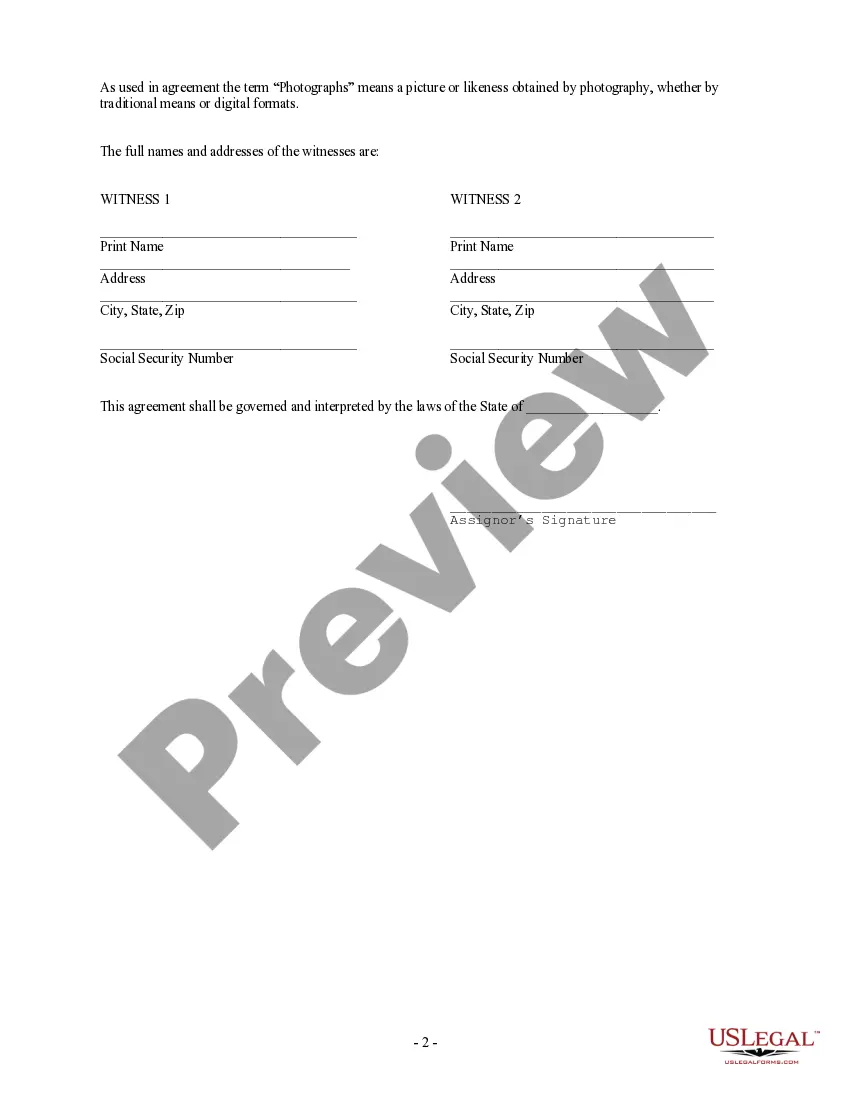
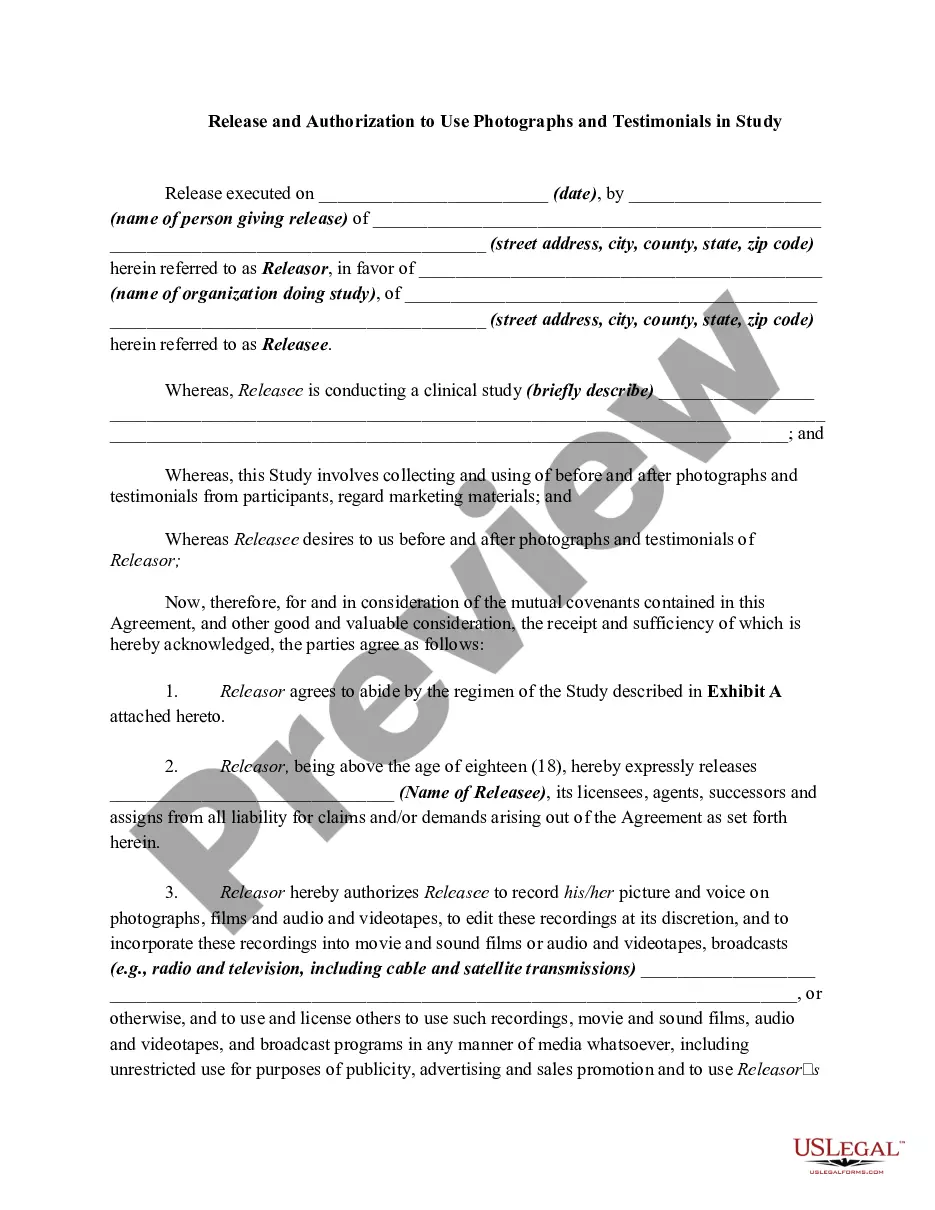
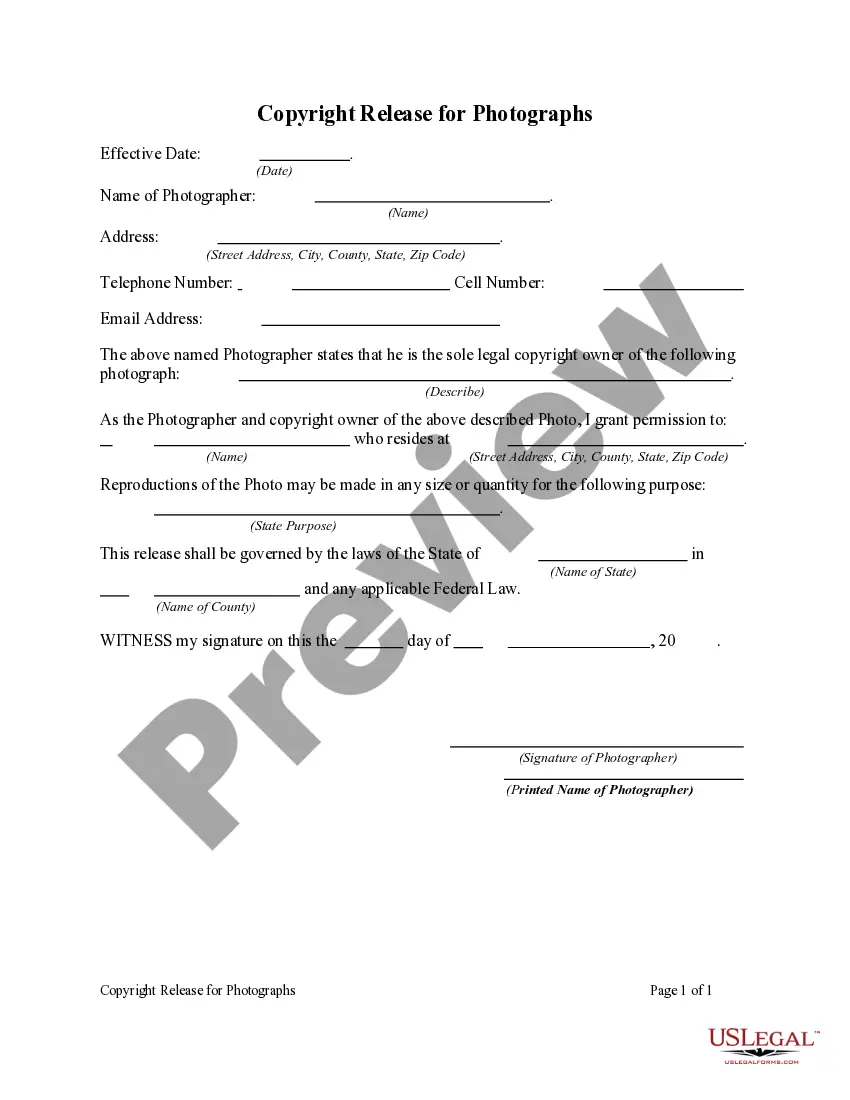
How to fill out Assignment Of Rights, Consent To Publication And Release - Use Of Photographs Or Photography?
Managing legal paperwork and procedures can be a lengthy addition to your schedule.
Publication Images For Exhibition and similar forms often require you to look for them and comprehend how to fill them out correctly.
Thus, whether you are addressing financial, legal, or personal matters, having a detailed and user-friendly online repository of forms available will be immensely beneficial.
US Legal Forms is the premier online platform for legal templates, featuring over 85,000 state-specific documents and a multitude of resources to help you complete your paperwork with ease.
Is this your initial time using US Legal Forms? Sign up and create a free account in a few minutes, and you’ll gain access to the document repository and Publication Images For Exhibition. After that, follow the steps outlined below to complete your document: Ensure you have selected the correct document using the Review function and examining the document description. Press Buy Now when ready, and choose the monthly subscription plan that fits your needs. Click Download, then fill out, eSign, and print the document. US Legal Forms has twenty-five years of experience aiding clients in managing their legal documents. Find the document you need today and streamline any process without hassle.
- Explore the repository of suitable documents with just a single click.
- US Legal Forms provides you with state- and county-specific forms available for download at any time.
- Safeguard your document management processes with excellent support that allows you to prepare any document in minutes without incurring additional or hidden charges.
- Simply Log In to your account, search for Publication Images For Exhibition, and download it immediately from the My documents section.
- You can also access previously downloaded documents.
Form popularity
FAQ
It's a good idea to prepare some good-looking labels or small signs with: The title of the photo. The name of the maker (that would be you) The year the image was made. Some contact information (optional) Some pricing information (optional) Planning a photography exhibit philippecaillouxart.com ? blog ? planning-your... philippecaillouxart.com ? blog ? planning-your...
While the 8×10 inch size is the most popular, it is not the only size used in fine art photography. Other popular print sizes include 11×14 inches and 16×20 inches. These sizes are also commonly used in galleries and exhibitions and offer collectors a slightly larger display option.
Select the right paper. Photo paper can be broadly grouped into three surface types: glossy, semi-gloss or lustre, and matte. ... Make the most of Canon software. ... Colour management is key. ... Pick mounts and frames carefully. ... Choosing images to exhibit.
A photograph is also published when copies of that photograph are offered to a group of persons for purposes of further distribution or public display. The public display of a photograph, in and of itself, does not constitute publication.
Basic information structure Artist / maker. Title. Date. Medium/materials. Dimensions. Provenance or collection. Description.