Contracting Services With
Description
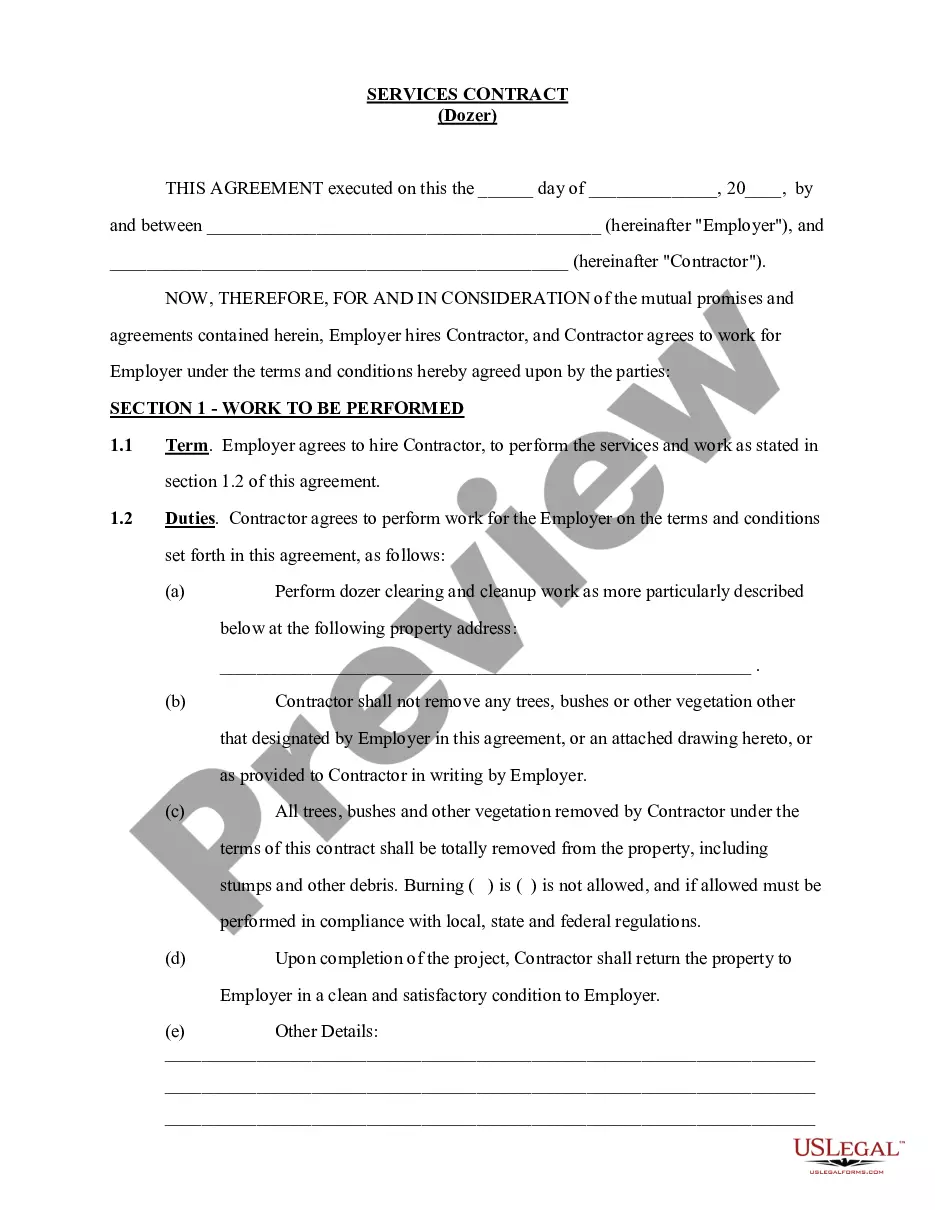
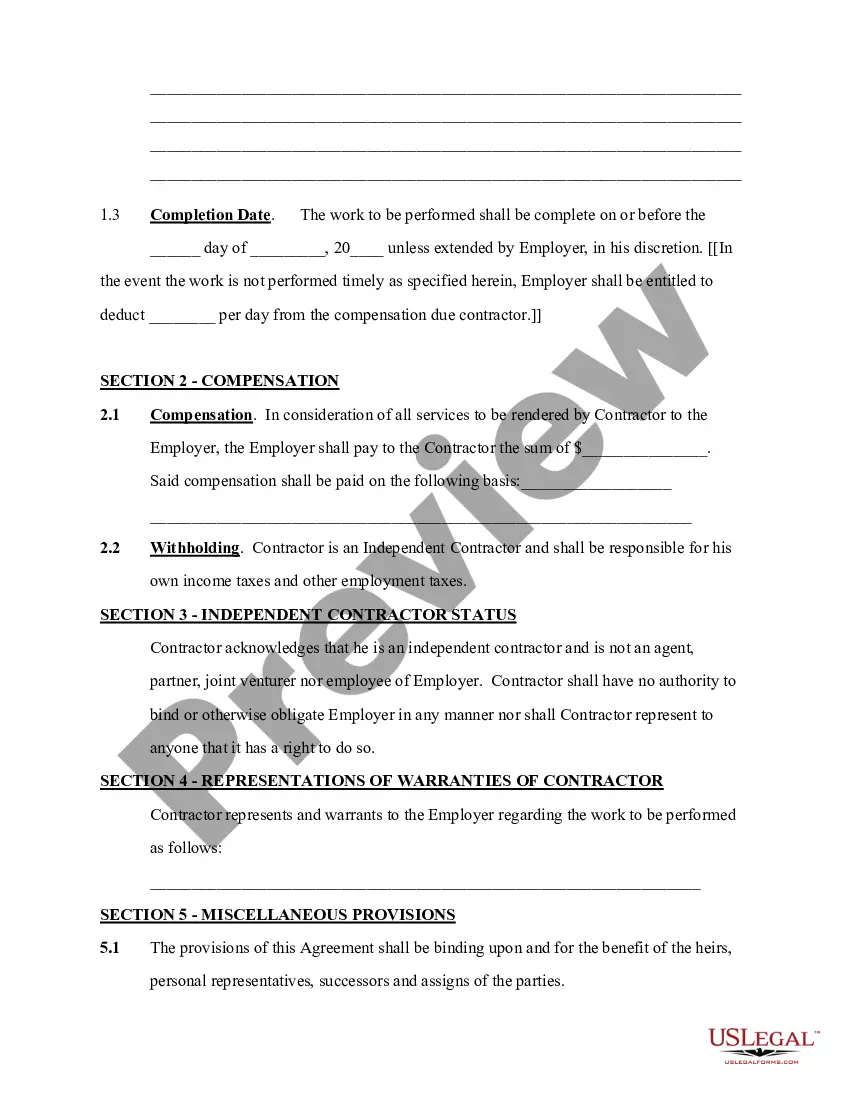
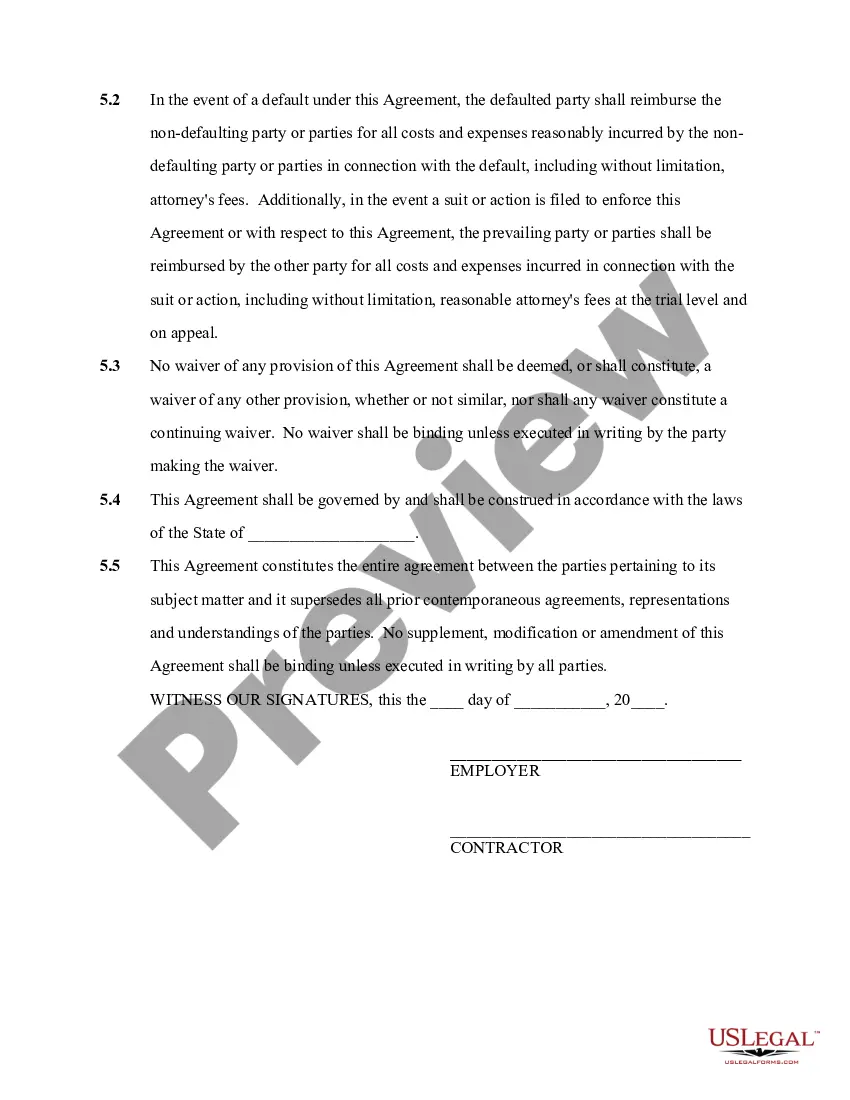
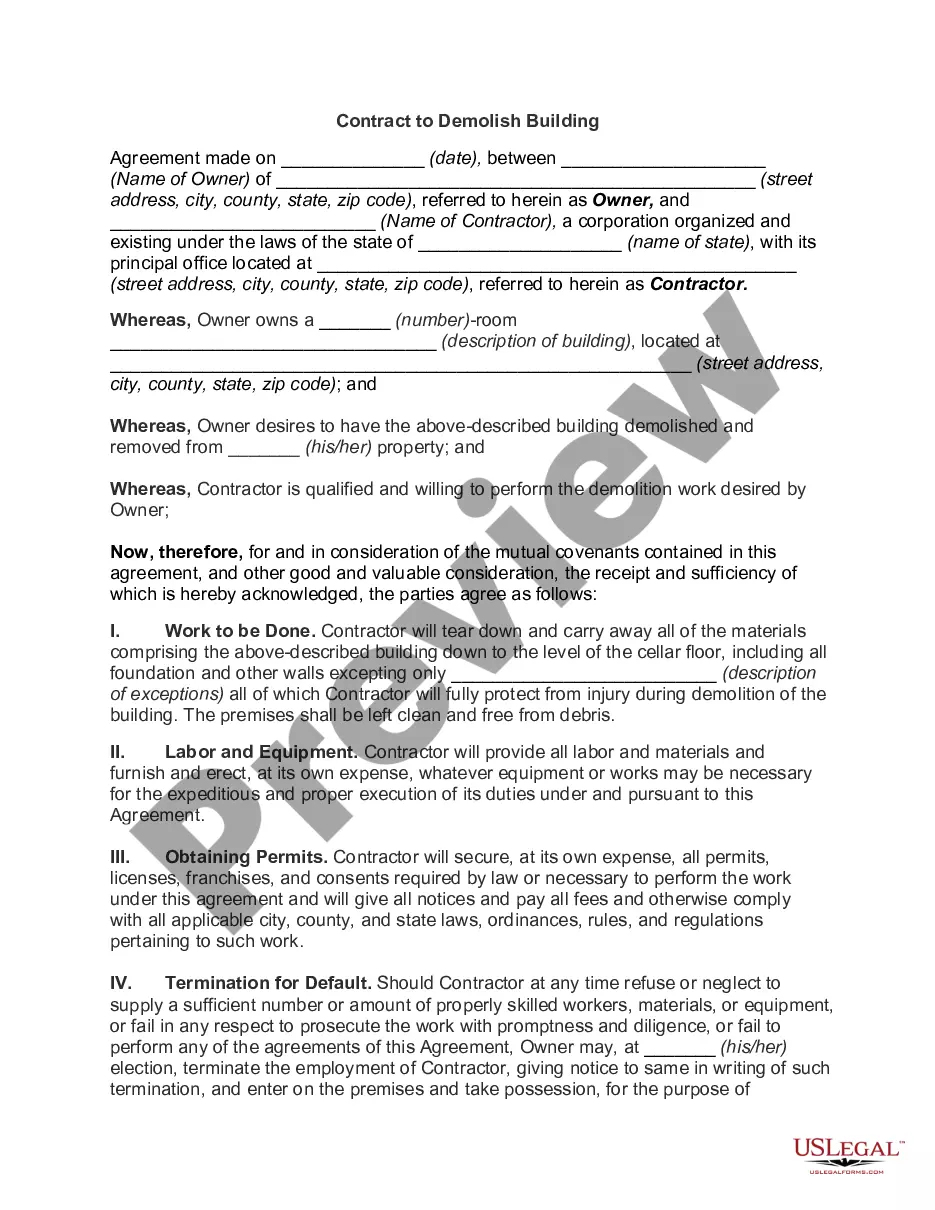
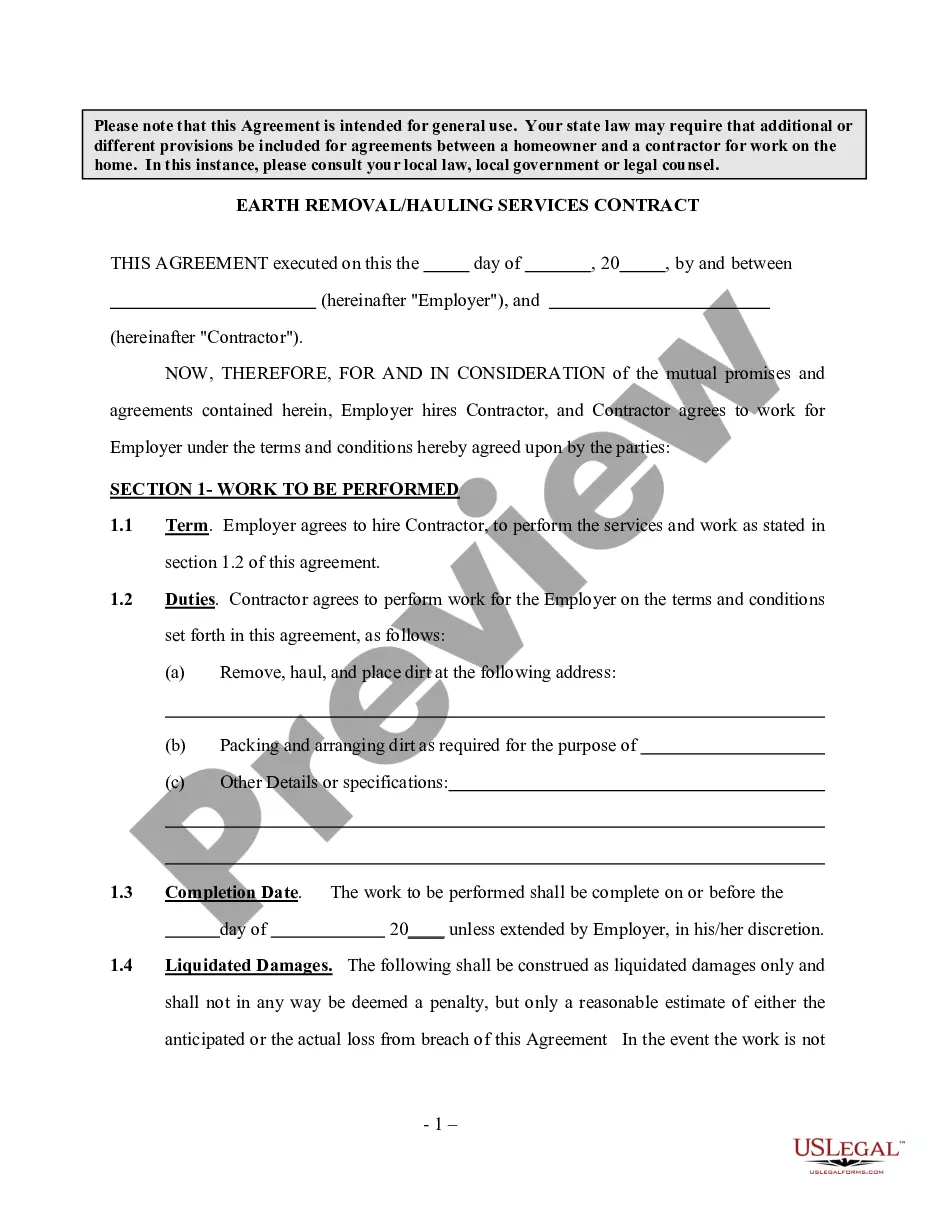
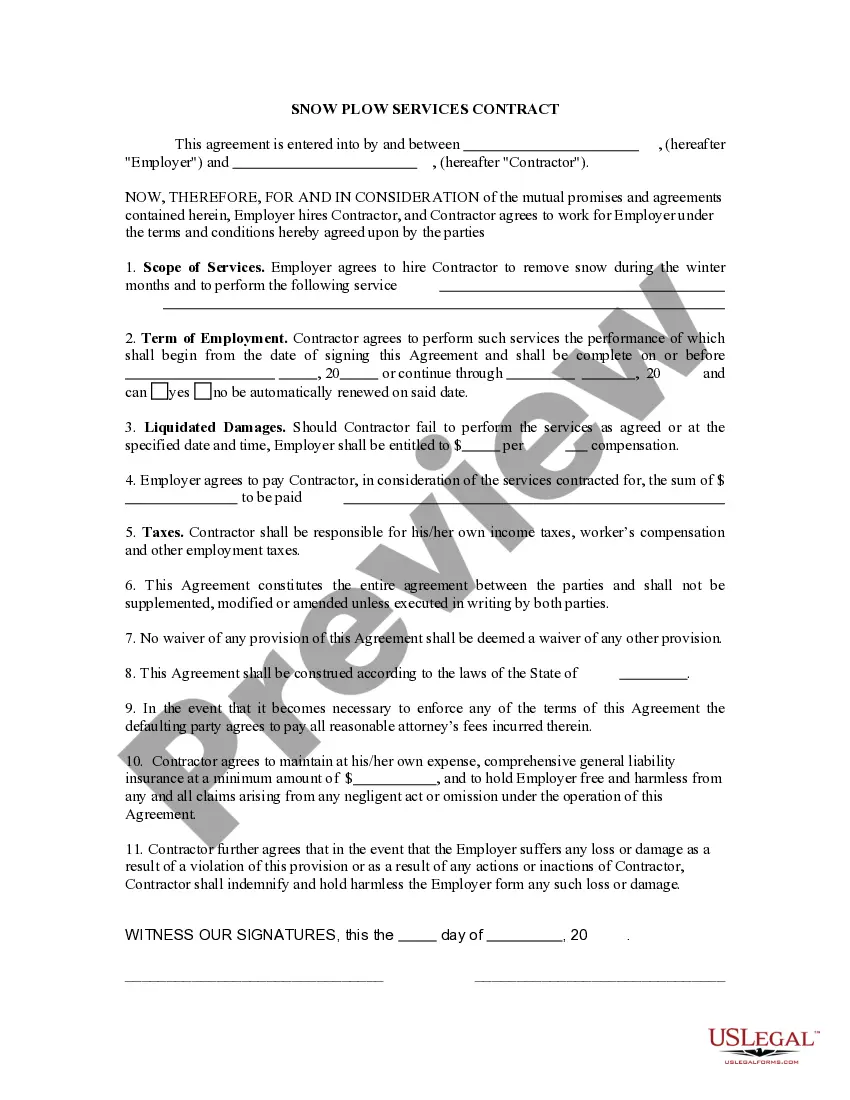
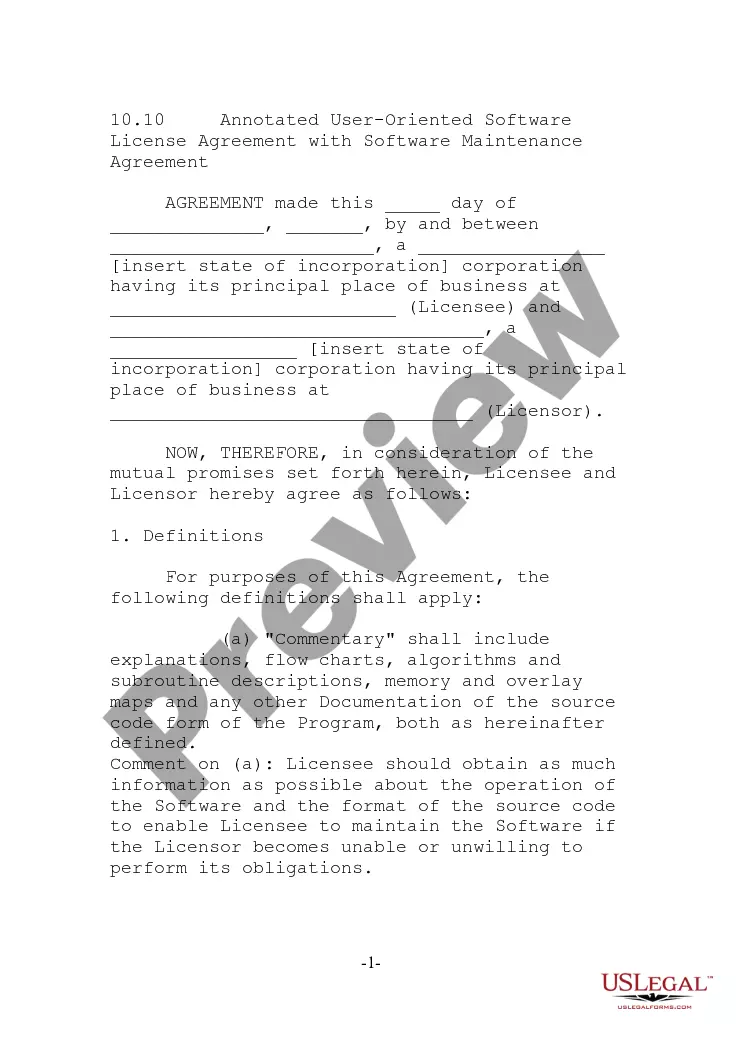
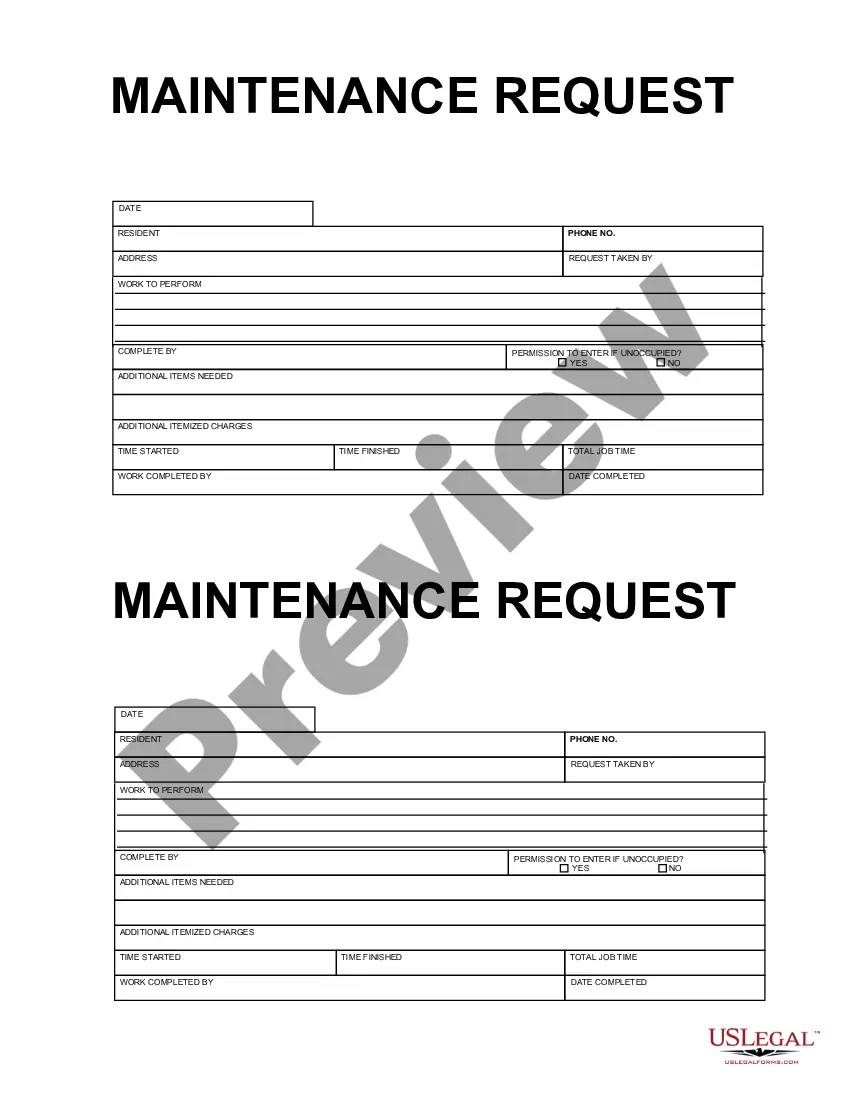

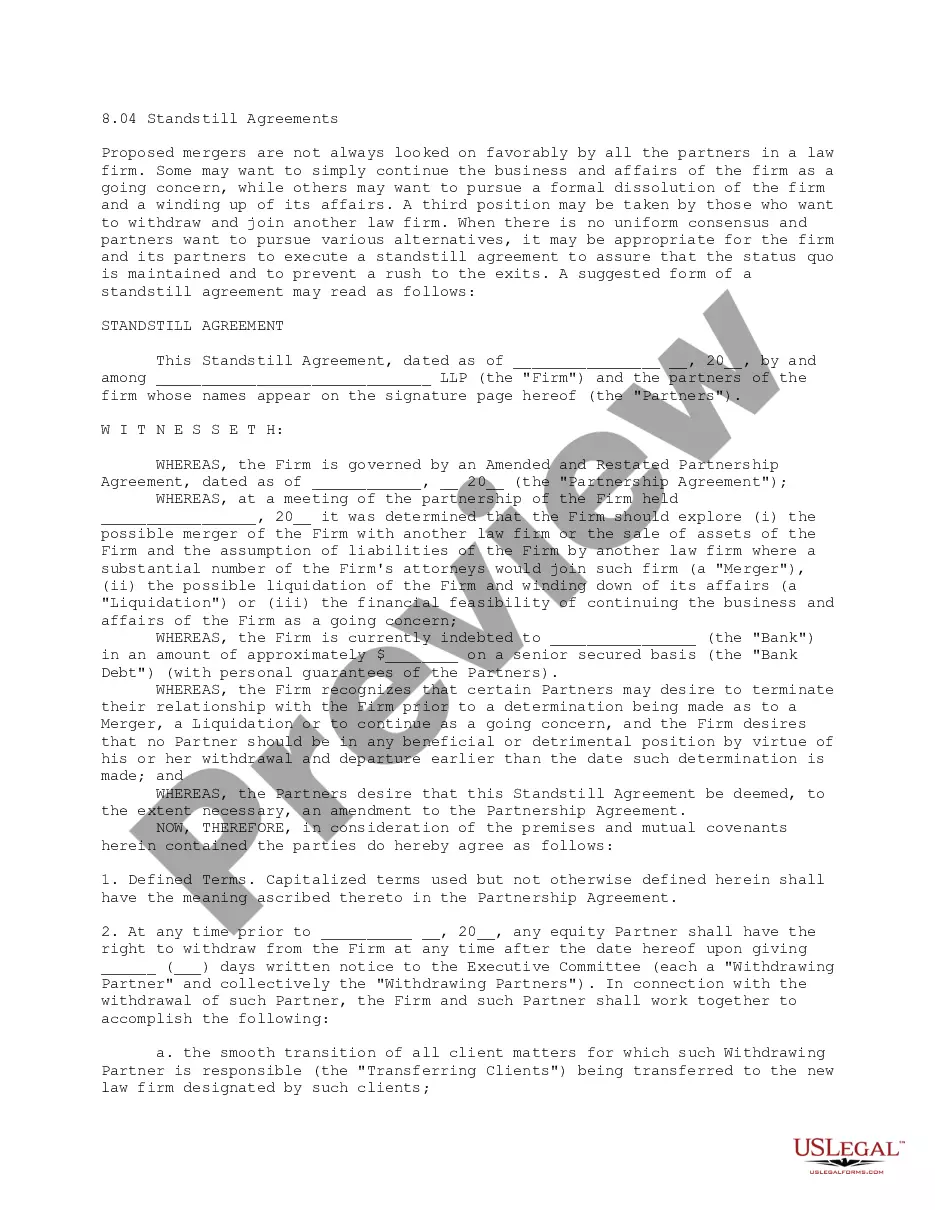
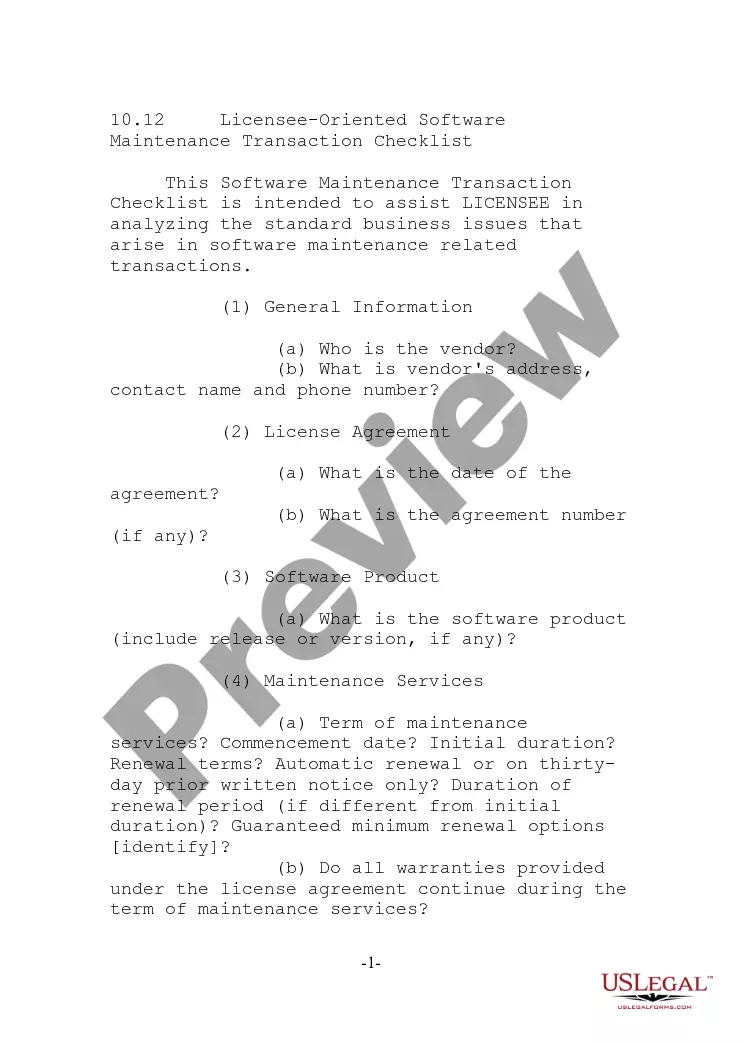

How to fill out Services Contract - Dozer Work?
Whether for business purposes or for personal affairs, everybody has to manage legal situations at some point in their life. Completing legal paperwork needs careful attention, starting with picking the appropriate form template. For example, if you choose a wrong edition of the Contracting Services With, it will be declined once you send it. It is therefore crucial to have a dependable source of legal documents like US Legal Forms.
If you need to obtain a Contracting Services With template, follow these simple steps:
- Find the template you need by using the search field or catalog navigation.
- Examine the form’s description to make sure it matches your case, state, and region.
- Click on the form’s preview to view it.
- If it is the incorrect document, go back to the search function to locate the Contracting Services With sample you need.
- Download the template if it meets your needs.
- If you have a US Legal Forms profile, click Log in to access previously saved templates in My Forms.
- If you don’t have an account yet, you may download the form by clicking Buy now.
- Select the correct pricing option.
- Finish the profile registration form.
- Select your transaction method: you can use a bank card or PayPal account.
- Select the document format you want and download the Contracting Services With.
- After it is downloaded, you are able to complete the form with the help of editing software or print it and finish it manually.
With a substantial US Legal Forms catalog at hand, you don’t have to spend time searching for the appropriate template across the internet. Make use of the library’s simple navigation to find the right form for any occasion.
Form popularity
FAQ
Each subcontractor should complete Form W-9 before they begin any work. On the form, the subcontractor identifies their business structure type (sole proprietorship, corporation, etc.). Form W-9 also asks for the subcontractor's name and Taxpayer Identification Number (TIN).
If you are an independent contractor without a business, you will still need to fill out a W-9 as an individual, a sole proprietor, or a single-member LLC. Simply fill under your name and SSN to file form W-9 without a business.
If you are a contractor employed by a firm or individual to provide a service, they will almost certainly require you to fill out a W-9 form. You must validate information such as your name, residence, and tax id. The IRS website has all of the W-9 pages available and step-by-step instructions on filling them out.
How to fill out a W-9 form Download the W-9 form from IRS.gov. ... Provide your full legal name and business name. ... Describe your business structure. ... Exemption. ... Enter your mailing address. ... Add any account numbers. ... Provide your Social Security number or Employer Identification Number. ... See if you need to sign and date the form.
How do I create an Independent Contractor Agreement? State the location. ... Describe the type of service required. ... Provide the contractor's and client's details. ... Outline compensation details. ... State the agreement's terms. ... Include any additional clauses. ... State the signing details.