Licensee Oriented Software Maintenance Transaction Checklist
About this form
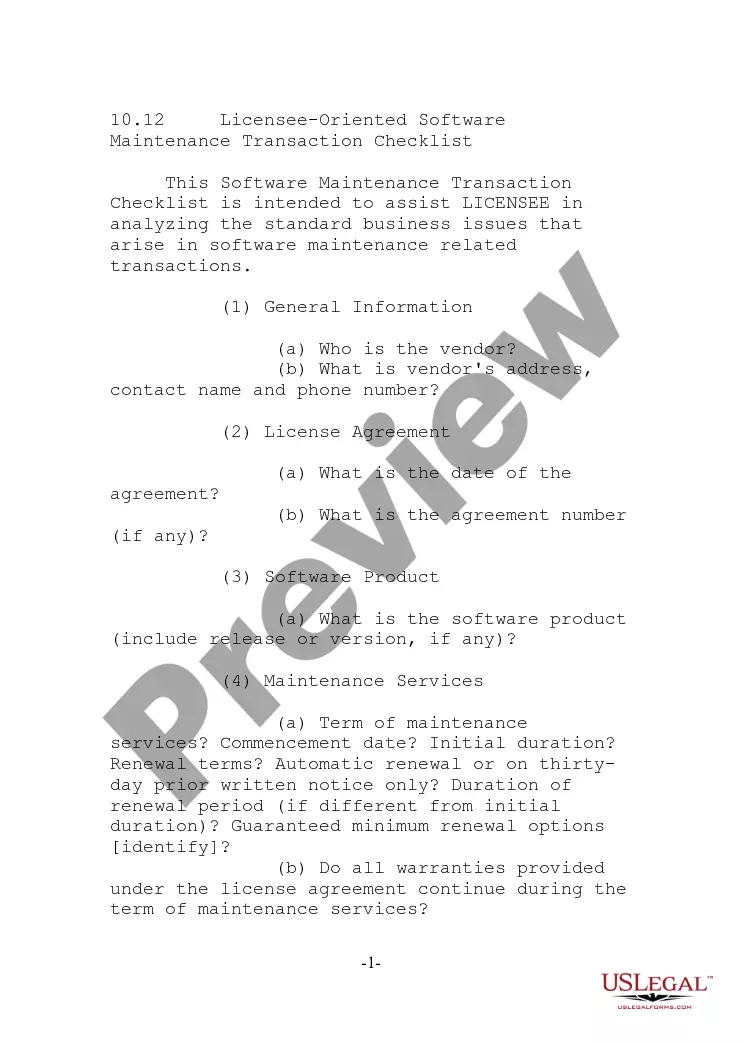
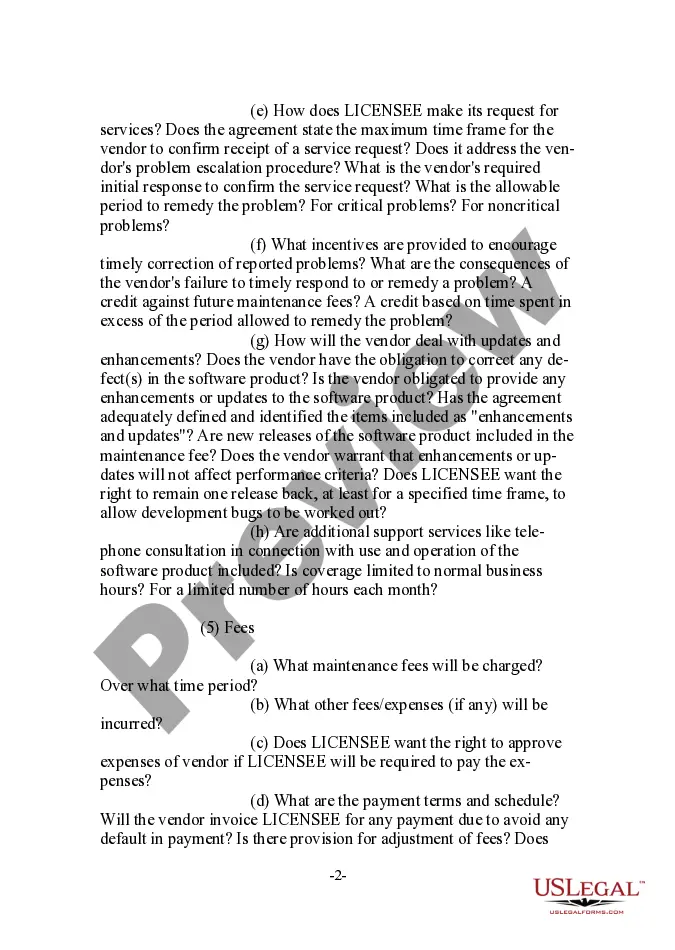
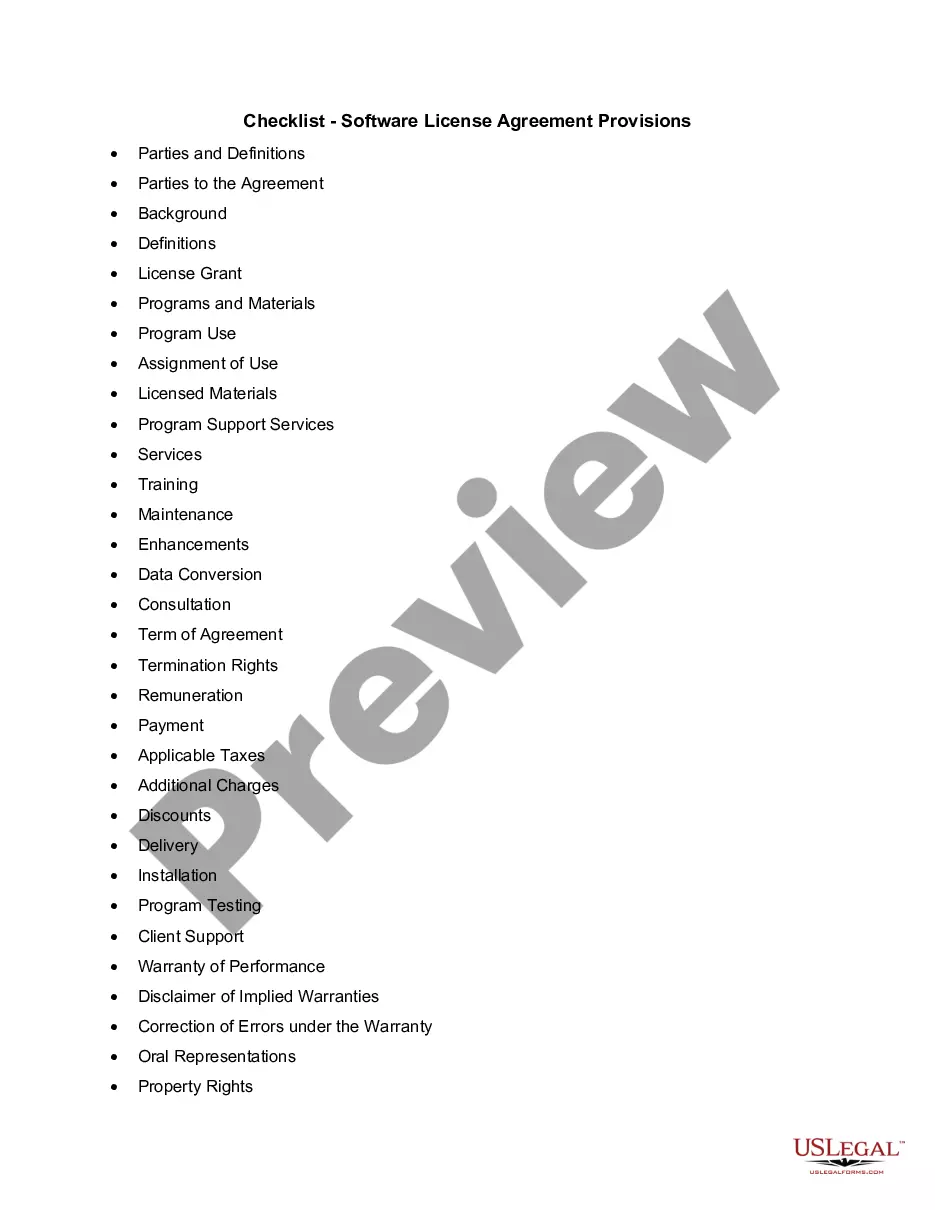
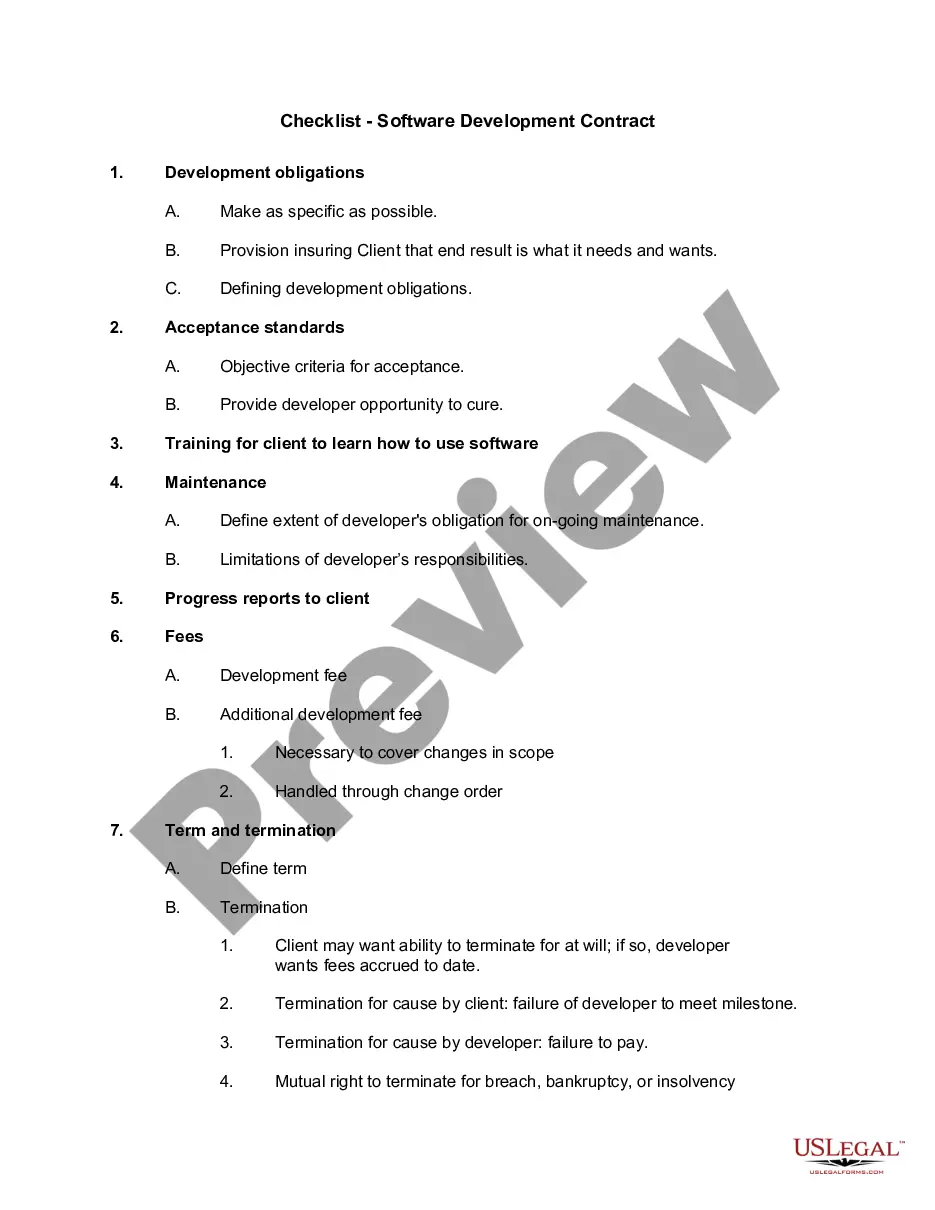
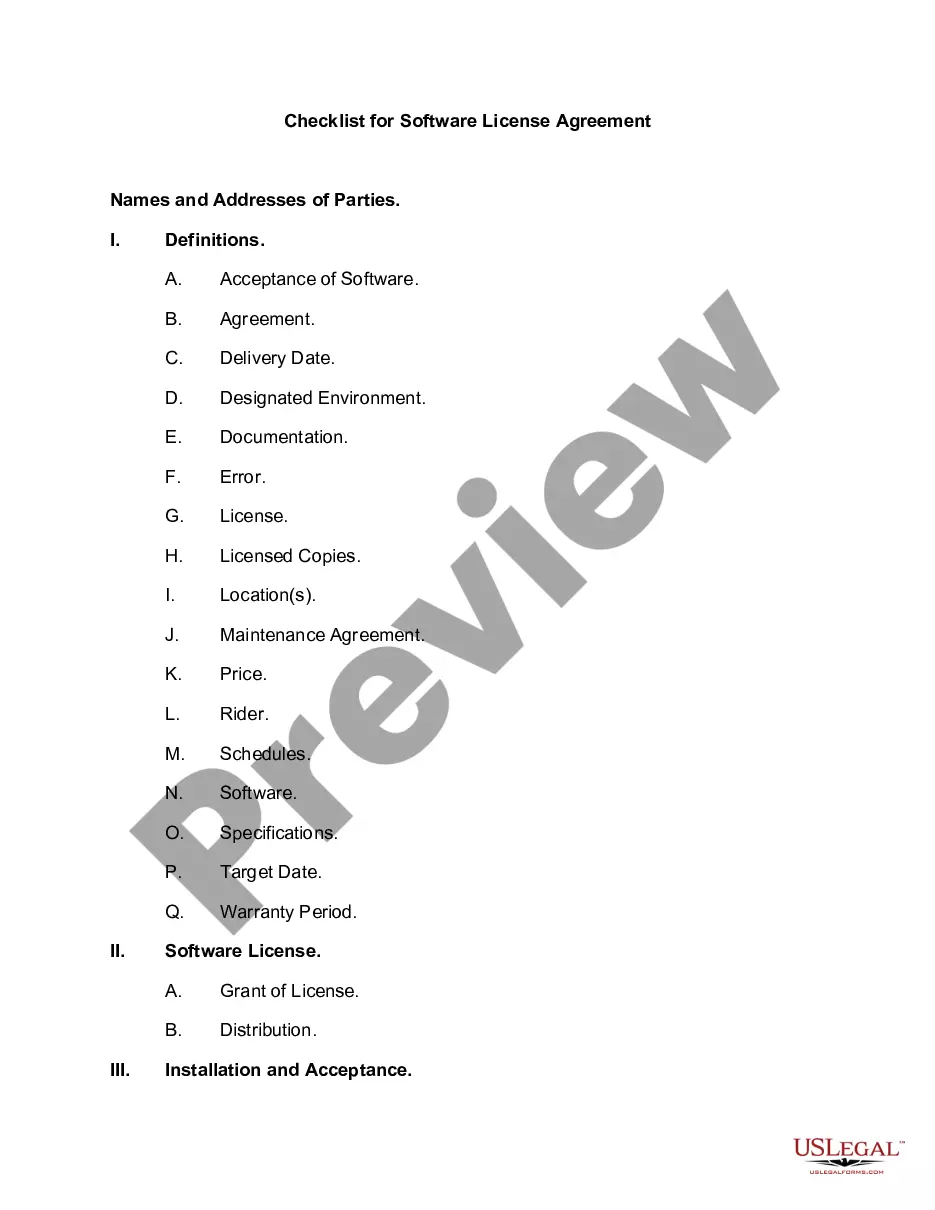
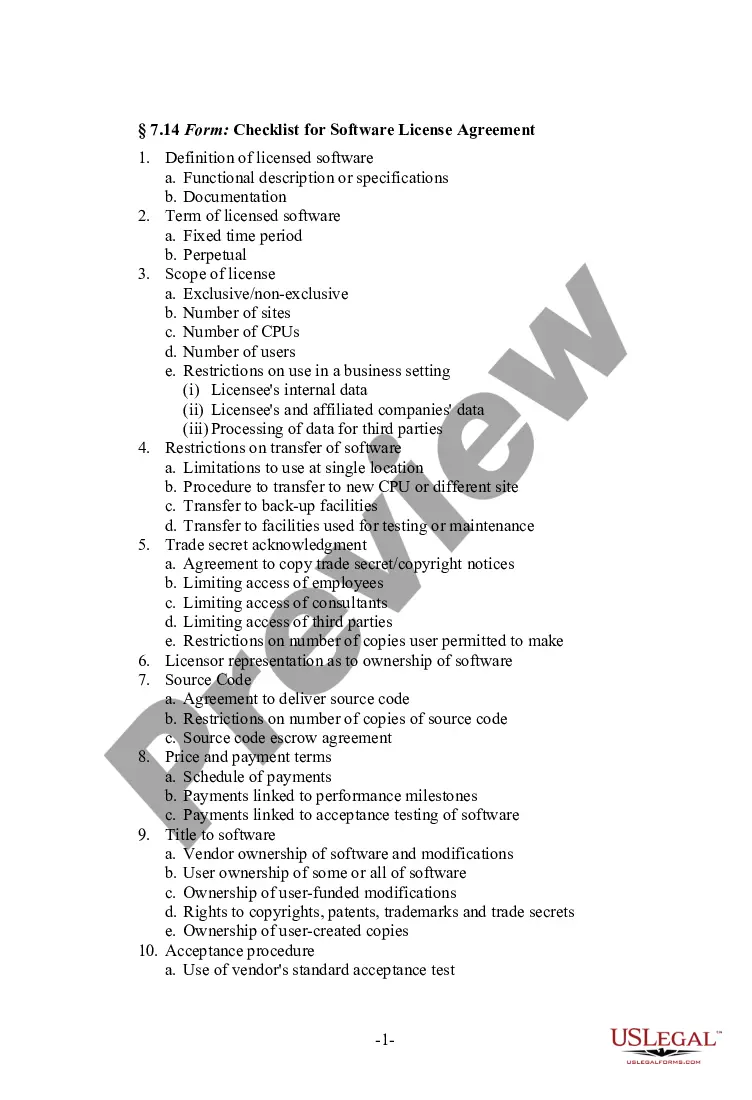
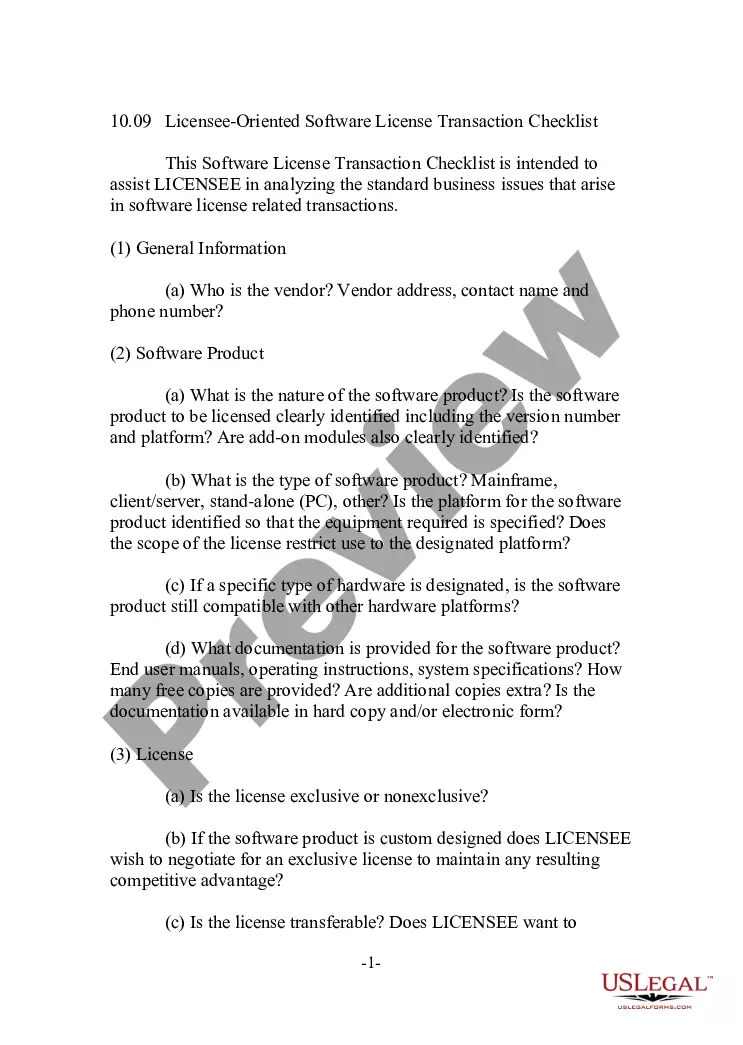
The Licensee Oriented Software Maintenance Transaction Checklist is a comprehensive document designed to guide licensees through the critical business issues that arise during software maintenance transactions. This form is particularly useful for professionals in the software industry, as it ensures that all aspects of the maintenance agreement are covered thoroughly, differentiating it from standard contracts and offering a structured approach to maintenance agreements.
Key parts of this document
- General information about the vendor, including contact details.
- Details of the license agreement, such as the agreement date and number.
- Specifications of the software product, including version number.
- Terms of maintenance services, including duration and renewal terms.
- Description of technical support services that will be provided.
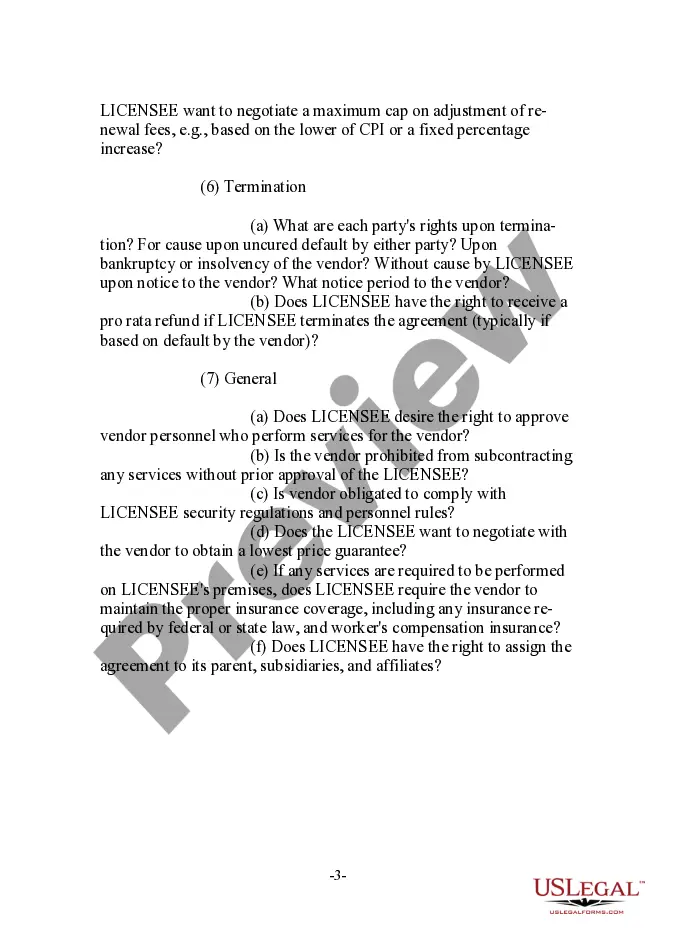
- Information on fees, payment terms, and any additional expenses.
- Termination rights and conditions for both parties.
- General obligations of the vendor regarding service and compliance.
When this form is needed
This form is essential when entering into a software maintenance agreement. It can be used by businesses preparing to engage with software vendors, ensuring that all essential elements of the maintenance transactions are understood and documented. If you are negotiating terms for ongoing software support, updates, or maintenance, this checklist will provide clarity and comprehensiveness.
Who should use this form
- Business owners or managers in the software industry.
- Anyone responsible for overseeing software contracts and vendor relationships.
- Legal professionals assisting clients in drafting software maintenance agreements.
- Licensees seeking to safeguard their interests in software maintenance transactions.
How to prepare this document
- Identify the software vendor and enter their contact information.
- Note the specifics of the license agreement, including relevant dates and identifiers.
- Provide details of the software product being maintained, including its version.
- Specify the terms of the maintenance services, such as duration and renewal conditions.
- Outline the fees involved, including any potential adjustments or caps on fees.
Does this form need to be notarized?
In most cases, this form does not require notarization. However, some jurisdictions or signing circumstances might. US Legal Forms offers online notarization powered by Notarize, accessible 24/7 for a quick, remote process.
Get your form ready online
Our built-in tools help you complete, sign, share, and store your documents in one place.
Make edits, fill in missing information, and update formatting in US Legal Forms—just like you would in MS Word.
Download a copy, print it, send it by email, or mail it via USPS—whatever works best for your next step.
Sign and collect signatures with our SignNow integration. Send to multiple recipients, set reminders, and more. Go Premium to unlock E-Sign.
If this form requires notarization, complete it online through a secure video call—no need to meet a notary in person or wait for an appointment.
We protect your documents and personal data by following strict security and privacy standards.

Make edits, fill in missing information, and update formatting in US Legal Forms—just like you would in MS Word.

Download a copy, print it, send it by email, or mail it via USPS—whatever works best for your next step.

Sign and collect signatures with our SignNow integration. Send to multiple recipients, set reminders, and more. Go Premium to unlock E-Sign.

If this form requires notarization, complete it online through a secure video call—no need to meet a notary in person or wait for an appointment.

We protect your documents and personal data by following strict security and privacy standards.
Common mistakes to avoid
- Failing to specify the duration and renewal conditions of the maintenance services.
- Neglecting to outline the technical support services provided by the vendor.
- Not including clear terms for termination rights and refund policies.
- Forgetting to document any additional fees or expenses associated with the contract.
Advantages of online completion
- Convenient access allows for on-demand downloading and use.
- Editable formats make it easy to tailor the document to specific needs.
- Reliable templates drafted by licensed attorneys ensure legal compliance.
Legal use & context
- This checklist serves as a guiding document to help negotiate enforceable software maintenance agreements.
- It helps identify terms that may be critical for protecting the licensee's interests.
- Using this checklist can help mitigate potential disputes through clear definitions and expectations.
Main things to remember
- The Licensee Oriented Software Maintenance Transaction Checklist helps ensure that all key aspects of a software maintenance agreement are thoroughly considered.
- Using this form can protect your business by clarifying terms and responsibilities in vendor relationships.
- This checklist is suitable for use across various states, making it adaptable for specific legal environments.
Looking for another form?

Form popularity
FAQ
SOLIDWORKS Stand-alone licenses can only be active on 1 computer at a time. However, you can transfer a license from one computer to another using the Transfer/Activate process.
Make sure that the product or suite is installed on both computers. Close the product on the computer from which you want to export the license. Start the export by launching the License Transfer Utility (LTU): Click Sign In. Decide whether to select Make the License Available As A Public Import.
As a general rule, companies do not own the software that they license. The corollary is that they then do not, unless expressly agreed, possess the right to transfer or assign the licensed software they use to a new entity when later involved in a merger, acquisition or internal corporate restructuring.
If you don't import your license to another computer within 14 days, the export becomes public. Public Export. Use this option to transfer your license to another person using the same product and serial number. For example, if your license agreement permits, you can transfer your license to a coworker in your company.
If you want to move the license or reinstall it, please go through the following steps: Uninstall the product on the computer from which you will are going to move the license. Choose "Deactivate the license on this computer" during the uninstallation. Install the product on another computer.
Make sure that the product or suite is installed on both computers. Close the product on the computer from which you want to export the license. Start the export by launching the License Transfer Utility (LTU): Click Sign In. Decide whether to select Make the License Available As A Public Import.
Plug the USB drive into the new computer. Open the "My Computer" menu, click on the drive letter for the USB drive, and then drag and drop the "SolidWorks" folder into the "Program Files" folder on the C: drive. Select "Yes to All" when asked if you want to replace files.
Your license never expires. So, if you purchased SolidWorks 2010 two years ago, you can use it forever. However, if you want any updates to the software or the new version when it comes out (historically, in the October/November timeframe each year), then you'll want to purchase a software subscription instead.
You can move your software from your current computer to a new computer, open SOLIDWORKS then use the Help > Transfer License feature. This feature deactivates the product on your current machine so it can be reactivated on the new machine.