Ohio Final Payment Release Form
What this document covers
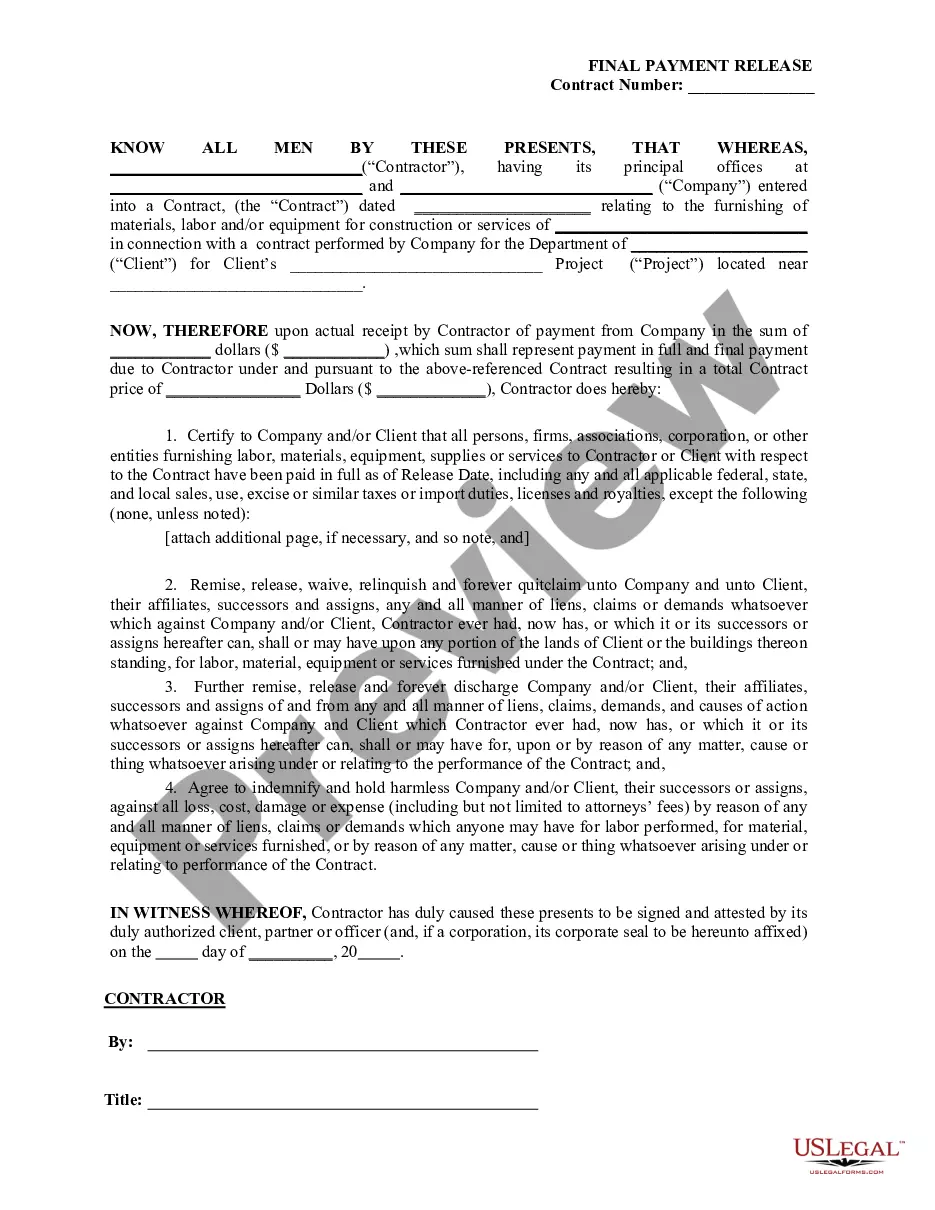
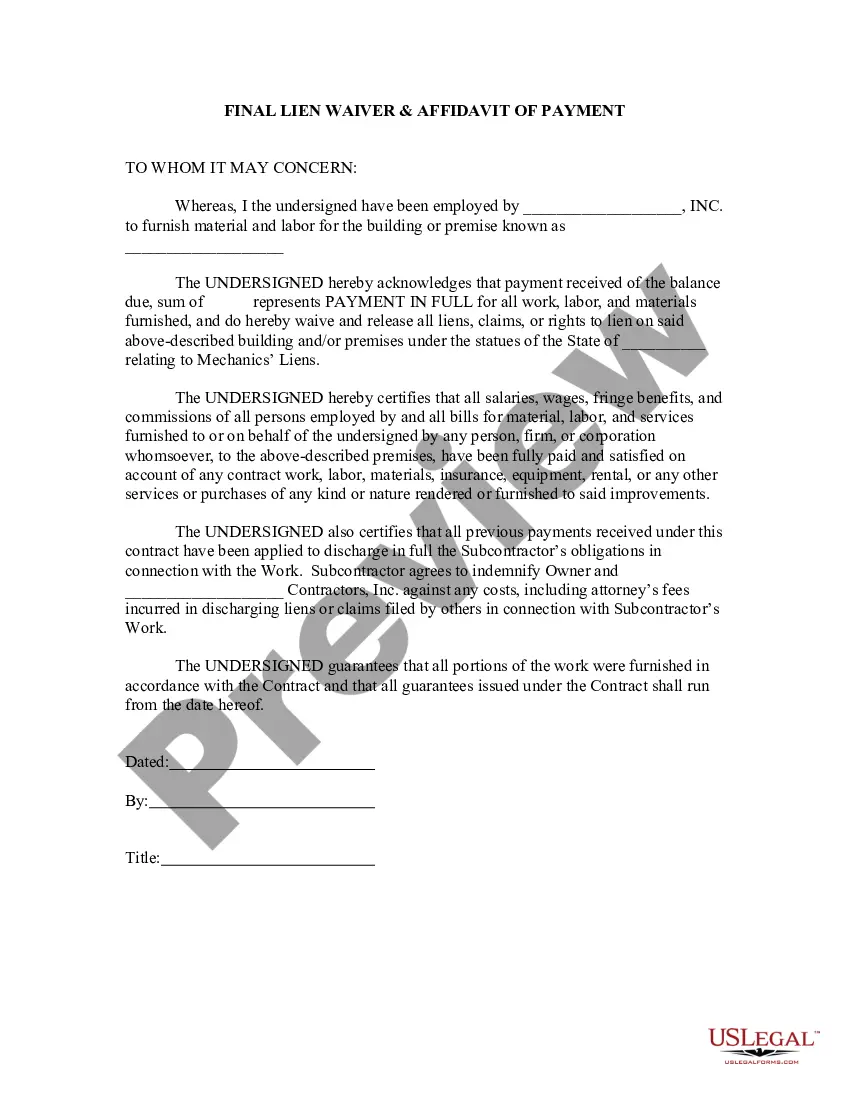
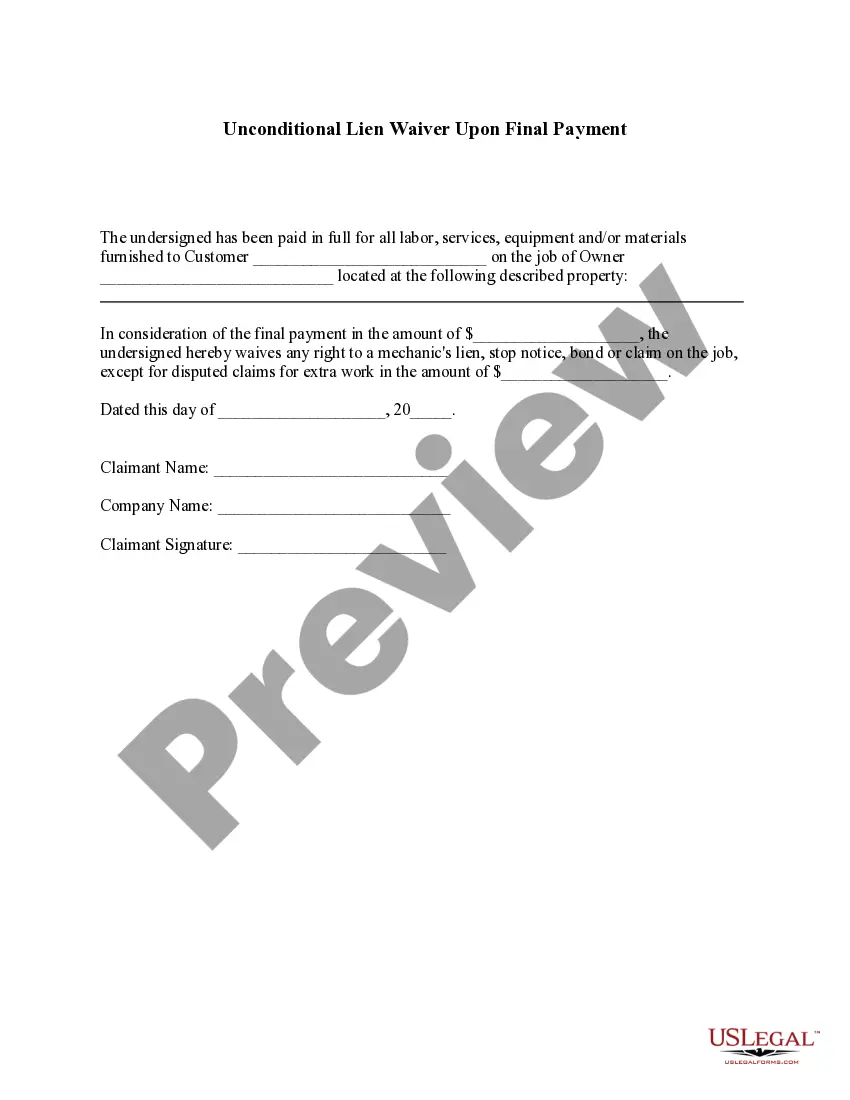
The Final Payment Release Form is a legally binding document used by contractors to certify that they have received full payment for their work on a state contract. This form releases any lien rights the contractor may have against the client, typically a state agency or department, ensuring that the client is protected from potential claims or demands related to the contract. Unlike other forms of payment or release documents, this form specifically addresses the completion of payments and the release of any legal claims as a condition of final payment.
Key components of this form
- Identification of the Contractor and the Company involved in the state contract.
- Details about the contract, including the nature of the work performed and location.
- Certification of full payment received by the Contractor.
- Release of any liens or claims against the Company or Client.
- Indemnification clause protecting the Company and Client from future claims.
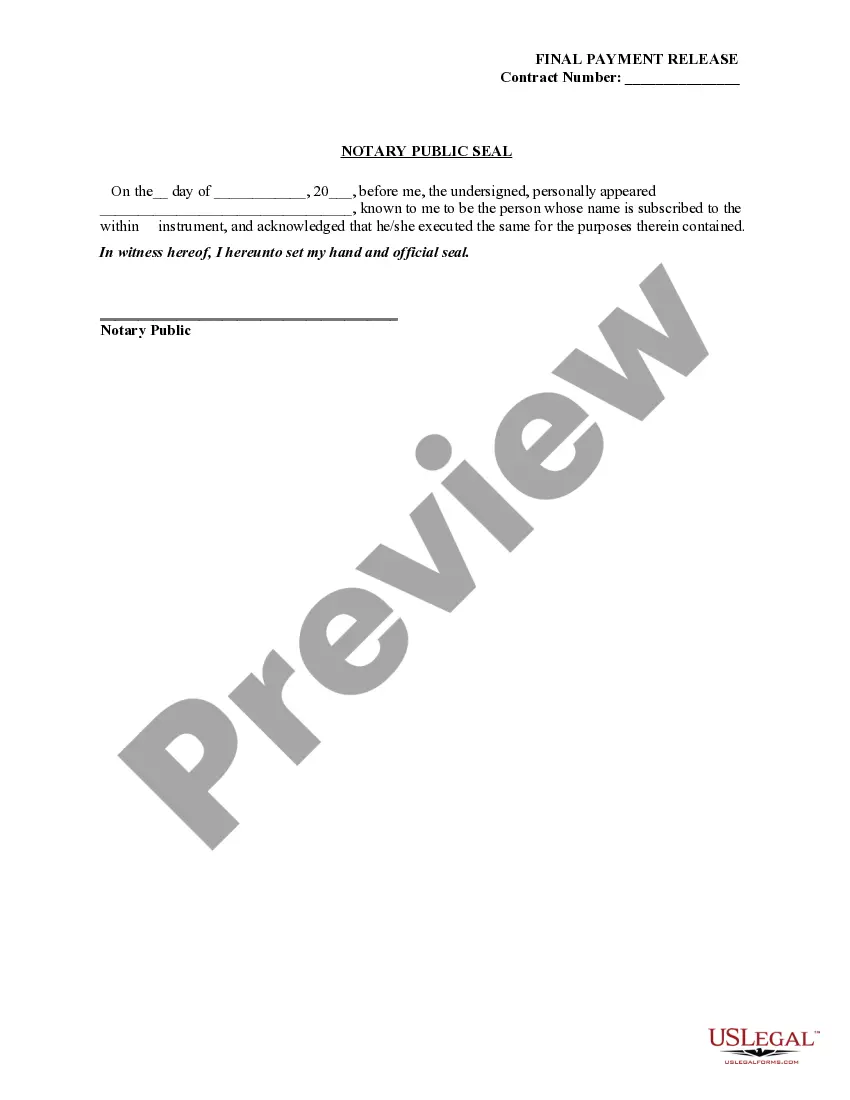
- Signature section for authorized representatives and a notary acknowledgment.
When to use this form
This form should be used when a contractor has completed work on a state contract and has received final payment from the contracting company. It is ideal for situations where the contractor wishes to formally release any claims or liens against the client, thereby ensuring that the client is not subject to future demands for payment regarding the project. It is typically used at the conclusion of the contract or project.
Who should use this form
- Contractors who have fulfilled their obligations under a state contract.
- Companies that manage contracts for state agencies and need to finalize contractor payments.
- Clients who want to protect themselves from future claims once a project is complete.
- Legal representatives or advisors assisting contractors or companies with contract completion.
How to prepare this document
- Identify the Contractor and Company by filling in their names and addresses.
- Provide details of the contract, including the project name and location.
- Enter the total payment received and the total contract price.
- Complete the certification section to confirm all payments have been made.
- Have the appropriate party sign the document and obtain a notary public's acknowledgment.
Does this document require notarization?
Yes, this form must be notarized to be legally valid. Notarization ensures that the signatures on the form are authenticated, providing an extra layer of legal protection. US Legal Forms offers integrated online notarization services available 24/7 through secure video calls, ensuring convenience and compliance without the need for in-person visits.
Get your form ready online
Our built-in tools help you complete, sign, share, and store your documents in one place.
Make edits, fill in missing information, and update formatting in US Legal Forms—just like you would in MS Word.
Download a copy, print it, send it by email, or mail it via USPS—whatever works best for your next step.
Sign and collect signatures with our SignNow integration. Send to multiple recipients, set reminders, and more. Go Premium to unlock E-Sign.
If this form requires notarization, complete it online through a secure video call—no need to meet a notary in person or wait for an appointment.
We protect your documents and personal data by following strict security and privacy standards.

Make edits, fill in missing information, and update formatting in US Legal Forms—just like you would in MS Word.

Download a copy, print it, send it by email, or mail it via USPS—whatever works best for your next step.

Sign and collect signatures with our SignNow integration. Send to multiple recipients, set reminders, and more. Go Premium to unlock E-Sign.

If this form requires notarization, complete it online through a secure video call—no need to meet a notary in person or wait for an appointment.

We protect your documents and personal data by following strict security and privacy standards.
Common mistakes to avoid
- Failing to fully complete all sections, especially payment amounts and project details.
- Not having the form signed by an authorized representative.
- Neglecting to get the document notarized when required.
- Forgetting to list any unpaid amounts or outstanding claims, if applicable.
Benefits of using this form online
- Convenient access to the form from anywhere, allowing for quick downloads and submissions.
- Editability to customize the form for specific contract details and project descriptions.
- Reliability with legal templates drafted by licensed attorneys to ensure compliance with state laws.
Main things to remember
- The Final Payment Release Form is crucial for contractors to release any claims after receiving payment.
- Proper completion and notarization of the form protect both the contractor and the client from future liabilities.
- Understanding and utilizing this form can streamline the process of finalizing state contracts.
Looking for another form?

Form popularity
FAQ
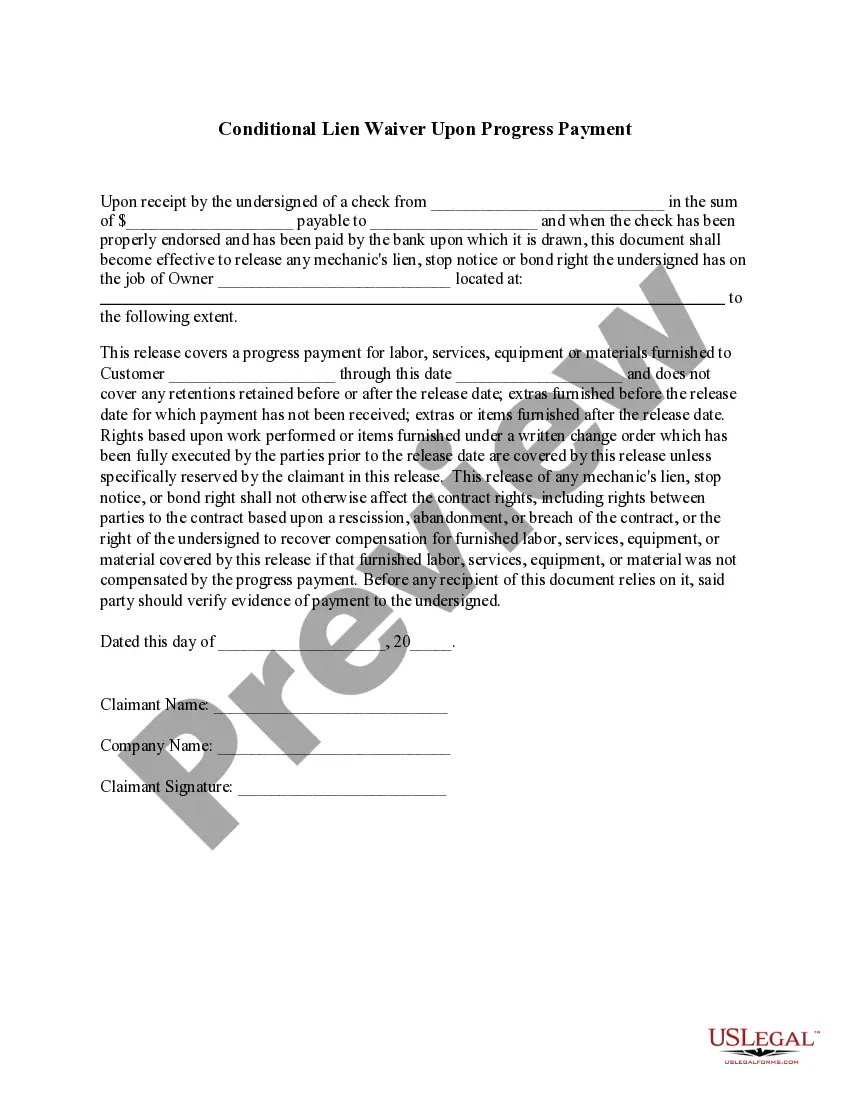
What are Conditional Lien Waivers? Conditional lien waivers are provided by contractors or suppliers before they've been paid. The key language to look for in these documents is ?upon payment? of an amount, the vendor releases their right to file a lien on the work provided up until a certain date.
How to complete the Conditional Waiver and Release on Progress Payment form Name of Claimant. The claimant is the party receiving the payment ? in other words, the one waiving their lien rights.Name of Customer.Job Location.Owner.Through Date.Maker of the Check.Amount of the Check.Check Payable To.
Signing this waiver signifies that payment has been received and no further payments are expected following the payment described in the waiver. Because this oh lien waiver form is unconditional, it should only be used when payment has actually been received.
Manual Lien Release In order to remove the lien from the BMV records, you must take the title to any County Clerk of Courts Title Office and apply for a title. The County Clerk of Courts Title Office will issue you a new paper title.
The Conditional Waiver and Release on Final Payment form is used when the claimant is required to execute a waiver in exchange for a final payment. Because it is conditional, this release is only binding if there is evidence of payment.
In Ohio, a Release of Lien form is used to release, cancel, or discharge a mechanics lien that has already been recorded. ing to Ohio's mechanics lien laws, a lien holder must release his lien within 30 days after the claim is paid.
The execution of an Unconditional Waiver upon Final Payment in Florida means that the signor has waived their right to file a mechanics lien for payment in any amount and extinguishes all preexisting claimant rights.
This Texas final conditional waiver (also called a final conditional lien release) should be used when the final payment for a project is expected, but has yet to be received on a project. Signing this waiver signifies that no further payments are expected following the payment described in the waiver.