Confidentiality Agreements Form Template With Employee Names
Description

Get your form ready online
Our built-in tools help you complete, sign, share, and store your documents in one place.
Make edits, fill in missing information, and update formatting in US Legal Forms—just like you would in MS Word.
Download a copy, print it, send it by email, or mail it via USPS—whatever works best for your next step.
Sign and collect signatures with our SignNow integration. Send to multiple recipients, set reminders, and more. Go Premium to unlock E-Sign.
If this form requires notarization, complete it online through a secure video call—no need to meet a notary in person or wait for an appointment.
We protect your documents and personal data by following strict security and privacy standards.

Make edits, fill in missing information, and update formatting in US Legal Forms—just like you would in MS Word.

Download a copy, print it, send it by email, or mail it via USPS—whatever works best for your next step.

Sign and collect signatures with our SignNow integration. Send to multiple recipients, set reminders, and more. Go Premium to unlock E-Sign.

If this form requires notarization, complete it online through a secure video call—no need to meet a notary in person or wait for an appointment.

We protect your documents and personal data by following strict security and privacy standards.
Looking for another form?




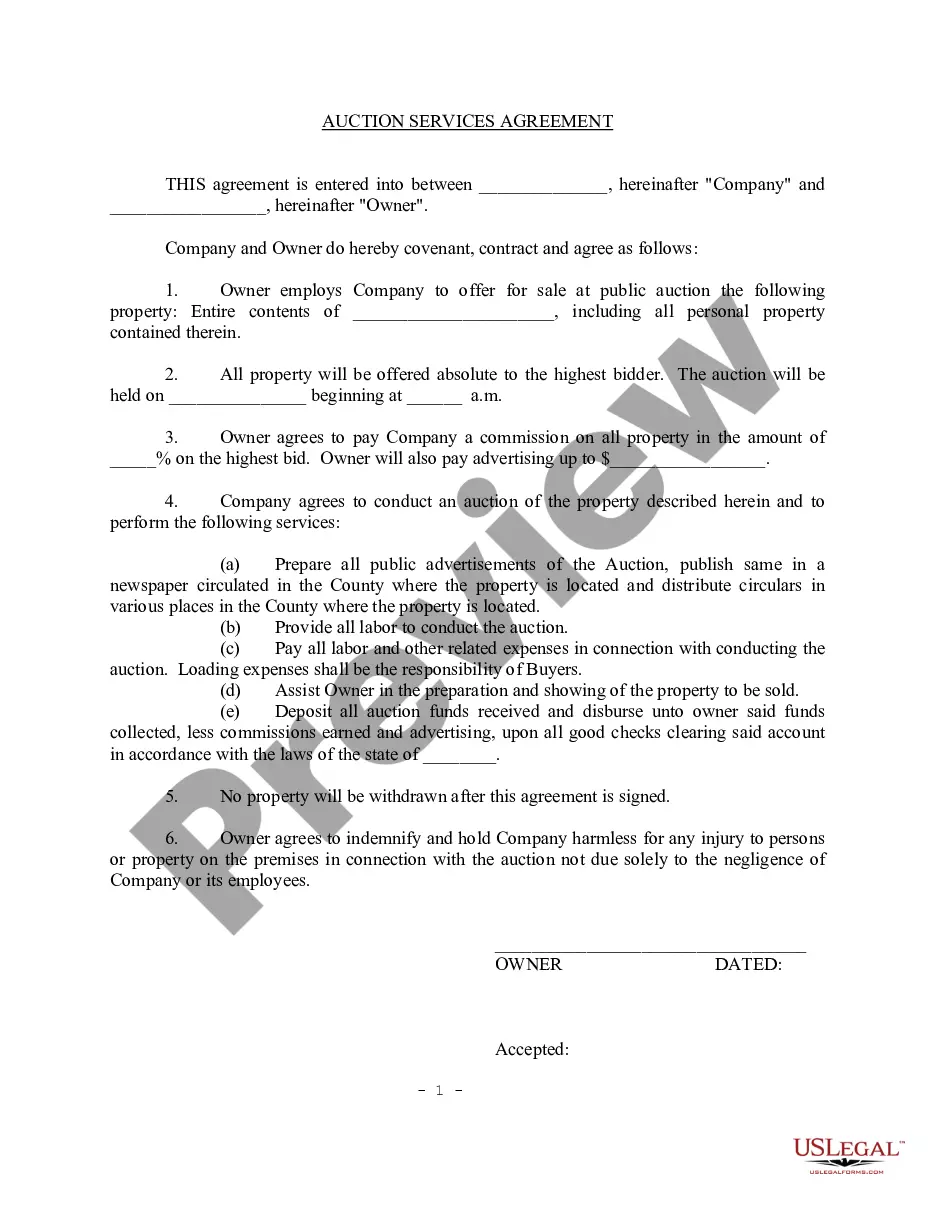

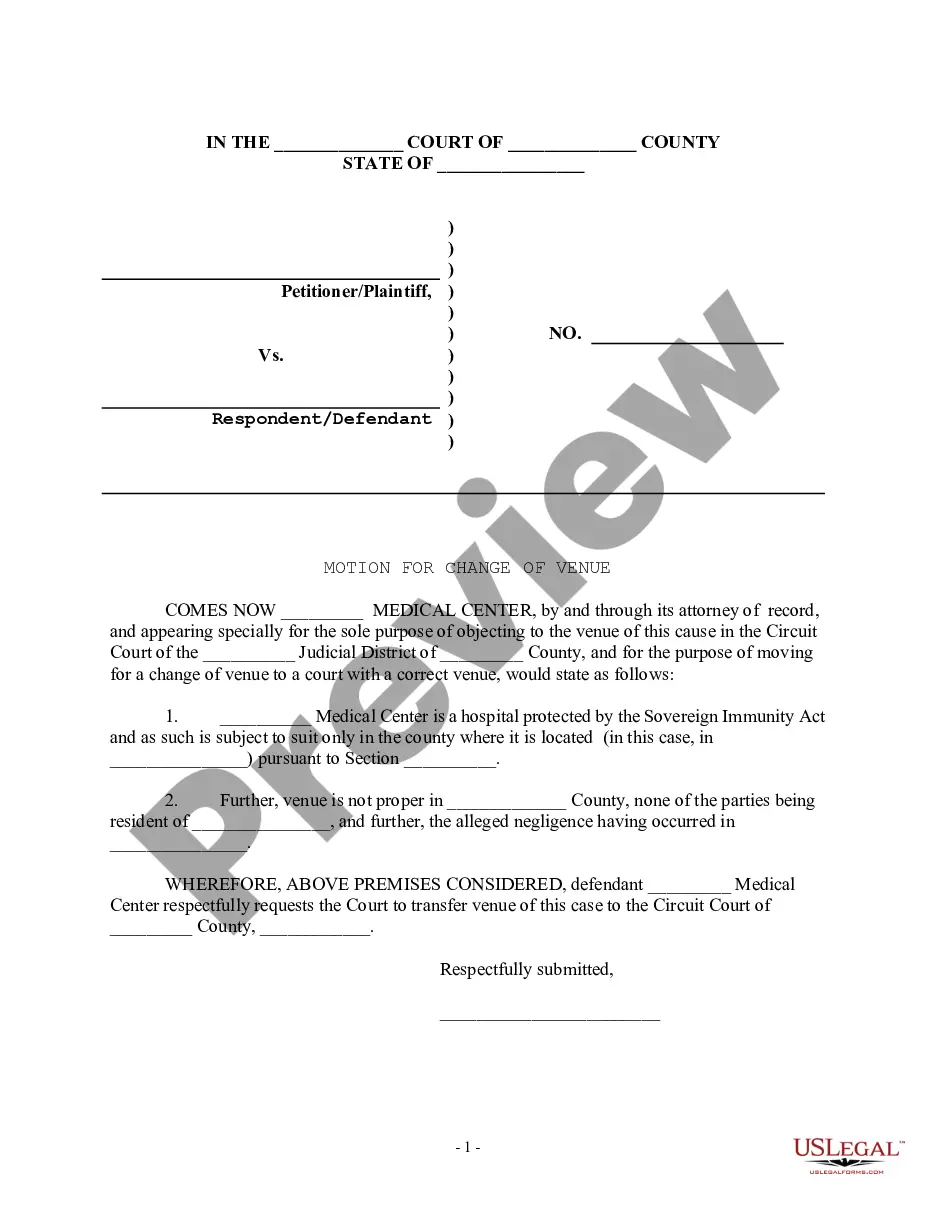
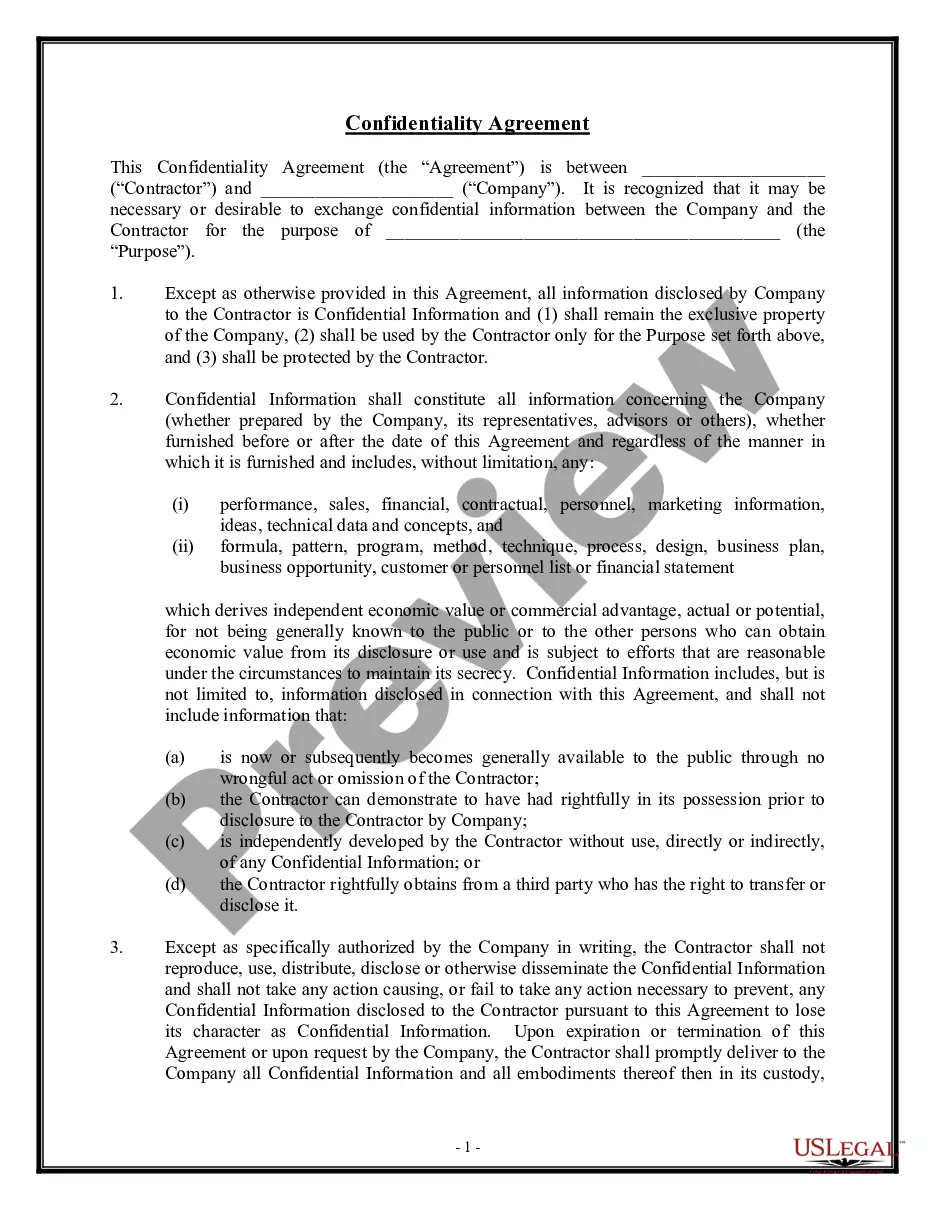
How to fill out Confidentiality Agreements - Noncompetition In Employment?
Legal management can be overwhelming, even for the most proficient professionals.
When you seek a Confidentiality Agreements Form Template With Employee Names but lack the time to search for the correct and updated version, the process can be challenging.
Gain access to an extensive resource base of articles, guides, handbooks, and materials related to your situation and needs.
Save time and effort searching for the documents you need, and utilize US Legal Forms’ advanced search and Review feature to find Confidentiality Agreements Form Template With Employee Names.
Take advantage of the US Legal Forms online library, which is backed by 25 years of experience and reliability. Streamline your daily document management into a smooth and user-friendly process today.
- If you have a subscription, Log In to your US Legal Forms account, search for the form, and obtain it.
- Check the My documents tab to see the documents you have previously saved and manage your folders as needed.
- If it is your first experience with US Legal Forms, create an account for unlimited access to all benefits of the library.
- Here are the steps to follow once you get the form you desire.
- Verify it is the correct form by previewing it and reviewing its details.
- Ensure that the template is recognized in your state or county.
- Click Buy Now when you are prepared.
- Select a subscription plan.
- Choose the file format you prefer, then Download, fill out, eSign, print, and send your documents.
- Access state- or county-specific legal and business documents.
- US Legal Forms caters to any requirements you might have, from personal to business paperwork, all in one location.
- Utilize cutting-edge tools to complete and manage your Confidentiality Agreements Form Template With Employee Names.
Form popularity
FAQ
Yes, you can create your own confidentiality agreement, but it is essential to ensure it meets legal standards. A confidentiality agreements form template with employee names provides a solid foundation for your document. By using a template from US Legal Forms, you can customize the agreement to fit your specific requirements while ensuring it covers all necessary legal aspects. This approach saves time and reduces the risk of overlooking crucial elements.
An example of a confidentiality agreement is a document that specifies the types of confidential information, such as trade secrets, client lists, or proprietary data. It typically includes clauses that outline the obligations of the employee to maintain confidentiality and the duration of that obligation. You can easily draft this using a confidentiality agreements form template with employee names available on US Legal Forms, which offers customizable options to fit your needs.
The NDA form for employees, also known as a Non-Disclosure Agreement, protects sensitive company information shared with employees. It details what information is confidential and the obligations of the employee regarding that information. Using a confidentiality agreements form template with employee names helps tailor the agreement specifically to your workforce. This ensures that all parties understand their responsibilities and the consequences of disclosure.
Creating a confidentiality agreement is straightforward with a proper template. Begin by identifying the parties involved, then outline the specific information that needs protection. Utilize a confidentiality agreements form template with employee names to ensure clarity and legal compliance. You can find user-friendly templates on platforms like US Legal Forms, which guide you through the necessary steps.
The confidentiality clause for employees outlines the obligation of employees to protect sensitive information. This clause typically specifies what information is considered confidential and the consequences for disclosing it. Including this clause in employment agreements is crucial for safeguarding your business interests. You can find a comprehensive confidentiality agreements form template with employee names on US Legal Forms to ensure your agreements are robust and legally sound.
To fill a non-disclosure agreement for employees, begin by identifying the parties, including the employer and the employee. Clearly outline the confidential information that needs protection. It’s essential to state the duration of the confidentiality obligation. Using a well-structured confidentiality agreements form template with employee names available from US Legal Forms can make this process easier and more efficient.
Filling out a confidentiality agreement is straightforward. First, start with the title, ensuring it clearly states it's a confidentiality agreement. Next, include the names of the parties involved and specify the confidential information being protected. Finally, you can use a confidentiality agreements form template with employee names from US Legal Forms to simplify the process and ensure all necessary elements are included.