Employee Incentive Plan Form Template With Drop Down List
Description
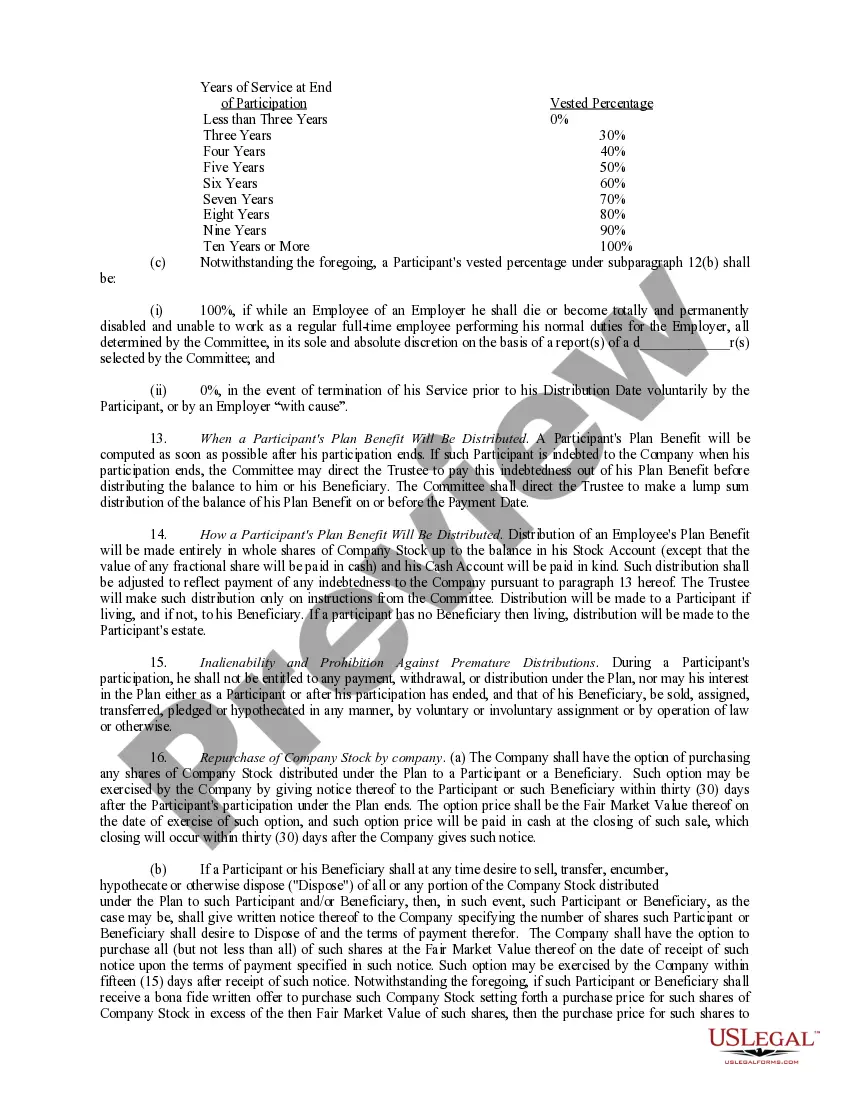
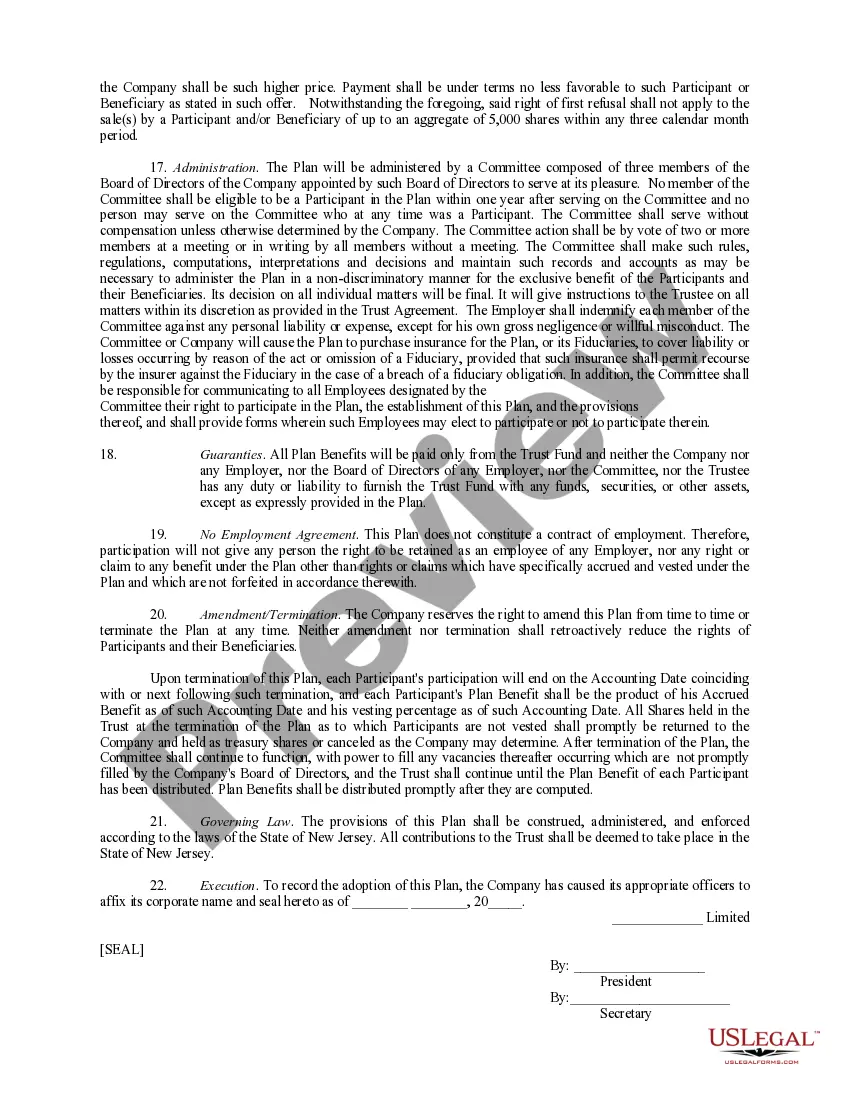
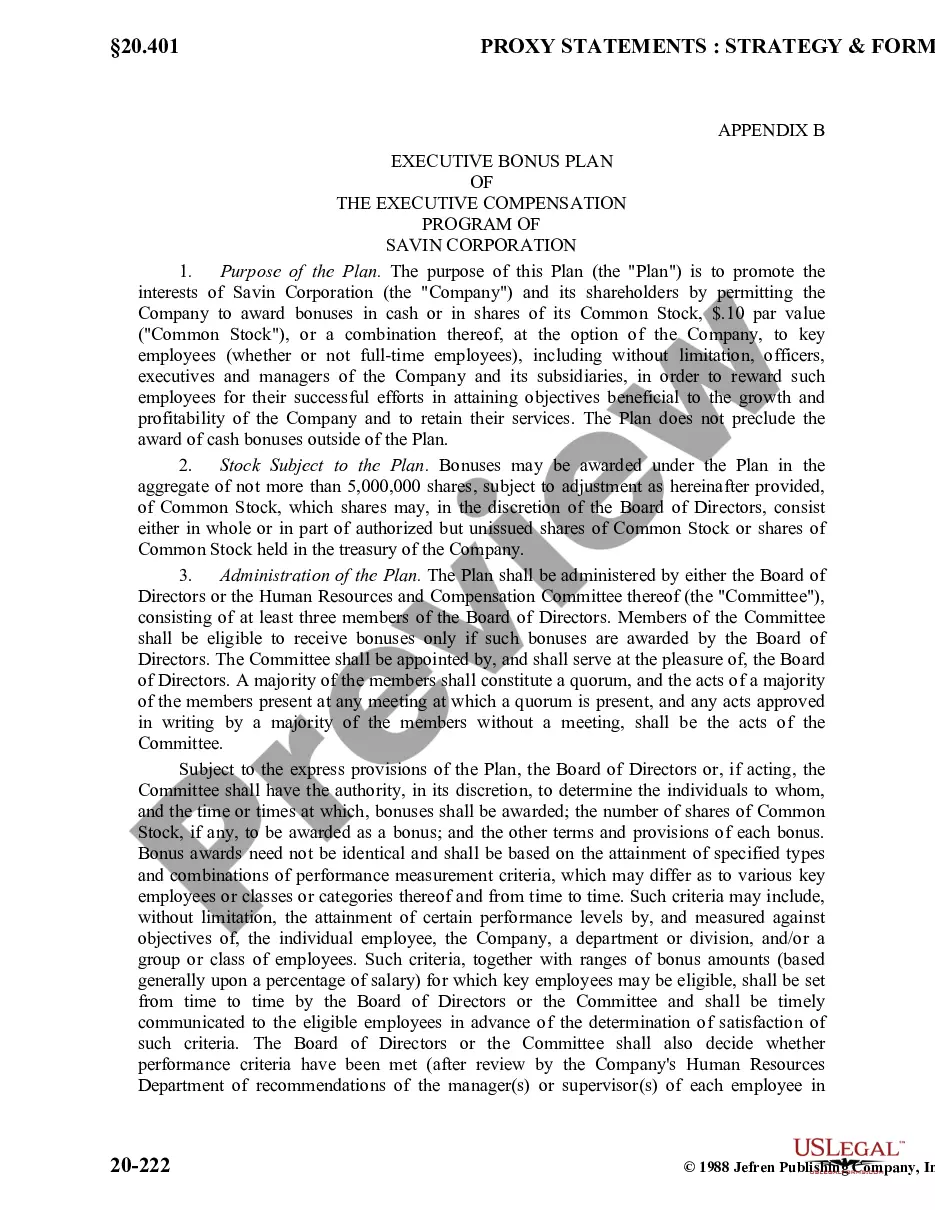
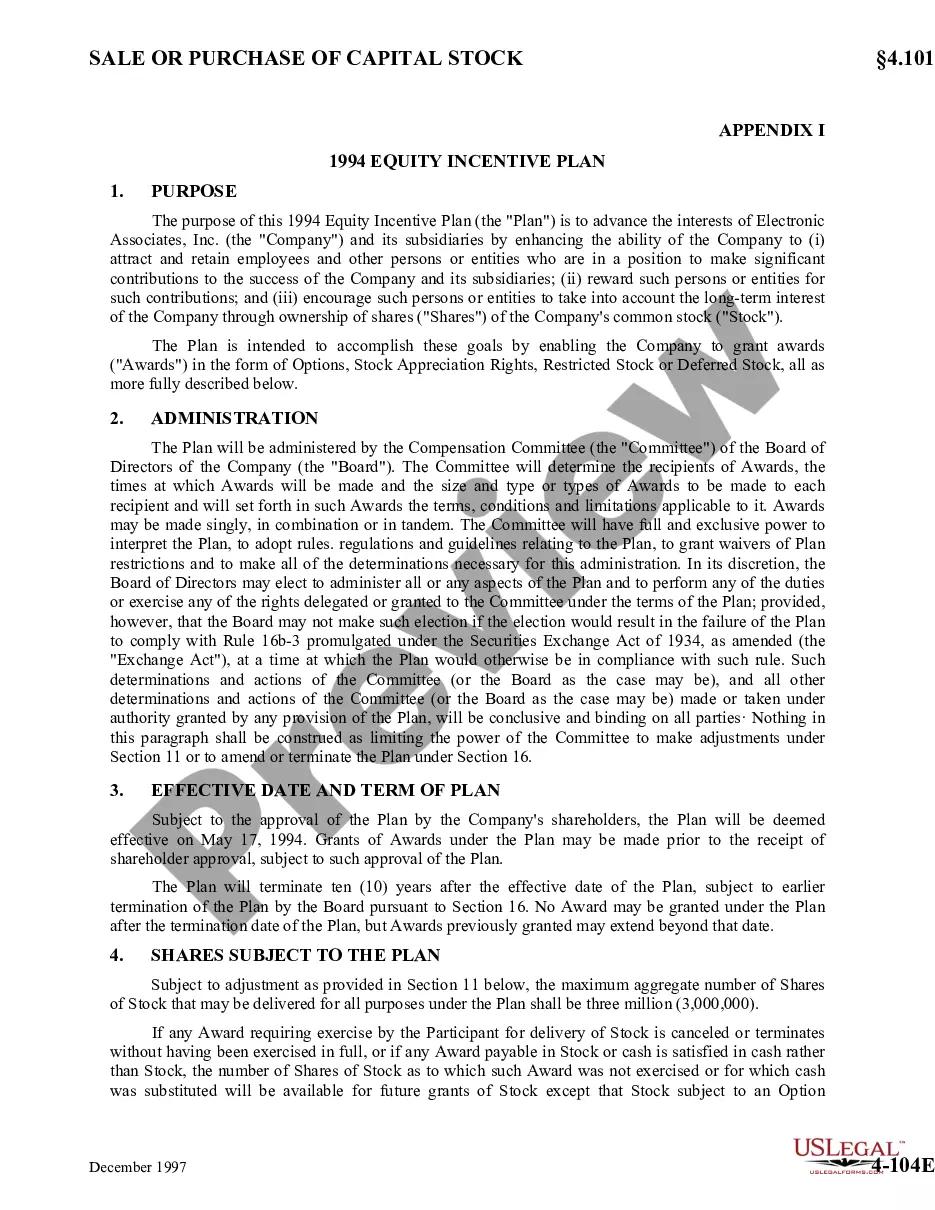

Get your form ready online
Our built-in tools help you complete, sign, share, and store your documents in one place.
Make edits, fill in missing information, and update formatting in US Legal Forms—just like you would in MS Word.
Download a copy, print it, send it by email, or mail it via USPS—whatever works best for your next step.
Sign and collect signatures with our SignNow integration. Send to multiple recipients, set reminders, and more. Go Premium to unlock E-Sign.
If this form requires notarization, complete it online through a secure video call—no need to meet a notary in person or wait for an appointment.
We protect your documents and personal data by following strict security and privacy standards.

Make edits, fill in missing information, and update formatting in US Legal Forms—just like you would in MS Word.

Download a copy, print it, send it by email, or mail it via USPS—whatever works best for your next step.

Sign and collect signatures with our SignNow integration. Send to multiple recipients, set reminders, and more. Go Premium to unlock E-Sign.

If this form requires notarization, complete it online through a secure video call—no need to meet a notary in person or wait for an appointment.

We protect your documents and personal data by following strict security and privacy standards.
Looking for another form?
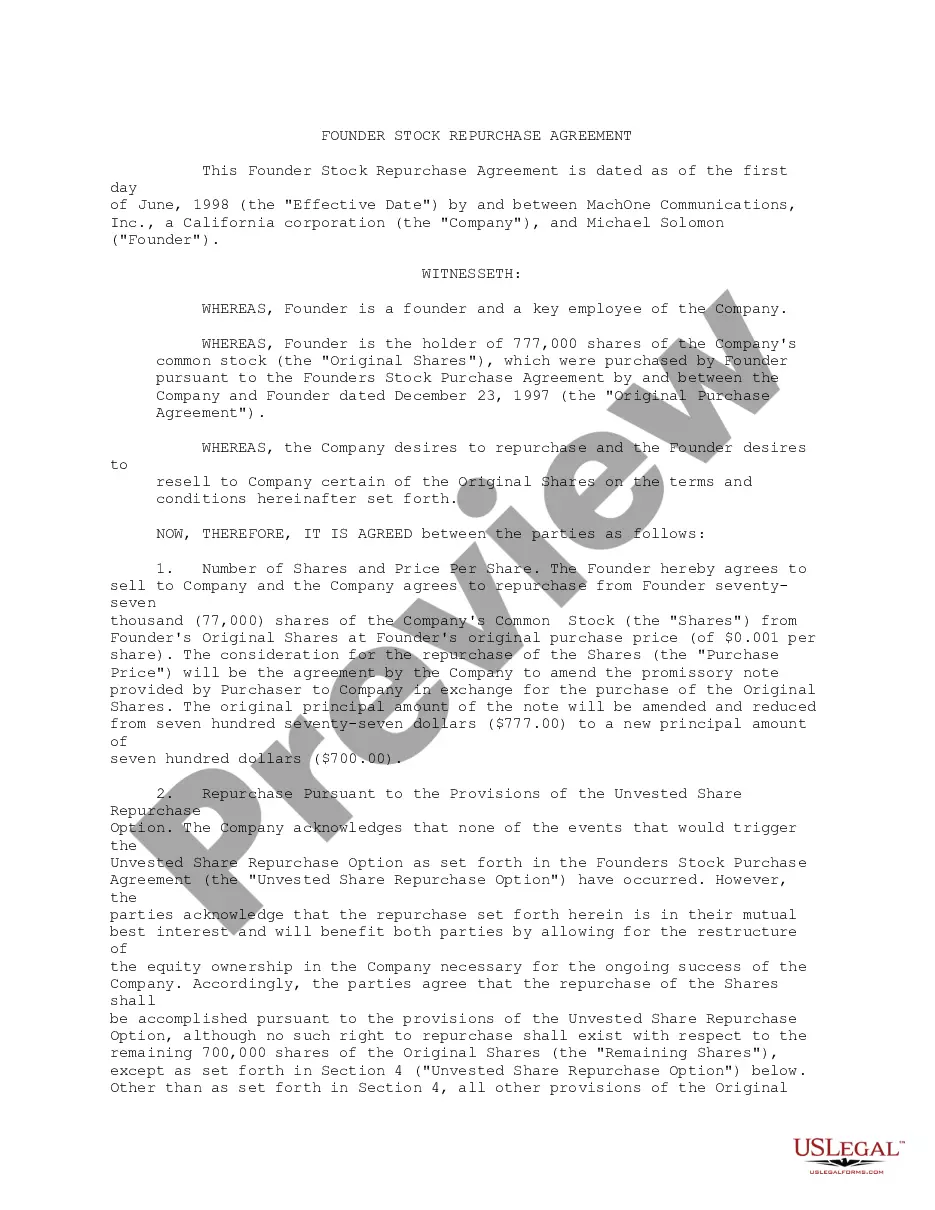
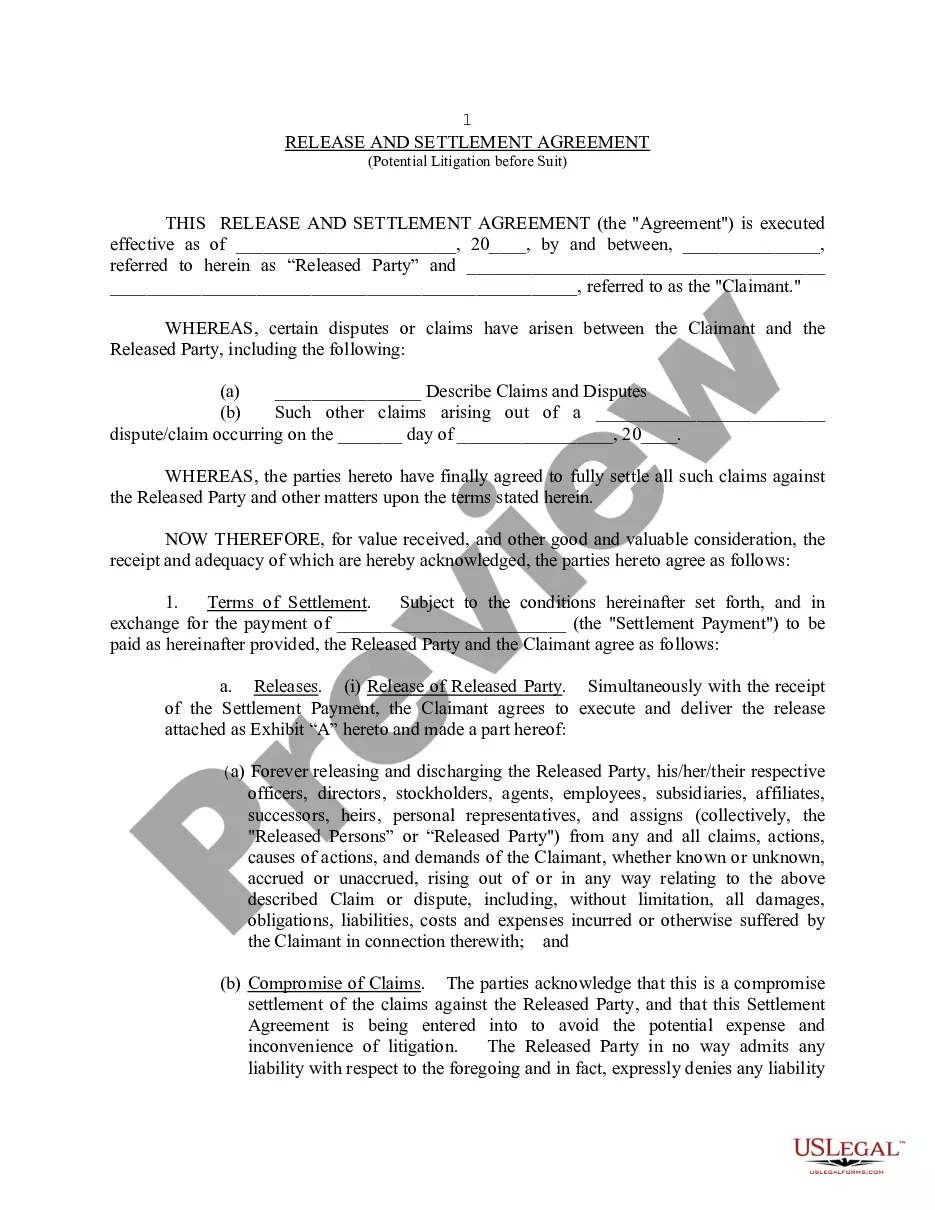


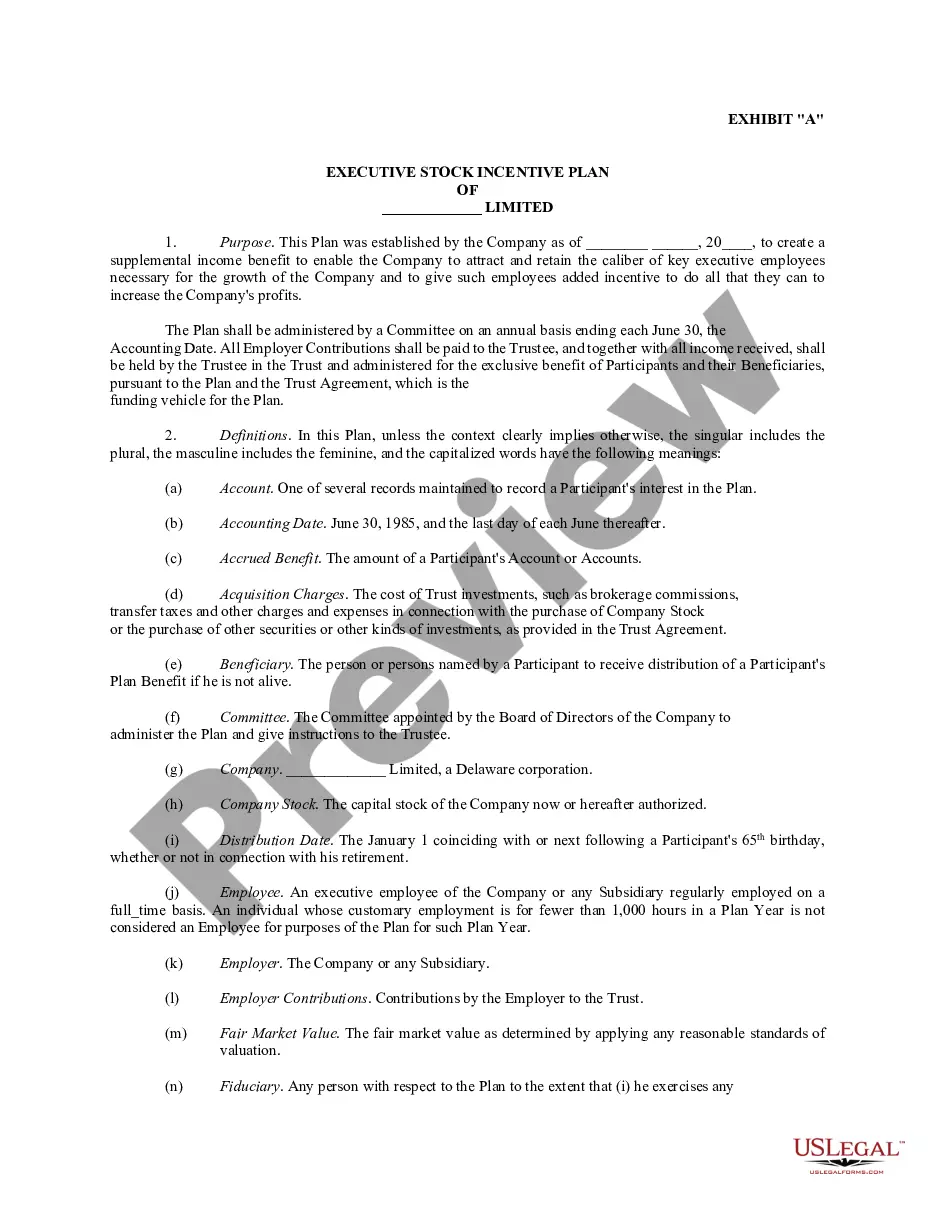
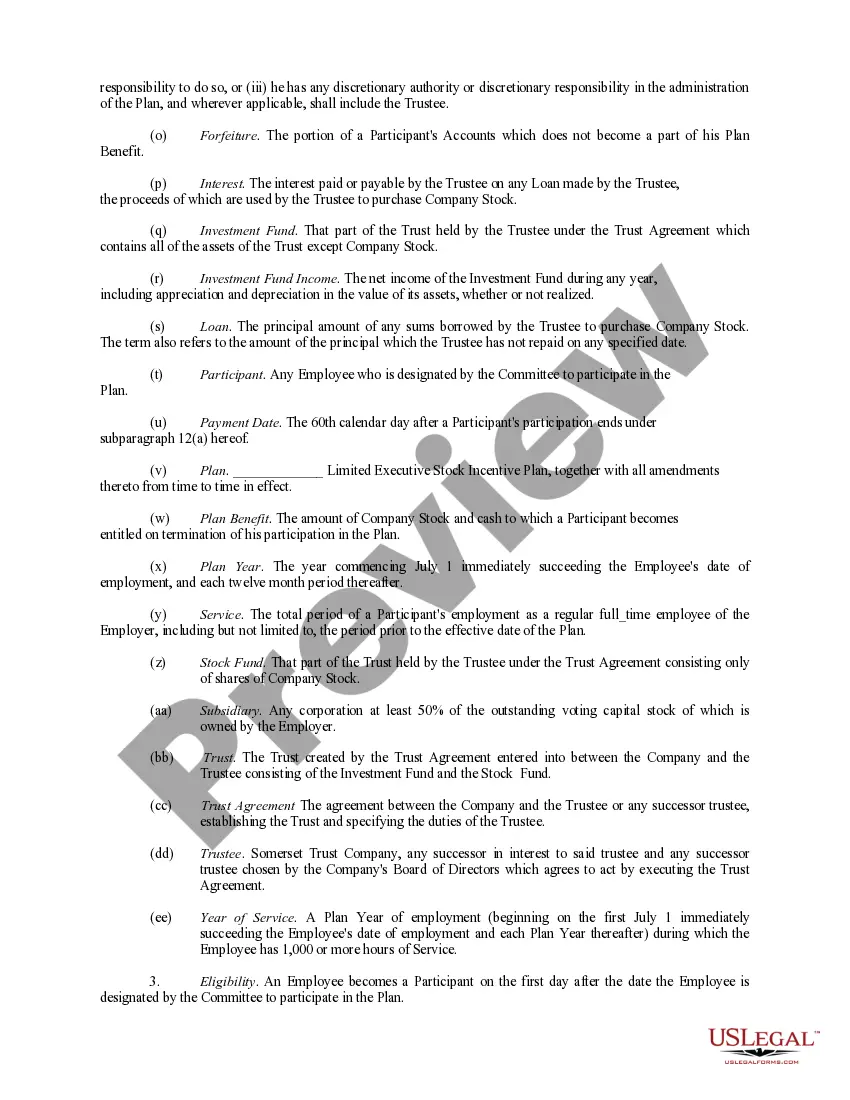
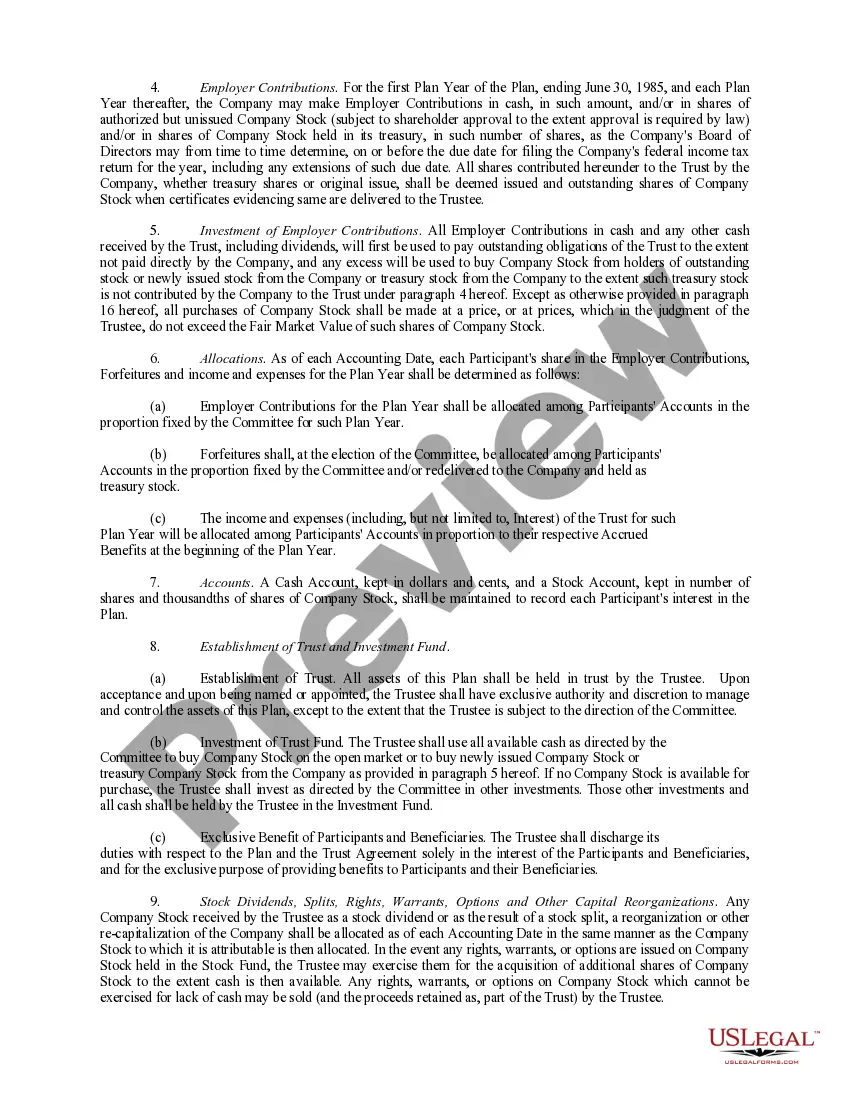
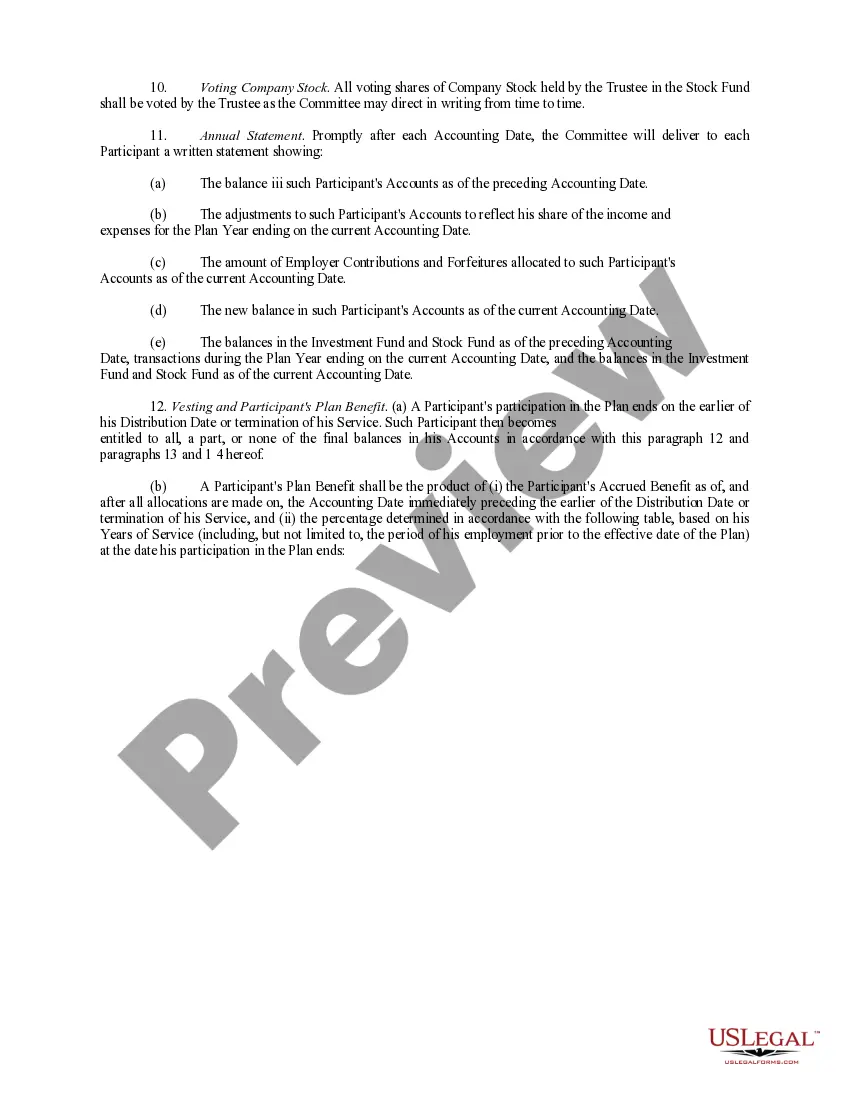
How to fill out Executive Employee Stock Incentive Plan?
Handling legal documents and procedures can be a lengthy addition to your routine.
Employee Incentive Plan Form Template With Drop Down List and similar forms often require you to locate them and comprehend how to fill them out correctly.
For this reason, whether you are managing financial, legal, or personal affairs, utilizing a comprehensive and straightforward online repository of forms when needed will significantly help.
US Legal Forms is the premier online platform for legal templates, offering over 85,000 state-specific documents and numerous tools to help you complete your forms with ease.
Simply Log In to your account, locate Employee Incentive Plan Form Template With Drop Down List, and download it instantly from the My documents tab. You can also access previously saved forms. Would it be your initial time utilizing US Legal Forms? Sign up and set up your profile in a few minutes, and you'll gain access to the form library and Employee Incentive Plan Form Template With Drop Down List. Then, follow the steps outlined below to finalize your form.
- Explore the collection of relevant documents available to you with just one click.
- US Legal Forms provides you with state- and county-specific forms ready for download at any time.
- Protect your document management processes by utilizing a high-quality service that allows you to create any form in minutes with no additional or hidden charges.
Form popularity
FAQ
How to Create Searchable Drop Down List in Excel - YouTube YouTube Start of suggested clip End of suggested clip Types here i'll select this and then select list for the source once again i'll select all of theMoreTypes here i'll select this and then select list for the source once again i'll select all of the different cookie types that we offer here at the kevin cookie. Company next i'll click on ok.
Re: Drop down box and lists Choose dropdown as question type on Microsoft Forms. List all answers you would like to add as dropdown on an excel sheet. On excel sheet, select all and copy (CTRL+C) Paste (CTRL+V) them to first answer option space on Microsoft Forms.
How to add a Microsoft Forms dropdown menu Log in to your Microsoft Forms account. Click New Form. In the Untitled form box, name the form. Click + Add new to add a question. Select Choice. Type ?Please select your preferred payment method? Type ?Cash? in the Option 1 box and ?Credit card? in the Option 2 box.
No formula is needed to create drop-down lists in Excel. All you need to do is change how the data is added to the cell from typing in text to selecting from your list by going to Data Validation within the toolbar.
Step 1: First open your word document and go to "File" and then click on "Options". Step 2: Switch to the "customized Ribbon". Go to "Choose command from" and select "Commands not in the ribbon" and then "Insert form field". Step 3: Then go to the right side of the window and then click on "New Group" and then "Add".