Work Labor Law For Annual Leave In California
Description

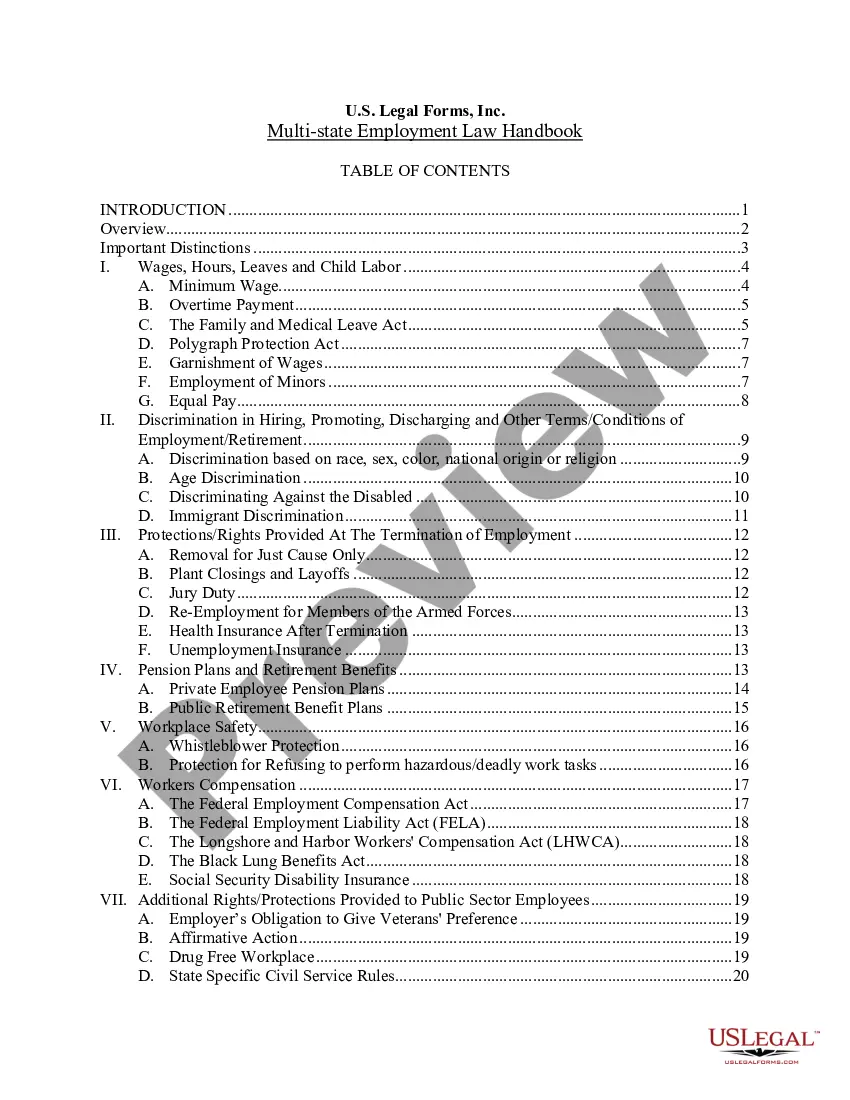
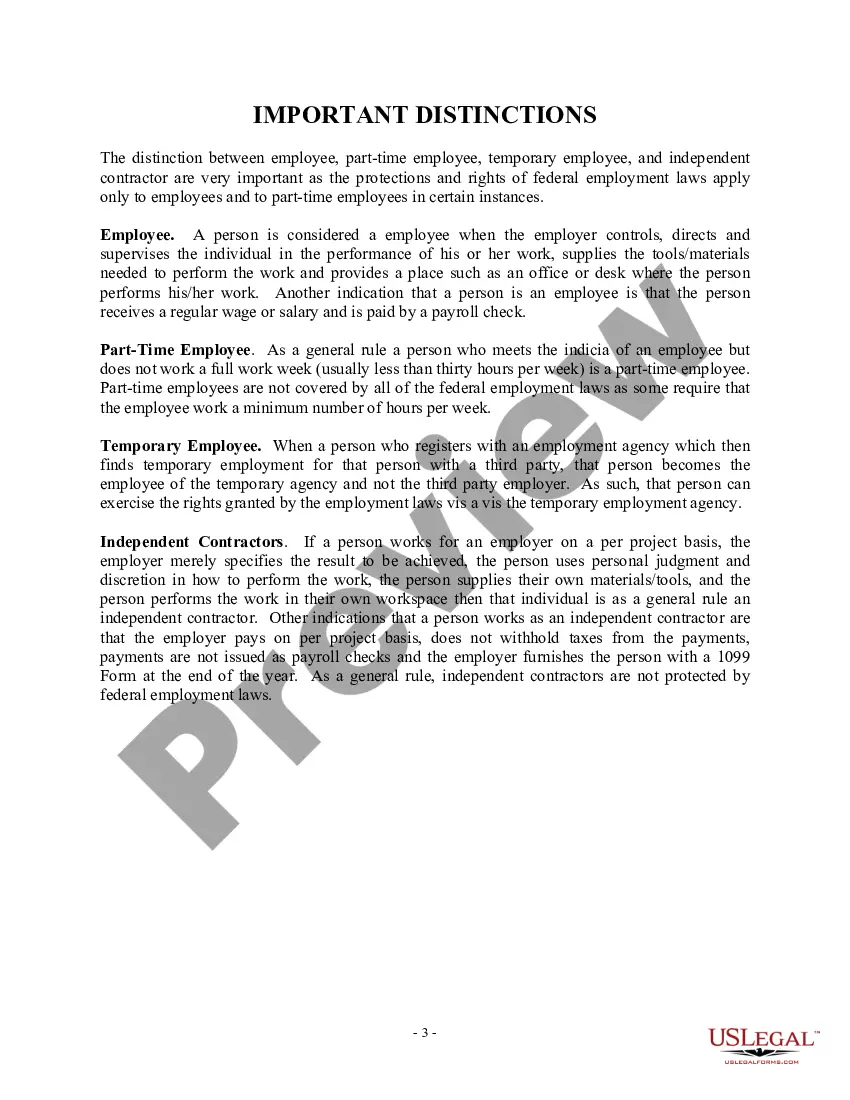
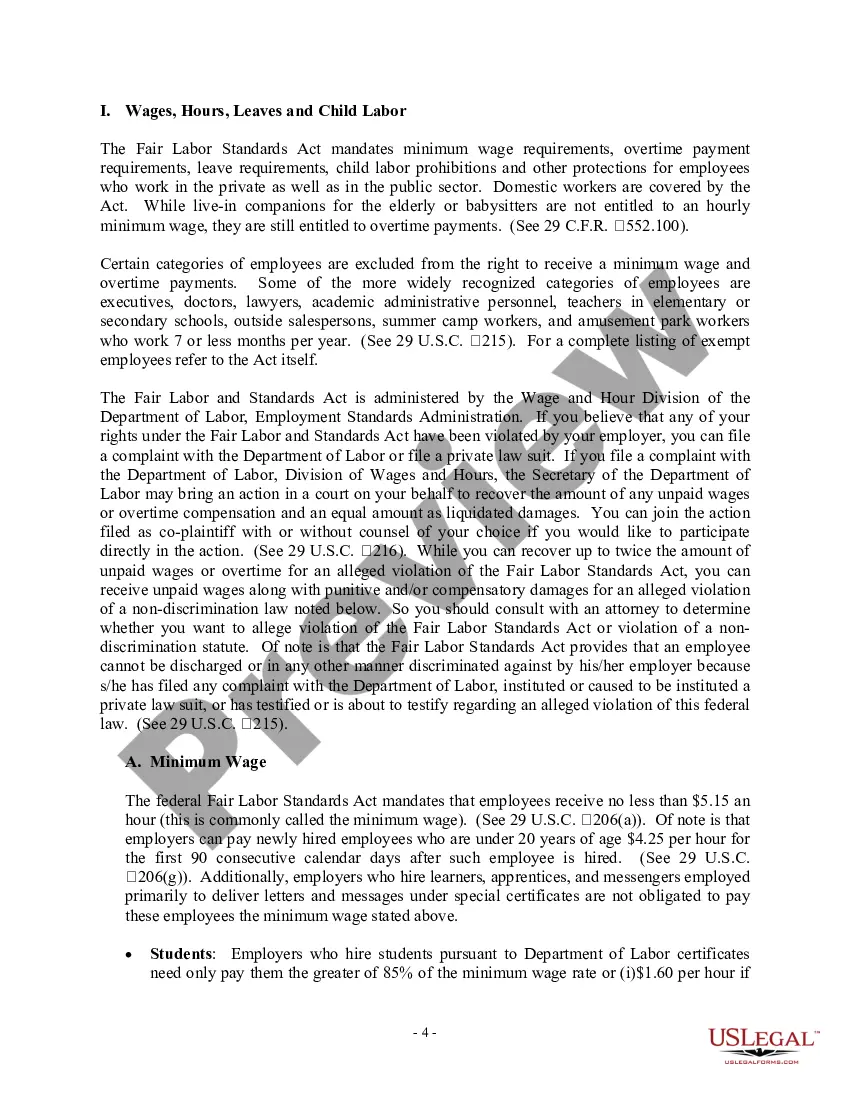
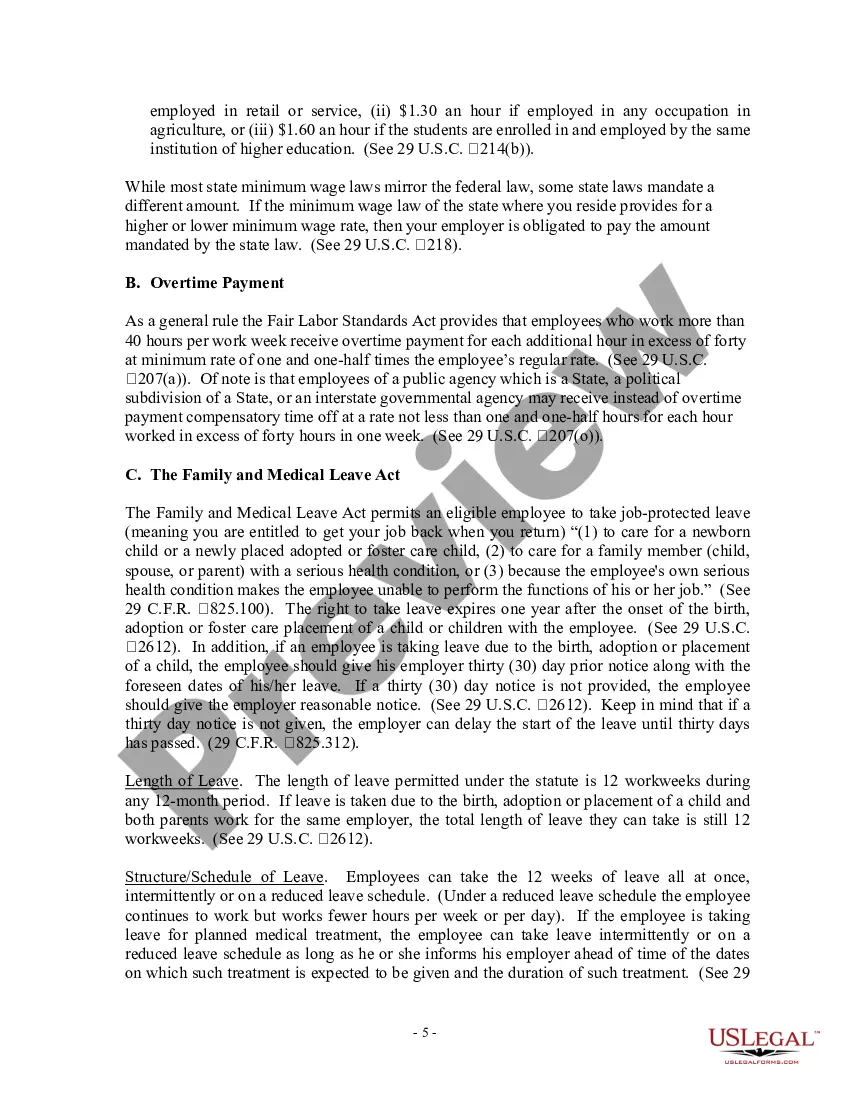
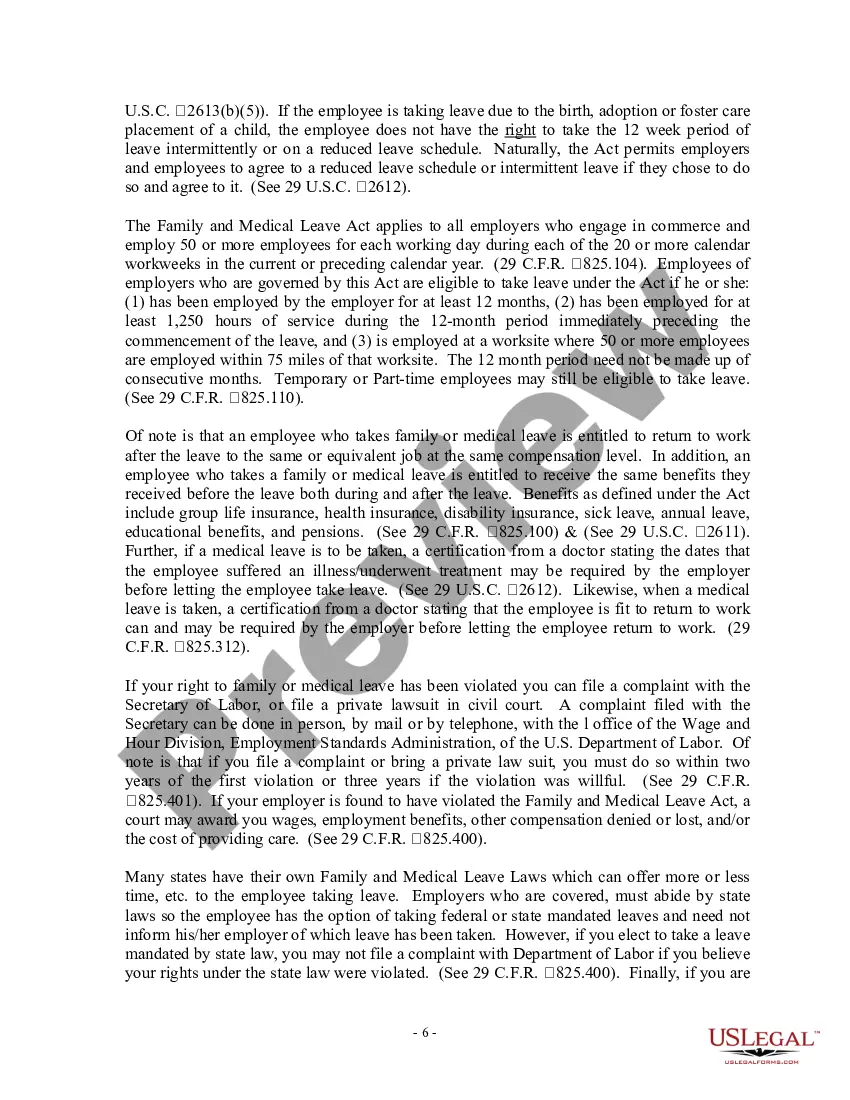



Get your form ready online
Our built-in tools help you complete, sign, share, and store your documents in one place.
Make edits, fill in missing information, and update formatting in US Legal Forms—just like you would in MS Word.
Download a copy, print it, send it by email, or mail it via USPS—whatever works best for your next step.
Sign and collect signatures with our SignNow integration. Send to multiple recipients, set reminders, and more. Go Premium to unlock E-Sign.
If this form requires notarization, complete it online through a secure video call—no need to meet a notary in person or wait for an appointment.
We protect your documents and personal data by following strict security and privacy standards.

Make edits, fill in missing information, and update formatting in US Legal Forms—just like you would in MS Word.

Download a copy, print it, send it by email, or mail it via USPS—whatever works best for your next step.

Sign and collect signatures with our SignNow integration. Send to multiple recipients, set reminders, and more. Go Premium to unlock E-Sign.

If this form requires notarization, complete it online through a secure video call—no need to meet a notary in person or wait for an appointment.

We protect your documents and personal data by following strict security and privacy standards.
Looking for another form?


Form popularity
FAQ
File a wage claim and learn about labor rights. Report labor law violations. File a retaliation or discrimination complaint. Contact the Labor Commissioner's Office at 1-844-522-6734 or EmploymentStatus@dir.ca.
If you wish to report a widespread violation of labor law by your employer or a violation affecting multiple employees, please contact LETF via phone, online lead referral form or email: Call the LETF Public hotline anytime: 855 297 5322. Complete the Online Form / Spanish Form. Email us at letf@dir.ca.
Request a leave of absence Submit a Formal Leave of Absence Request (DGS OHR 28) form to their immediate supervisor for approval (provide substantiation when required or requested). Provide a reason and a beginning and end date of leave (not to exceed one year).
Generally speaking, a qualified employee can take a leave of absence in California for up to 12 weeks of unpaid leave, or longer if needed, for a personal serious health condition, to care for a child, parent or other family member with a serious health condition, or to bond with a child. Need Legal Help? Let's talk.
Employers may ask that an employee take a leave of absence during times when fewer human resources are required, such as during a slowdown in production. An employer may also suggest that a poor-performing employee take a leave of absence to address personal issues that may be interfering with their work duties.
Request a leave of absence Submit a Formal Leave of Absence Request (DGS OHR 28) form to their immediate supervisor for approval (provide substantiation when required or requested). Provide a reason and a beginning and end date of leave (not to exceed one year).
California Off-the-Clock Law: Forced or Mandatory Off-the-Clock Work. Many employees want to know: can an employer make you work off-the-clock in California? The answer is: no. It's never legal for an employer to make a non-exempt California employee do off-the-clock work.
Under California Labor Code sections 551 and 552, employees are entitled to one day of rest out of seven, and employers cannot require their employees to work more than six days a week. If your boss violates these rules, they could be guilty of a misdemeanor.
While some employers may claim that you will lose vacation time if you don't use it, that s against California law. However, your employer can still require you to take time off and use your vacation time during the year.
Some employers may claim that vacation time is under a “use-it-or-lose-it” policy. However, “use-it-or-lose-it” policies are a violation of California labor law.
